How to Create, Remove and Edit Care Review Domains
This guide will walk you through Care Review Domains on Care Control Cloud
Takes 5 minutes
For: Managers & Seniors
Updated: 1st June 2026
Introduction
This guide explains how to create, edit, organise, and manage Care Review Domains within Care Control Cloud.
In this guide you'll learn how to:
- Create a new Care Review Domain
- Add domains to Care Reviews
- Reorder review domains
- Edit existing domains
- Delete domains when no longer required
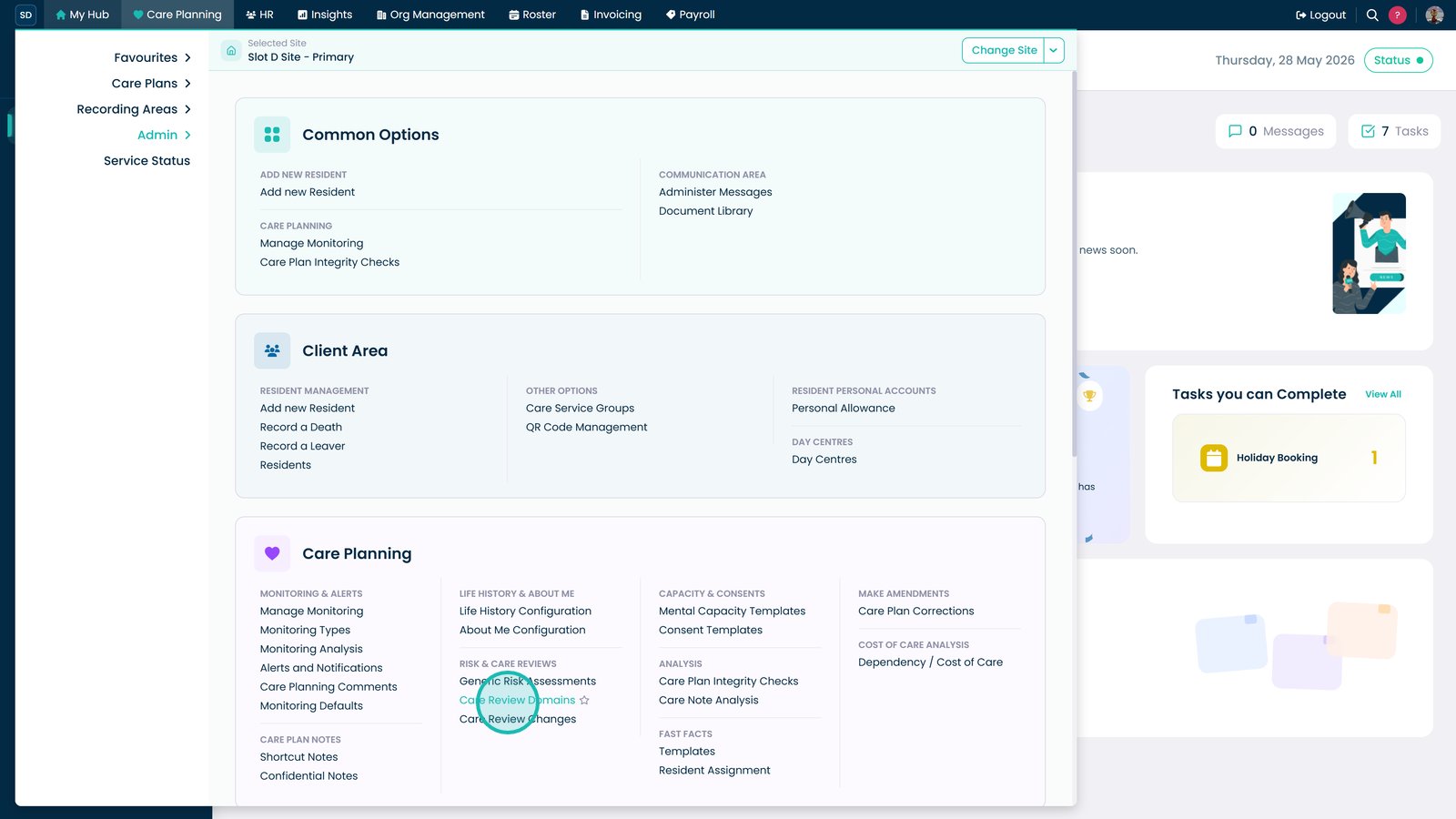
Open Care Review Domains from the Care Planning menu.

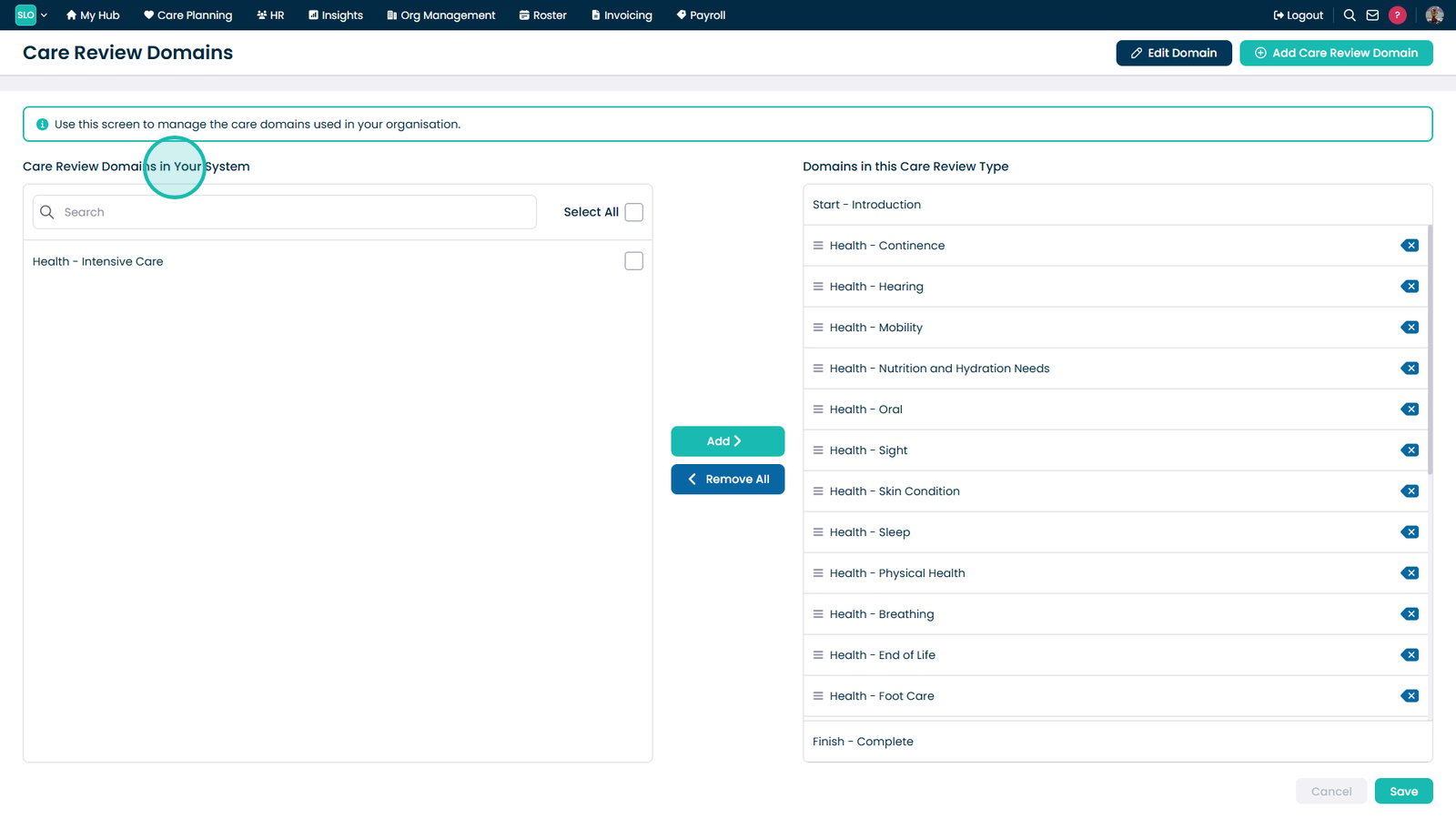
Review the available Care Review Domains.

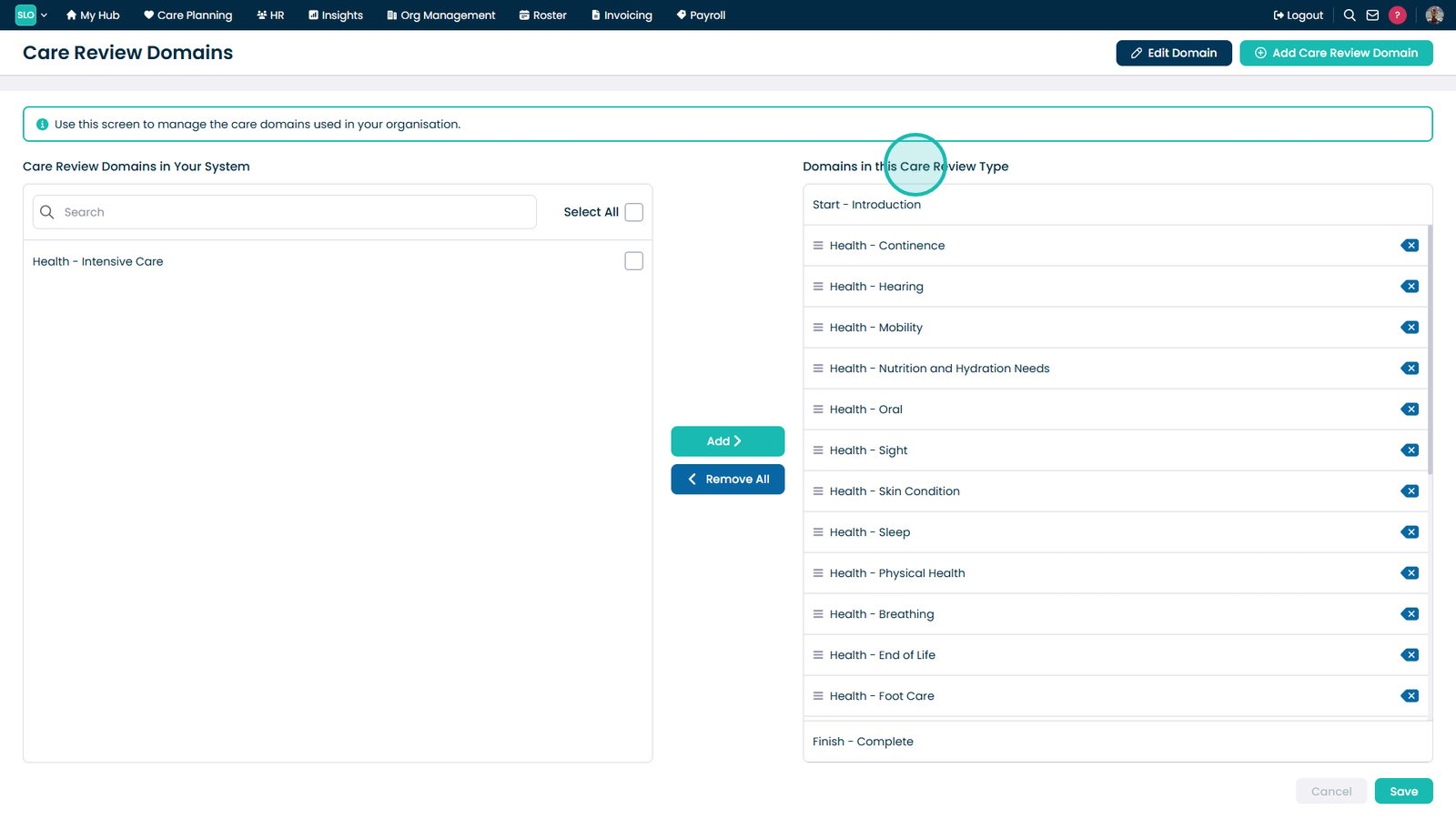
View or edit the domains assigned to a Care Review.

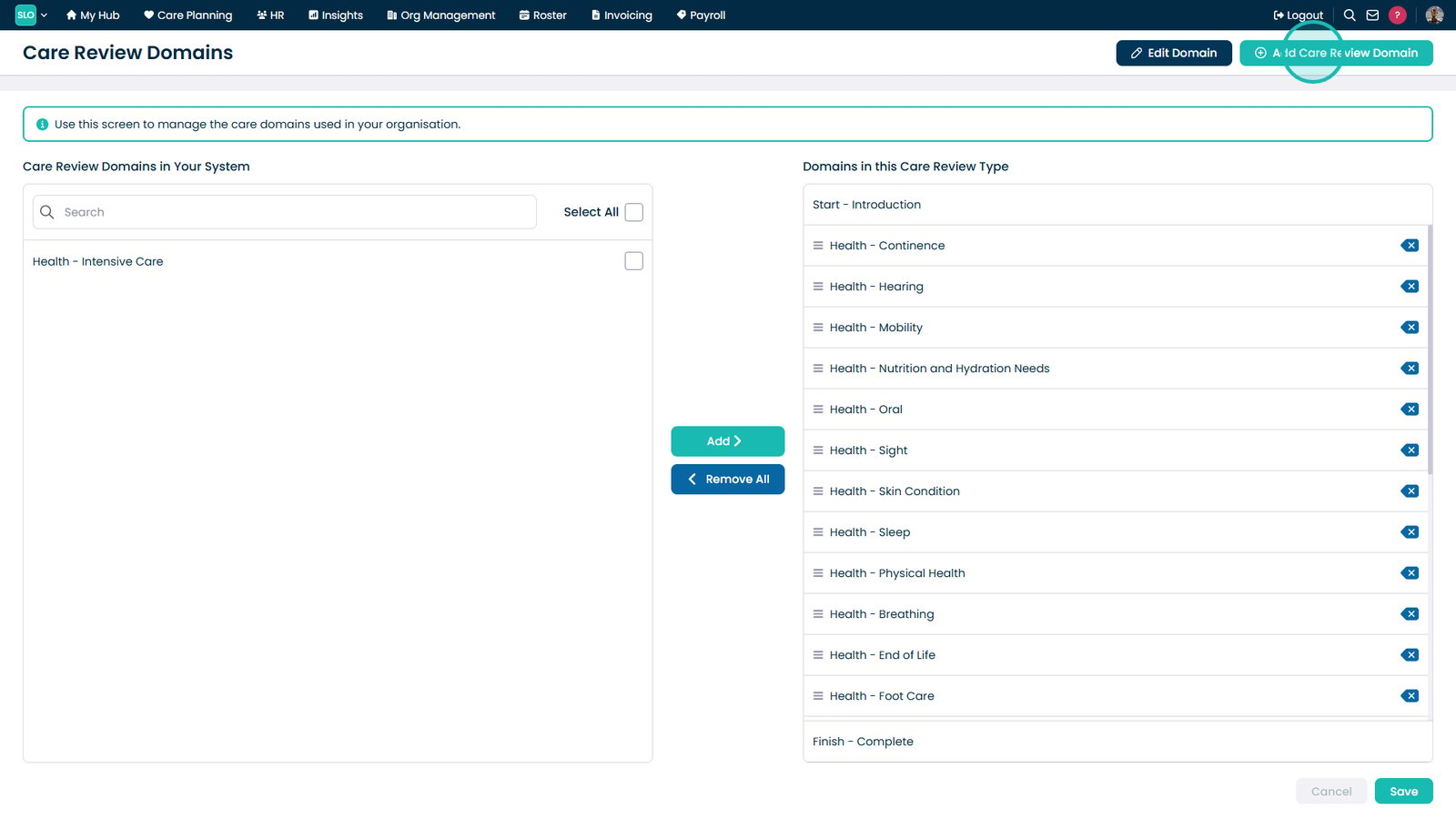
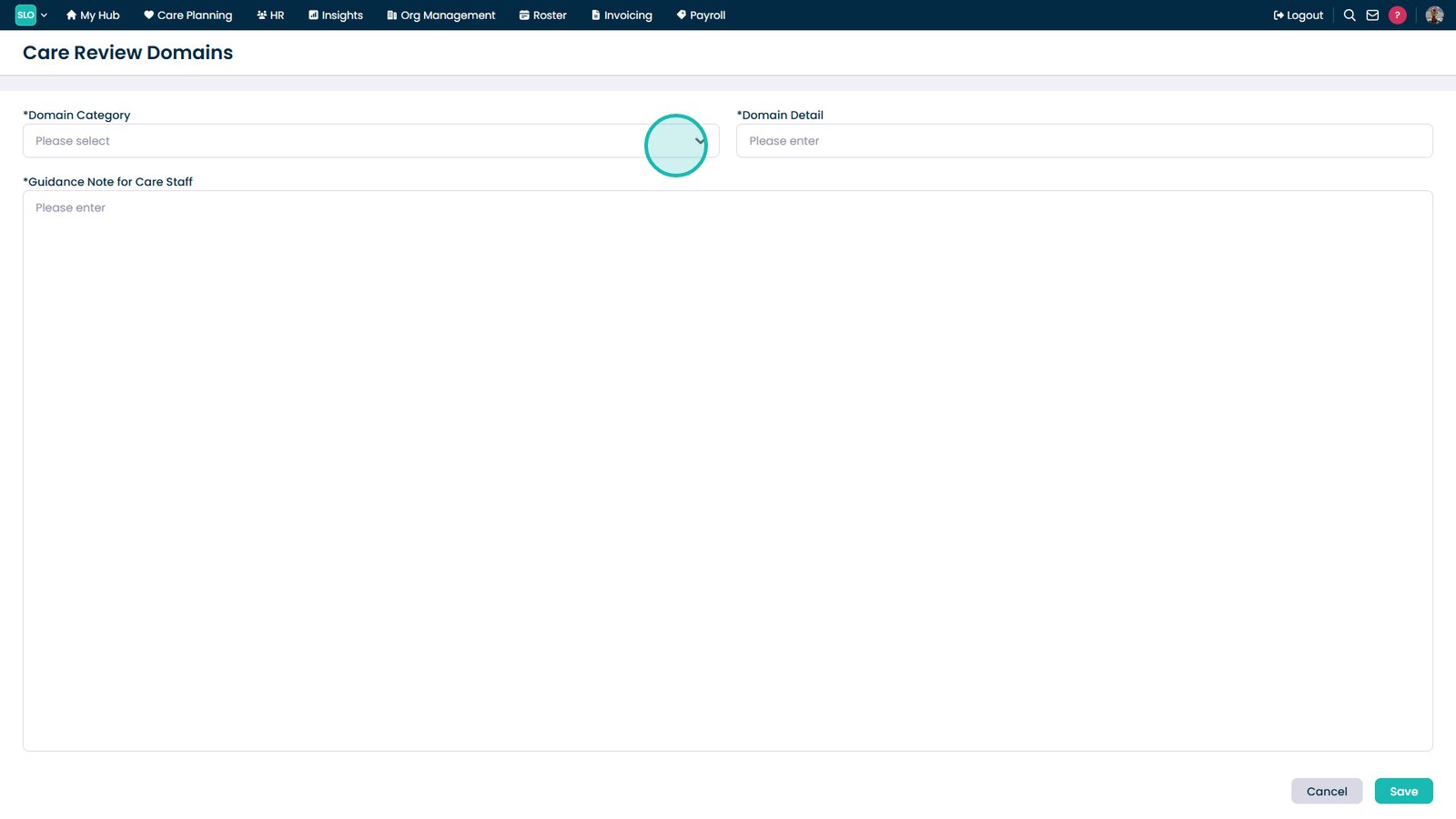
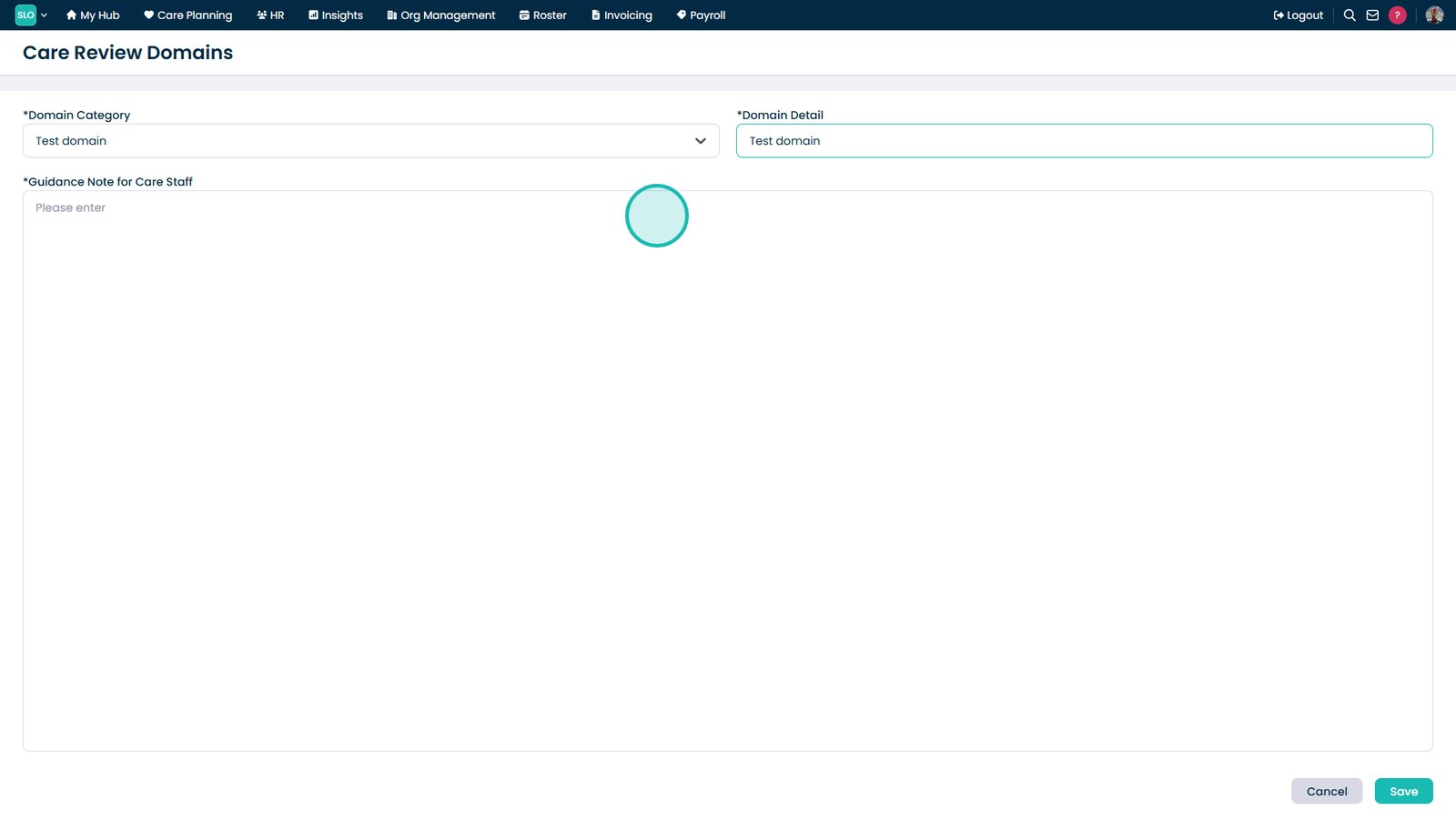
Select Add Care Review Domain.

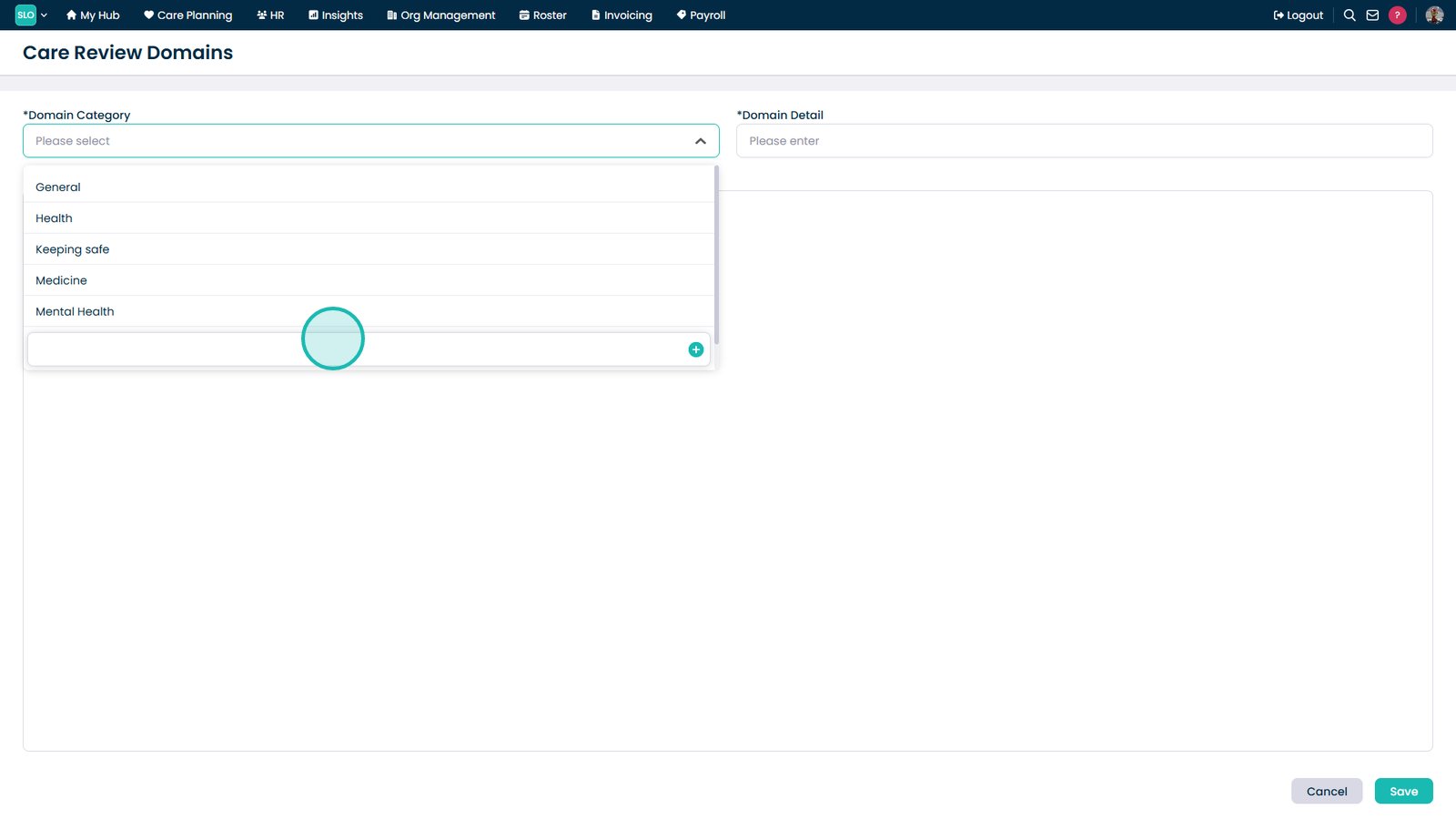
Select a domain category.

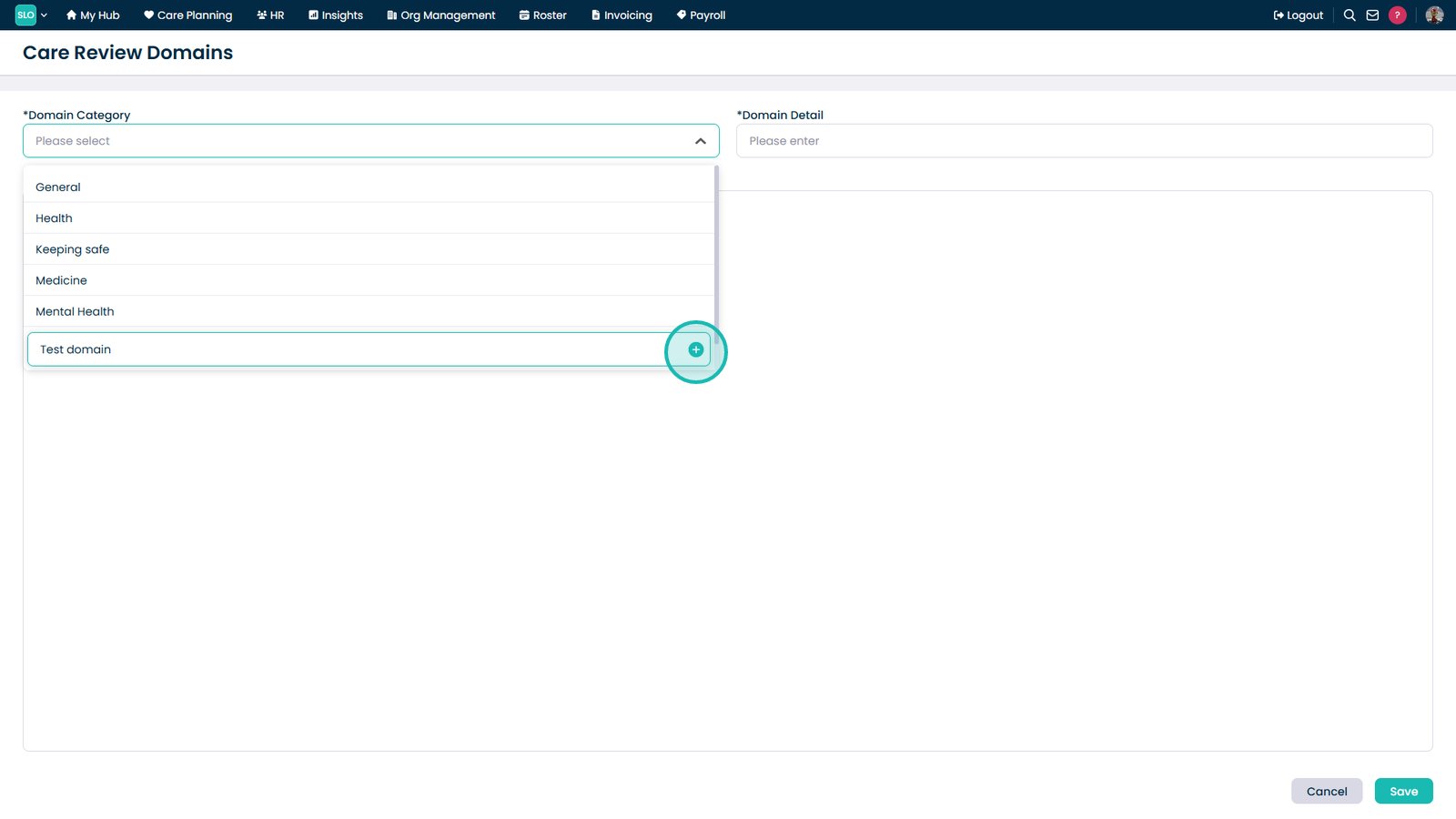
Enter a new category if required.

Add or select the required category.

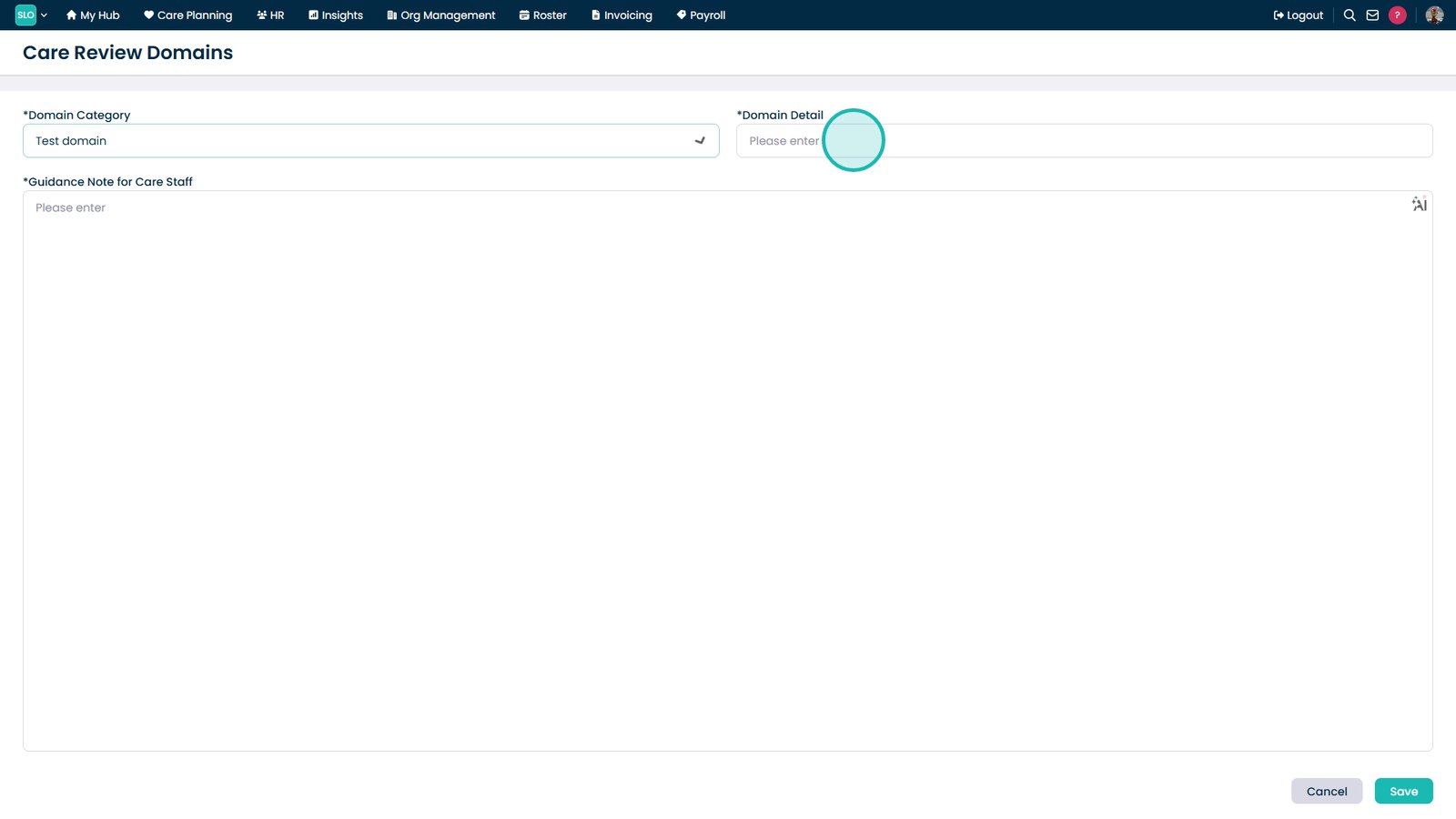
Enter the domain details.

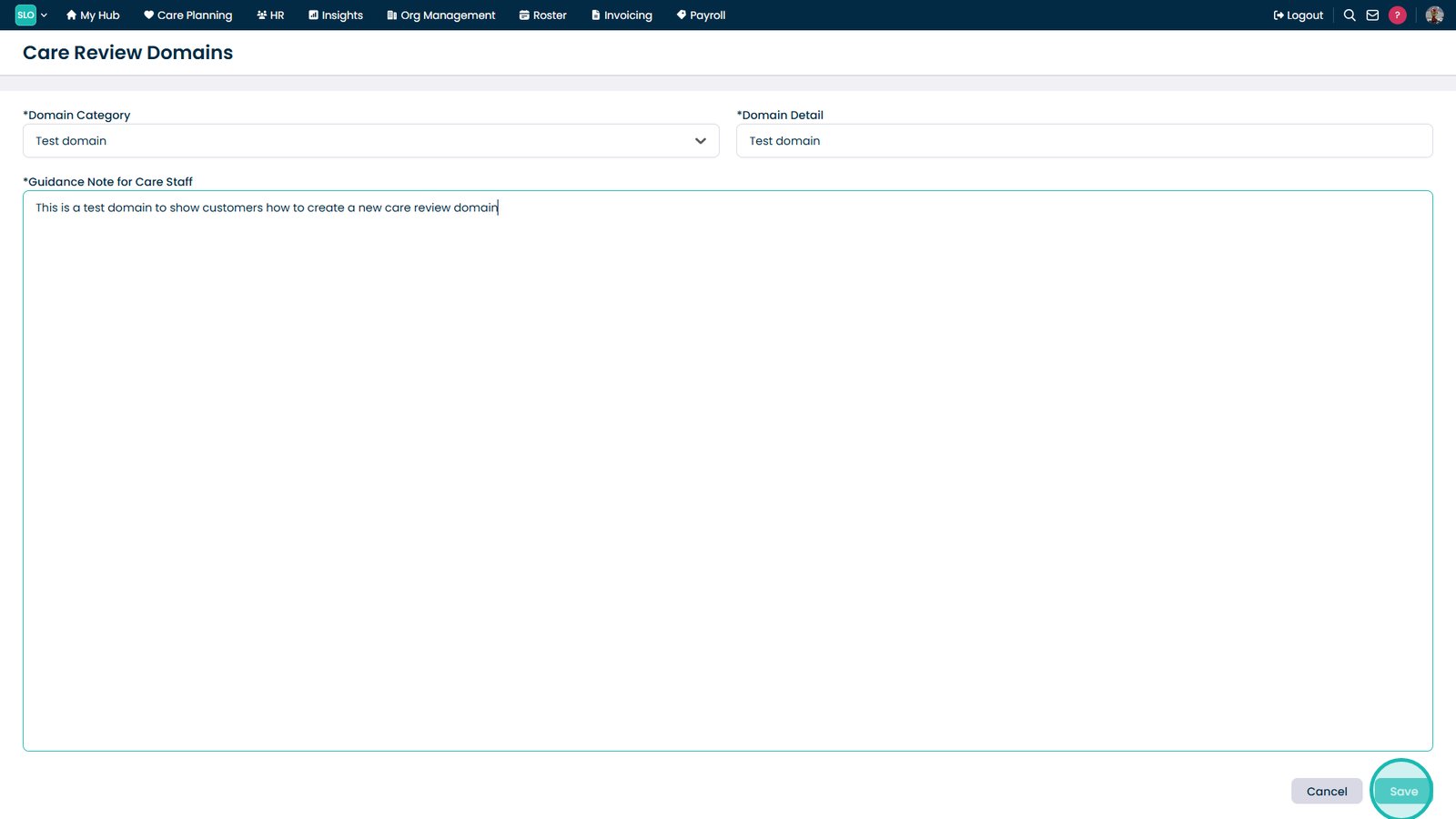
Add guidance notes for staff.

Select Save.

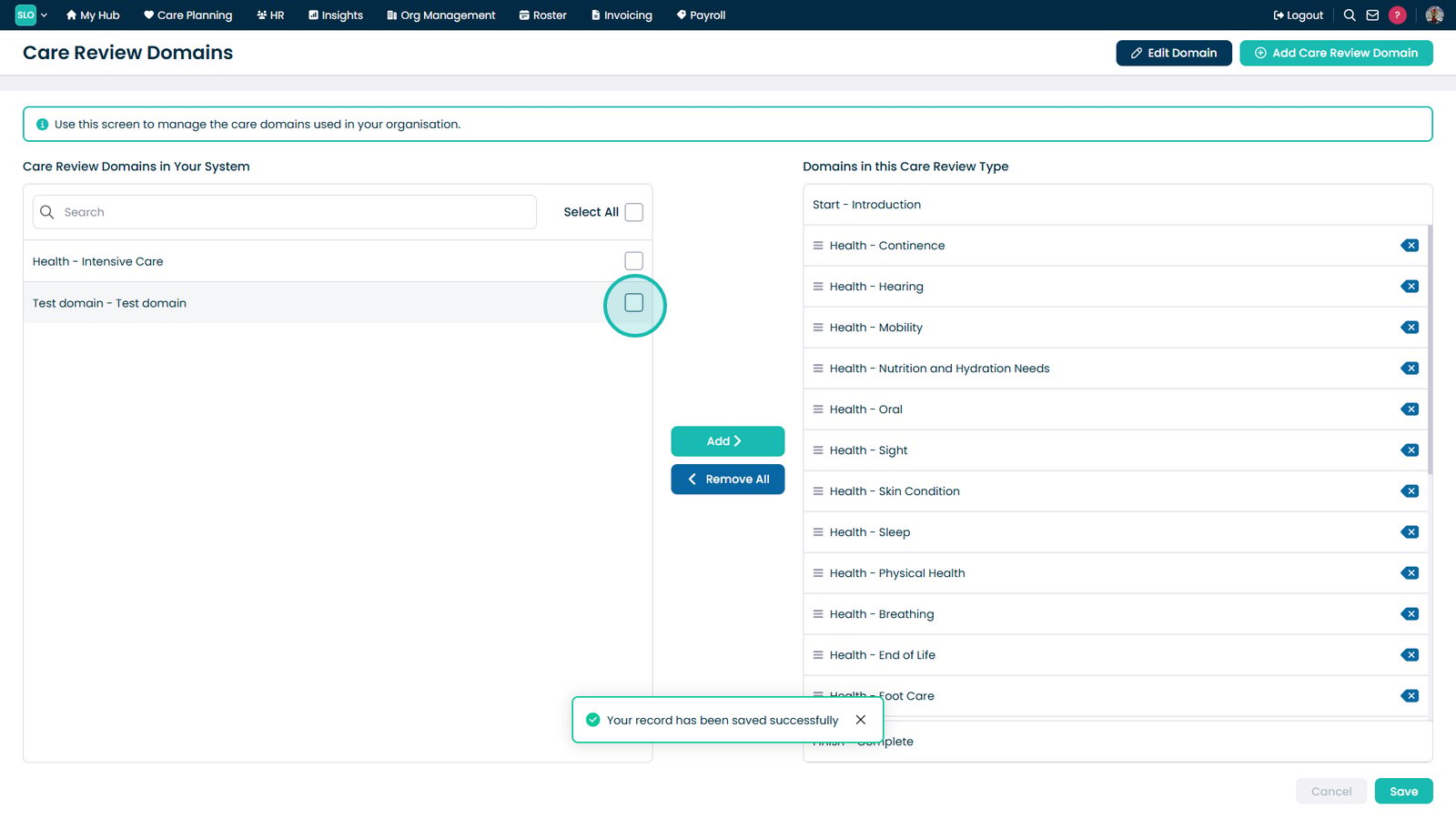
Select a domain from the list.

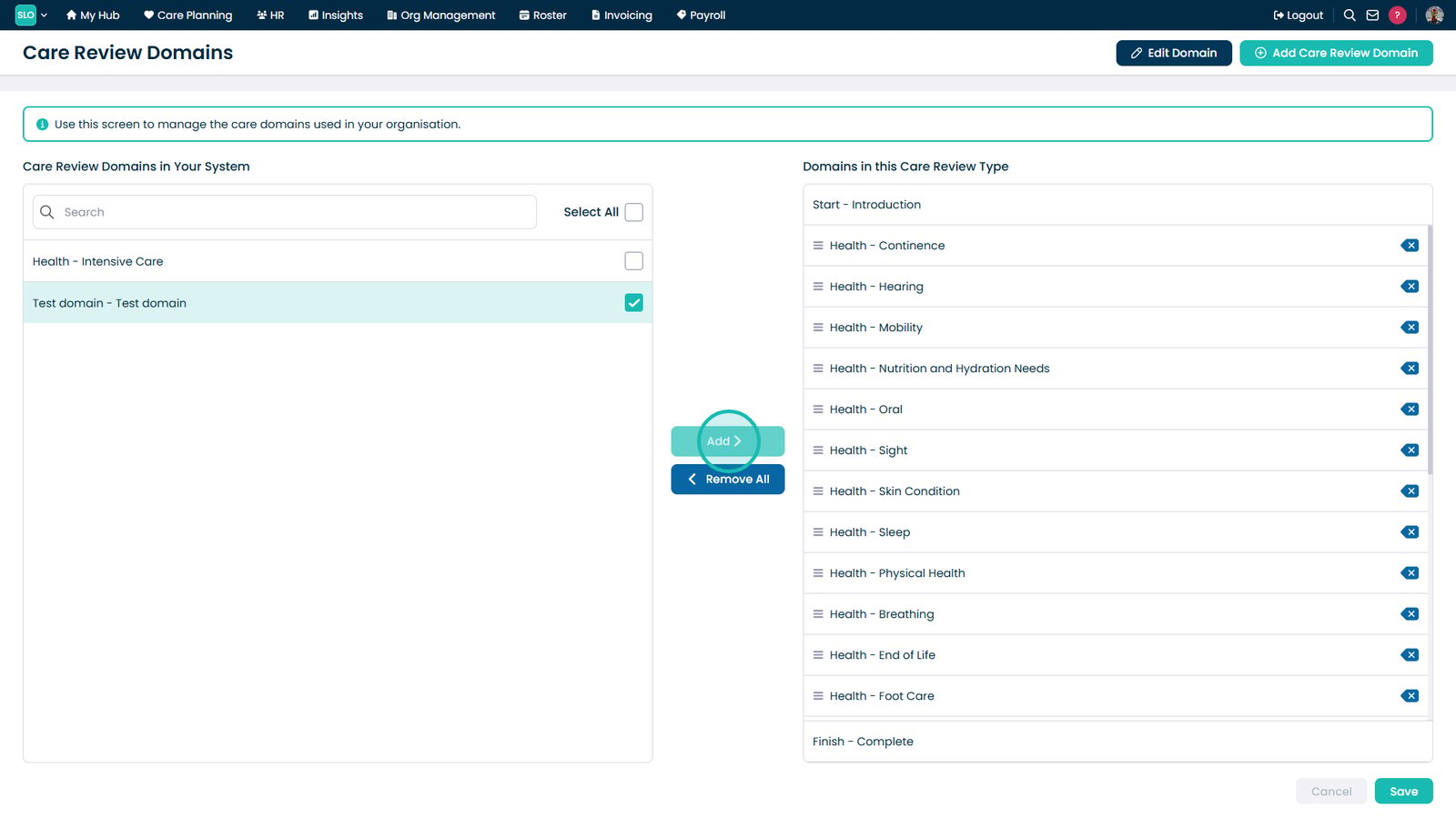
Select Add to assign the domain.

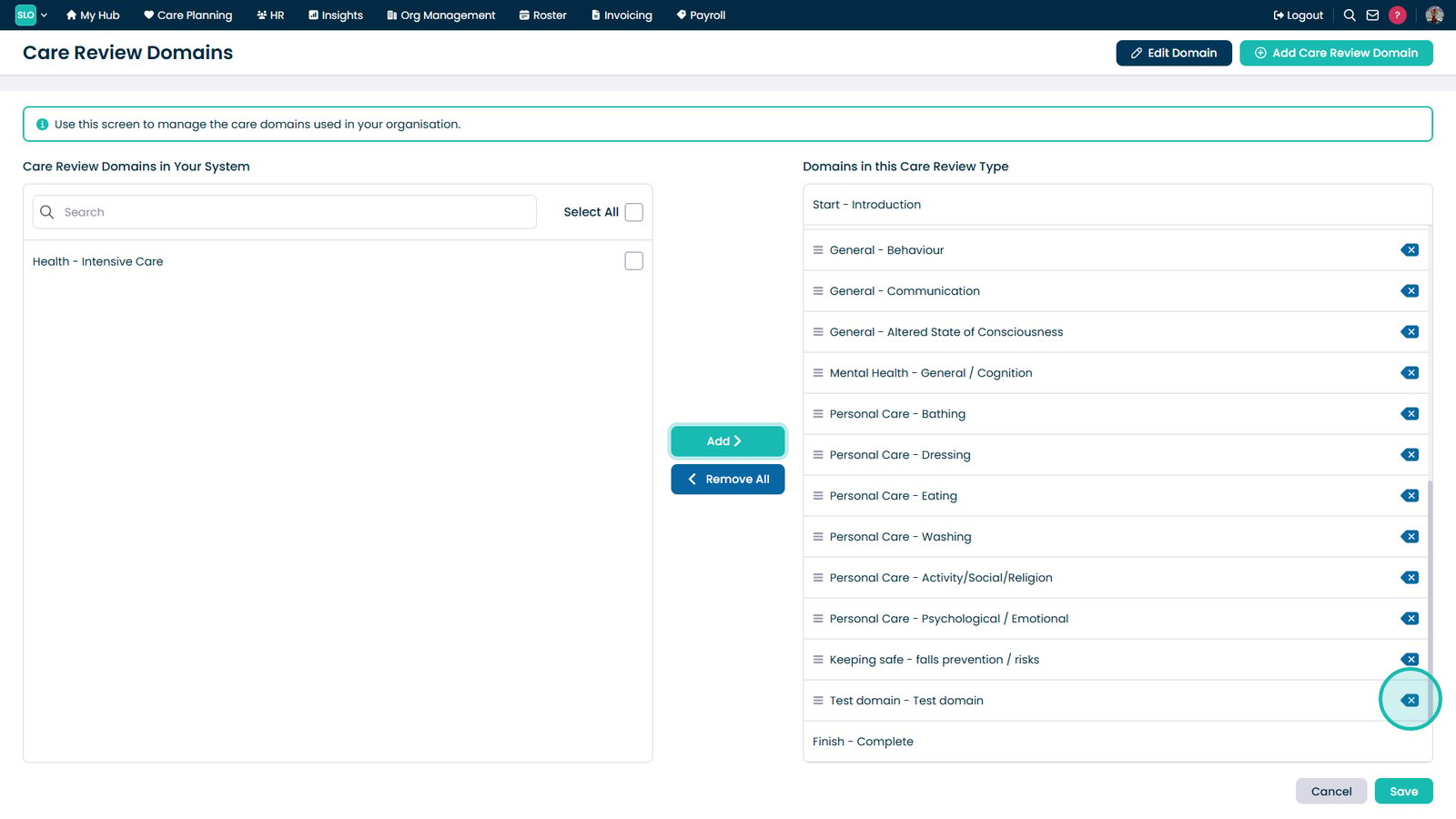
Select the Delete icon to remove a domain.

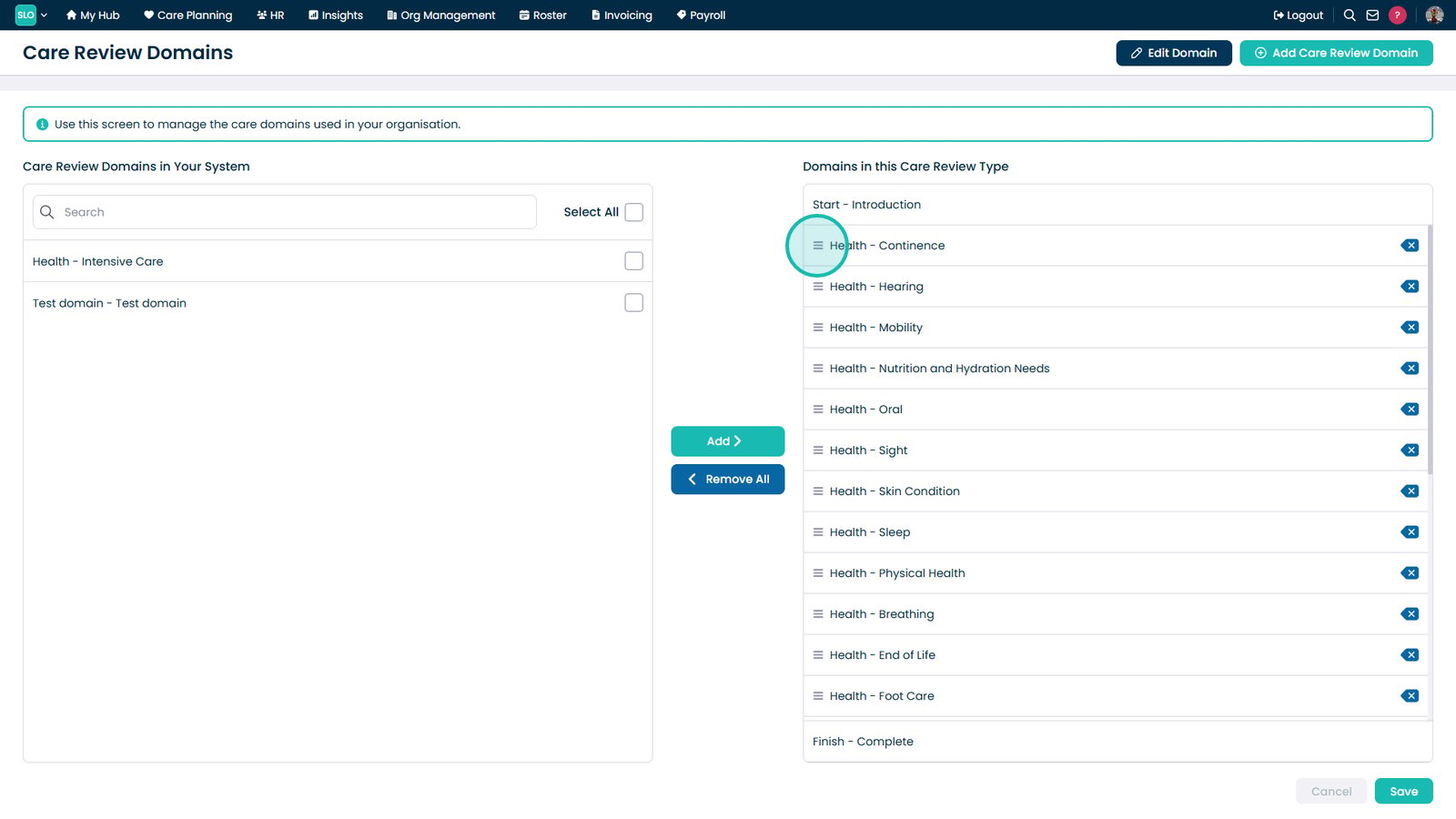
Drag and drop domains to reorder them.

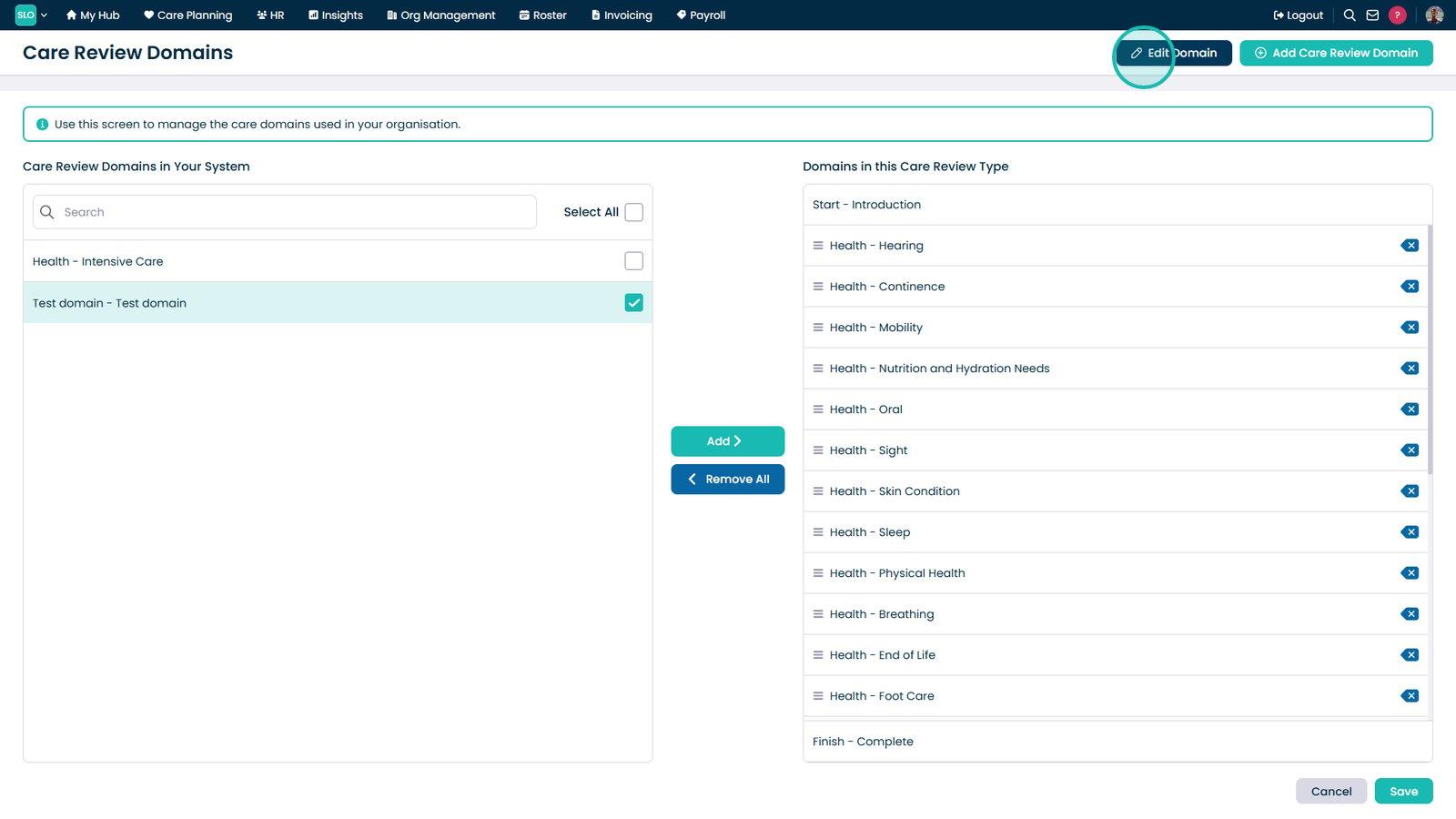
Select Edit Domain.

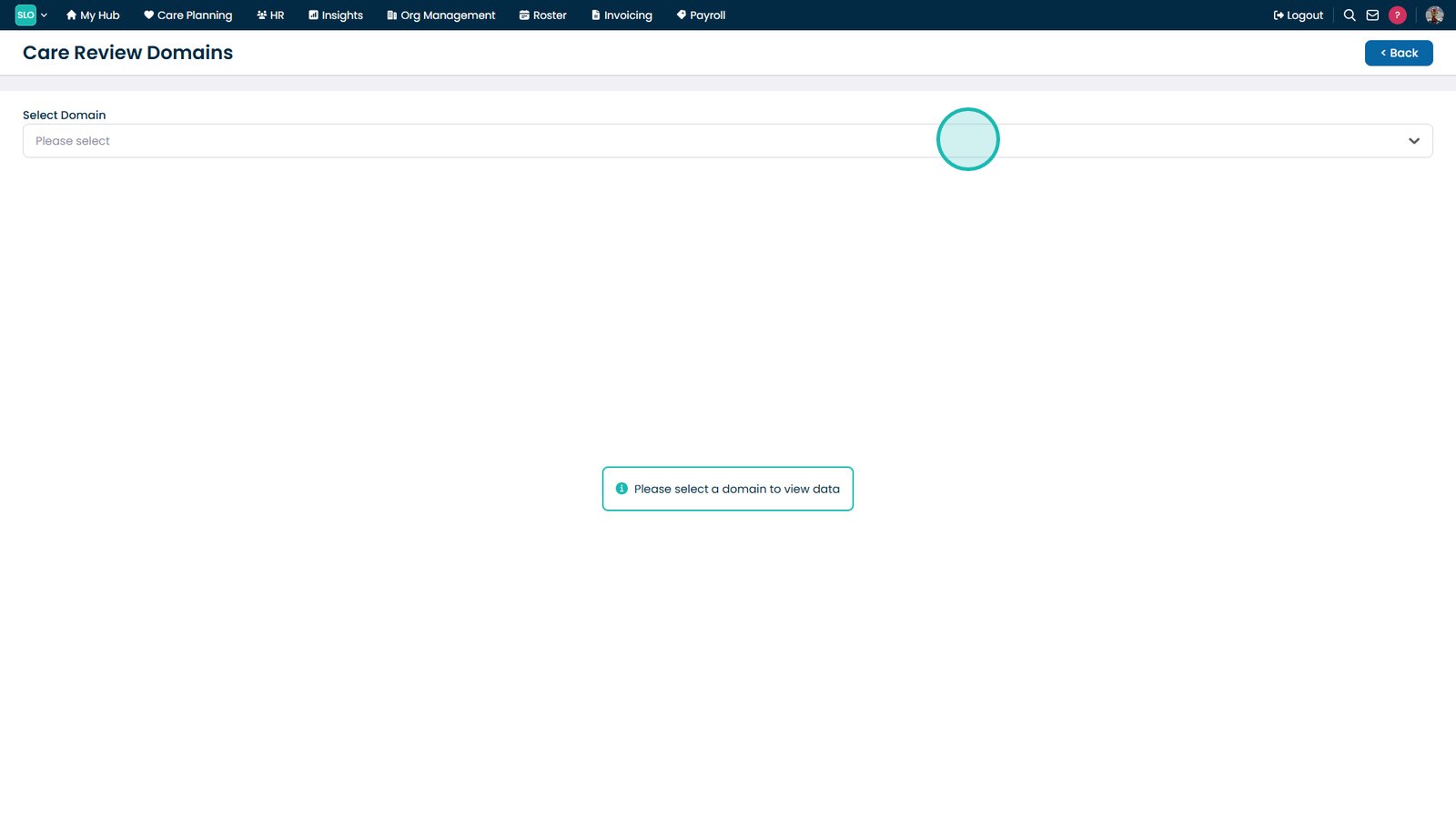
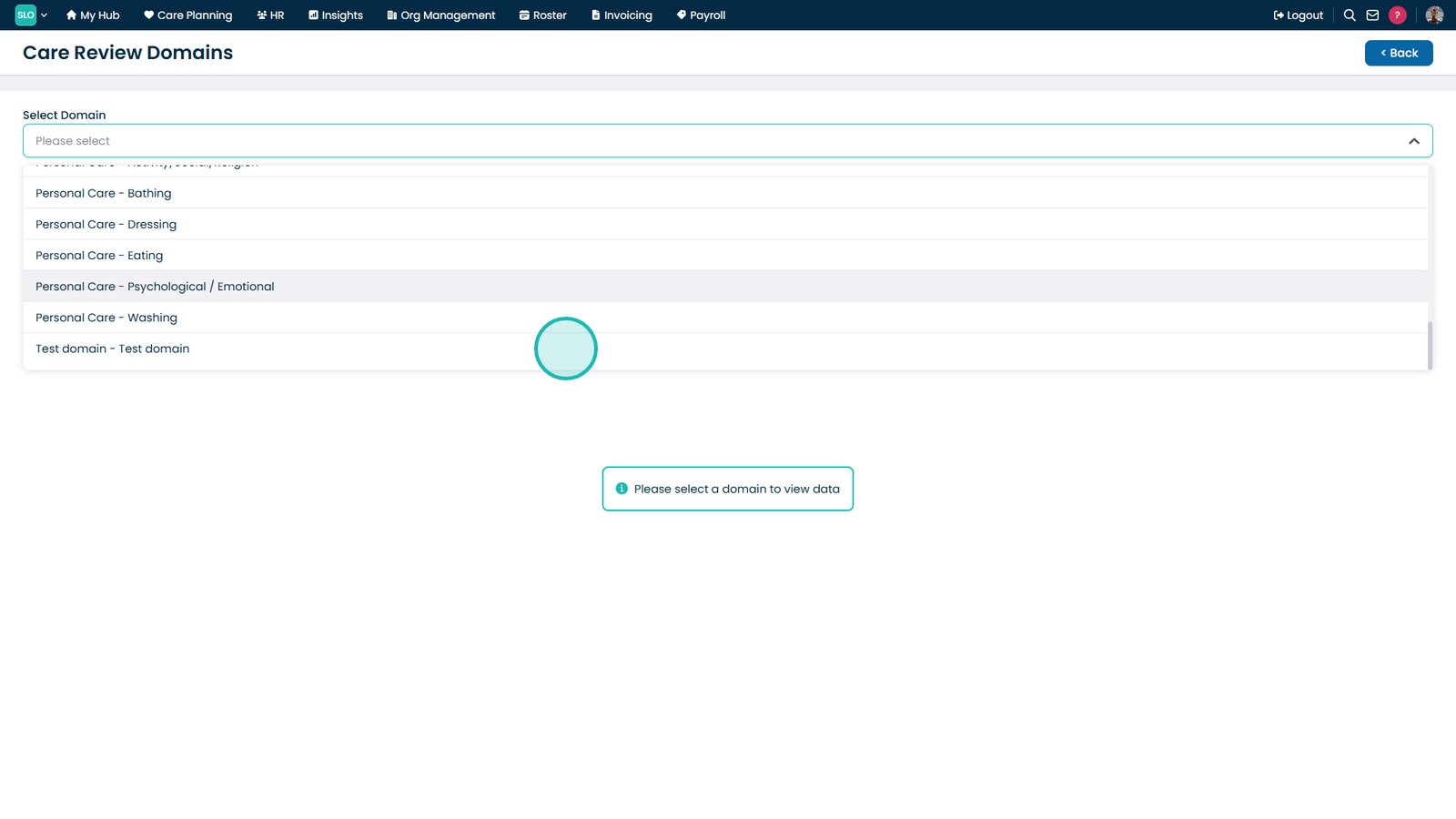
Open the domain dropdown.

Select the domain to edit.

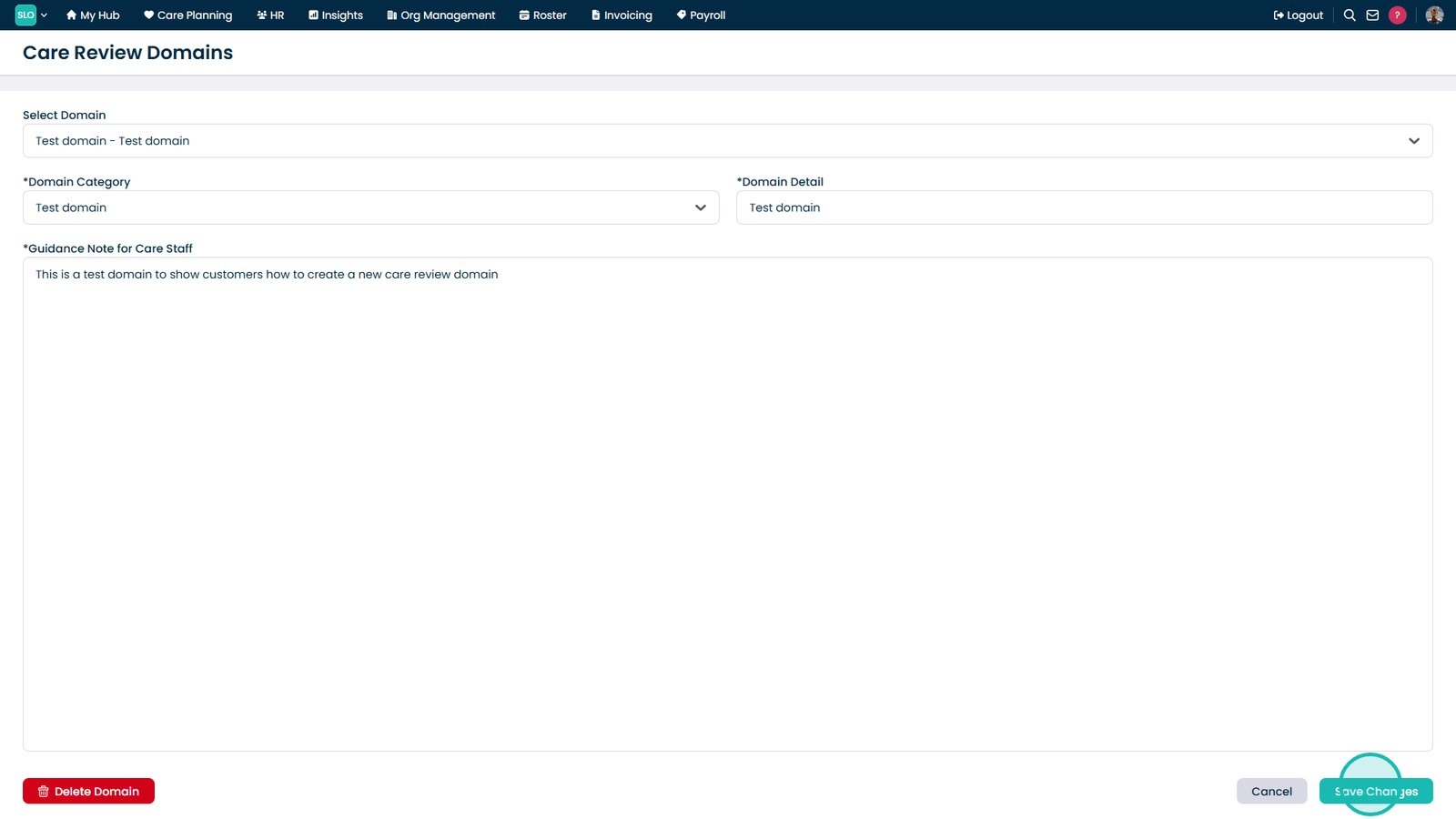
Select Save Changes.

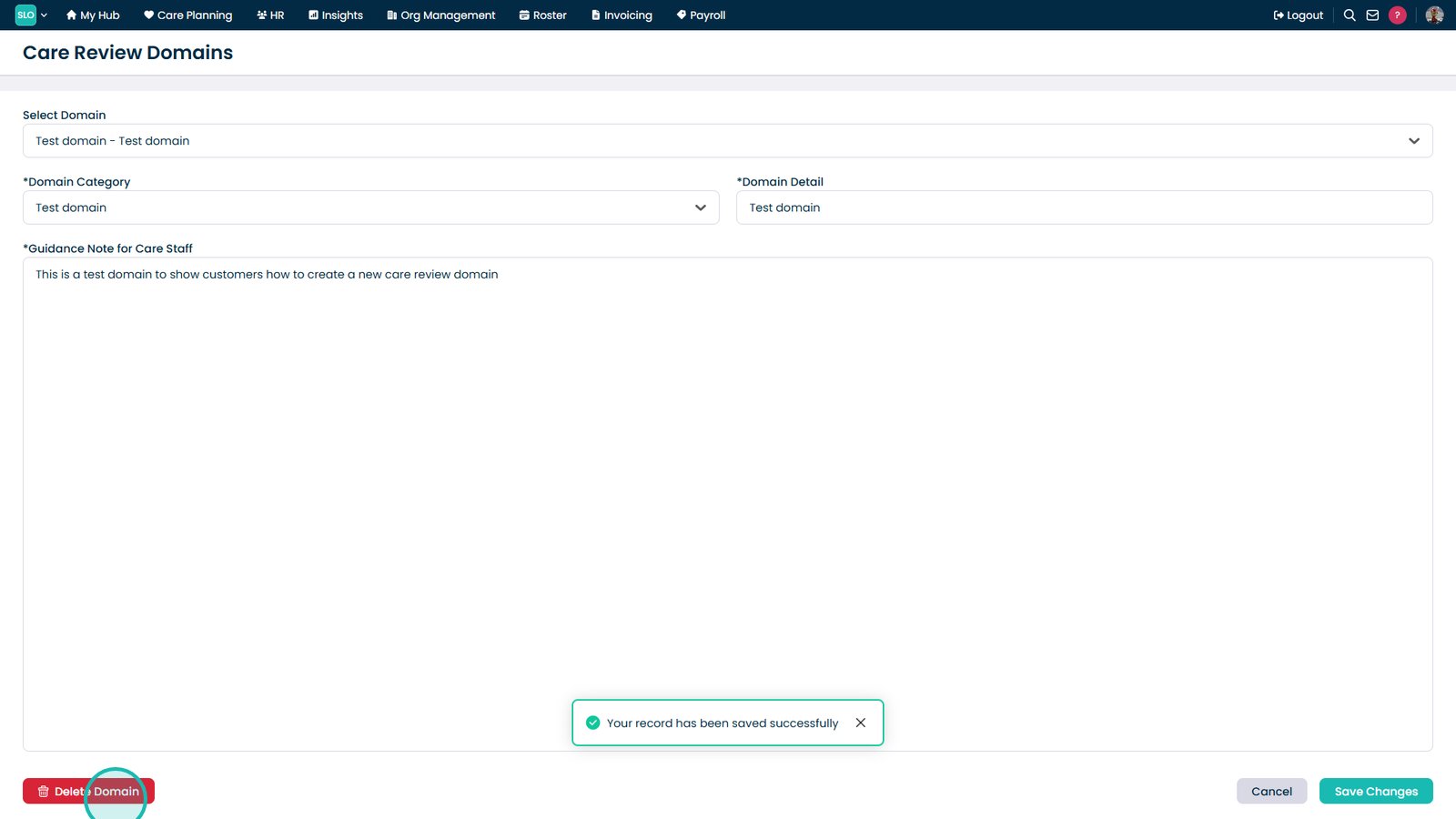
Select Delete Domain.

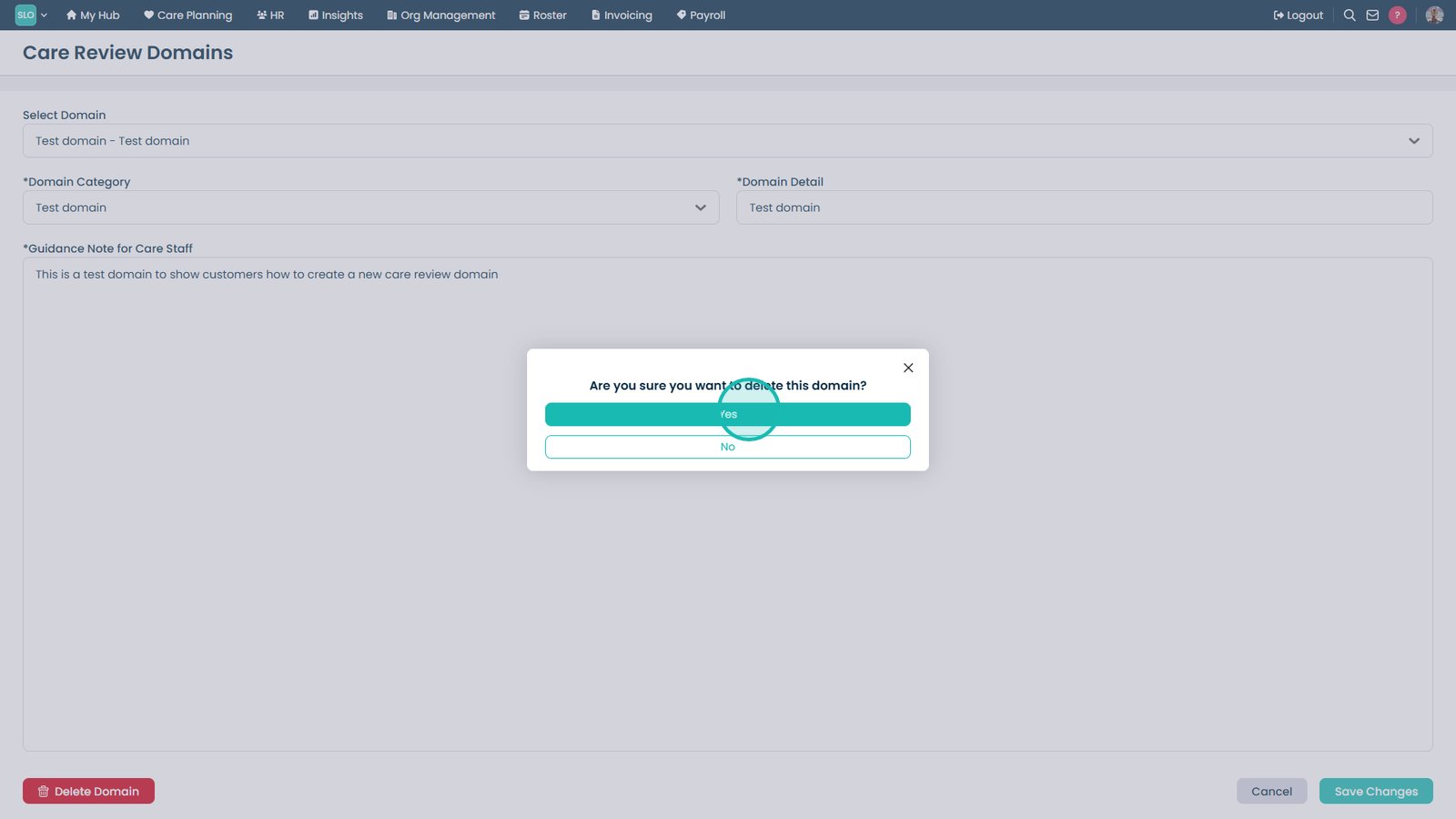
Select Yes to confirm deletion.

Top tip
Keep your Care Review Domains organised and in the correct order to ensure Care Reviews follow a consistent structure across your service.
Need more help?
Can't find what you're looking for? Our support team is here to help.
Contact SupportOr call us on