This guide will cover how to record a Care Review assessment for a service user within the Care Control Cloud platform. This assessment acts as an ongoing record covering a service users care requirements, level of need and dependency level.
1
From the Care Plan summary screen, open the Essentials drop down list and select Care Review.
2
Here, a list of existing care reviews will be displayed. To create a new one, press Start New Care Review.
3
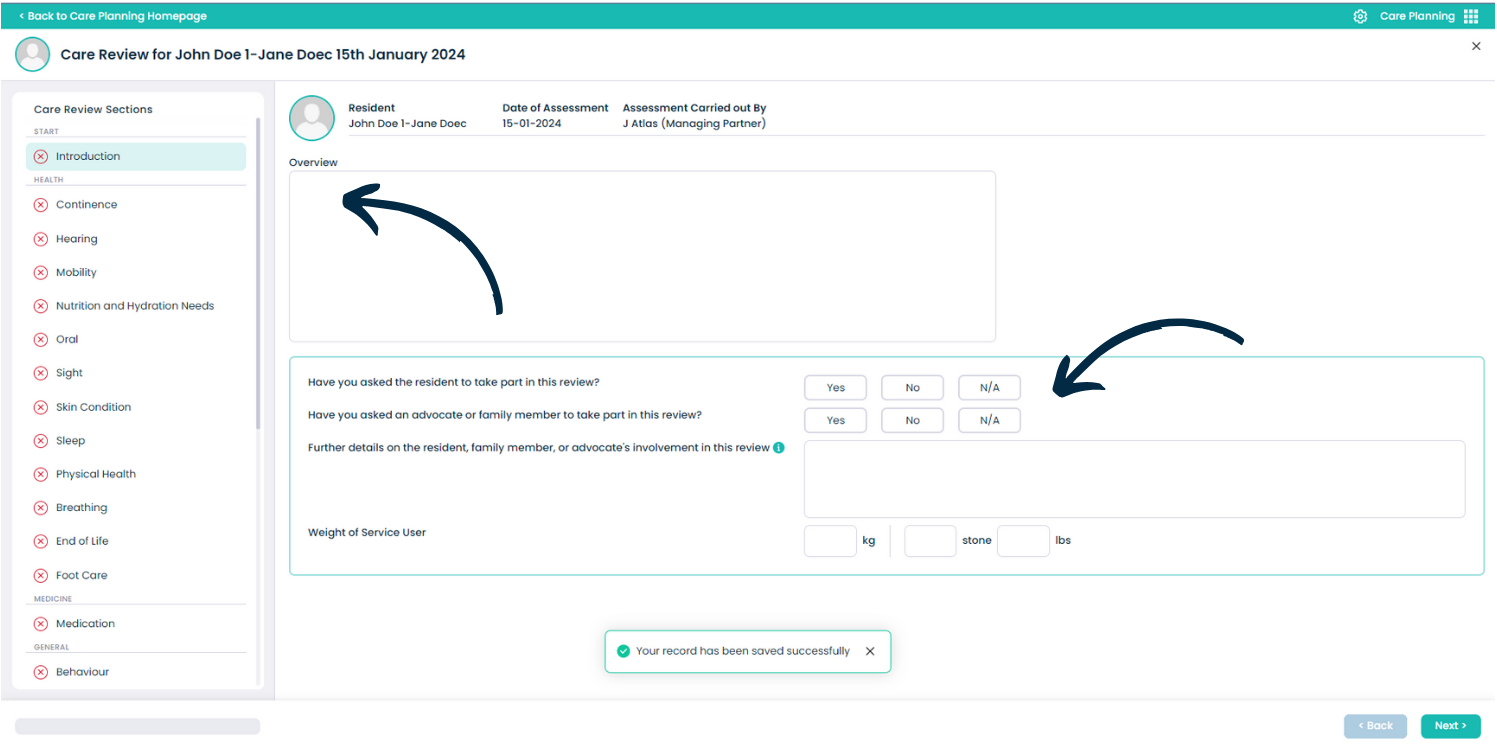
The Care Review form will open. On the left hand side is a menu of topic areas within the review. We can begin by completing the Overview section within the Introduction.
4
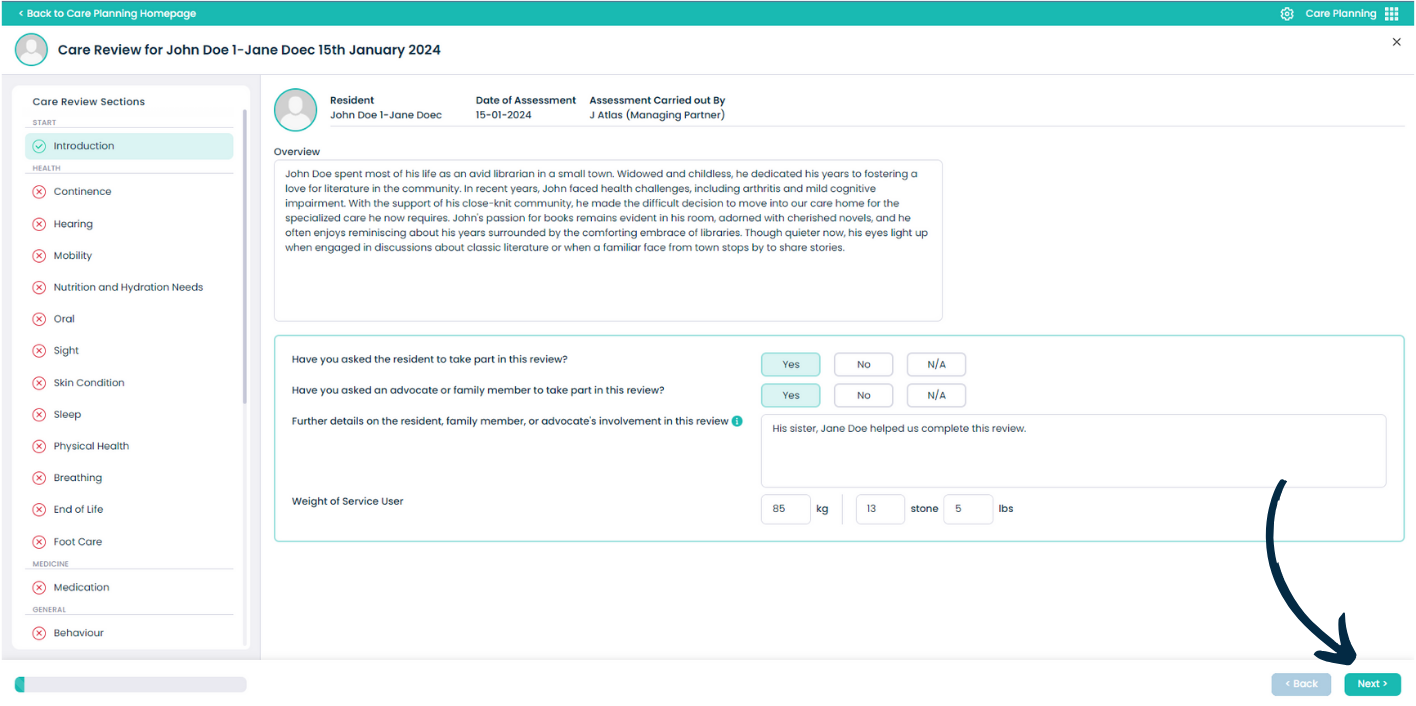
After entering the relevant information, press Next. This will save any progress made so far.
5
Each of the following sections will require a Level of Need to be set for the service user. This must then be accompanied by some details and any actions occuring as a result of the level of need.
6
You can link Care Notes and Documents to each of the sections as supporting evidence or references to the information written here. Simply press Add New to do so.
7
If adding a note, you can search and filter all the notes associated with the service user to find what you are looking for.
8
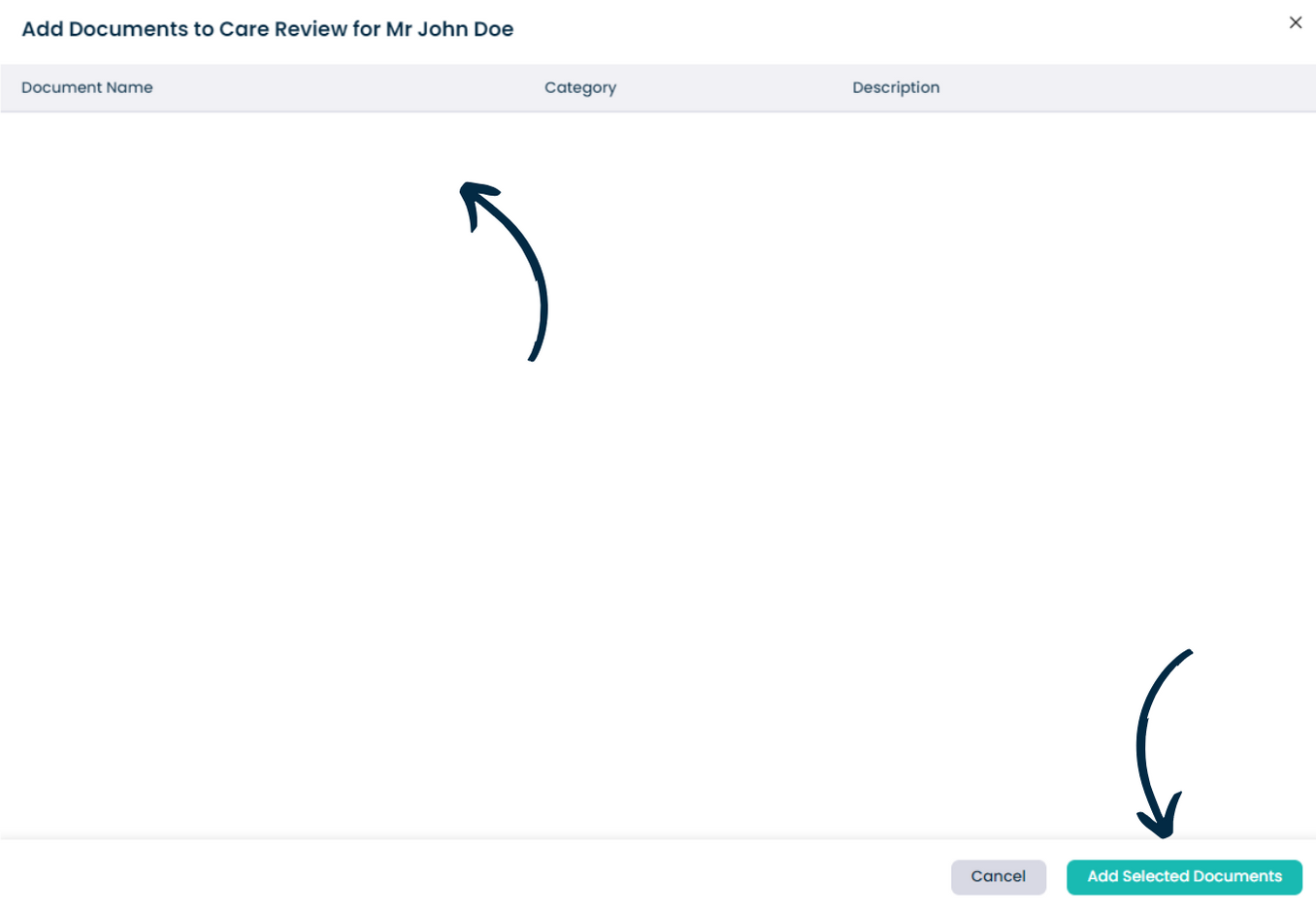
If adding a document, simply select any linked documents and press Add Selected Document.
The above steps applies for all the remaining sections of the Care Review. Continue to complete the review entirely.
Please note: after saving a section, you can close the review and come back to it at any time to continue completingit.