View Categories

How to Complete a Mental Capacity Assessment on Cloud

This guide explains how to complete a Mental Capacity Assessment within the Care Planning app, including selecting a resident, documenting decisions, and finalising the assessment.

Completing Mental Capacity Assessments accurately is essential for ensuring compliance with legal requirements, supporting safe and person-centred care, and maintaining clear, defensible records. Following a structured process helps improve consistency, reduces the risk of missing critical information, and ensures all assessments are properly documented.

By following this guide, you will learn how to:

  • Access and launch a Mental Capacity Assessment
  • Select the appropriate resident and decision area
  • Use guidance and example notes to support documentation
  • Record assessment details, outcomes, and expiry information
  • Finalise and save the completed assessment

This ensures all Mental Capacity Assessments are completed accurately, consistently, and in line with care and compliance standards.

Interactive Guide

Text based guide

Open the Care Planning app from your dashboard to begin managing care records

Select Record to begin updating a resident’s care plan information

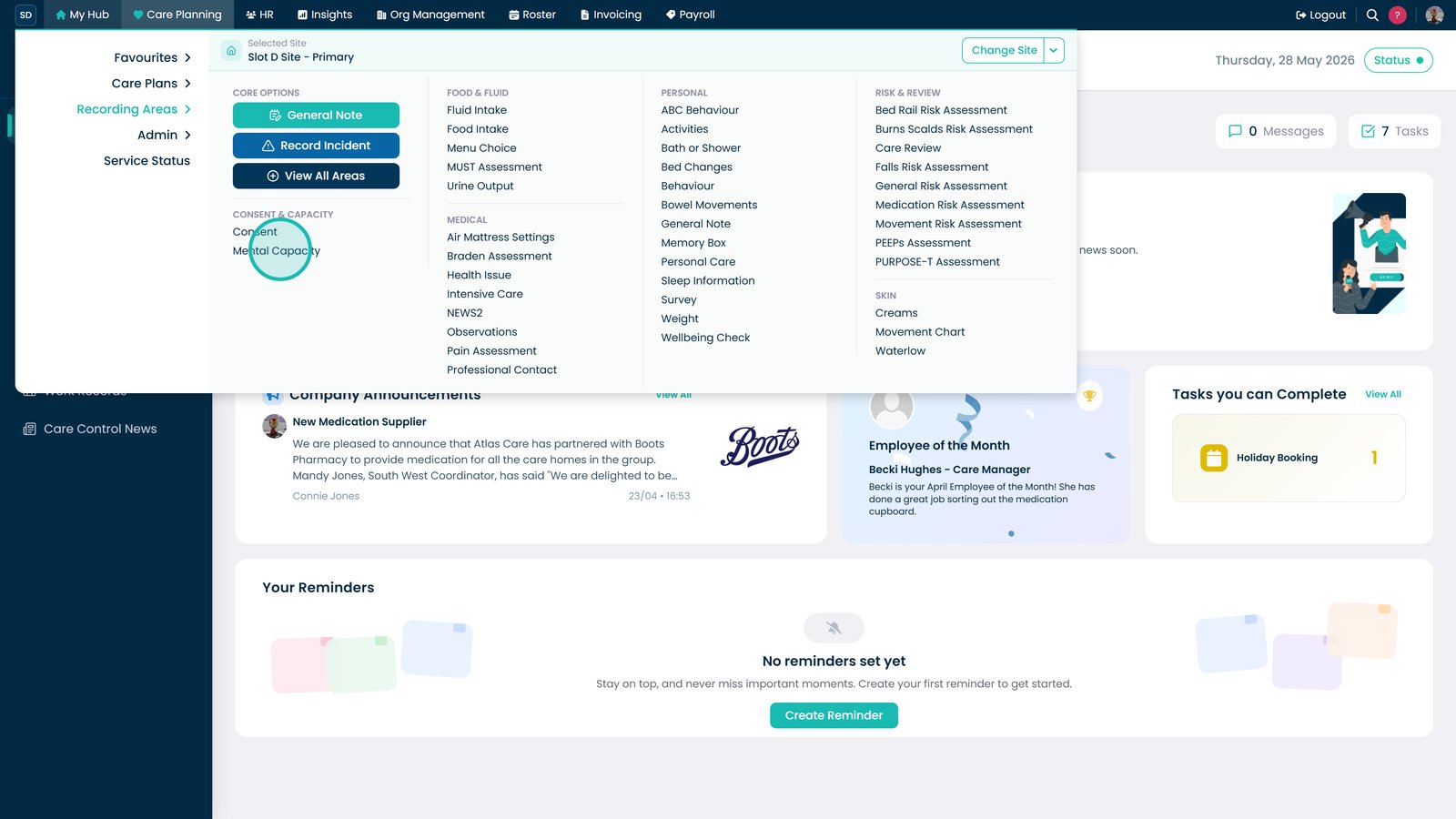
Select More Options to access additional care planning features

Scroll through the options and locate Mental Capacity Assessment

Select Launch in the Mental Capacity section to start a new assessment

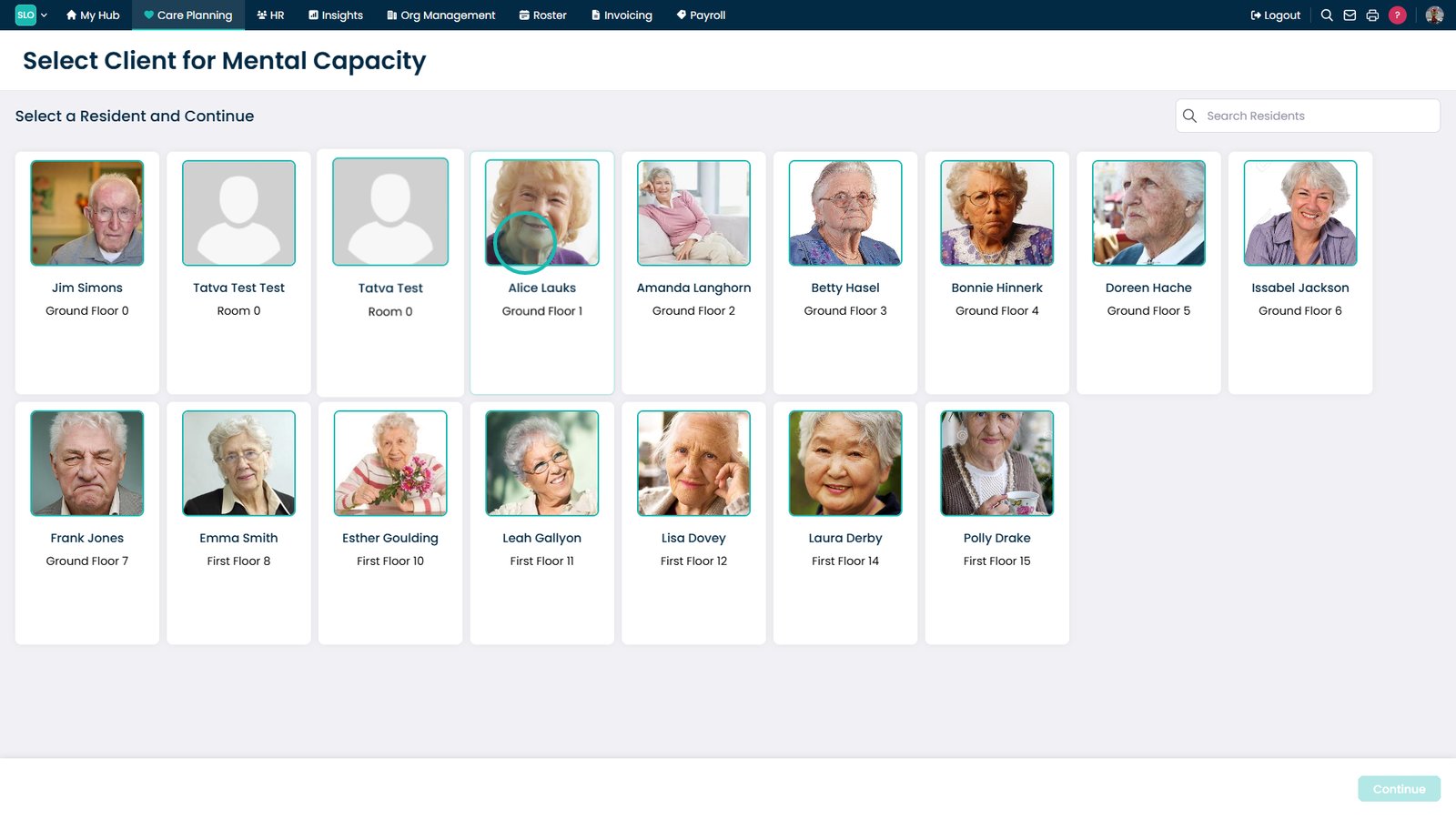
Select the resident you want to assess

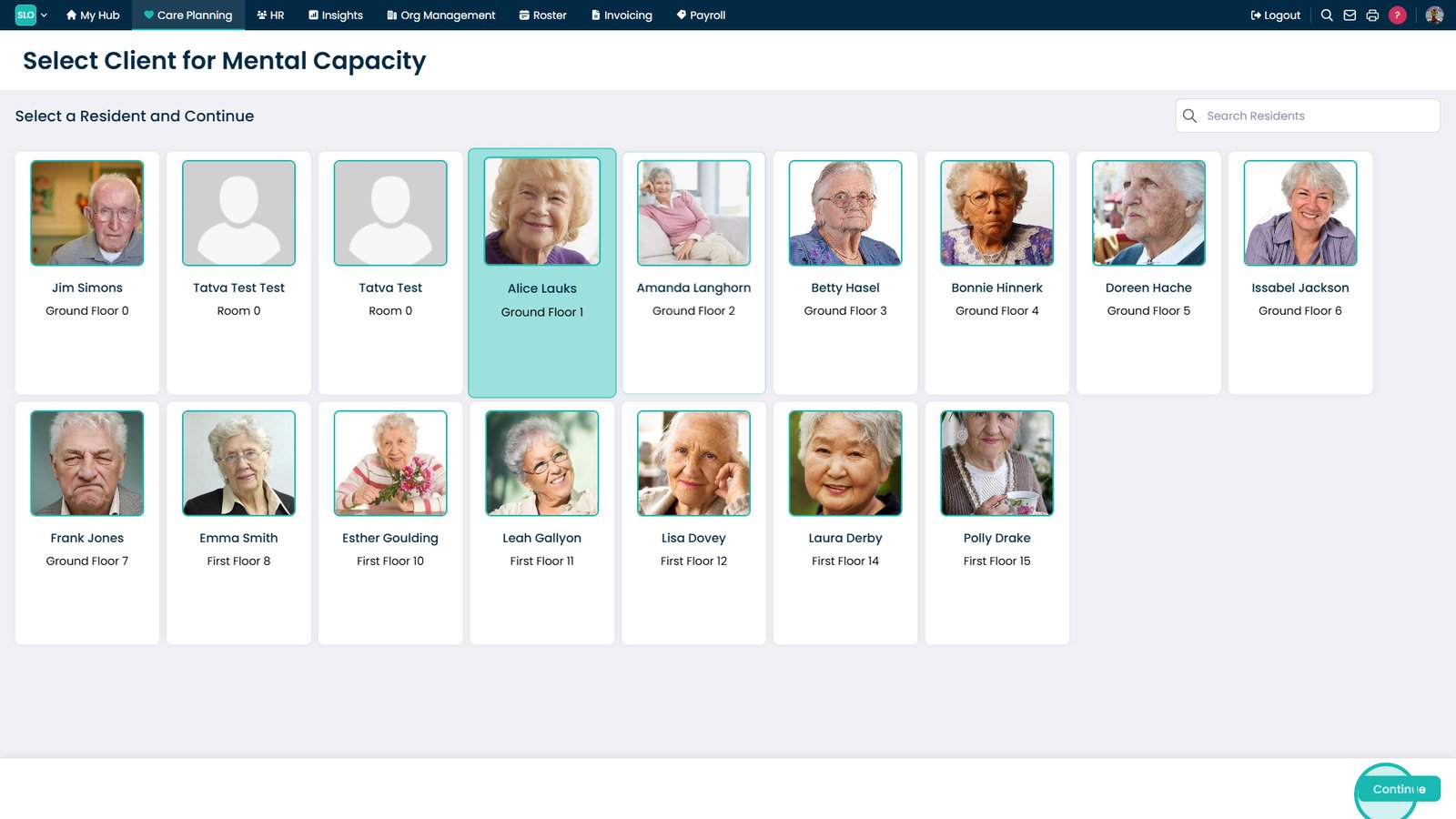
Select Continue to confirm your resident selection

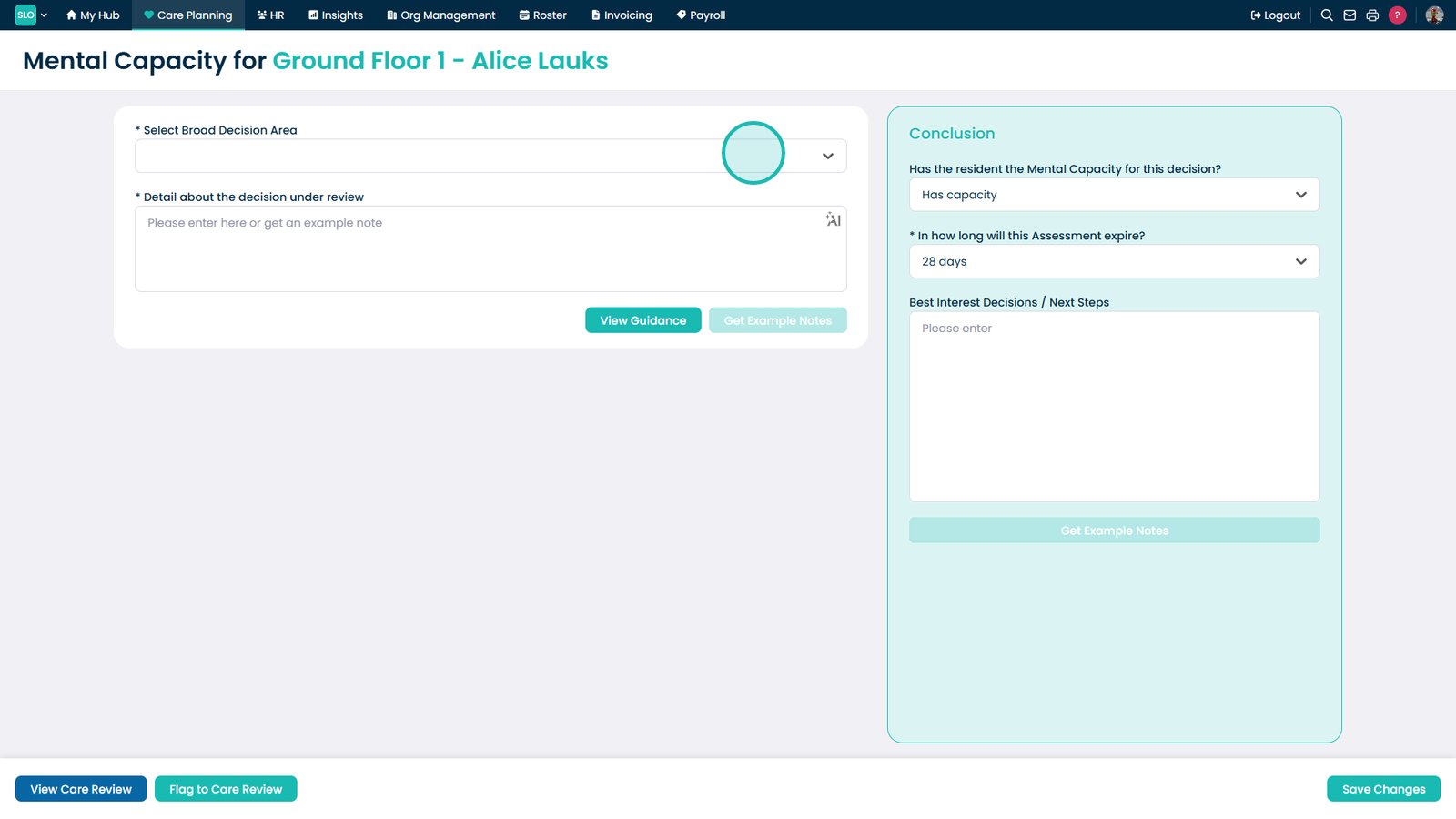
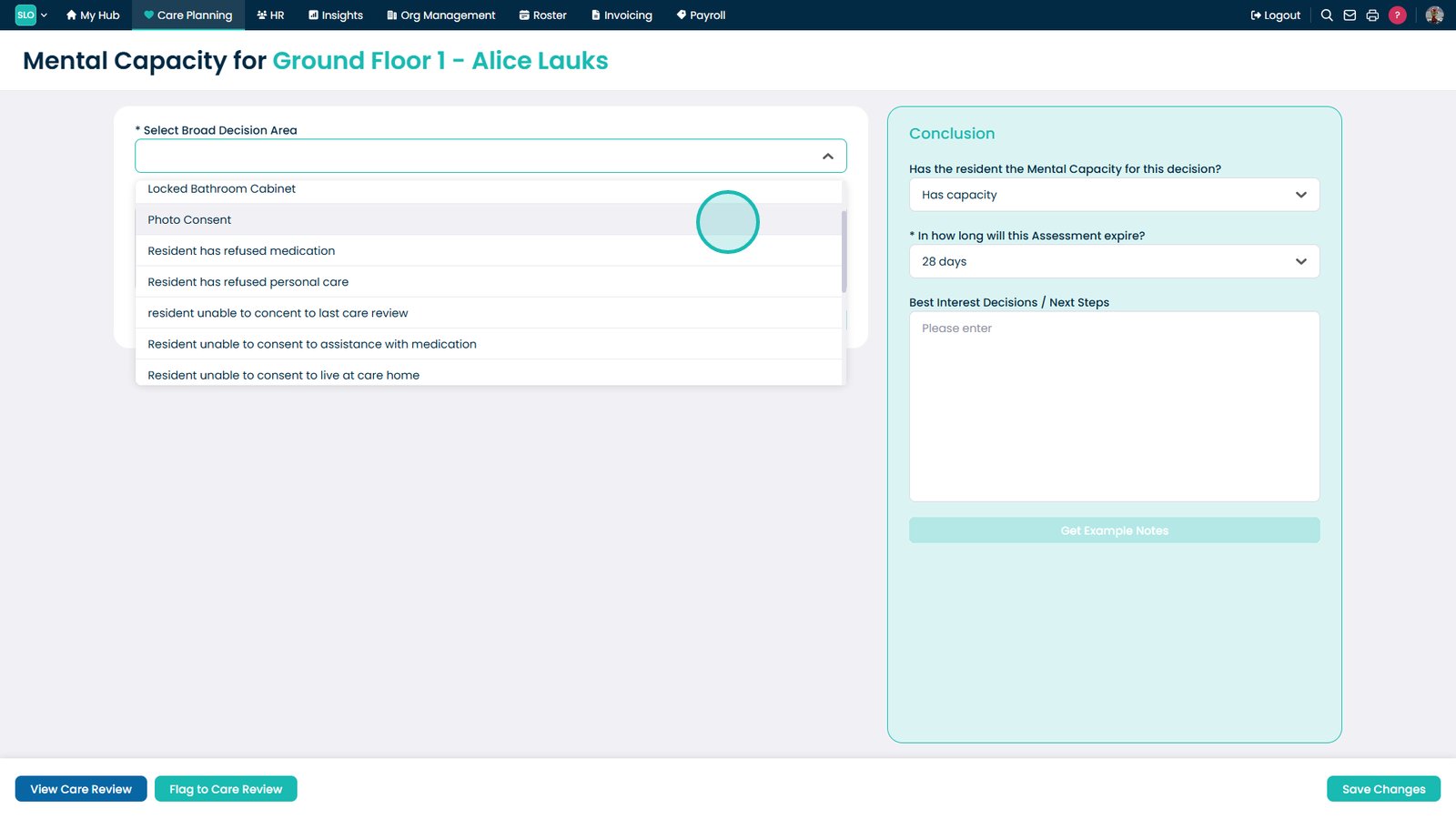
Open the dropdown to select a decision area for the assessment

Select the relevant decision area for the assessment

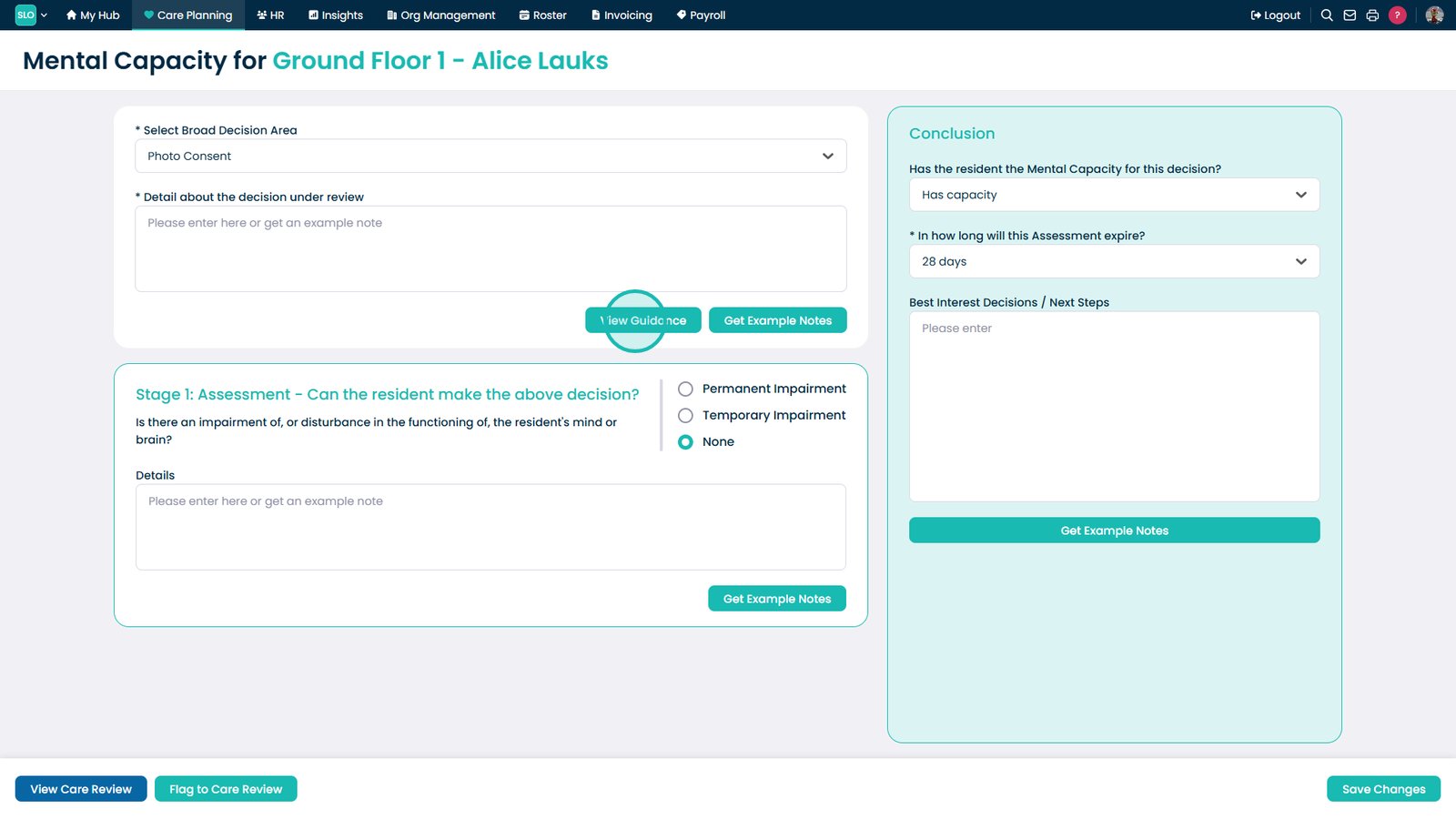
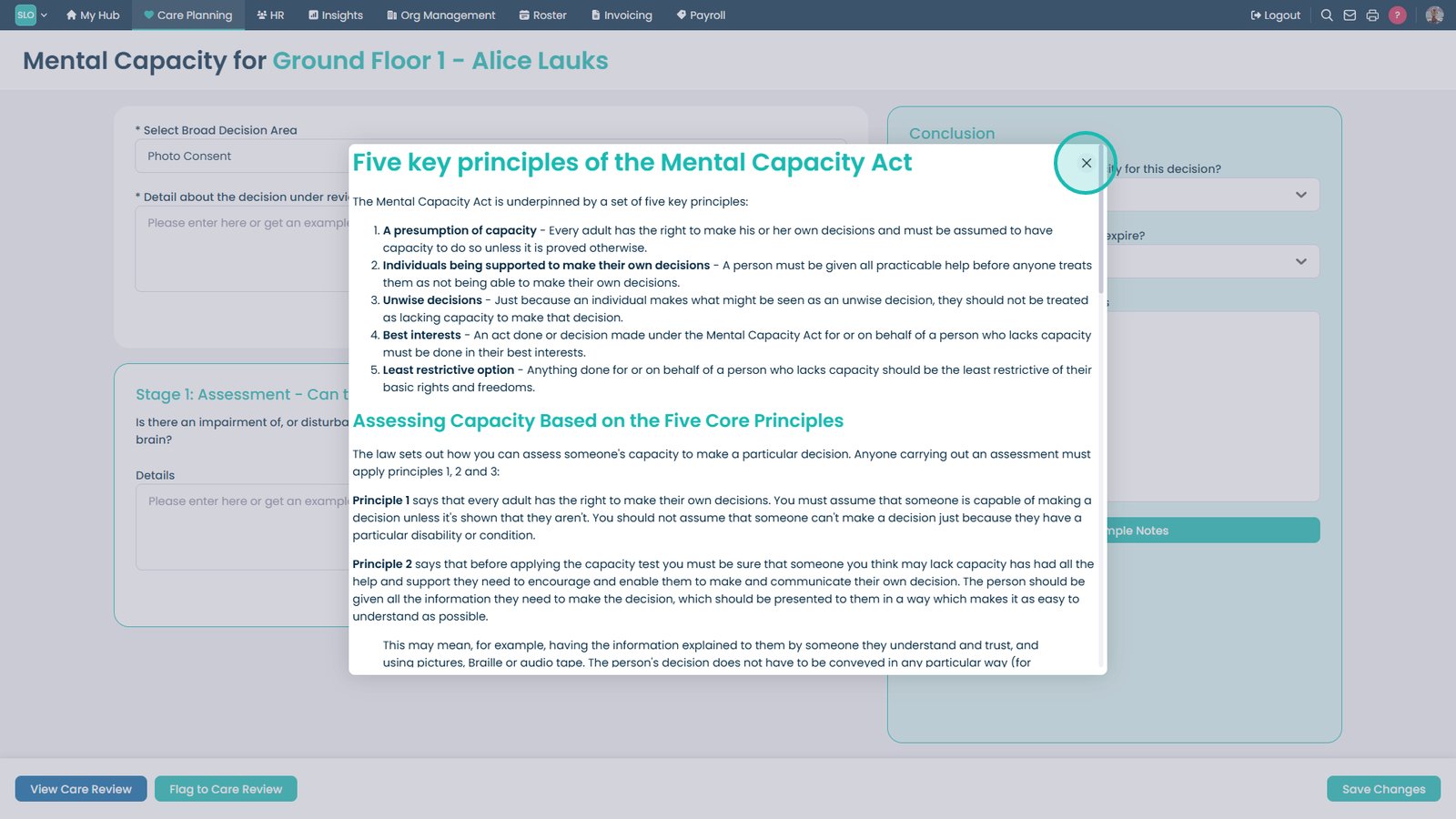
Select View Guidance to review helpful instructions for completing the form

Close the guidance window once you have reviewed the information

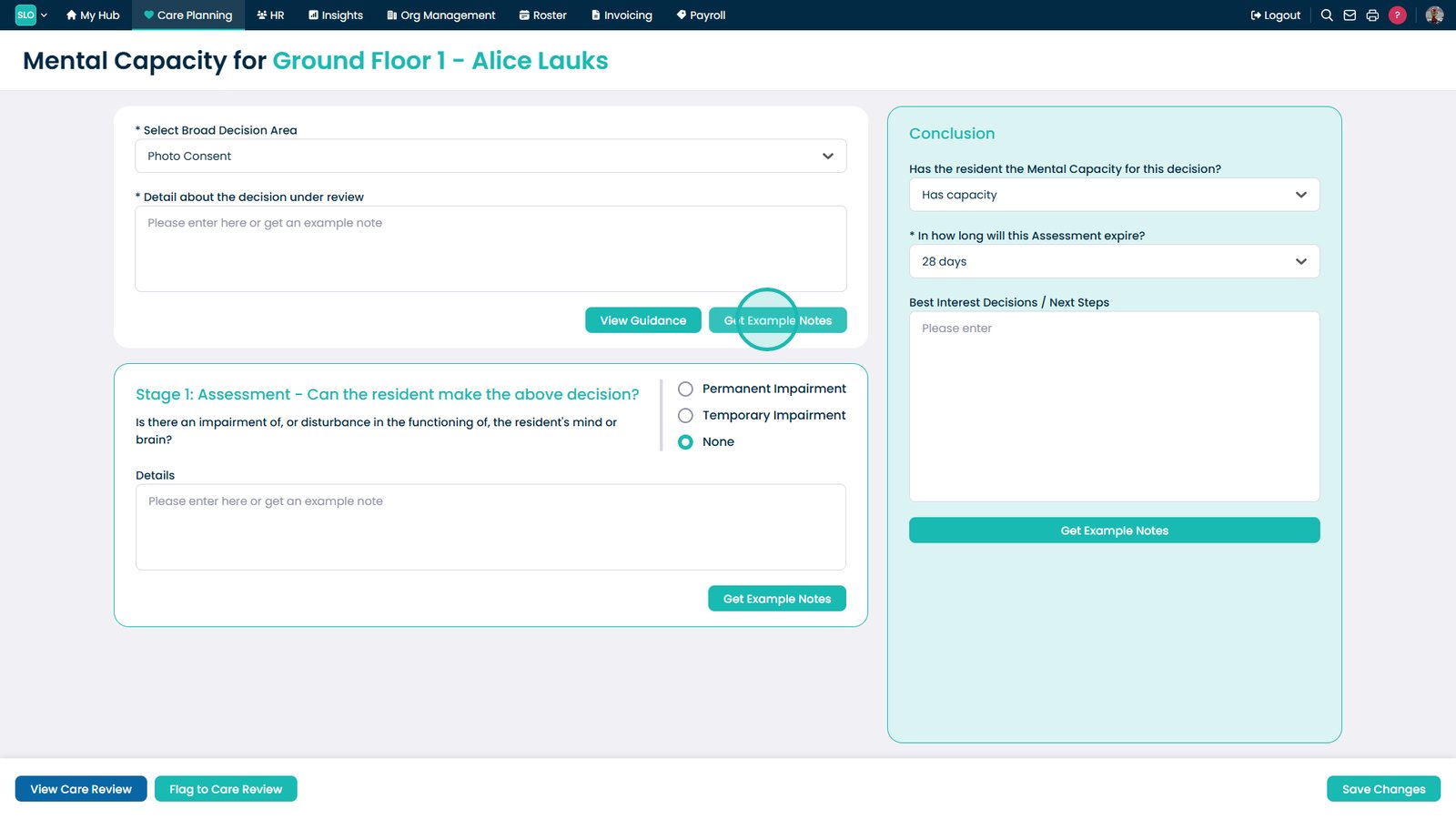
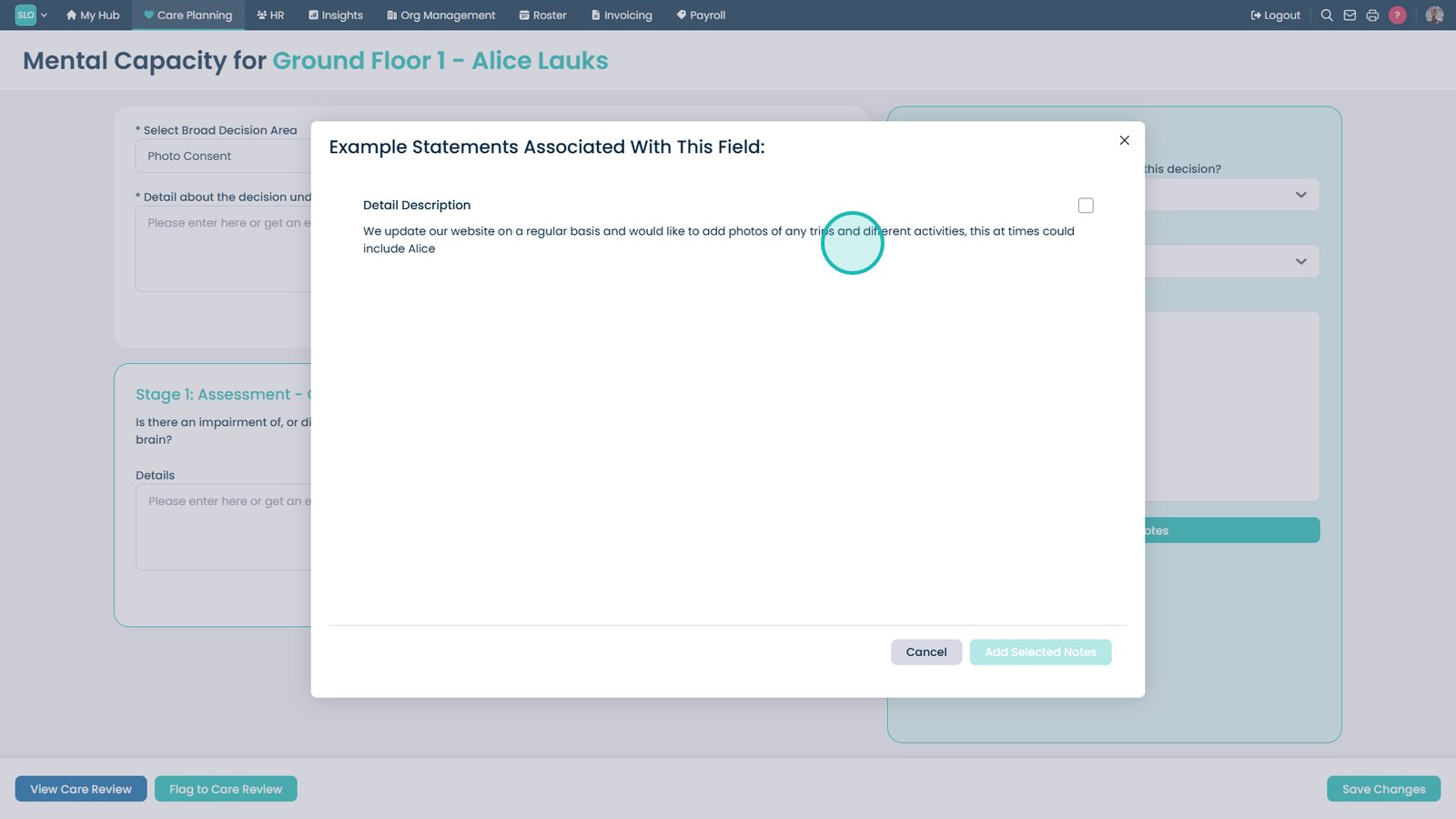
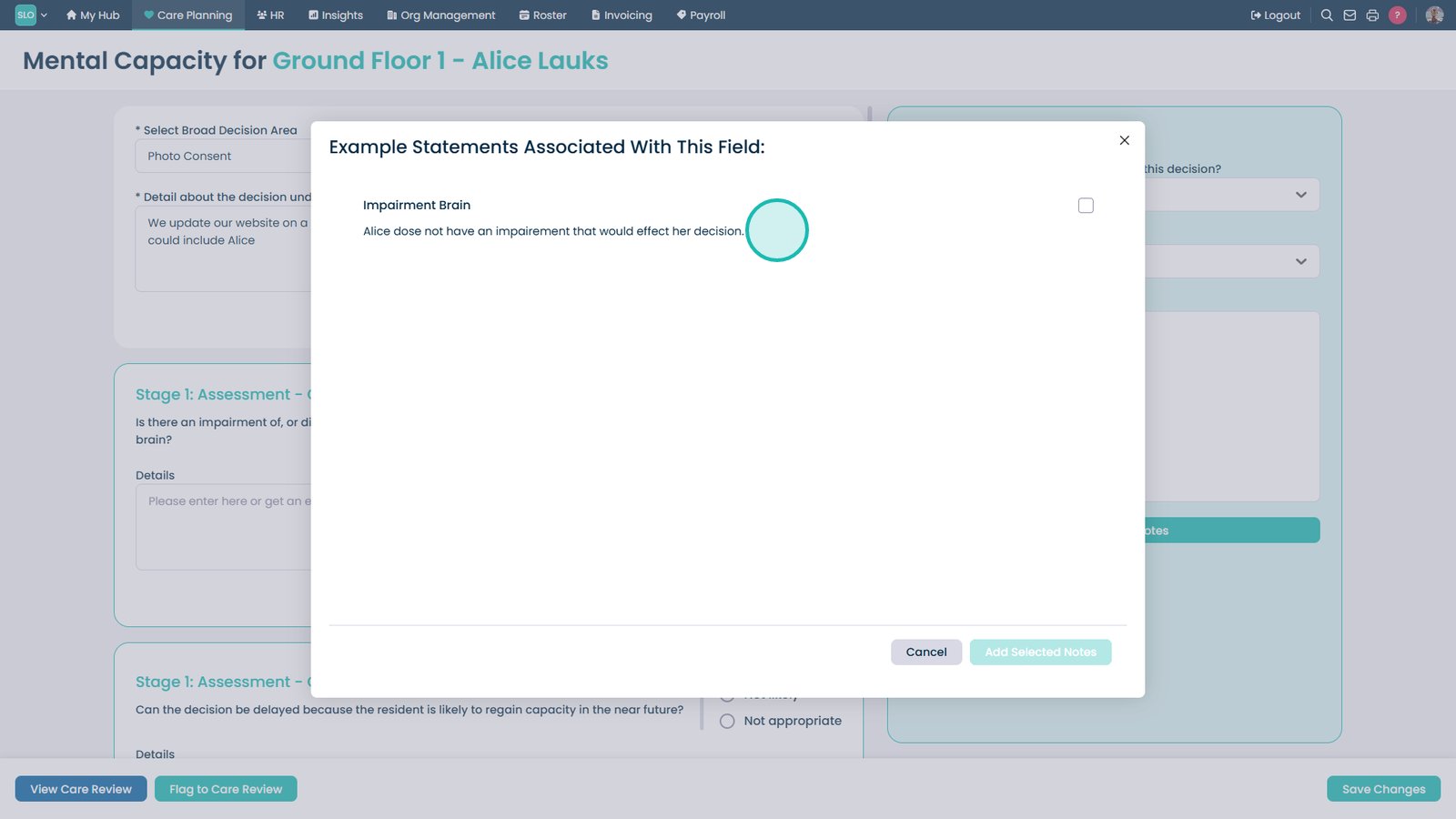
Select Get Example Notes to view suggested note templates

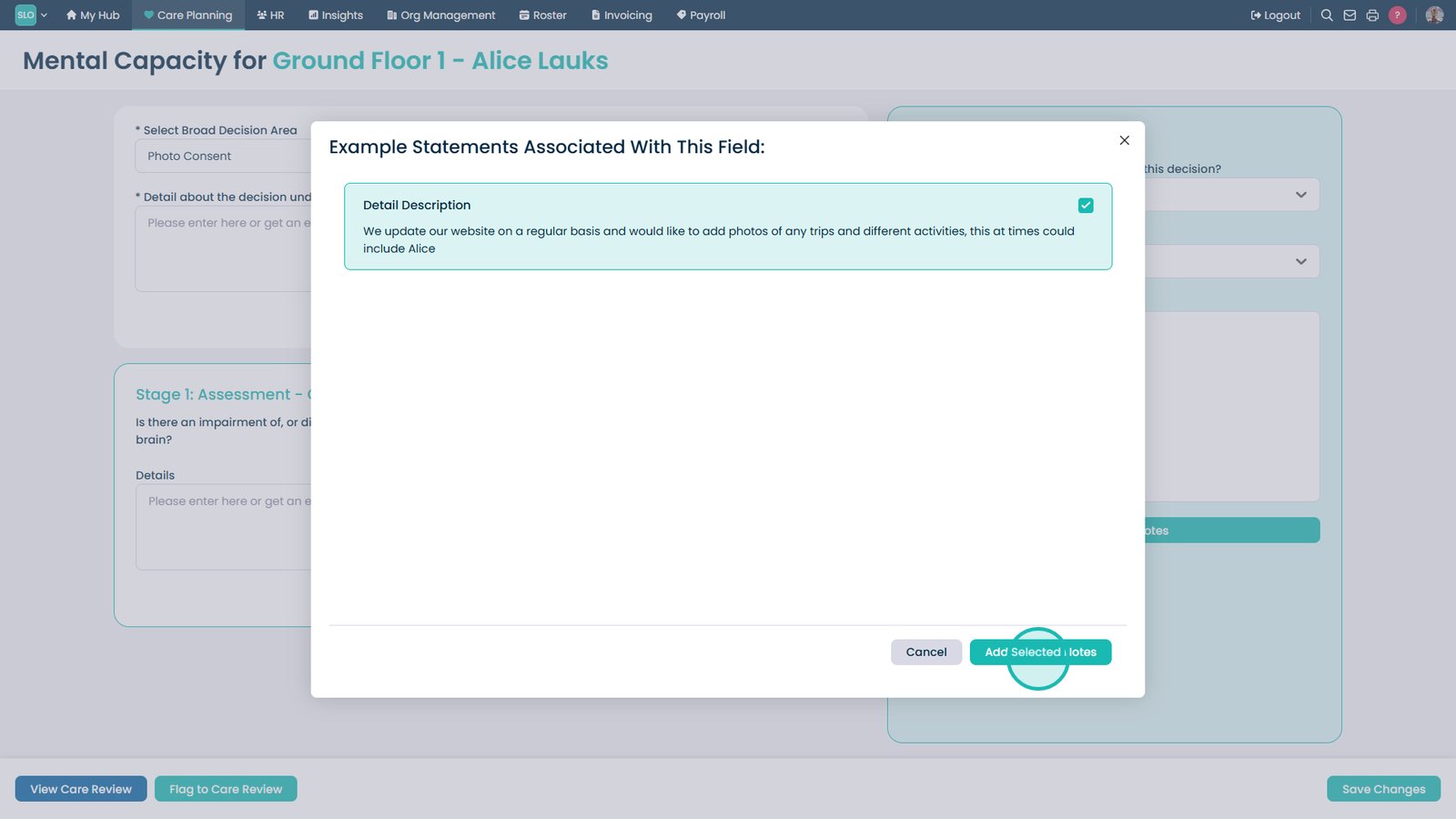
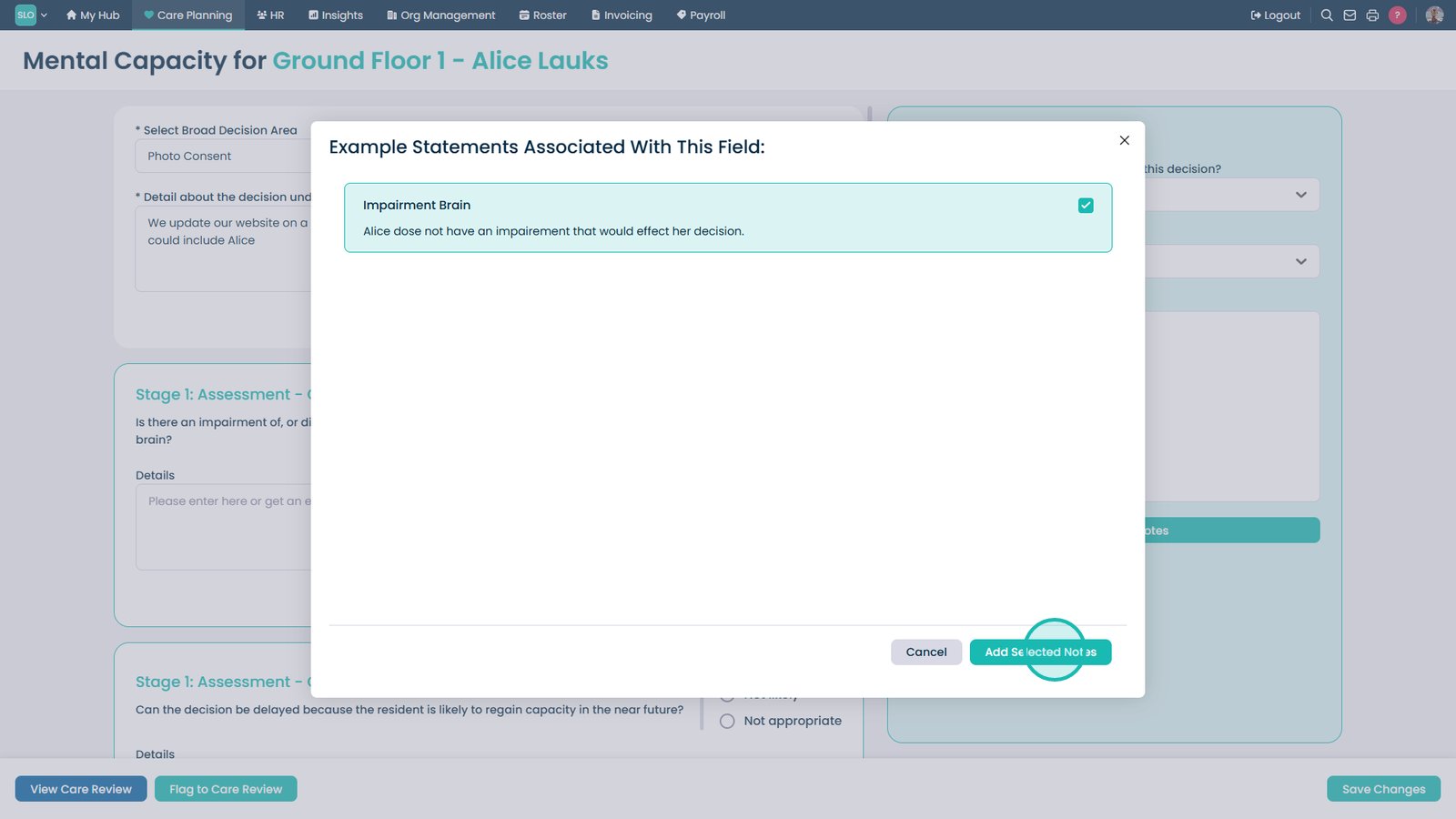
Select a template using the checkbox

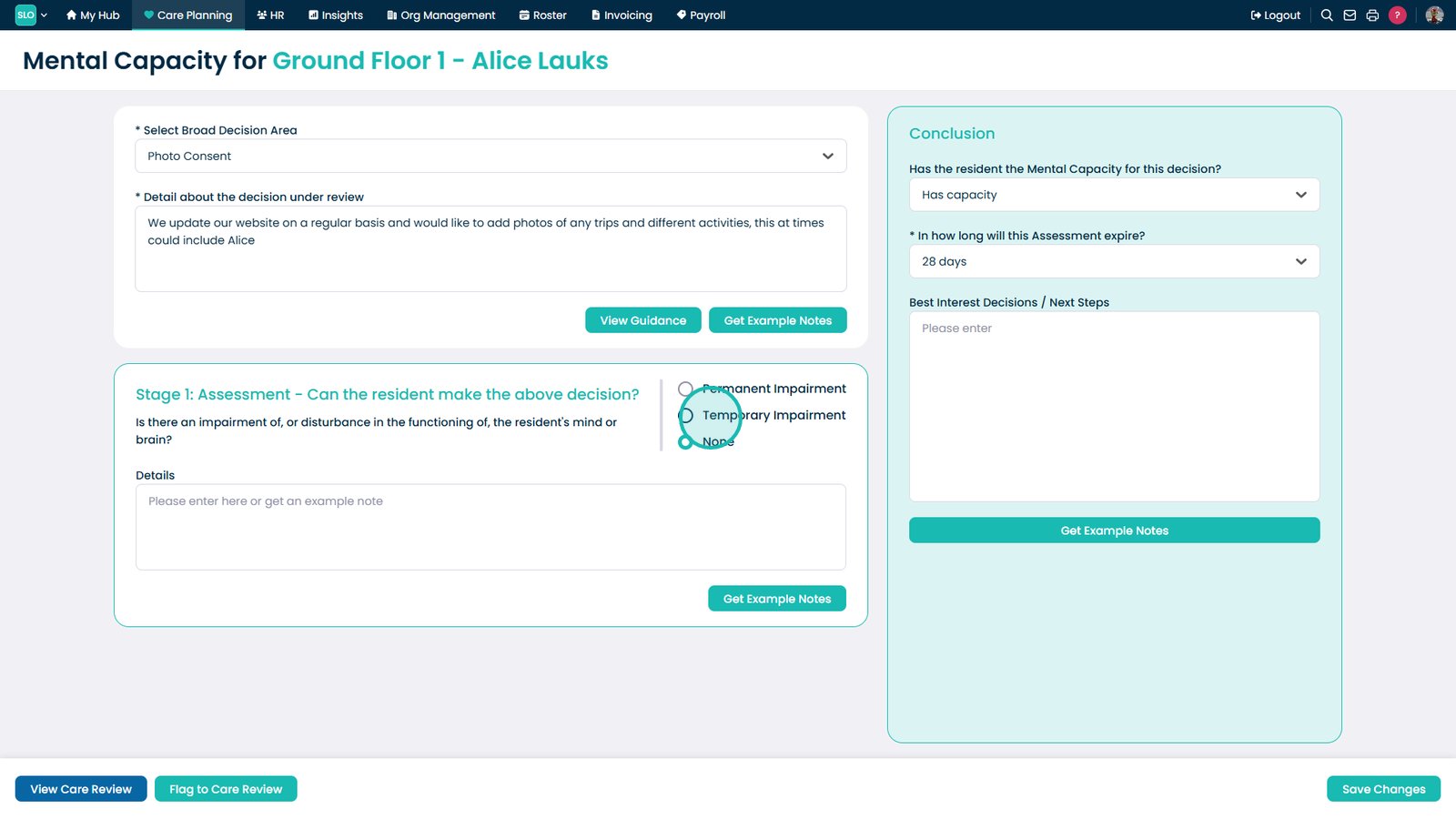
Select Add Selected Notes to insert the chosen template into the form

Select the type of impairment for the assessment

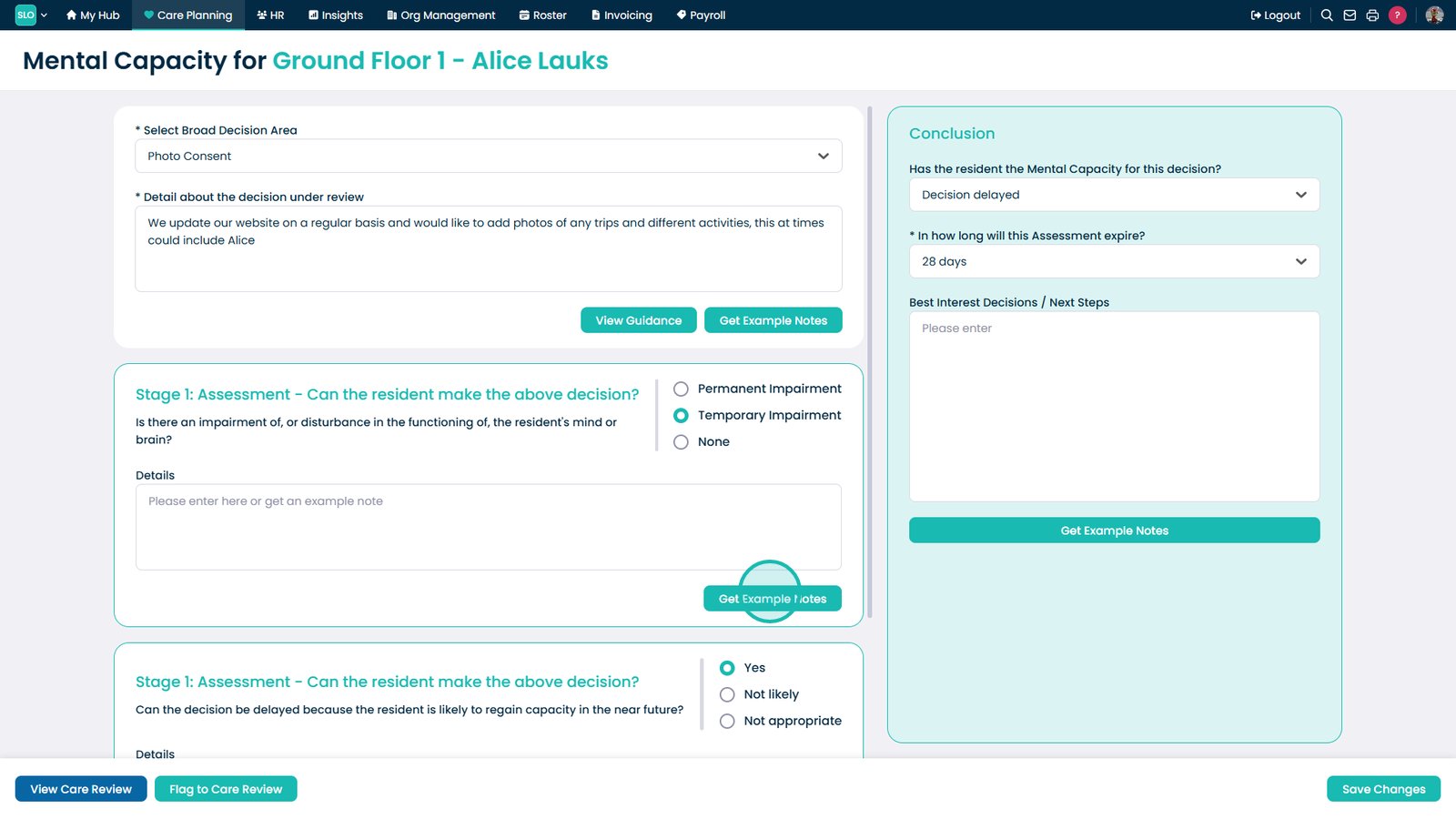
Select Get Example Notes again to add further supporting content

Select another template using the checkbox

Select Add Selected Notes to insert additional suggested content

Enter additional notes to personalise the assessment

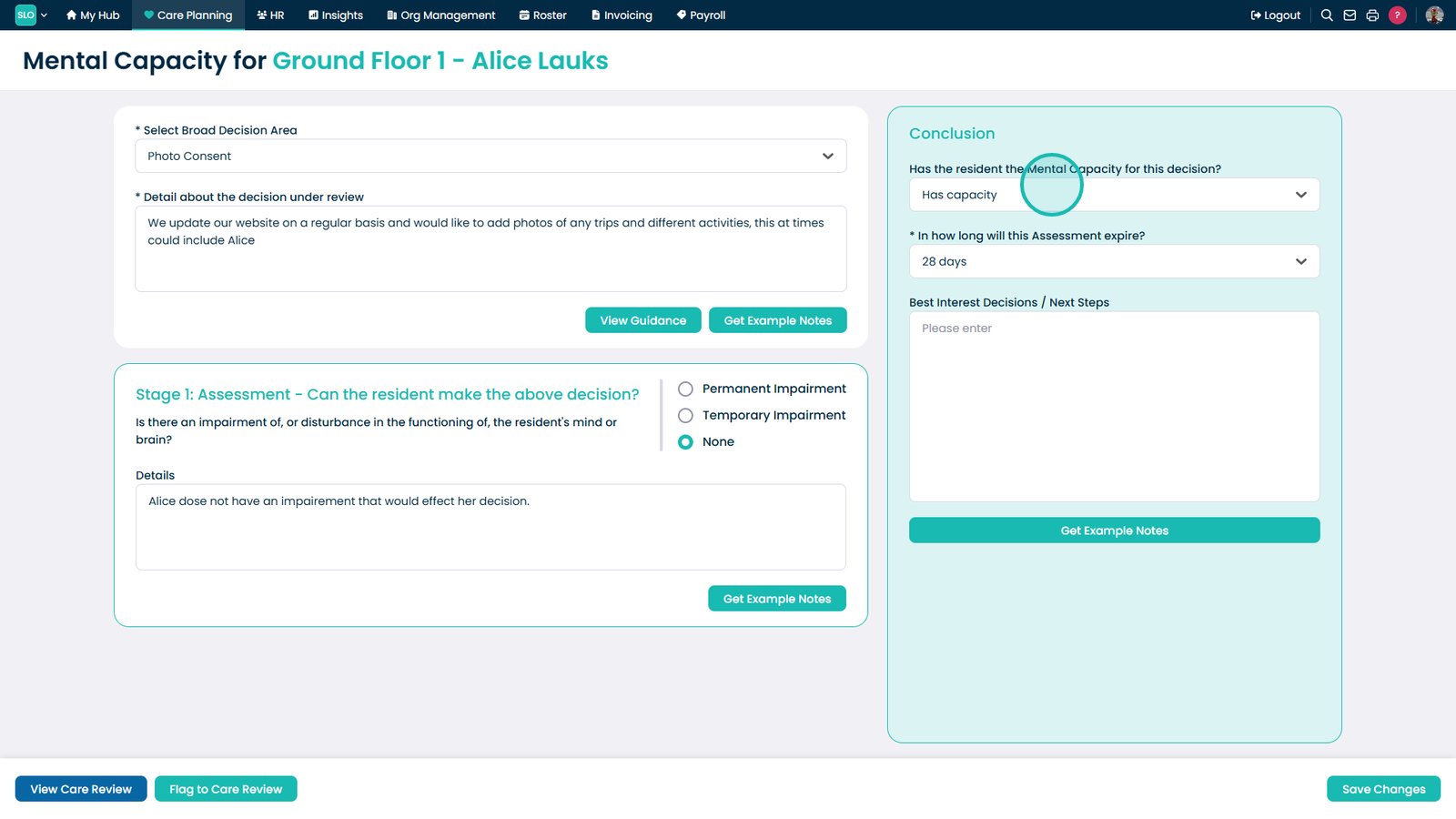
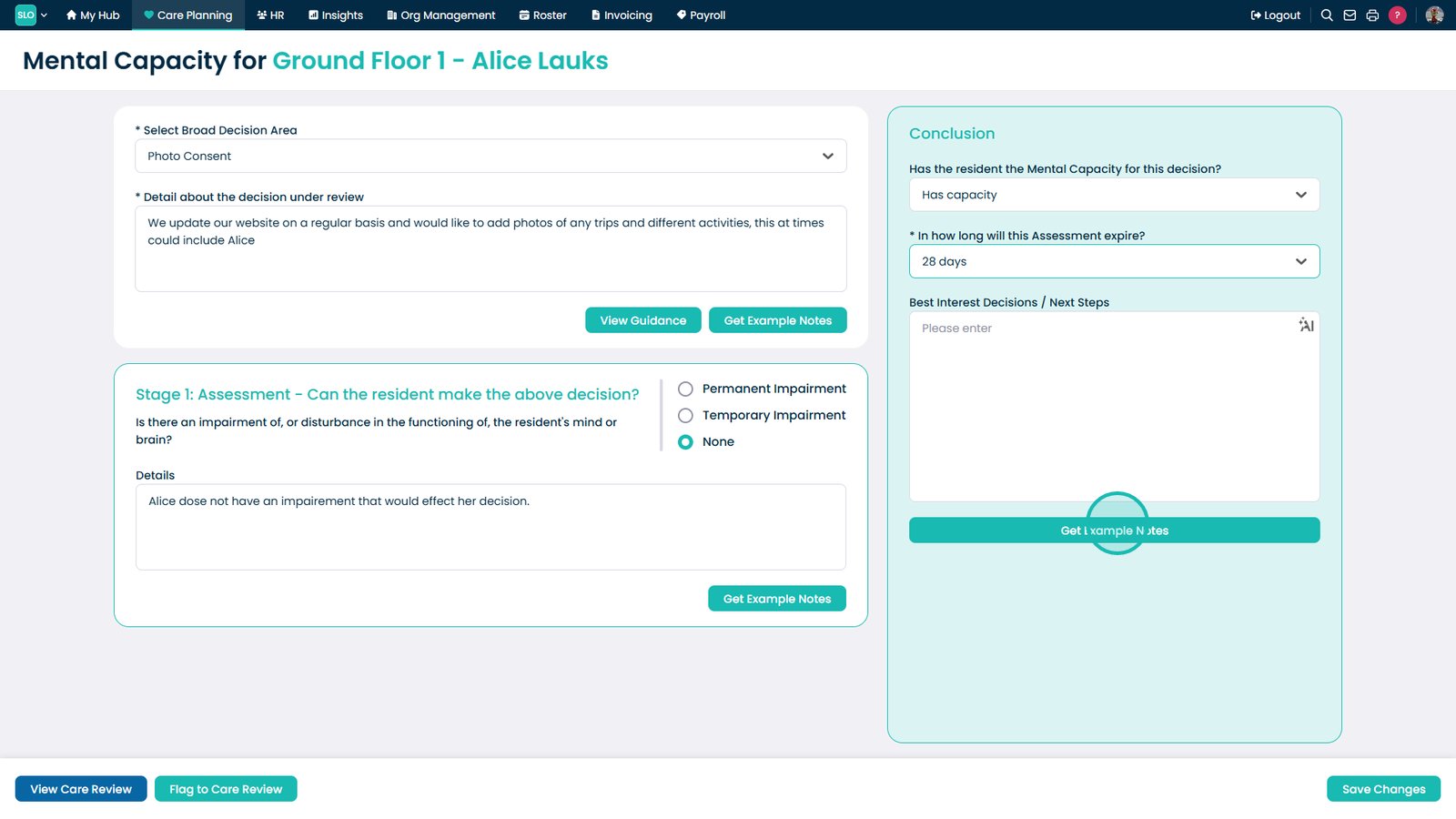
Select the mental capacity decision from the dropdown

Select the appropriate outcome from the list

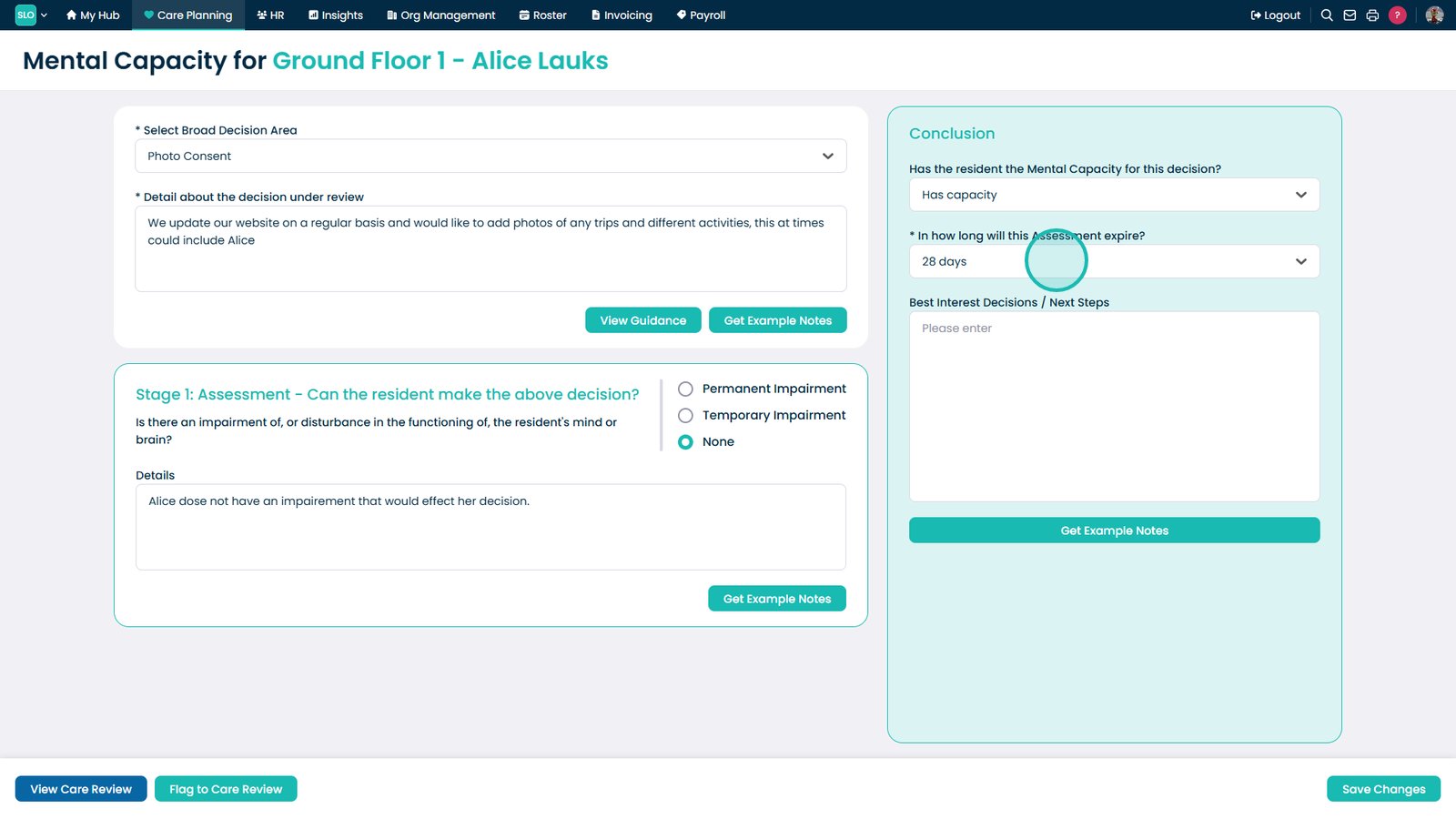
Select the expiry duration to define how long the assessment remains valid

Confirm the expiry duration to ensure timely review of the assessment

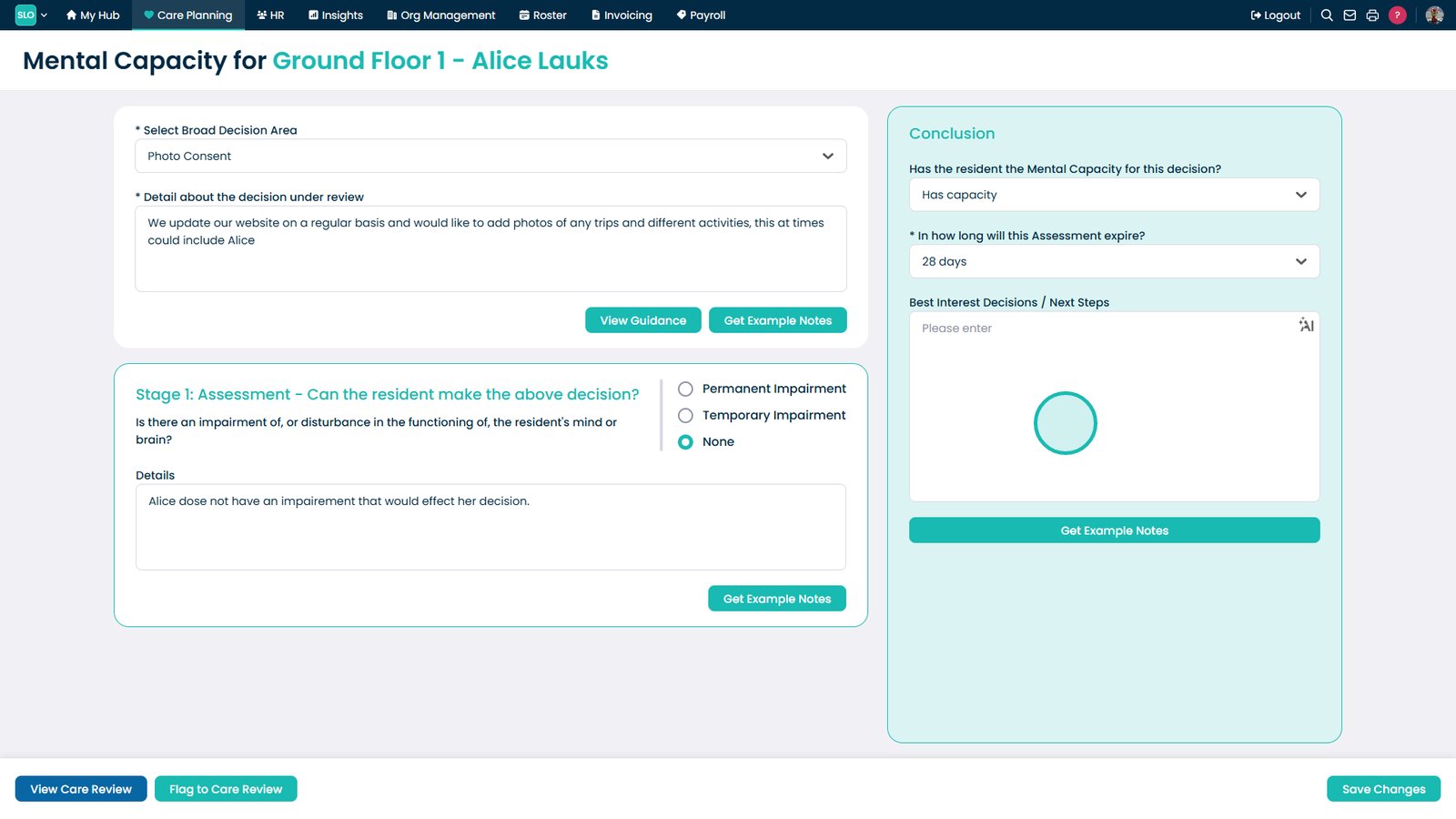
Select Get Example Notes to assist with best interest decisions and next steps

Select a template using the checkbox

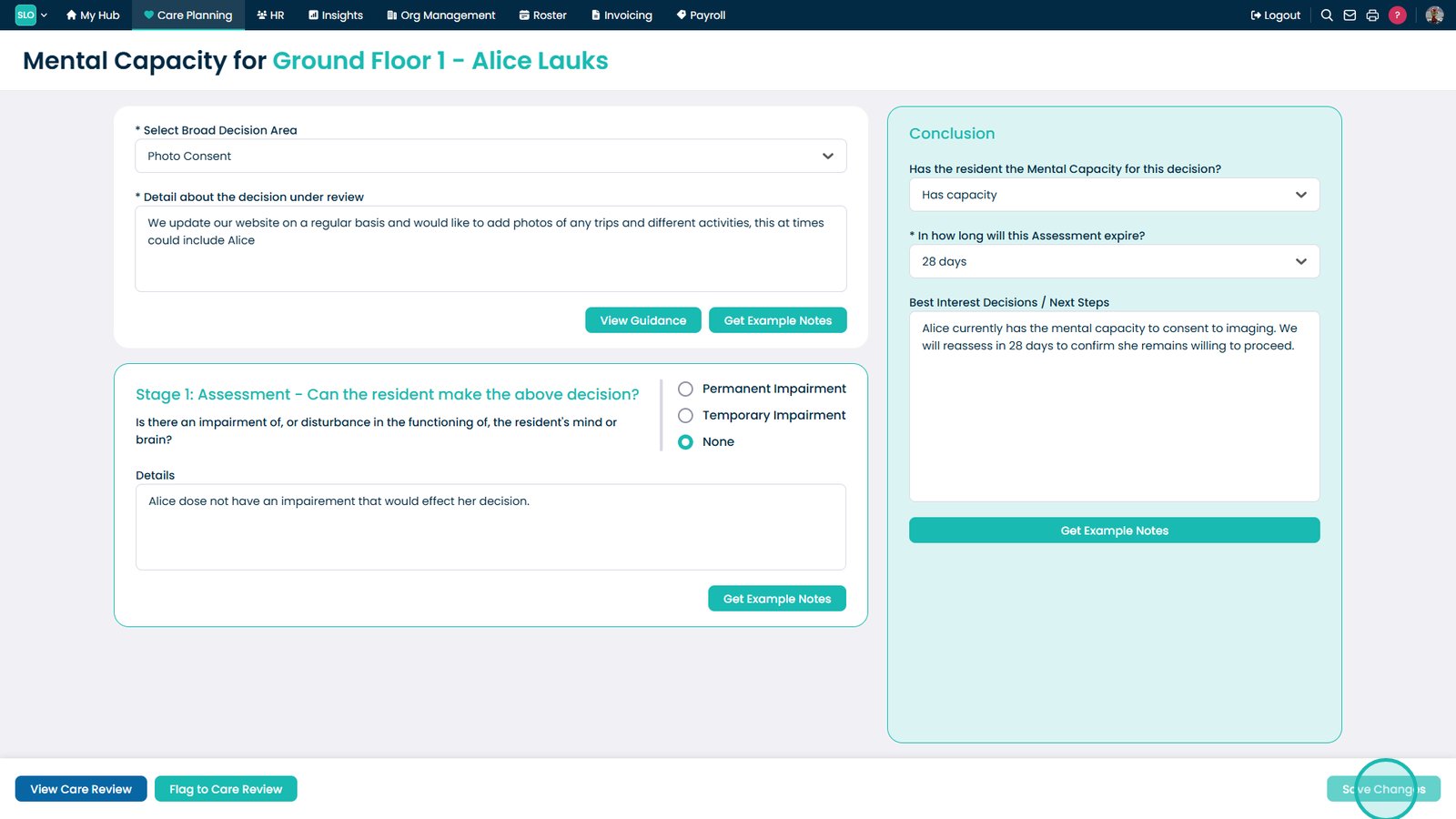
Select Add Selected Notes to include guidance for next steps

Select Save Changes to confirm and store the completed assessment

Was it helpful ?
Table of Contents
↑ Top