This guide will cover how to create an alert on Care Control Windows. Alerts can be used to notify staff members when monitoring is missed, incidents are recorded and much more. They are great at keeping everyone in the loop.
1
In the Administration of Care Control Windows, navigate to the Alerts & Notifications tool, which can be found under the Care Planning tab.
2
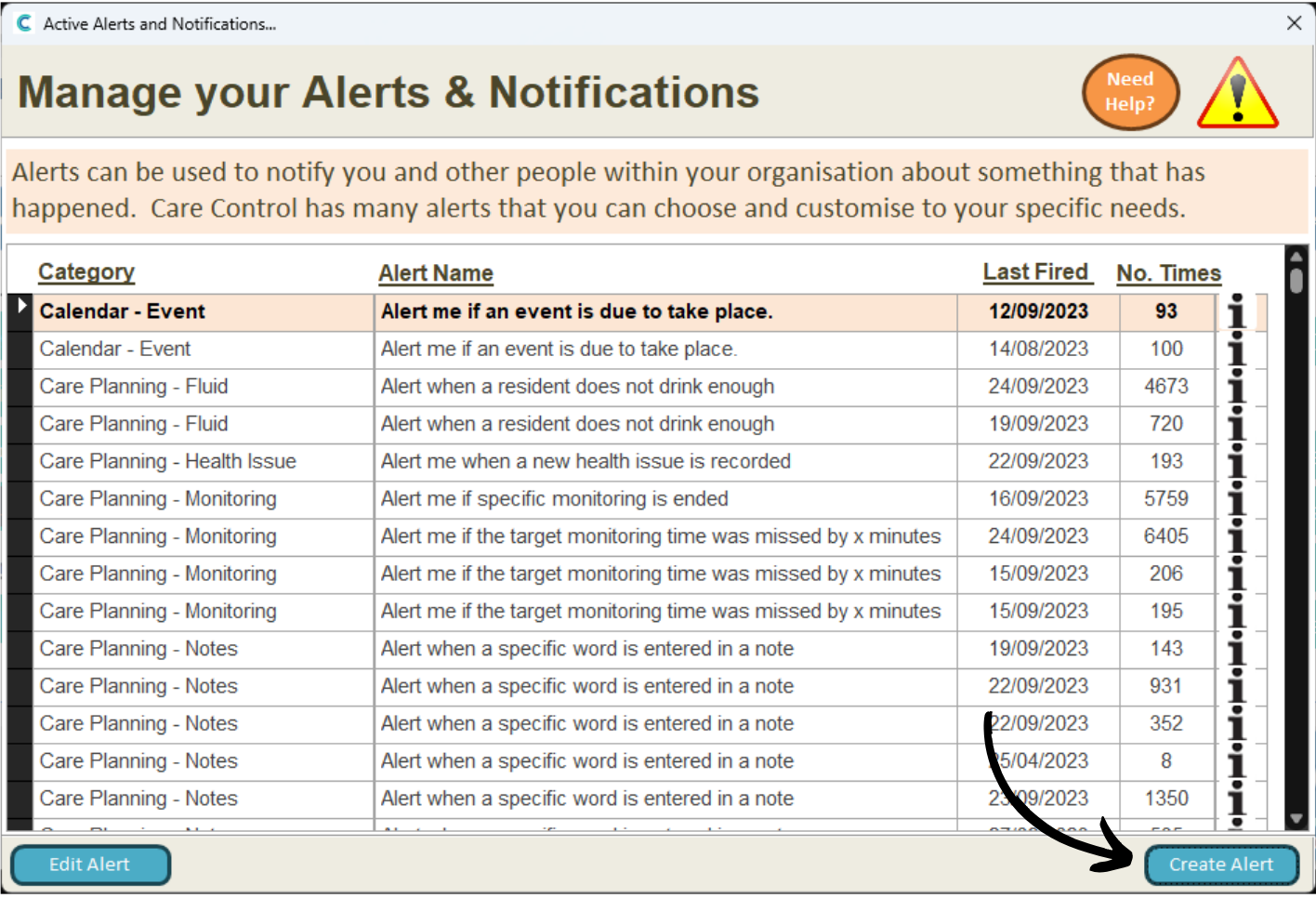
A new window will open. Here, a list of your active alerts will be displayed.
Press Create Alert to add a new one.
3
Begin by choosing your alert category, sub-category and alert detail. Please see the document linked below for a full breakdown of the alerts available:
Next, complete the Alert Parameters. These vary between alerts but generally contains the specifics on what you are being alerted on.
In this example, we have selected the first parameter which relates to the resident. We can select a resident from the Your Value drop down, then press Update.
5
Complete all the parameters in the table on the left hand side.
Make sure to press Update after entering in the information.
6
Finally, we can choose some output options.
First, select or create a Message Group. This is who will receive the alert when it is triggered.
Next, choose whether the alert will display on the home status and how many staff members would be required to sign it off.
Finally, enter a Schedule Time for when the alert will run.
Press Save when you are happy with your alert details.
7
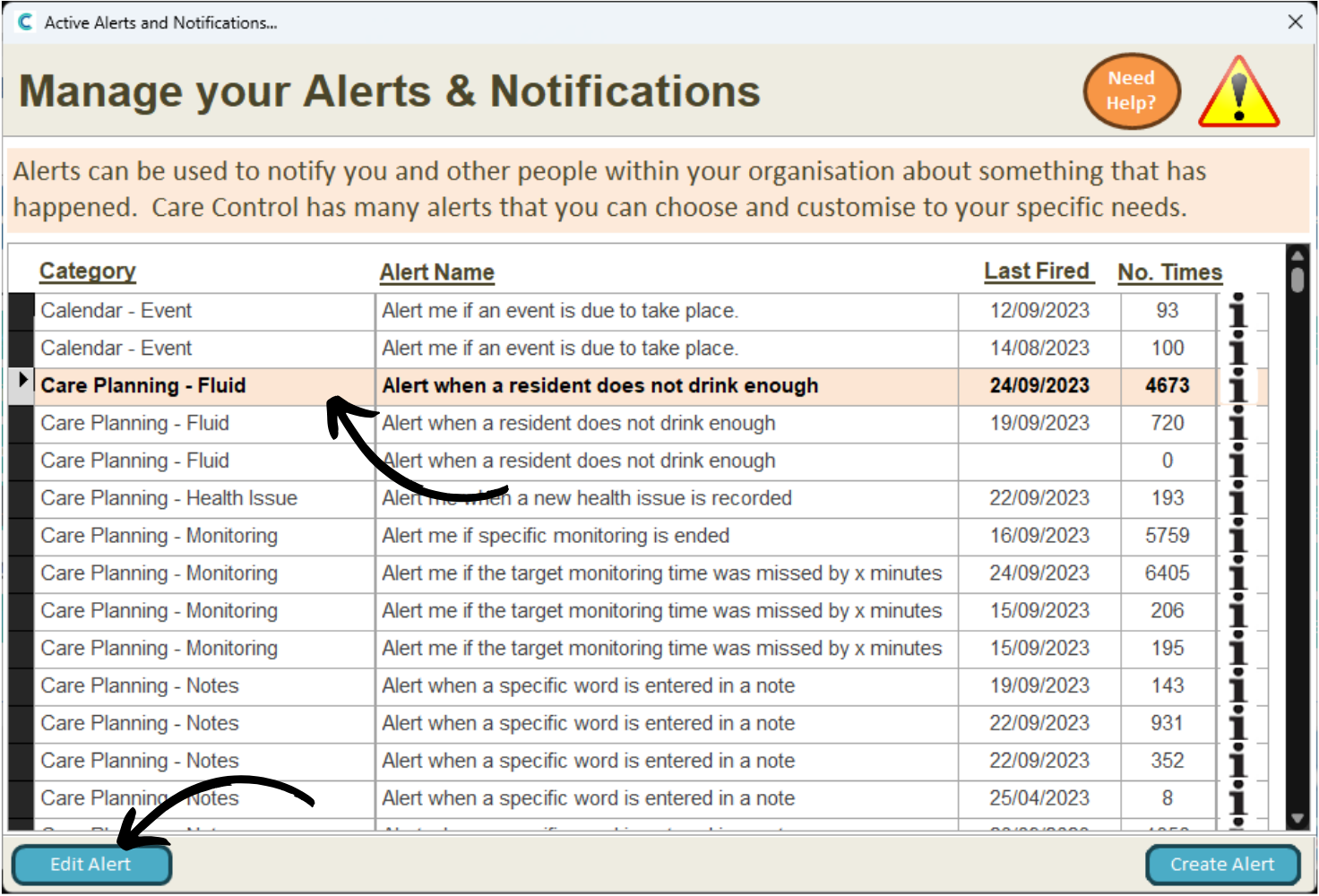
Your new alert will appear on the list. You can amend it by selecting the alert and pressing Edit Alert.