If you experience any issues with the system, or require support from our Customer Service team, please let us know by submitting our Customer Contact Form and we’ll be happy to help. Click here to access the form.

View Categories

How to Access and Amend About Me

This guide explains how to view, audit, and update the About Me information for a service user

Takes 3 minutes
For: Care Staff
Updated: 26th June 2026

Introduction

The About Me section captures important personal information about a service user, helping staff understand their preferences, background, routines, and what matters most to them. You can also review the audit history to see when changes were made and who made them.

In this guide you'll learn how to:

  • View About Me information
  • Review the audit history
  • Update answers to About Me questions
  • Save changes and review the updated information

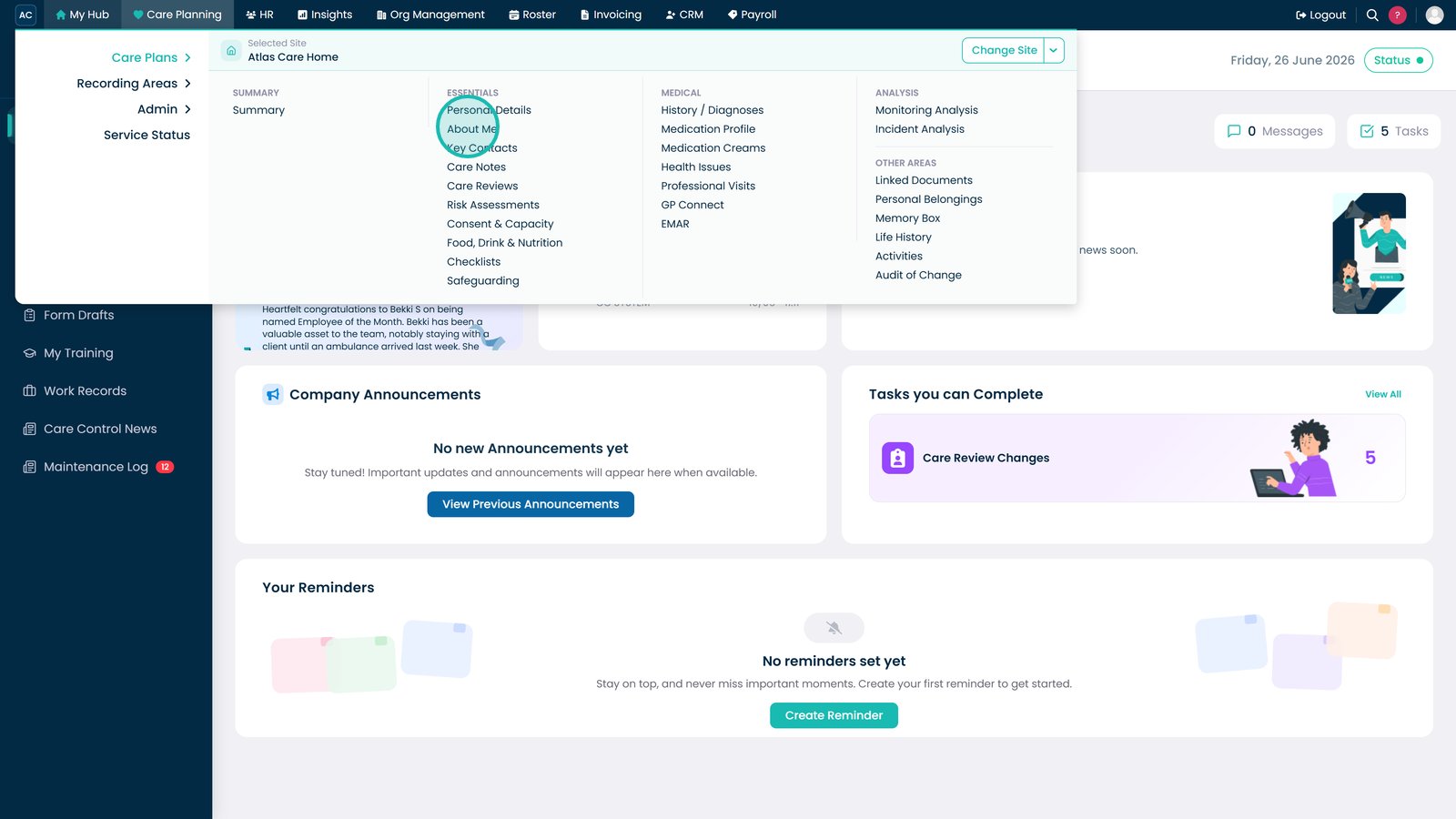
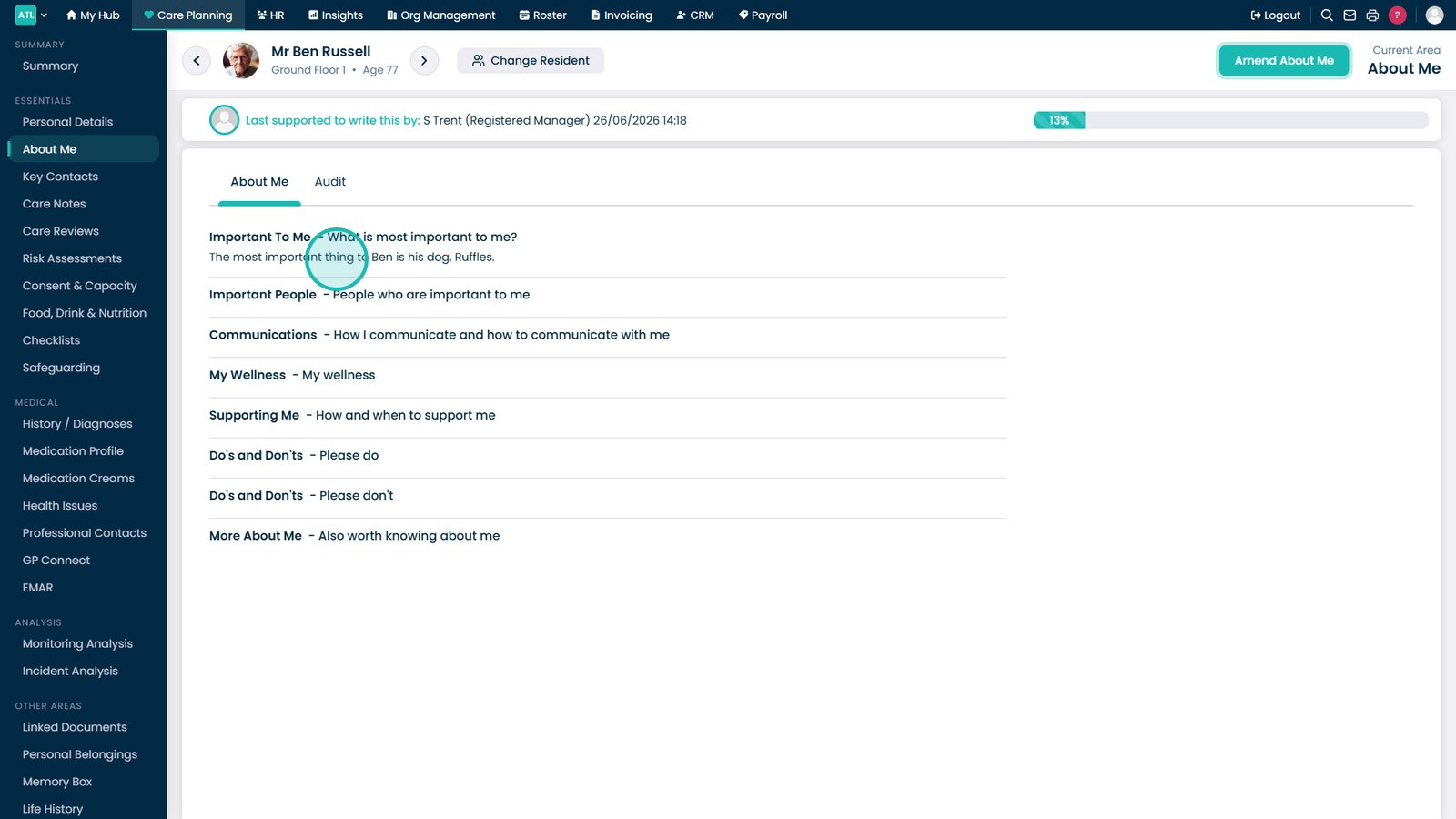
Open About Me from the Care Plan Essentials menu.

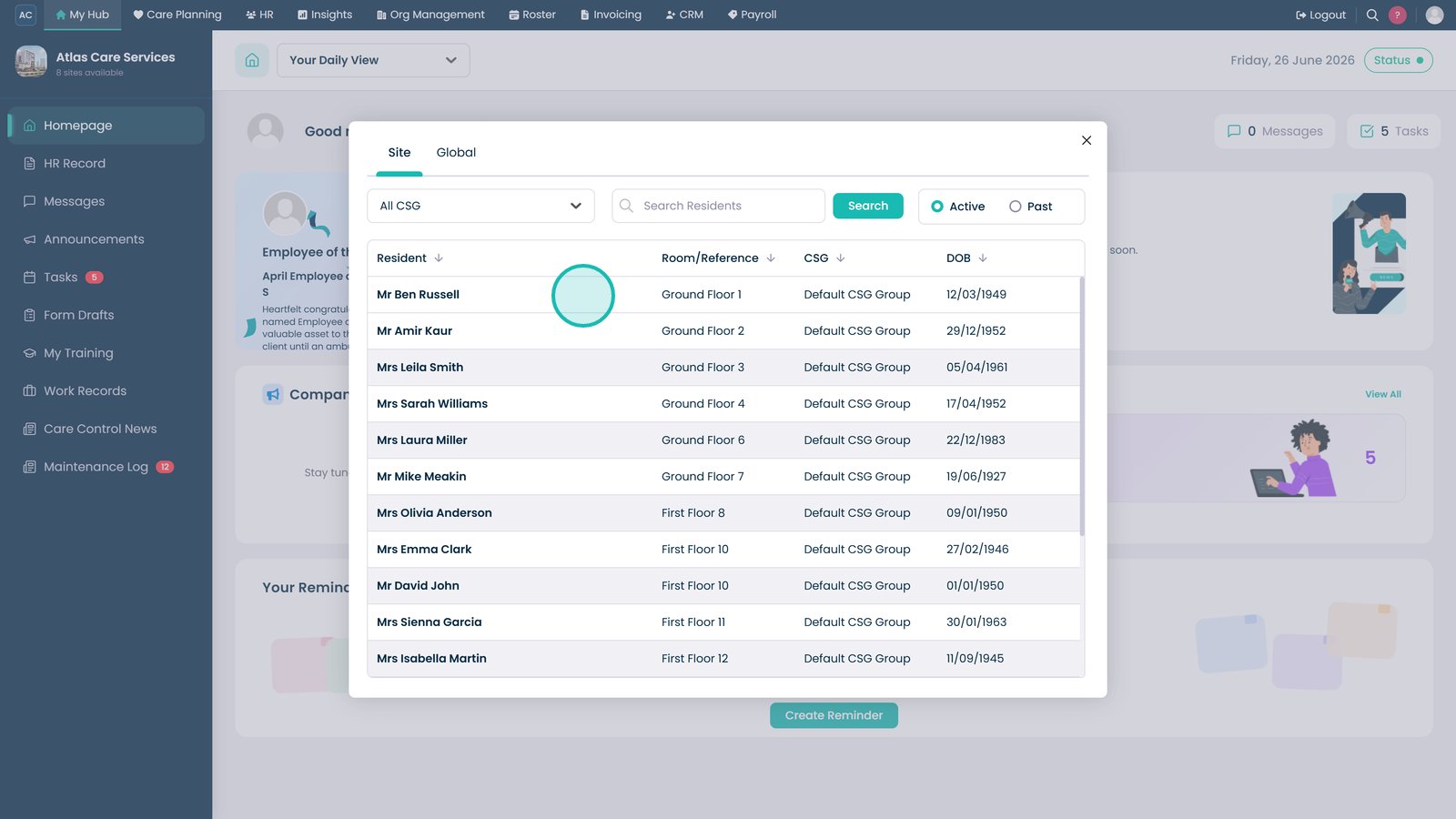
Select the service user whose About Me information you want to review or update.

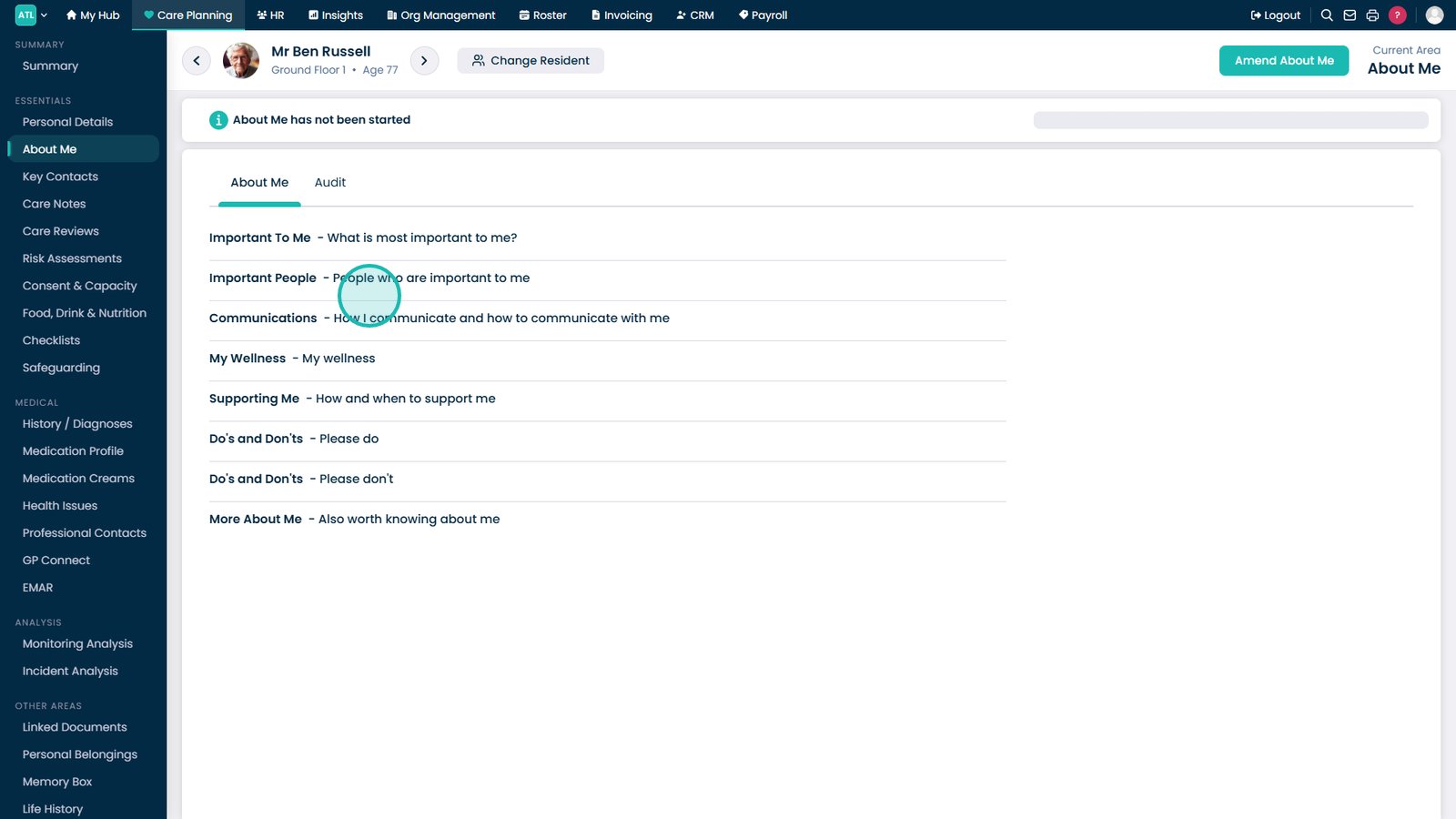
Review the current About Me questions and answers.

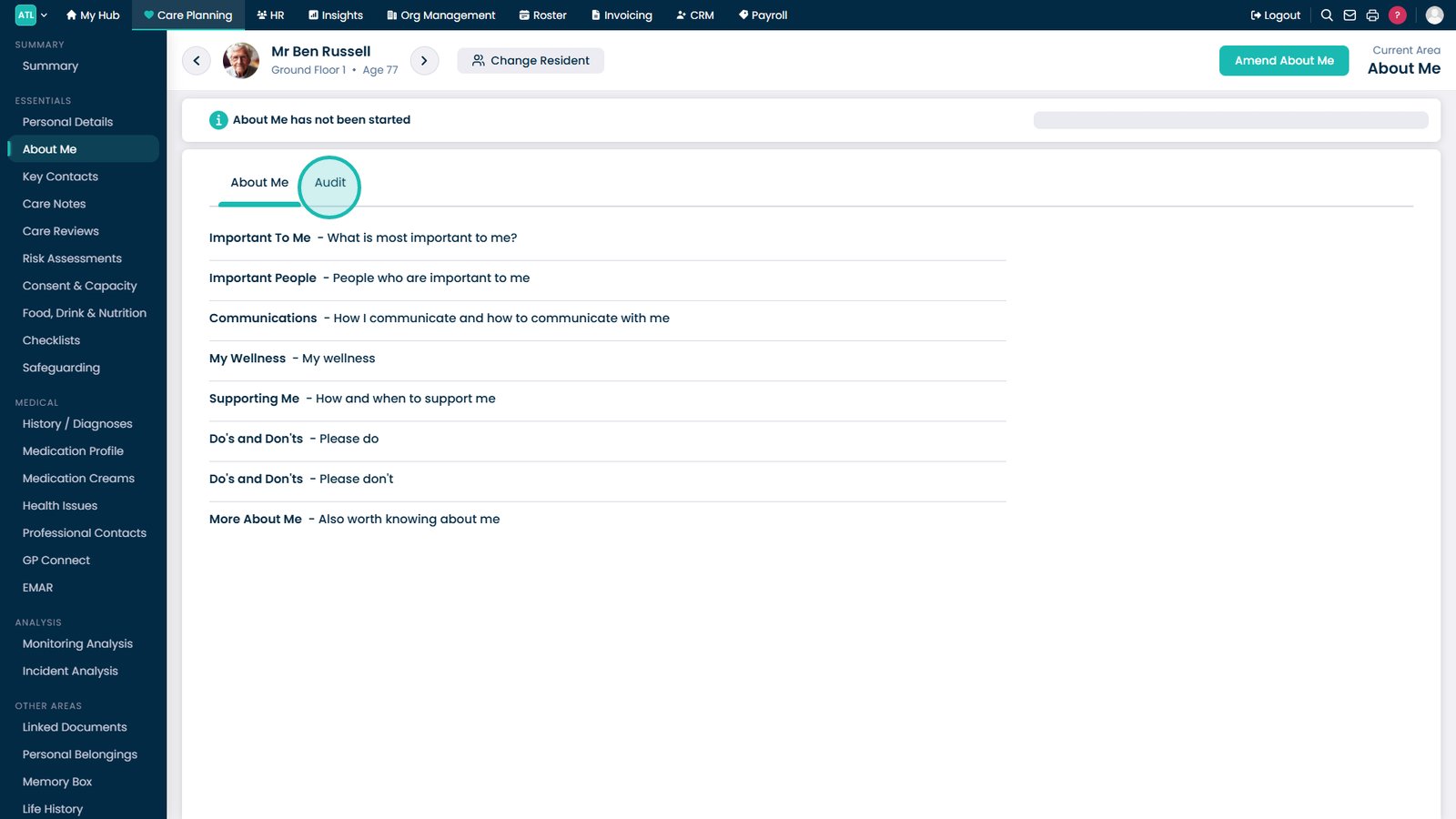
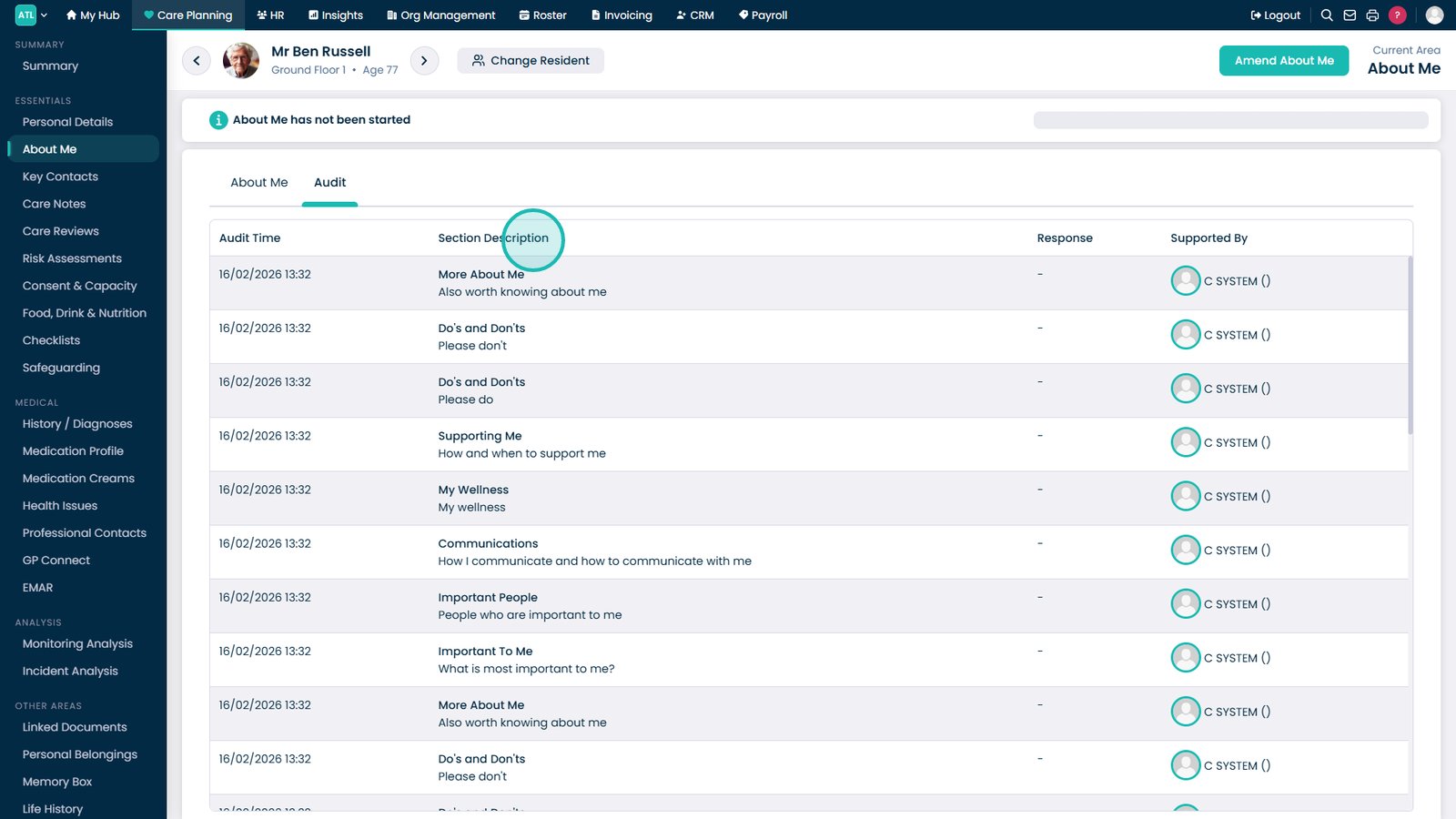
Select Audit to review the history of changes made to the About Me section.

Review the audit history to see what changed and who made each update.

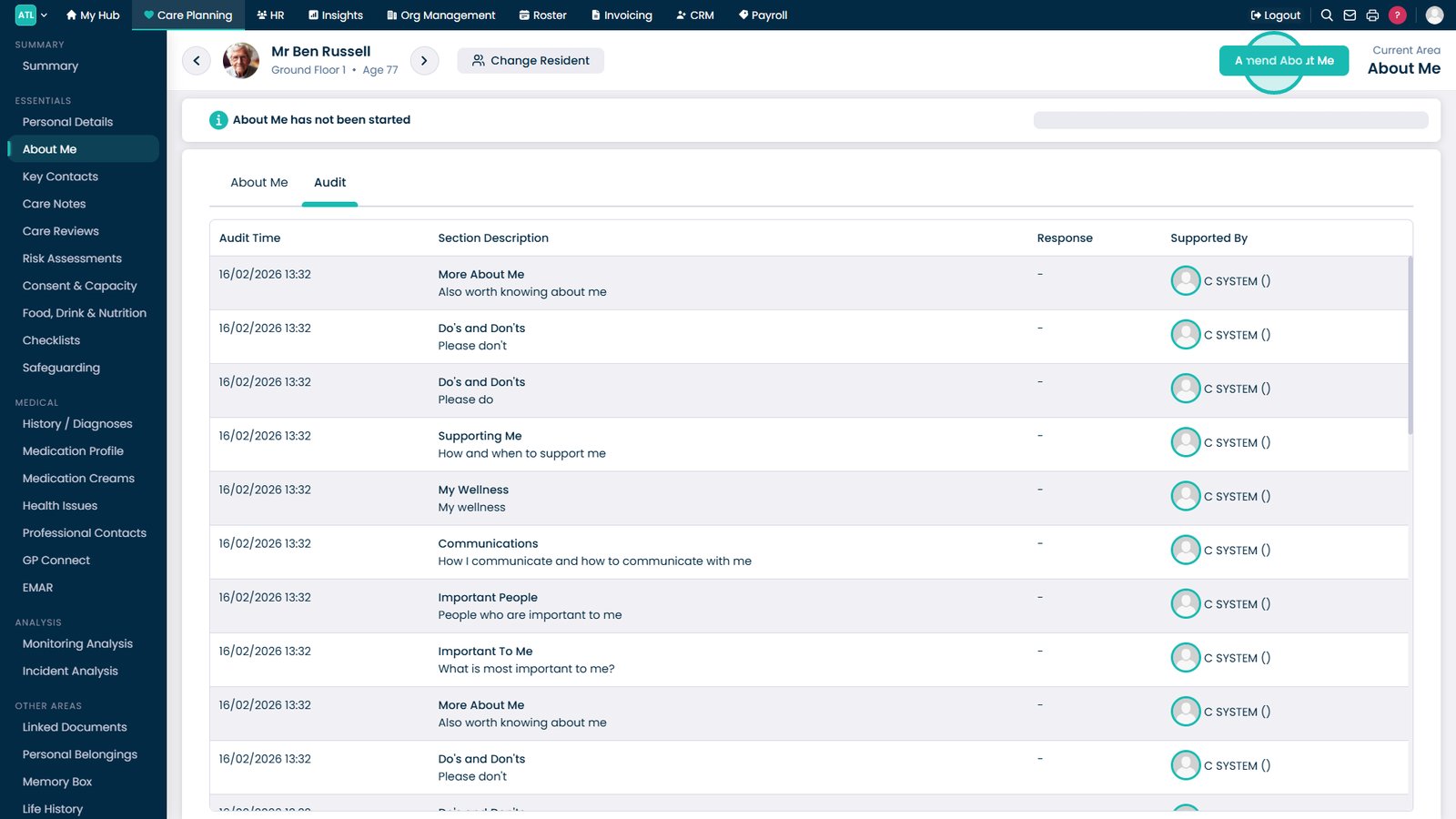
Select Amend About Me to begin editing.

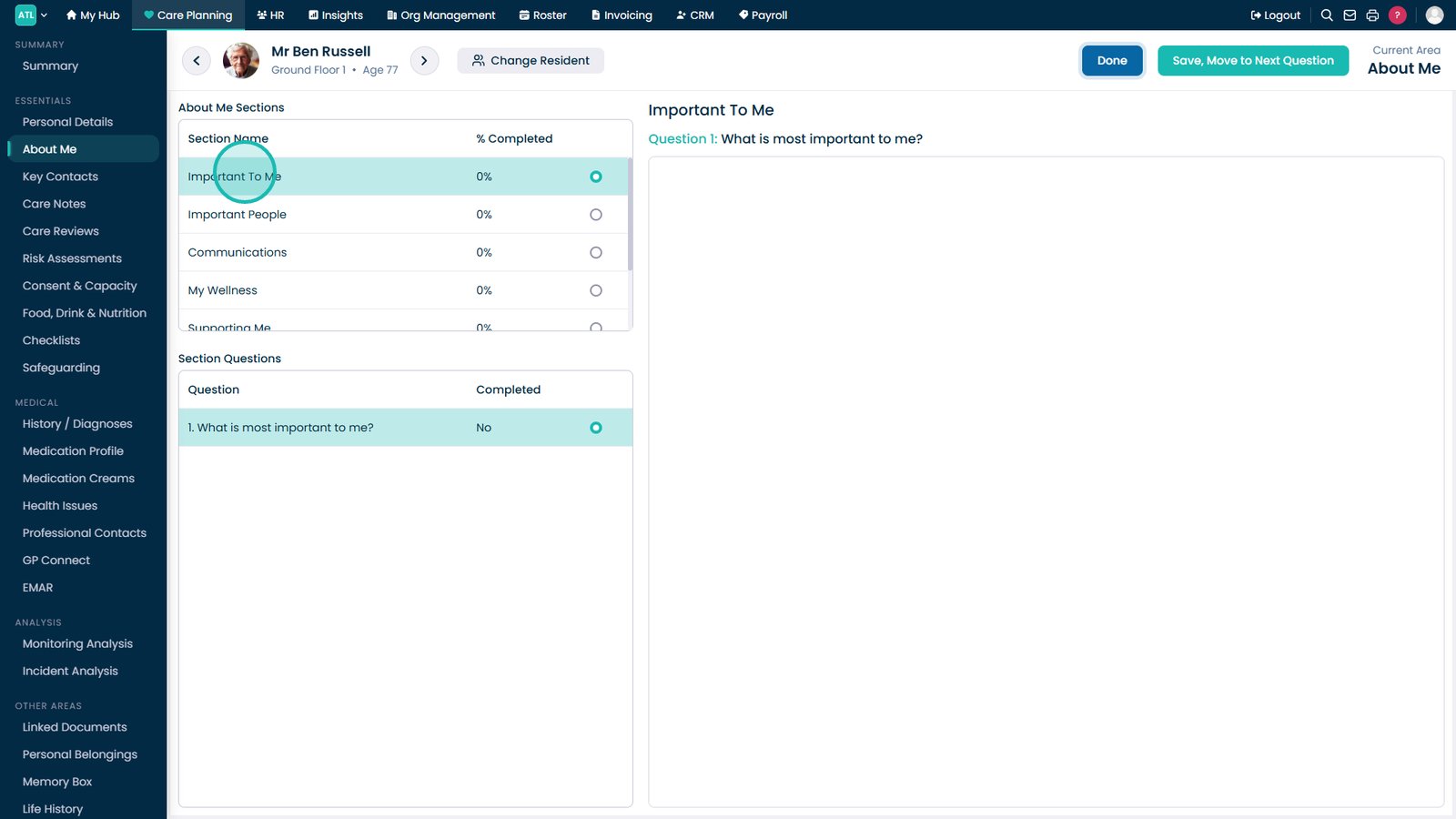
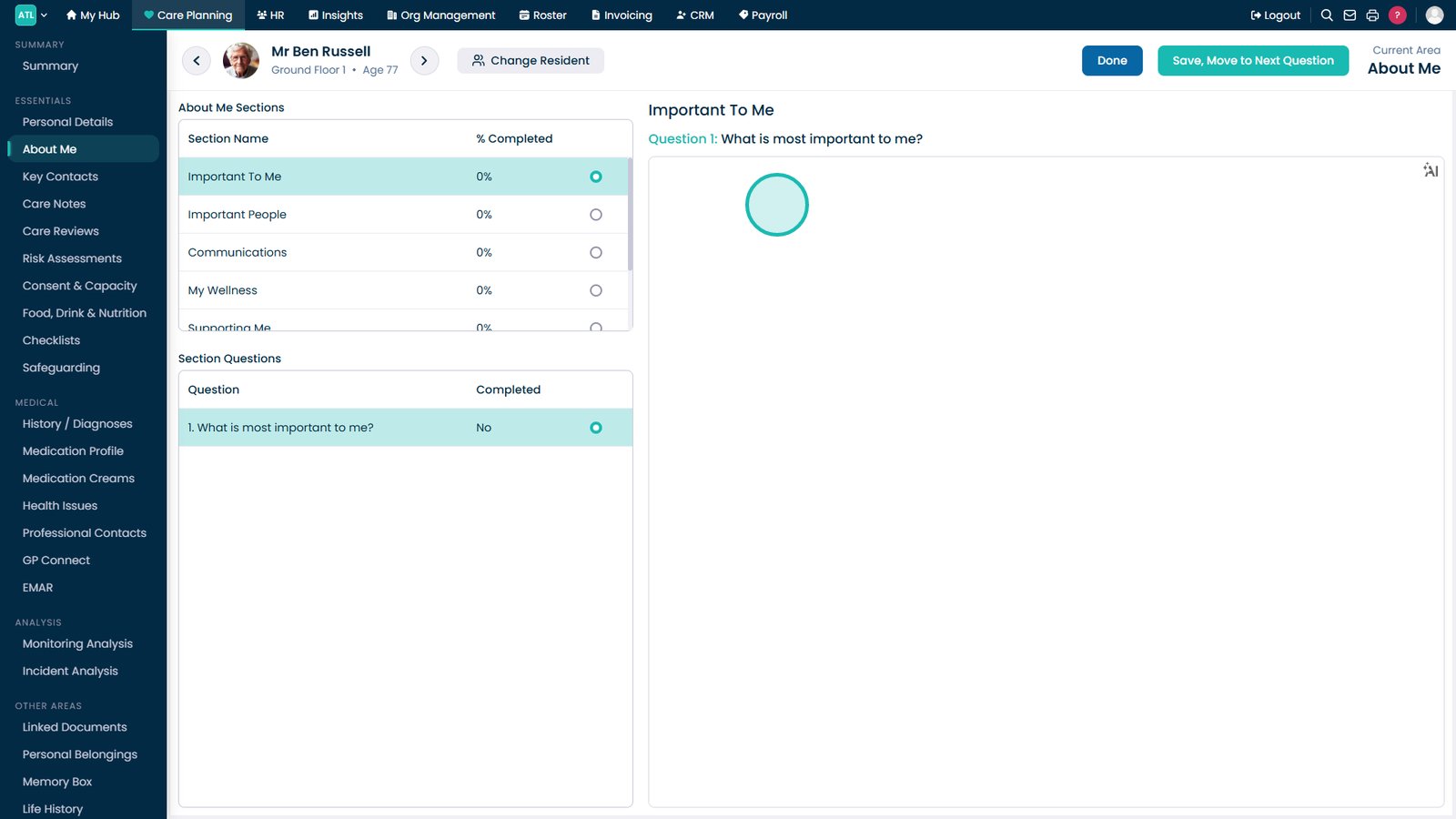
Select the section you want to update from the left-hand menu.

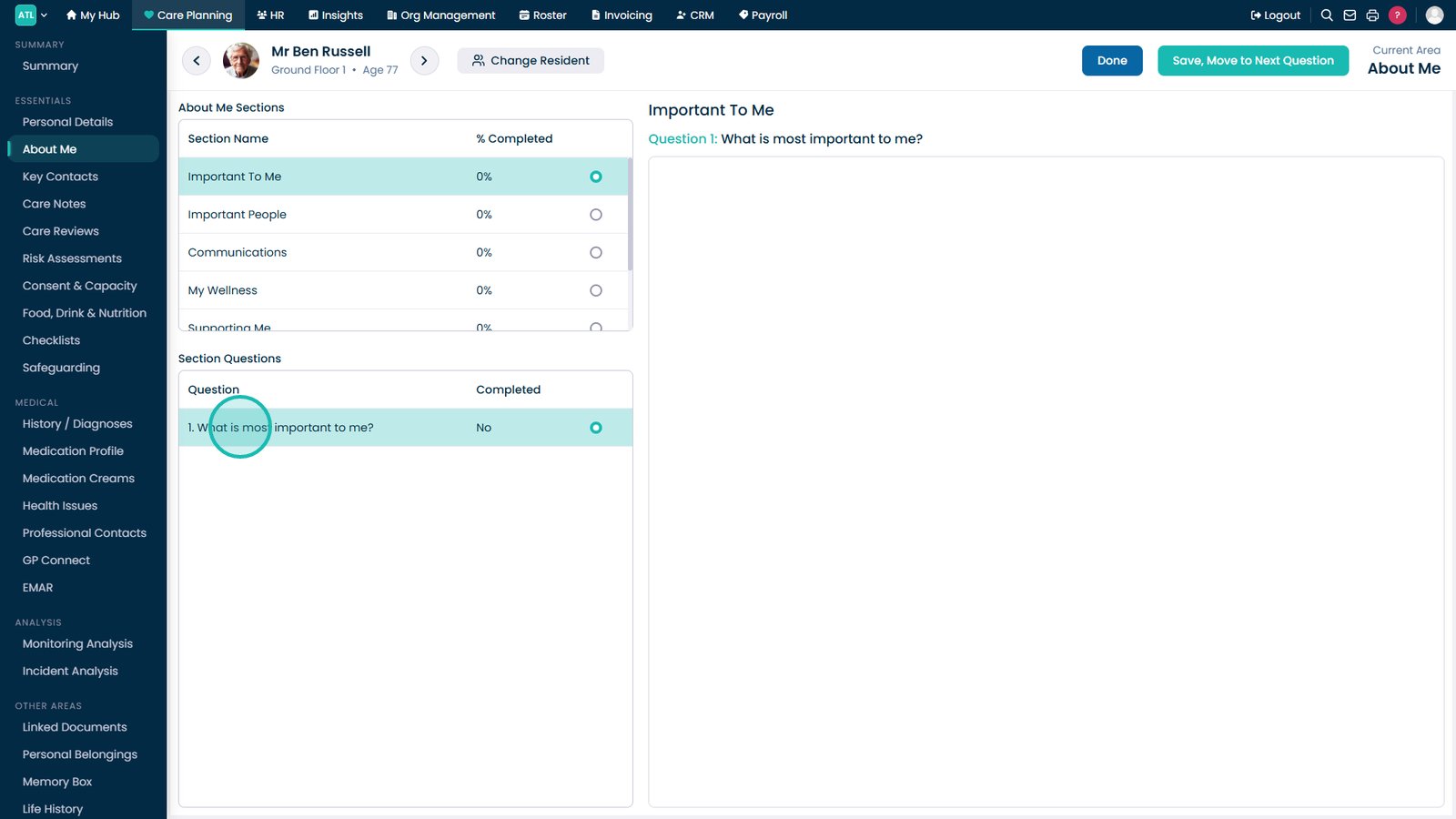
Select the question you want to answer or amend.

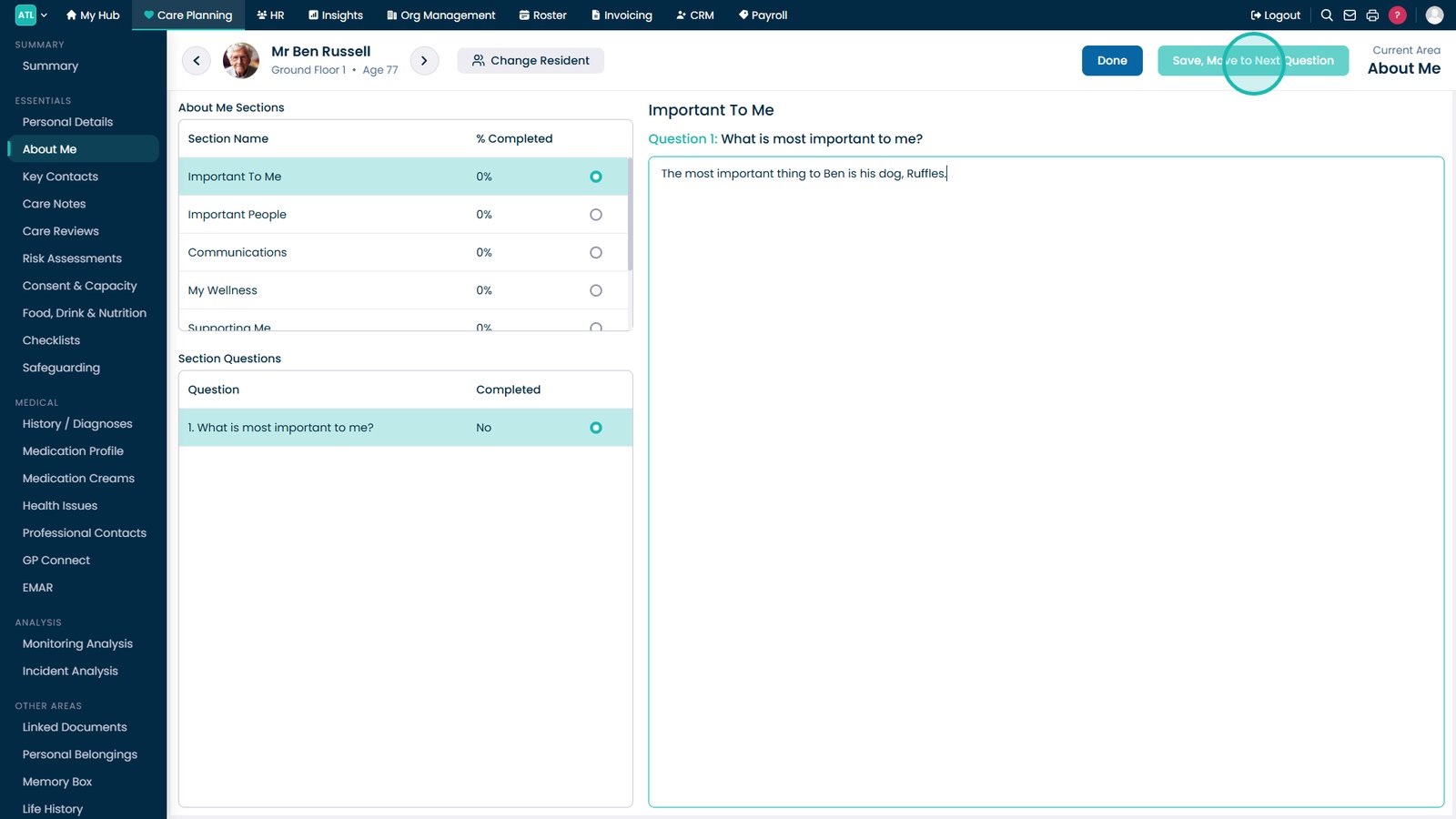
Enter or update the answer in the response box.

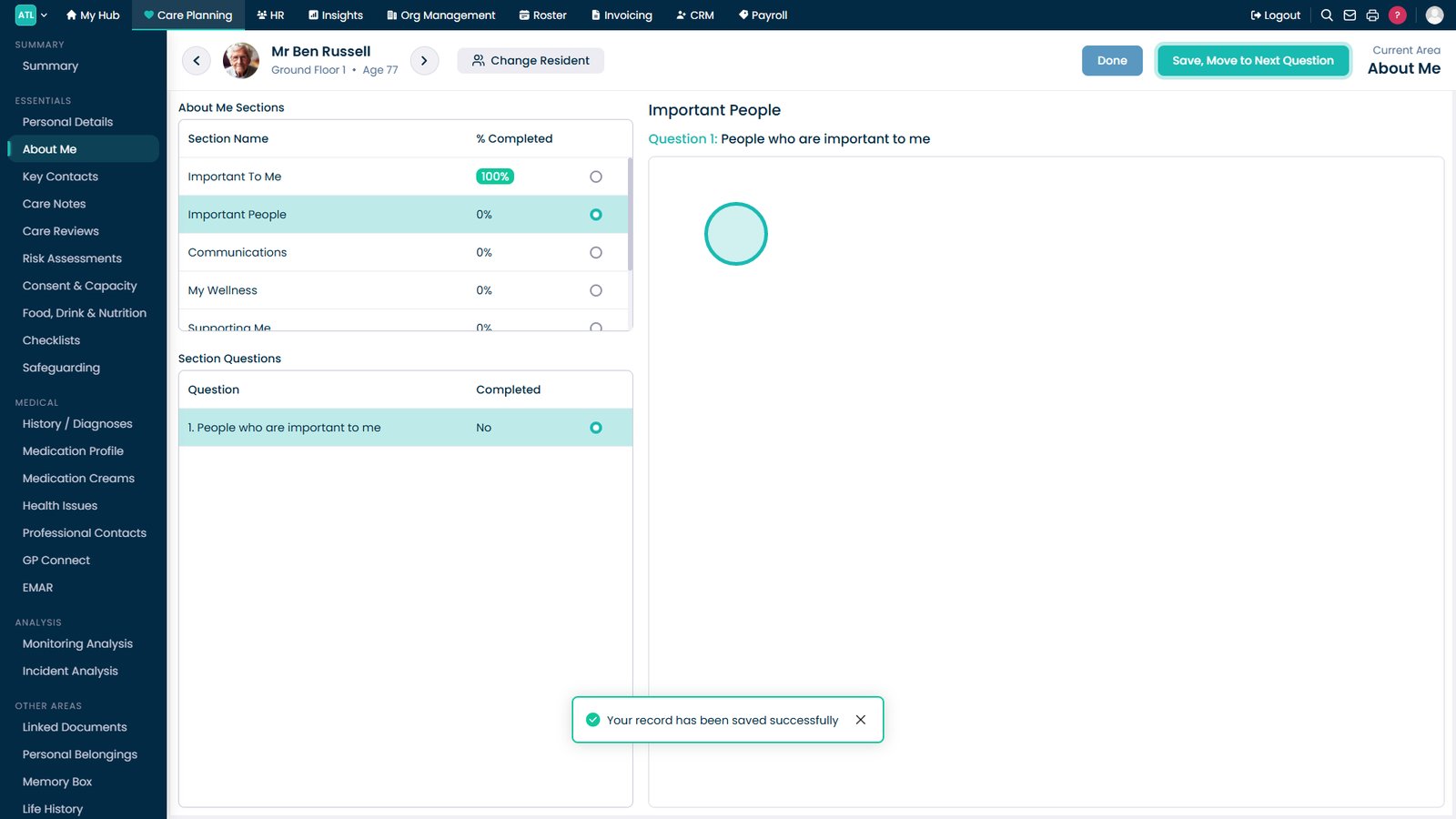
Select Save and Move to Next Question to continue.

Continue answering the remaining questions until all required information has been completed.

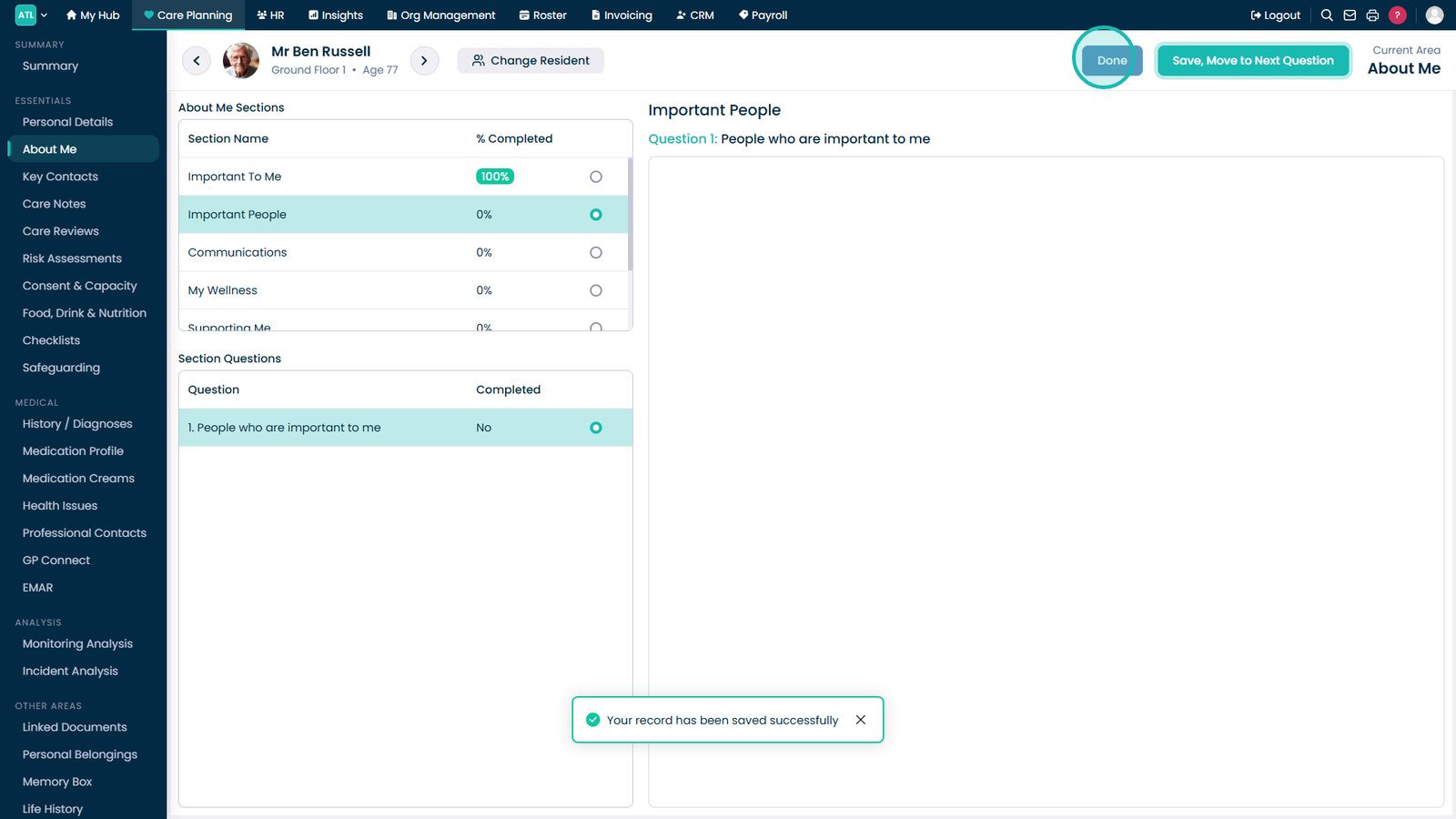
Select Done to finish editing the About Me section.

Review the updated About Me information on the main page.

Top tip

Use the Audit option before making changes if you need to review previous answers or identify who updated the information.

Was this guide helpful?

Need more help?

Can't find what you're looking for? Our support team is here to help.

Contact Support

Or call us on

On this page