Bank Holiday Closure Notice: We will be closed on the 3rd April for the Easter bank holiday, so our customer service team will not be available on this day. If you need to get in touch, you can still use our customer contact form and we will get back to you as soon as possible. Even better, Margo will still be available on our phone lines to help with your queries whenever you need support. We hope you have a lovely Easter weekend 🐣
This guide explains how to add a Site Administrator to a specific site within Care Control Cloud. Site Administrators play a key role in managing onboarding and overseeing day-to-day system access at site level. You can either manually create a new administrator by entering their details directly, or assign an existing Care Control user to the role. This step-by-step guide walks you through both methods, ensuring the right people have the right level of access for your site.
Interactive Guide
Text based guide
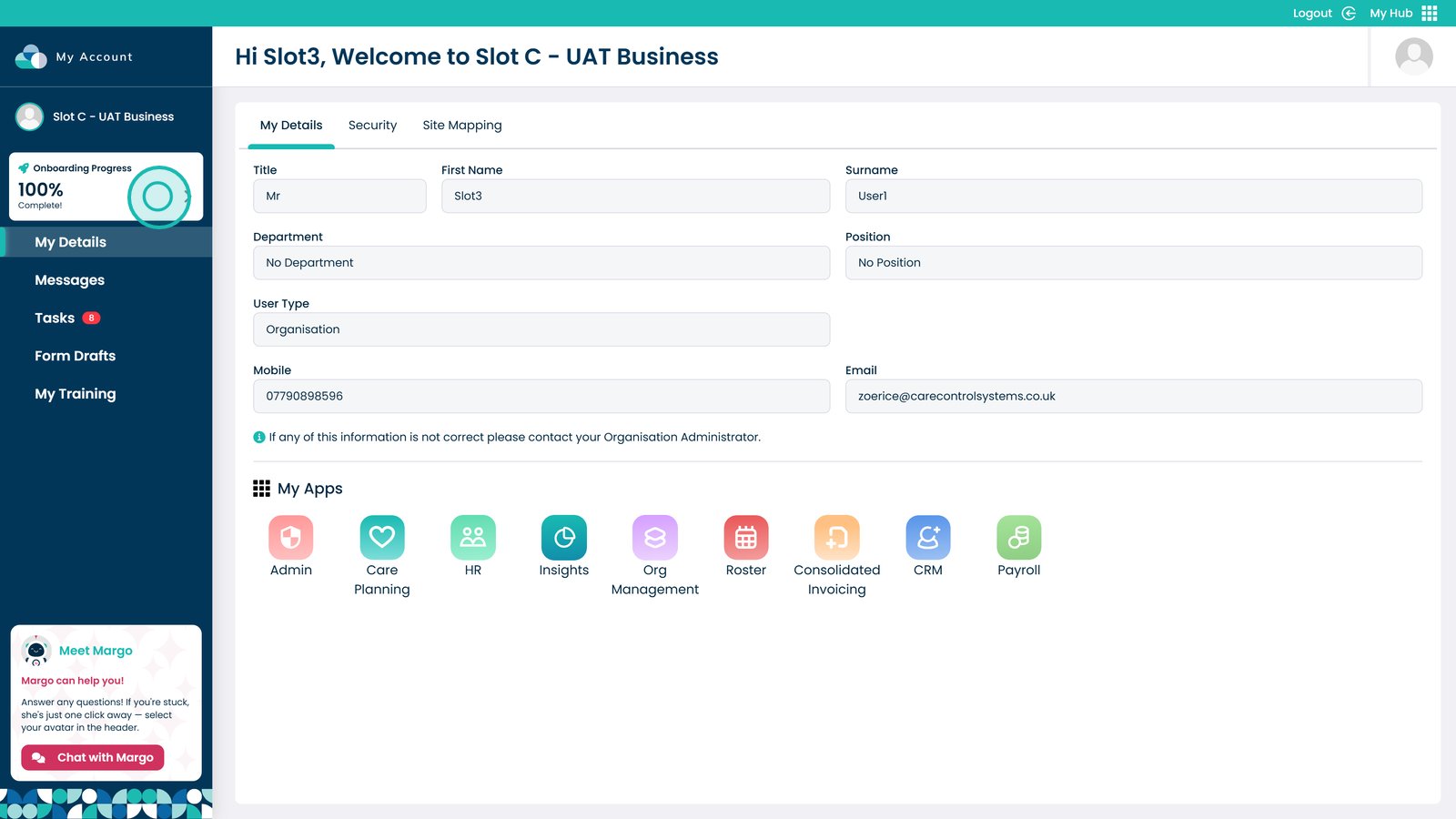
Click the Onboarding Progress box
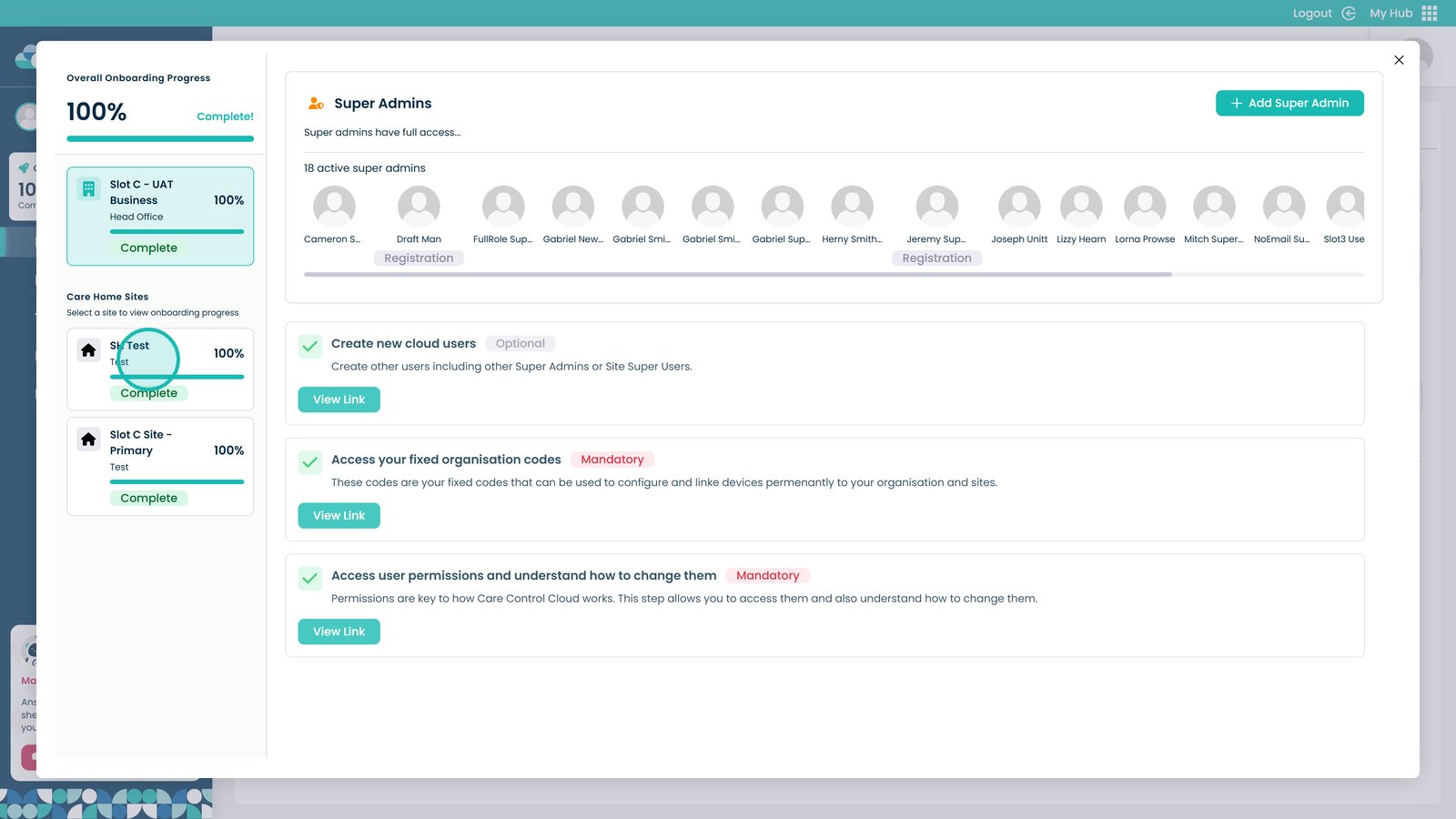
Click the site you wish to add an administrator to
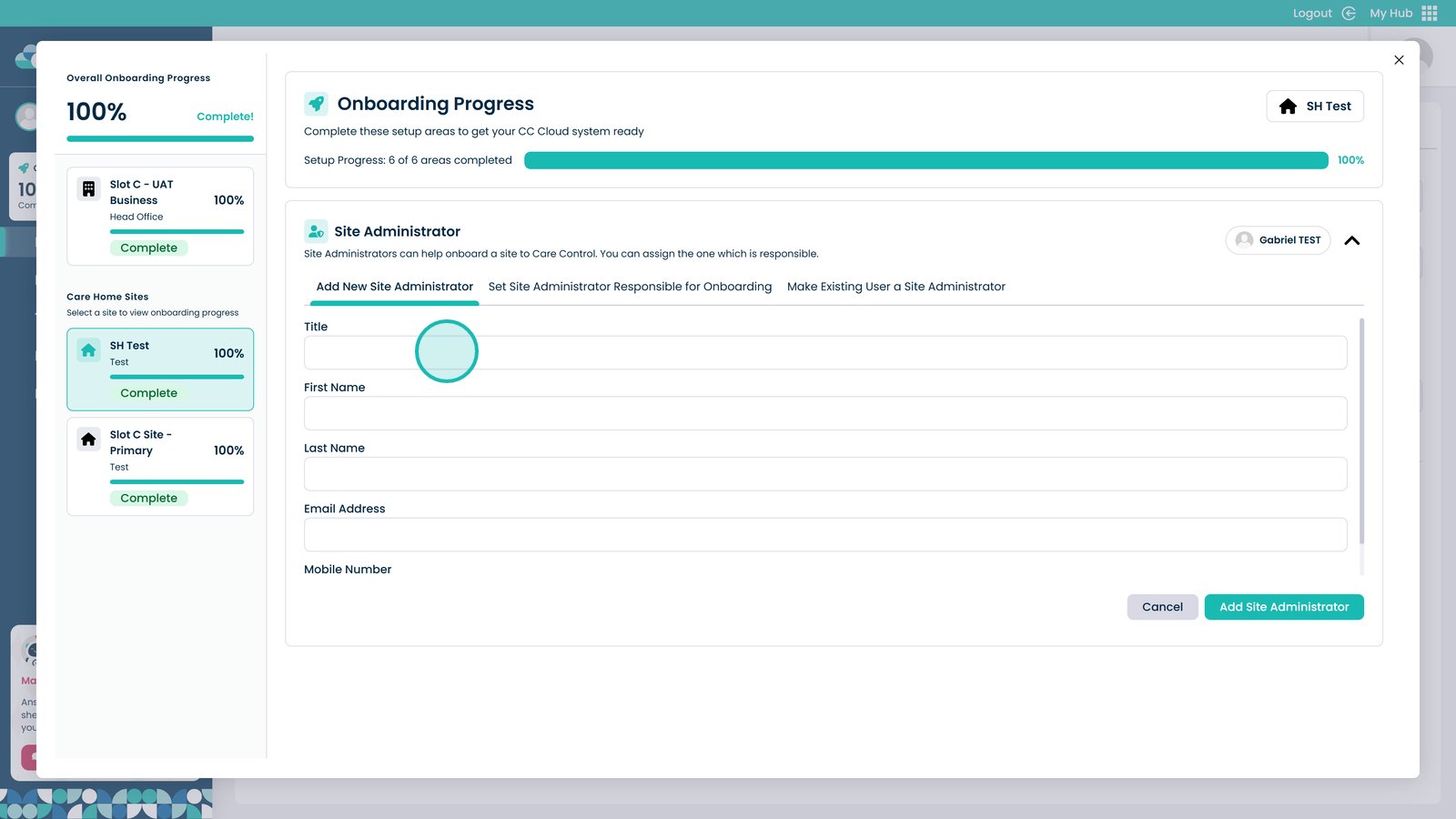
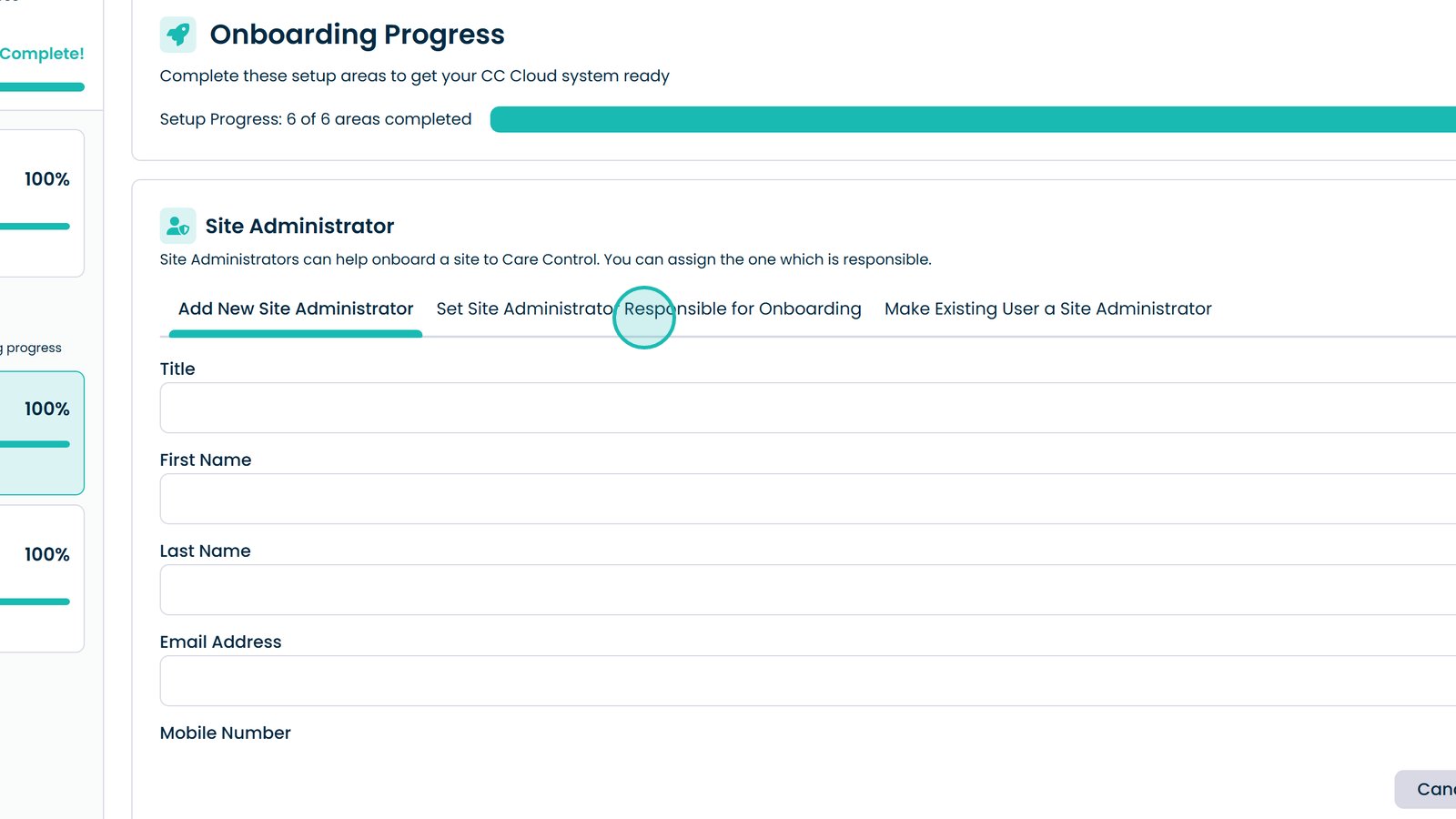
You can manually add a new site administrator by entering their information into these boxes
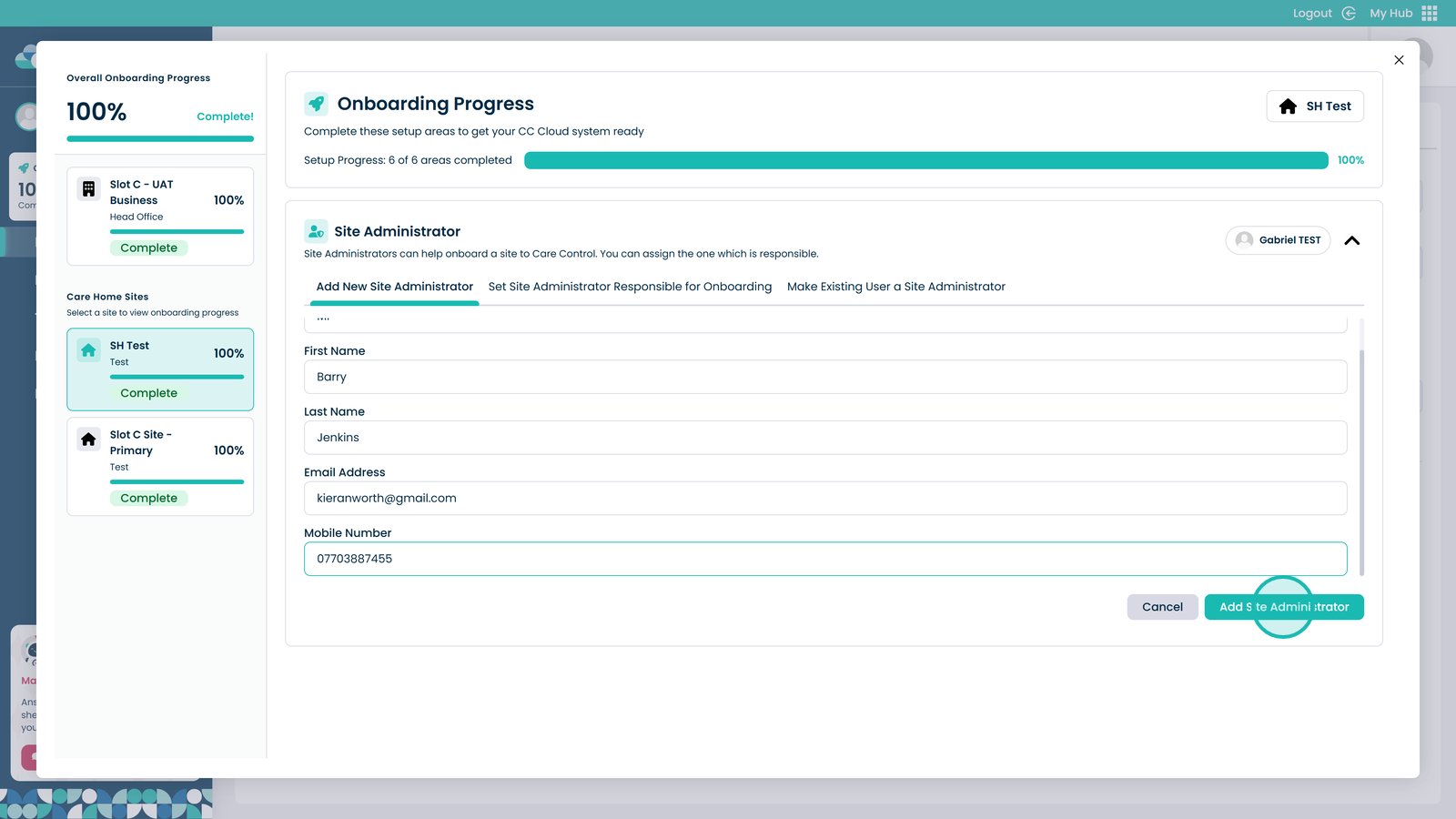
Once all the details are entered, click Add Site Administrator
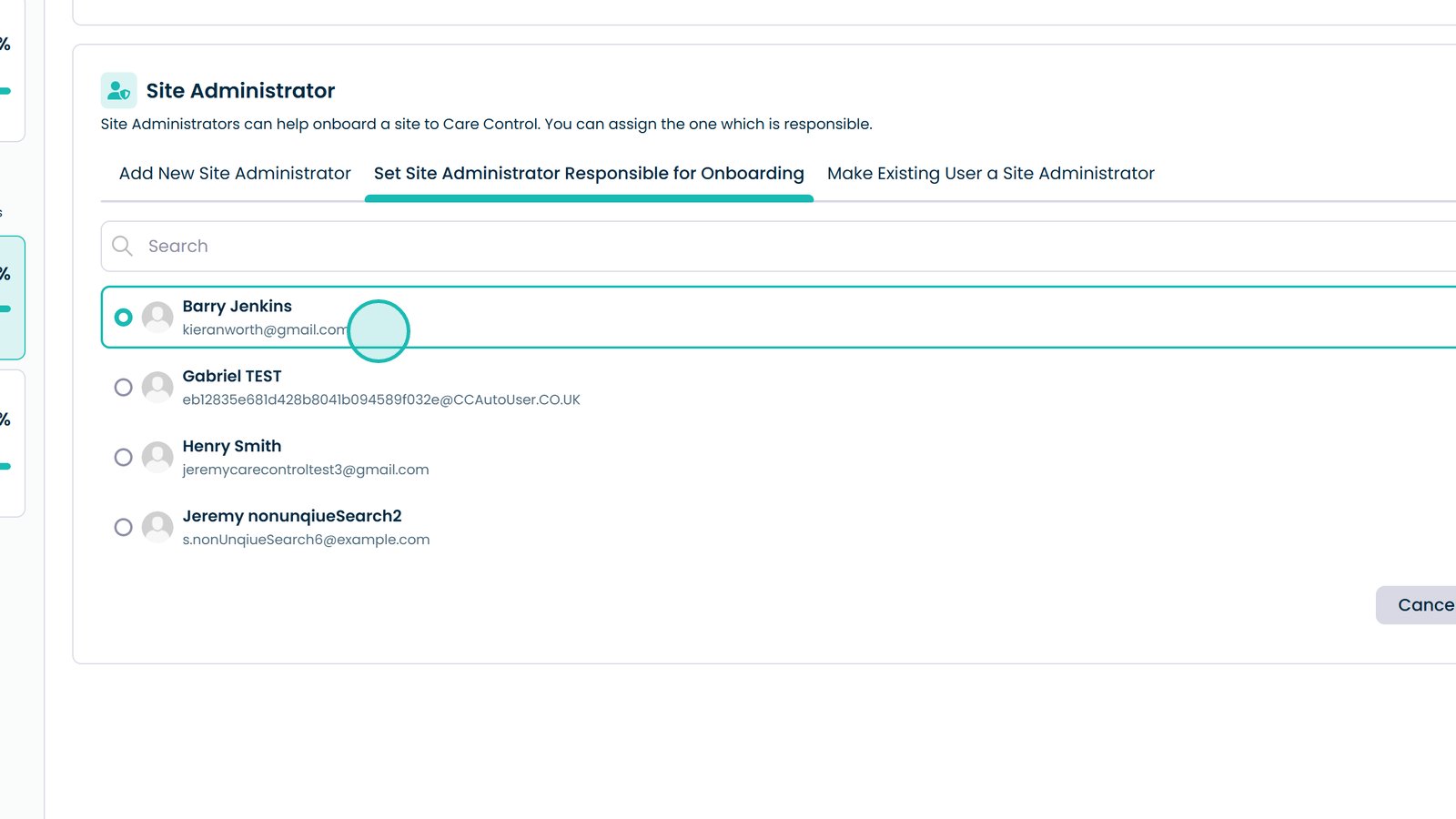
Click here to choose who will be the administrator responsible for the onboarding
Choose the user from this list
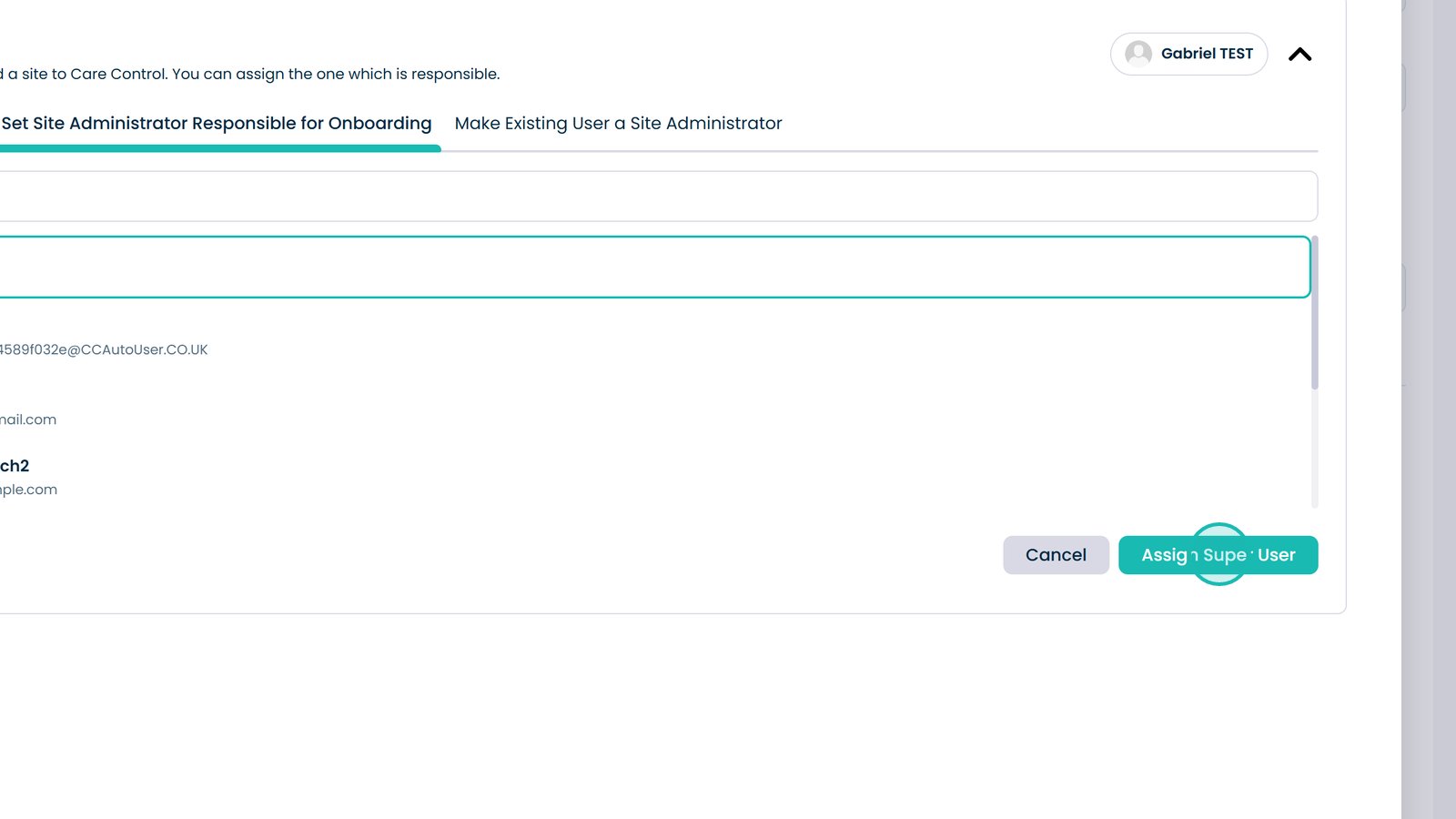
Click Assign Super User
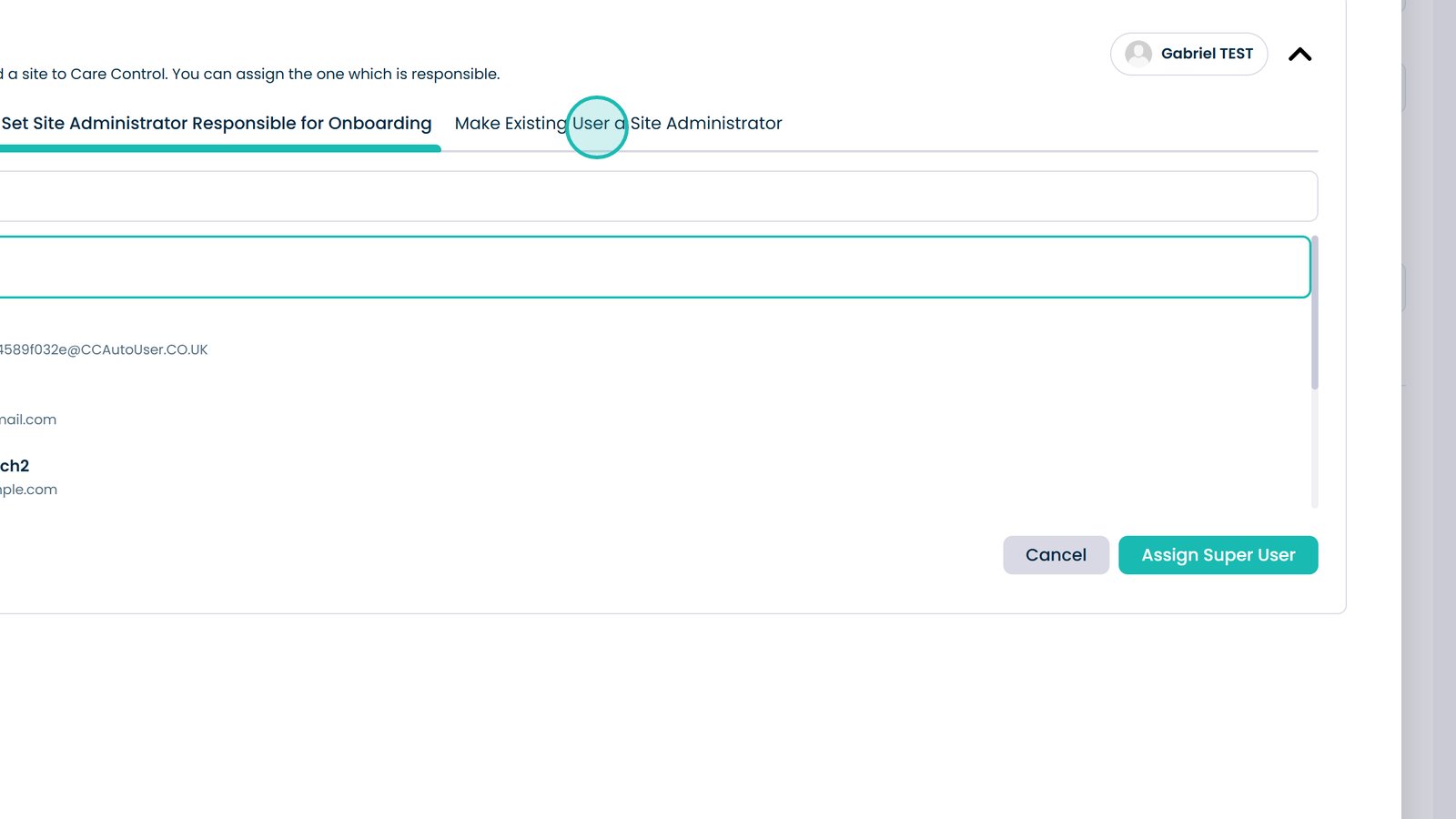
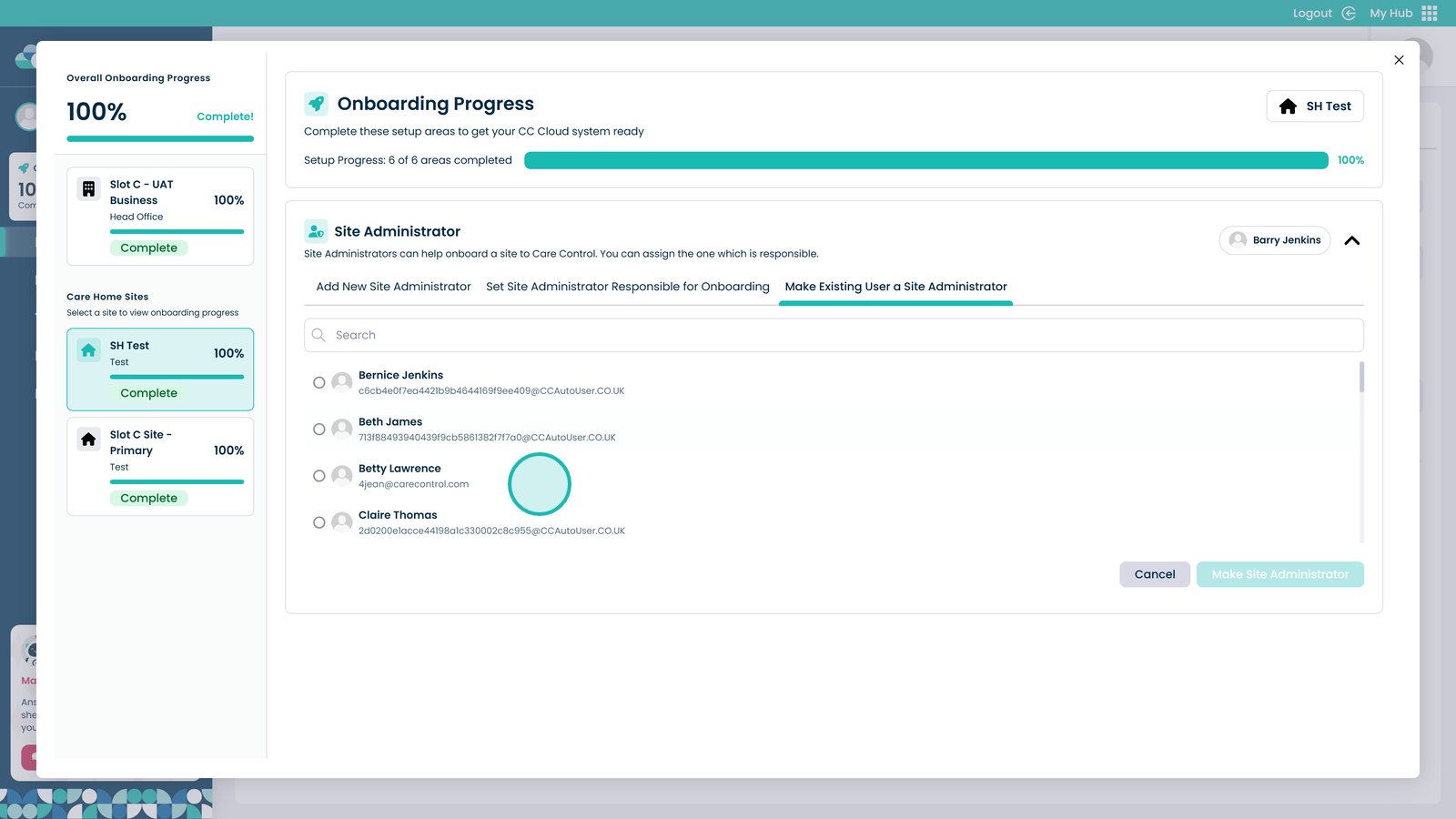
Click here to make an existing user a site administrator
Choose a user from this list
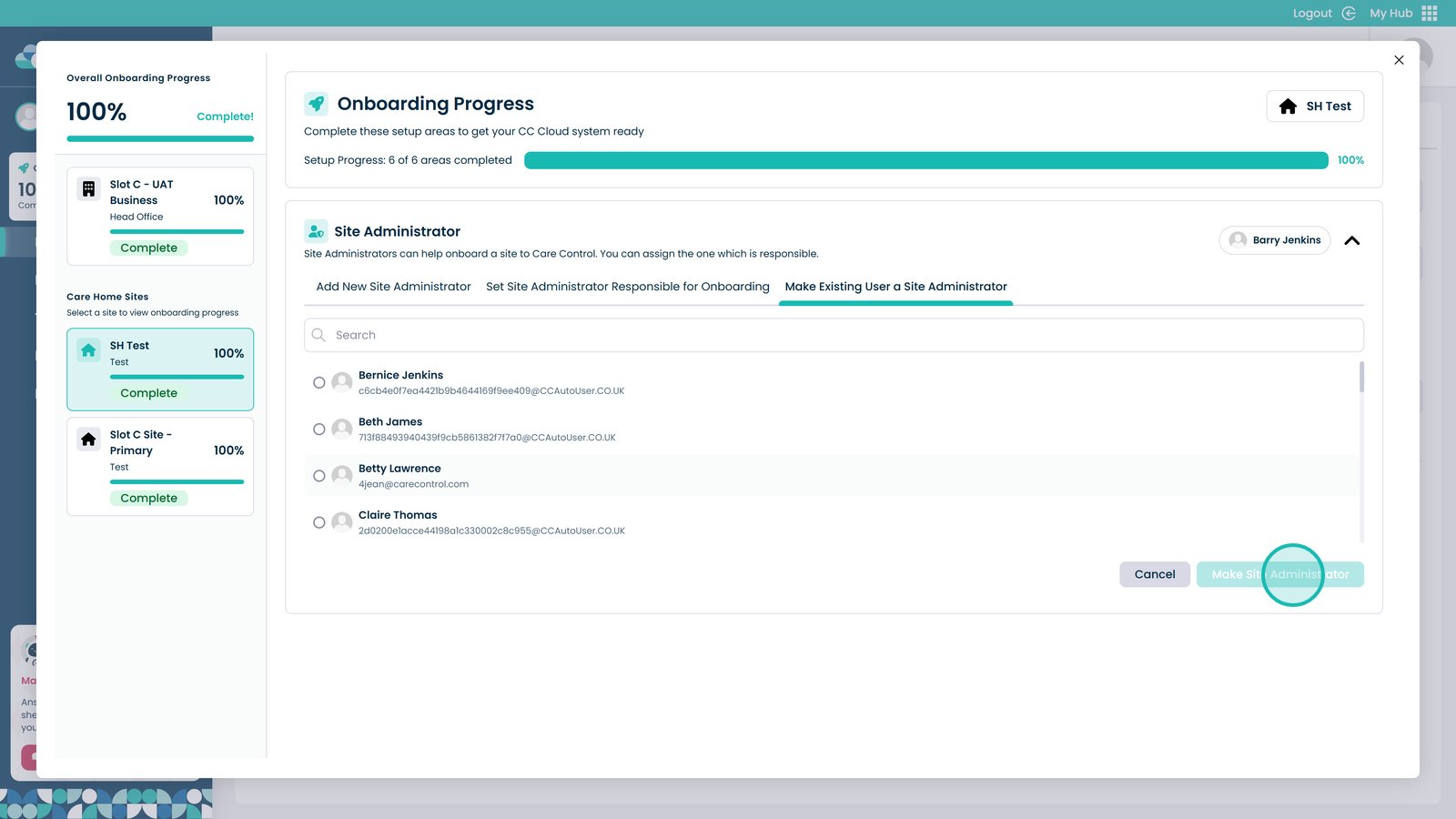
Select Make Site Administrator to give them the site administrator permissions