How to Add Geolocation to a Client
This guide explains how to update a client's address information and geolocation details within Personal Details.
Takes 2 minutes
For: Care Staff
Updated: 22nd June 2026
Introduction
The Further Details section contains additional resident information, including address and location data. Maintaining accurate address records helps ensure location-based features, reporting, and resident information remain current and reliable.
In this guide you'll learn how to:
- Access a client's Further Details record
- Edit address information
- Generate latitude and longitude coordinates automatically
- Save updated client location details
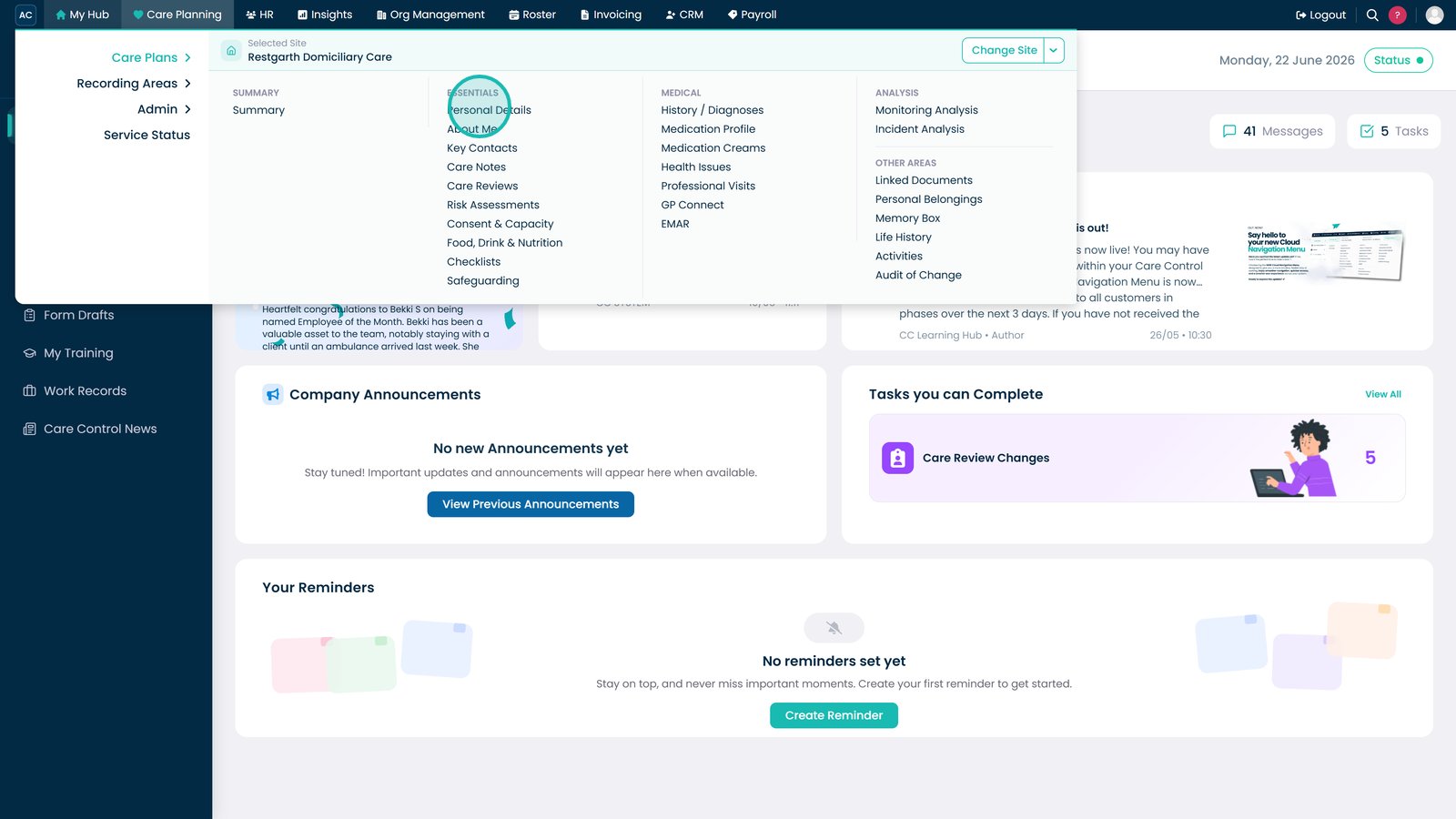
Open Personal Details from the Care Planning menu.

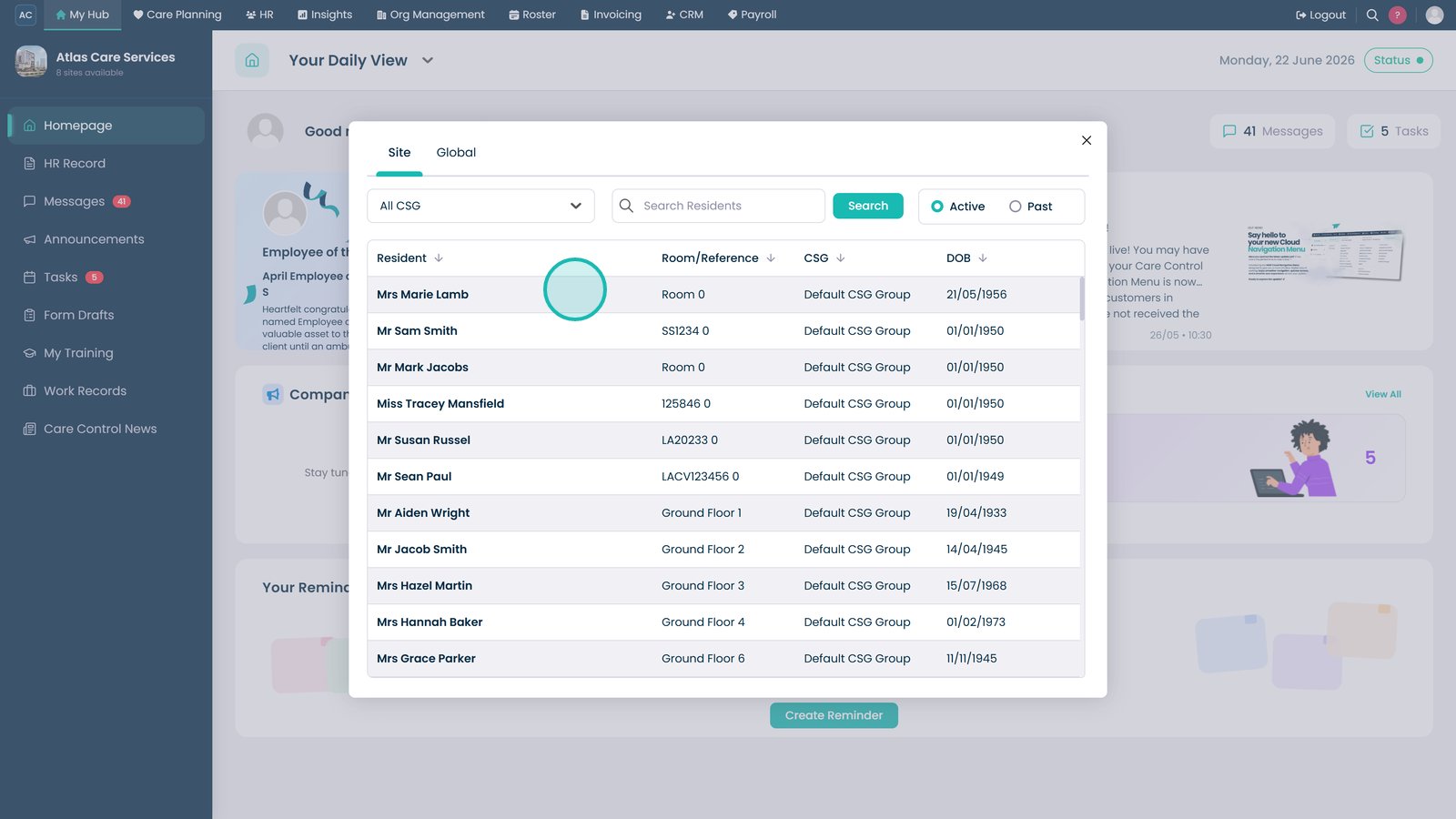
Select the resident whose address details you want to update.

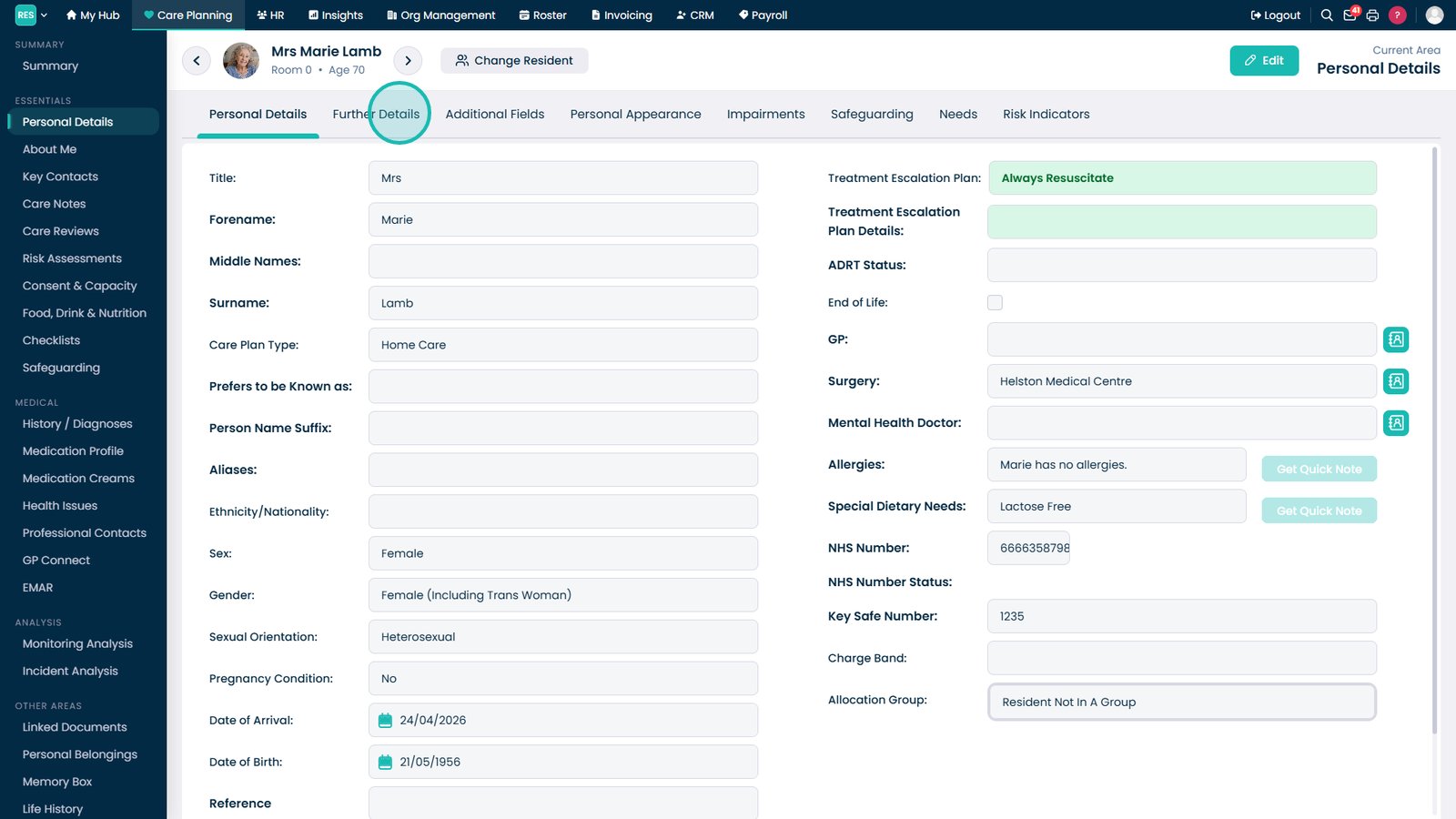
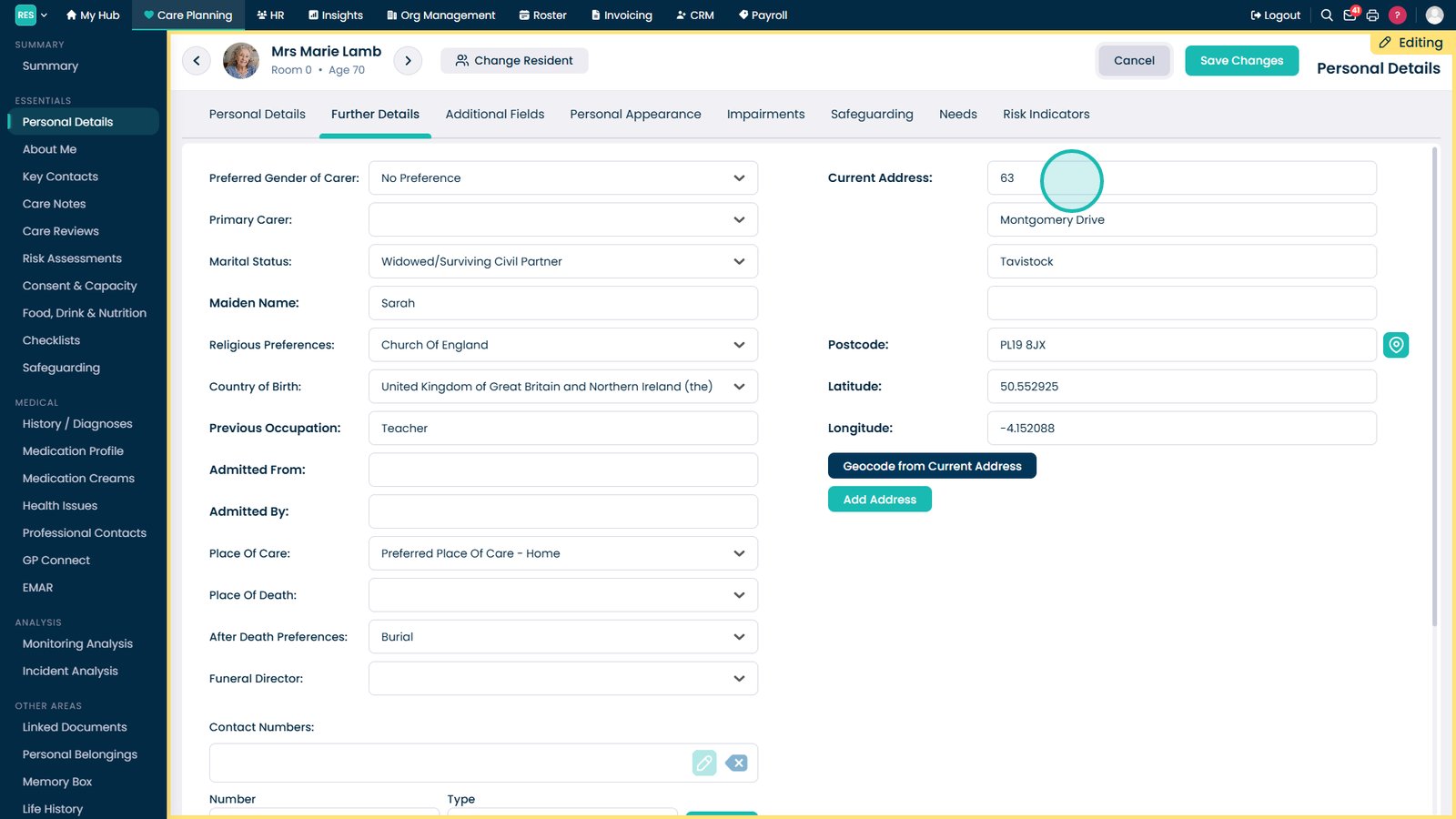
Open the Further Details tab to access address and location information.

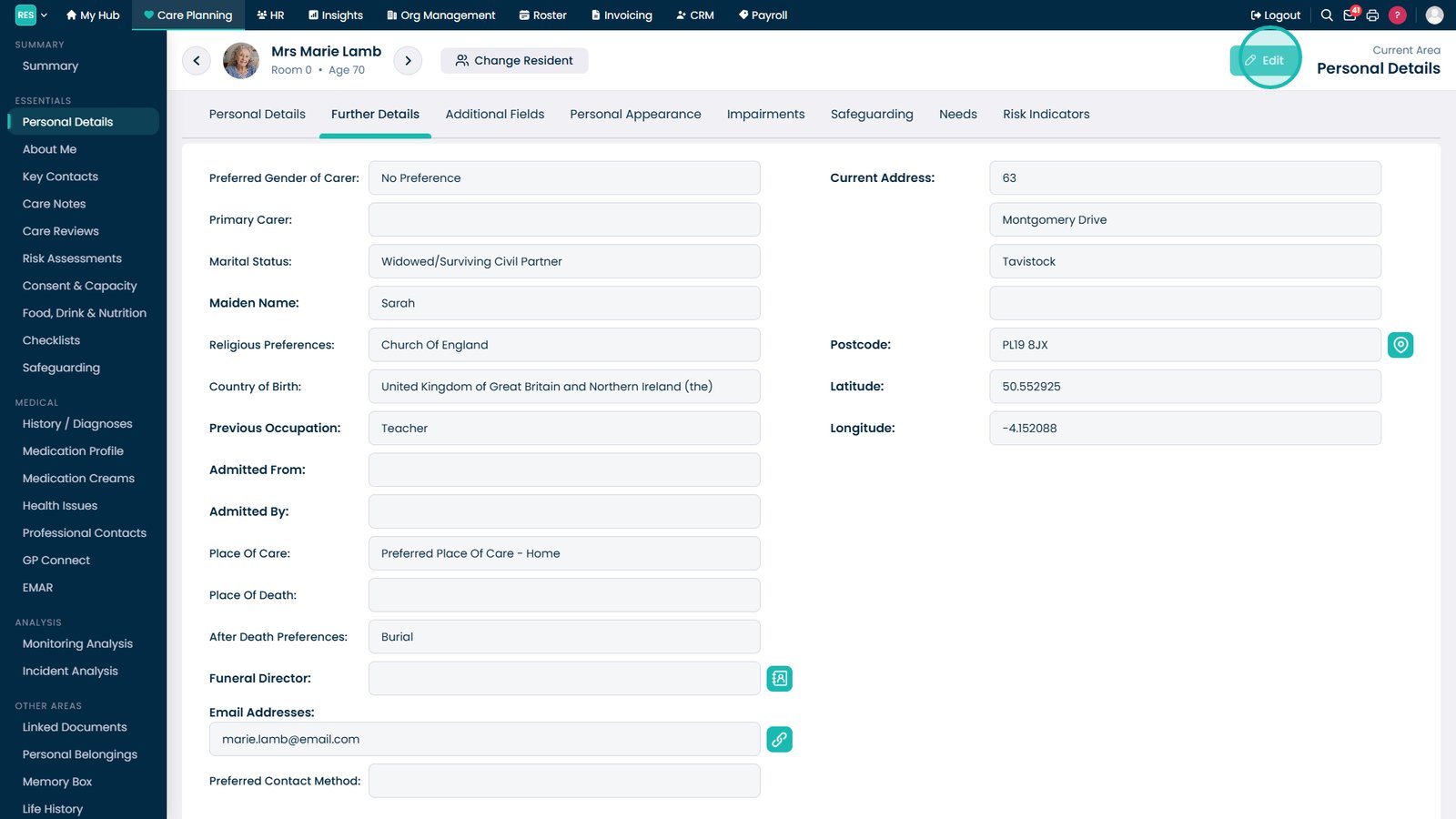
Select Edit to enable changes to the resident's address details.

Enter or update the resident's current address information.

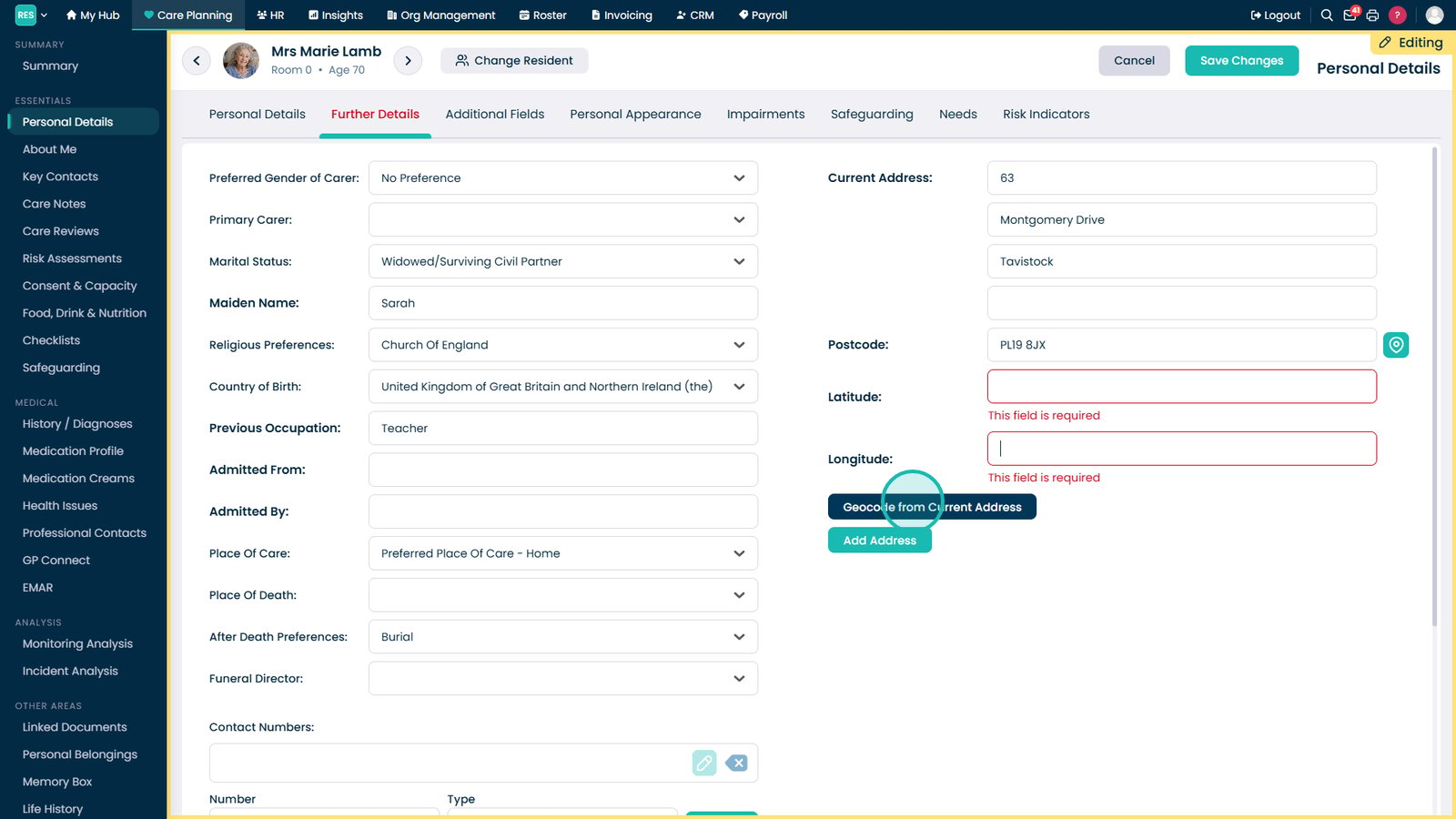
Select Geocode from Current Address to automatically generate latitude and longitude coordinates.

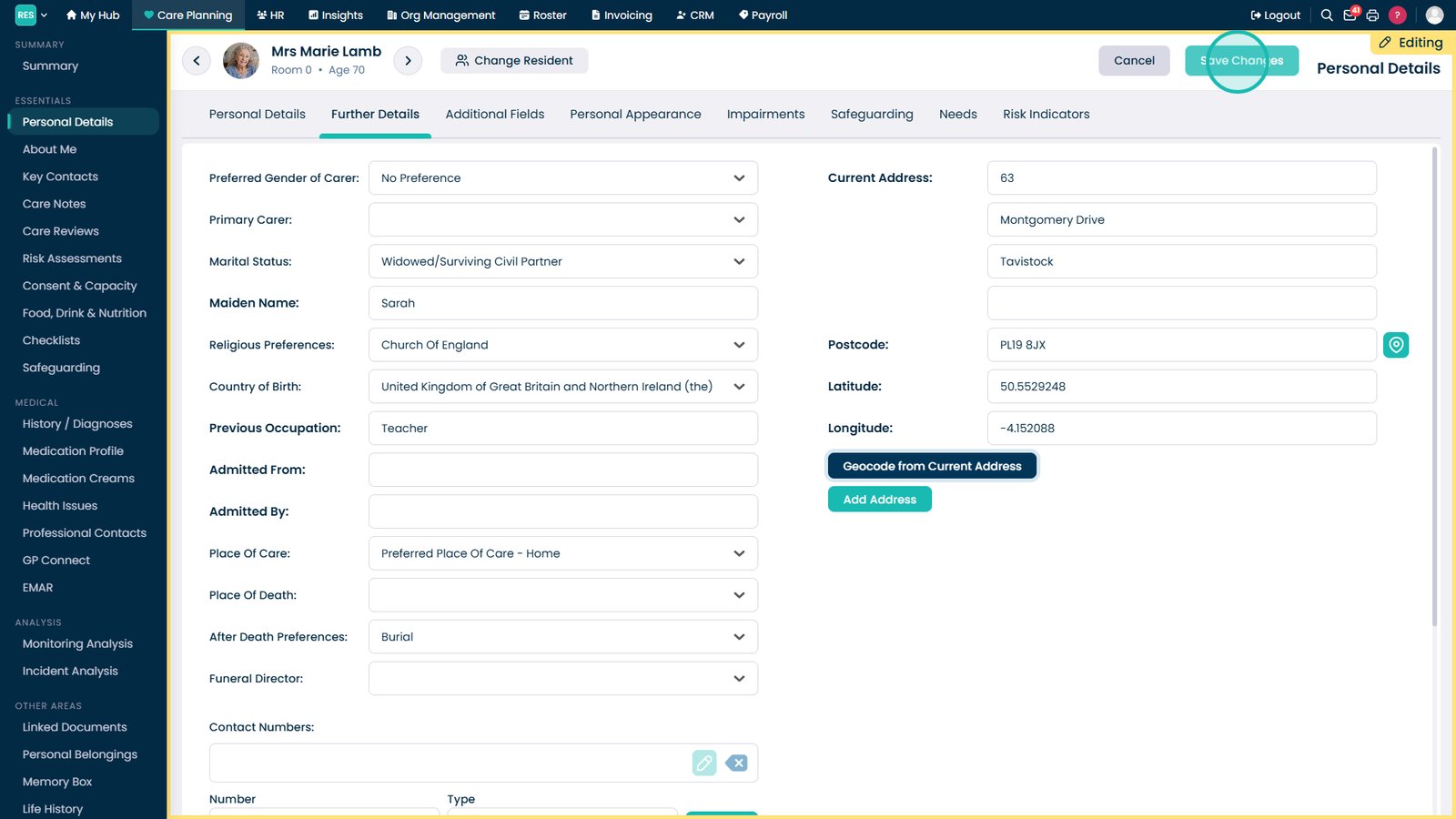
Select Save Changes to store the updated address and location information.

Top tip
After updating an address, use the geocoding function to automatically populate latitude and longitude fields rather than entering coordinates manually.
Need more help?
Can't find what you're looking for? Our support team is here to help.
Contact SupportOr call us on