How to Add or Remove Areas to Formal Handovers
Learn how to add existing care areas to your Formal Handover Configuration so they can be included in future handovers, and remove areas that are no longer required.
Takes 3 minutes
For: Managers
Updated: 22nd Sept 2026
Introduction
Formal Handover Configuration allows you to choose which care areas are available within your handovers. You can add existing areas to make them available to staff, or remove areas that are no longer needed.
This helps you tailor Formal Handovers to your service and keep the handover process focused on the information your team needs to review.
In this guide you'll learn how to:
- Open Formal Handover Configuration
- Add available care areas to your handovers
- Save changes to your configuration
- Remove areas that are no longer required
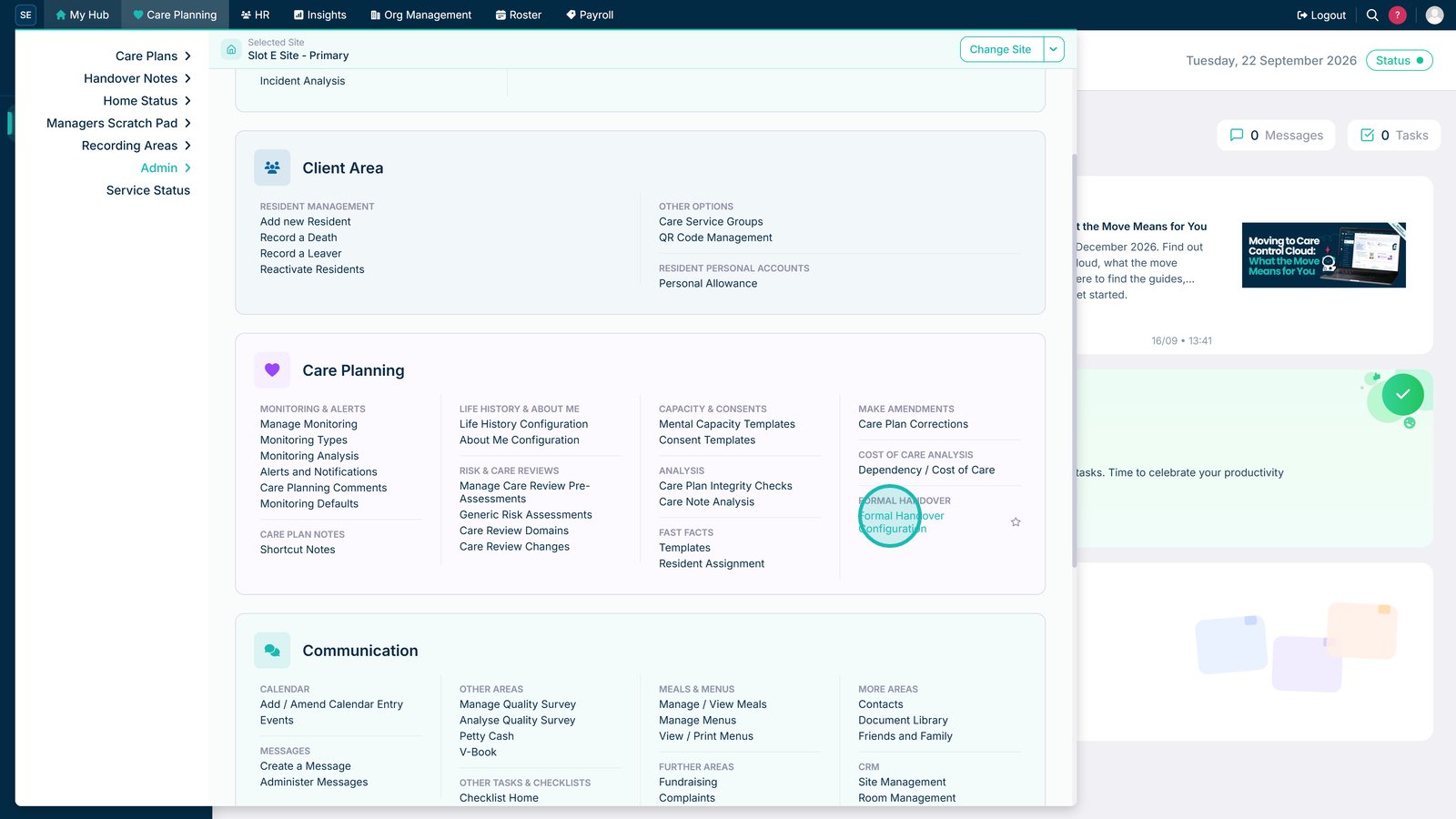
Open Formal Handover Configuration.

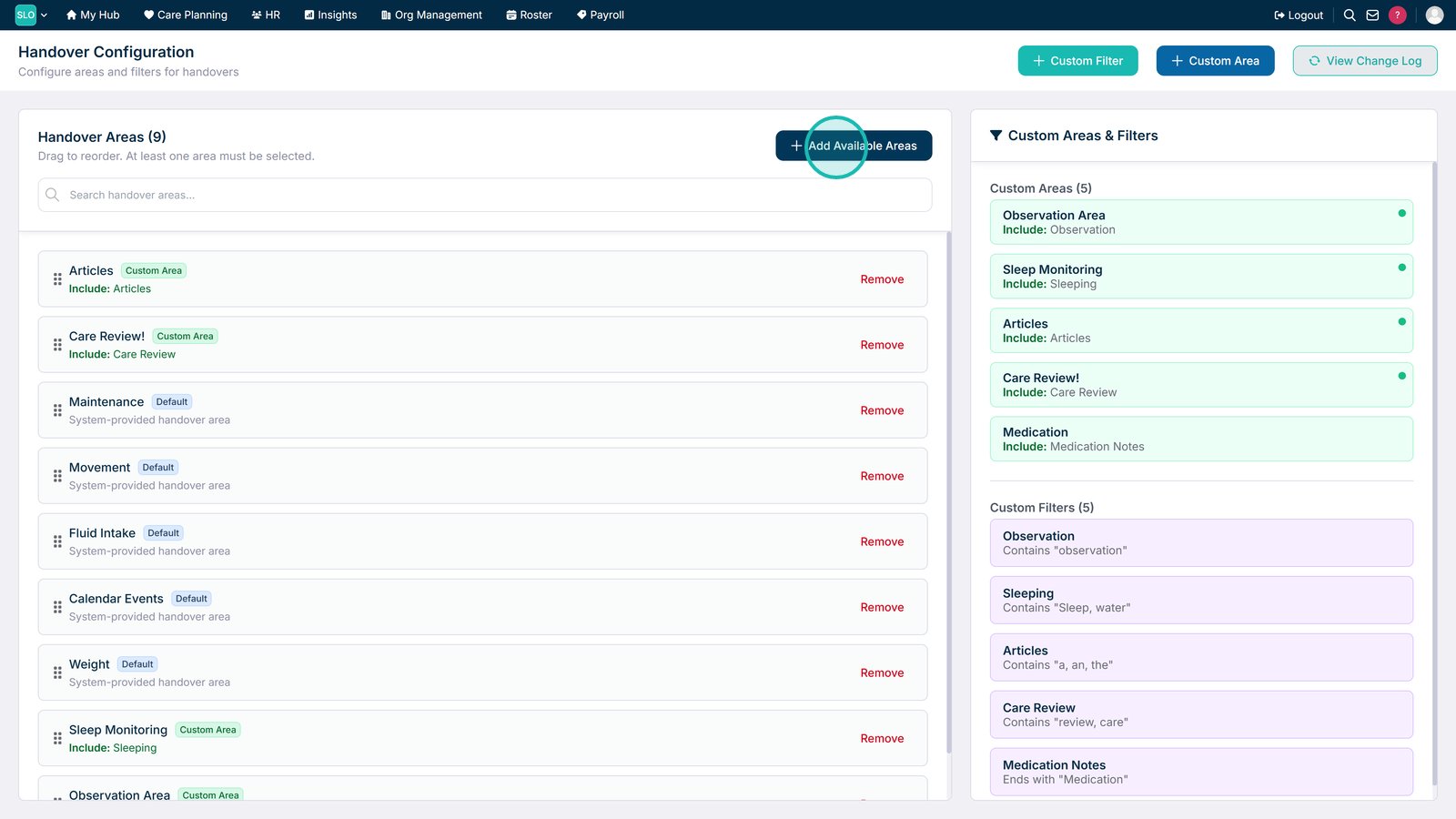
Select Add Available Areas.

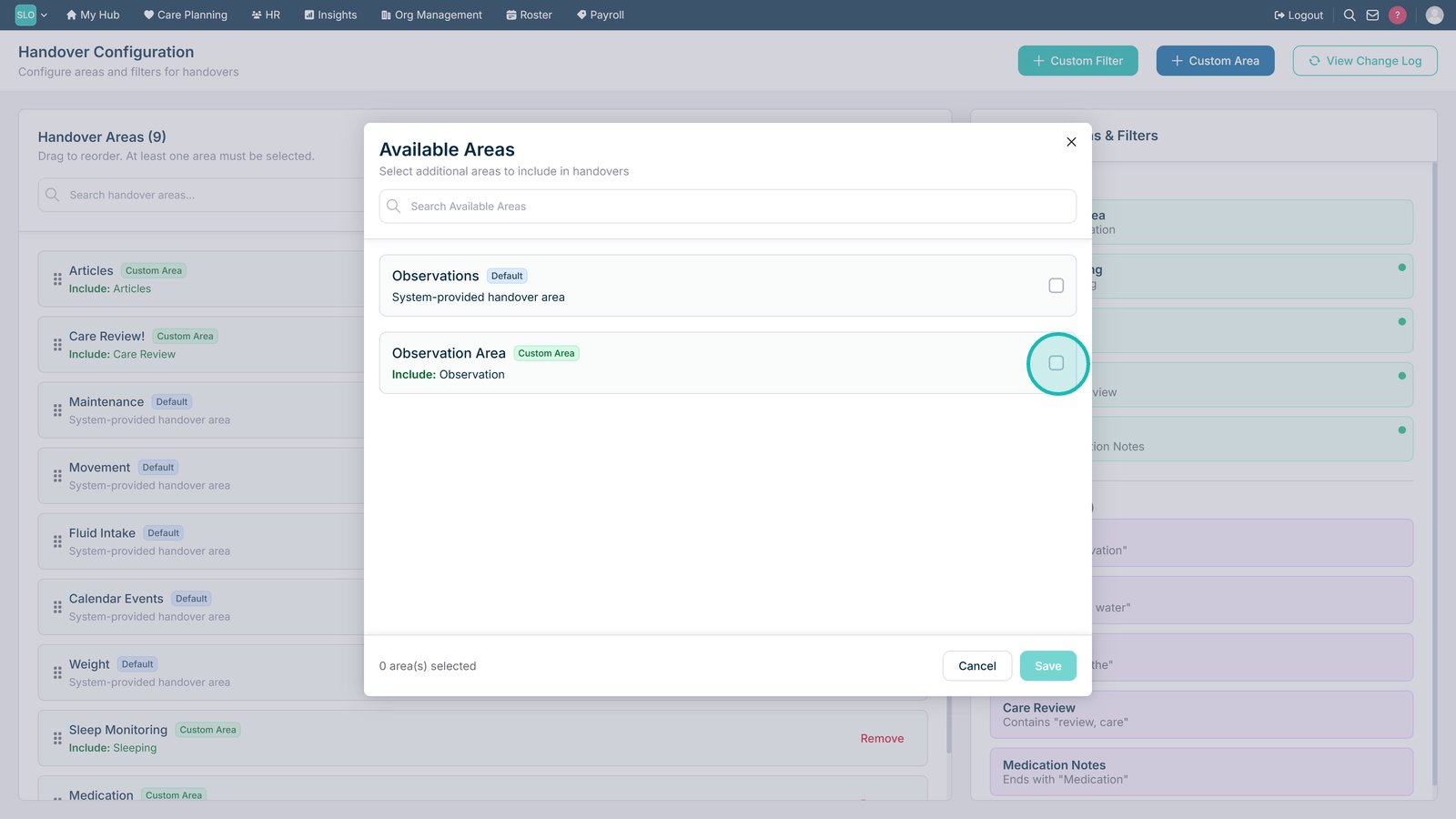
Select the areas you want to make available within Formal Handovers.

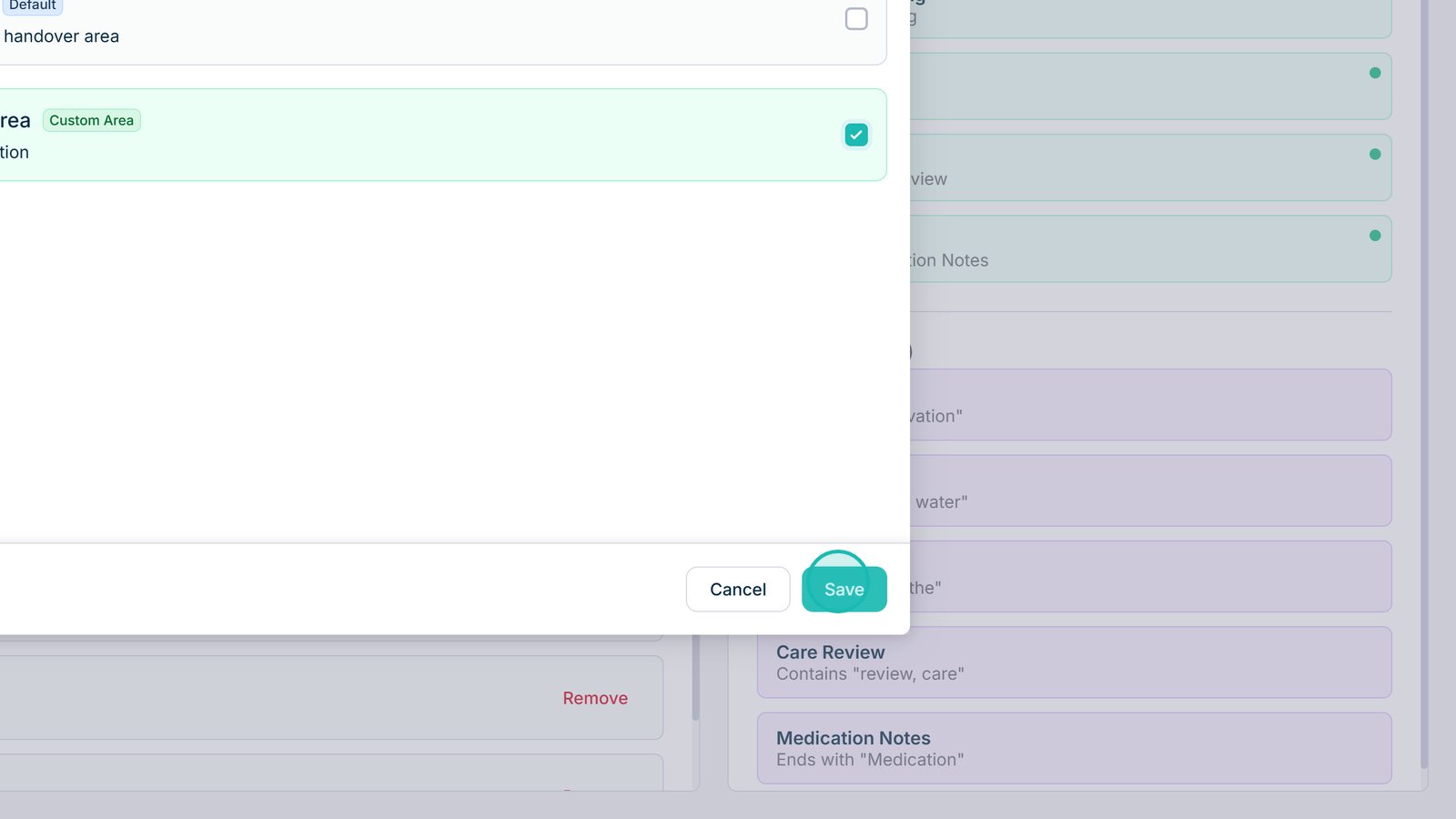
Select Save to update the handover configuration.

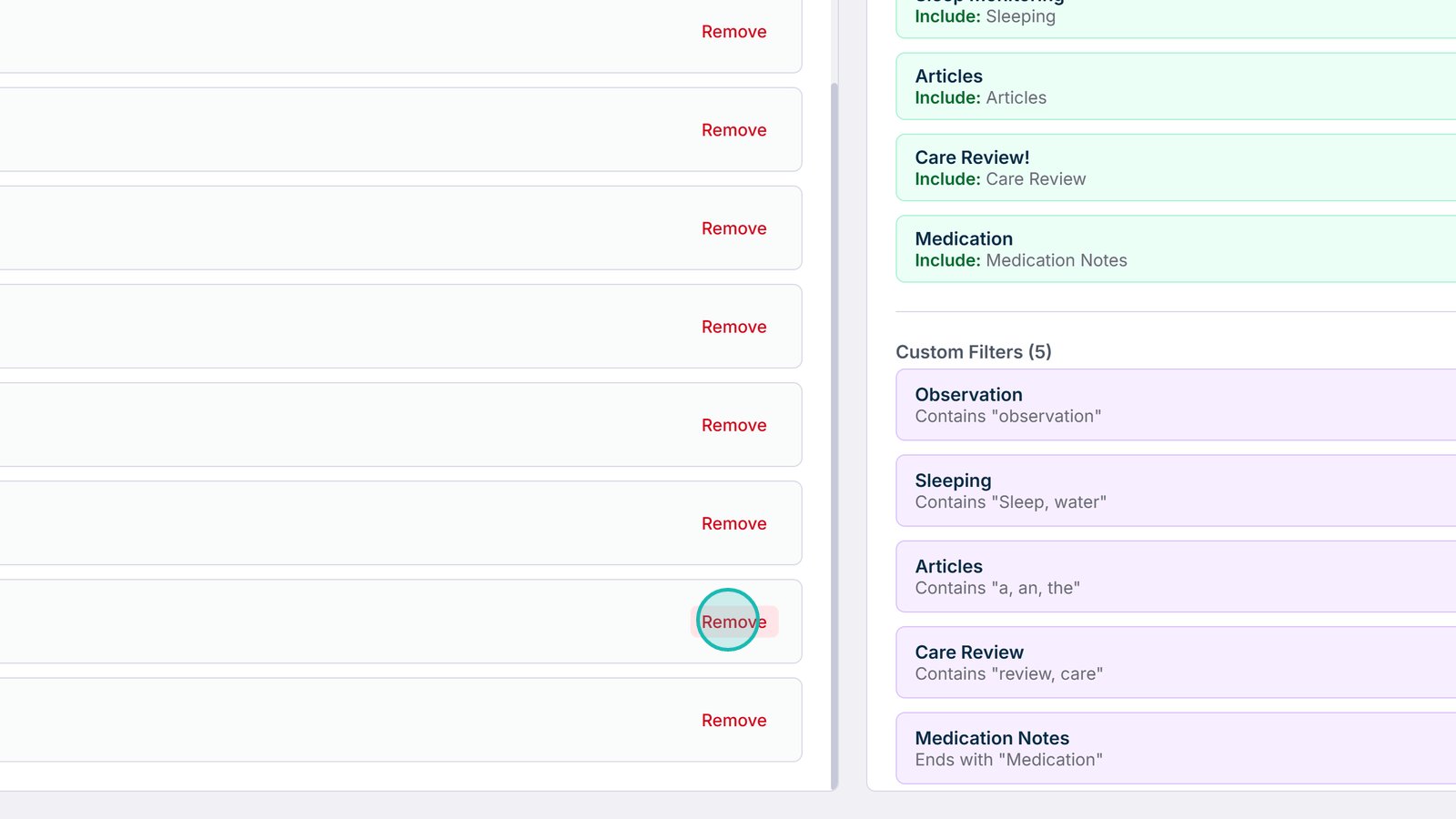
Remove an area if it is no longer required within your handovers.

Top tip
Only include the areas your team regularly needs to review. Keeping the handover focused makes it quicker and easier for staff to work through.
Need more help?
Can't find what you're looking for? Our support team is here to help.
Contact SupportOr call us on