This guide explains how to complete a Pain Assessment
Takes 5 minutes
For: Care Staff
Updated: 8th July 2026
Introduction
The Pain Assessment module helps you assess and record a service user's level of pain. By completing the assessment, you can calculate an overall pain score, document the findings, and maintain an accurate record to support ongoing care.
In this guide you'll learn how to:
Open a Pain Assessment
Select a service user
Complete the assessment questions
Review the calculated pain score
Save the completed assessment
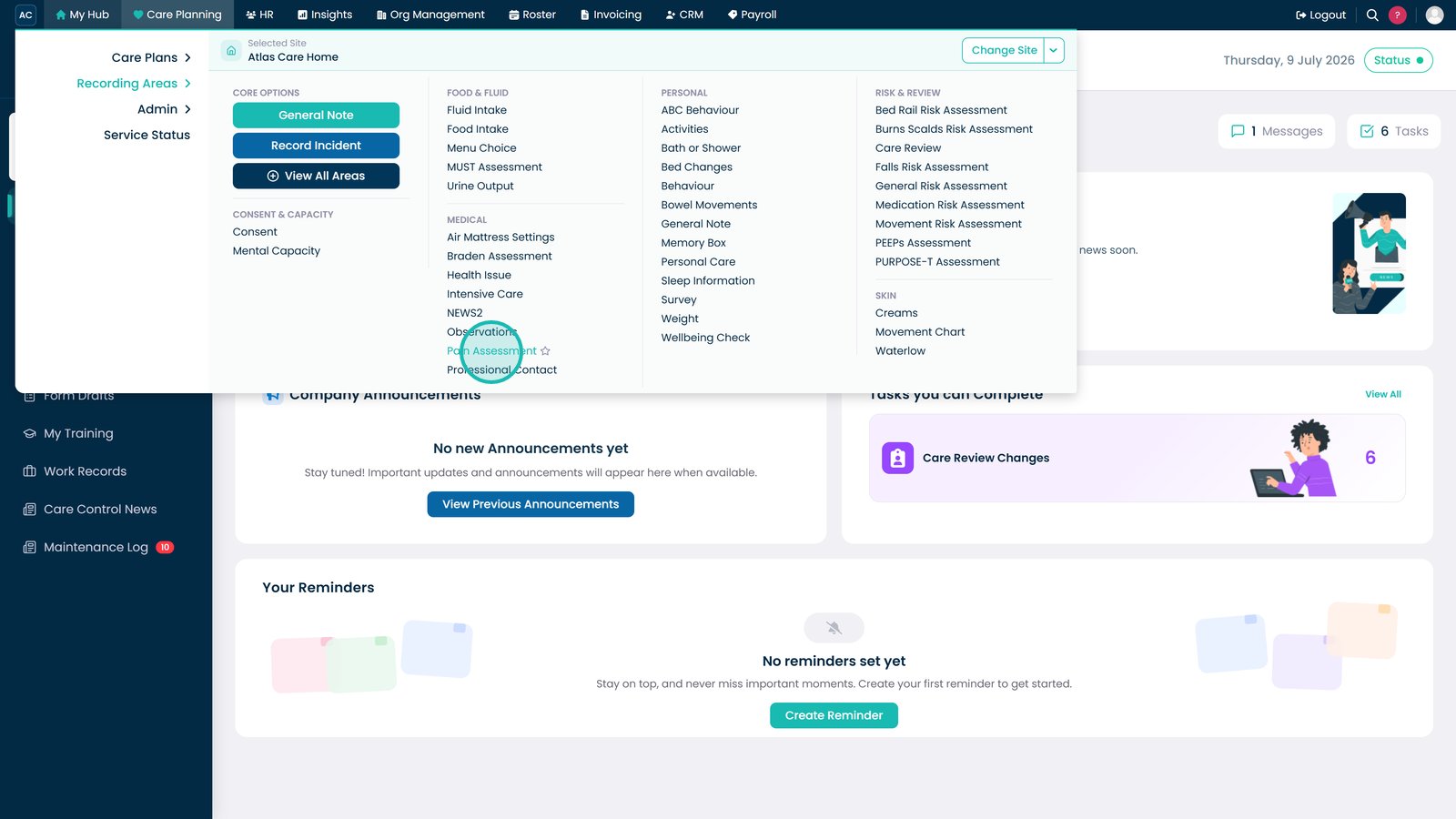
Select Pain Assessment from the Recording Areas menu.
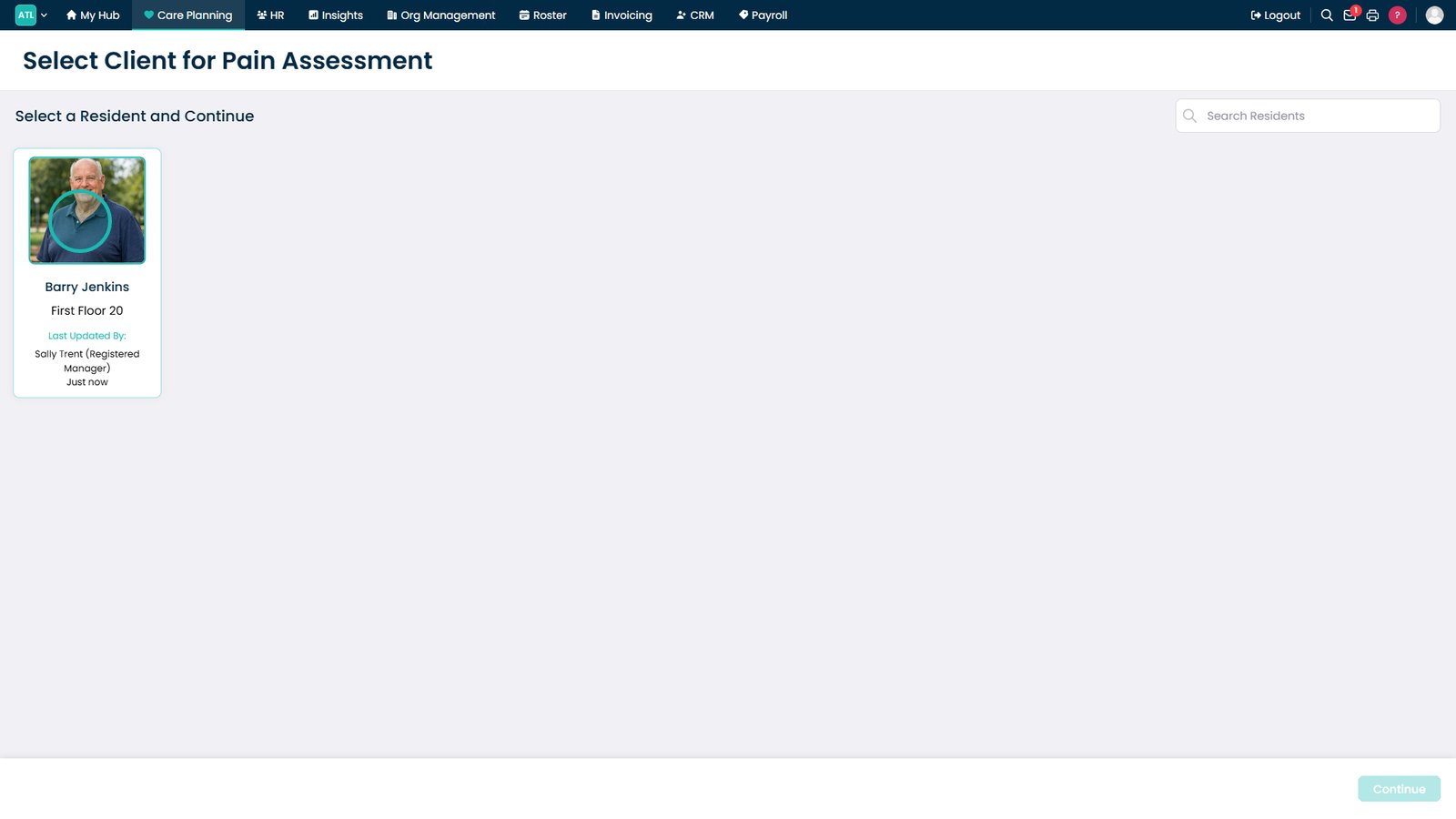
Select the service user you want to assess.
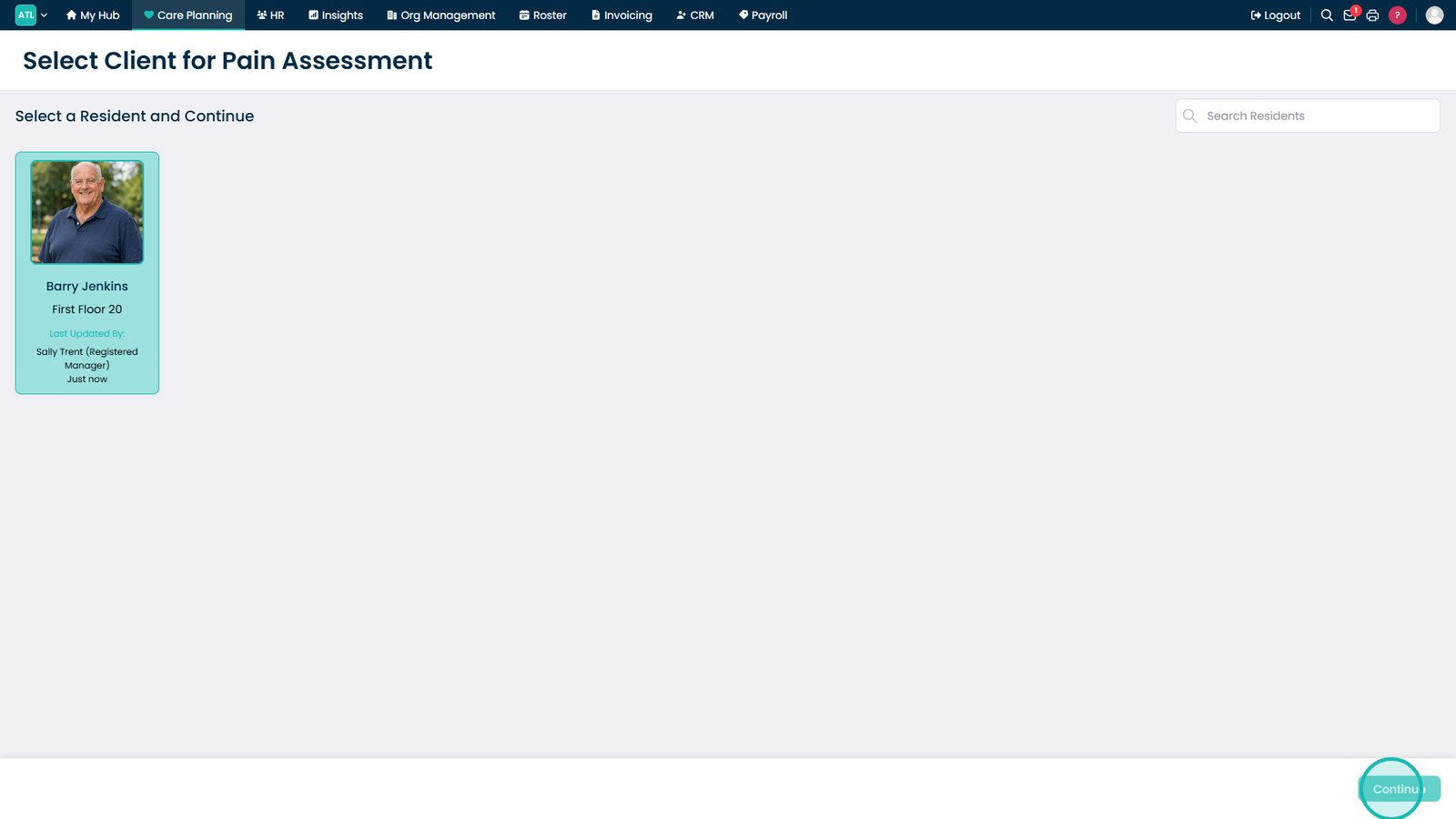
Select Continue to open the Pain Assessment.
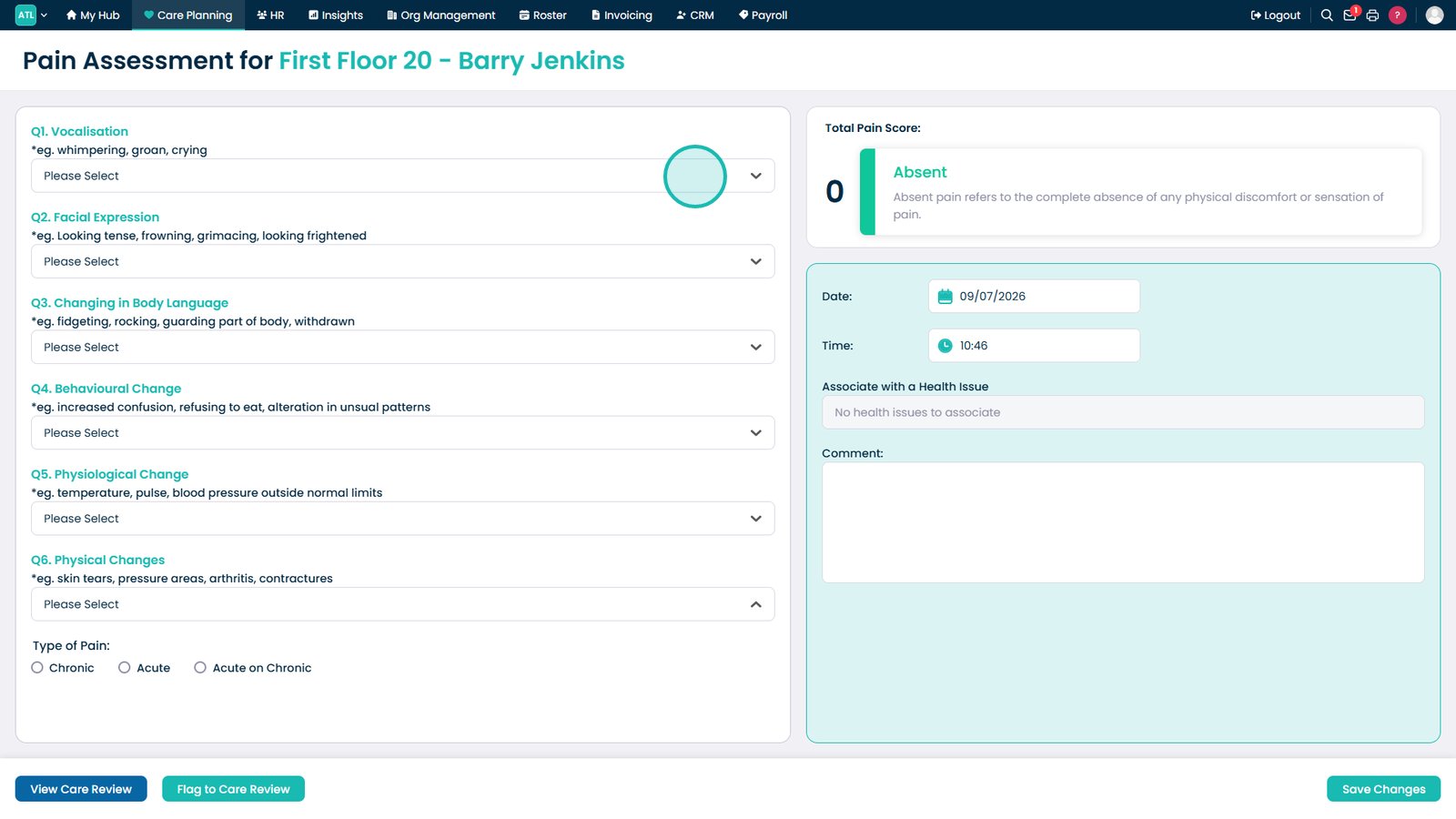
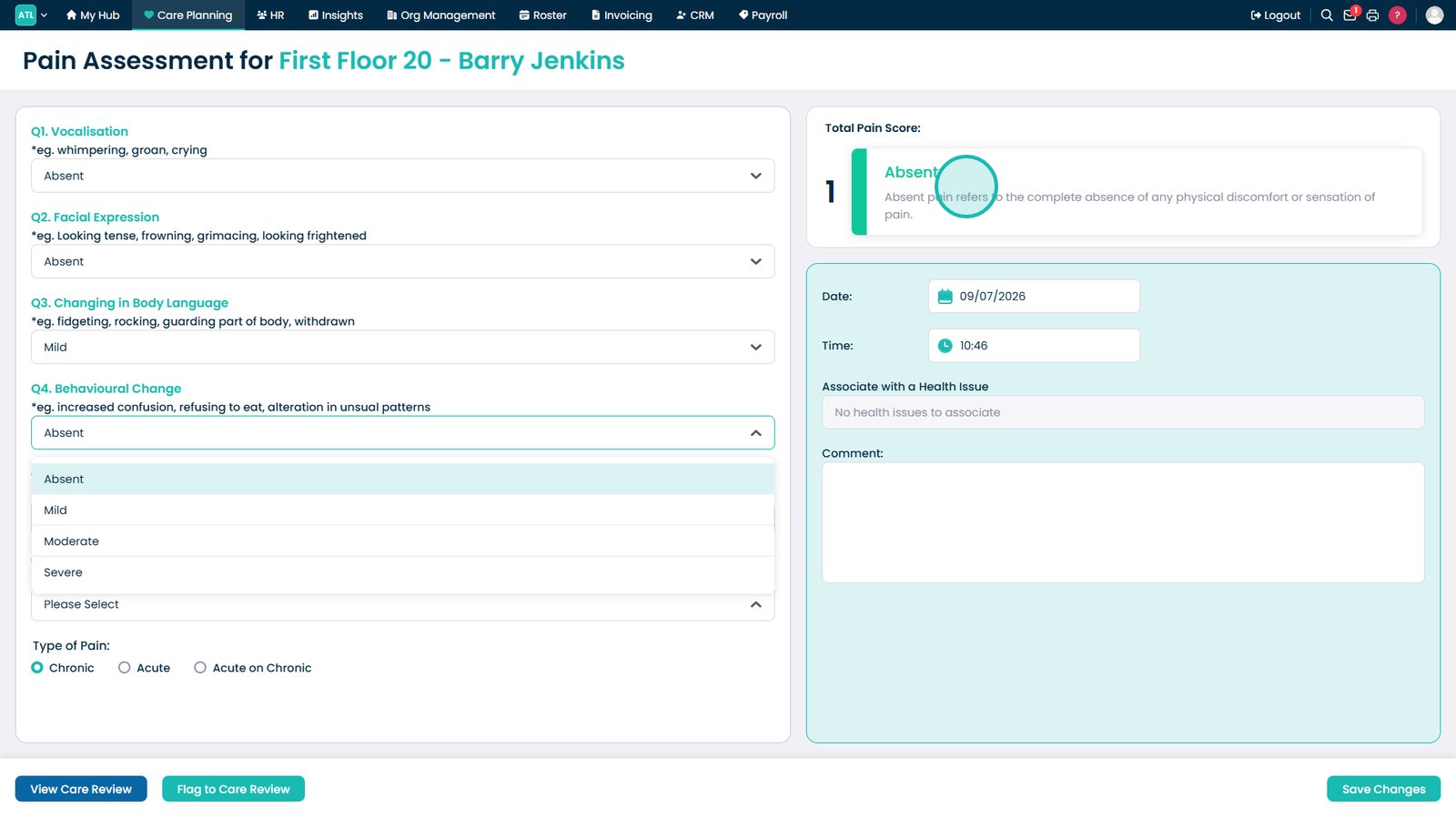
Complete the assessment using the available drop-down lists.
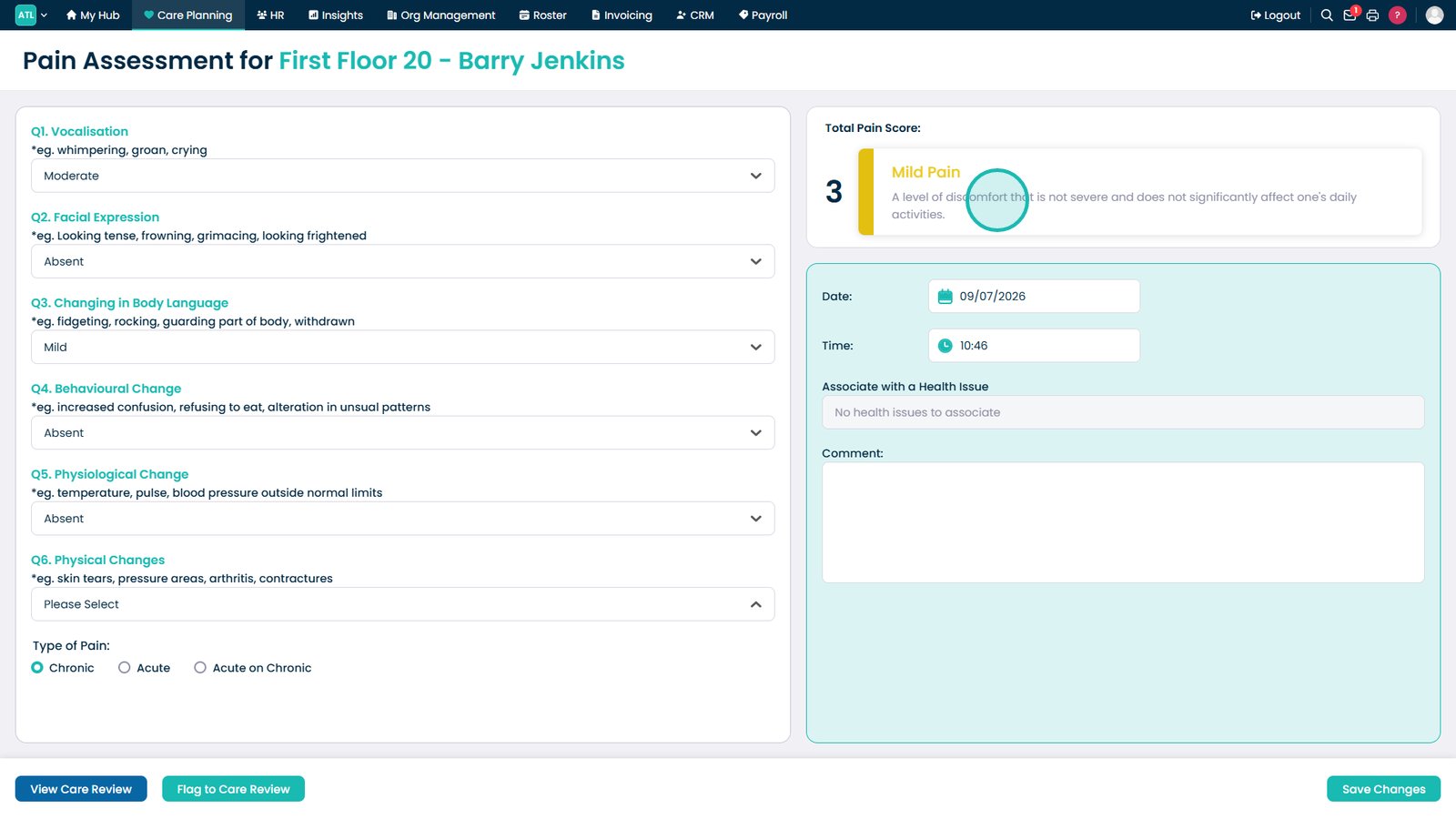
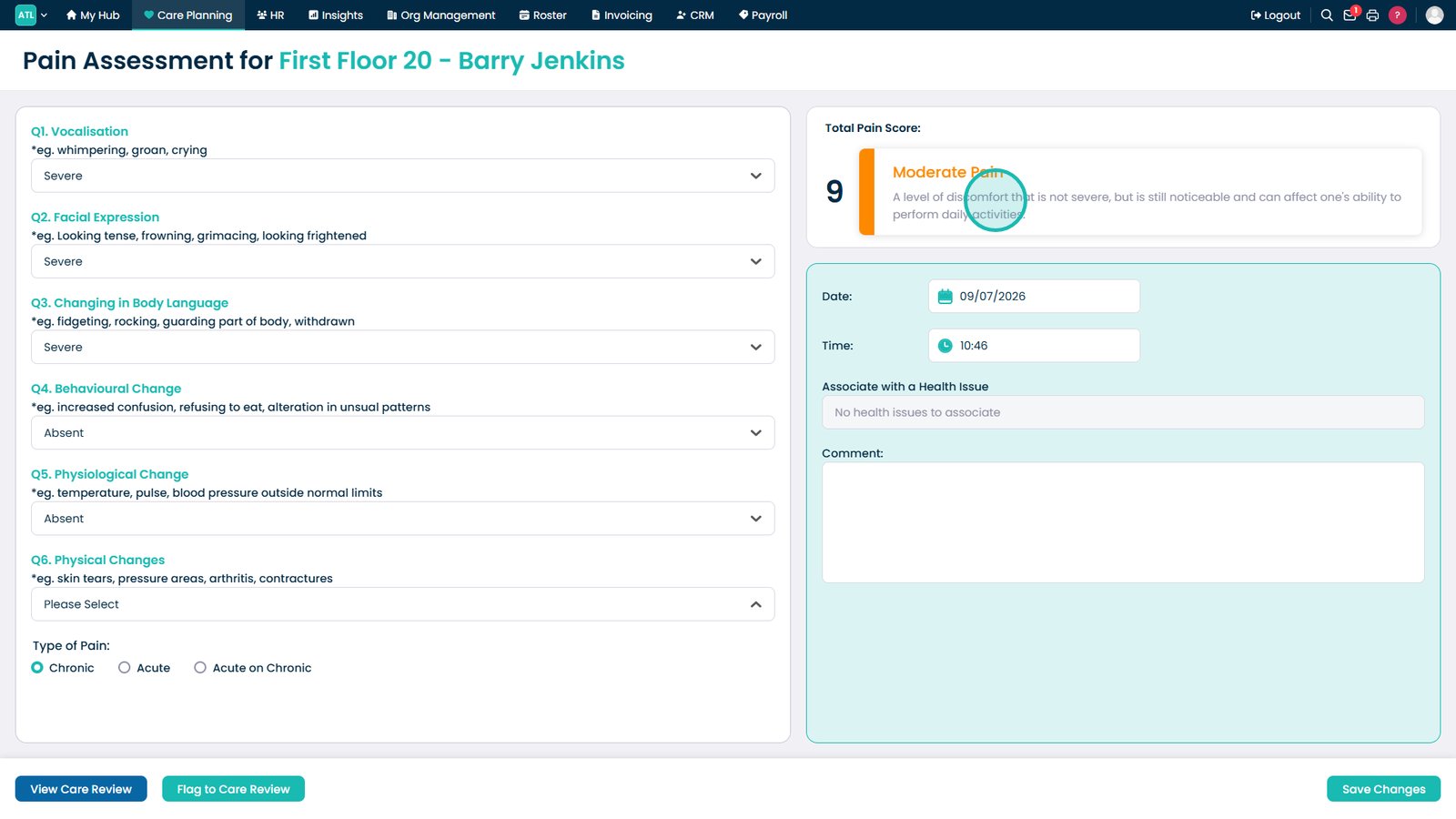
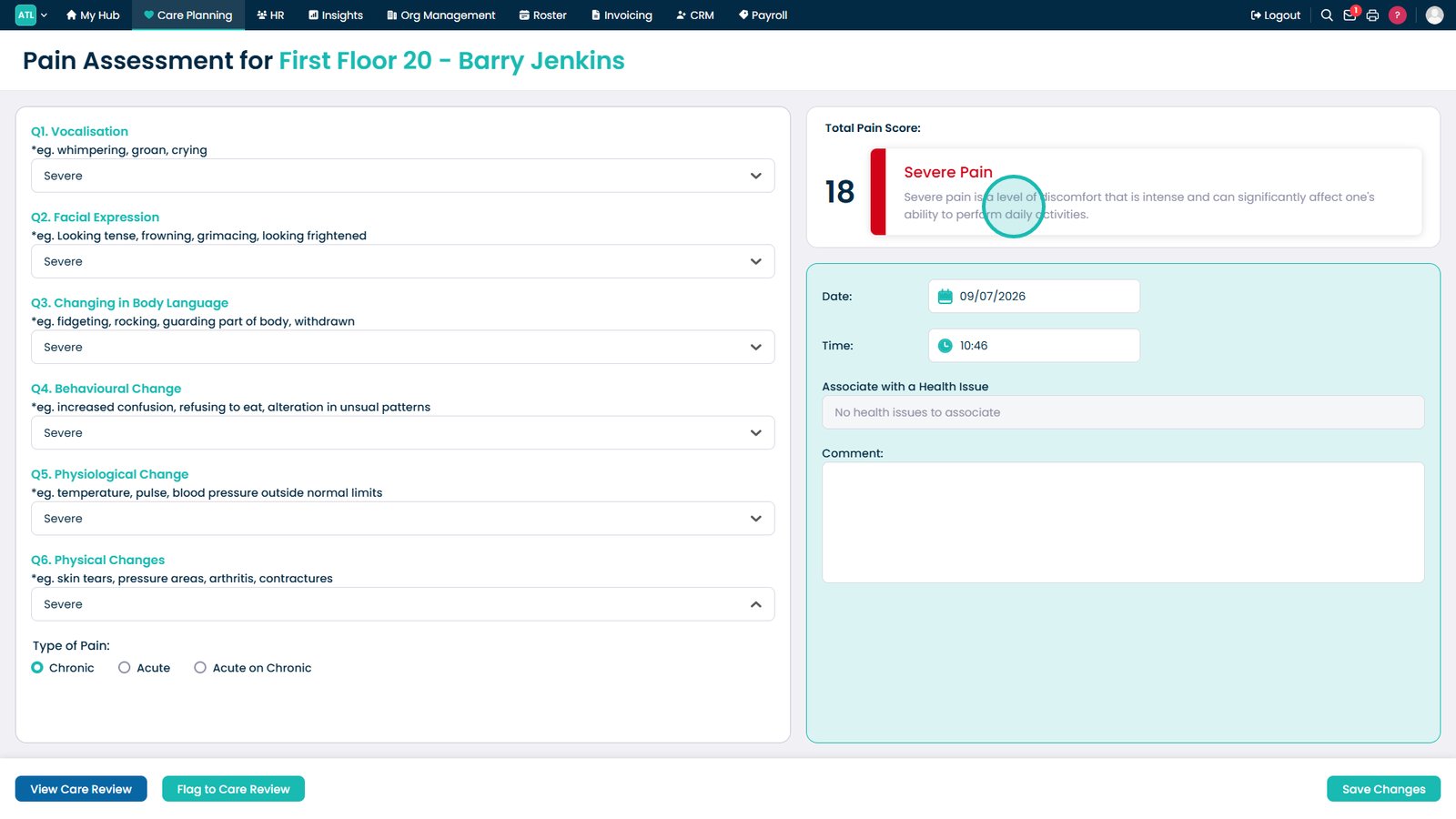
Review the Total Pain Score, which updates automatically as you complete the assessment.
Review the guidance provided for a Mild Pain score.
Review the guidance provided for a Moderate Pain score.
Review the guidance provided for a Severe Pain score.
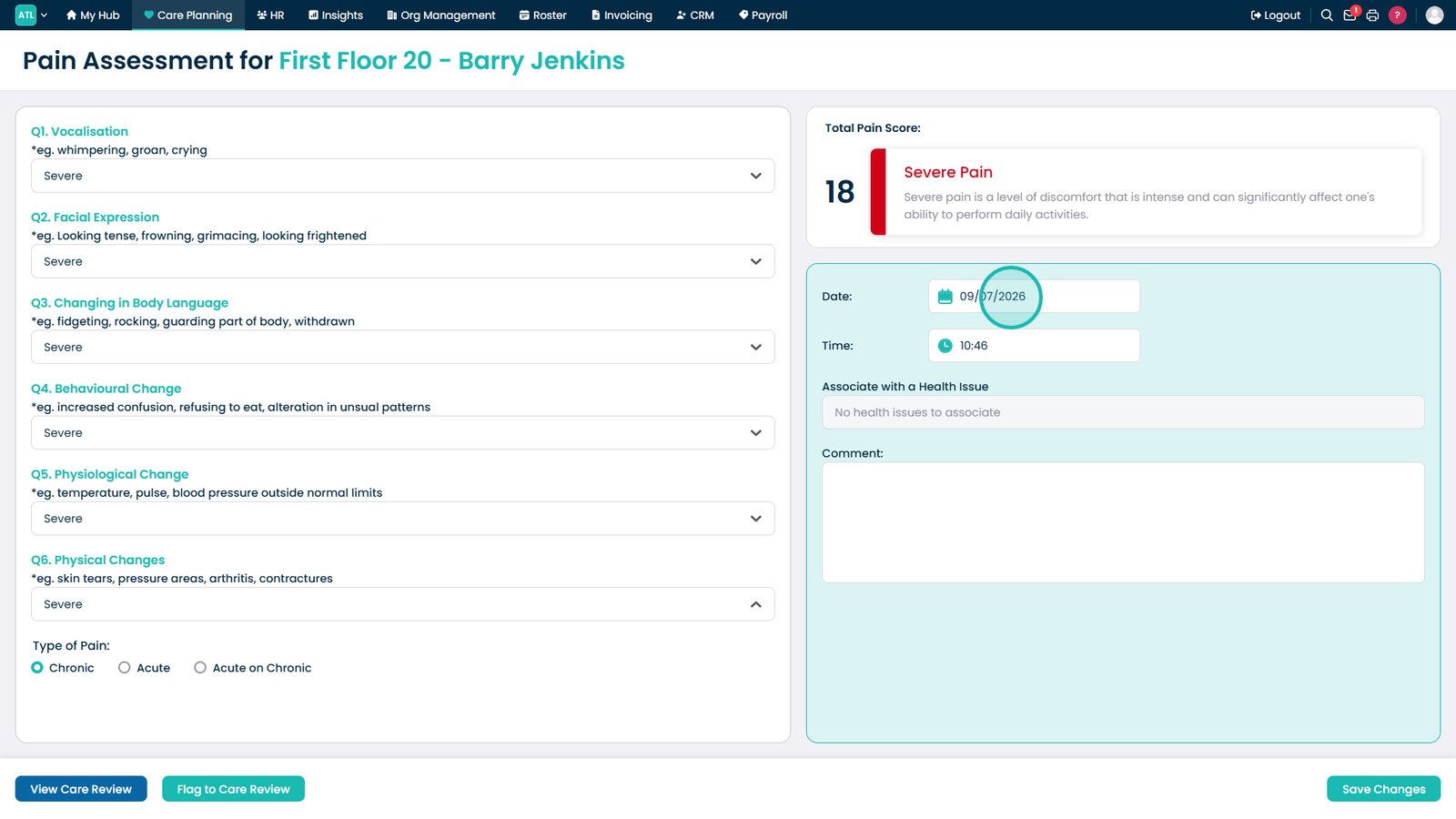
Set the assessment date to match when the observation was made.
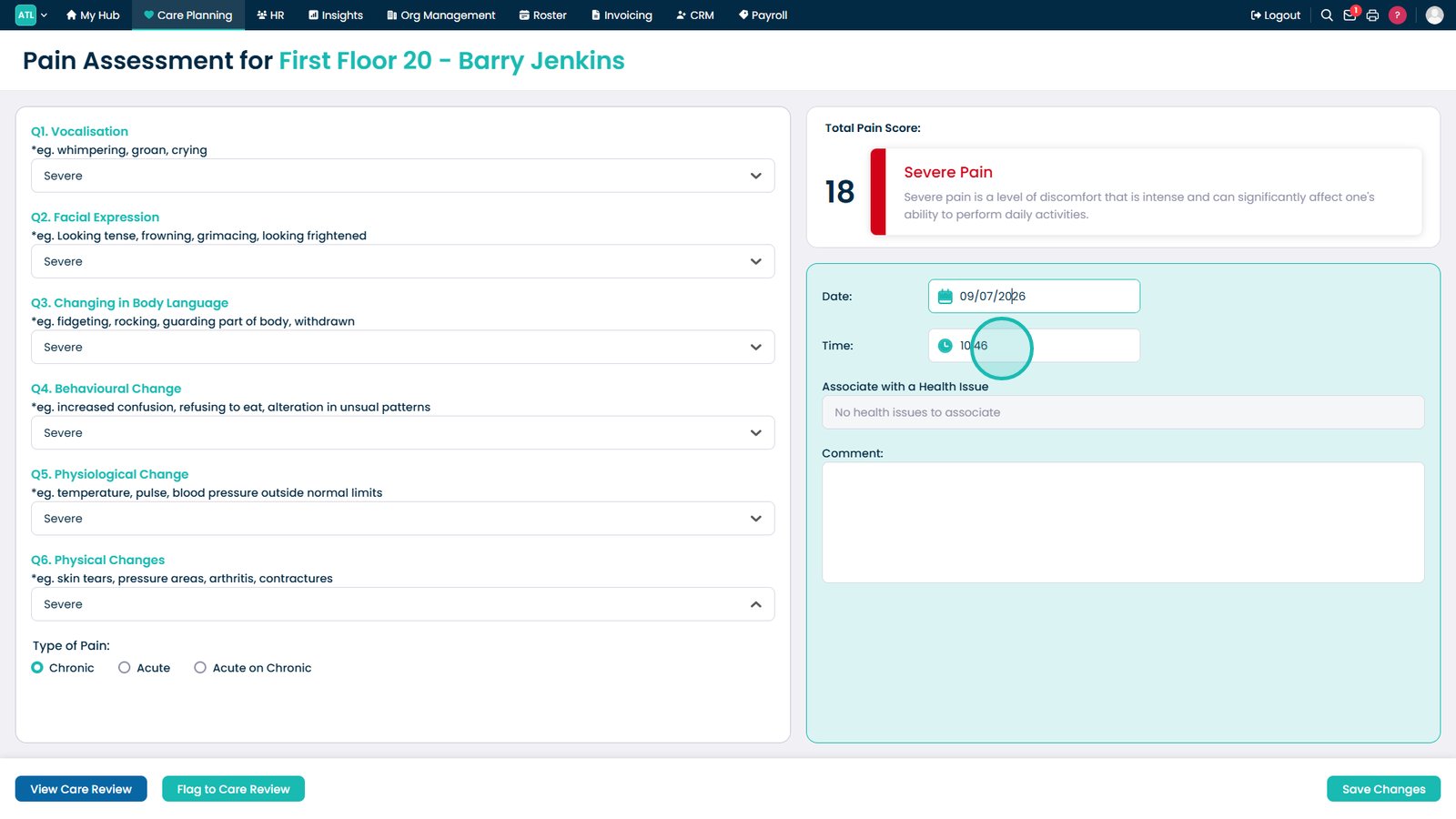
Enter the time the assessment was completed.
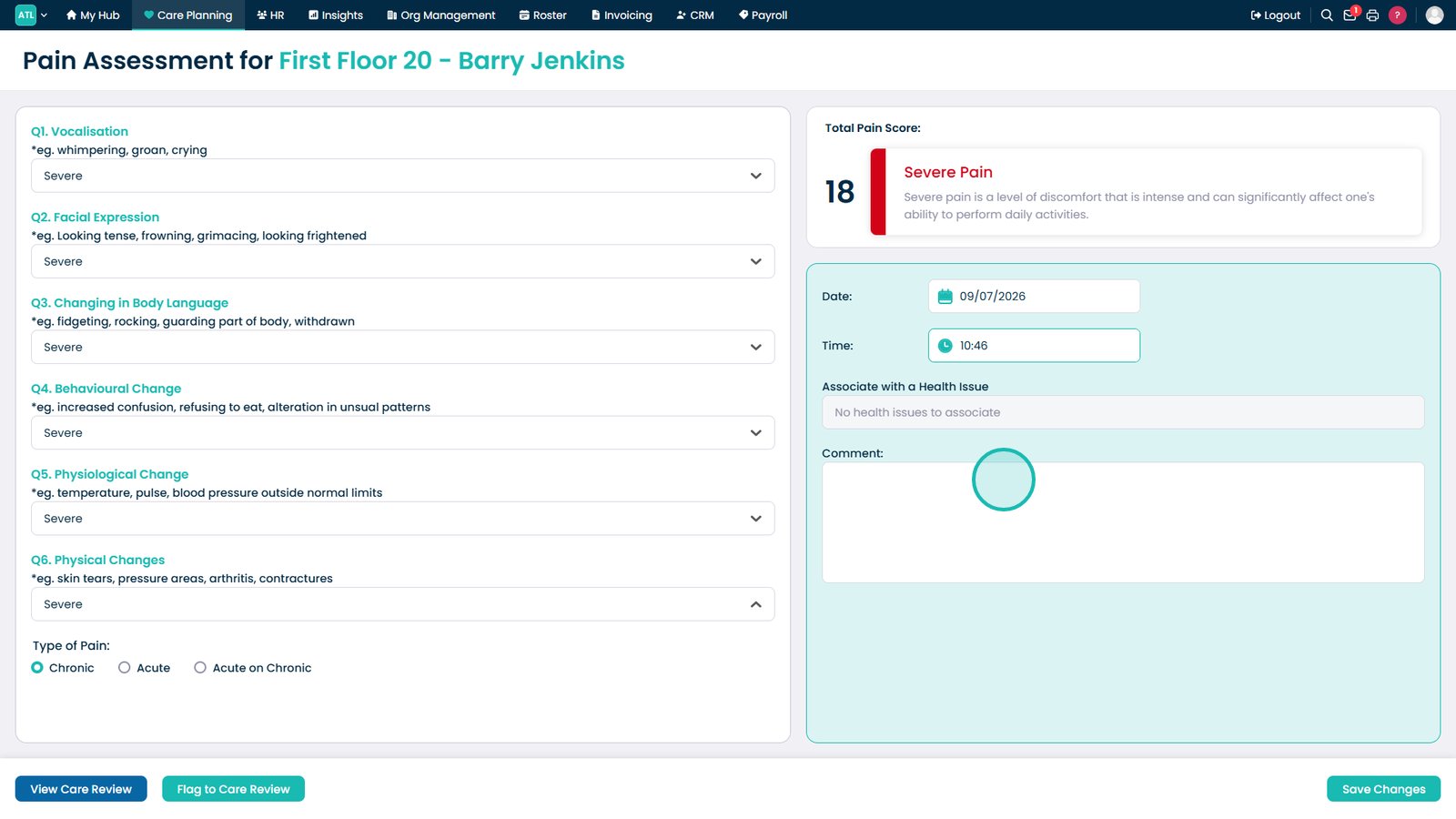
Add any relevant notes to support the assessment.
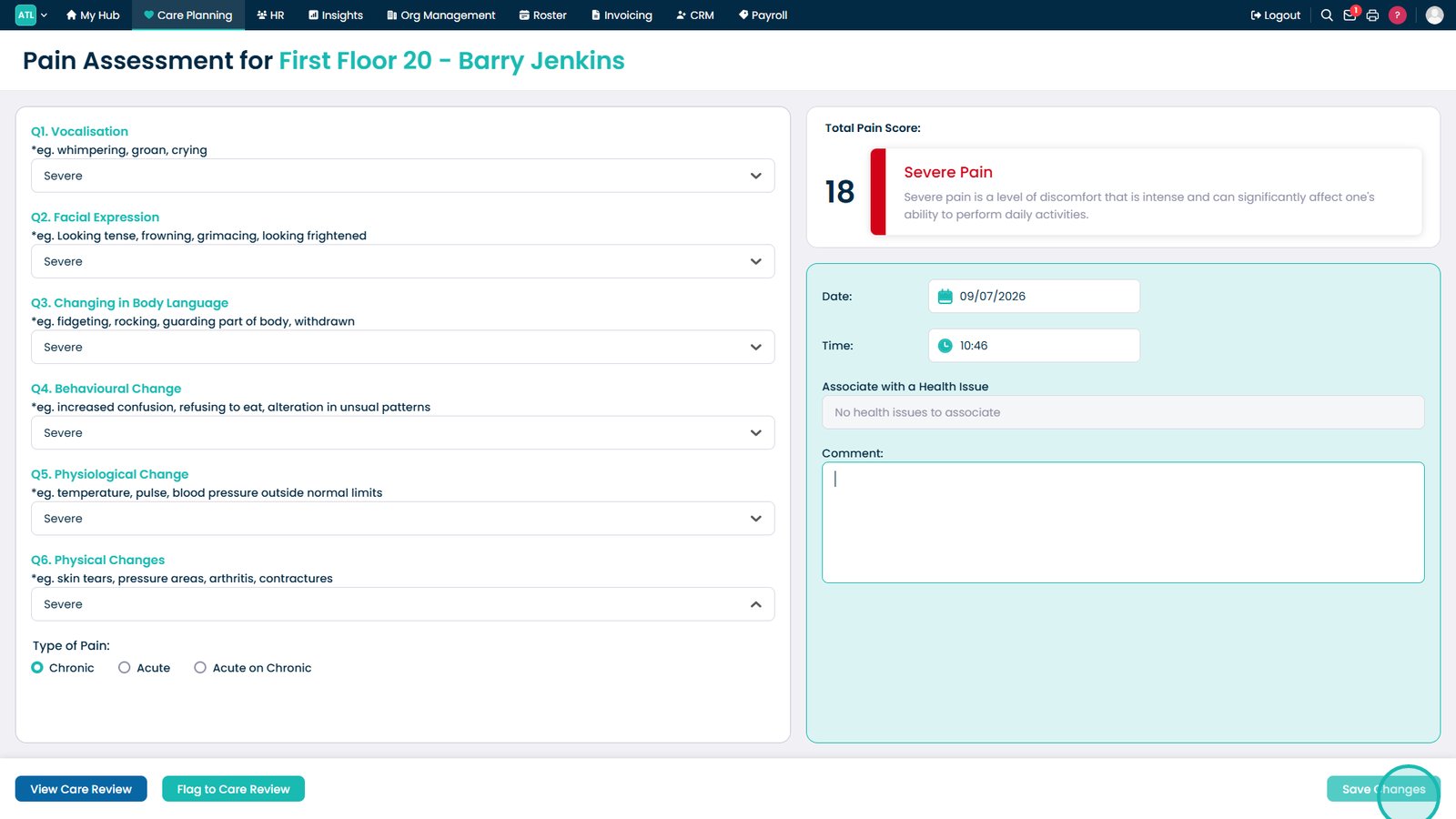
Select Save Changes to save the completed Pain Assessment.
Top tip
Complete the assessment as close to the time of the observation as possible to ensure the pain score accurately reflects the service user's condition.