How to Create and Amend Contacts in Cloud
Keep your contact list up to date to ensure staff can quickly access the right organisations and professionals when needed.
Takes 2 minutes
For: Managers & Seniors
Updated: 26th May 2026
Introduction
This guide explains how to create, edit, and manage Contacts within Care Control Cloud.
In this guide you'll learn how to:
- Add a new contact
- Select a contact category
- Use ODS codes
- Edit existing contacts
- Delete contacts when no longer required
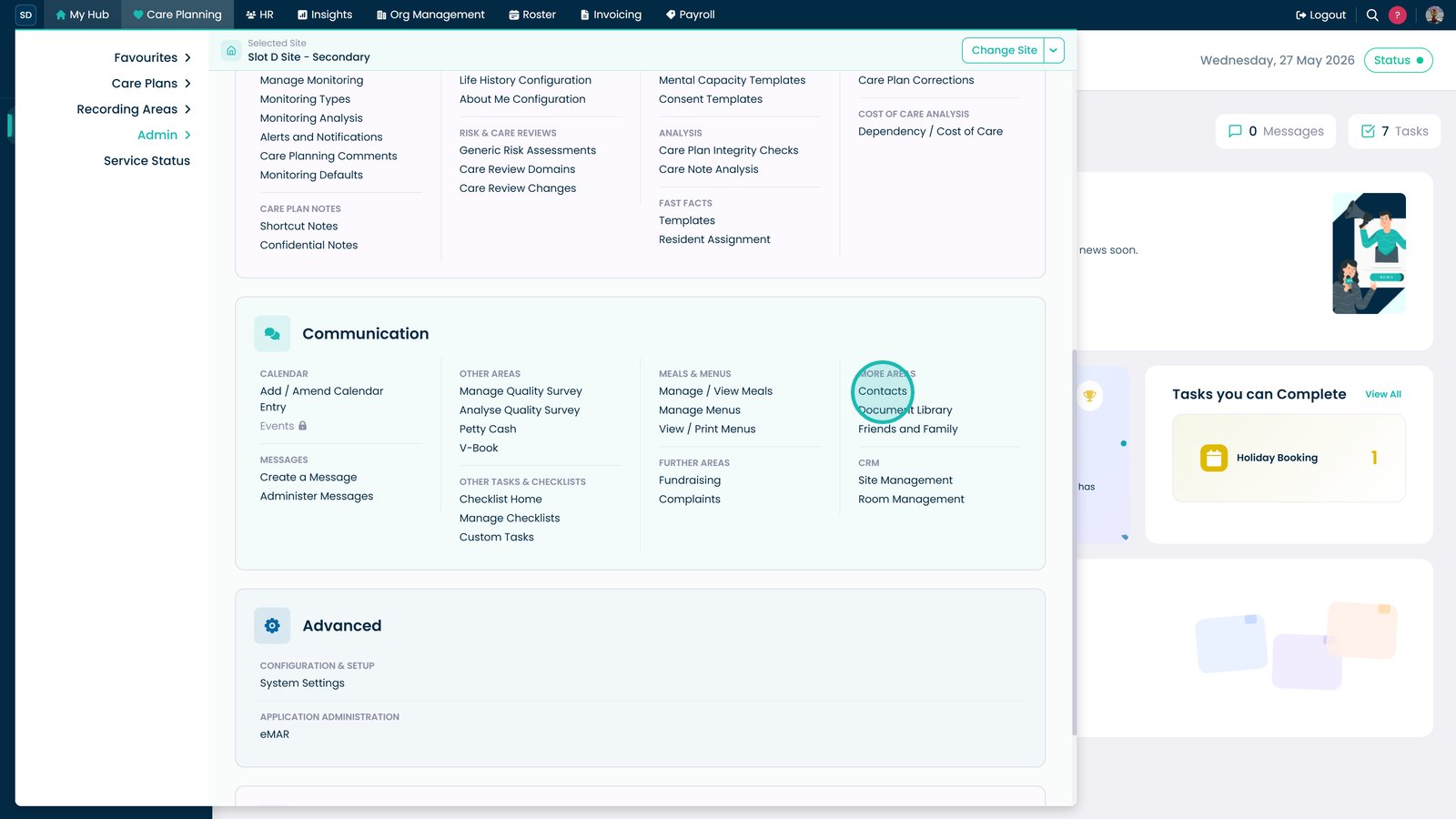
Open Care Planning from the Navigation Menu, then select Contacts within the Admin area.

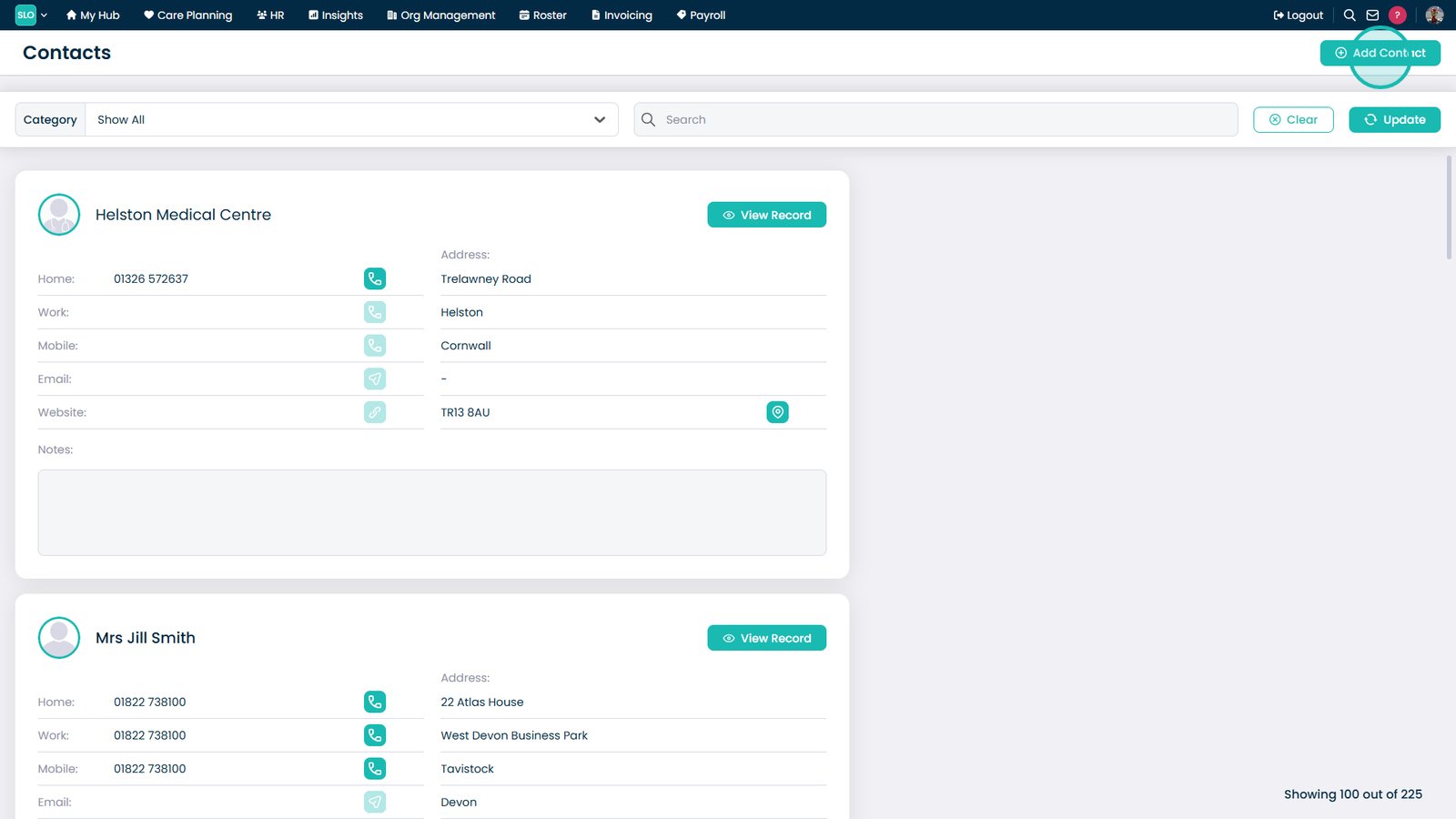
Select Add Contact.

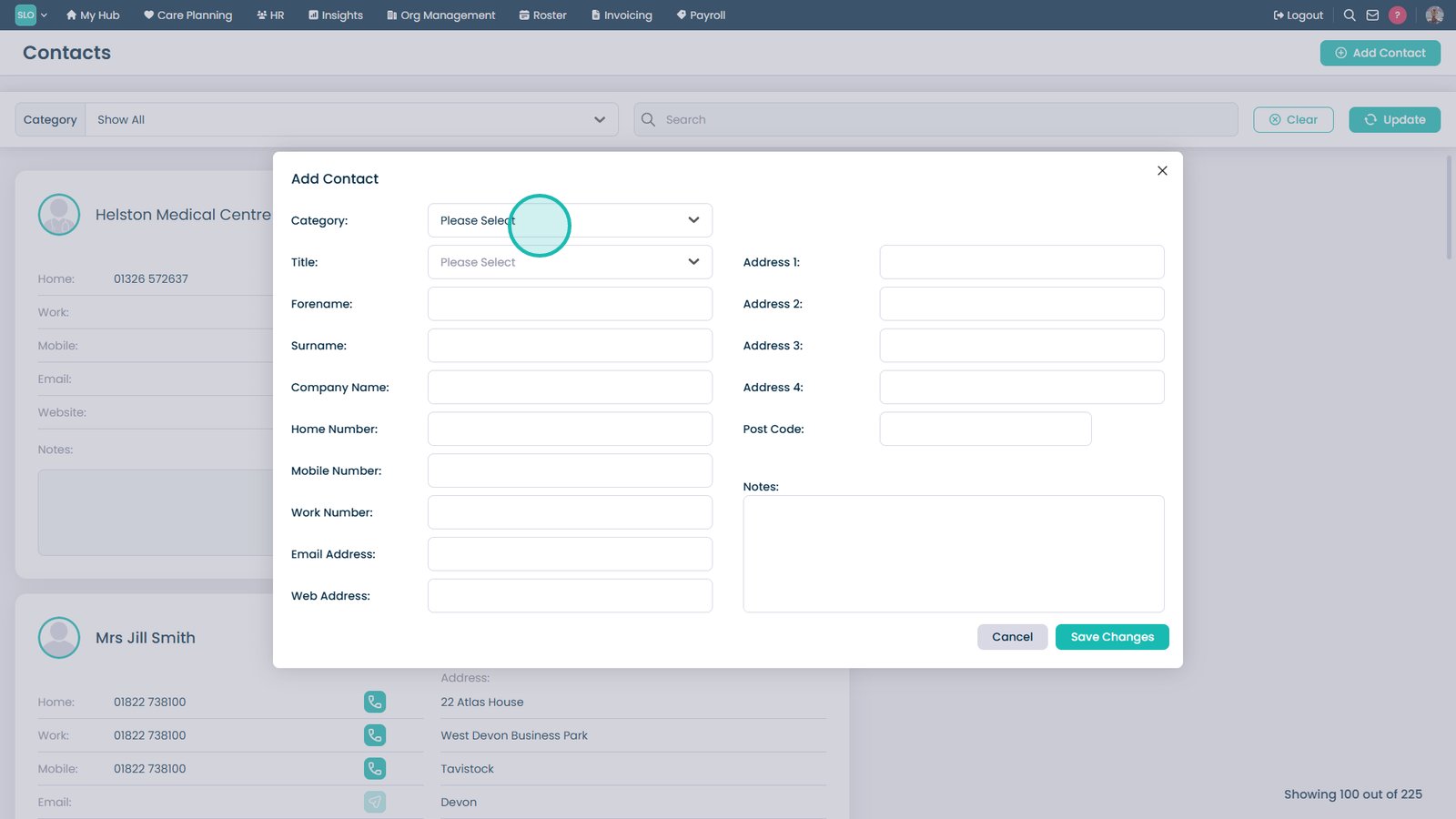
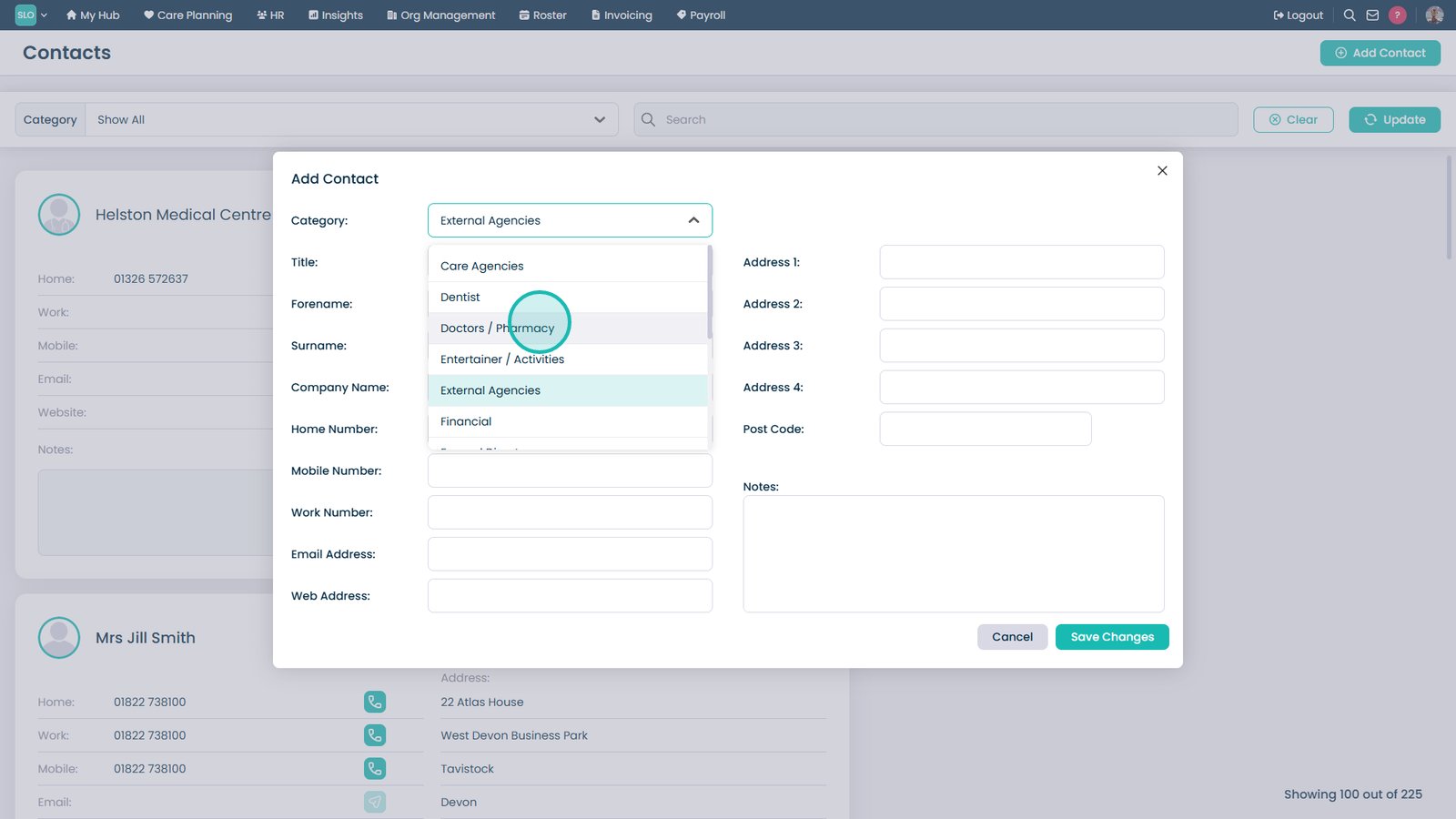
Select a category from the Category dropdown.

Choose the required category.

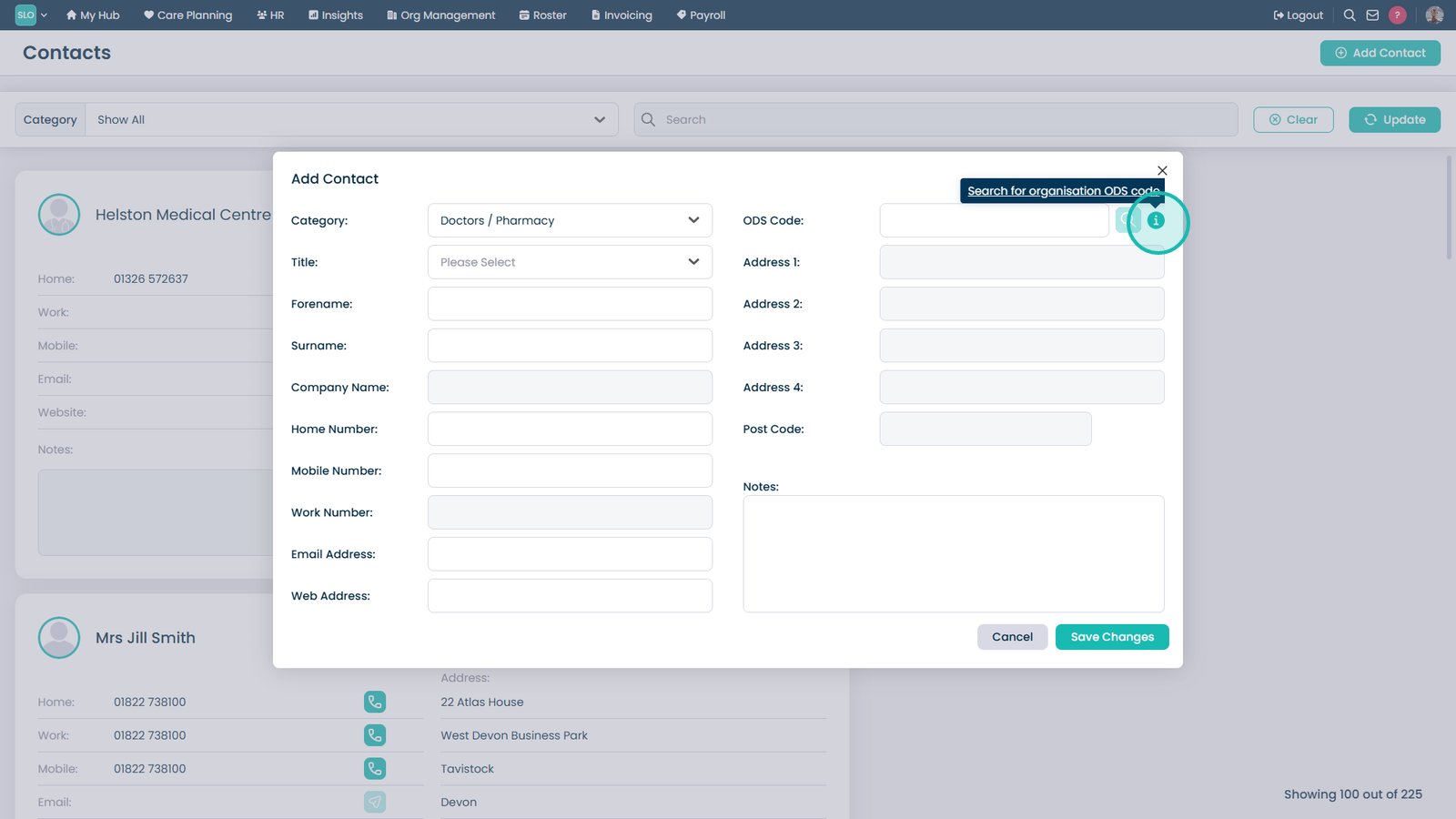
Select the information icon for help finding an ODS Code.

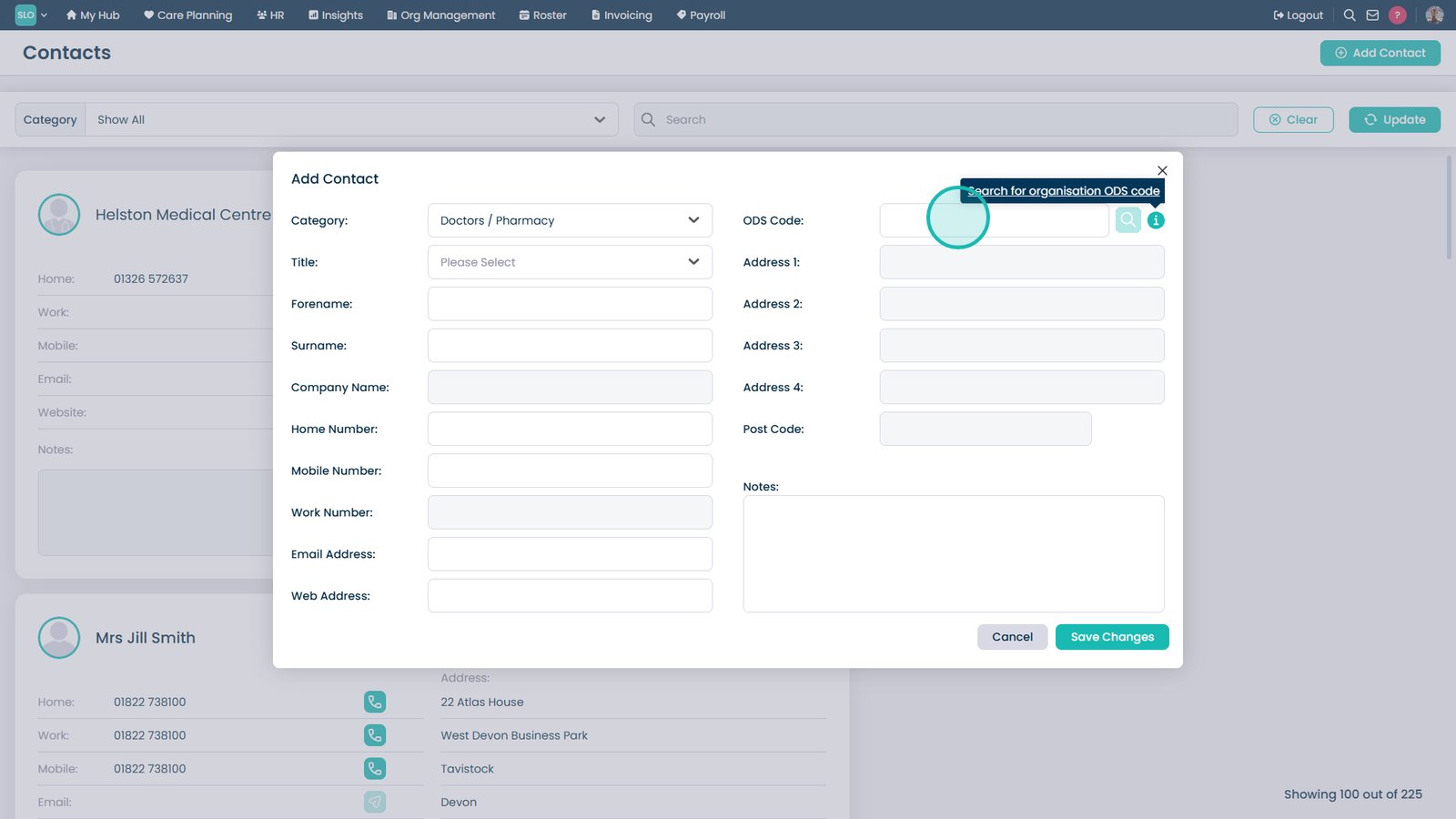
Enter the ODS Code if required.

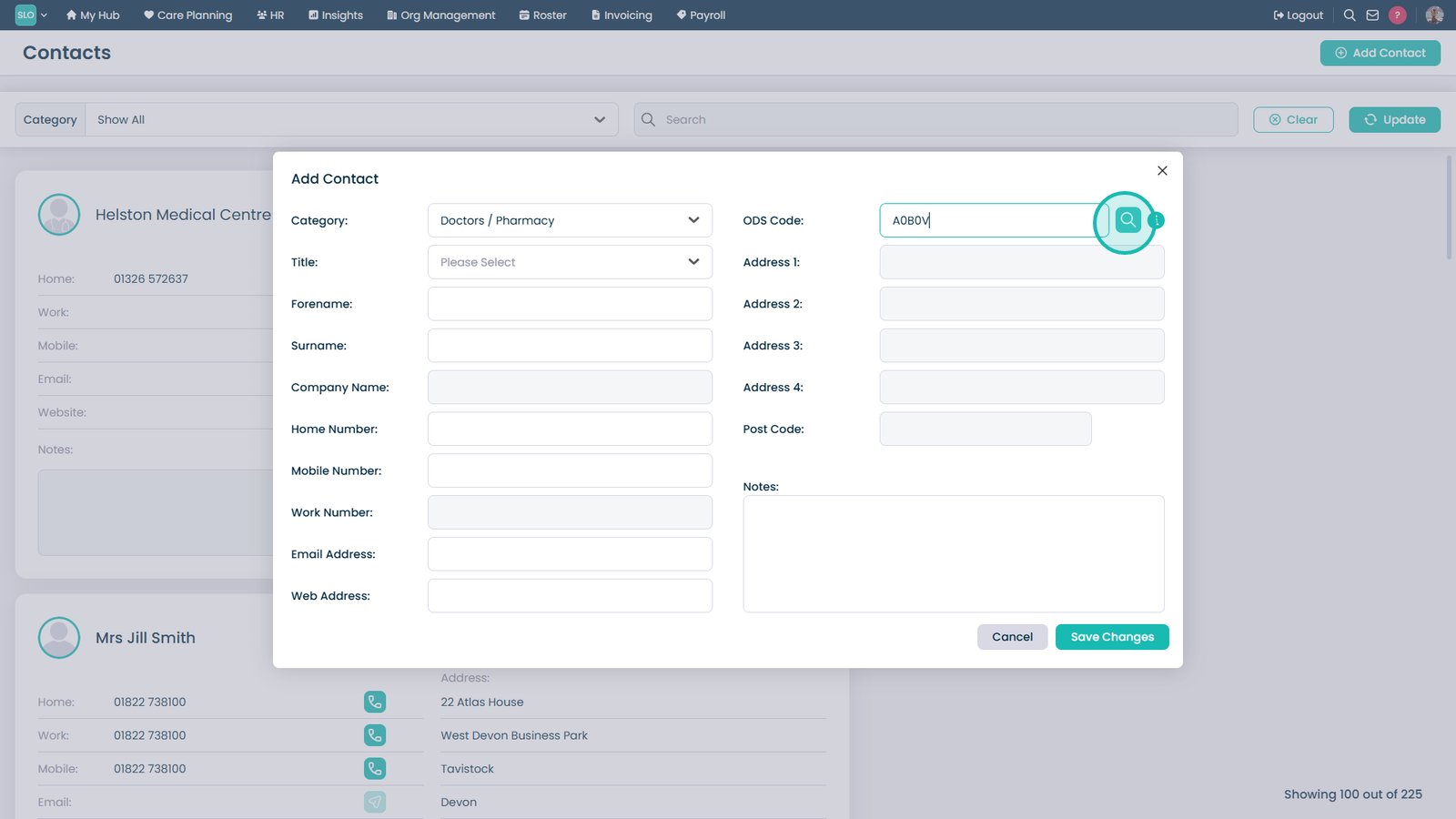
Select the search icon to validate the ODS Code.

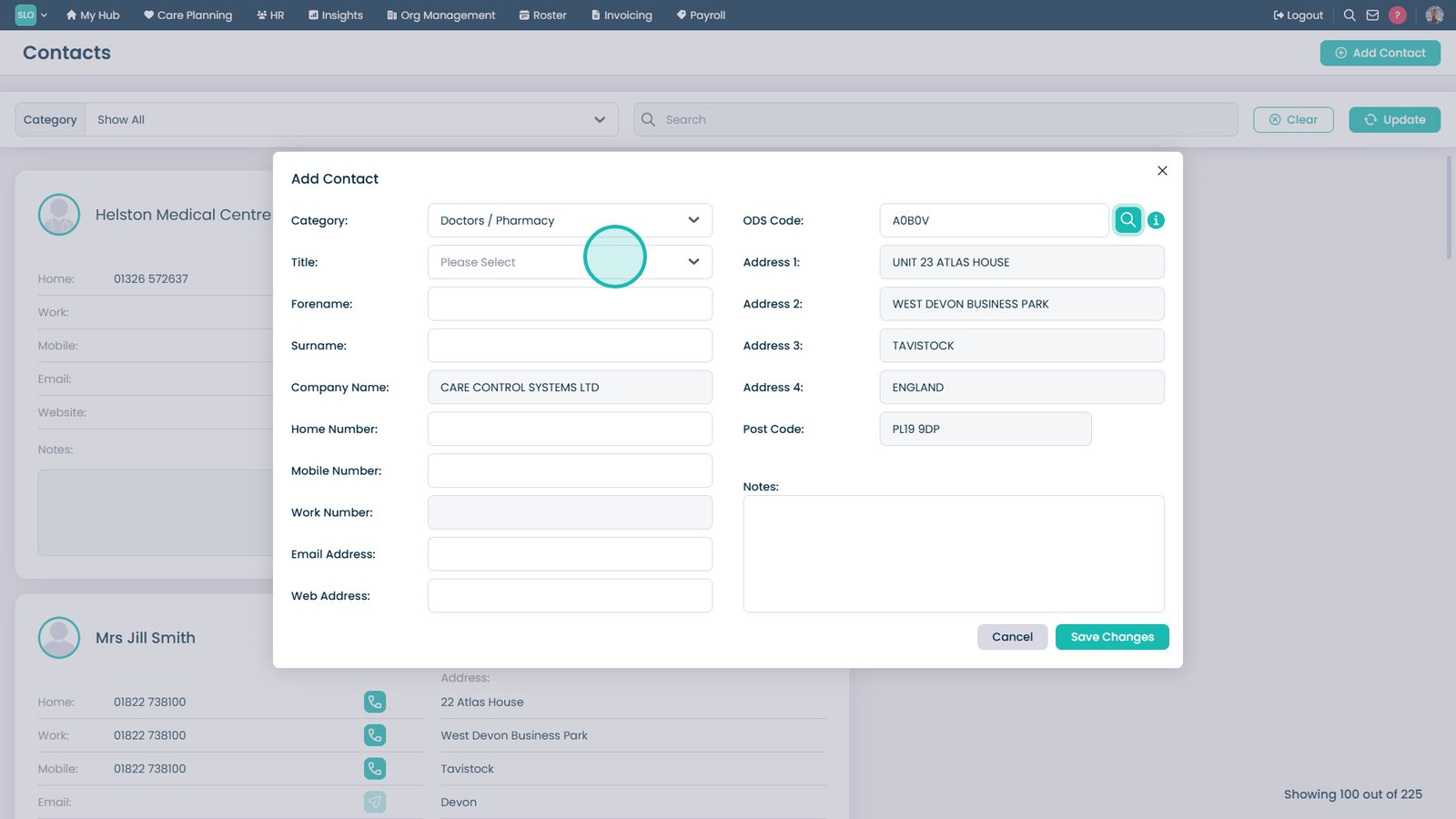
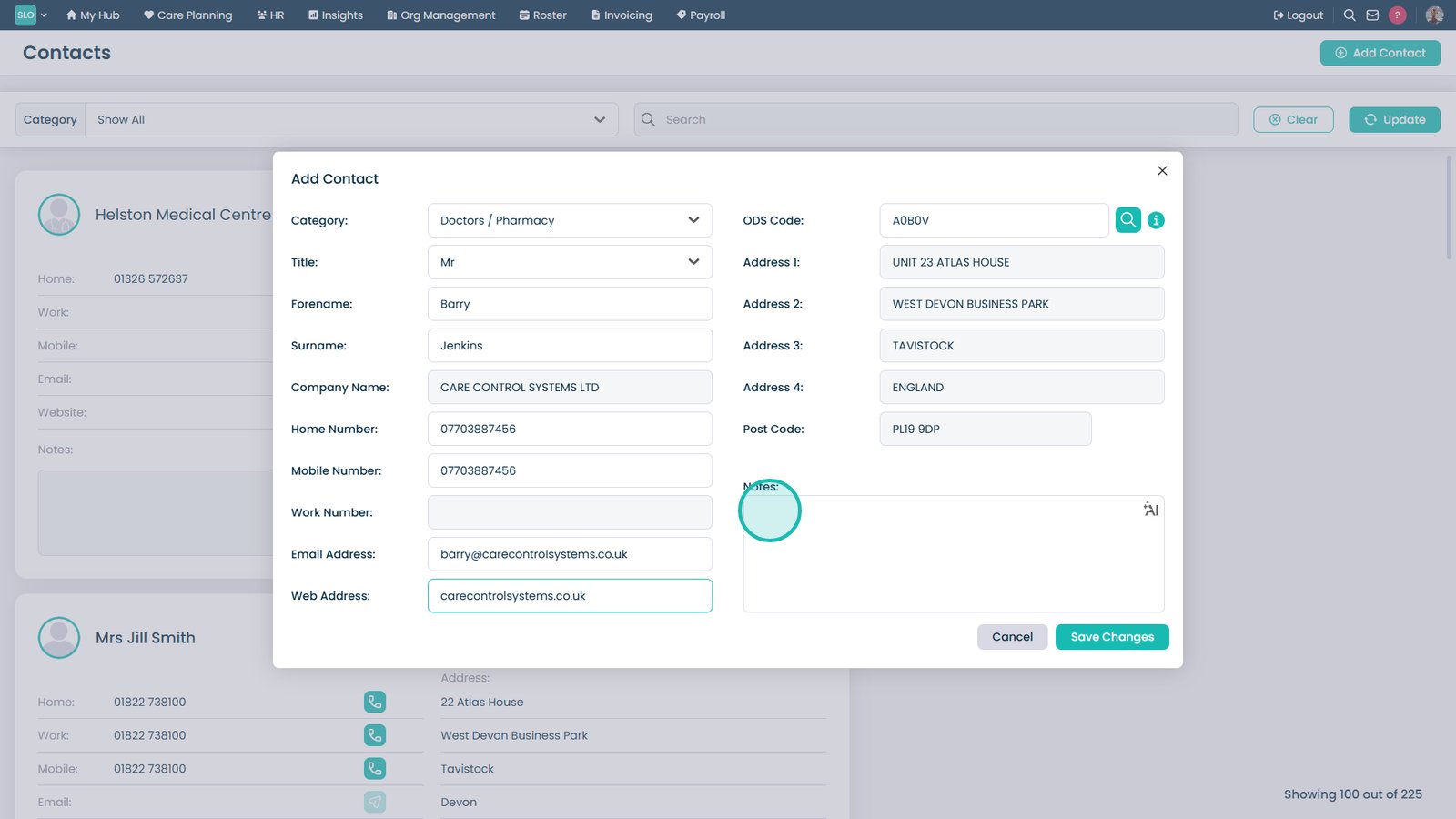
Complete the remaining contact details.

Add any relevant notes.

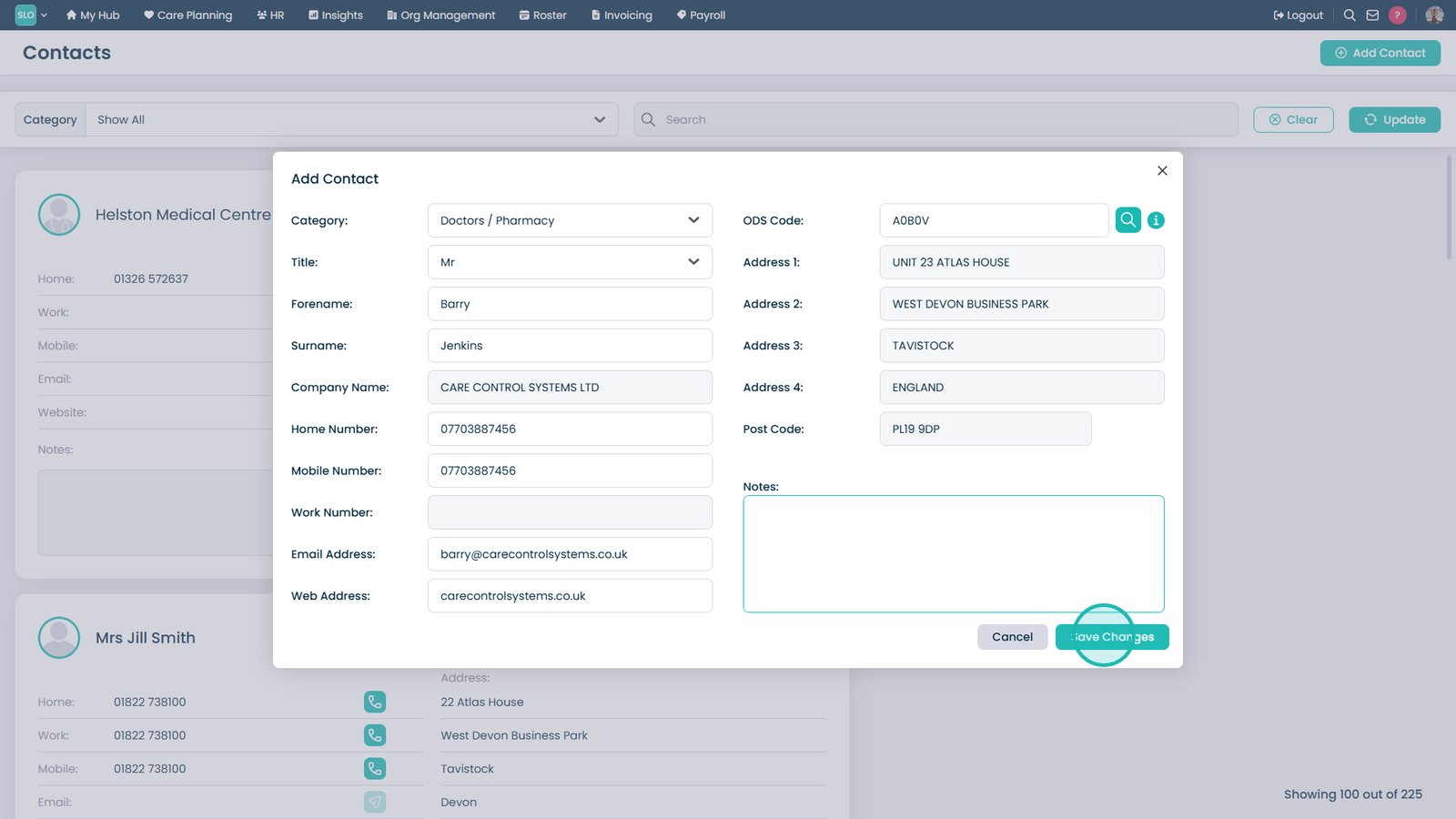
Select Save Changes to create the contact.

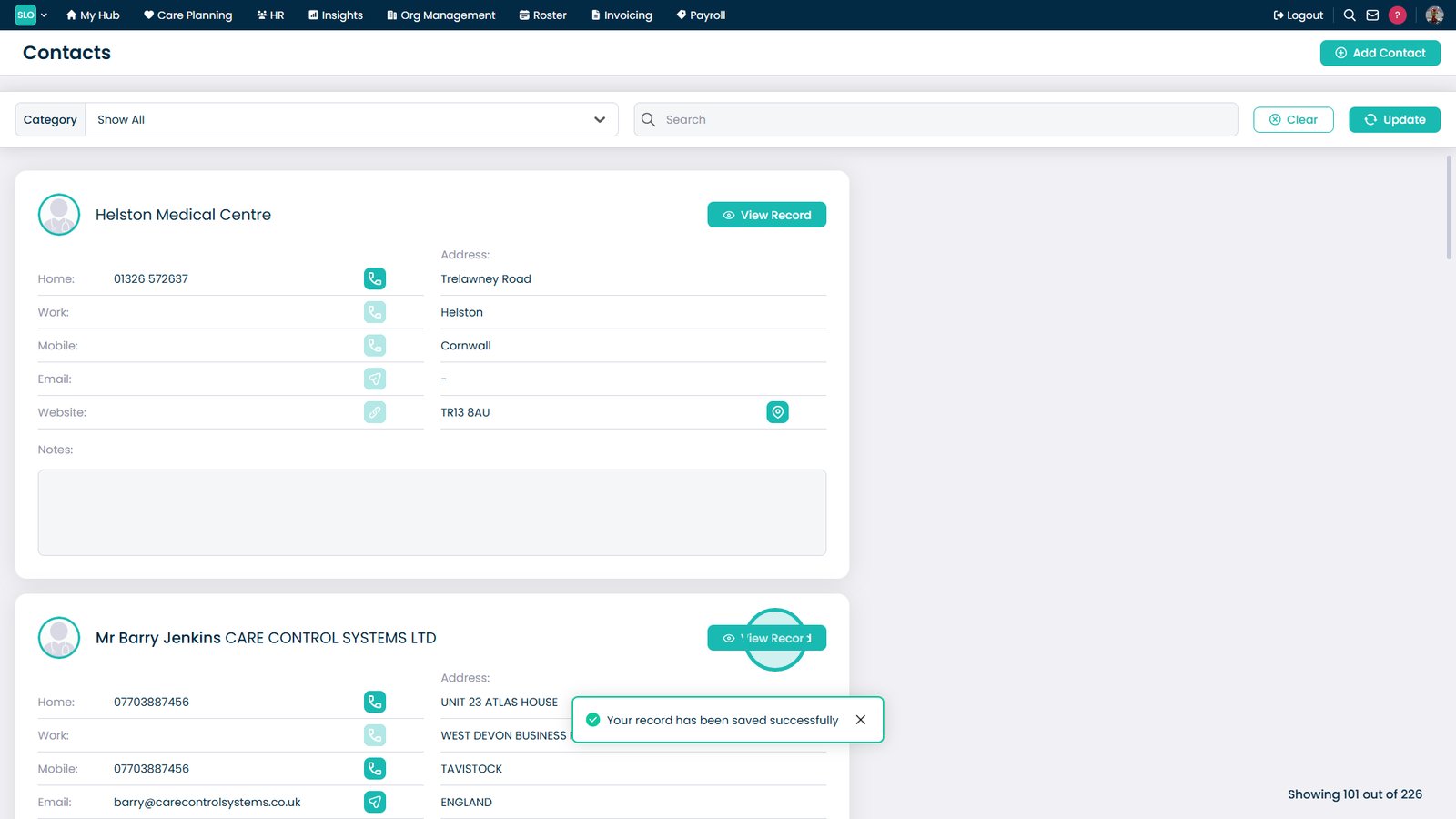
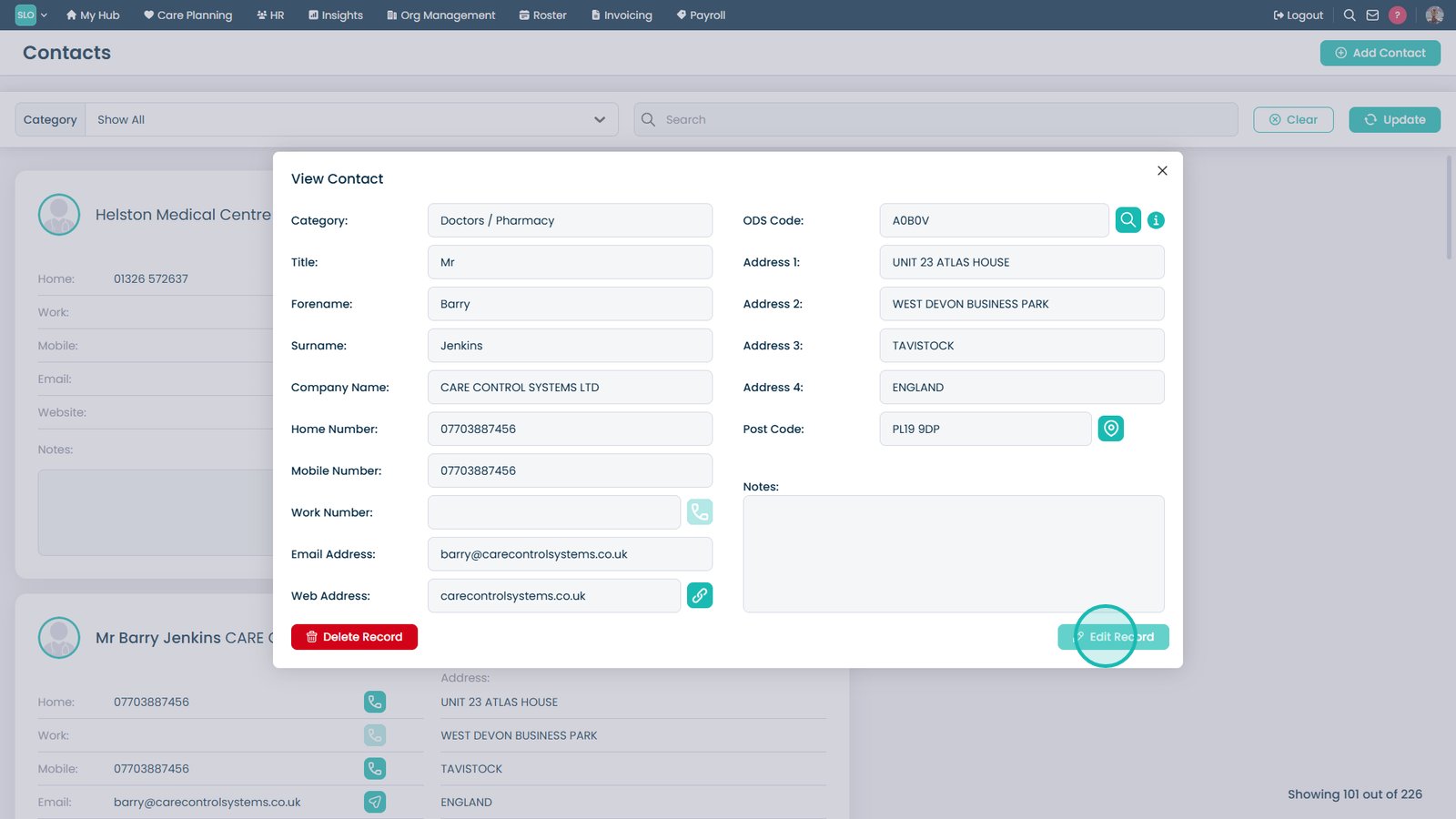
Select View Record to view, edit, or delete the contact.

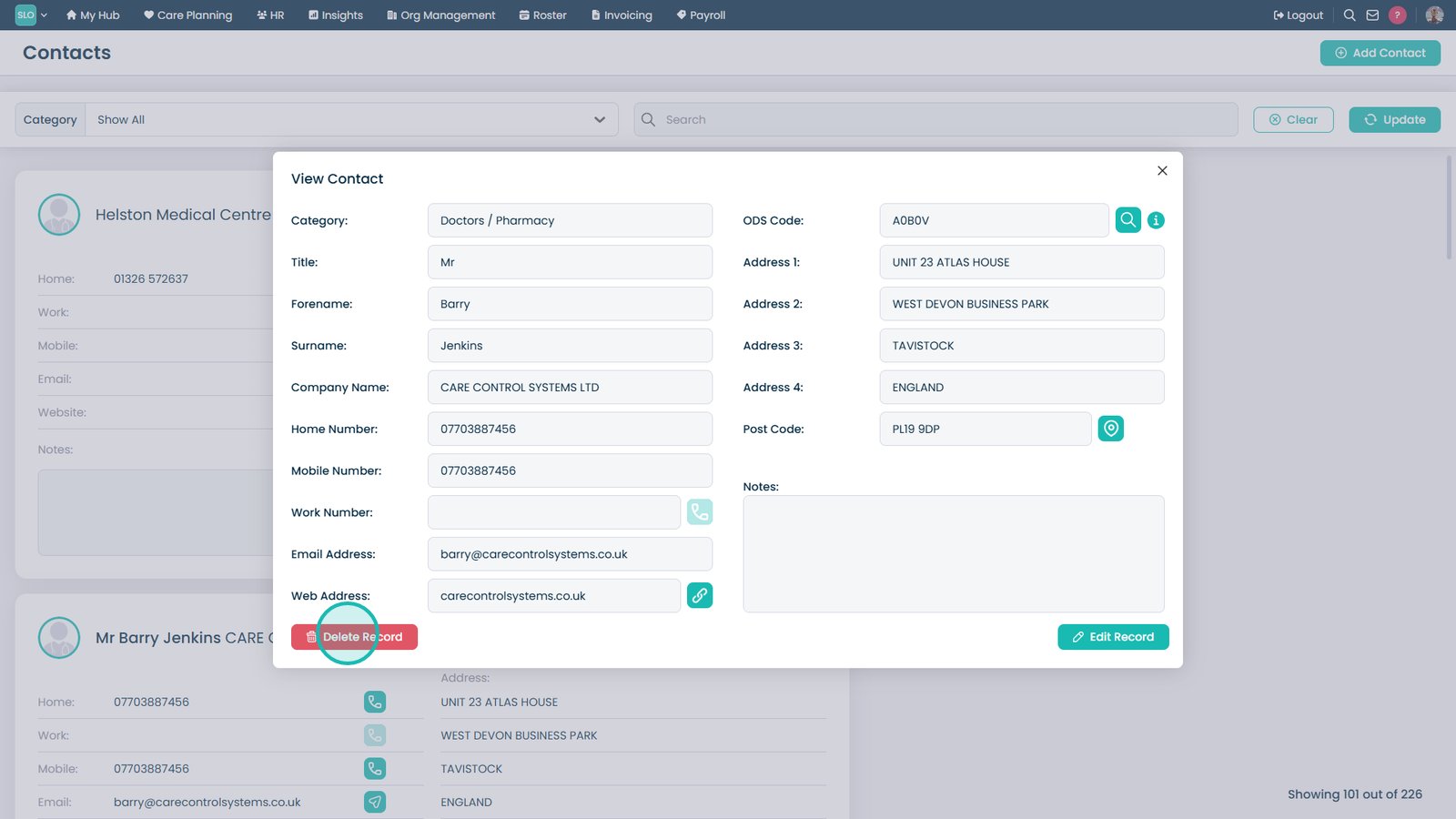
Select Delete Record to remove the contact.

Select Edit Record to update the contact.

Top tip
Each service user has an area within their Care Plan called ‘Key Contacts’ that you can add in Next of Kin etc.
Need more help?
Can't find what you're looking for? Our support team is here to help.
Contact SupportOr call us on