🚀 UPCOMING WEBINAR: See Payroll in Care Control Cloud in action on Thursday 18th June and discover how to manage payroll more efficiently from one connected system. Click here to find out more!

View Categories

How to Edit and Update Personal Details

This guide will walk you through viewing and updating resident Personal Details within Care Control Cloud.

Takes 5 minutes
For: Care Staff
Updated: 1st June 2026

Introduction

This guide explains how to view and update resident Personal Details within Care Control Cloud.
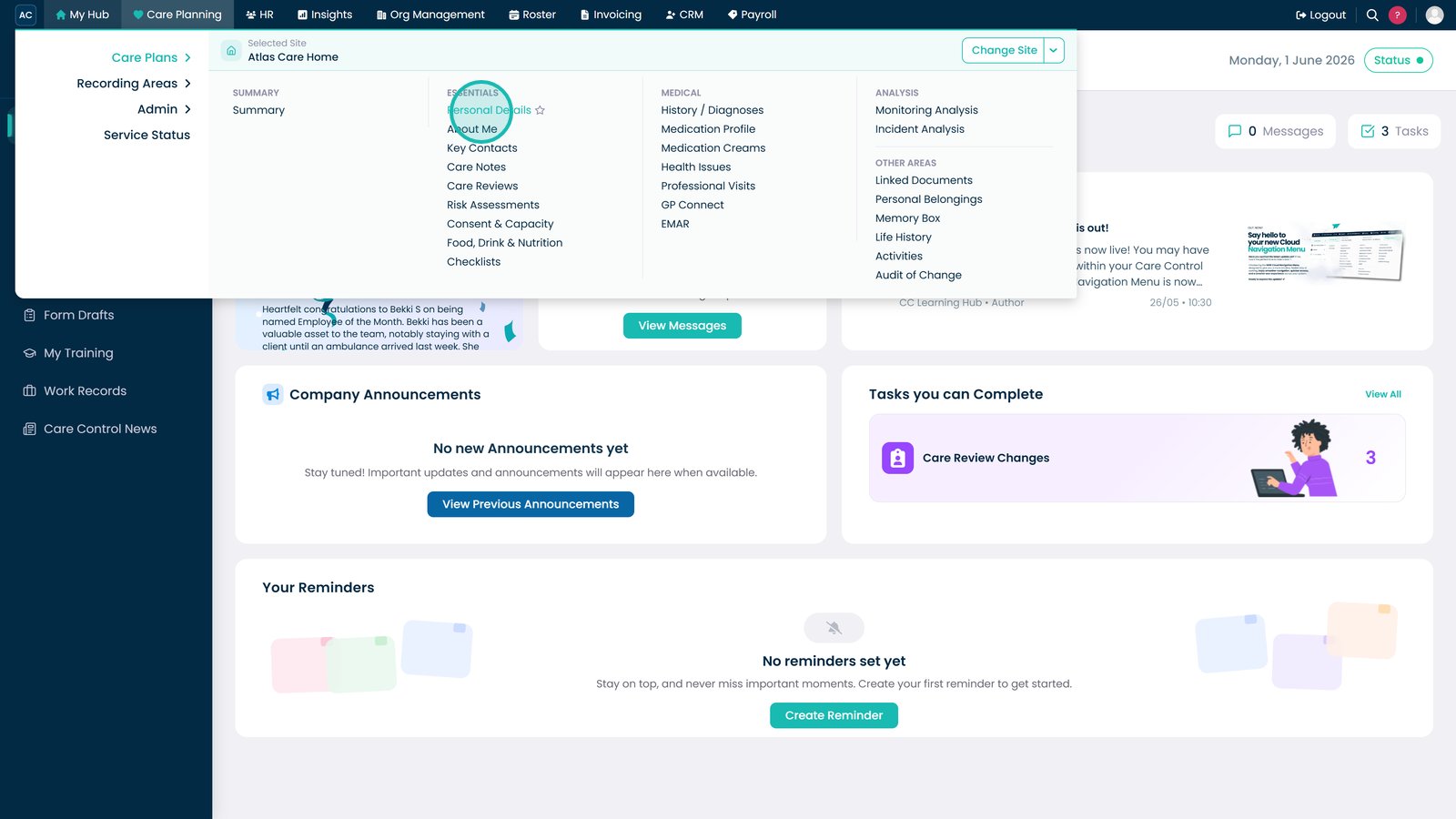
In this guide you'll learn how to:

  • Update personal information
  • Manage further details and additional fields
  • Record personal appearance information
  • Update impairment details
  • Save changes across resident records

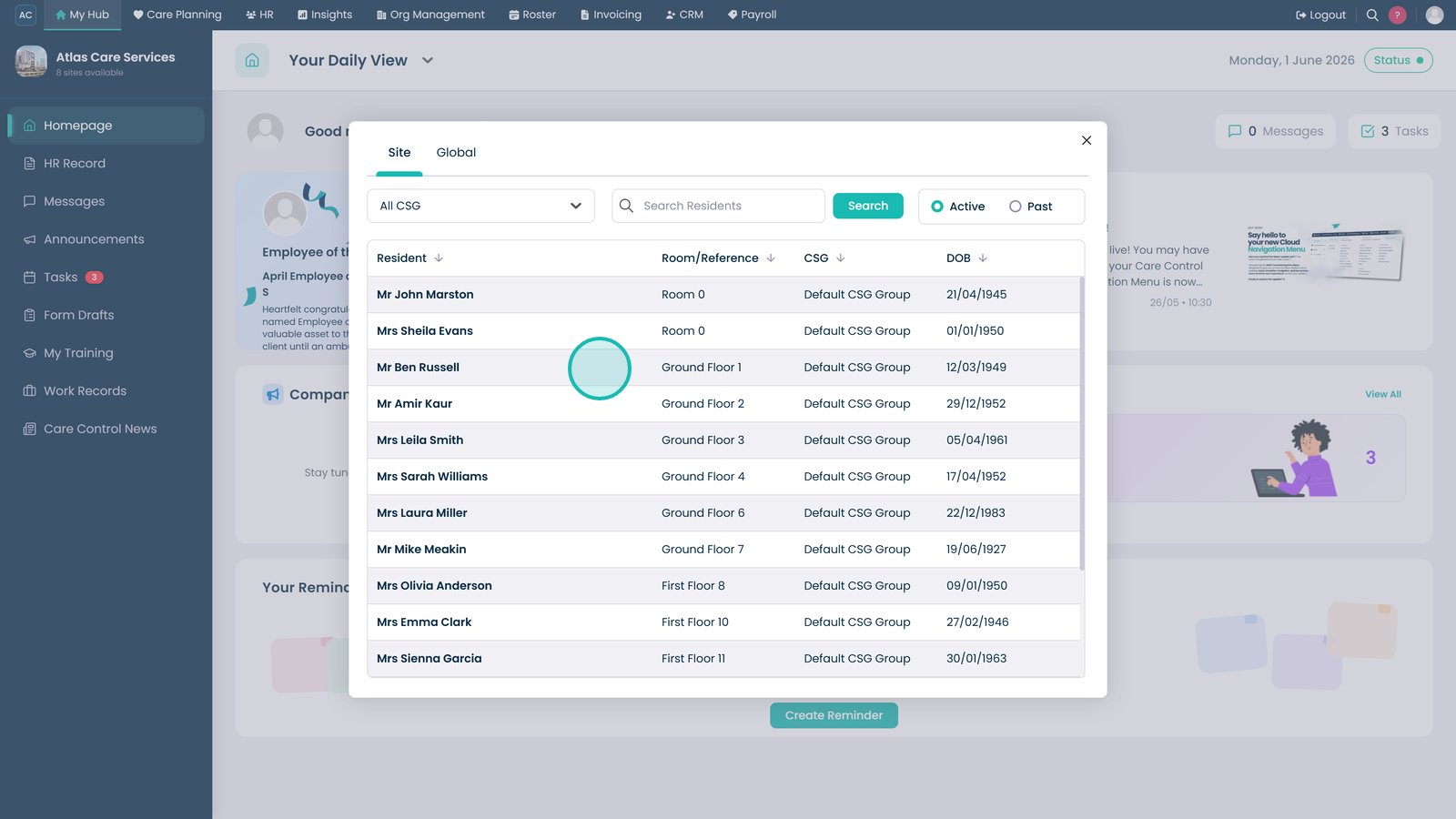
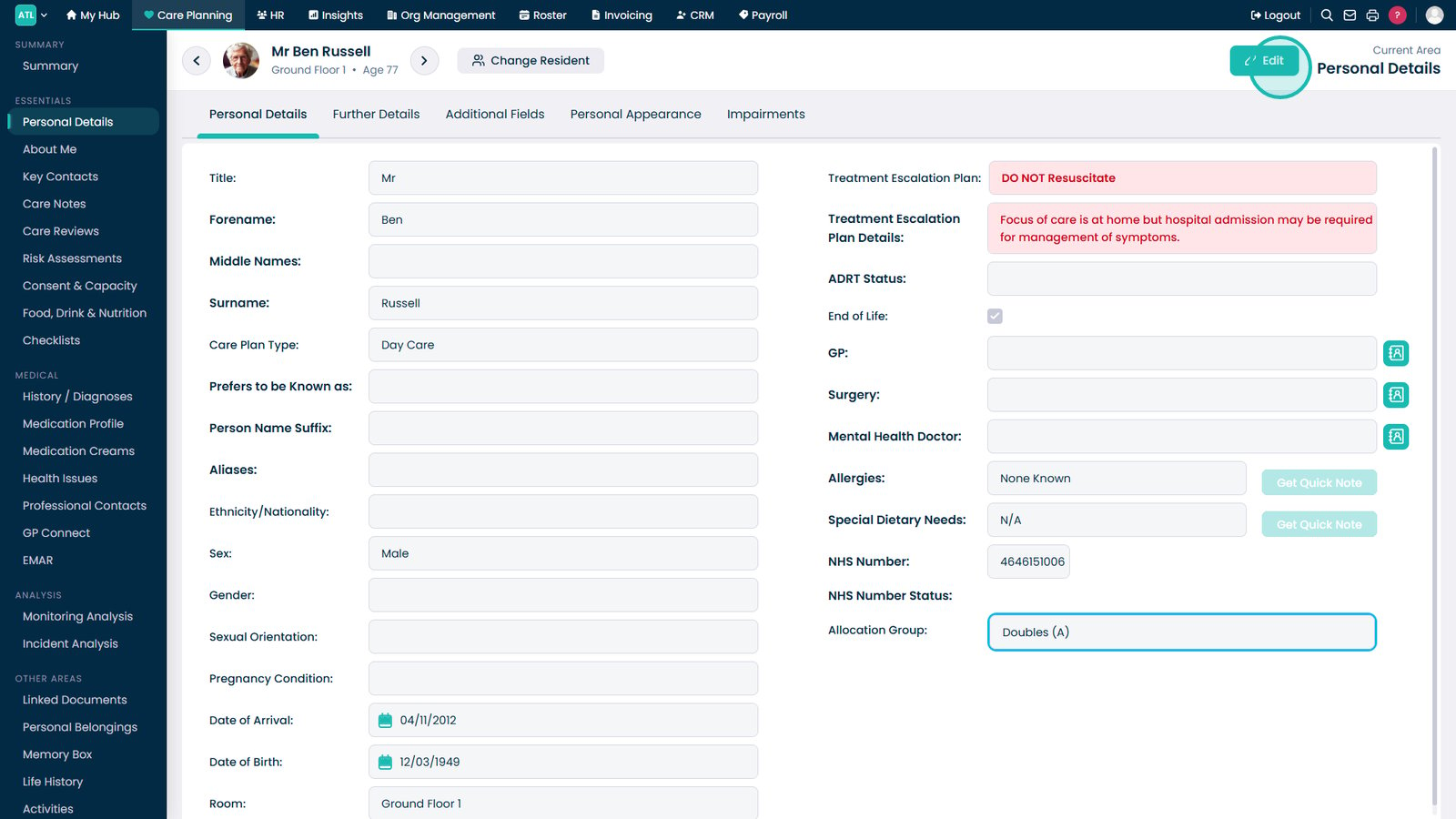
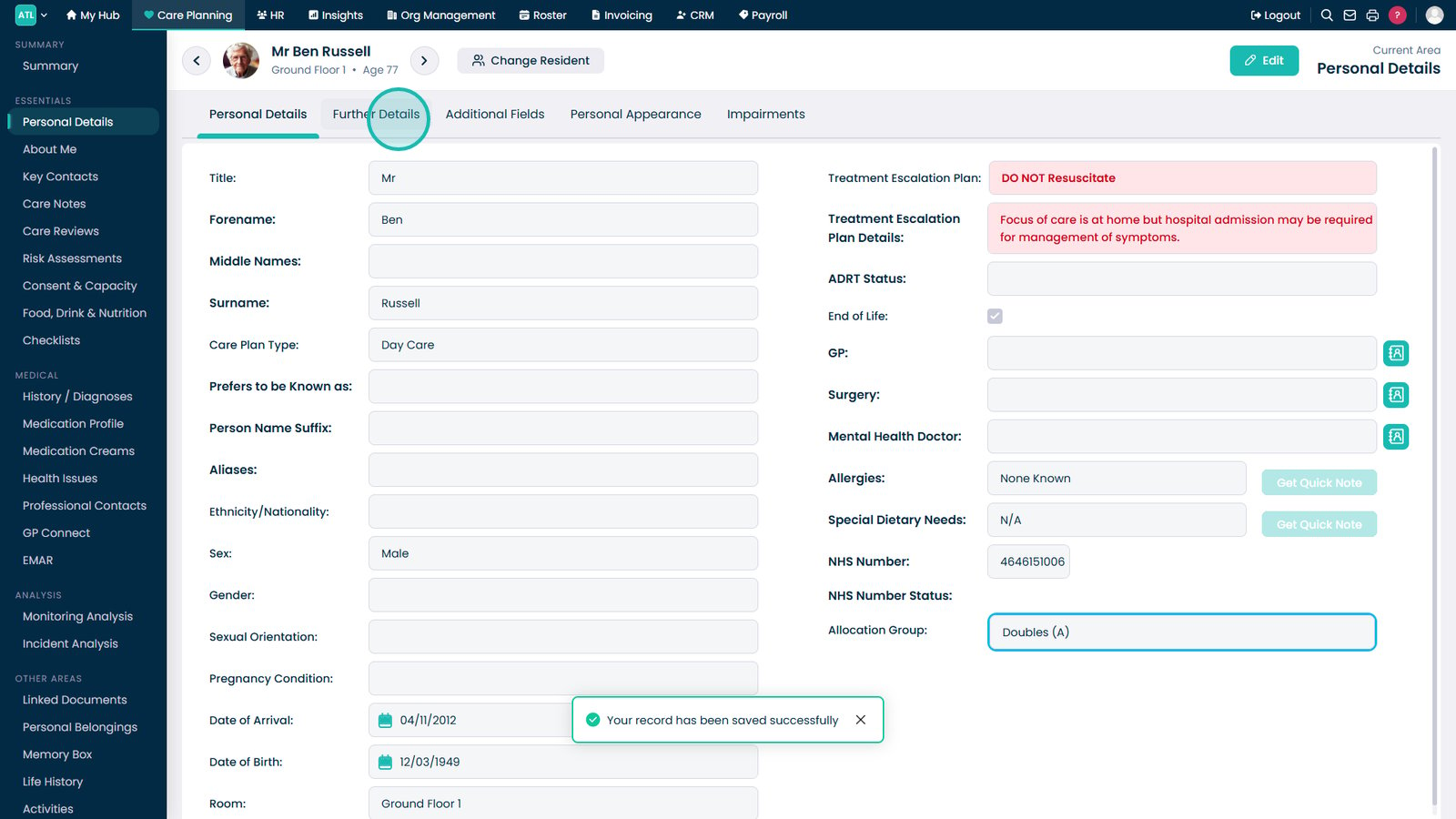
Open Personal Details from the Essentials menu.

Select the resident.

Select Edit.

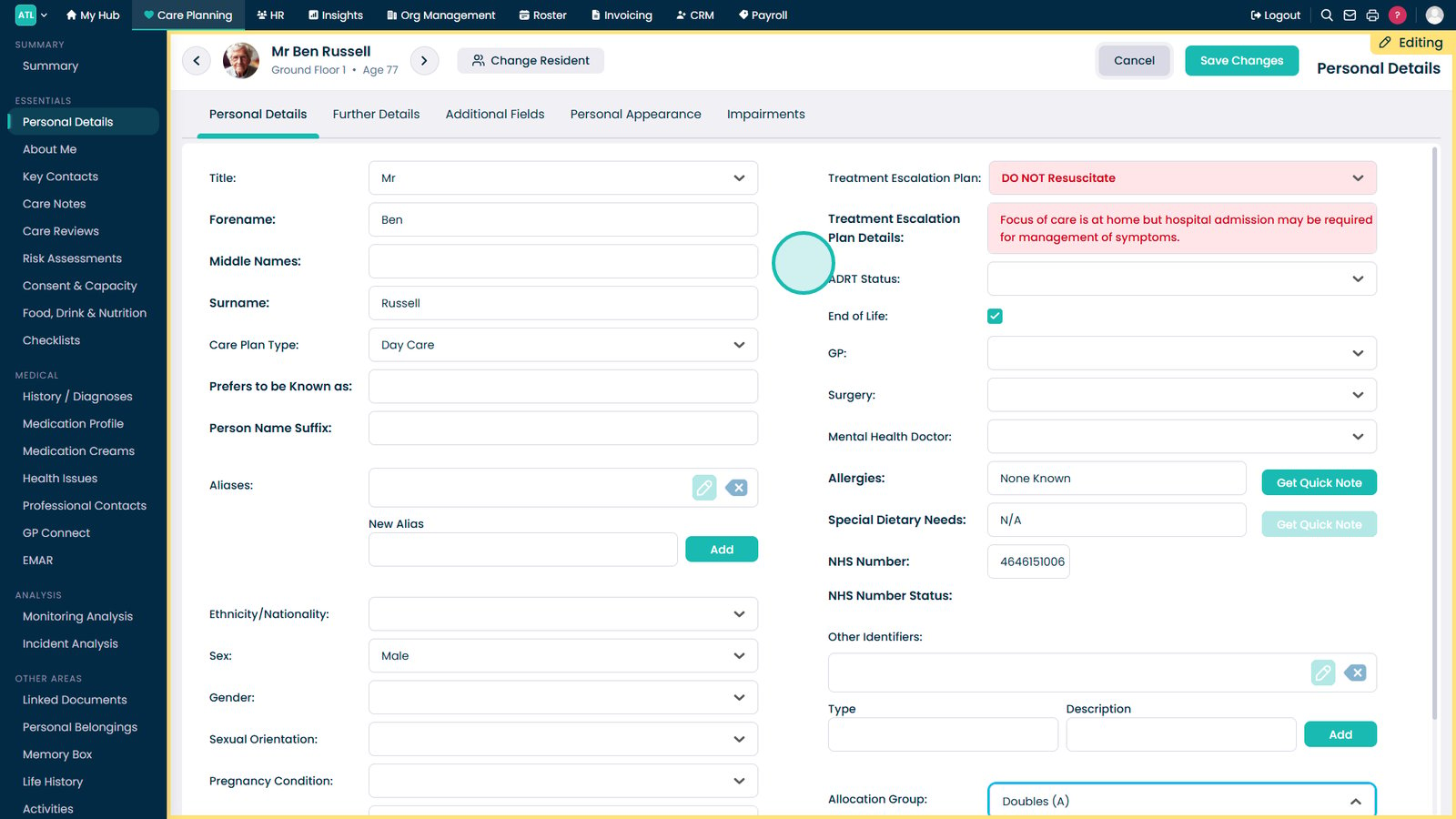
Update personal details as required.

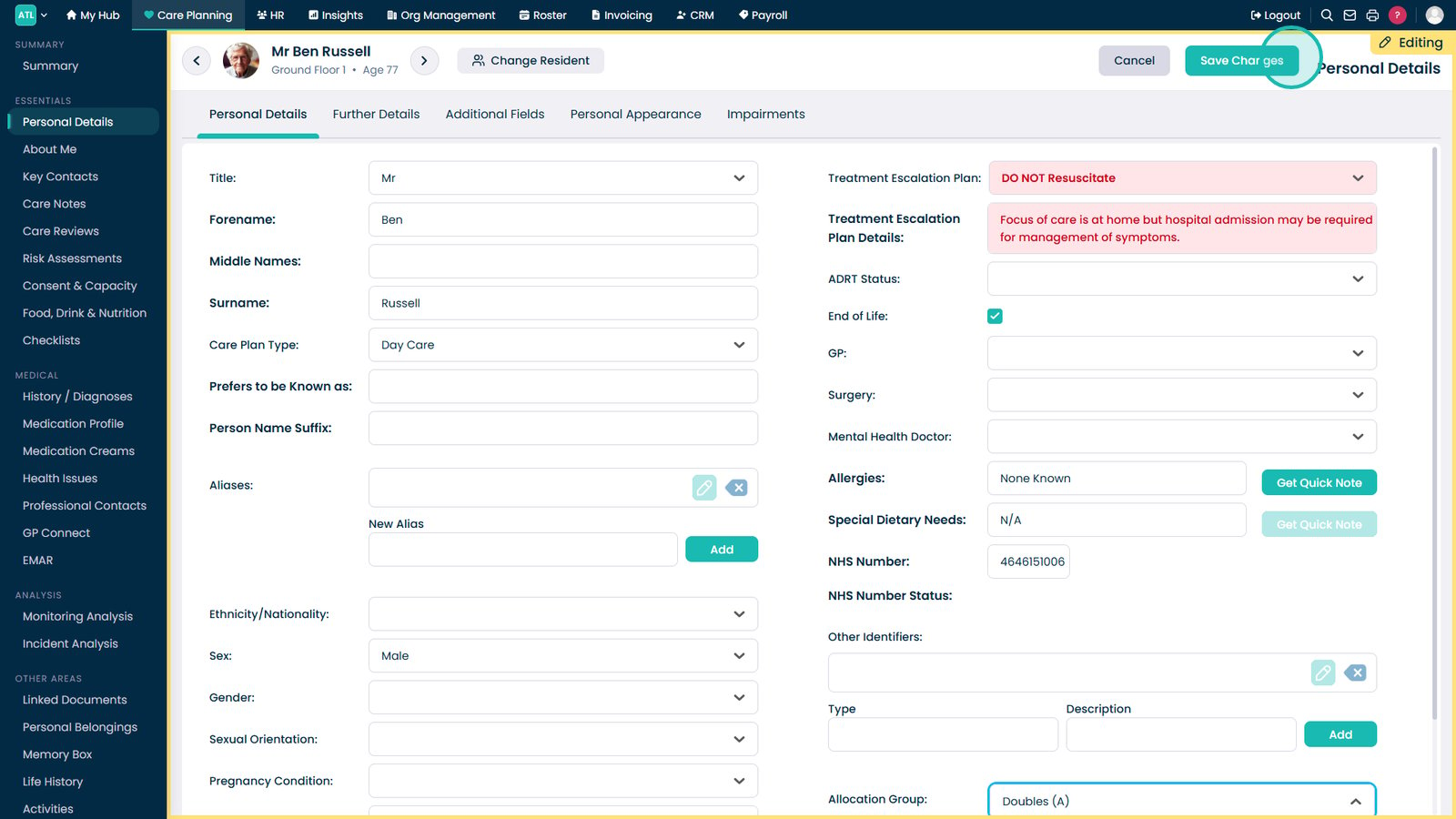
Select Save Changes.

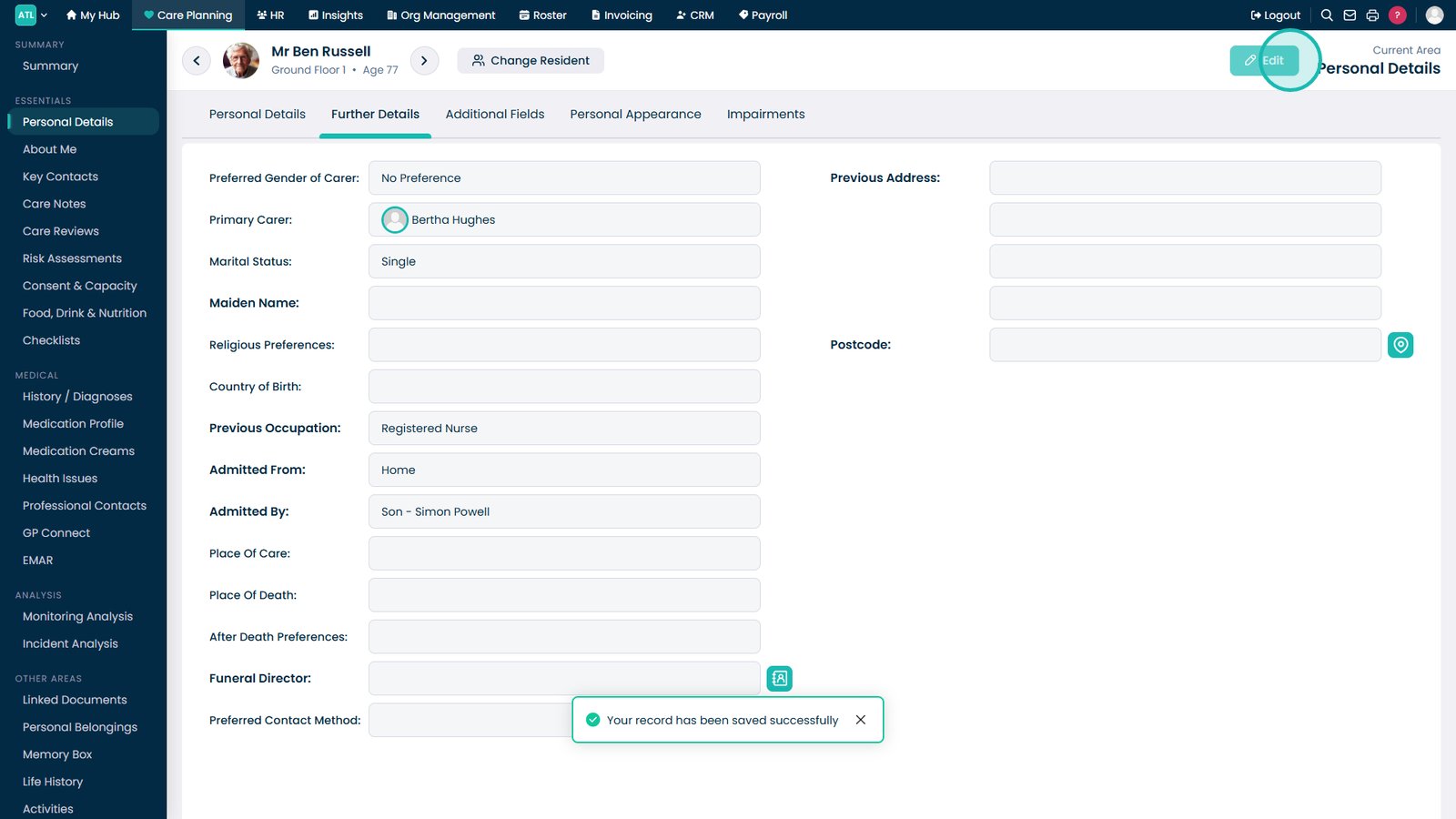
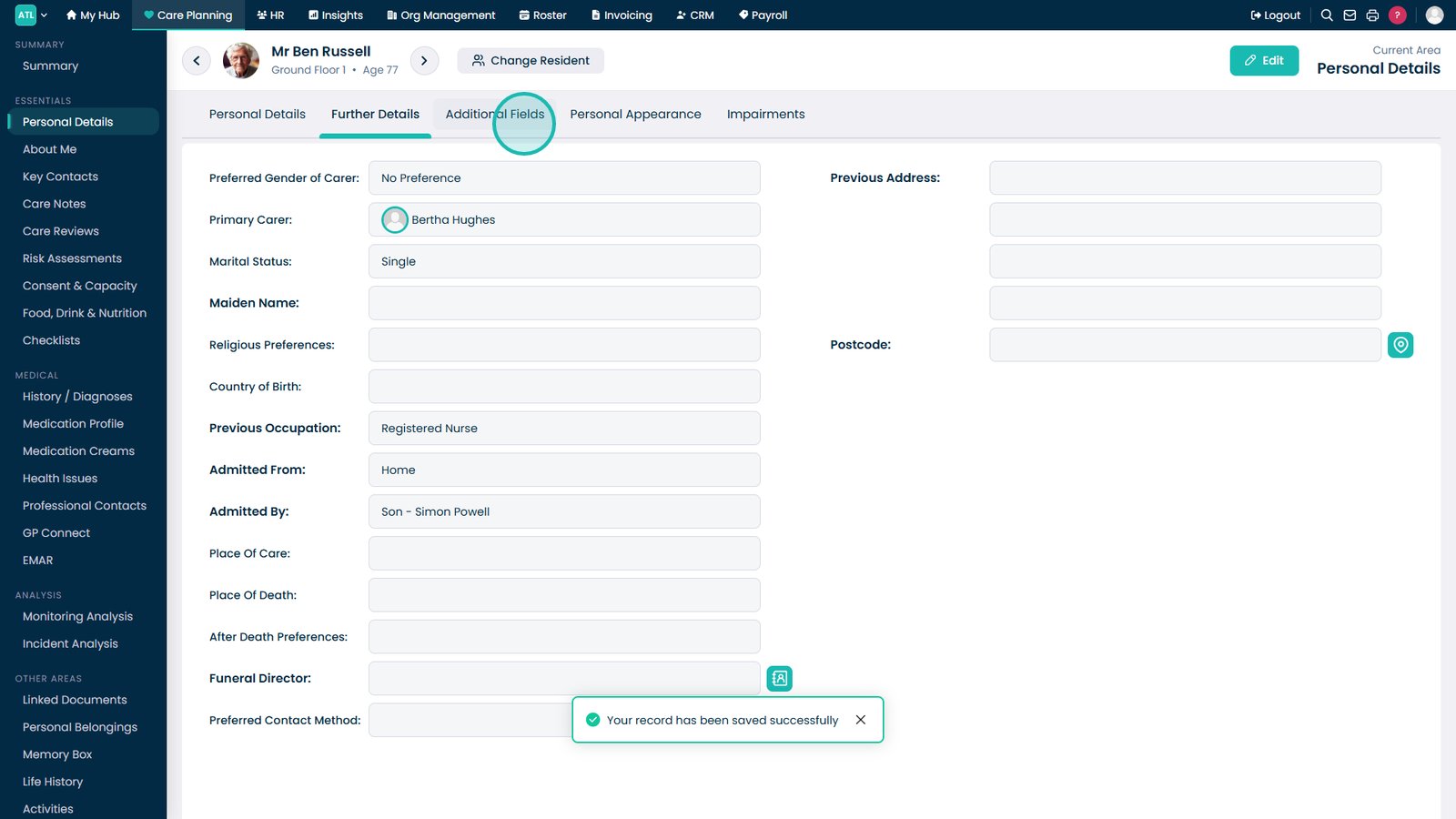
Open the Further Details tab.

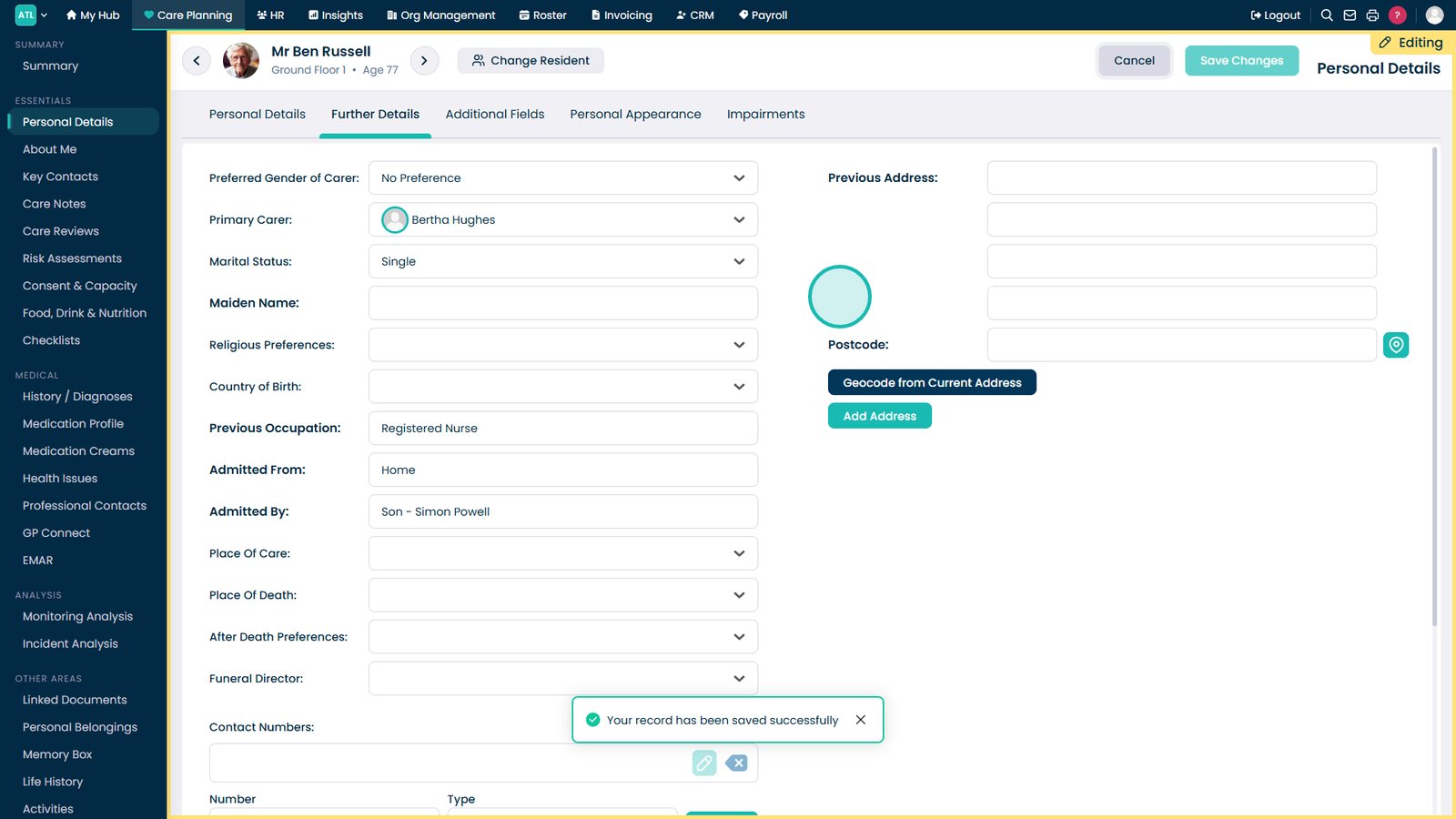
Select Edit.

Update further details as required.

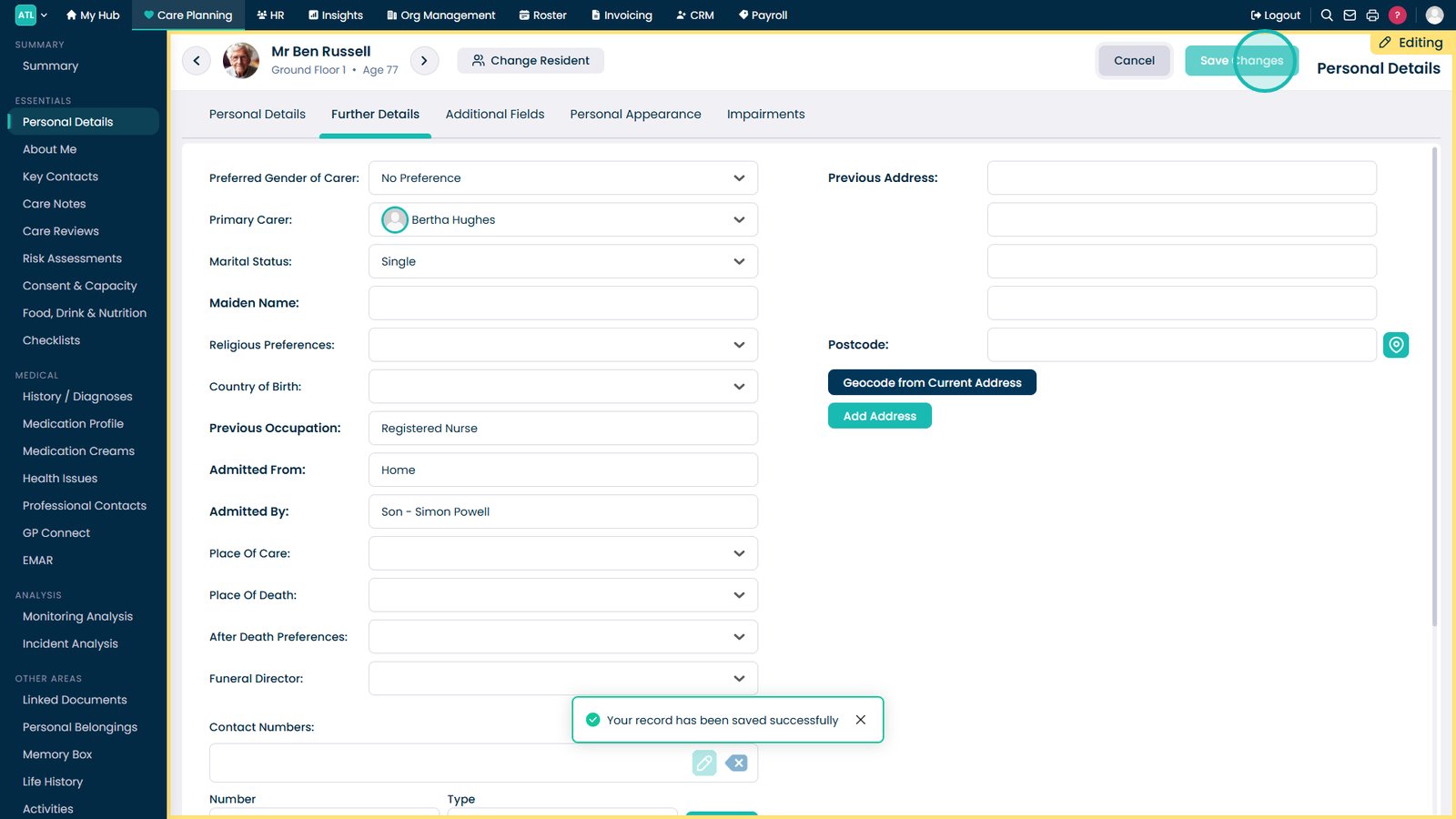
Select Save Changes.

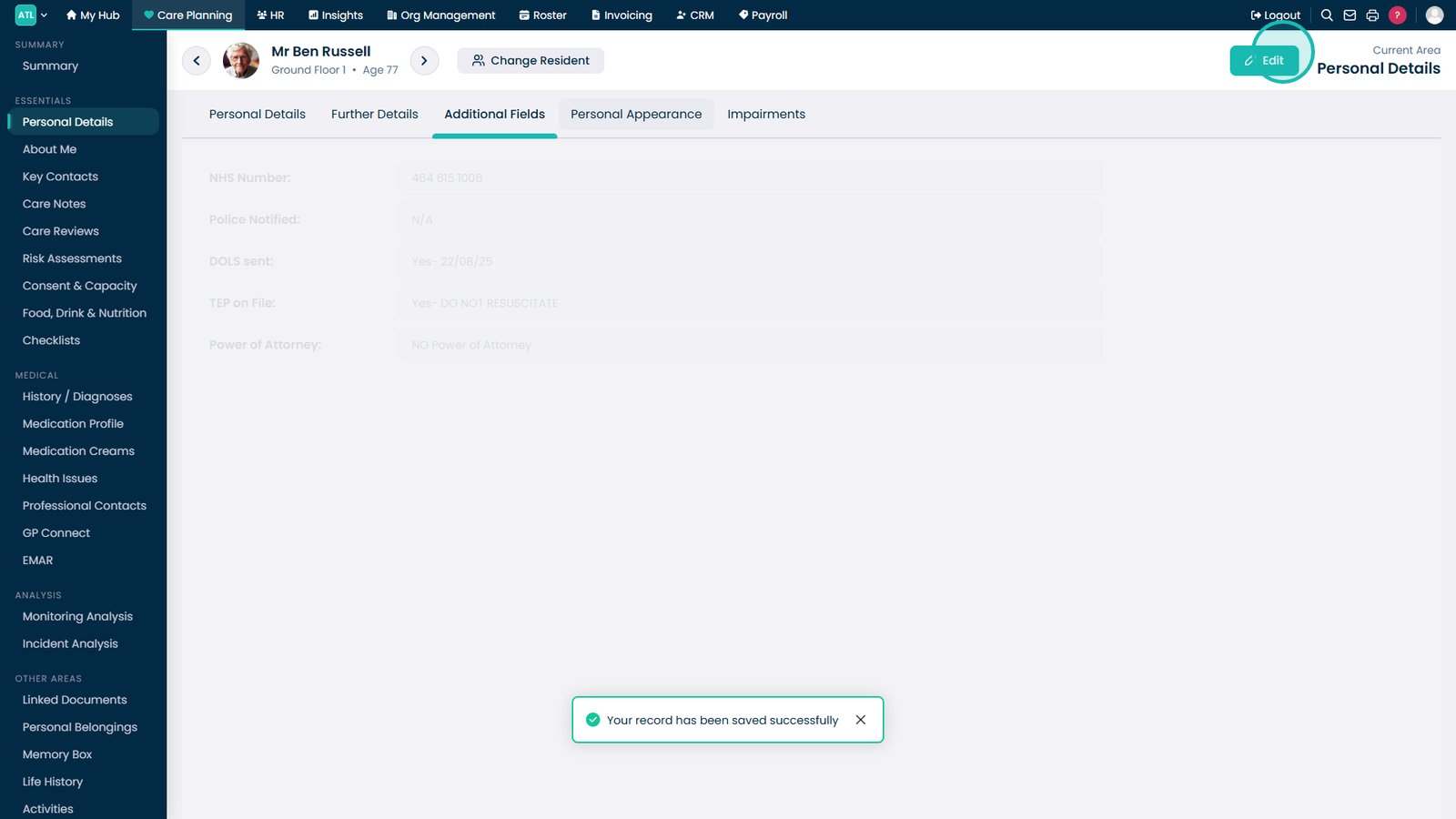
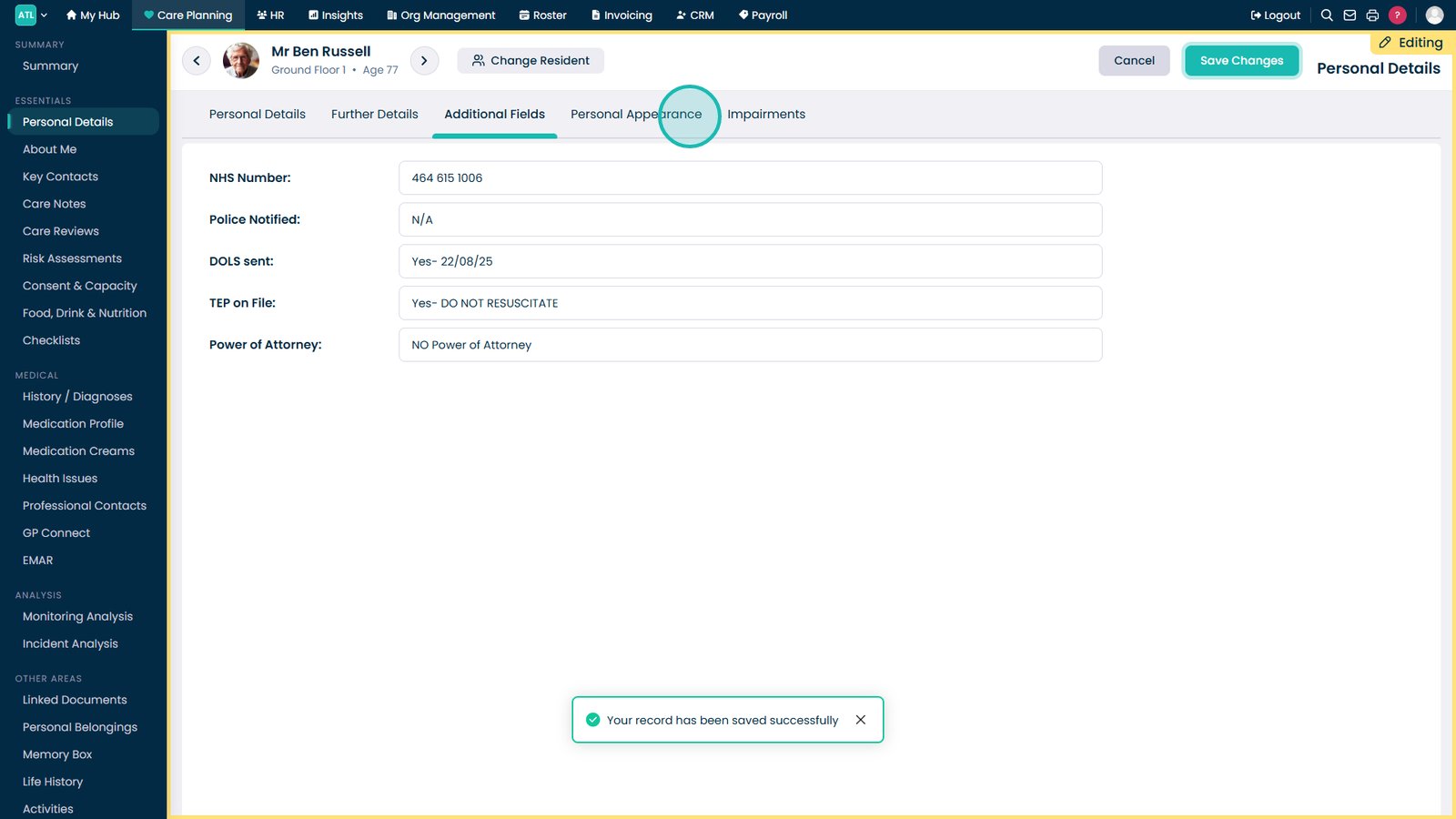
Open the Additional Fields tab.

Select Edit.

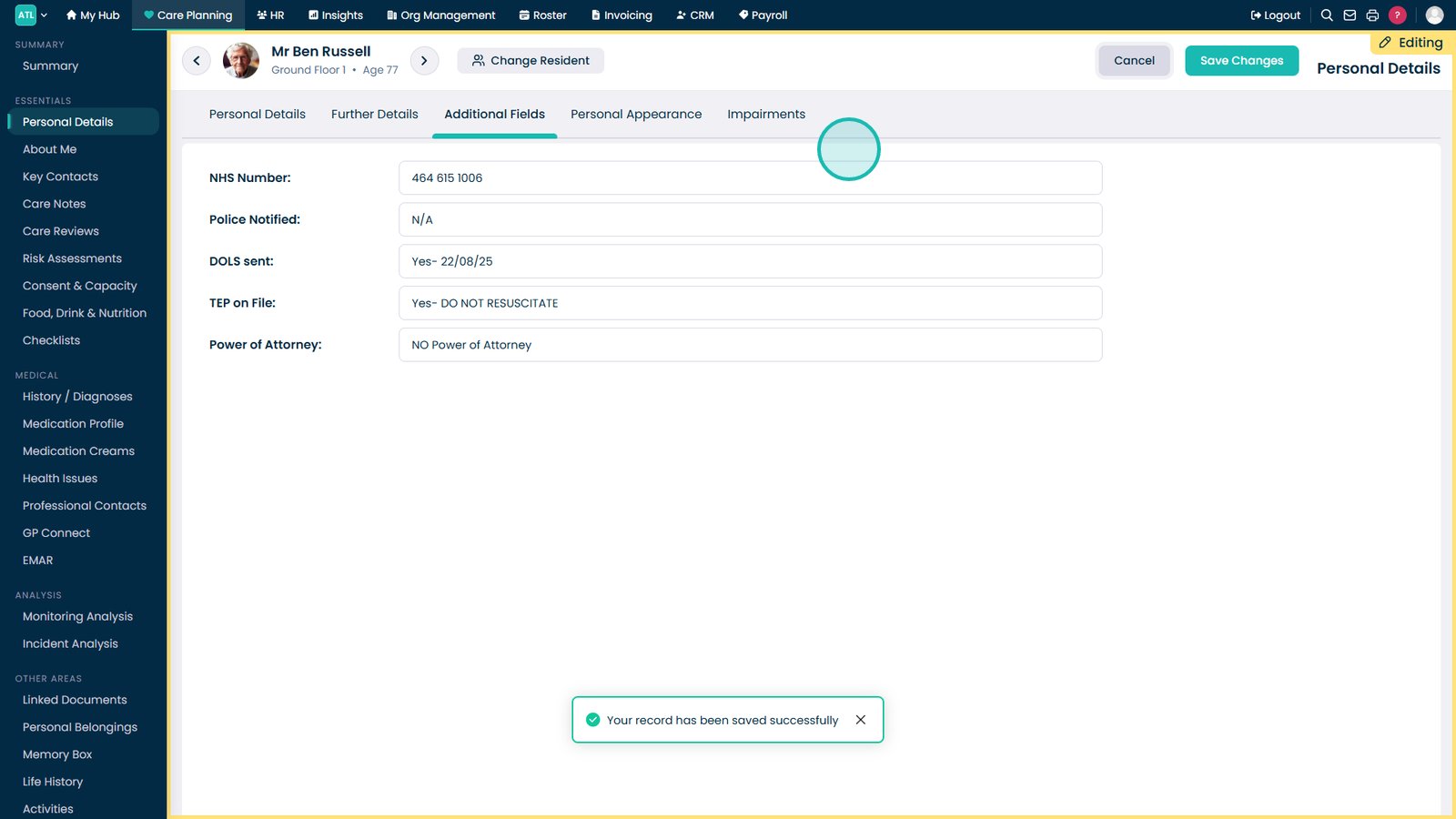
Update additional fields as required.

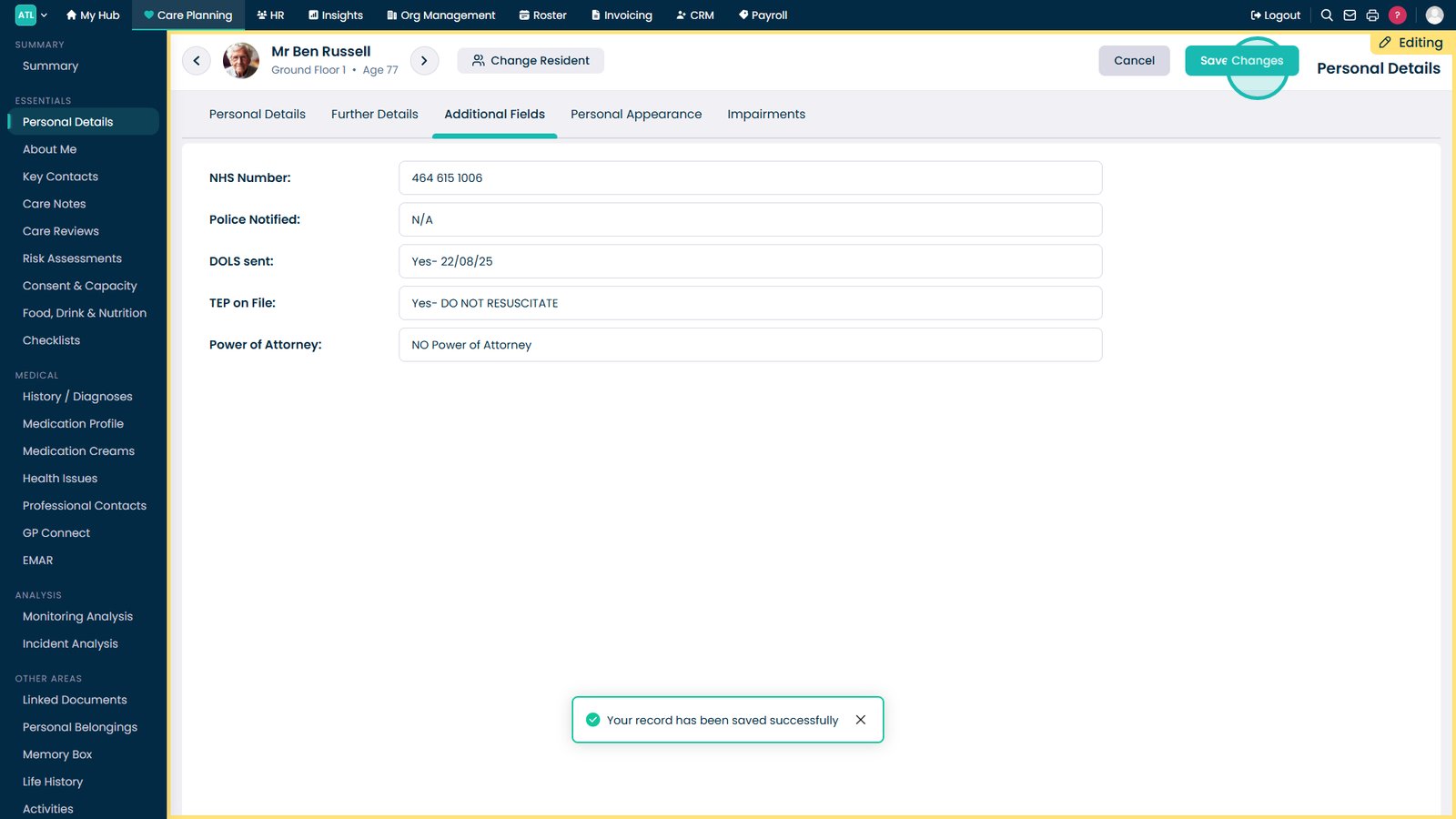
Select Save Changes.

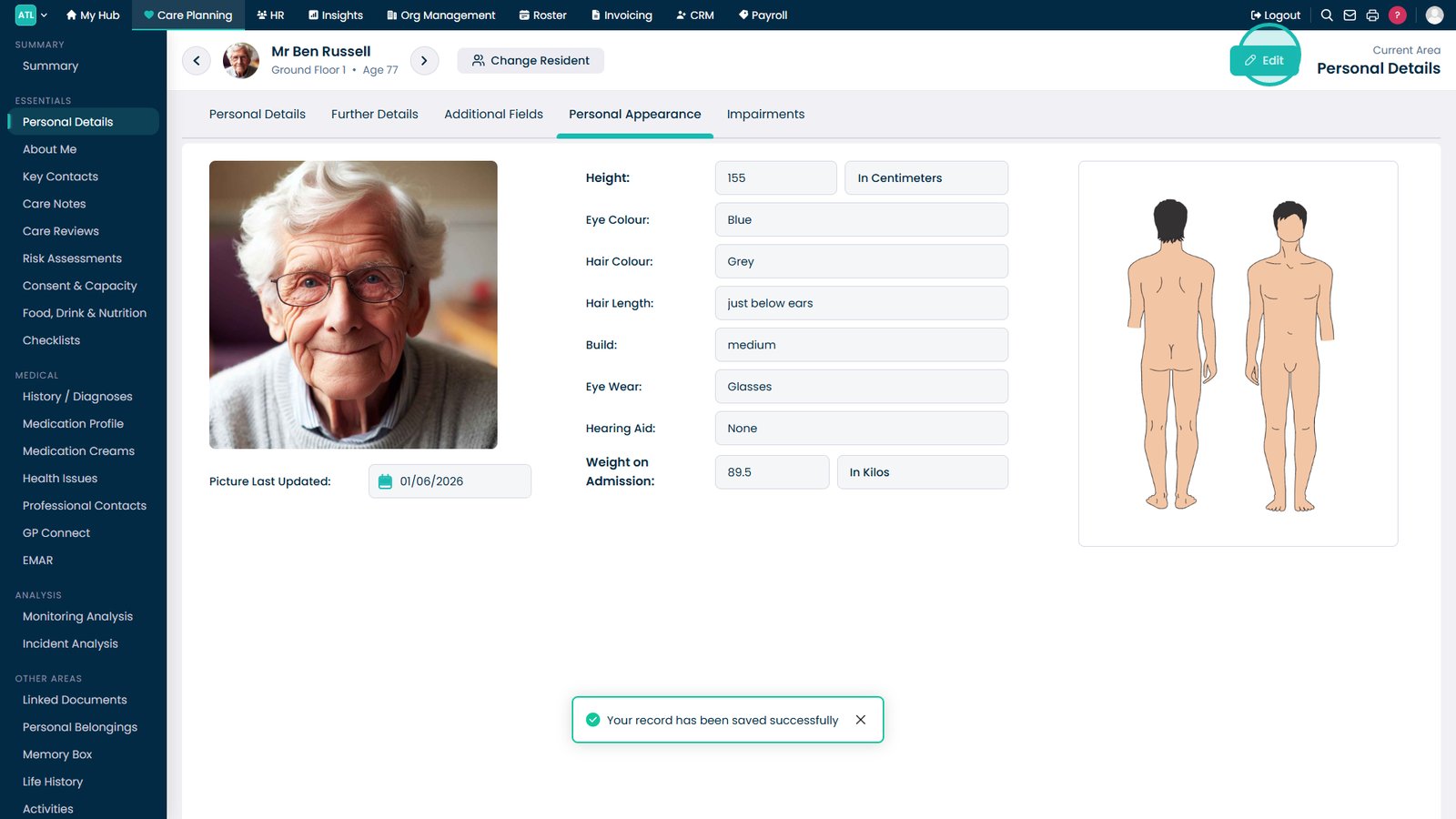
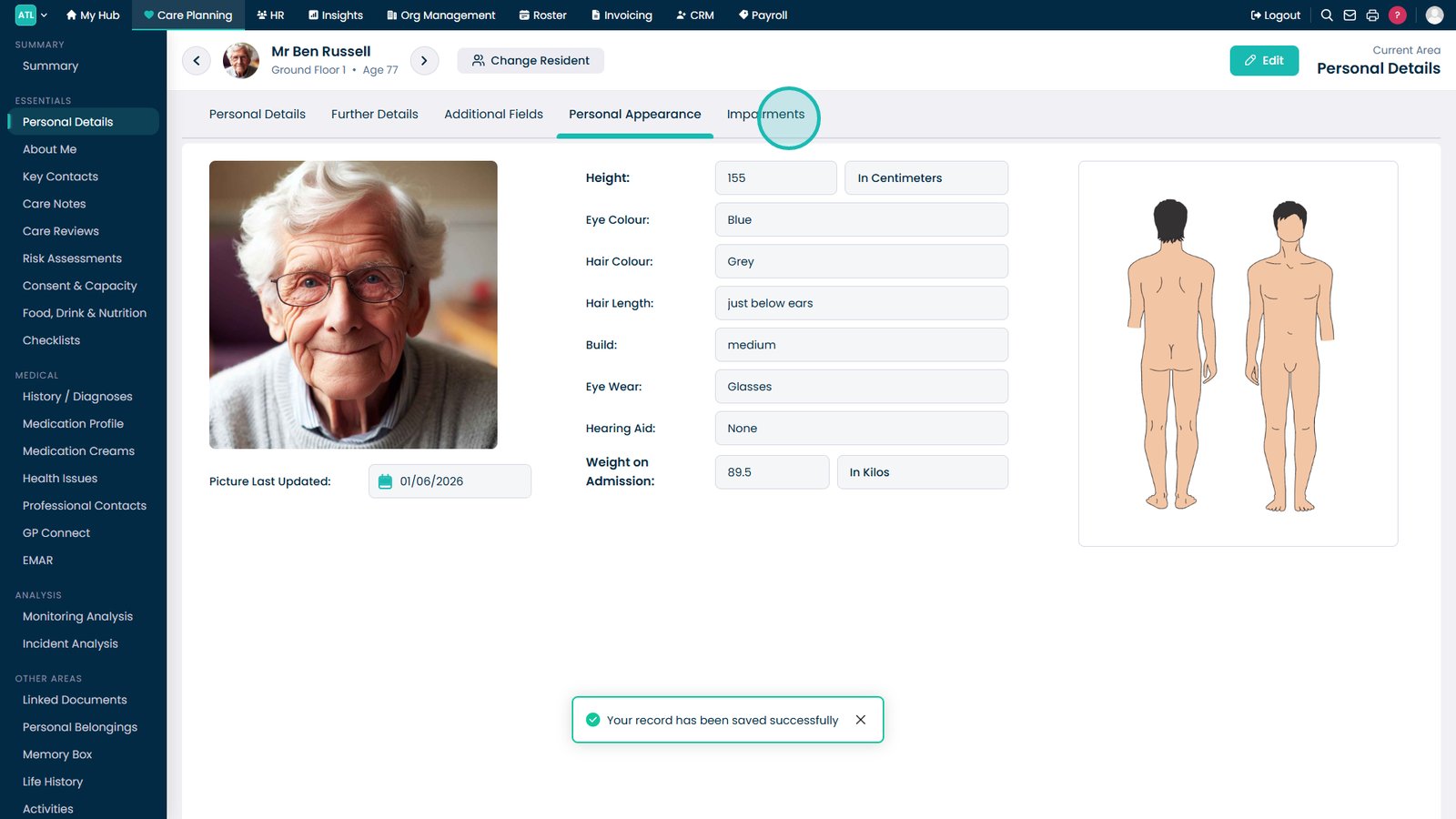
Open the Personal Appearance tab.

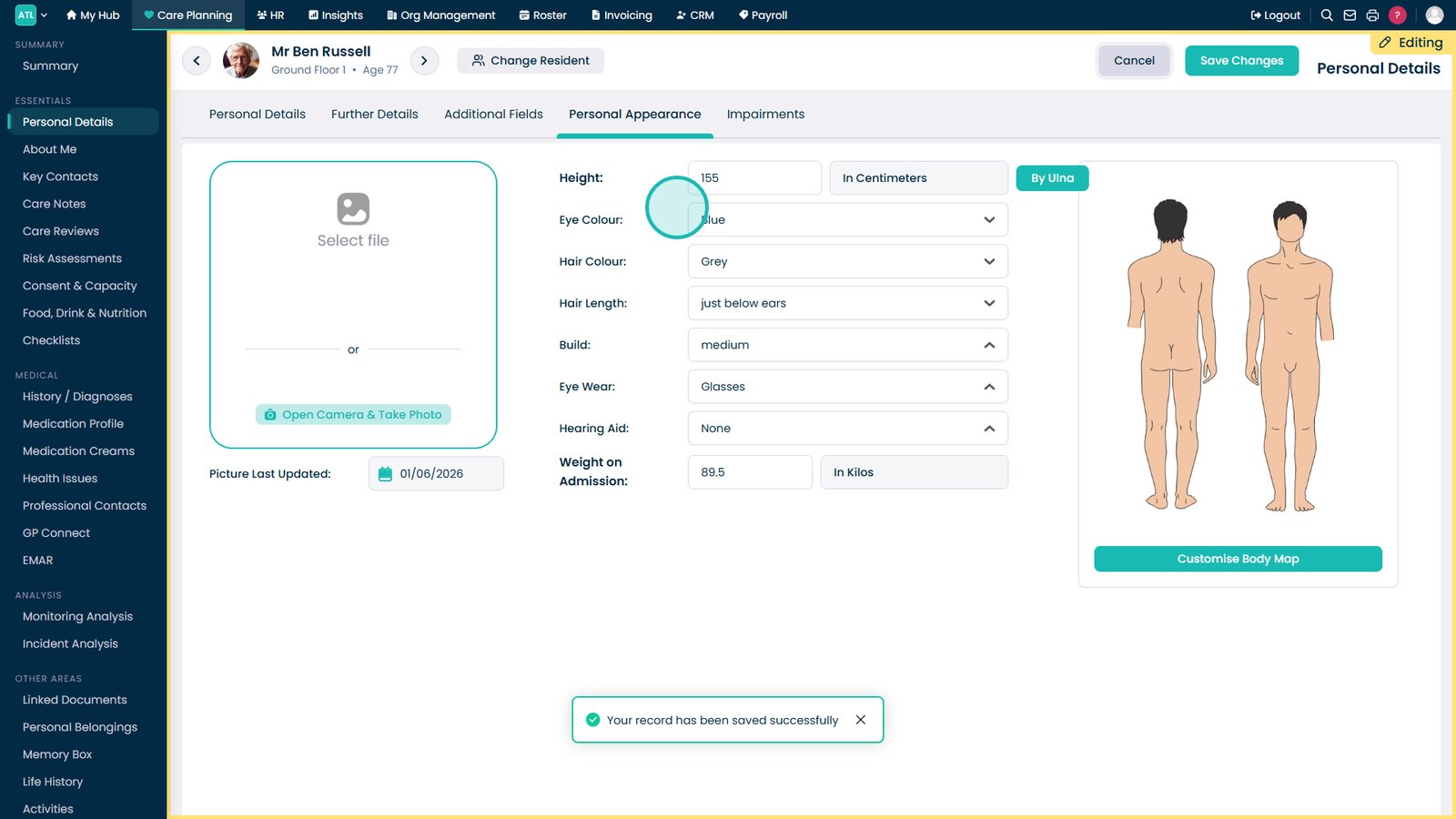
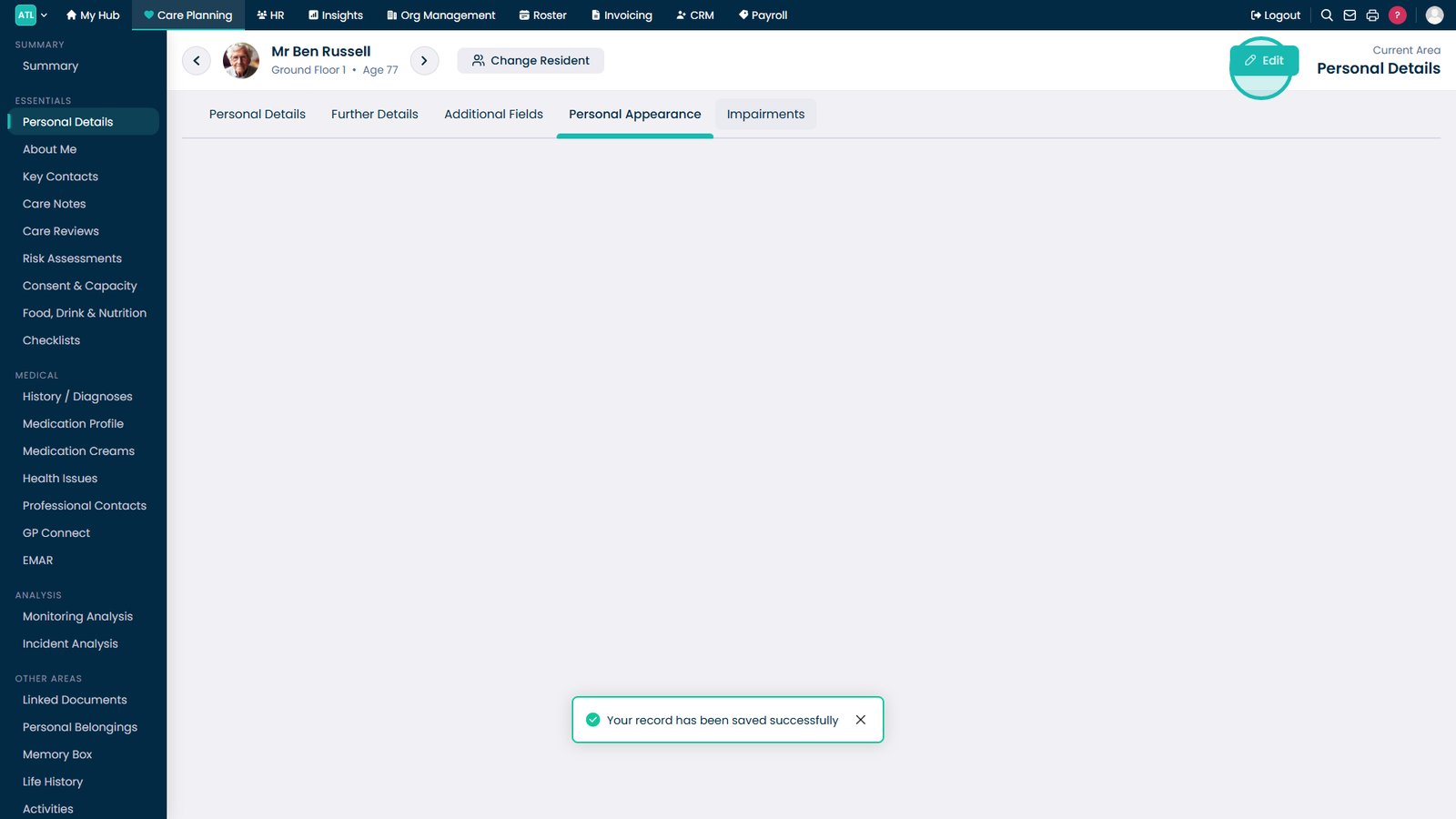
Select Edit.

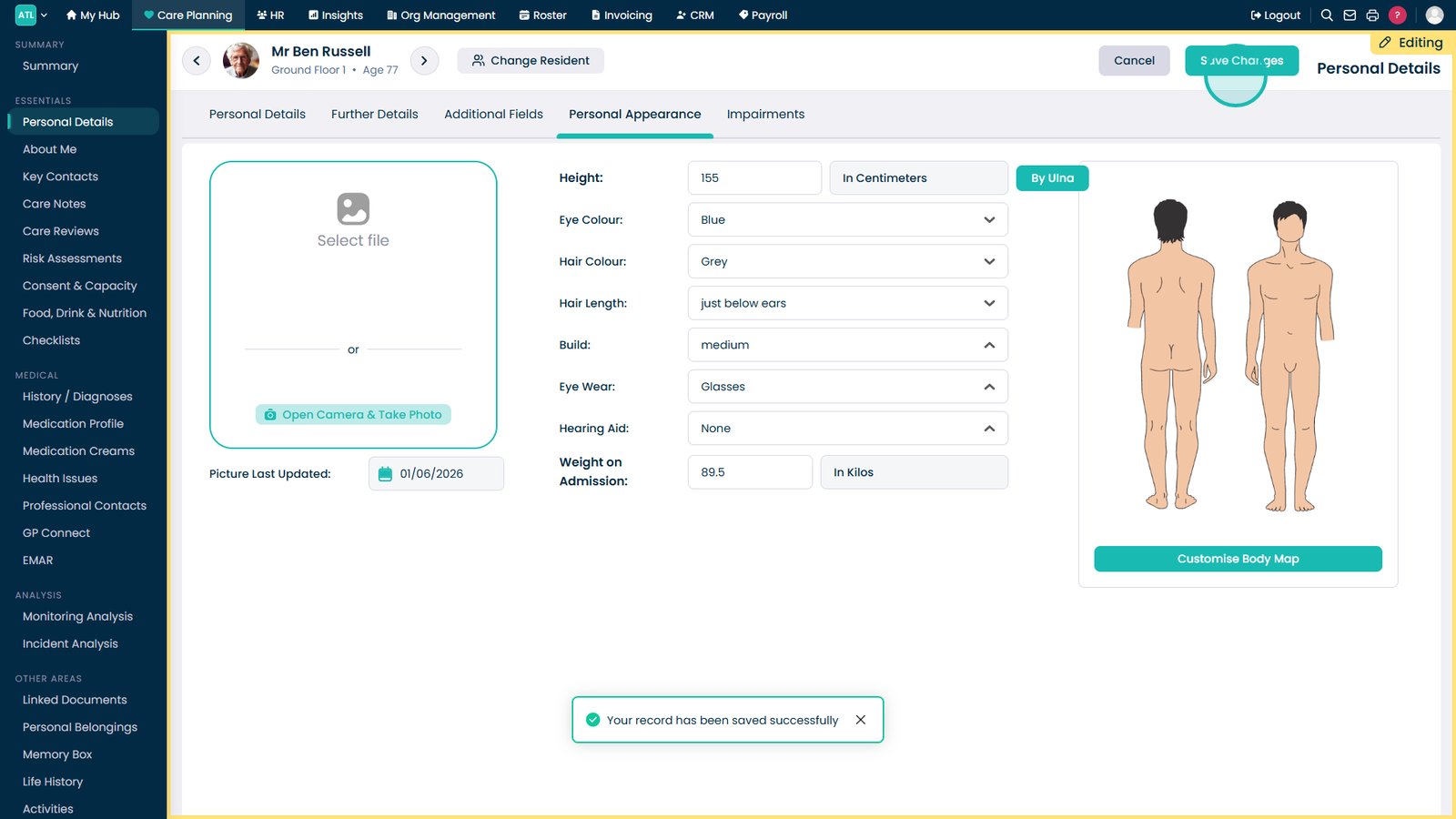
Update appearance details as required.

Select Save Changes.

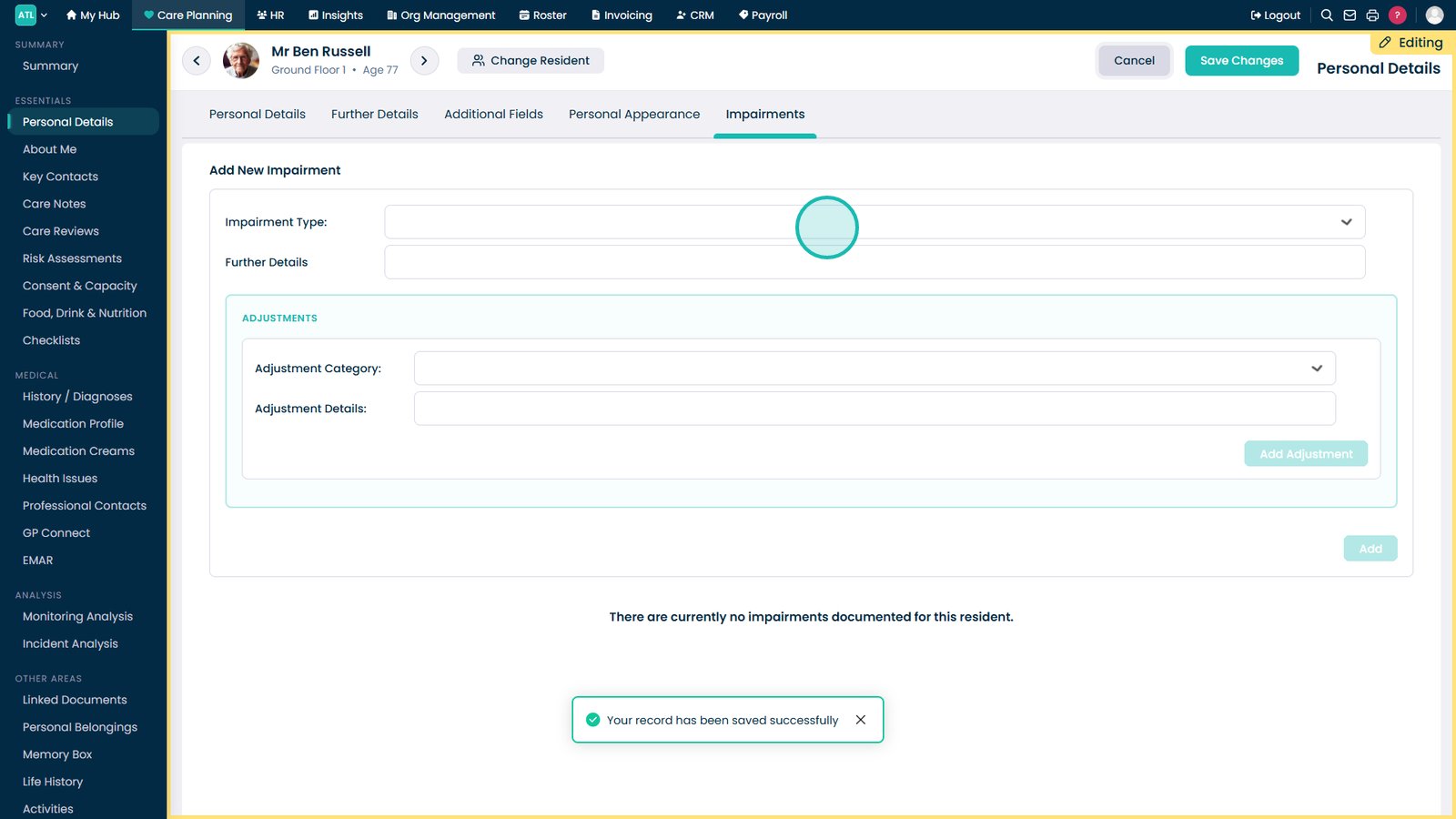
Open the Impairments tab.

Select Edit.

Update impairment details as required.

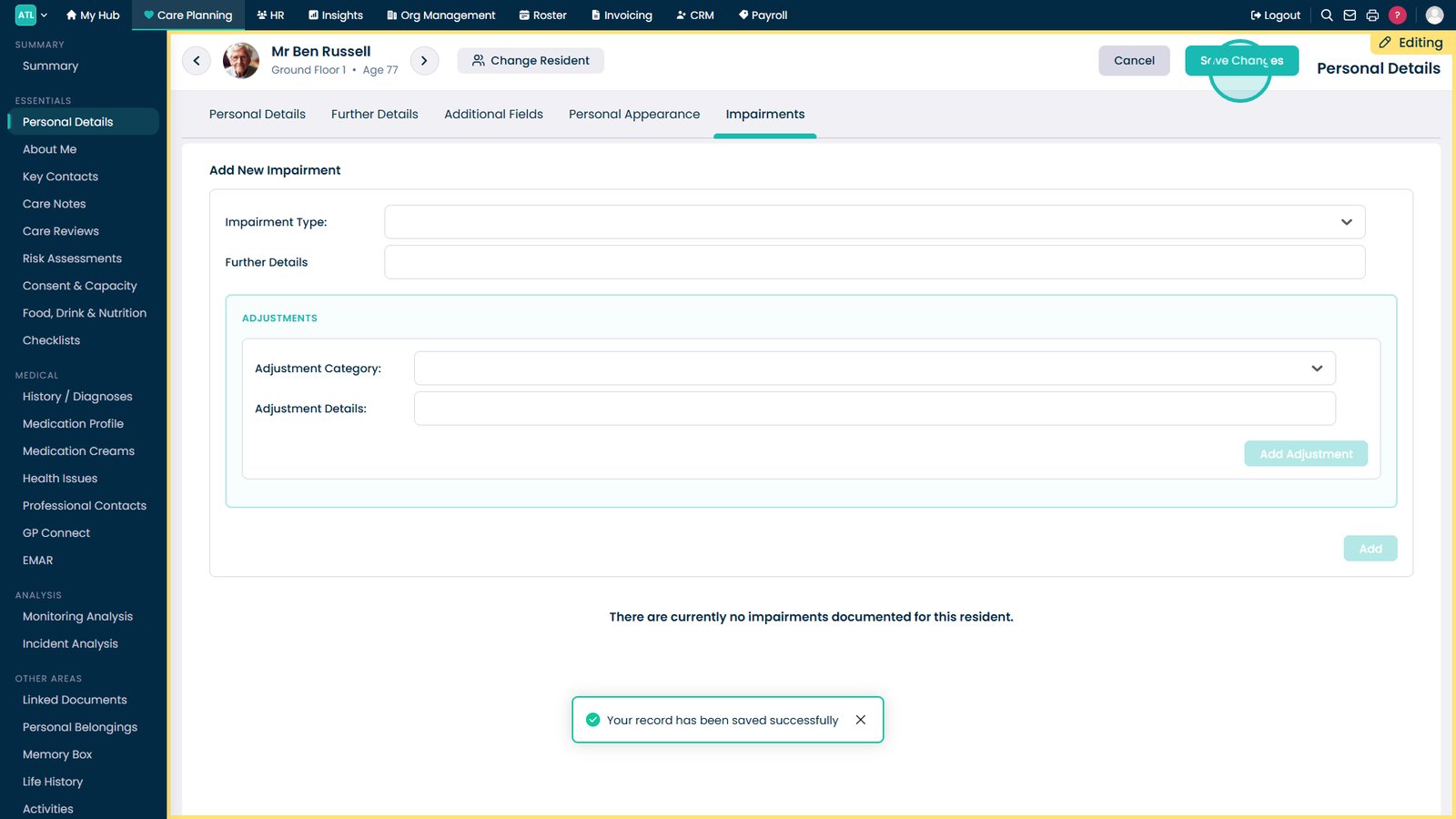
Select Save Changes.

Top tip

Keep personal details up to date whenever a resident's circumstances change to ensure assessments, care plans, and reports remain accurate.

Was this guide helpful?

Need more help?

Can't find what you're looking for? Our support team is here to help.

Contact Support

Or call us on

On this page