Bank Holiday Closure Notice: We will be closed on the 3rd April for the Easter bank holiday, so our customer service team will not be available on this day. If you need to get in touch, you can still use our customer contact form and we will get back to you as soon as possible. Even better, Margo will still be available on our phone lines to help with your queries whenever you need support. We hope you have a lovely Easter weekend 🐣
This guide explains how to exclude an Incident using the Care Plan Corrections feature within the Admin app. This allows authorised users to control whether specific incidents are displayed or included within care planning records.
By excluding an incident, you can ensure that only relevant or appropriate information is reflected within the care plan view, while still maintaining a full audit trail. The system records who made the change and when it was applied, supporting transparency, accountability, and compliance with reporting requirements.
Interactive Guide
Text based guide
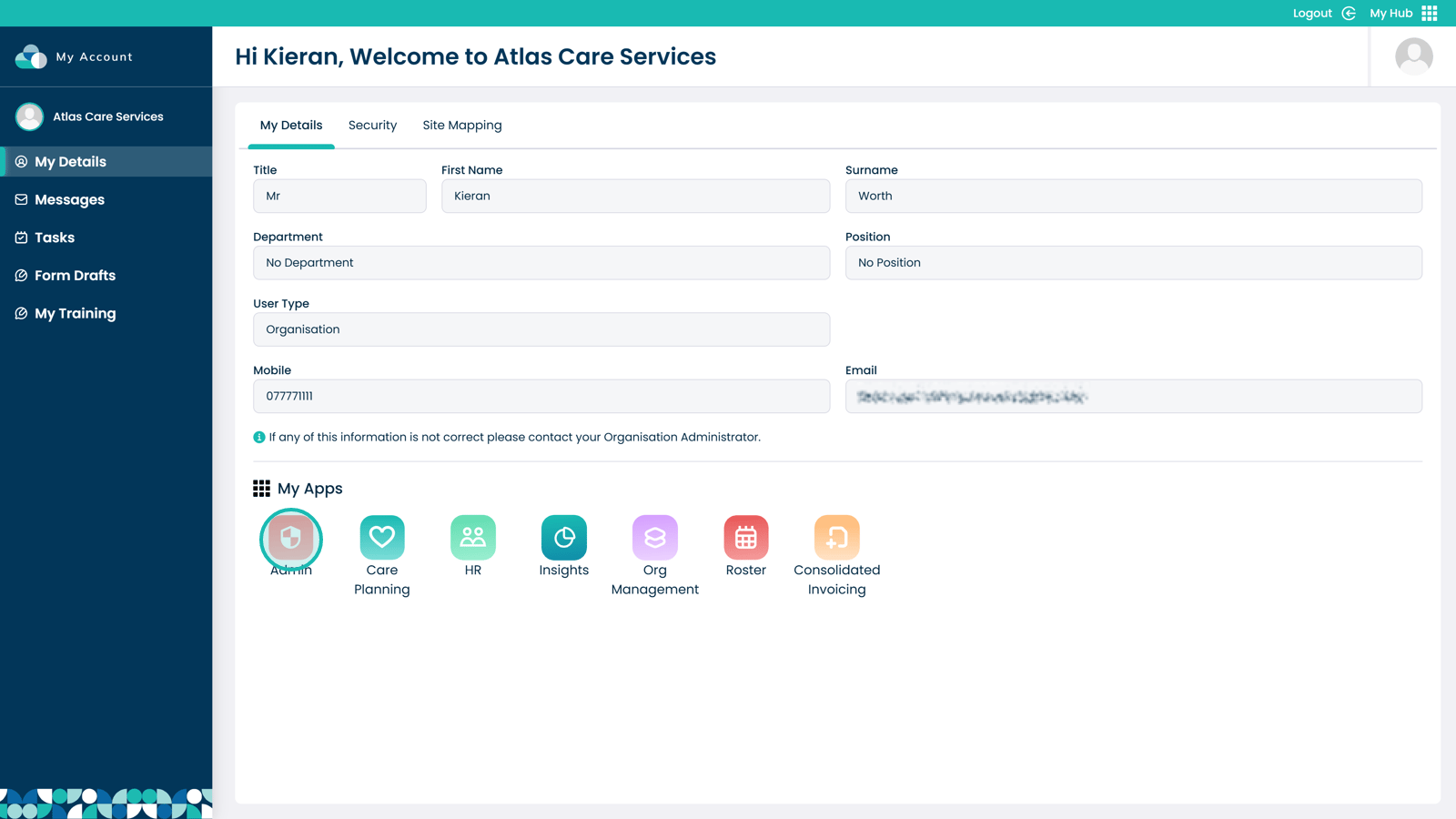
Open the Admin app
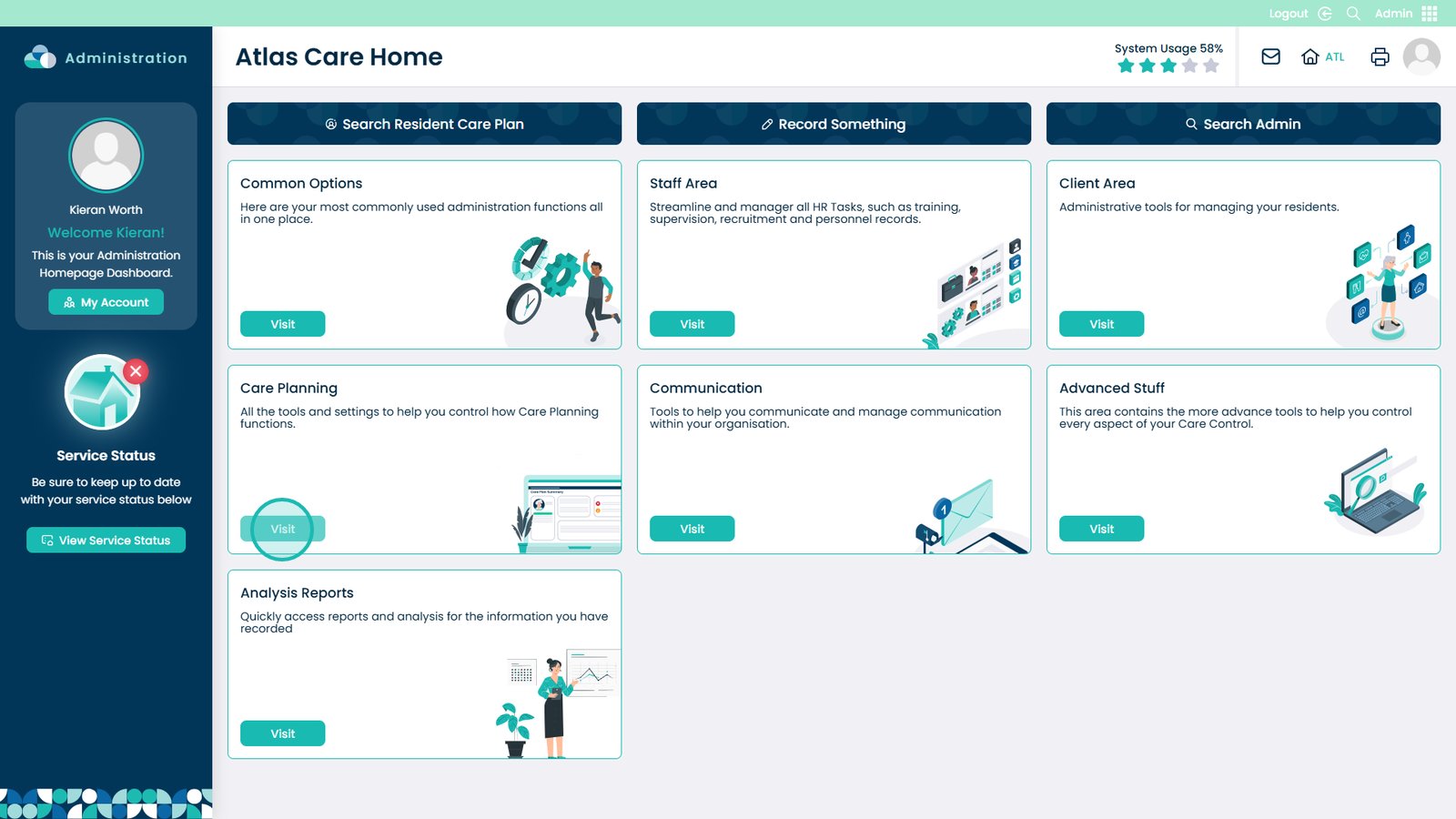
Select Visit under Care Planning
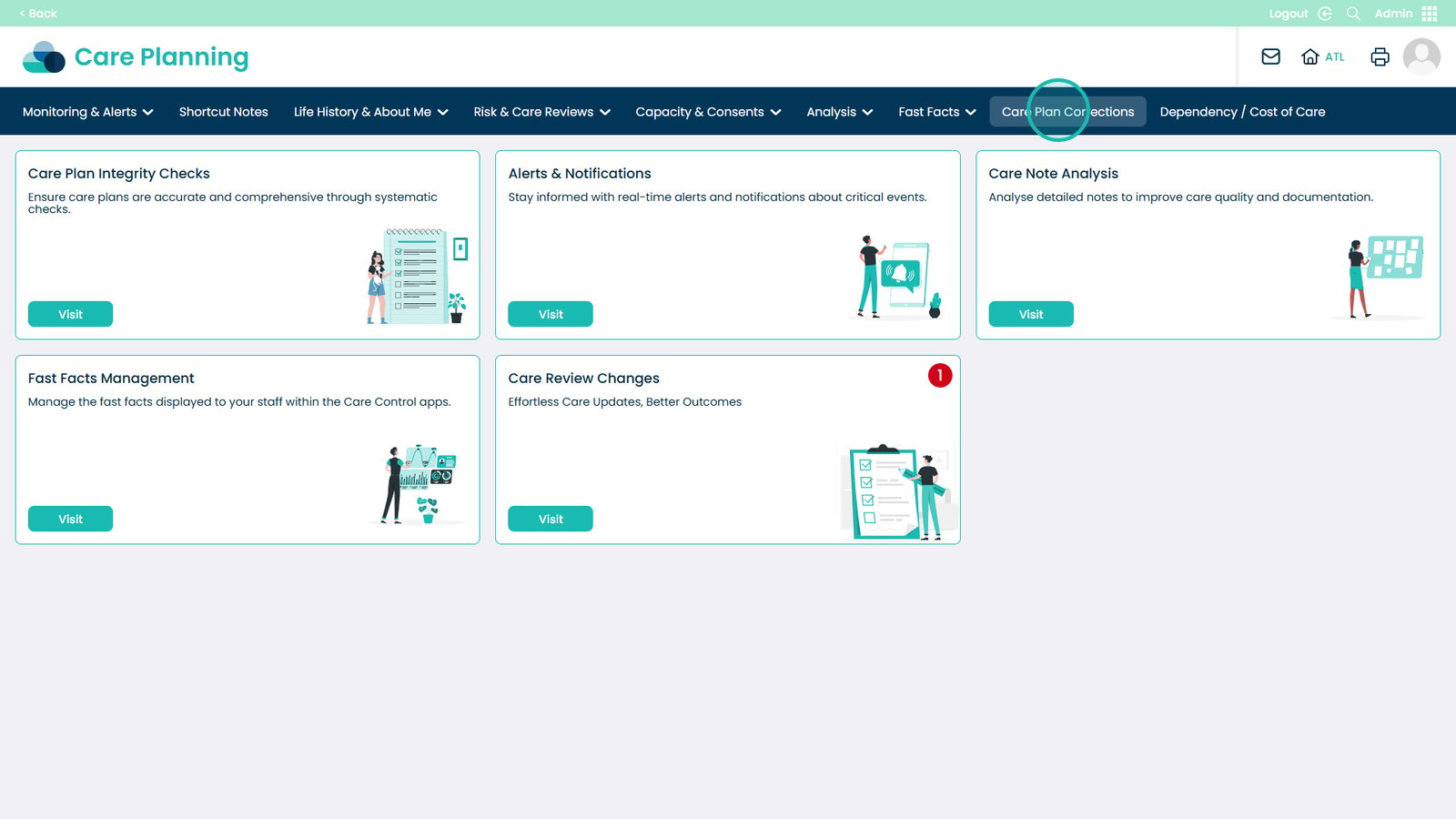
Select Care Plan Corrections from the navigation bar
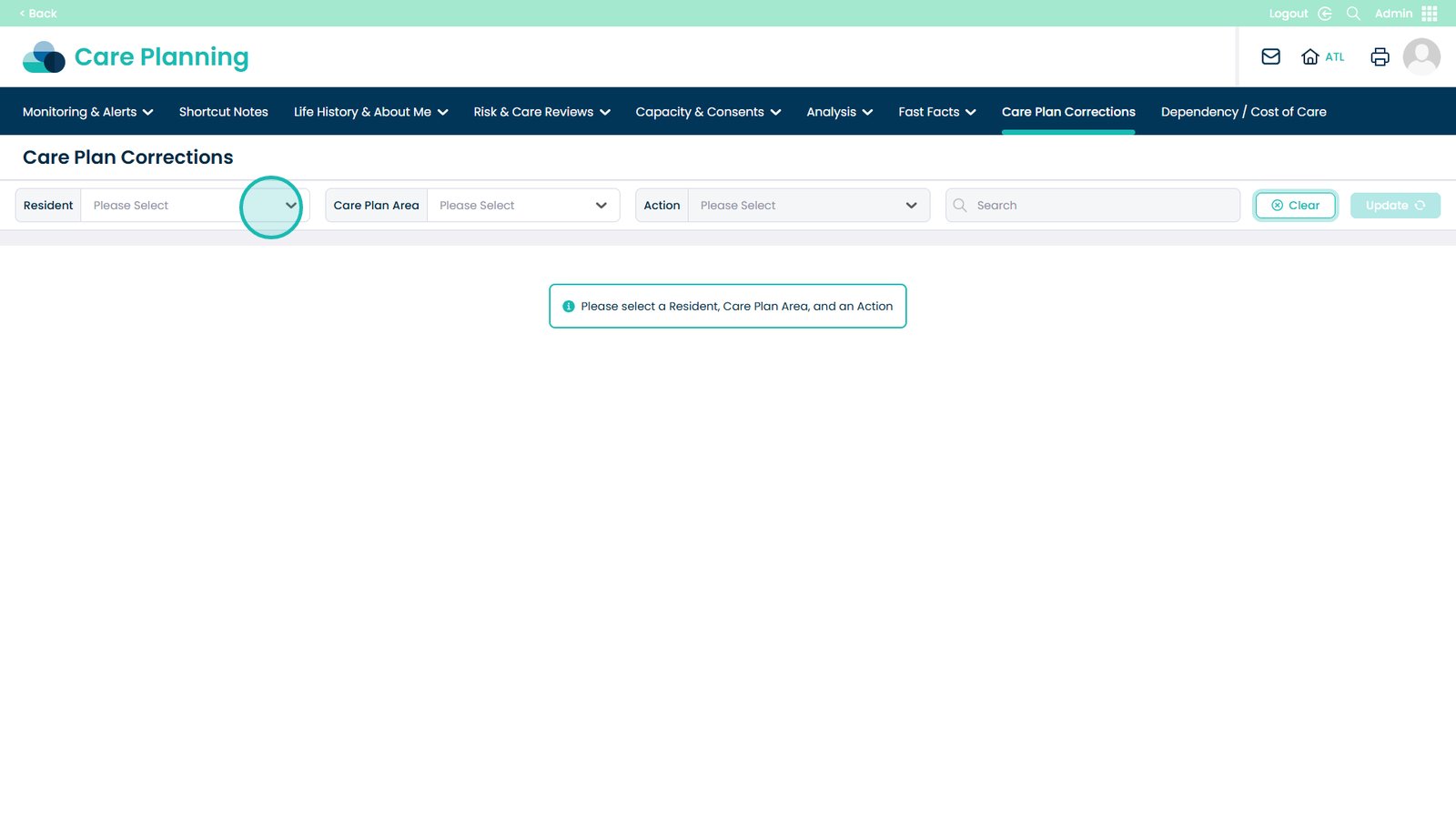
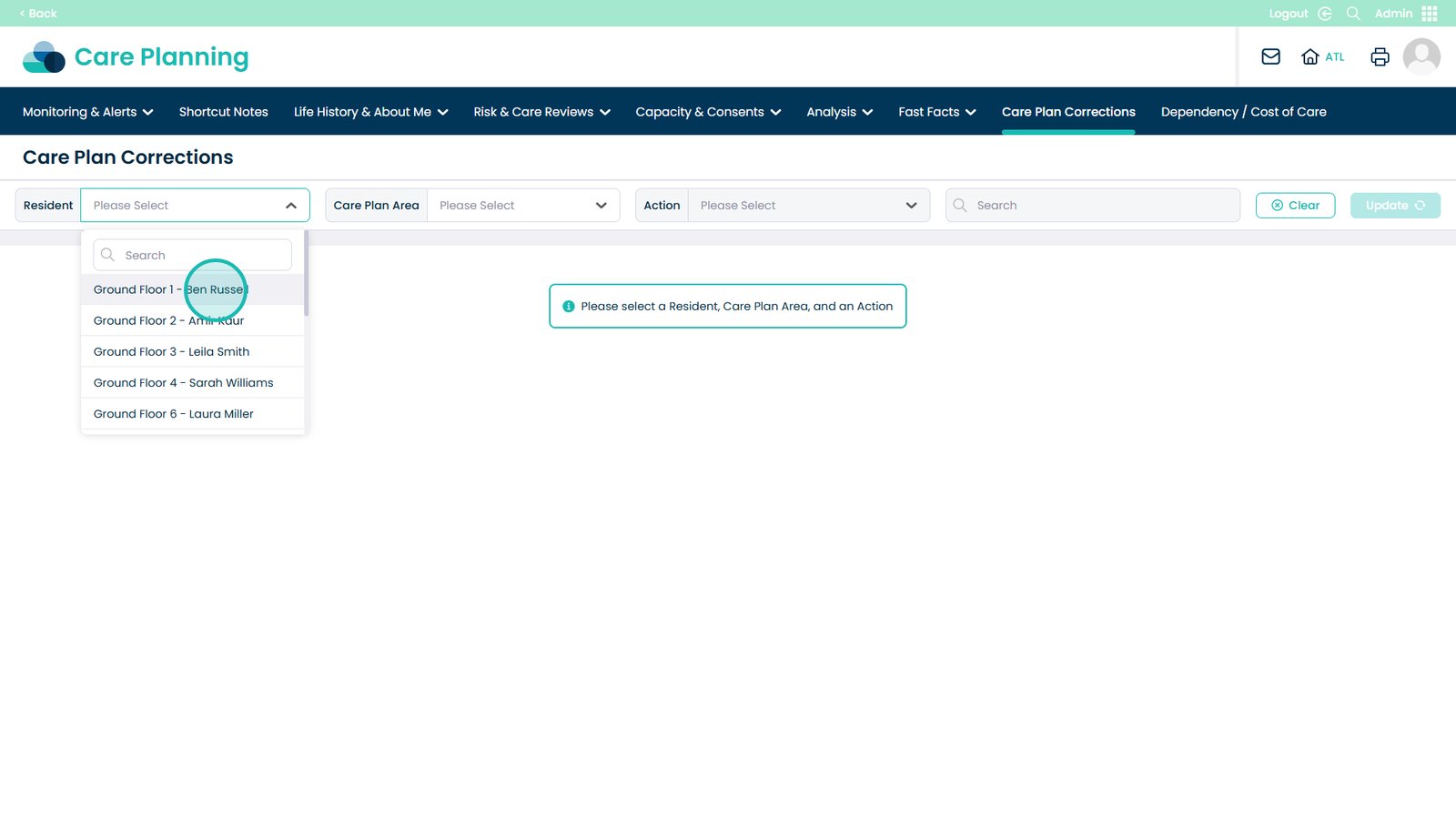
Open the Service User drop-down
Select the Service User
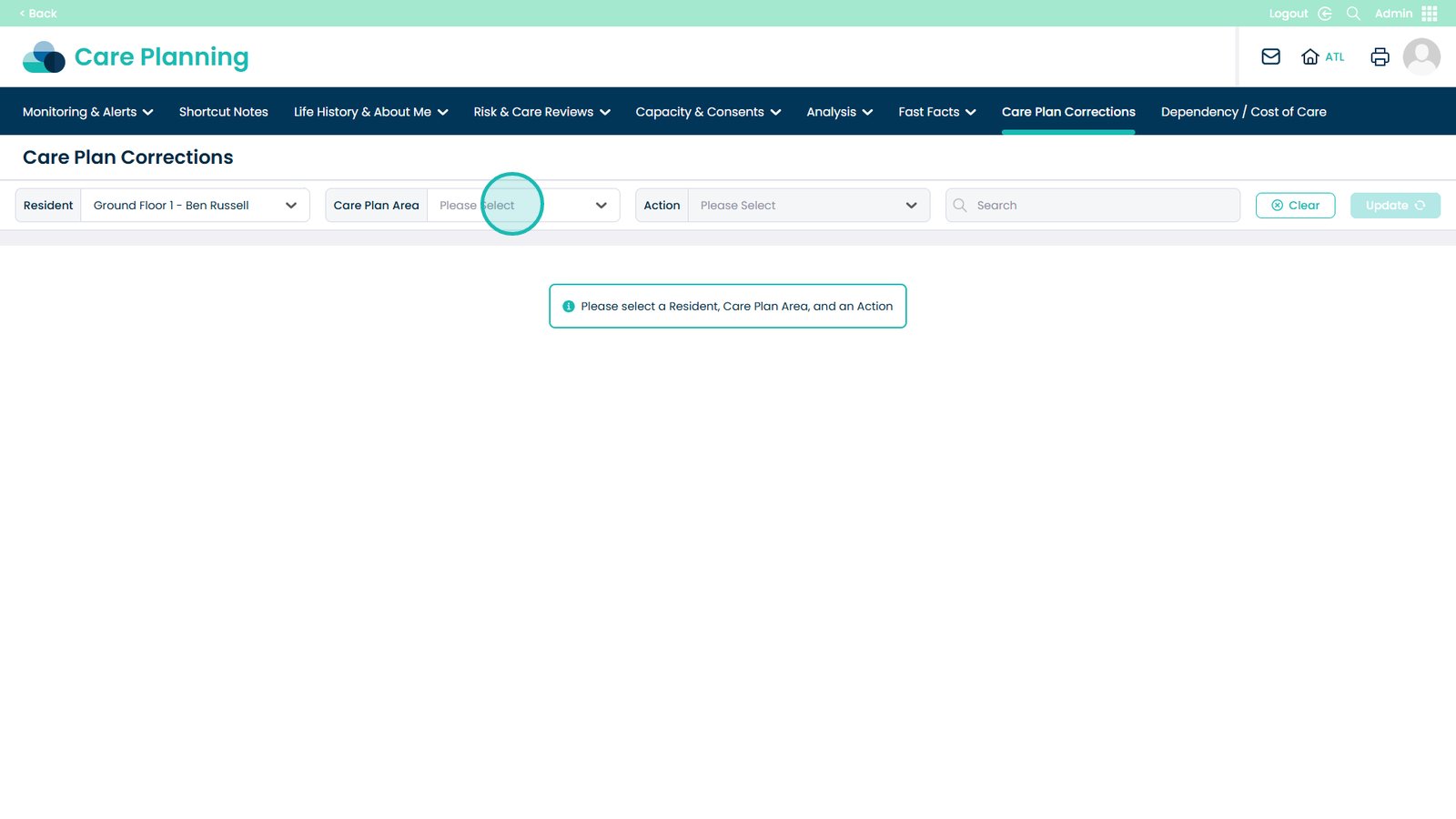
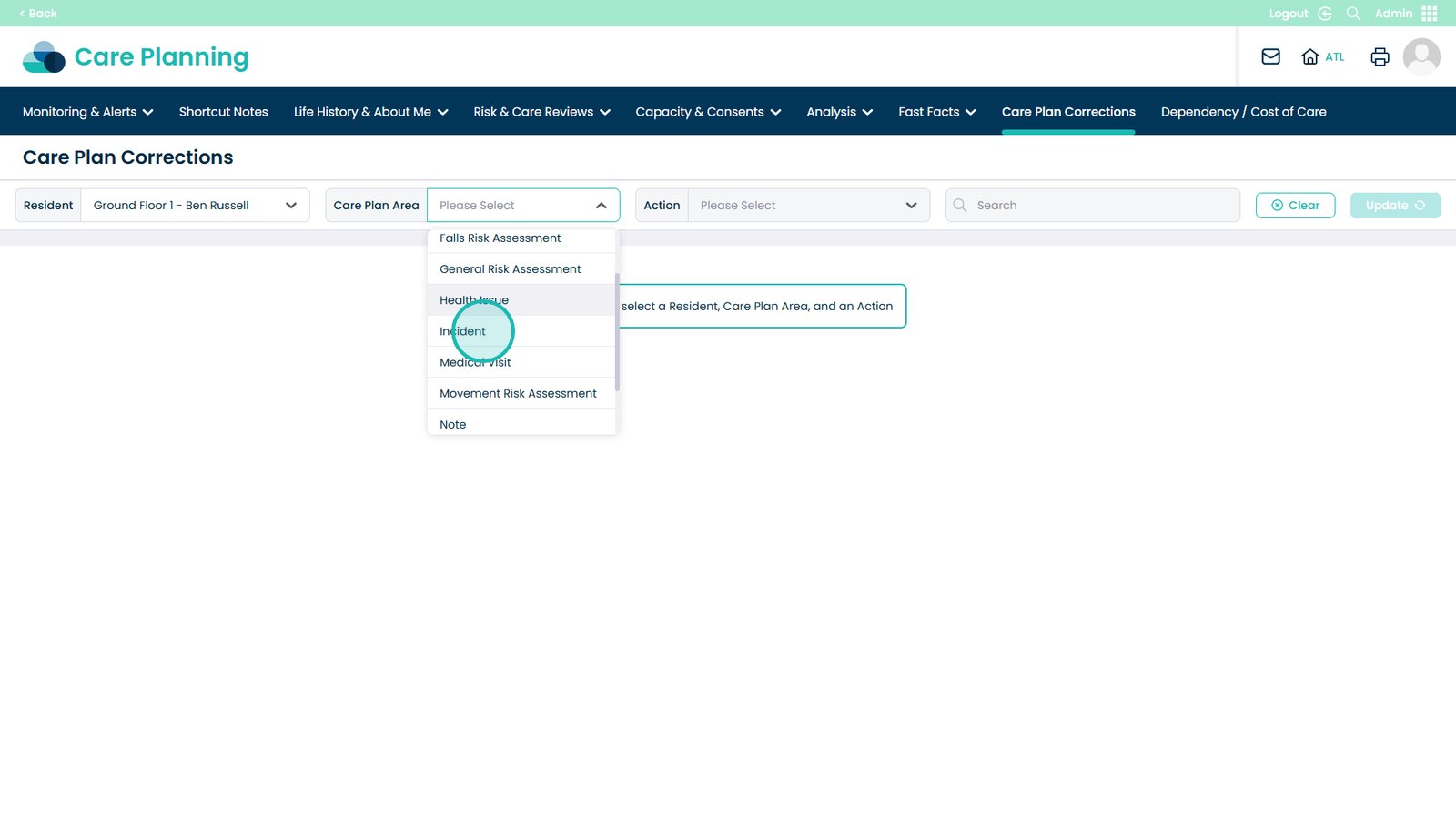
Open the Care Plan Area
Select Incident from the drop-down
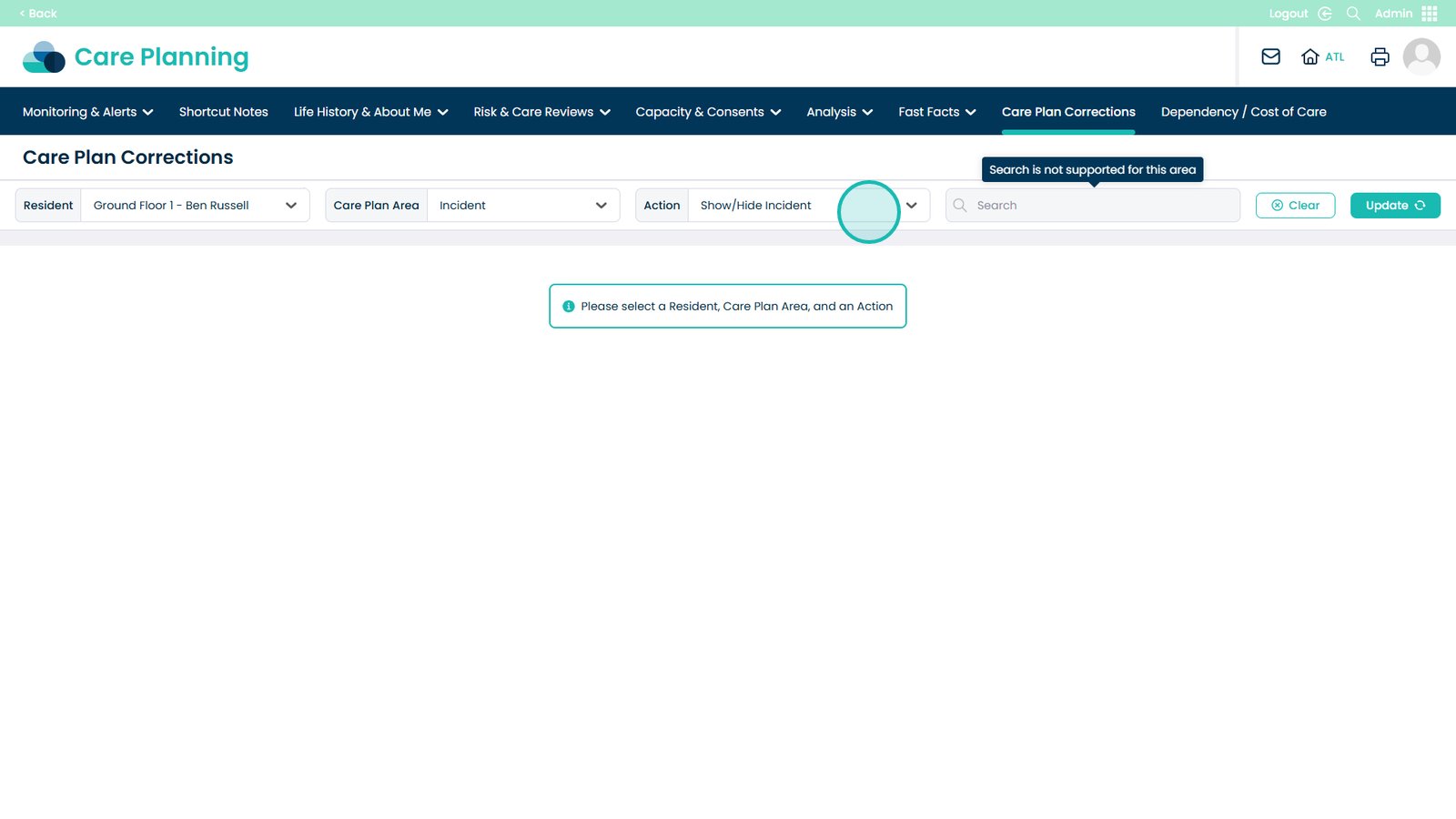
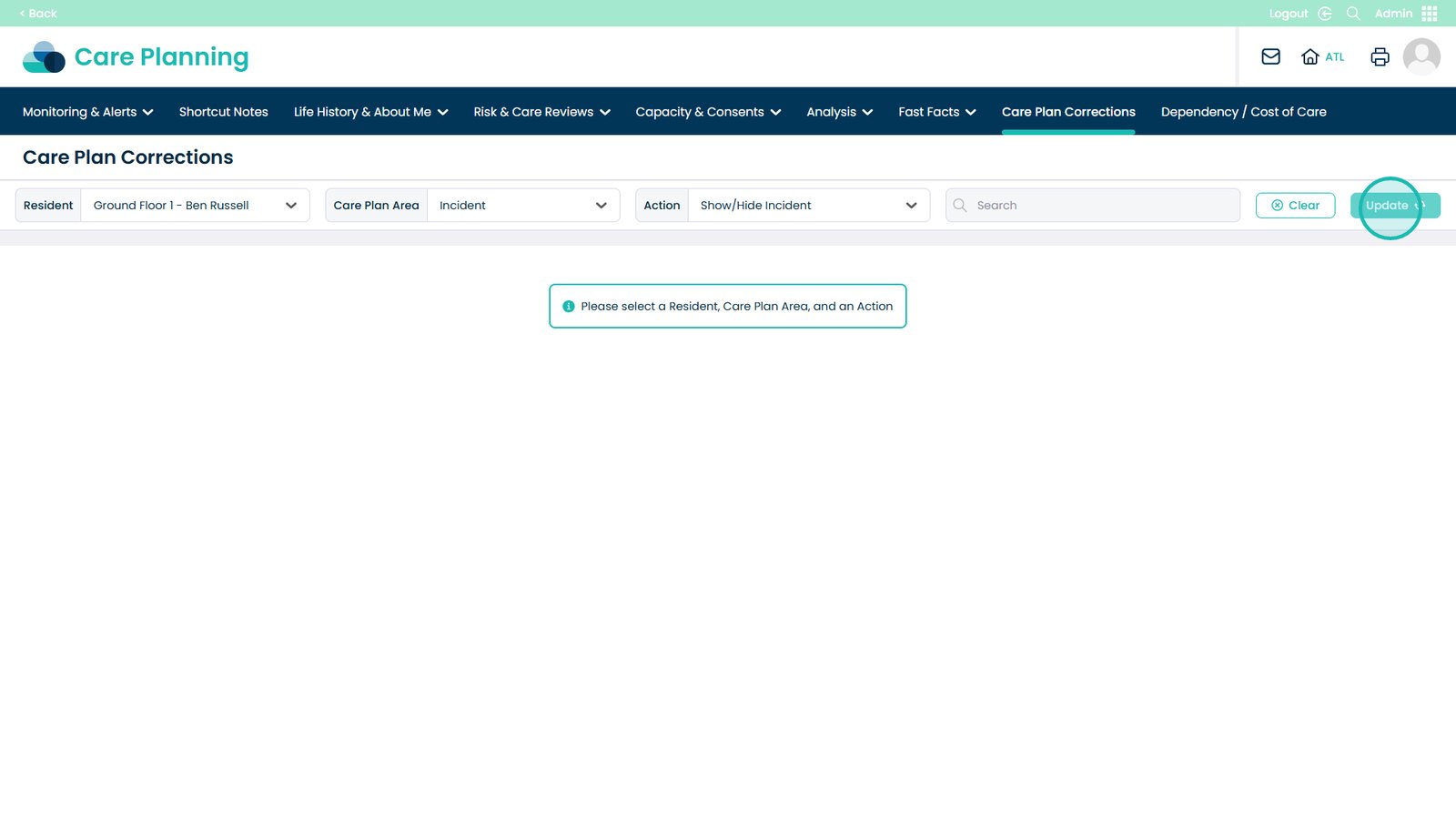
The Action field will default to Show/Hide Incident
Click Update to display the list of incidents
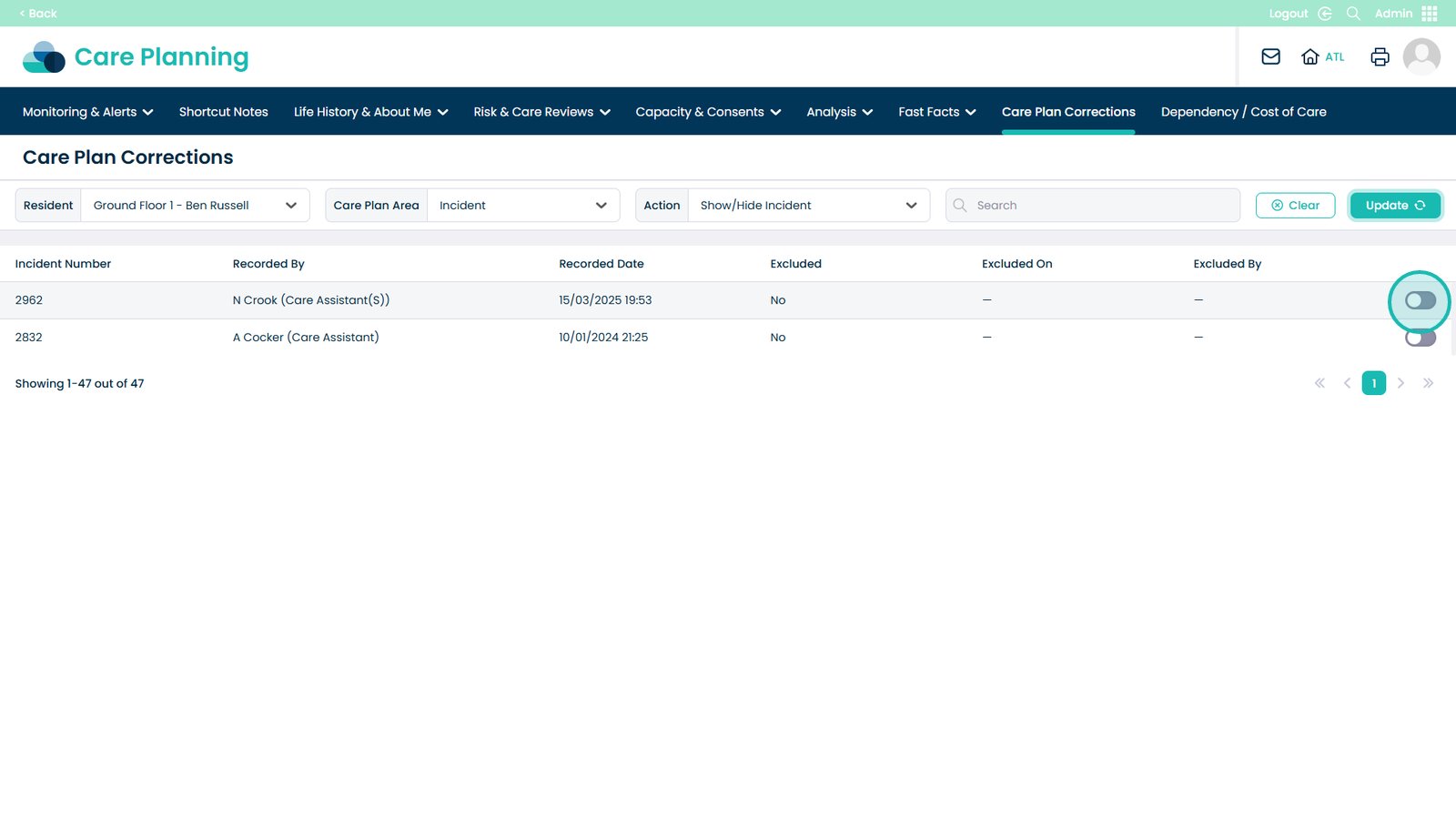
Select the incident you wish to exclude using the toggle
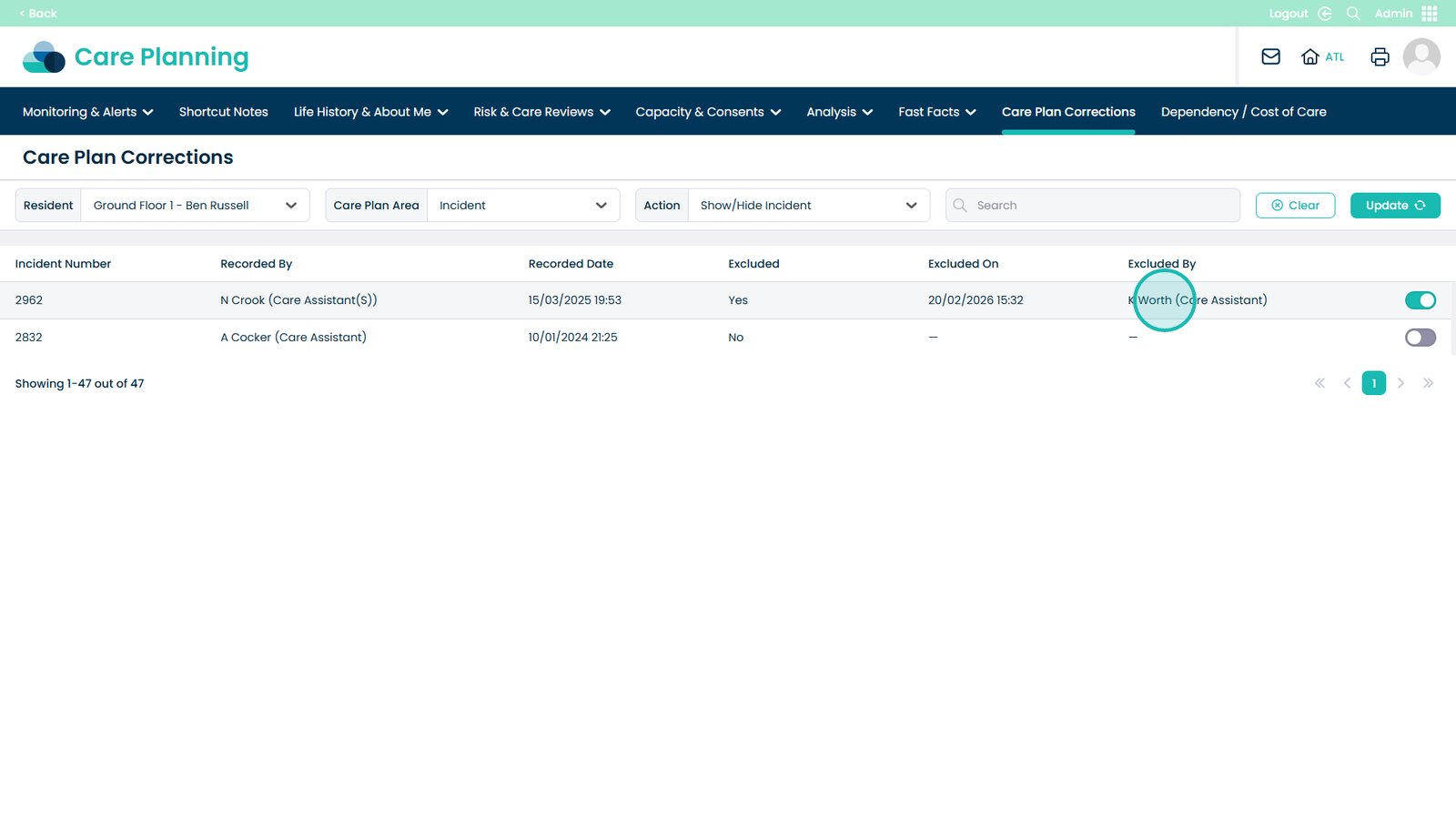
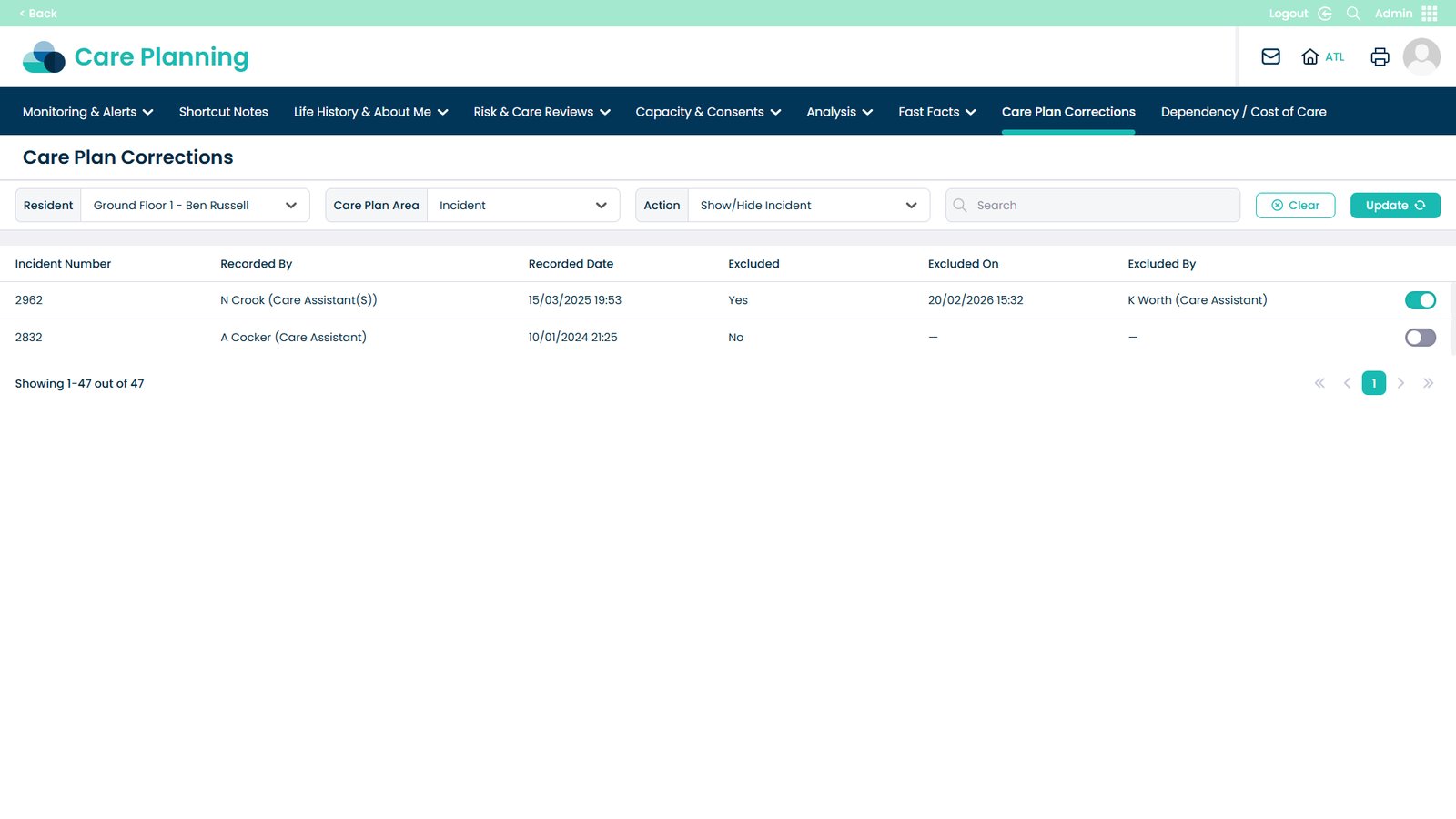
The incident will now show as excluded, including details of who excluded it and when