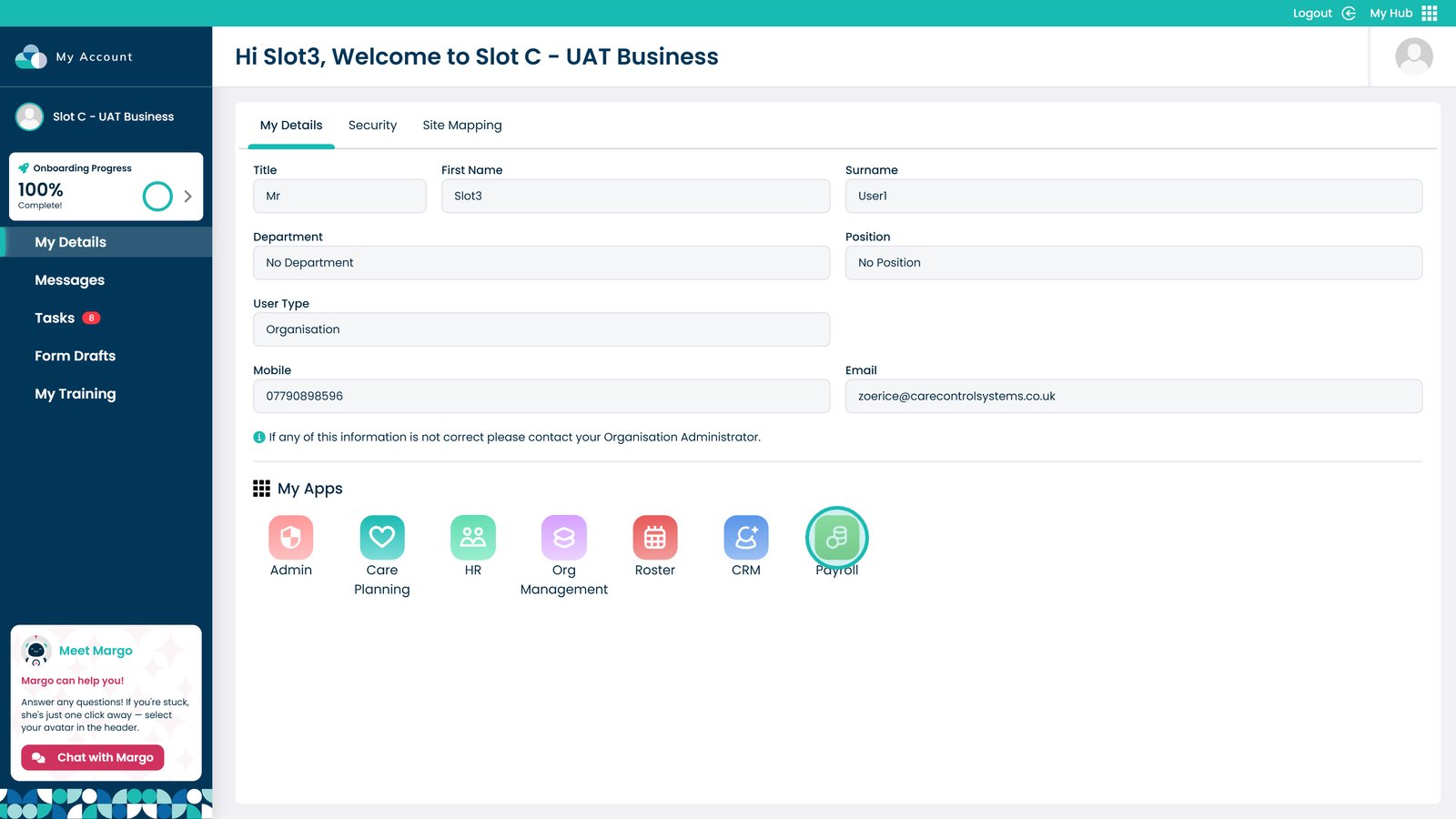
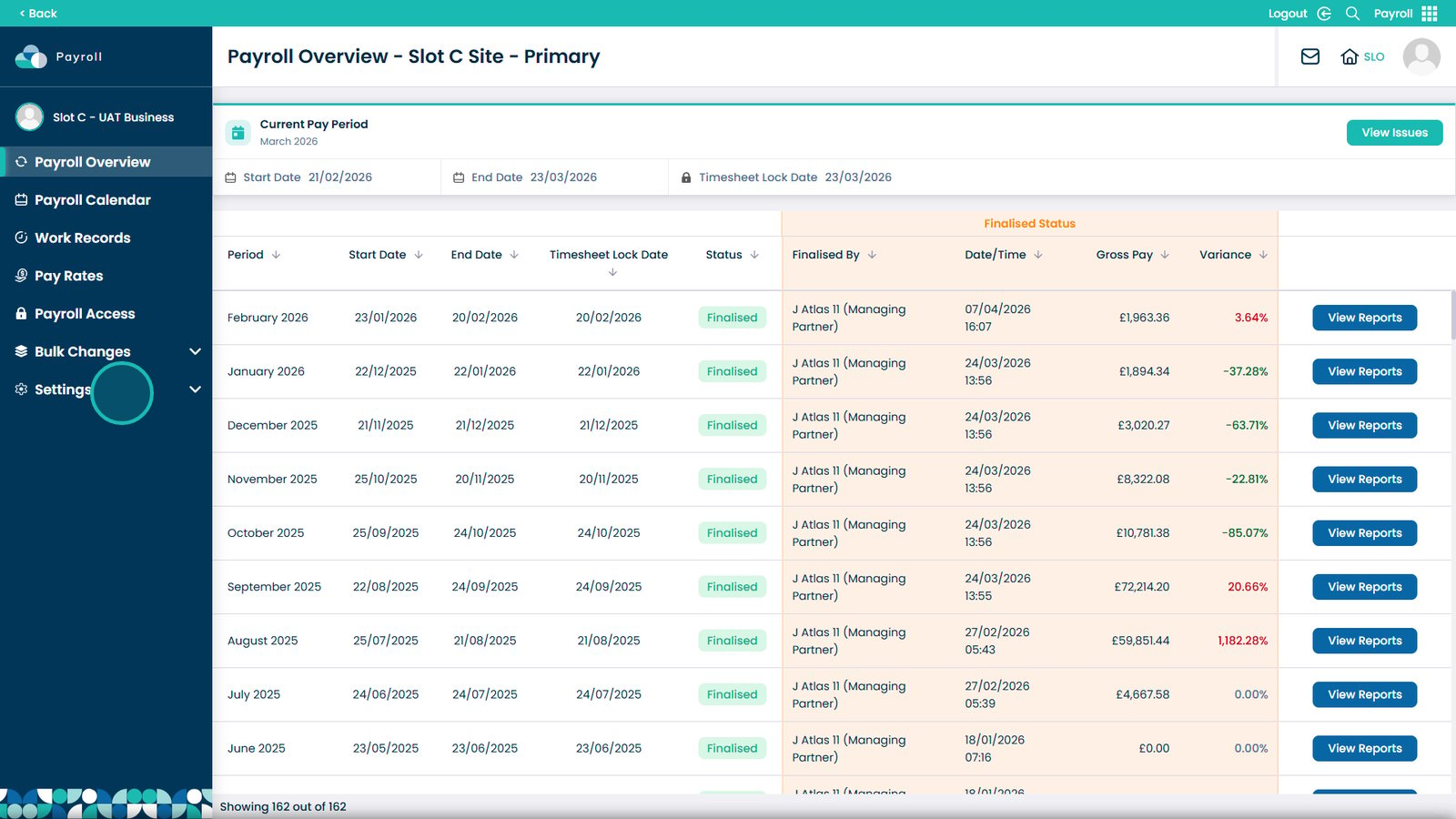
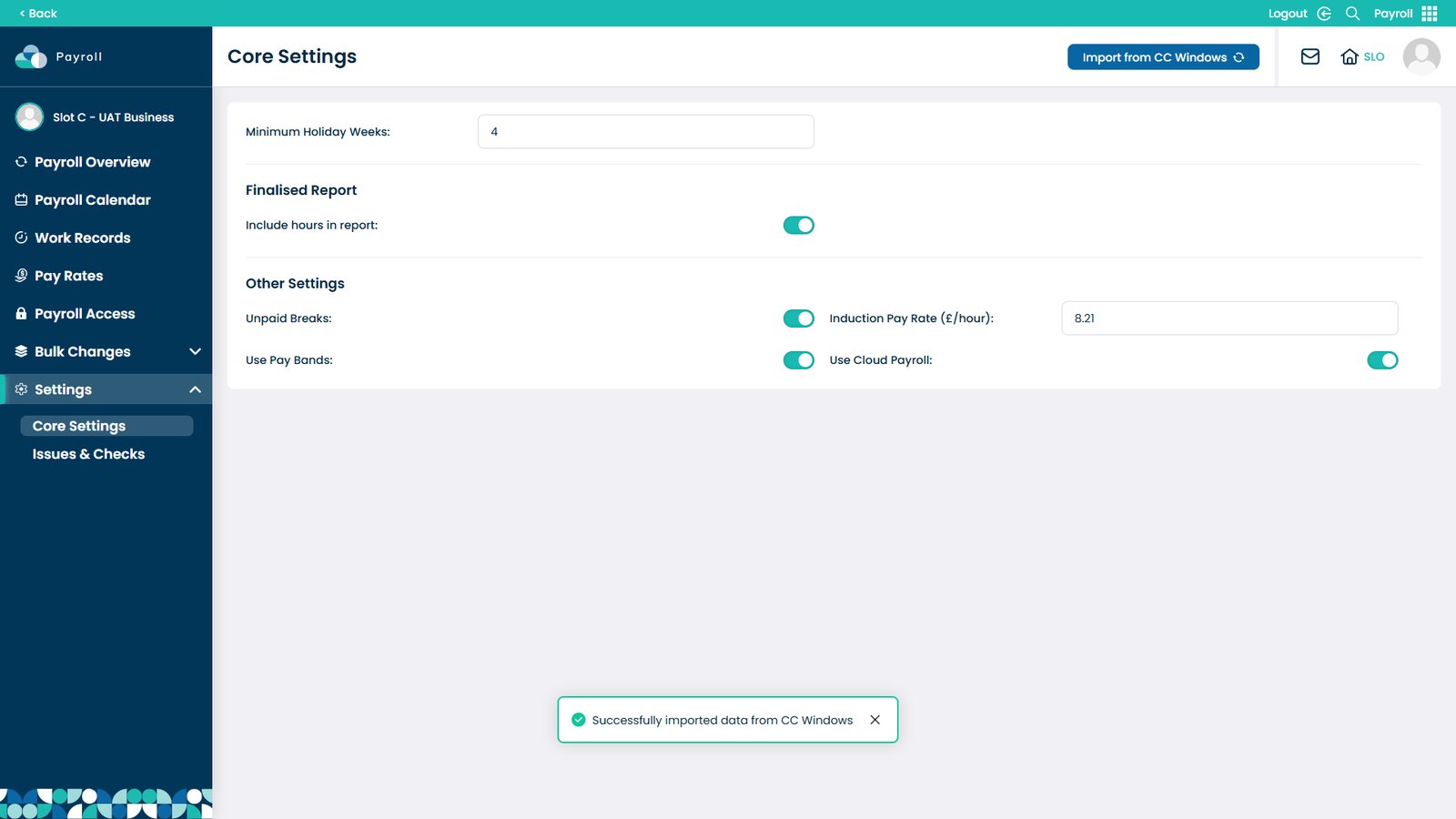
This guide explains how to import data from Care Control Windows into the Payroll app within Care Control Cloud. This feature allows you to transfer existing payroll data from your Windows system, helping you quickly set up and align your cloud-based payroll with your previous configuration.
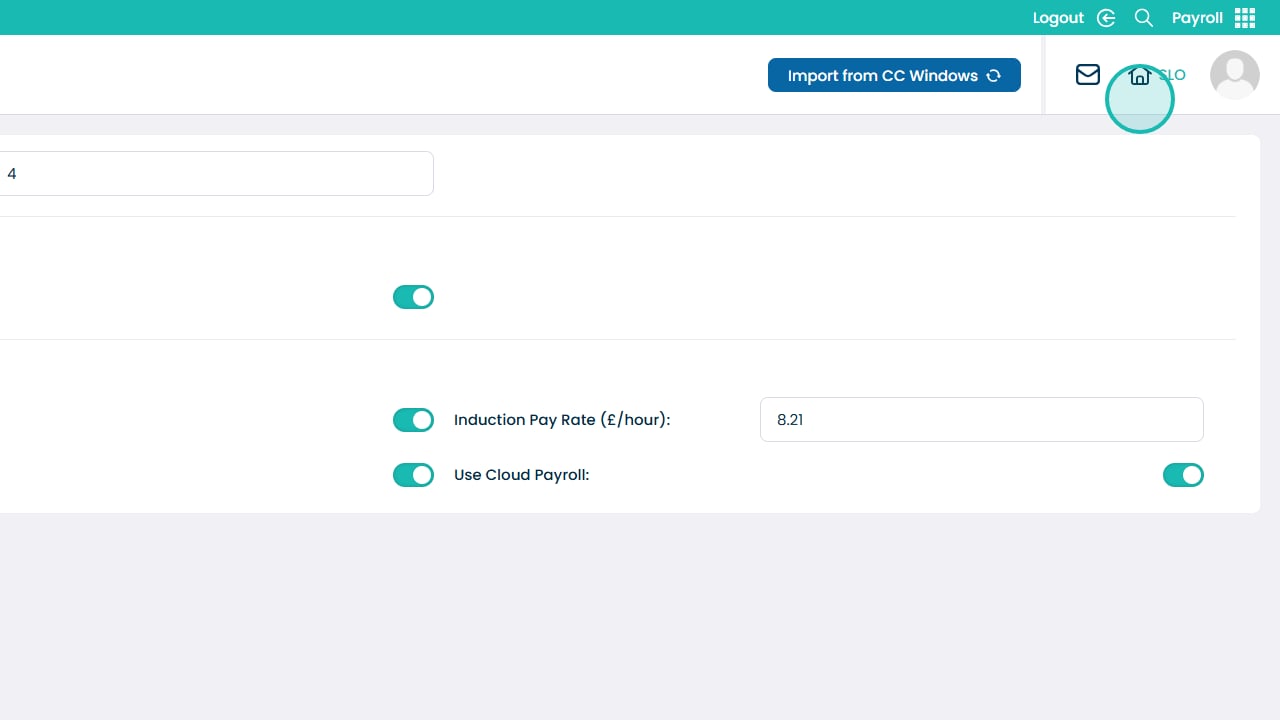
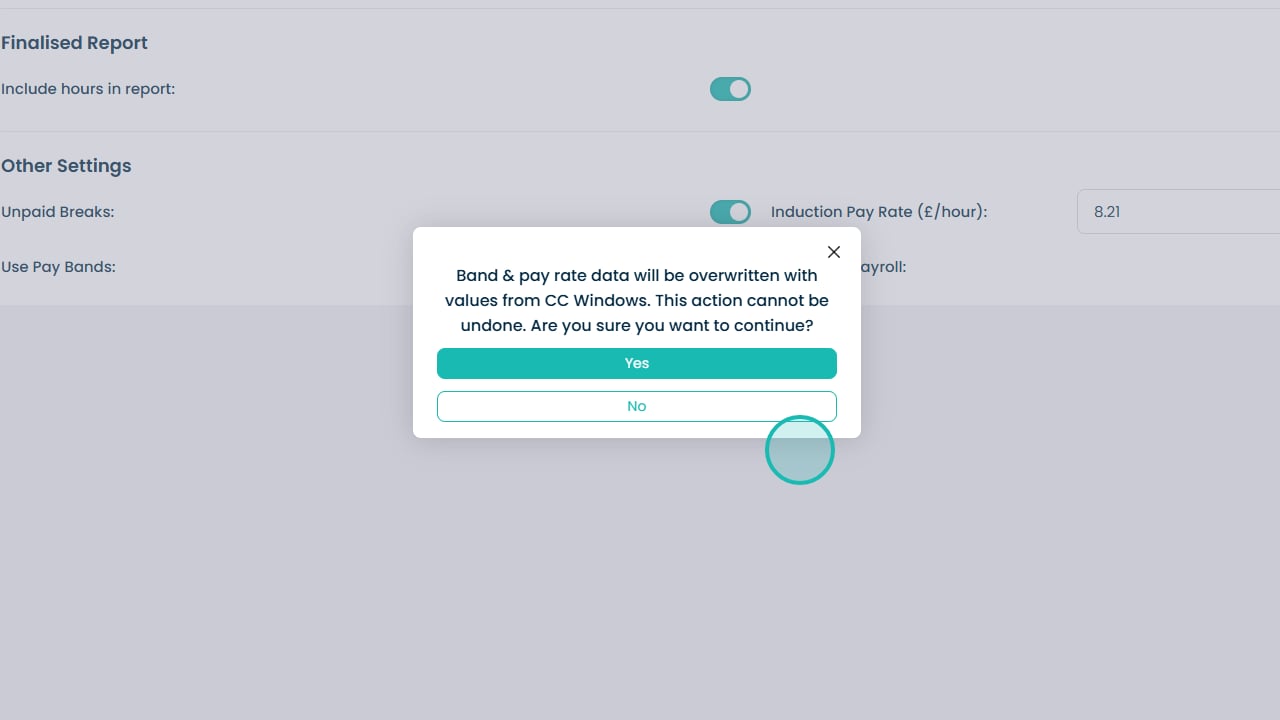
Importing data ensures continuity and reduces the need for manual setup. However, it is important to note that this process will overwrite any existing data in your current Payroll system, so it should be used with care.
By following this guide, you will learn how to:
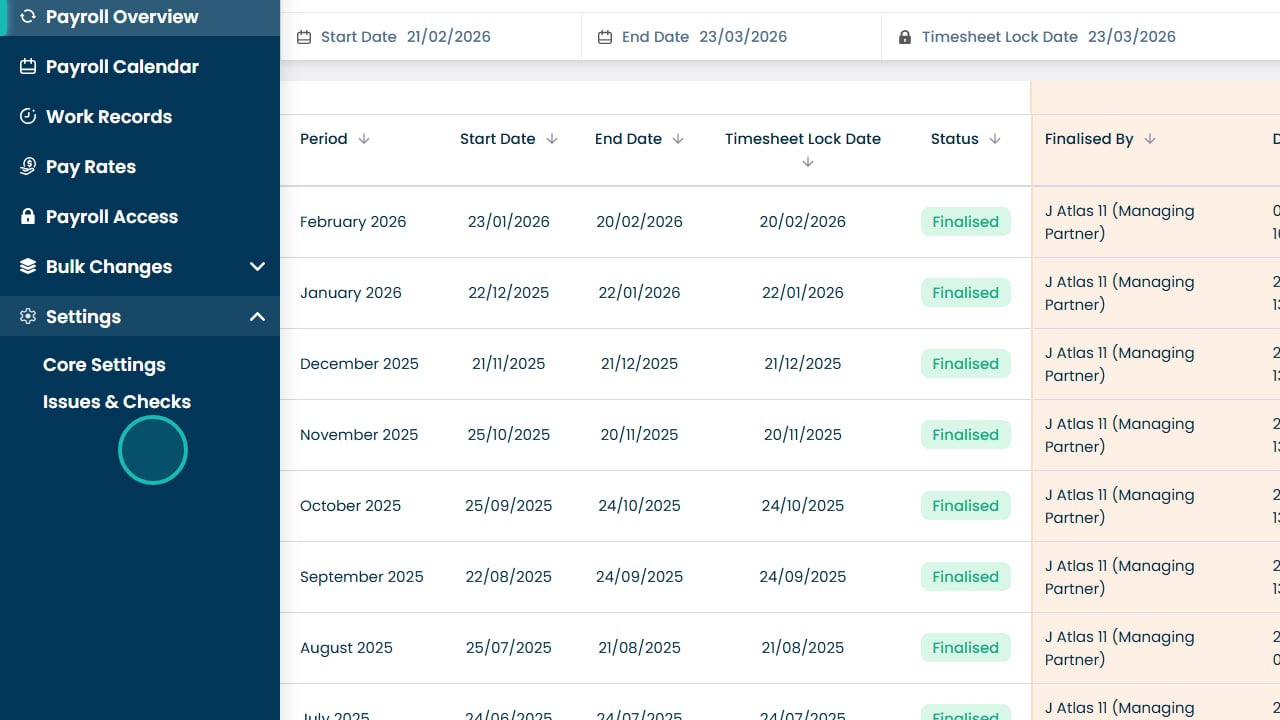
- Access the import settings within Payroll
- Import payroll data from Care Control Windows
- Understand the impact of overwriting existing data
- Confirm and complete the import process safely
This process helps ensure a smooth transition from your previous system while maintaining accurate and consistent payroll data.