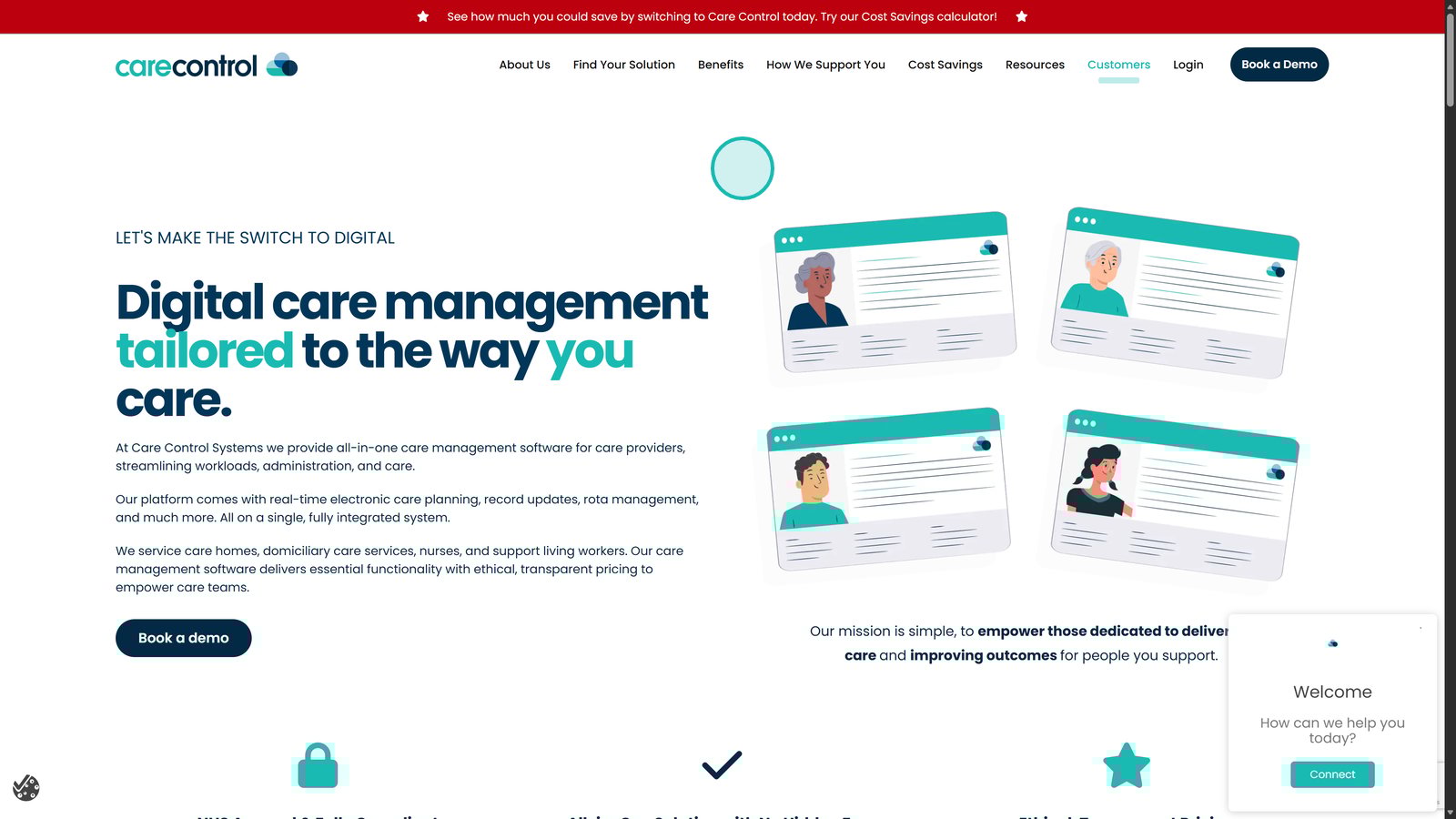
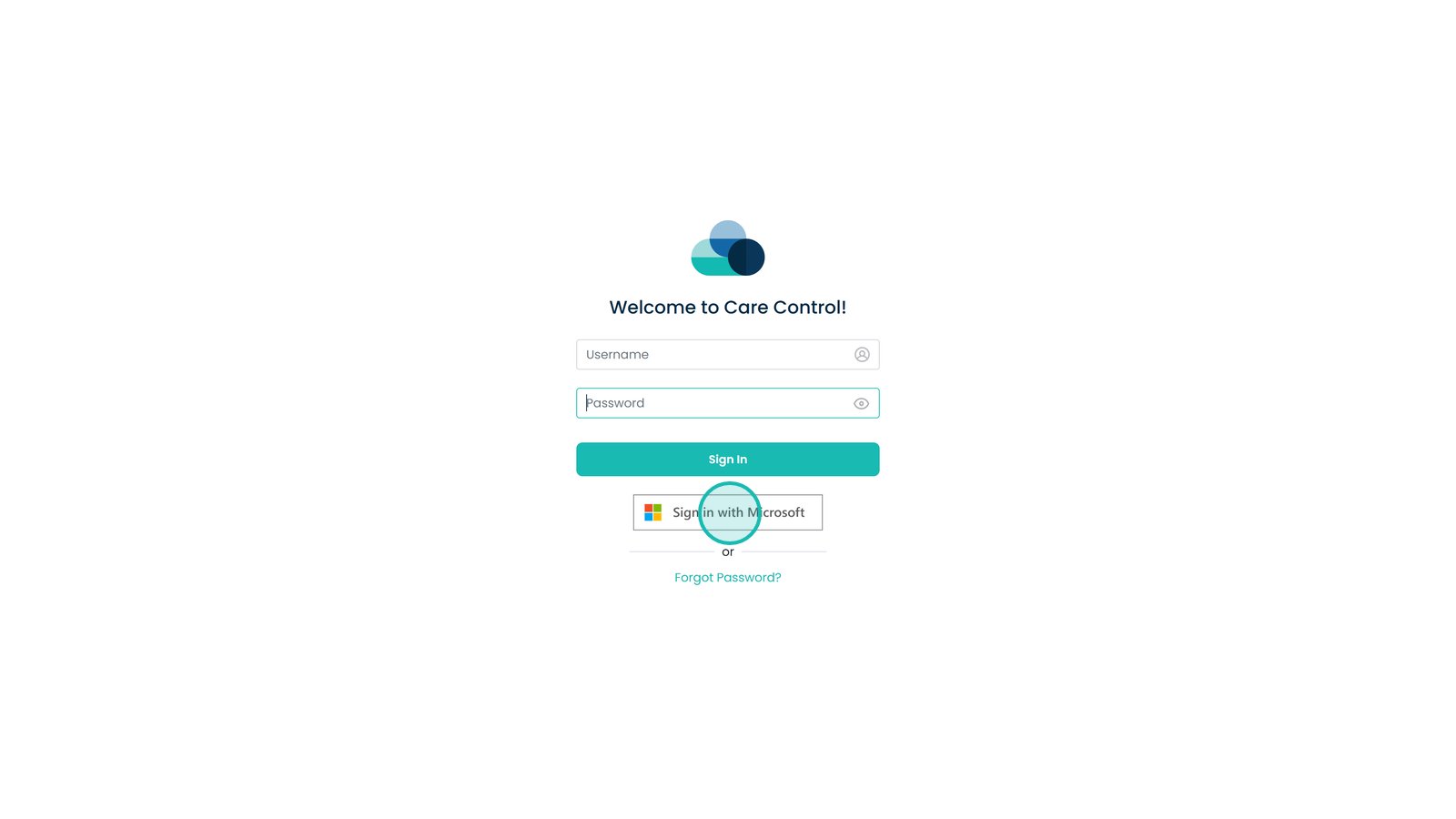
This guide explains how to log in to the Care Control system for the first time or when returning to the platform. Logging in correctly ensures you can securely access your apps, records, and day-to-day tasks without interruption.
You’ll learn where to find the login option, how to enter your username and password, and what to do if your organisation uses Microsoft single sign-on. Whether you’re using standard login details or SSO, following these steps will help you access the system quickly and securely so you can get started straight away.
If you are having issues logging in using the web page, please press Ctrl+F5 on your keyboard to refresh the page and cache.
Interactive Guide
Text based guide
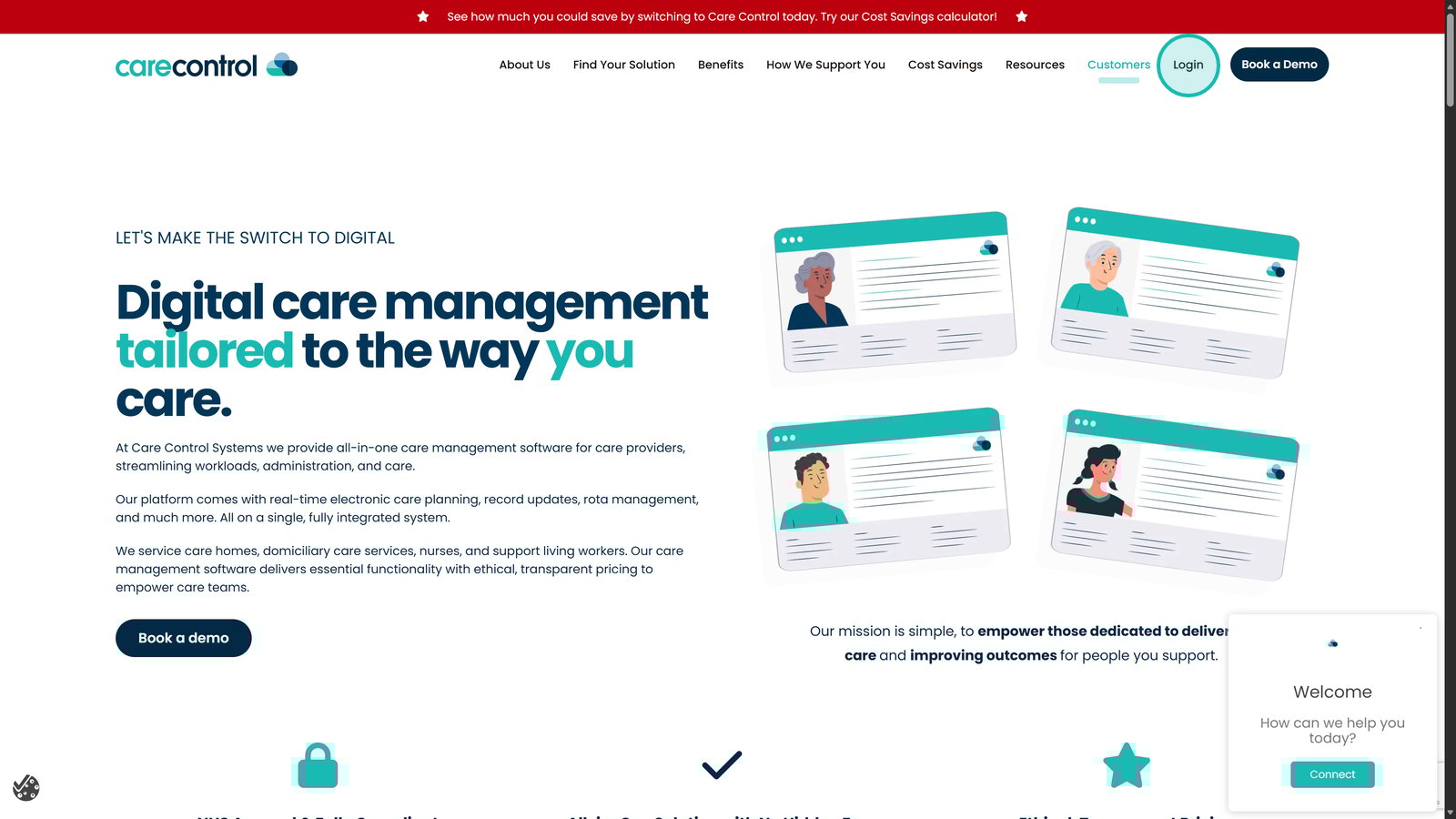
Click Login in the top right of the screen
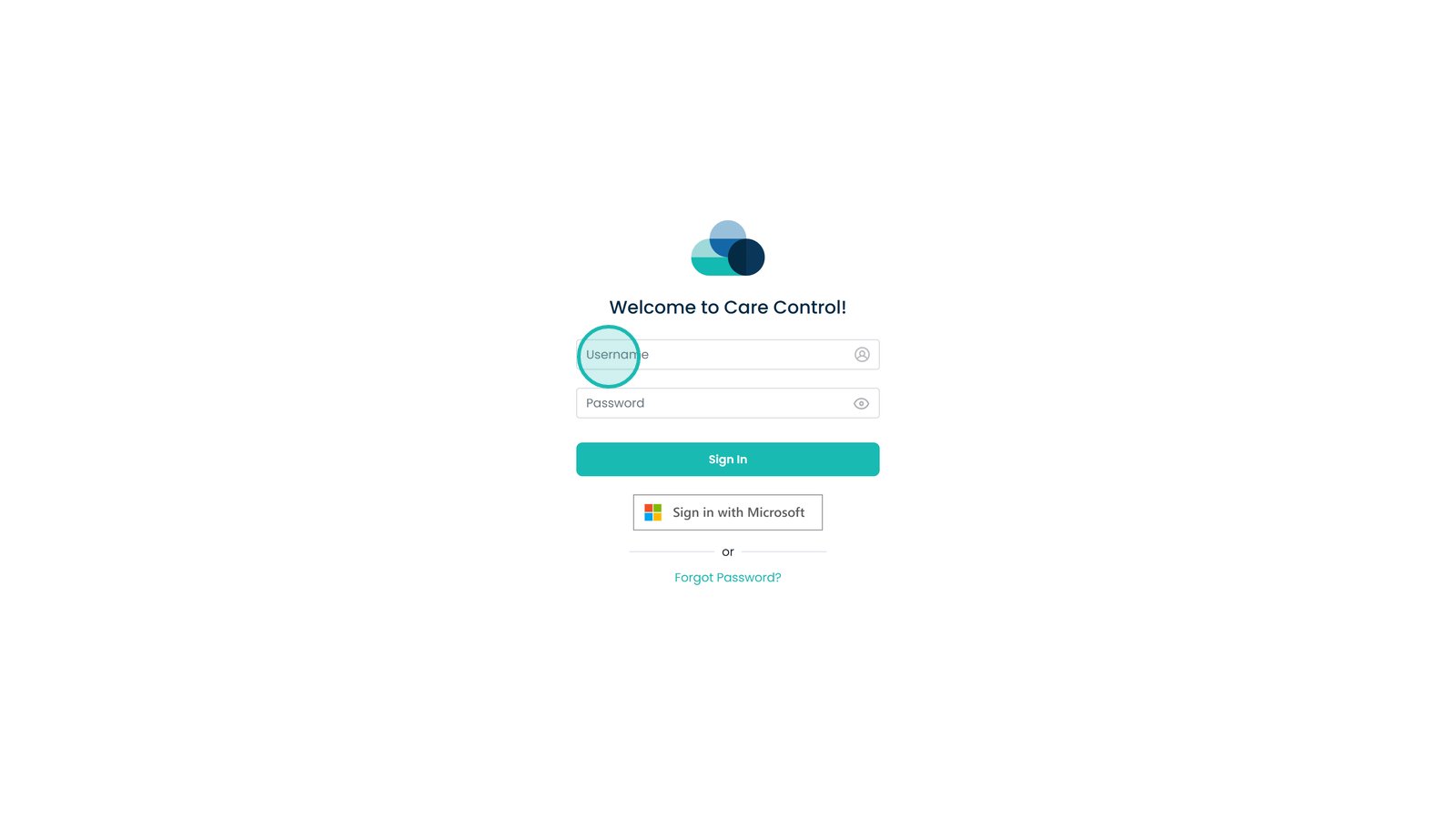
Enter your Username in this box
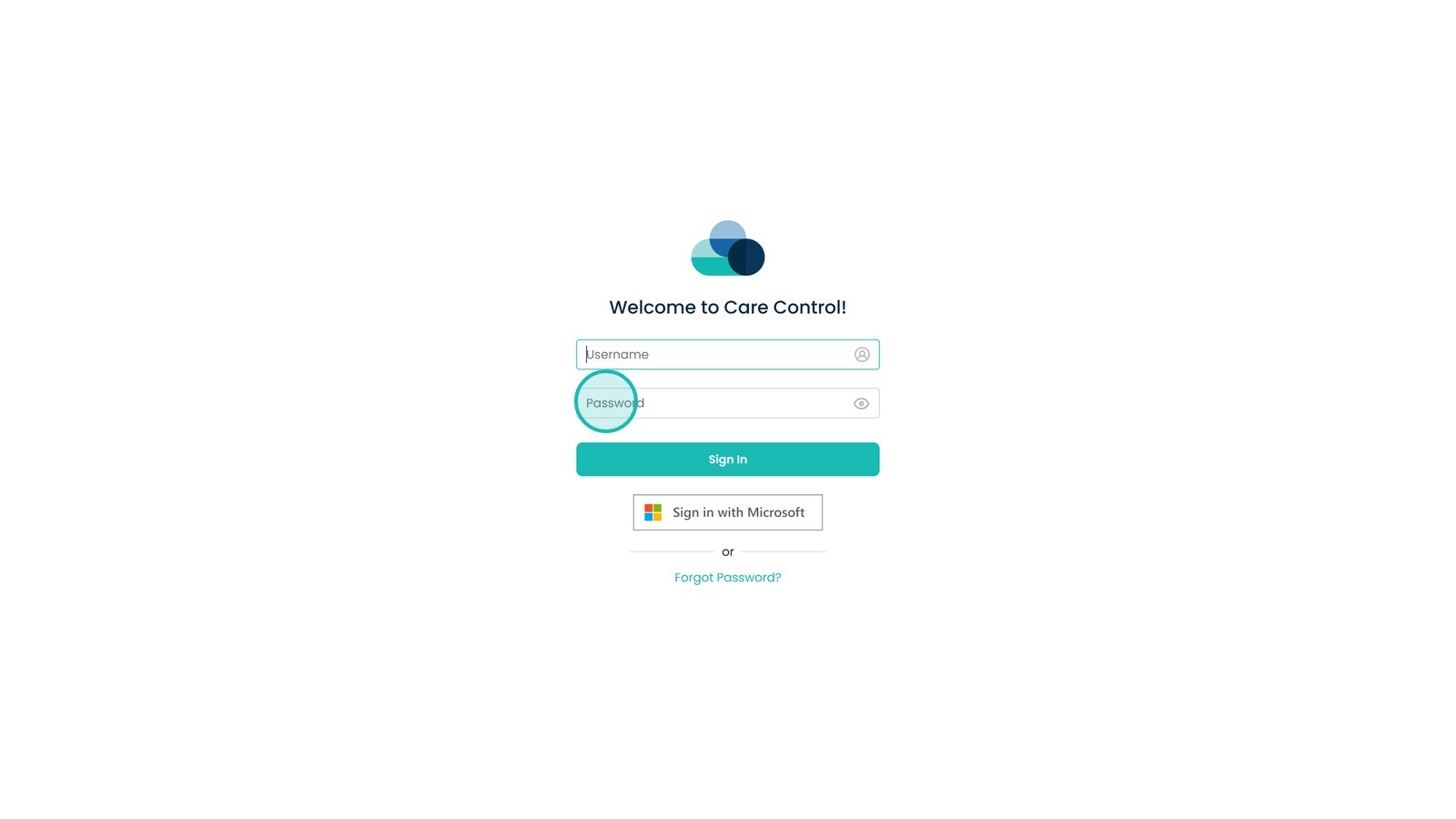
Enter the Password in this box
You can click Sign in with Microsoft if your company has single sign on enabled