How to Log In to Care Control Cloud
This guide explains how to sign in to Care Control Cloud using either your username and password or Microsoft Single Sign-On (SSO), where enabled.
Takes 1 minute
For: Everyone
Updated: 4th June 2026
Introduction
The Care Control Cloud login page provides secure access to your organisation's care management system. Depending on your organisation's setup, you can sign in using your Care Control username and password or through Microsoft Single Sign-On (SSO) for a faster login experience.
In this guide you'll learn how to:
- Access the Care Control login page
- Sign in using your username and password
- Use Microsoft Single Sign-On (SSO)
- Access Care Control Cloud successfully
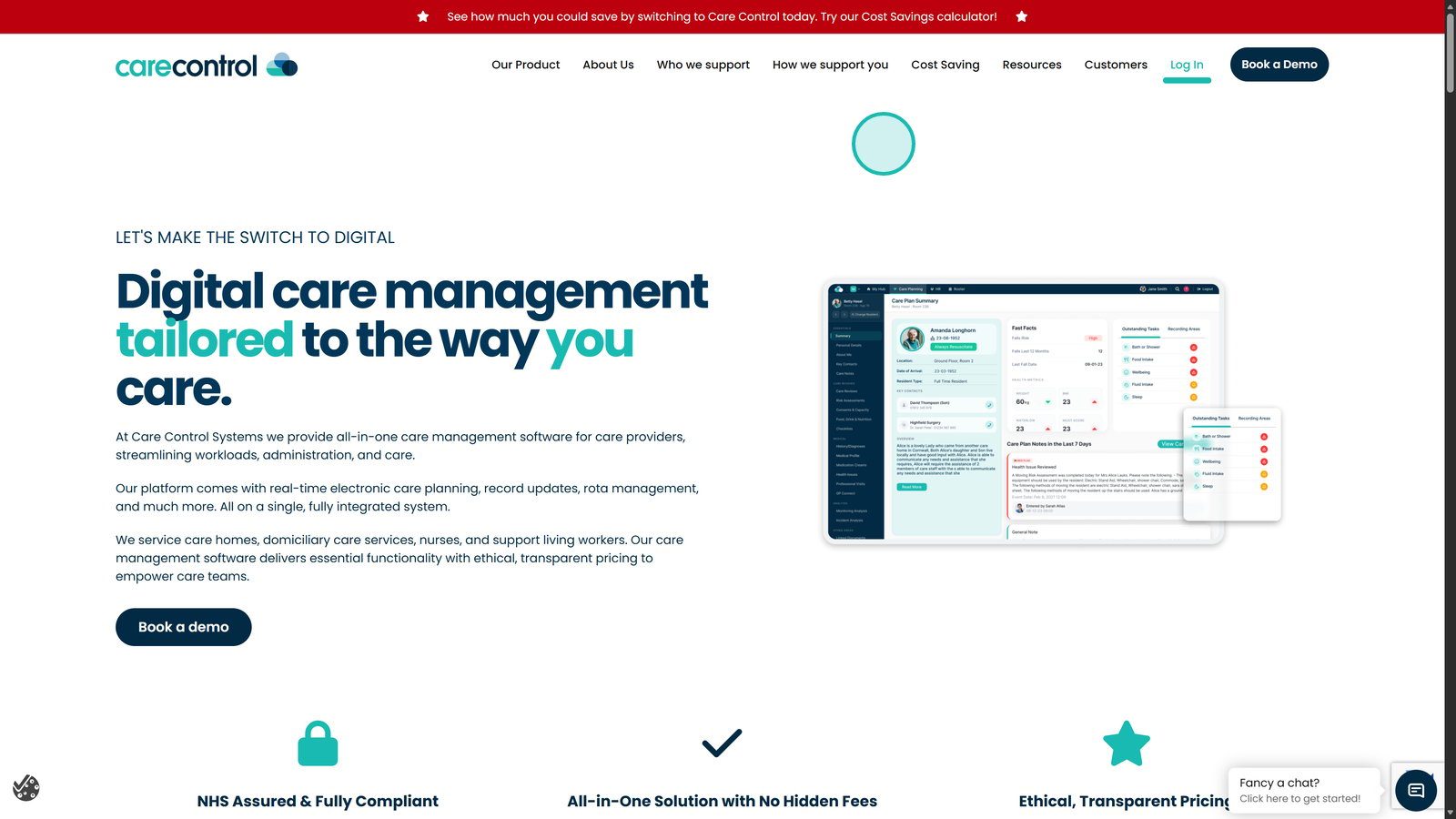
Open the Care Control website in your web browser.

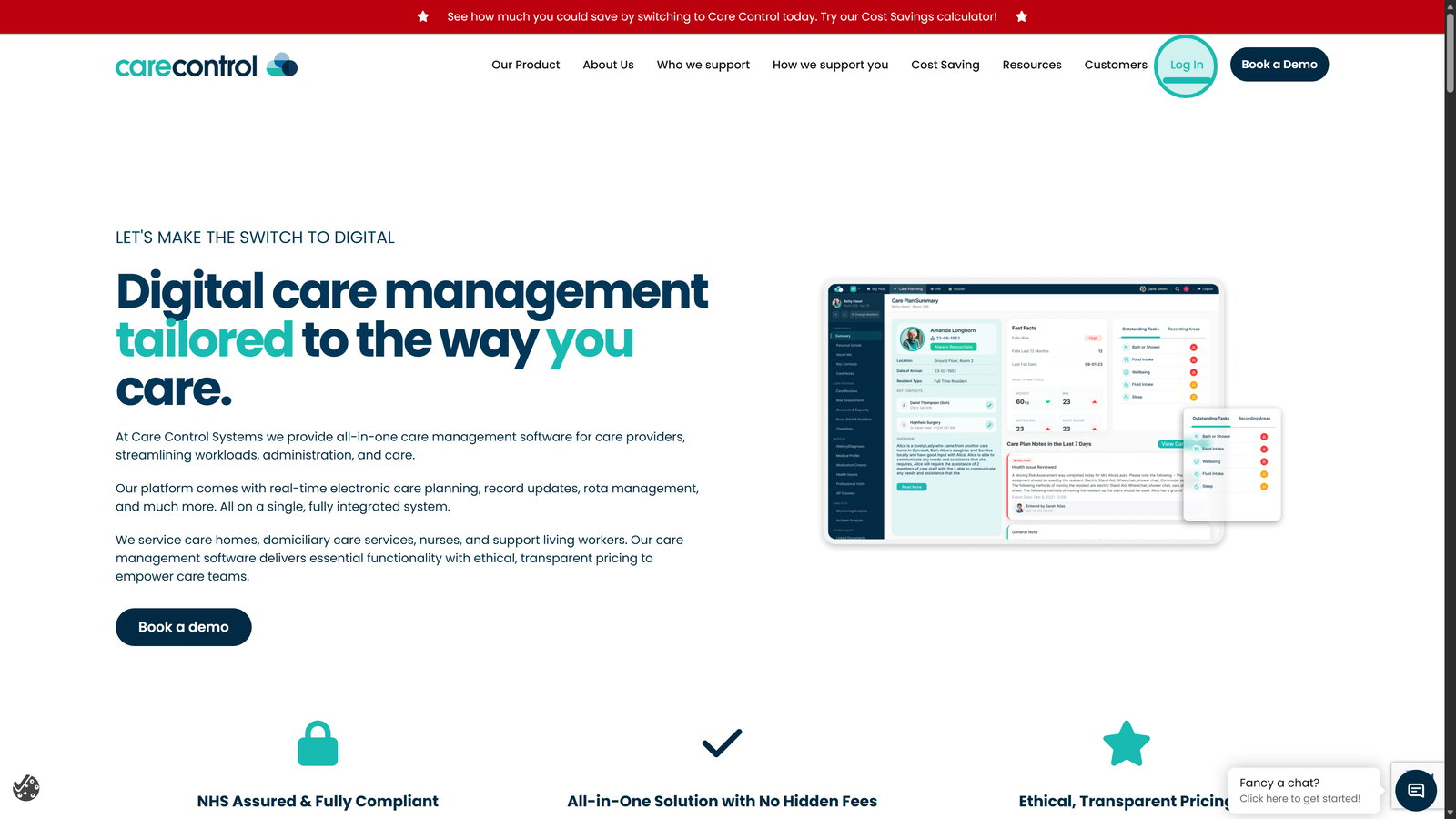
Select Log In from the top-right corner of the website.

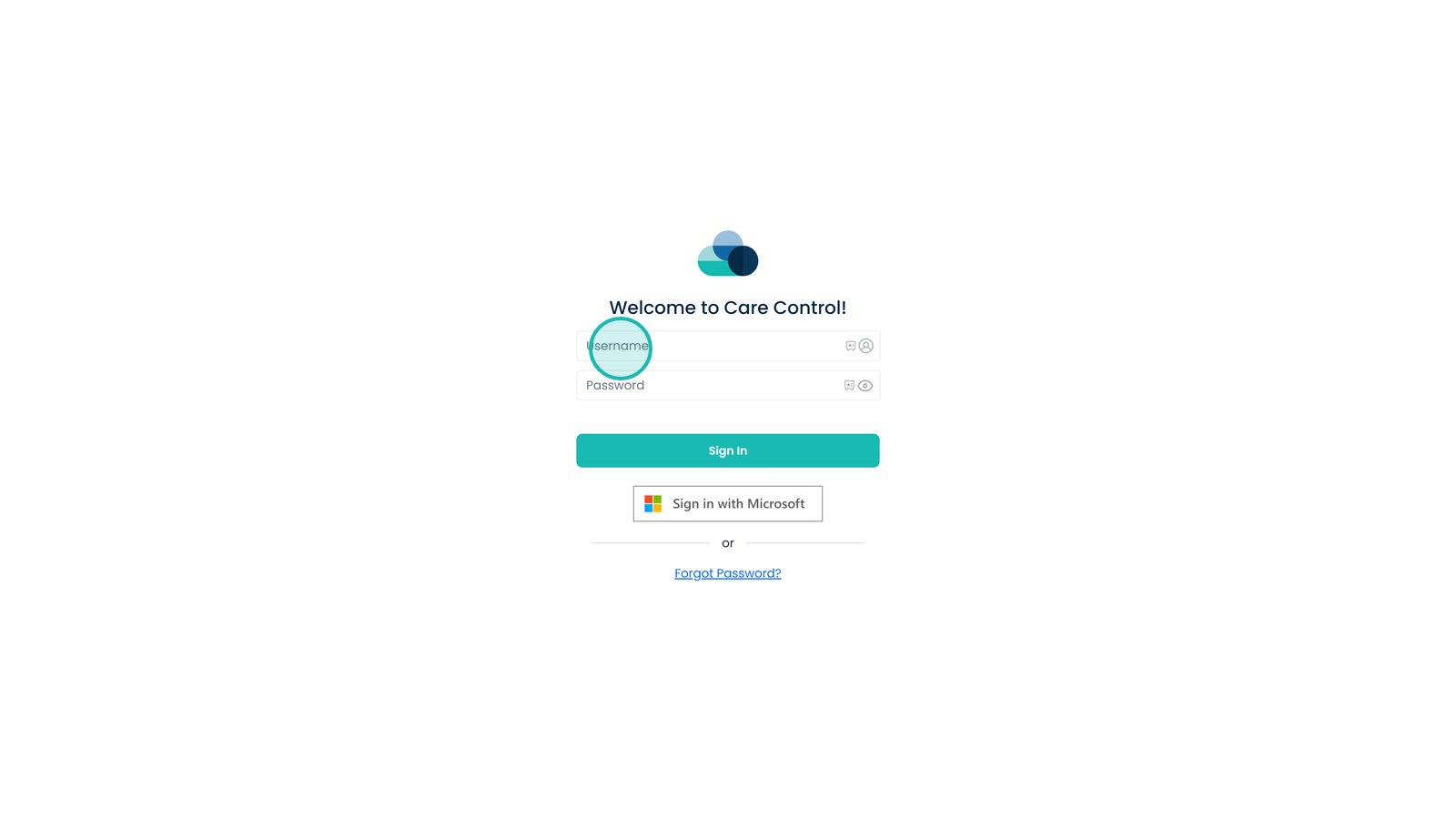
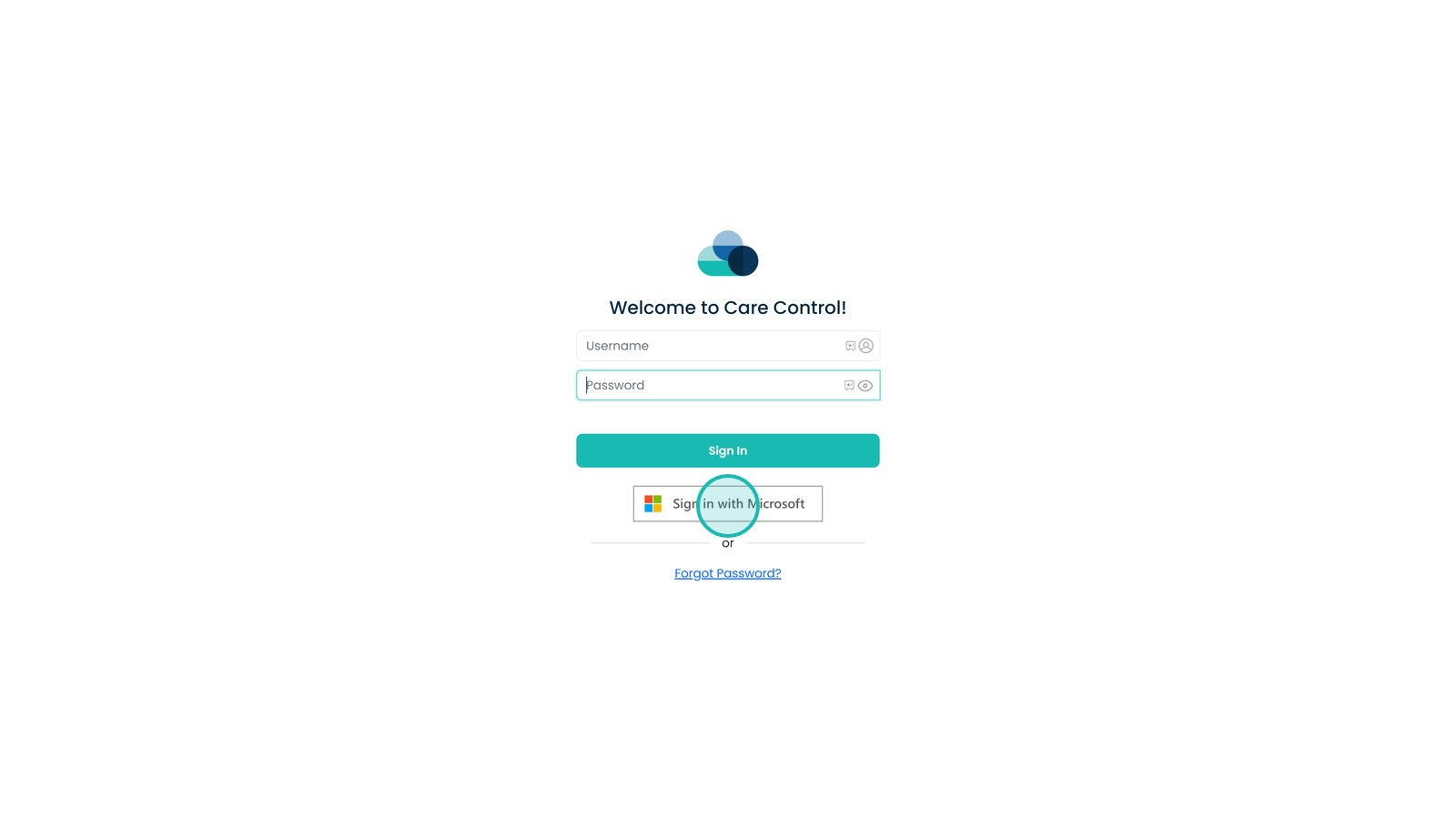
Enter your Care Control username in the Username field.

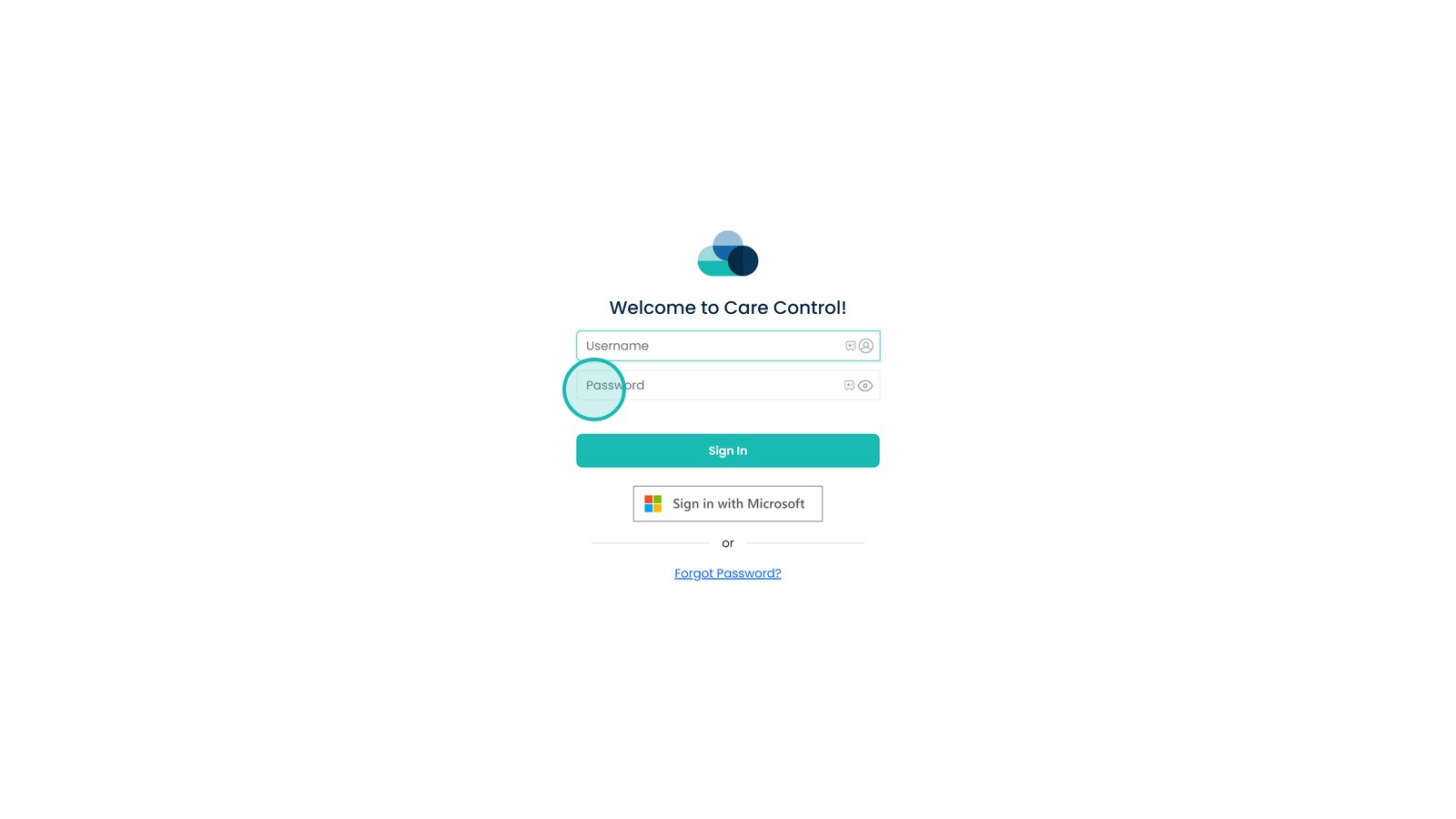
Enter your password and check it is entered correctly.

Select Sign in with Microsoft if your organisation uses Single Sign-On (SSO).

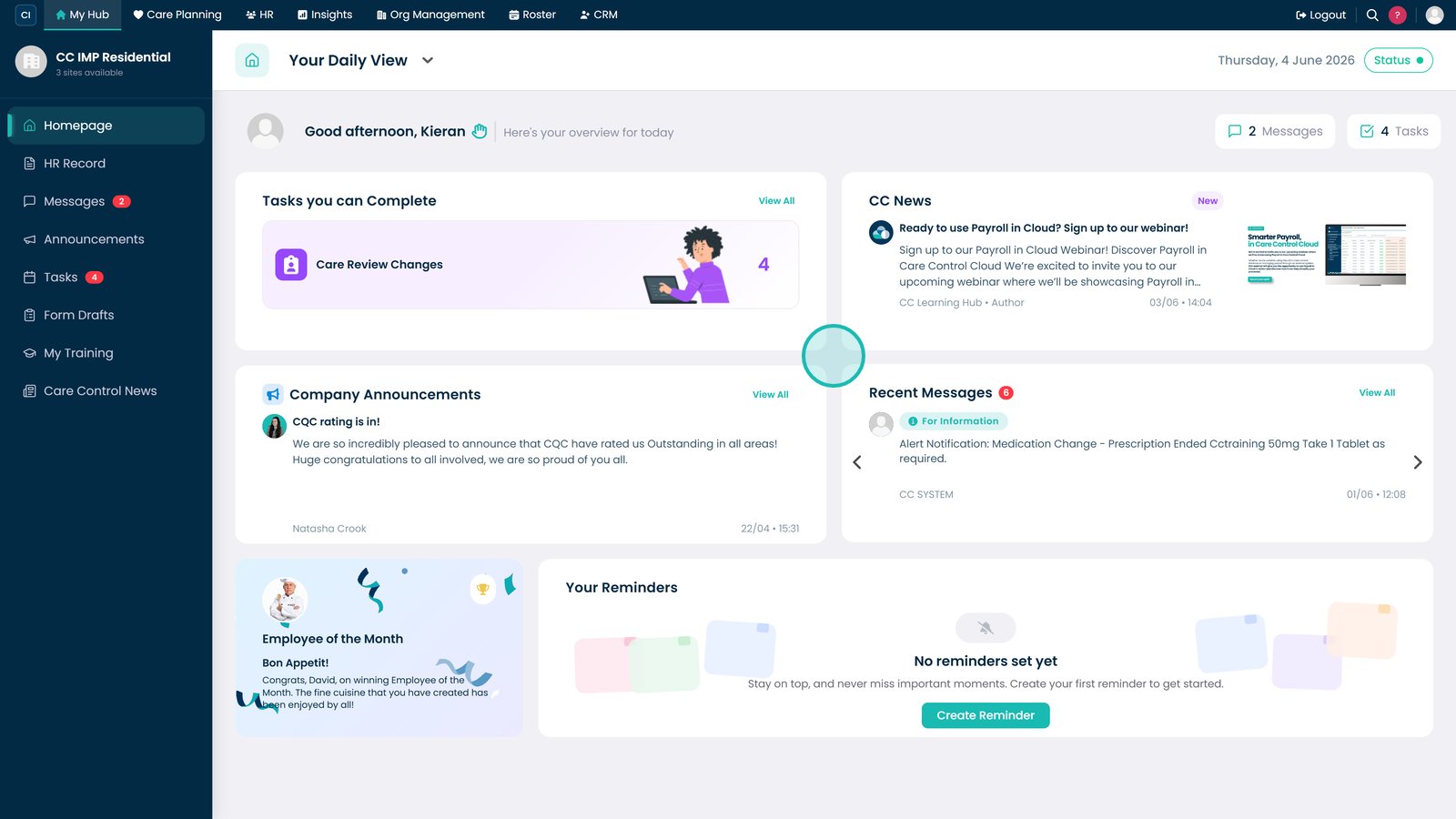
Once signed in, you'll be taken to the Care Control dashboard.

Top tip
If your organisation uses Microsoft Single Sign-On (SSO), use the Microsoft login option to avoid managing a separate Care Control password.
Need more help?
Can't find what you're looking for? Our support team is here to help.
Contact SupportOr call us on