This guide explains how to configure Life History sections and questions.
Takes 5 minutes
For: Managers
Updated: 19th June 2026
Introduction
The Life History Configuration area allows administrators to manage the structure of Life History records. Sections can be created to organise information into categories, while questions can be added and ordered within each section to ensure residents' life stories are captured consistently.
In this guide you'll learn how to:
Create and manage Life History sections
Edit or remove existing sections
Add questions to a section
Control the order of sections and questions
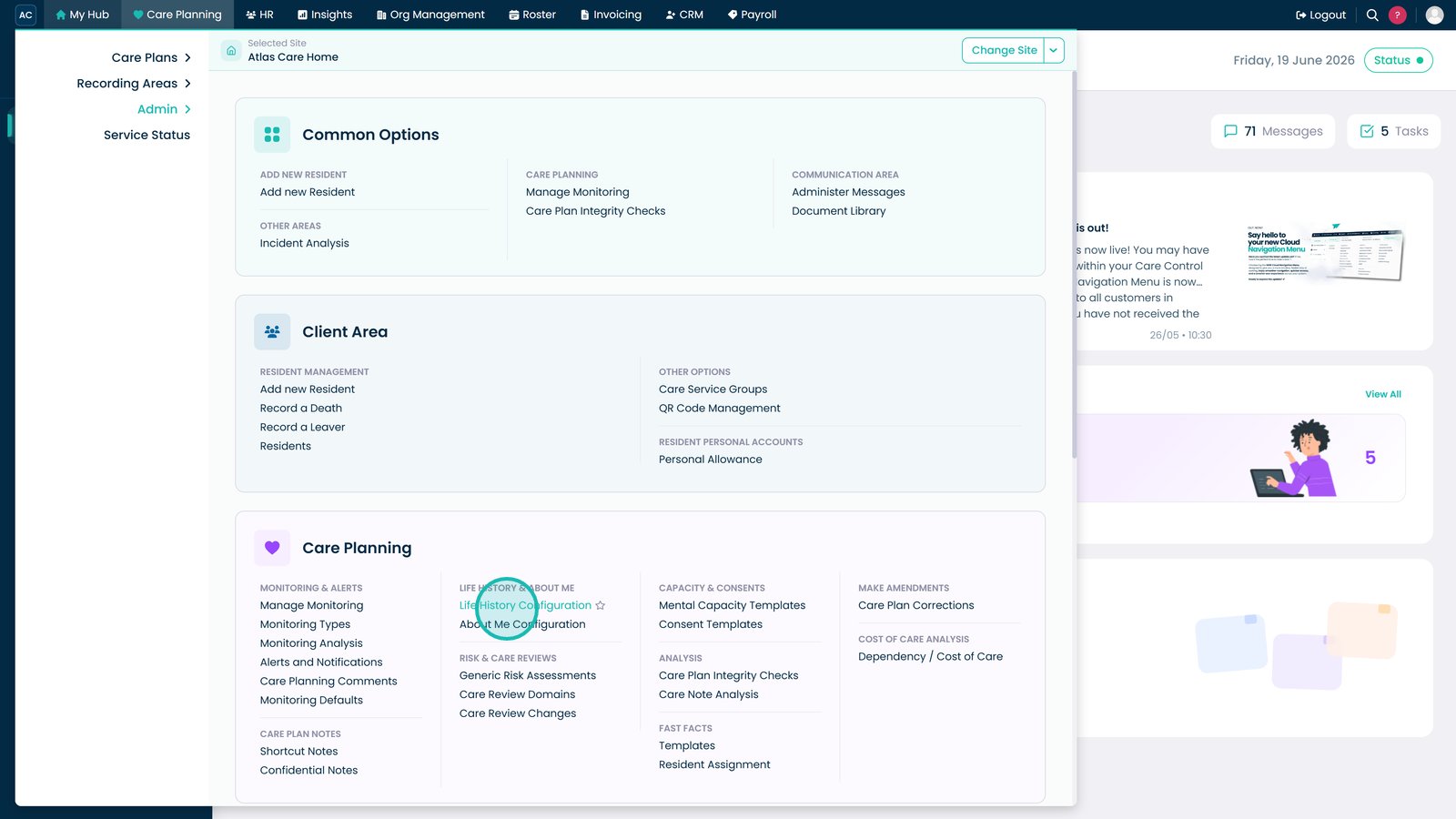
Open the Life History Configuration page to manage sections and questions.
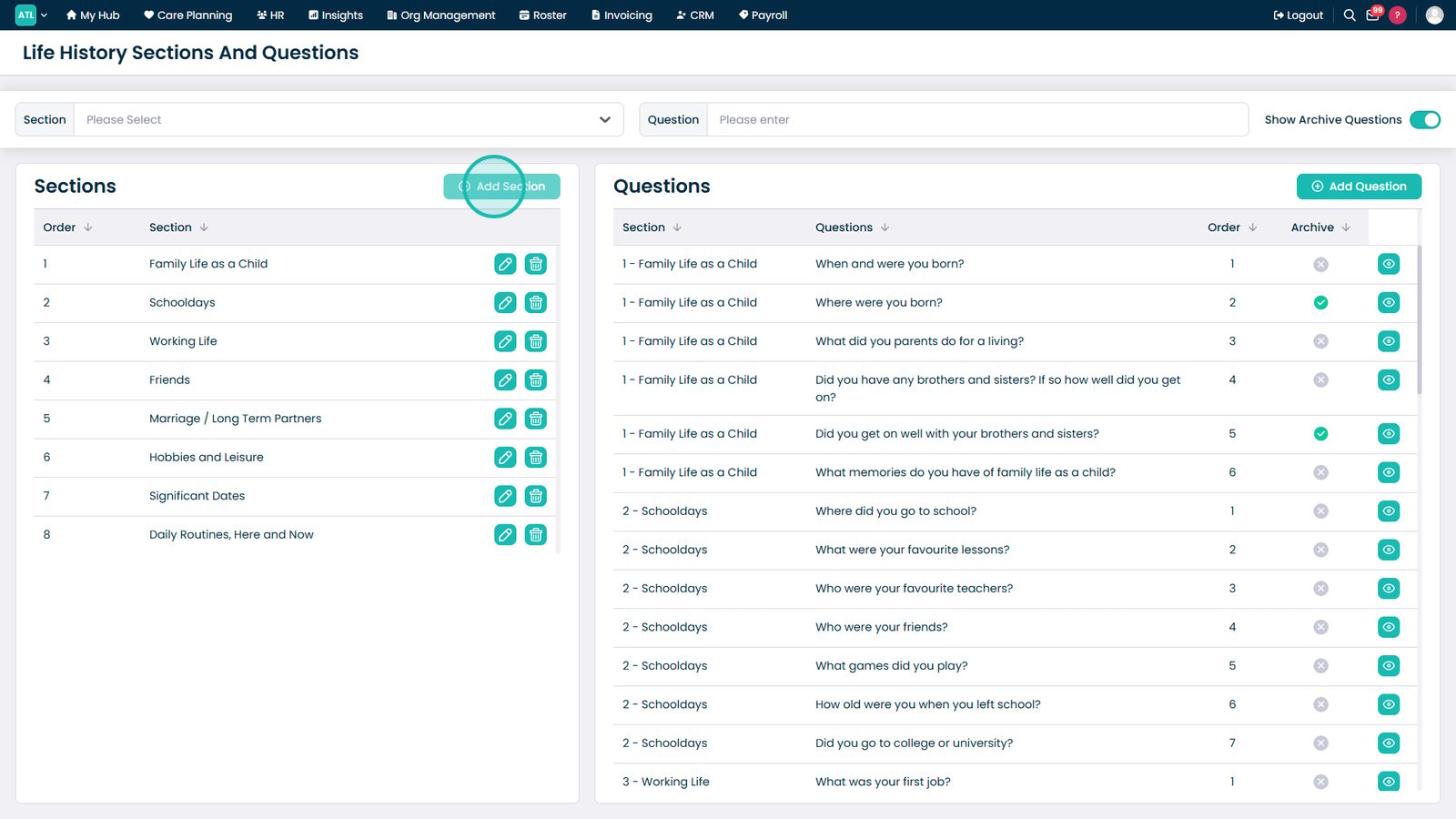
Click Add Section to create a new Life History section.
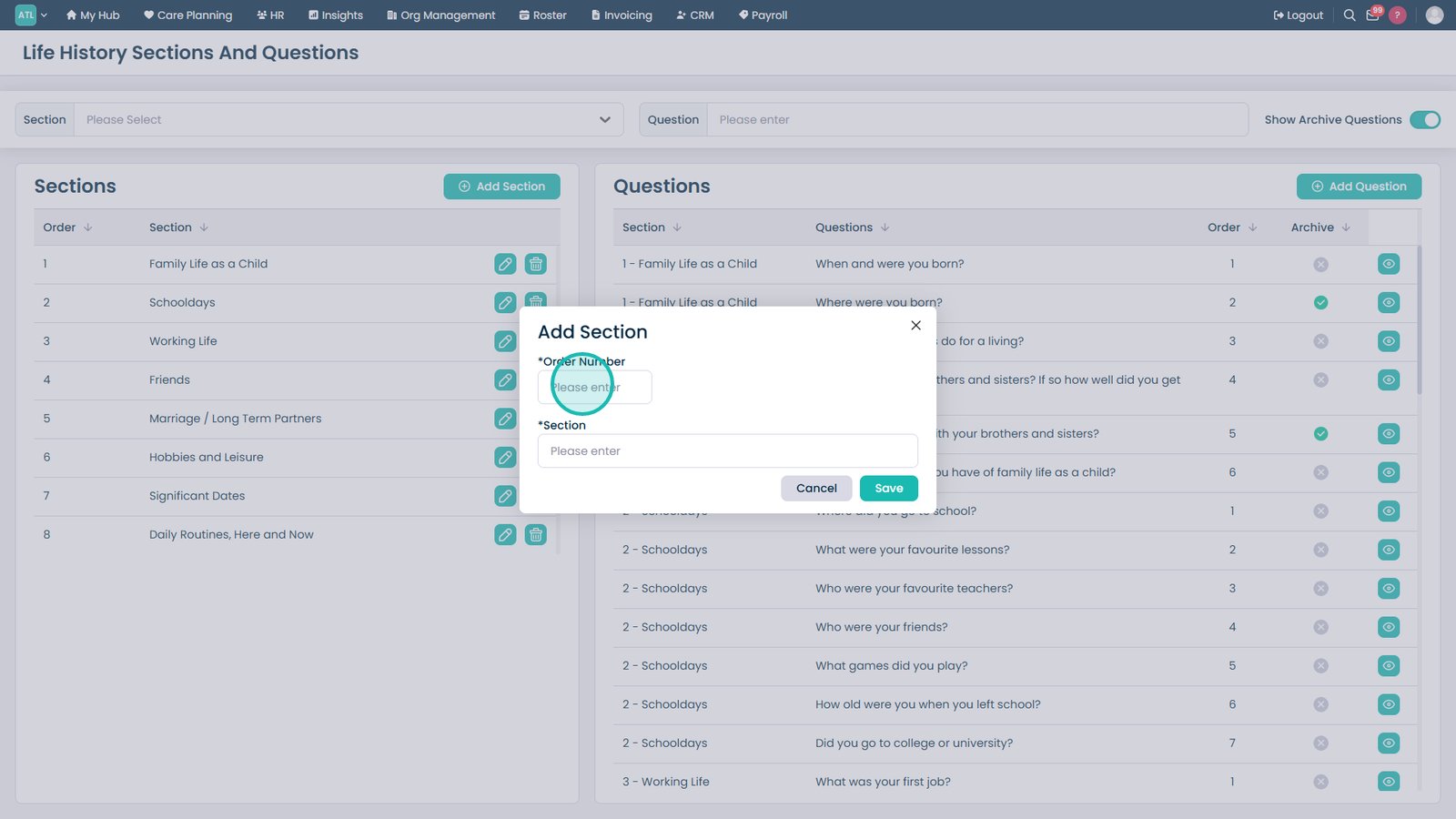
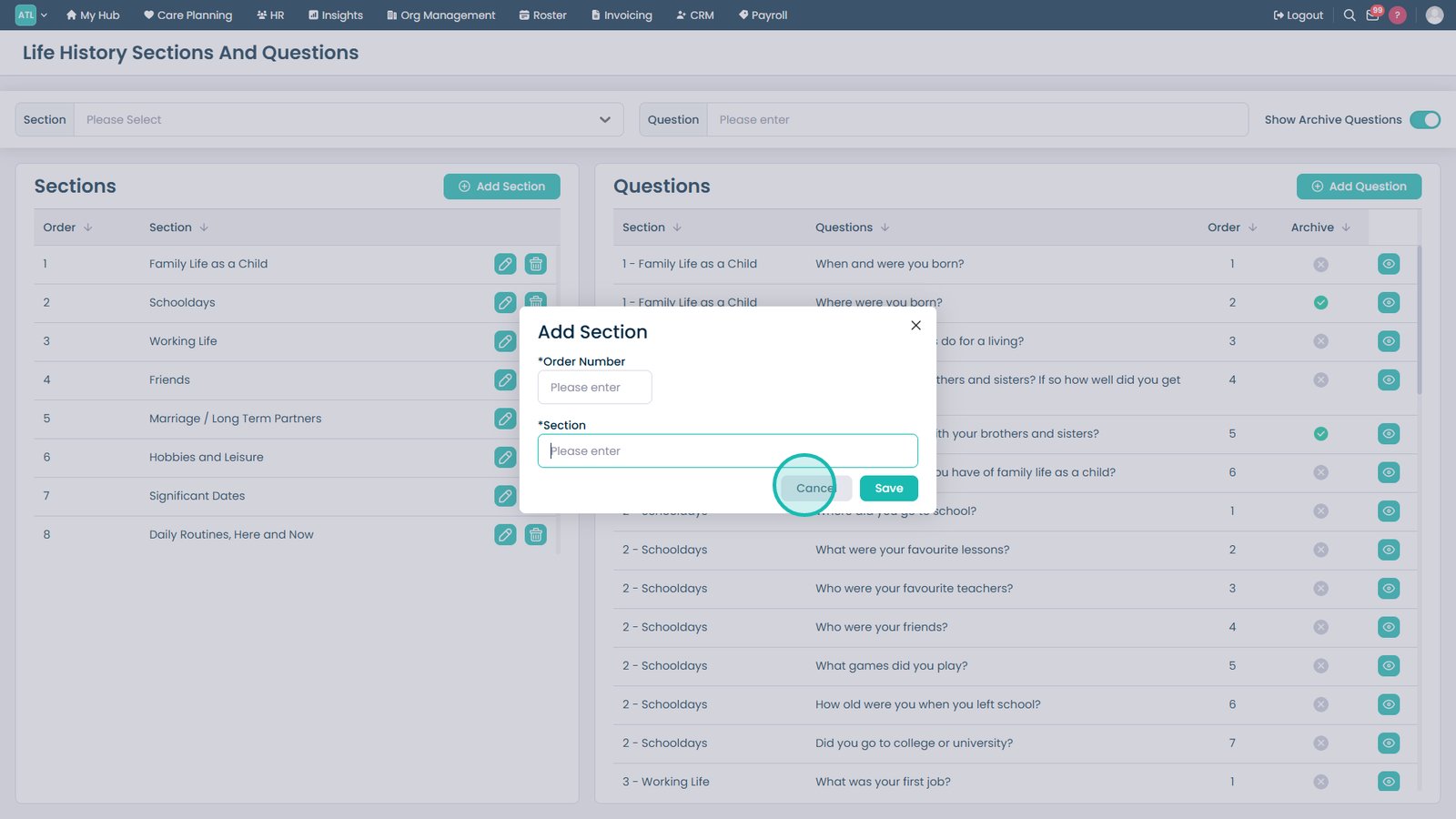
Enter an order number and section name to control where the section appears.
Save the section to add it to the configuration list.
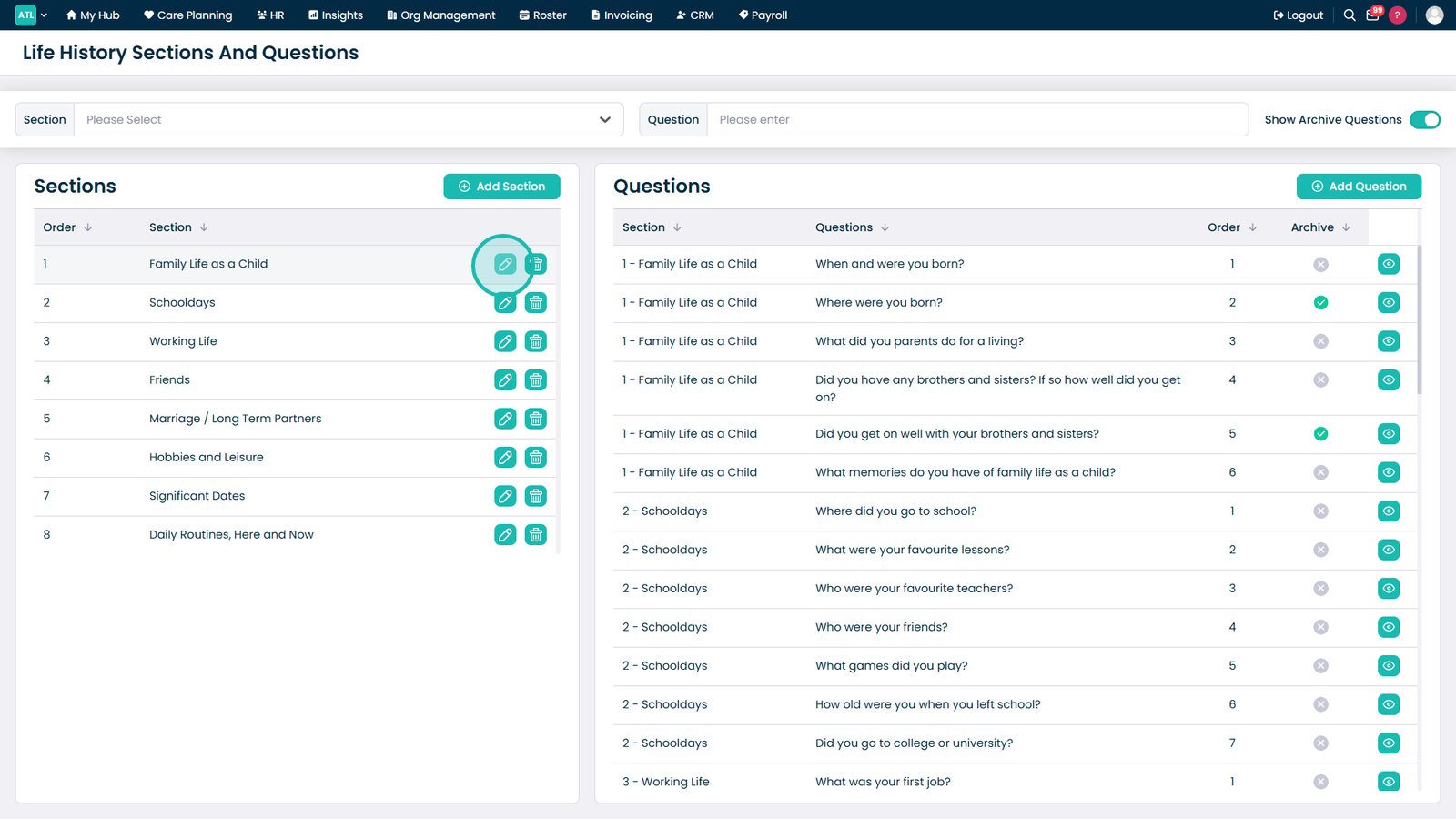
Use Edit to update an existing section's name or display order.
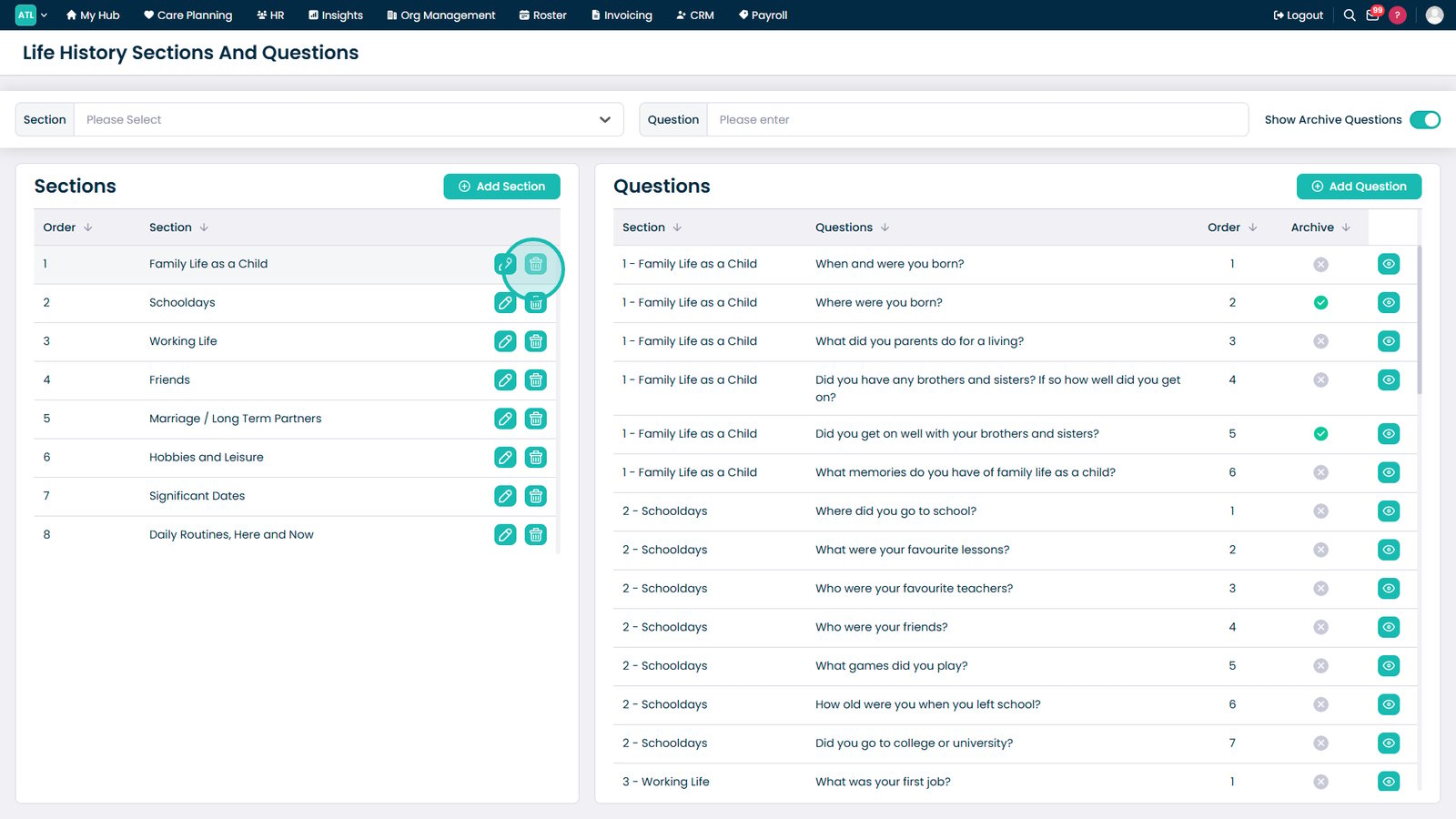
Use the Delete icon to remove a section that is no longer required.
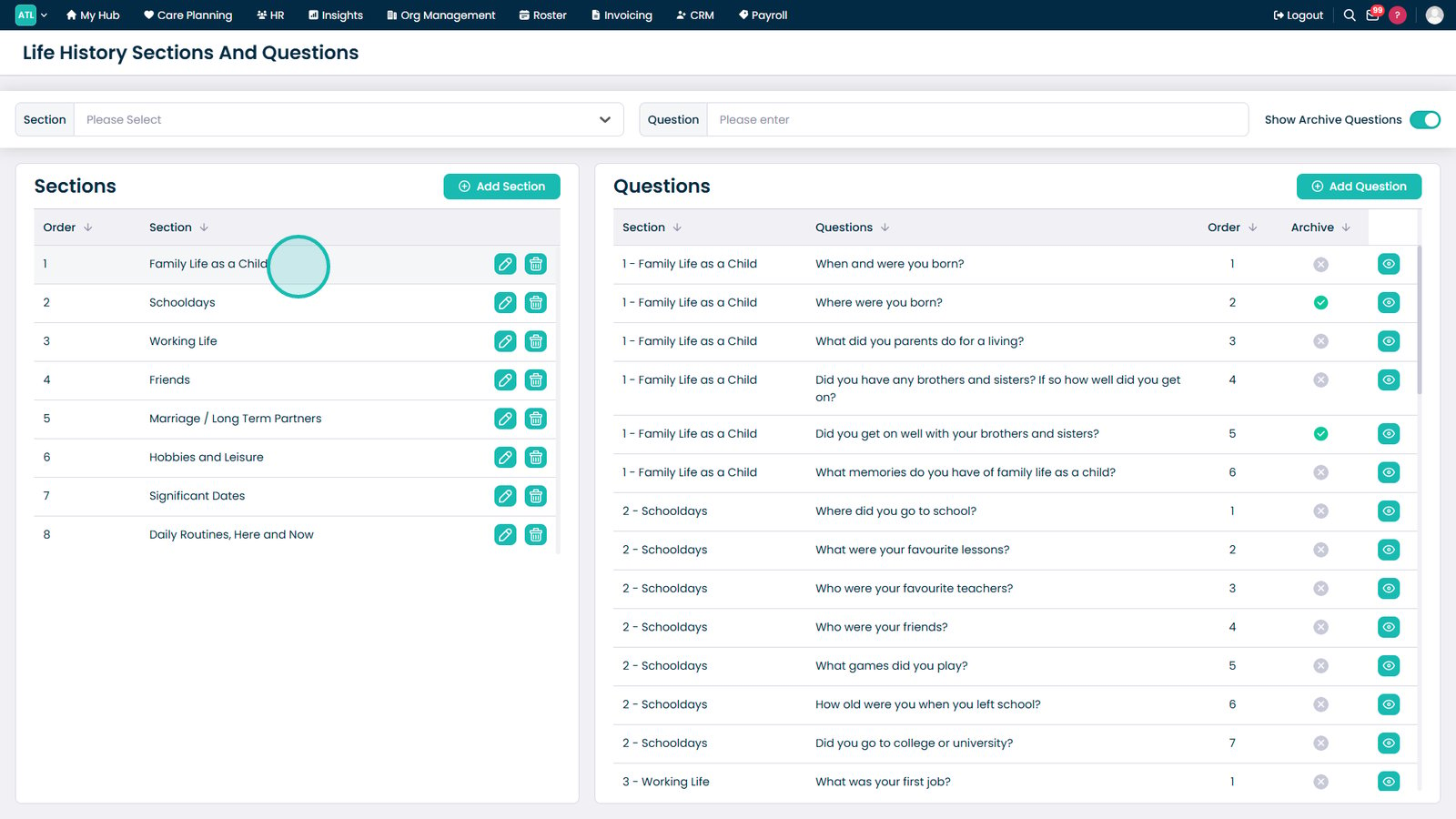
Select a section to view and manage the questions assigned to it.
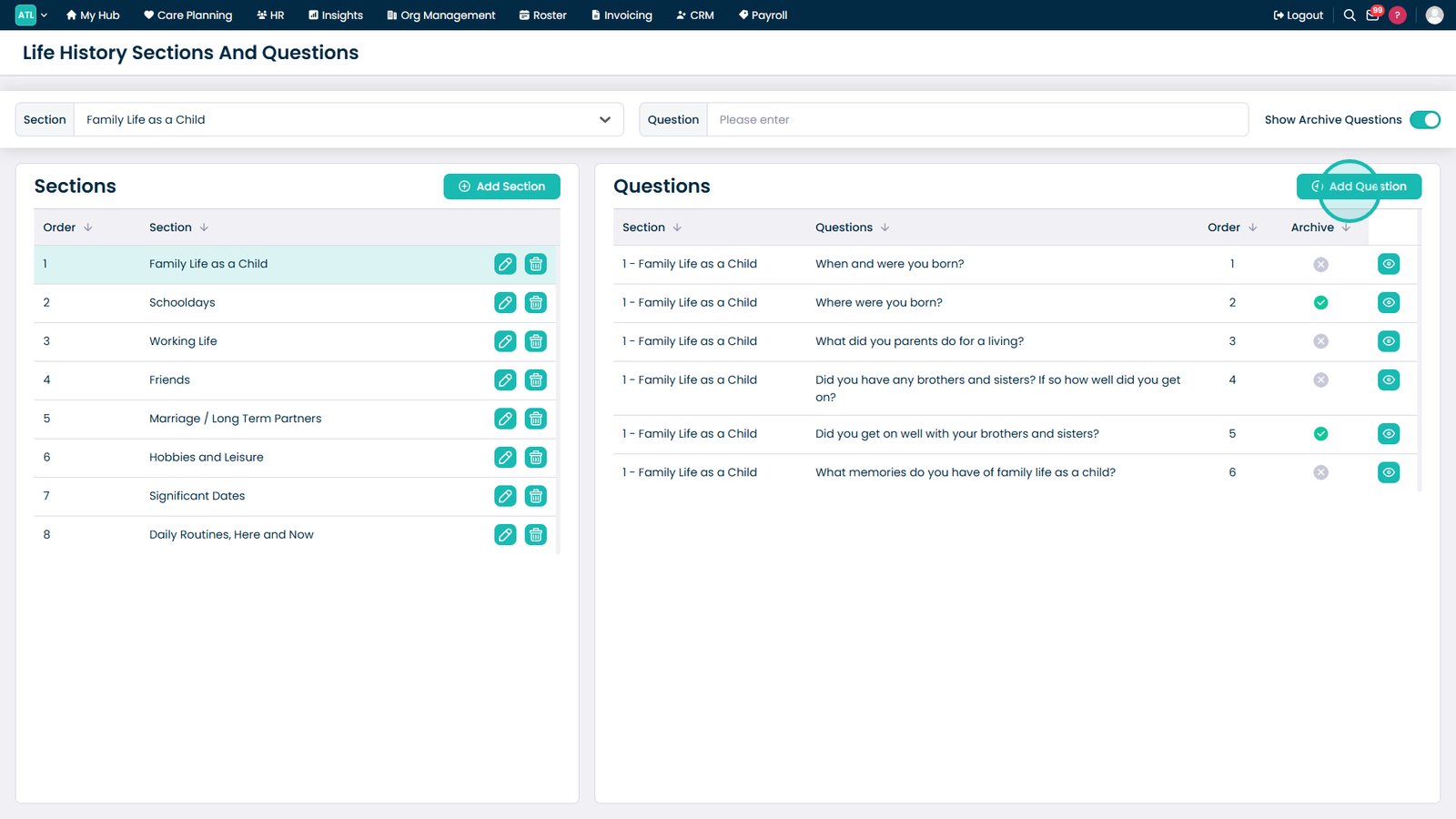
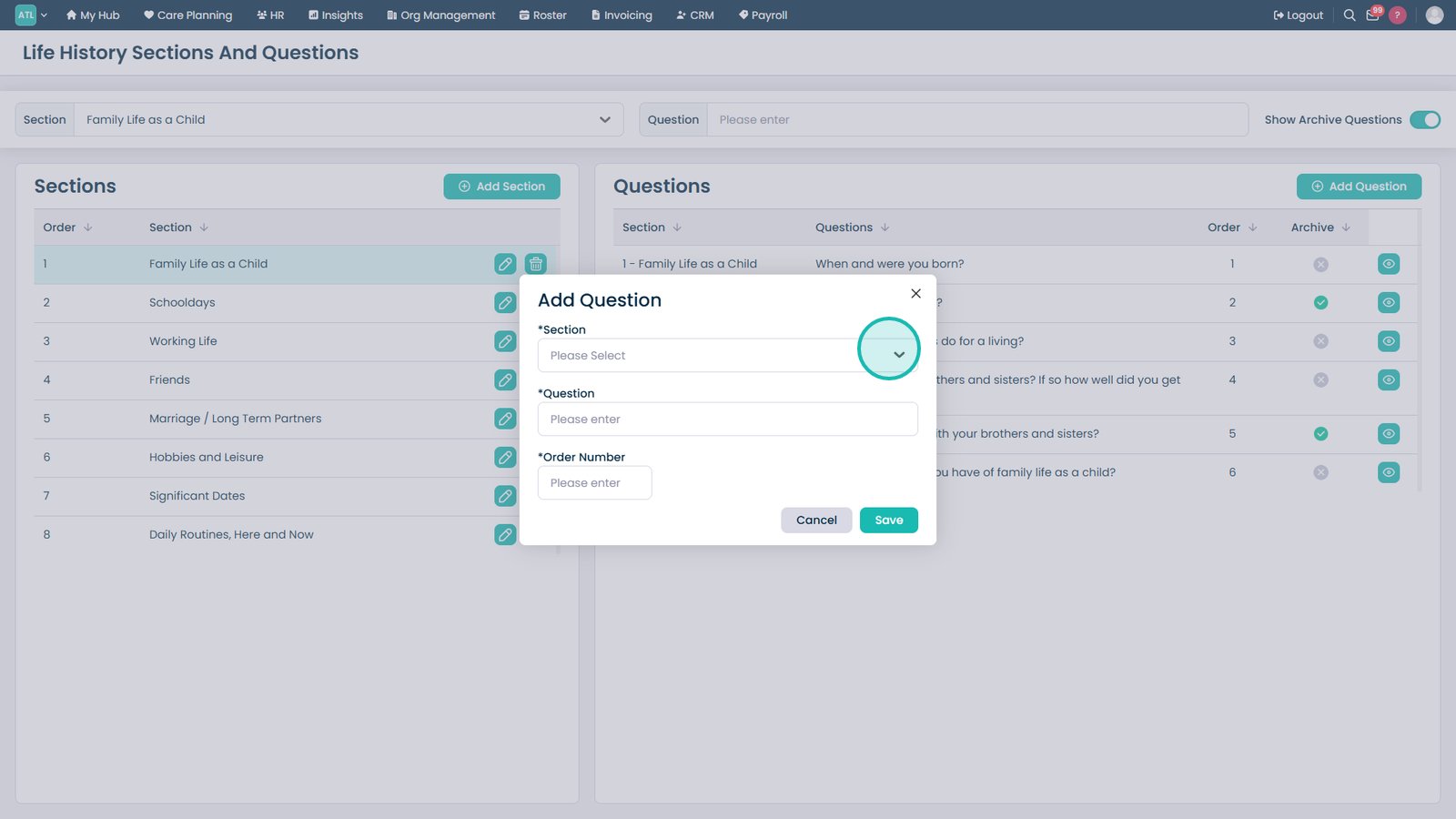
Click Add Question to create a new question for the selected section.
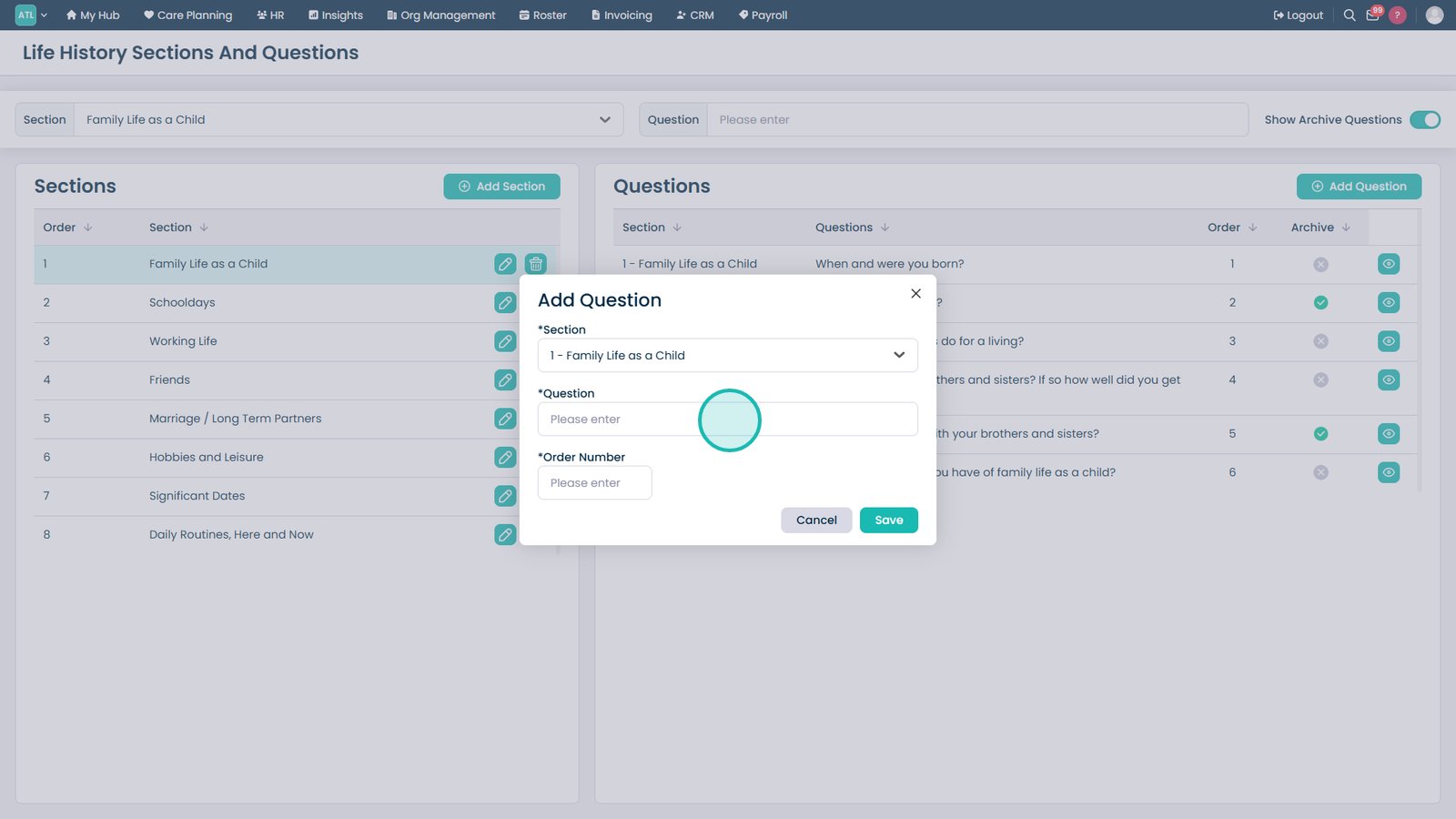
Select the section that the new question should belong to.
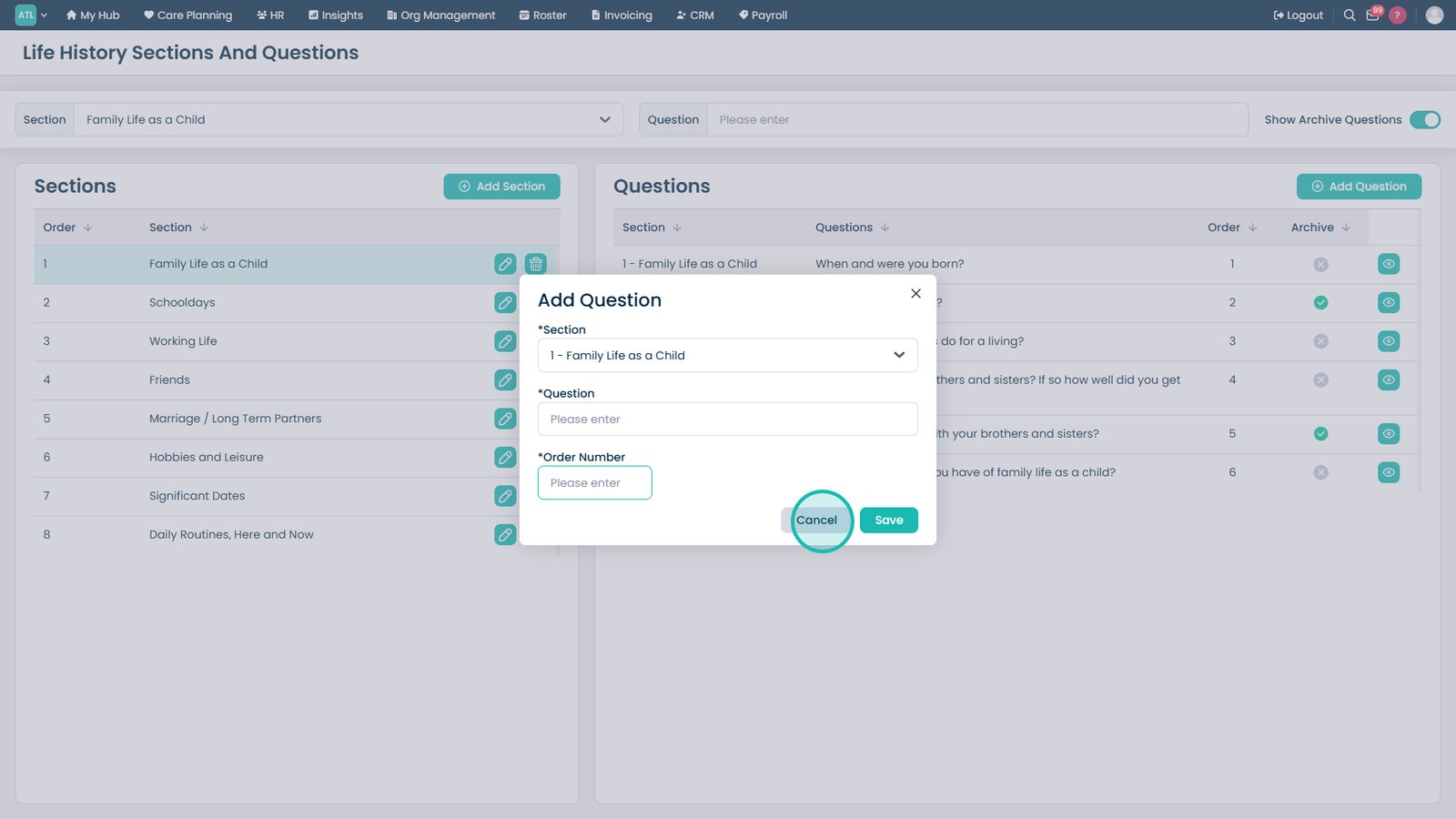
Enter the question text and assign an order number for its position within the section.
Save the question to add it to the selected Life History section.
Top tip
Use order numbers to control how sections and questions appear to staff, ensuring the most important information is captured first.