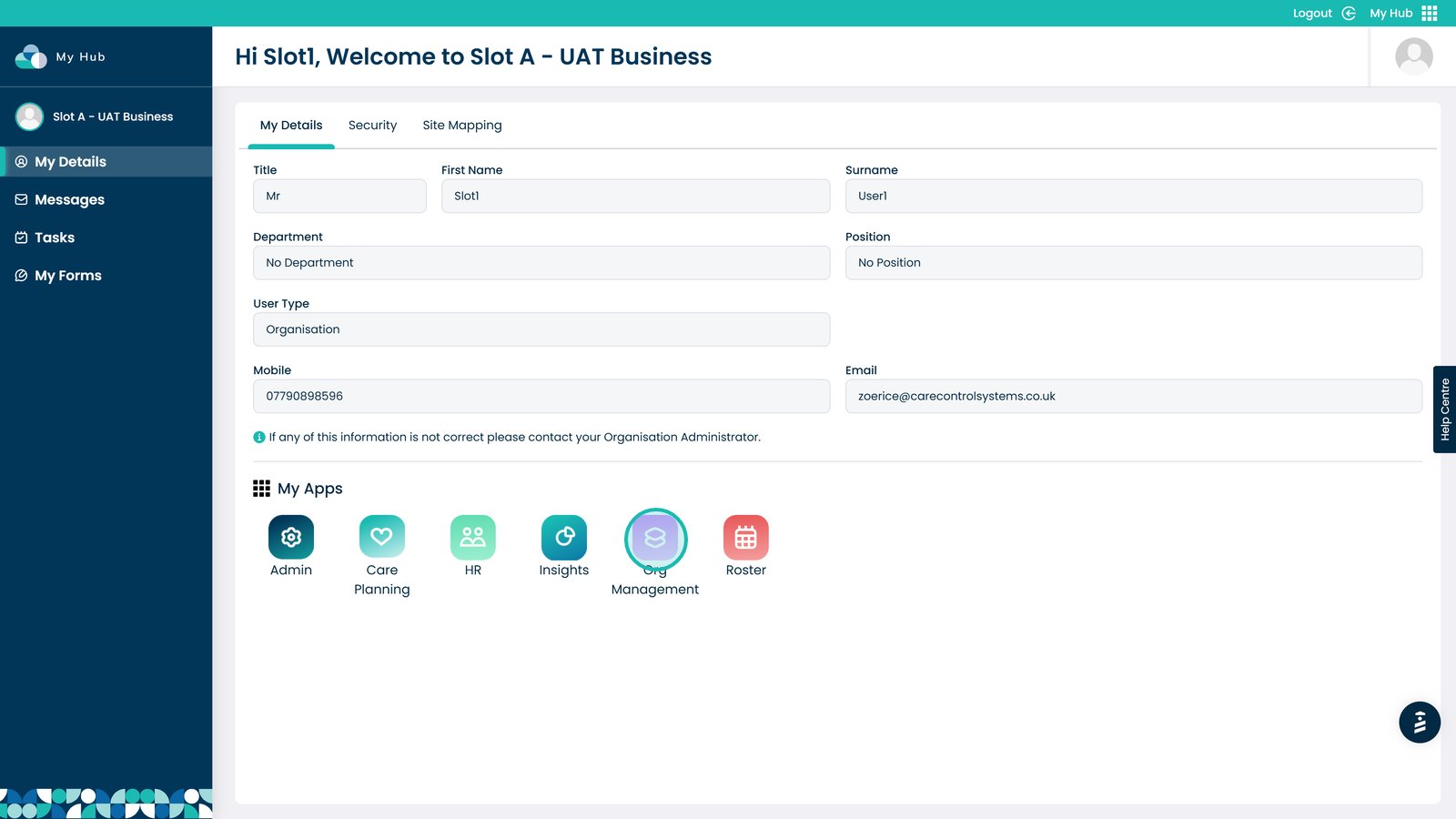
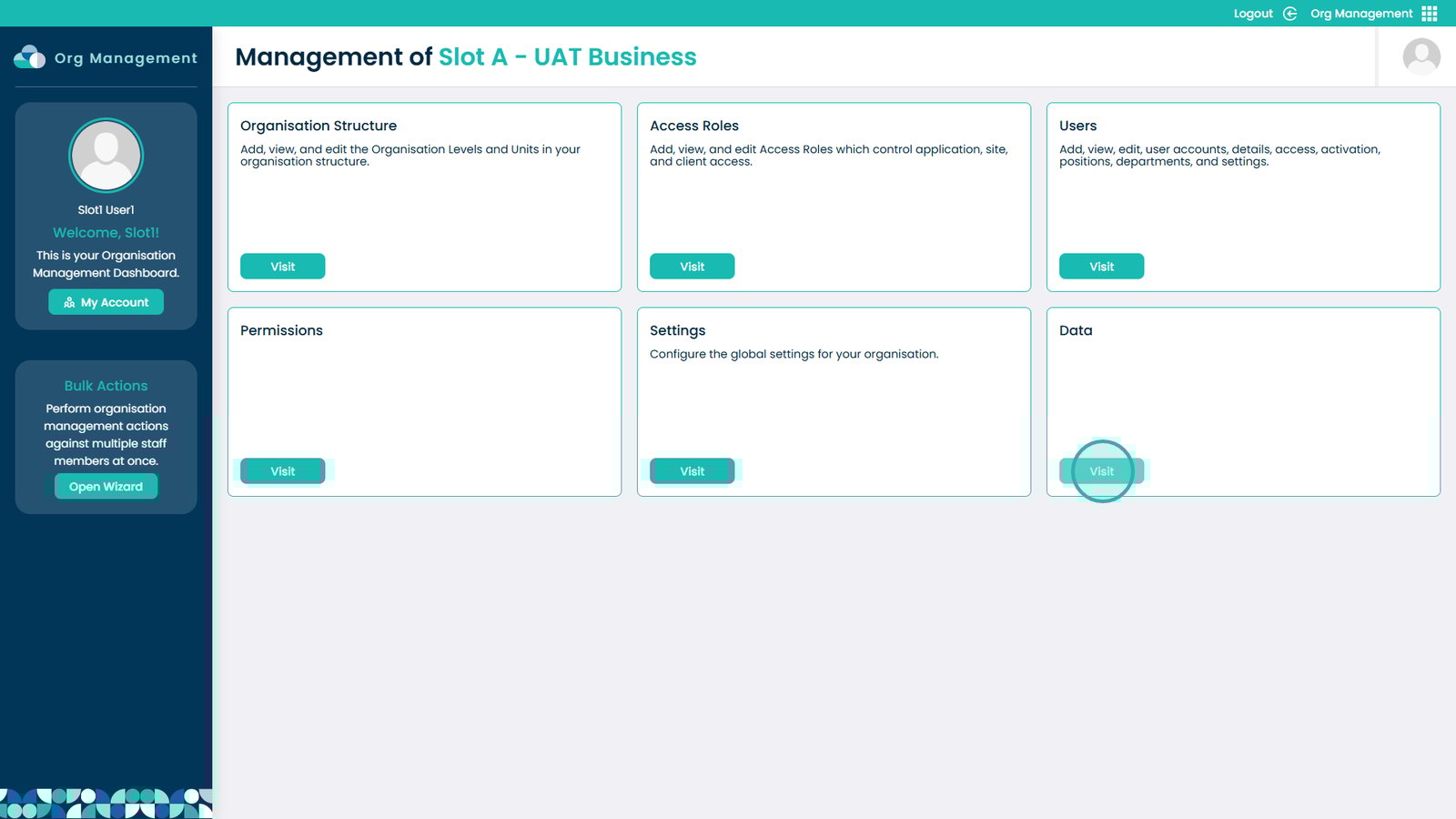
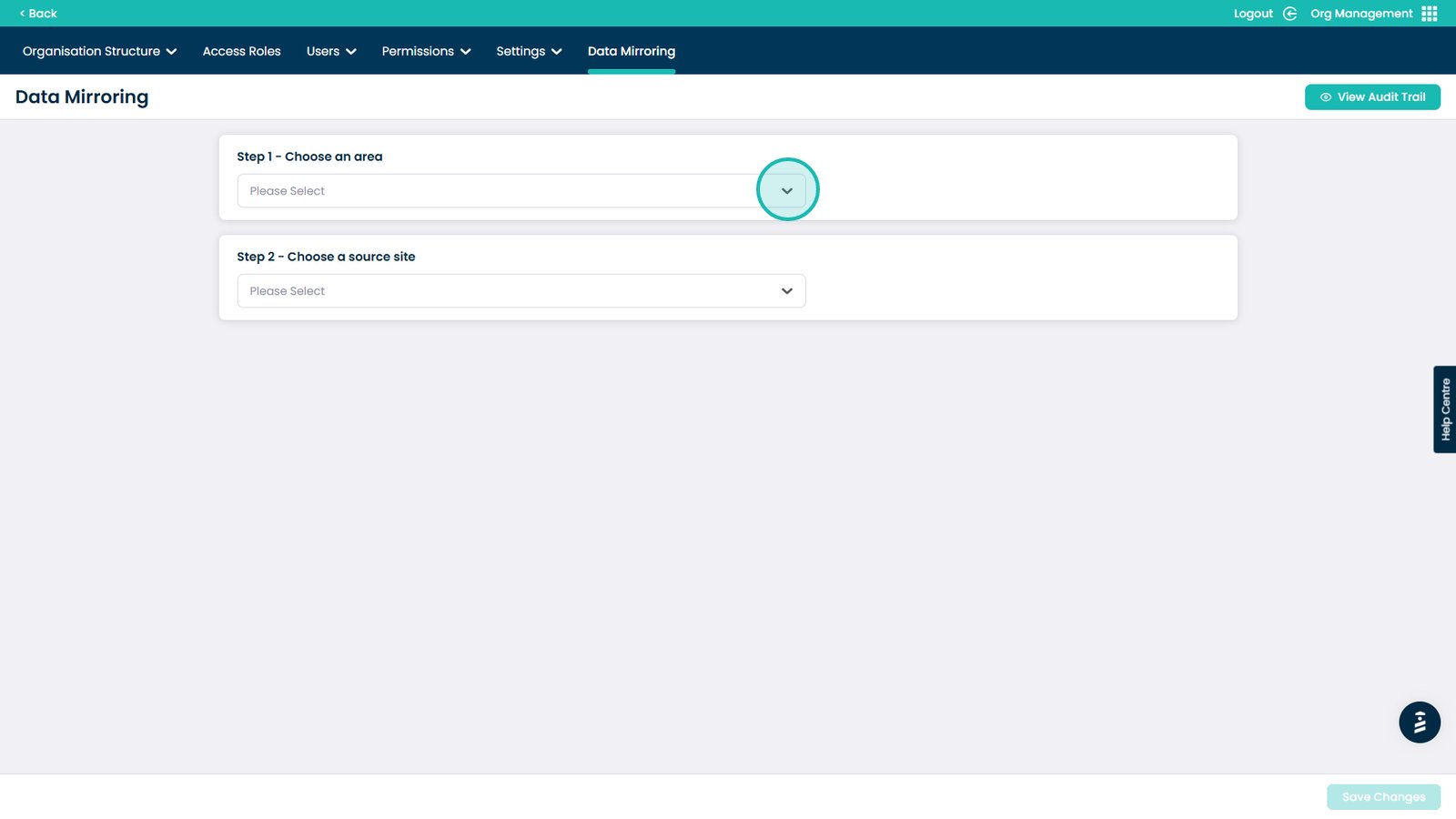
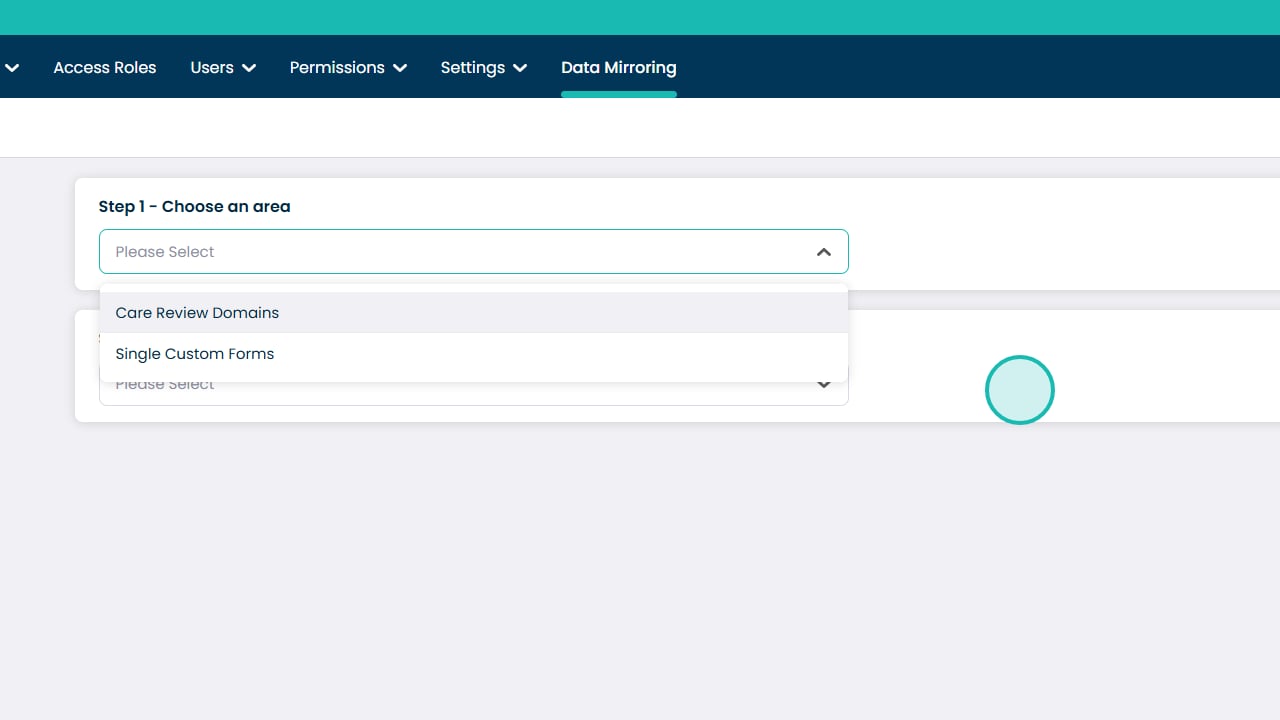
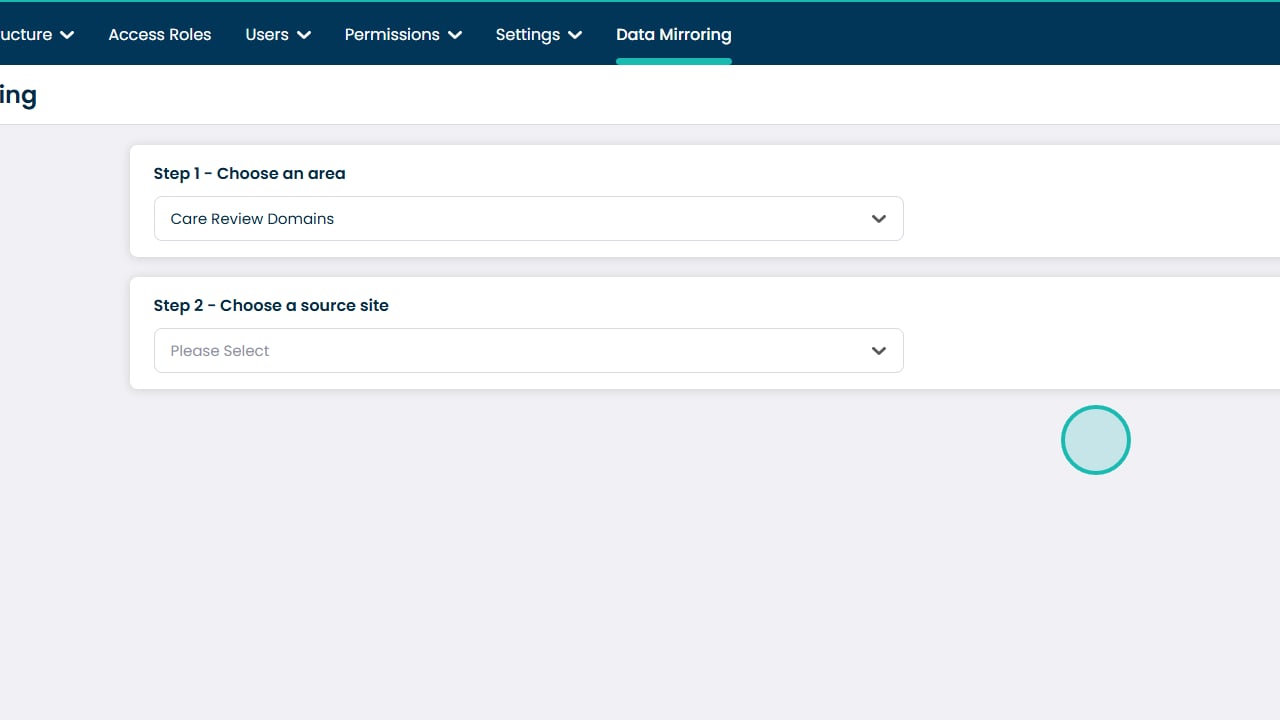
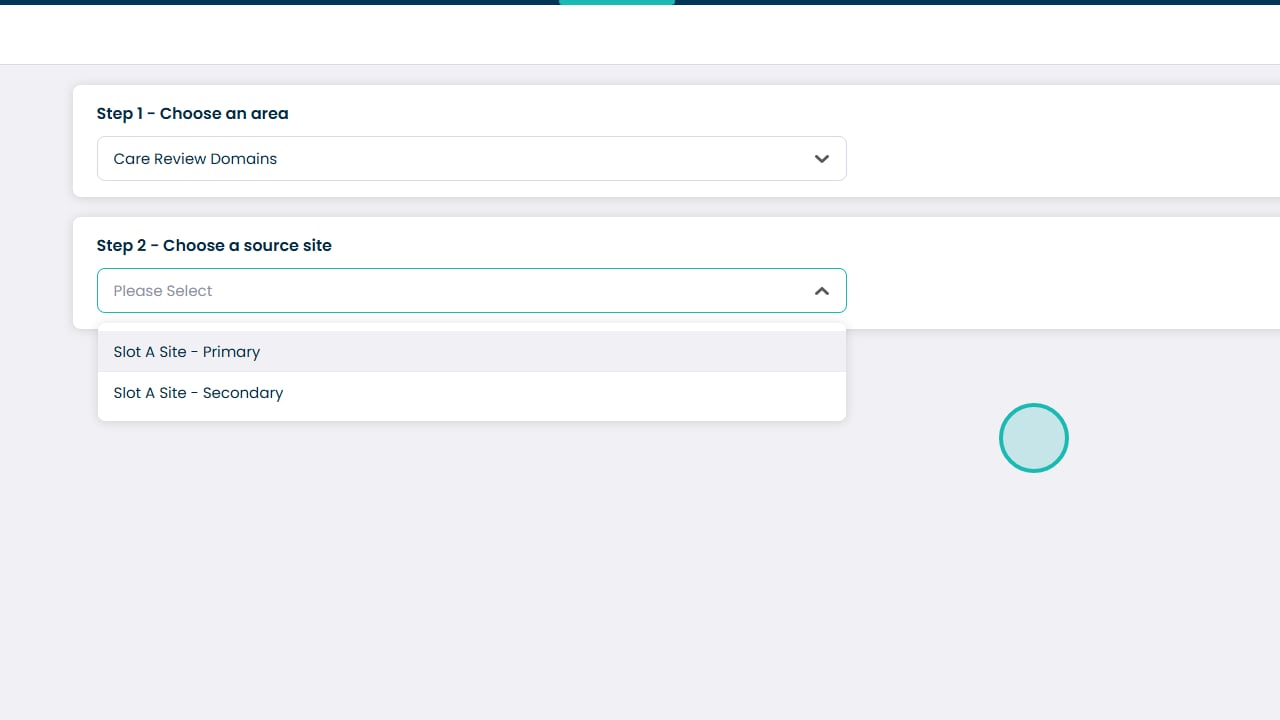
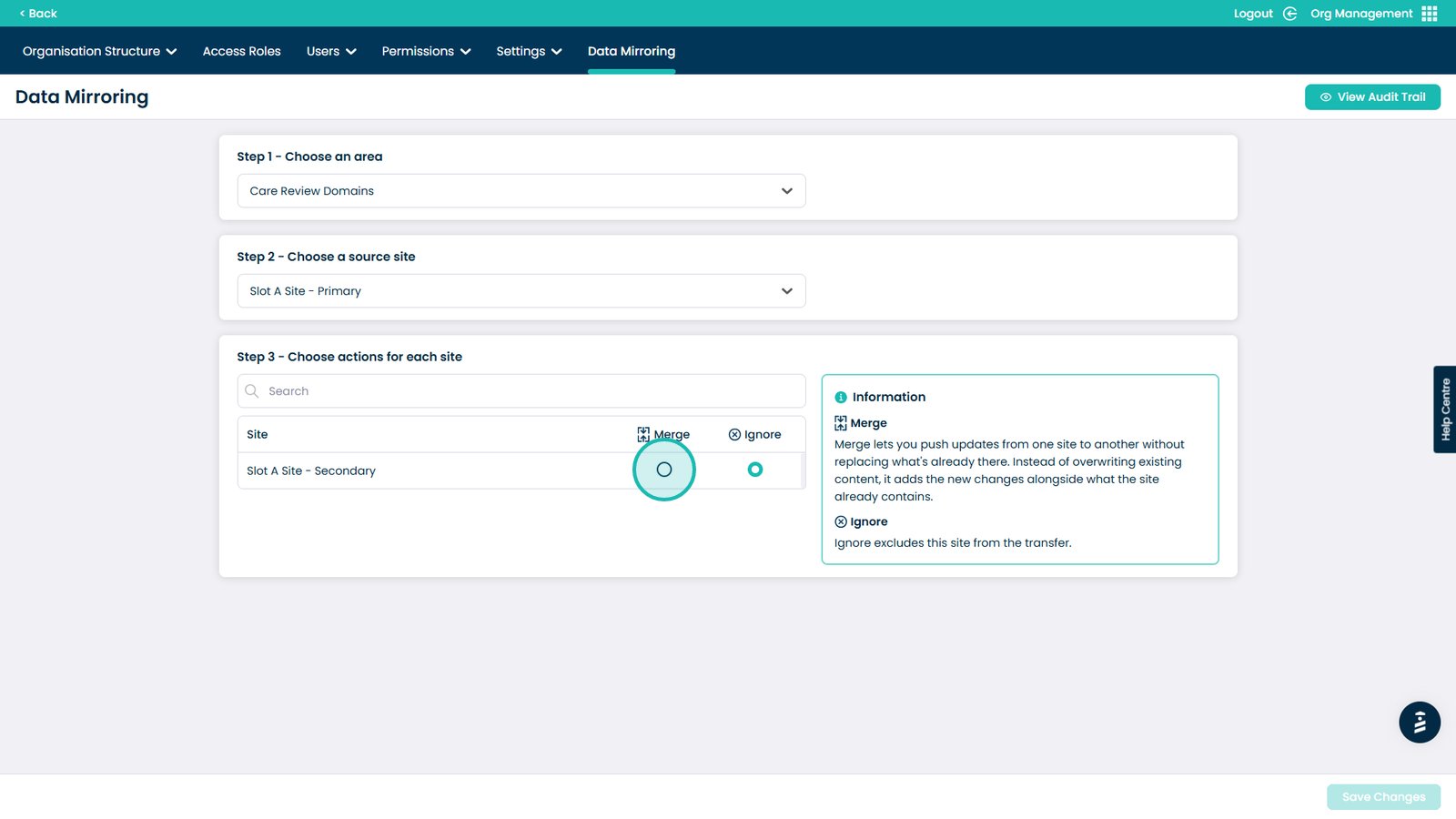
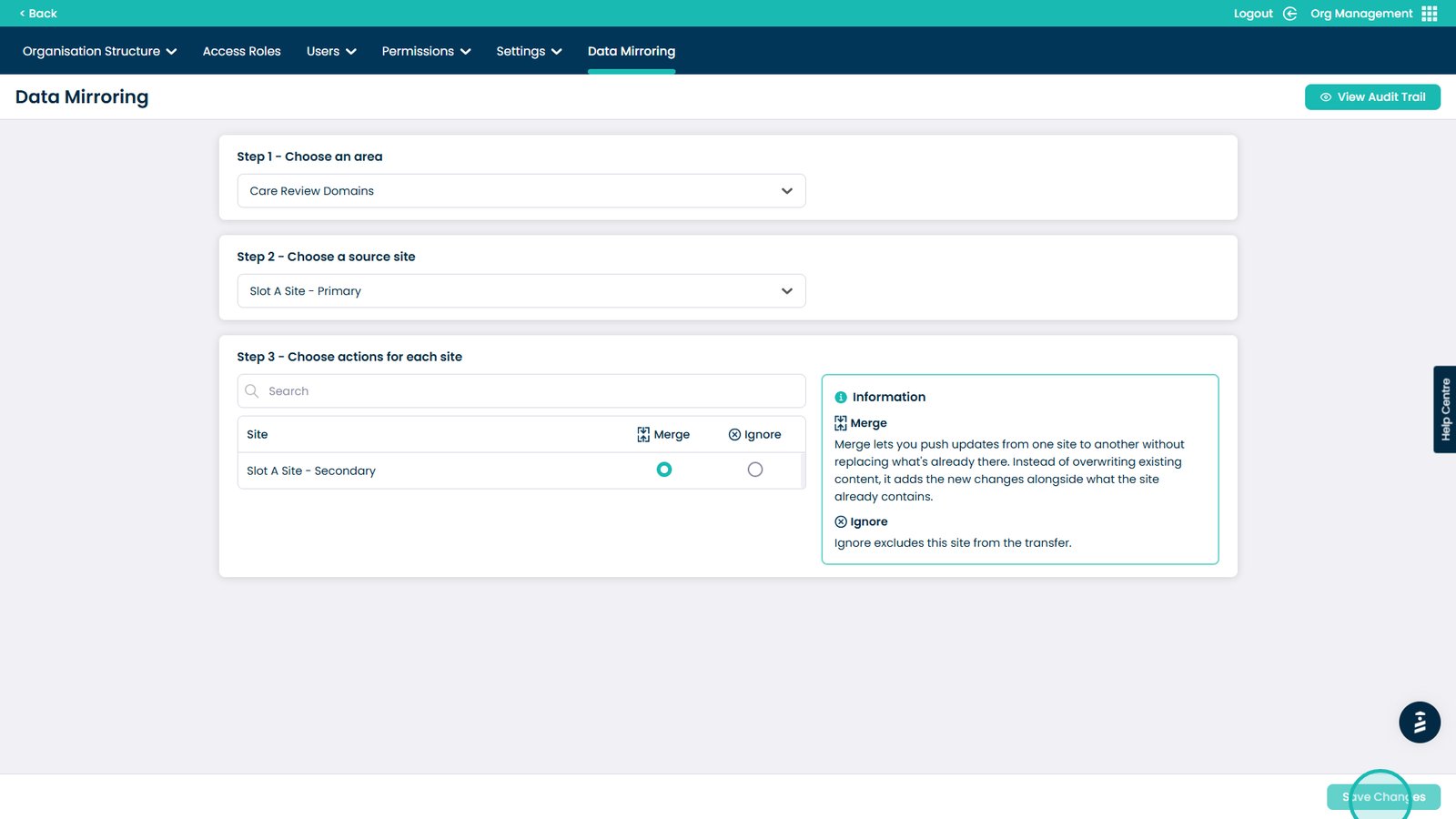
This guide will walk you through the process of merging Care Review Domains between different sites within your organisation. By following these steps, you can ensure consistency in the way care is reviewed and documented, without the need to manually recreate the same CRDs for each site.
Merging CRDs allows you to streamline your setup, promote standardised practices, and maintain a unified approach to care planning across your organisation. Whether you’re onboarding a new site or aligning existing ones, this feature helps you save time, reduce duplication, and support a higher quality of care.