How to Modify Service User Further Details
This guide explains how to update a resident's Further Details information within Personal Details.
Takes 3 minutes
For: Care Staff
Updated: 22nd June 2026
Introduction
The Further Details section stores additional information about a resident that supports person-centred care and record keeping. Keeping this information up to date helps ensure staff have access to the most accurate details when providing care and support.
In this guide you'll learn how to:
- Access a resident's Further Details record
- Edit existing information
- Update relevant resident details
- Save changes to the resident profile
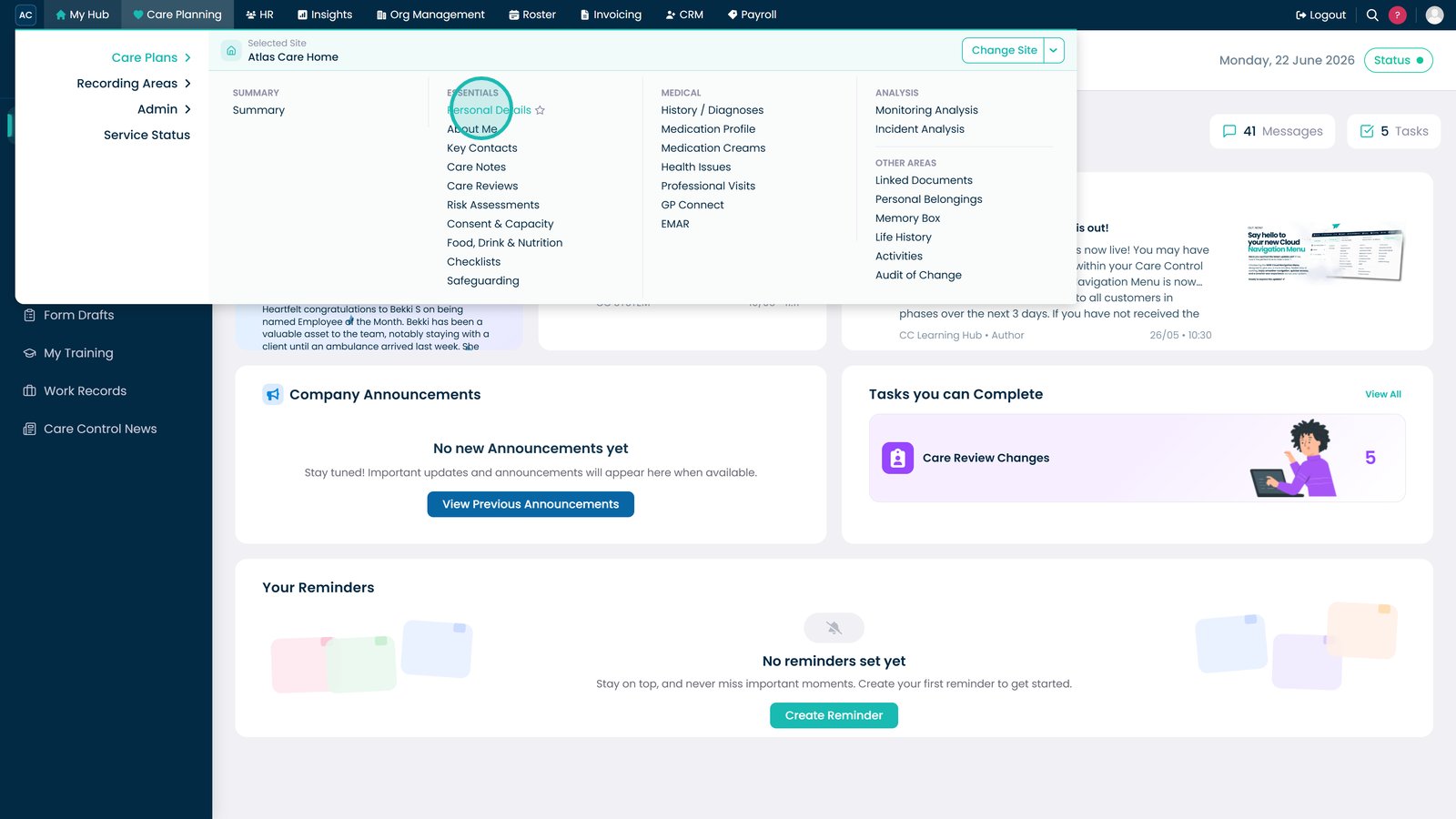
Open Personal Details from the Essentials menu.

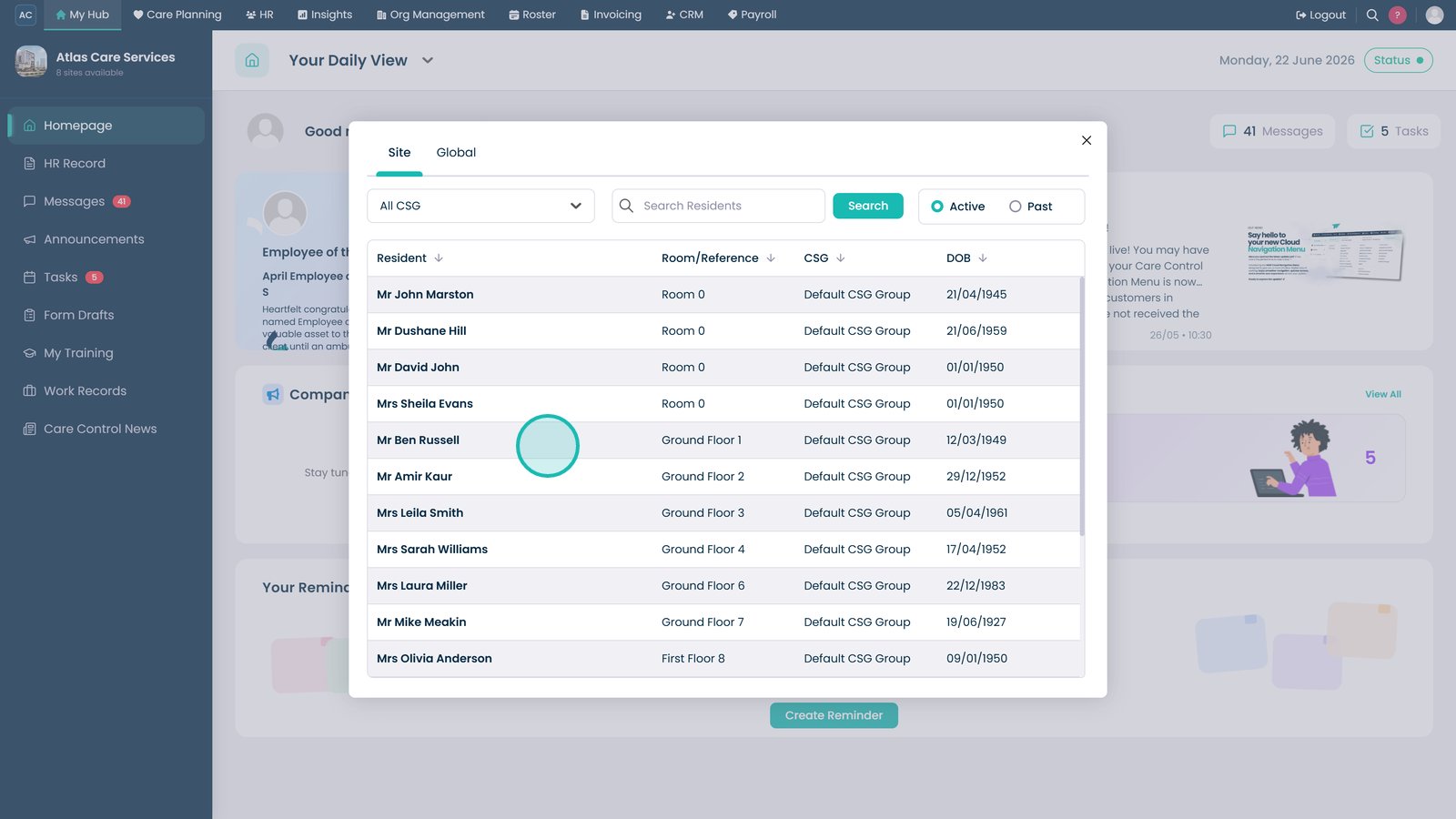
Select the resident whose details you want to update.

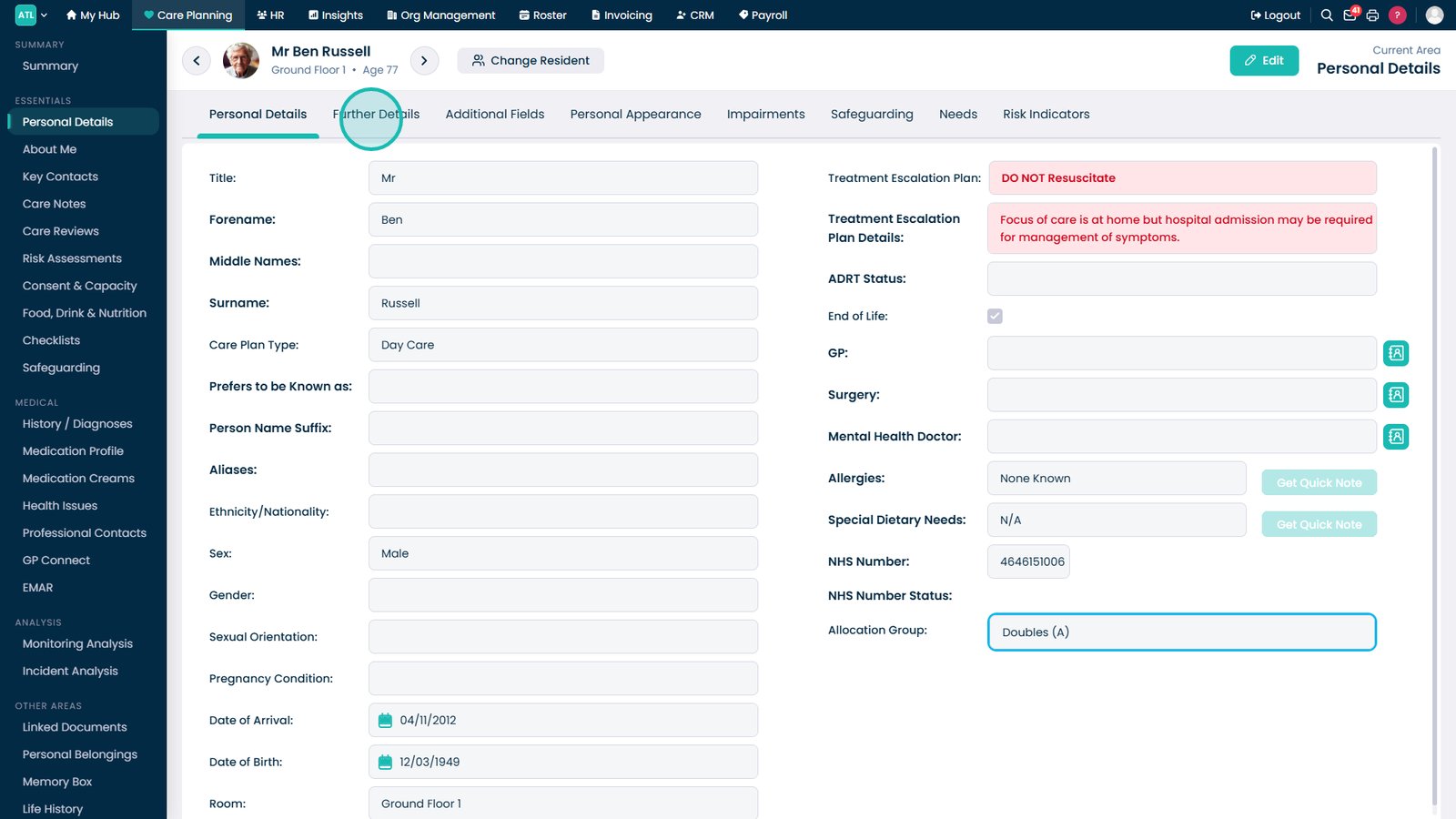
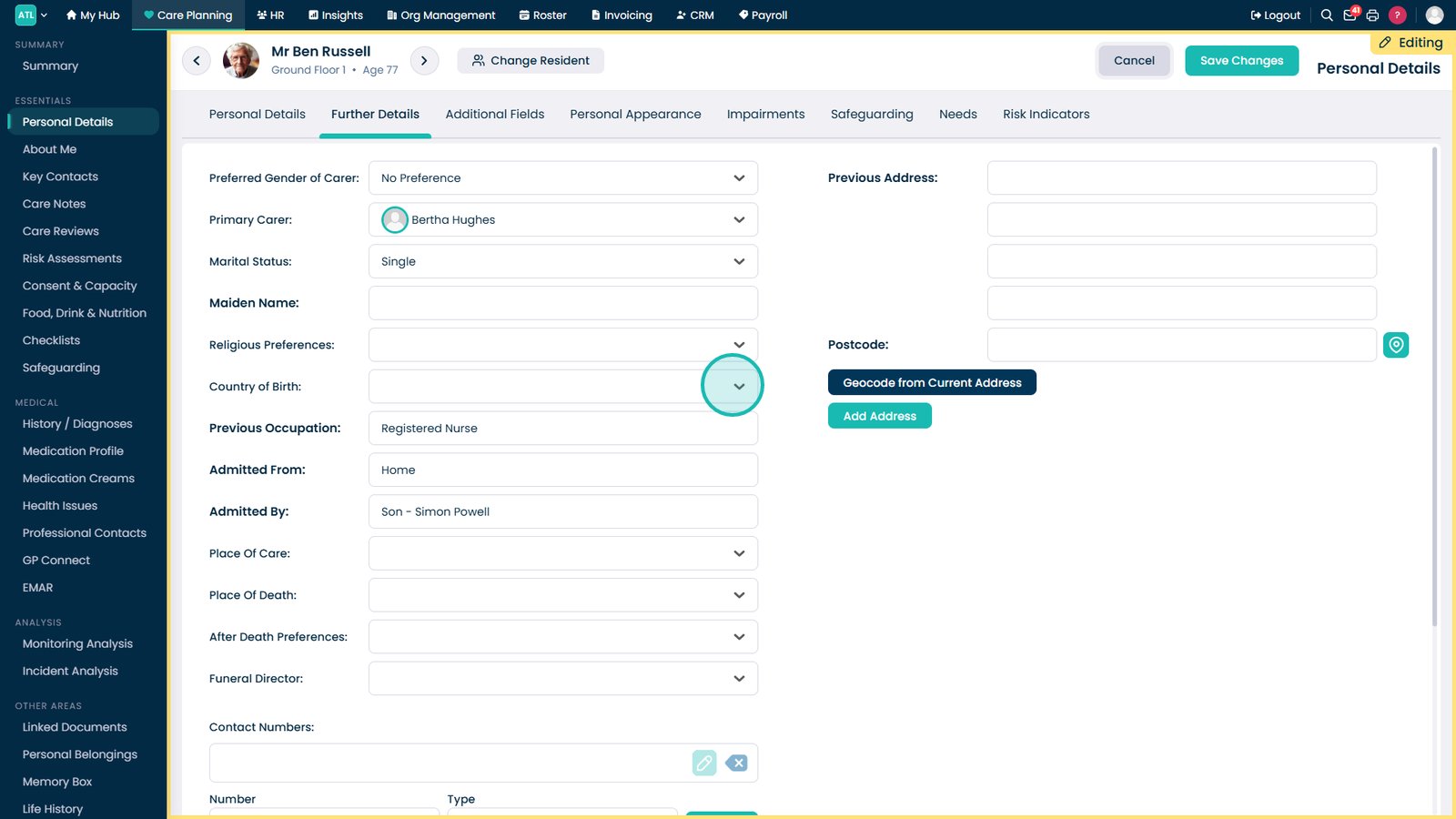
Open the Further Details tab.

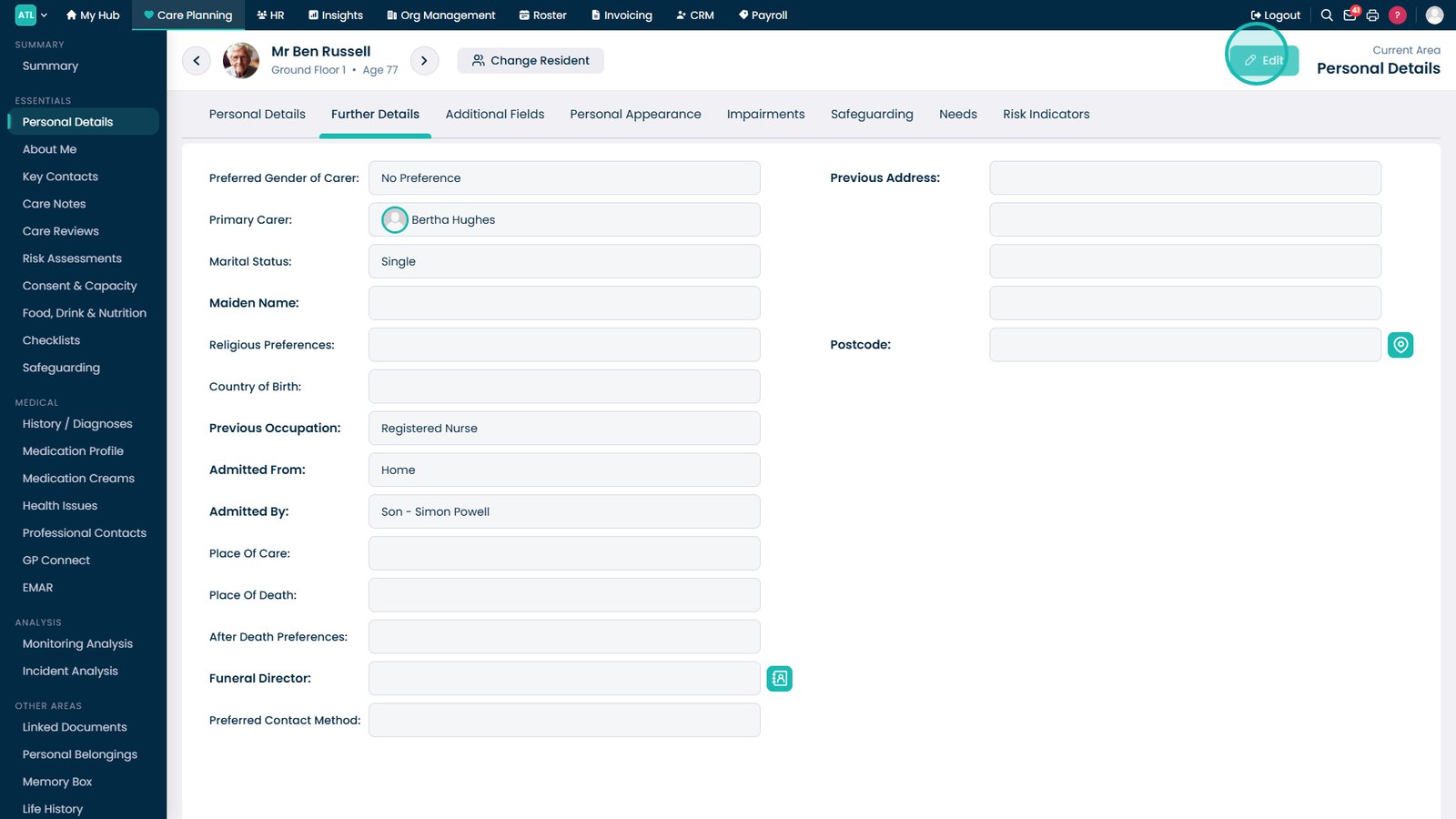
Select Edit to enable changes to the resident's Further Details record.

Update any of the information fields that require changes.

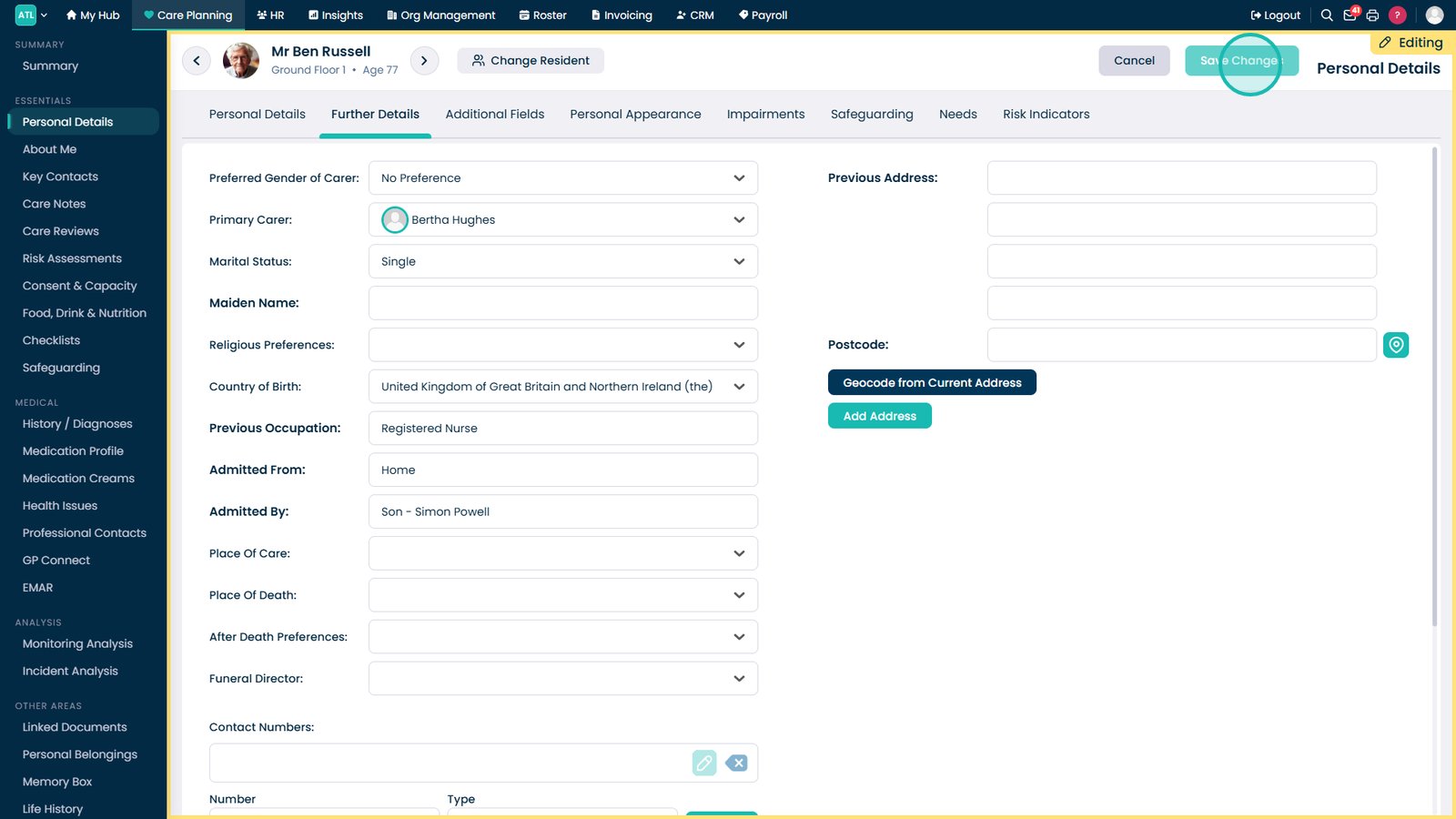
Select Save Changes to apply and store the updated information.

Top tip
Review the information before saving to ensure all updates are accurate and reflect the resident's current circumstances.
Need more help?
Can't find what you're looking for? Our support team is here to help.
Contact SupportOr call us on