This guide explains how to review behaviour monitoring data for a service user
Takes 3 minutes
For: Care Staff
Updated: 30th June 2026
Introduction
The Monitoring Analysis section allows you to review behaviour monitoring data for a service user. You can view notes, open detailed logs, sort records, and use charts to identify behavioural trends over time.
In this guide you'll learn how to:
Open Monitoring Analysis
Select a service user
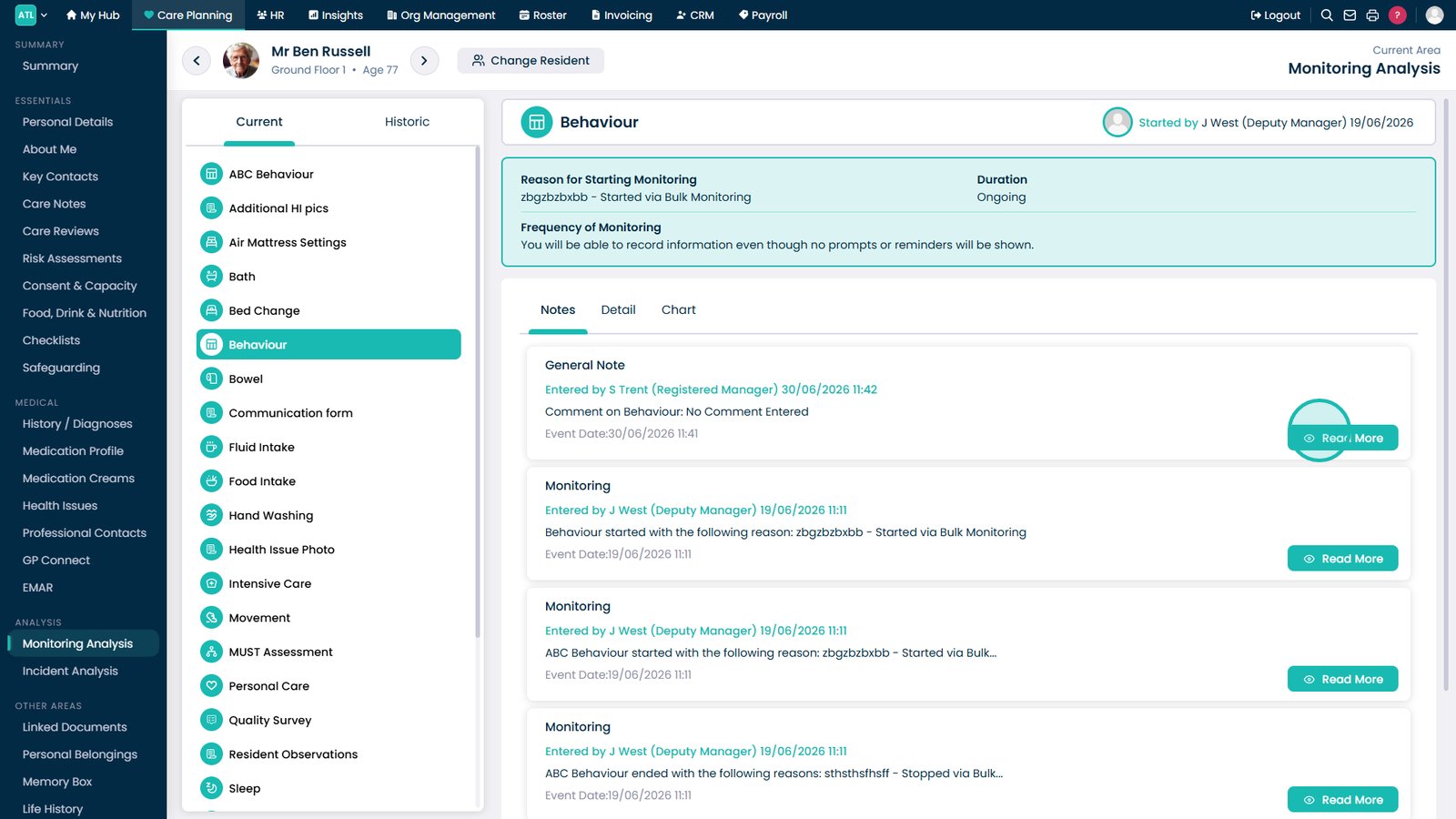
Review behaviour monitoring notes
View detailed monitoring logs
Use charts to review behavioural trends
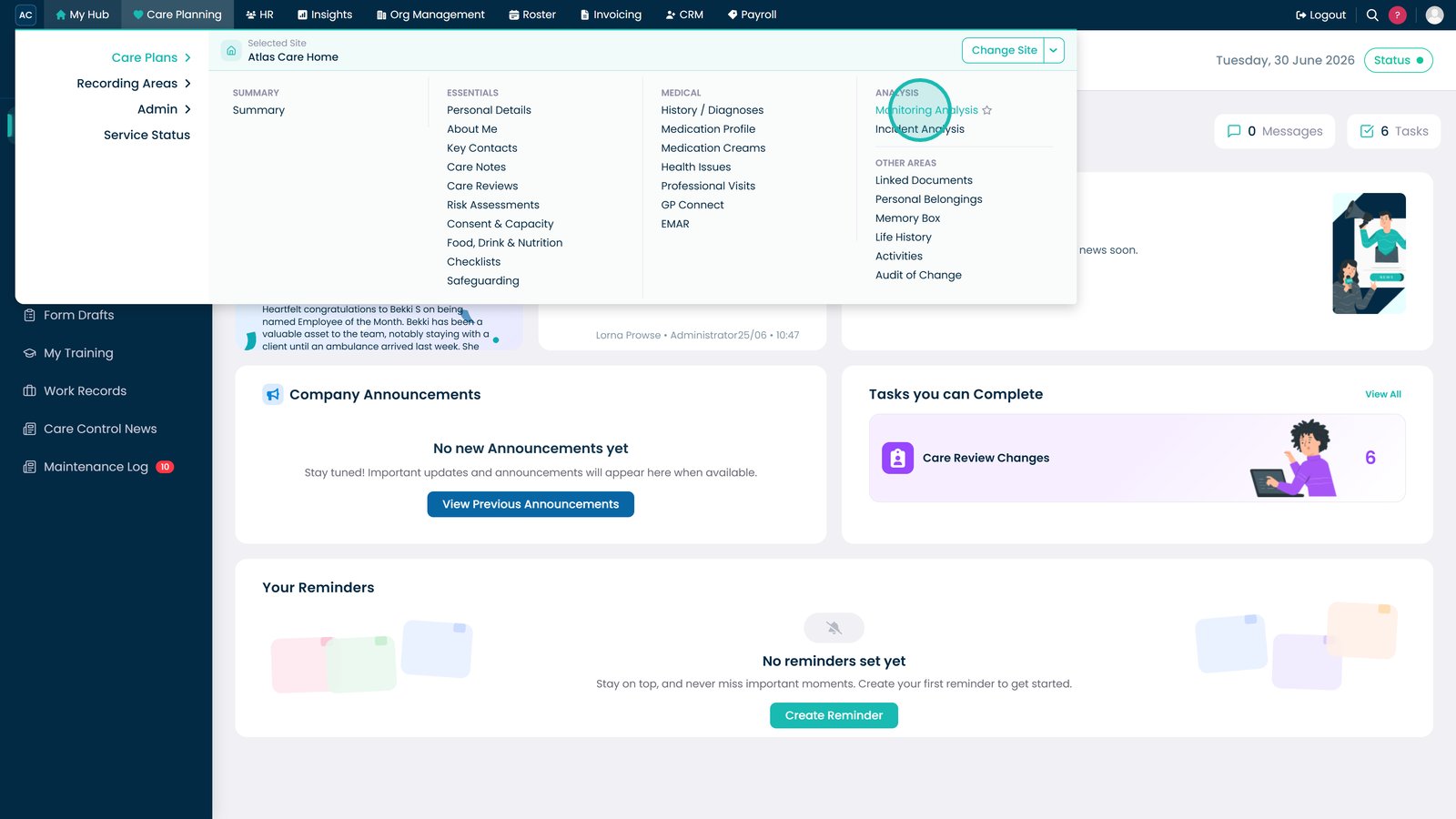
Open the Monitoring Analysis section under Care Planning.
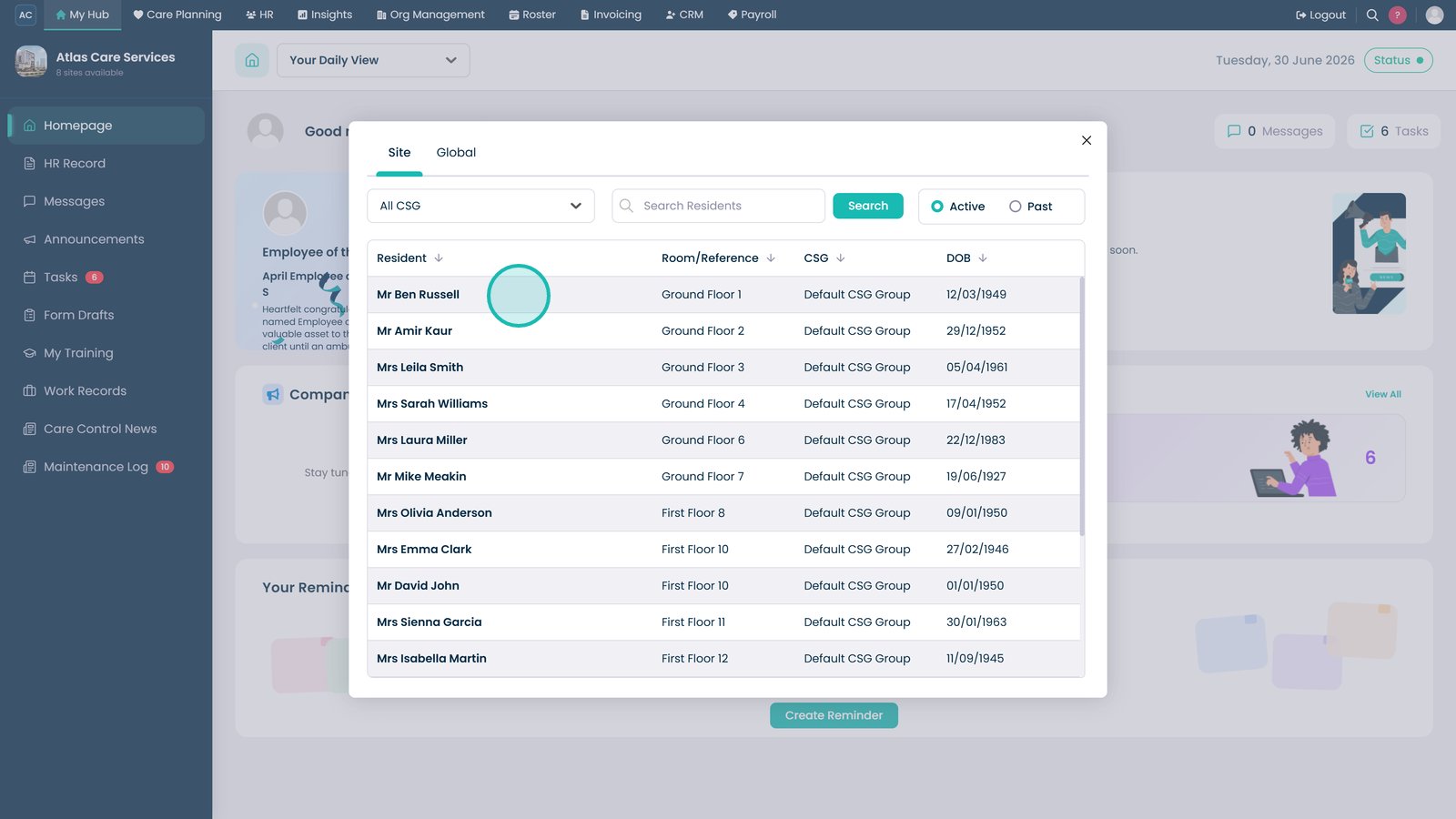
Select the service user whose behaviour monitoring data you want to review.
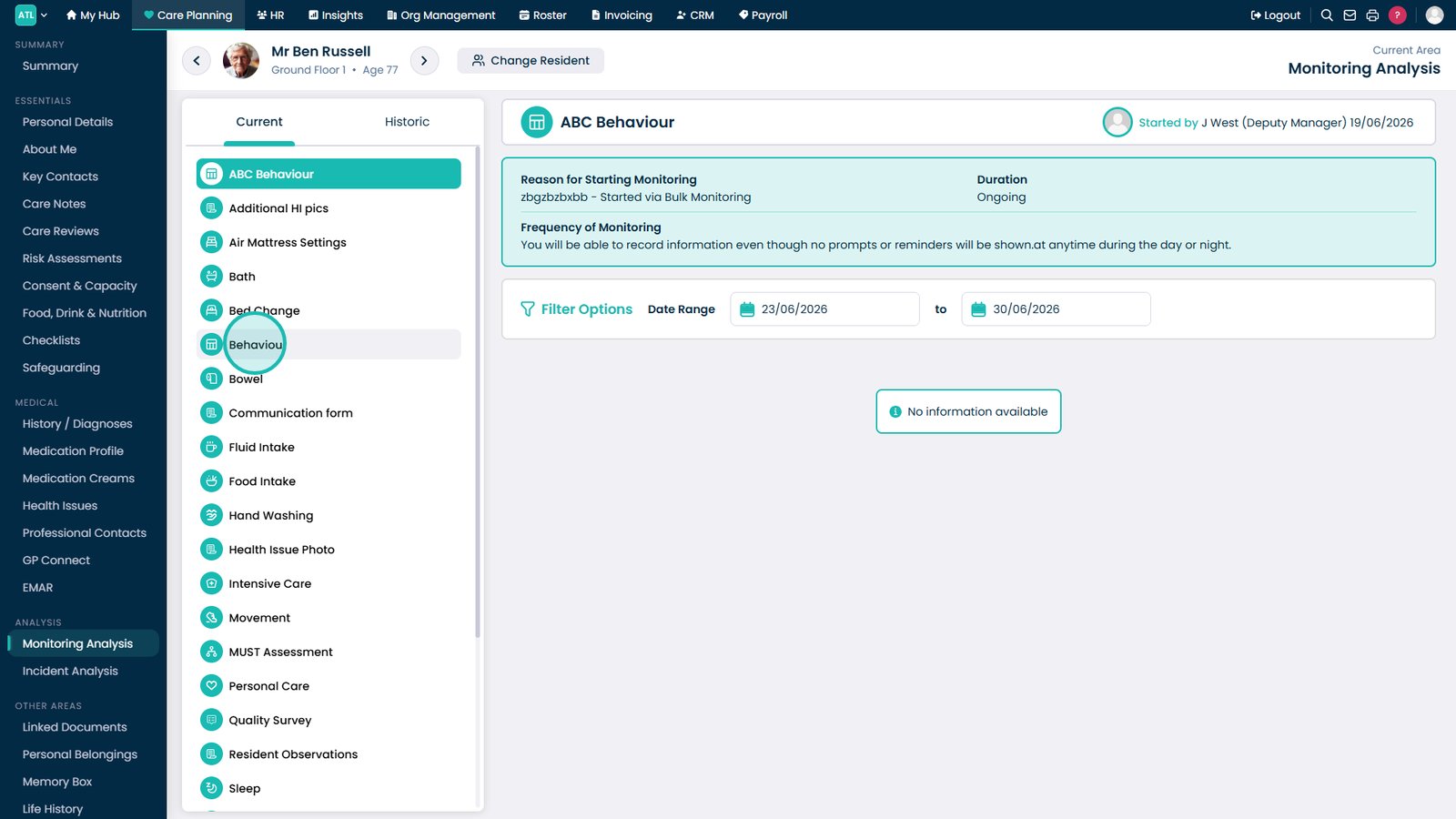
Select the Behaviour category.
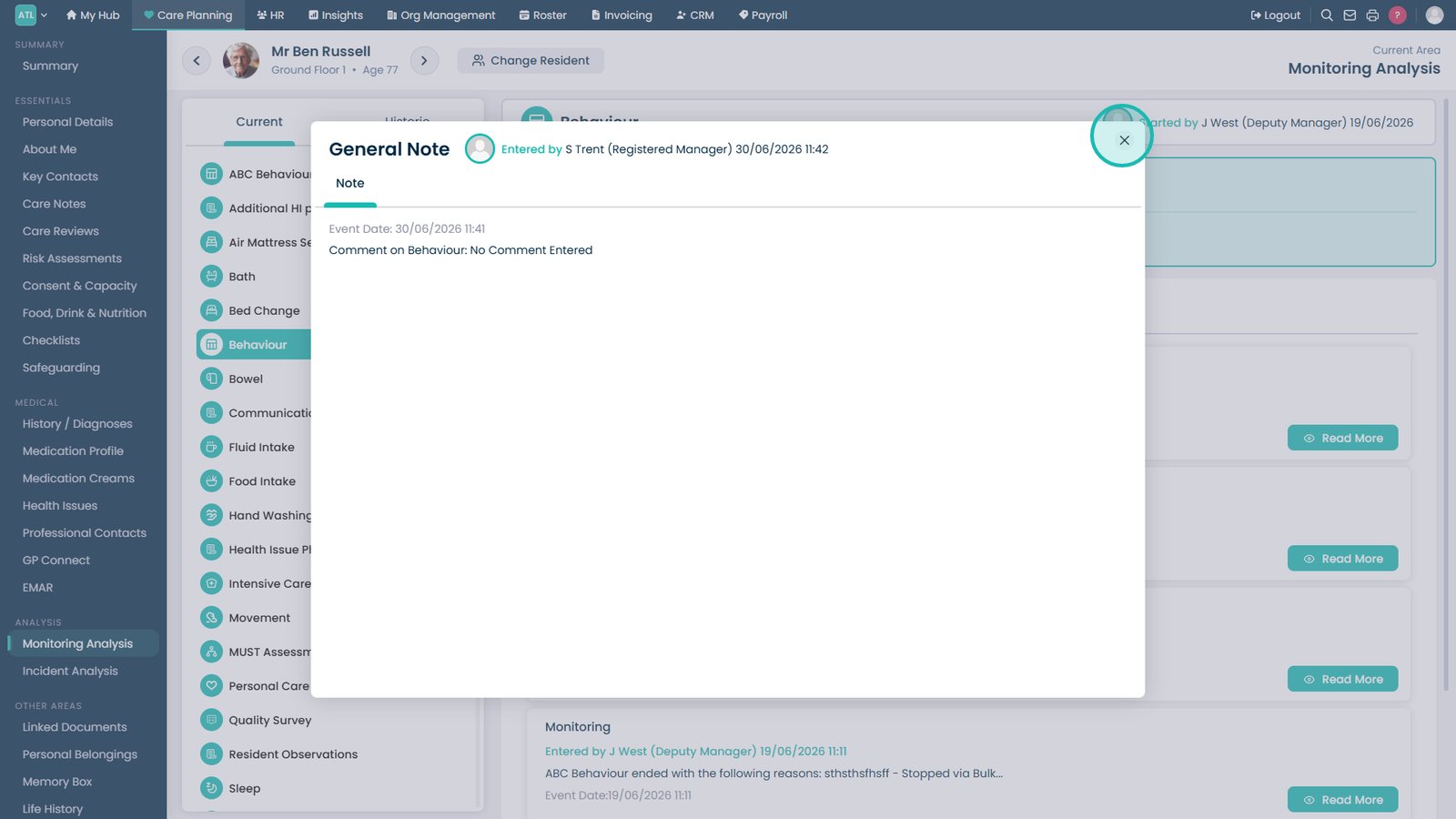
Select Read More to view further details for a note.
Close the note to return to the main behaviour monitoring screen.
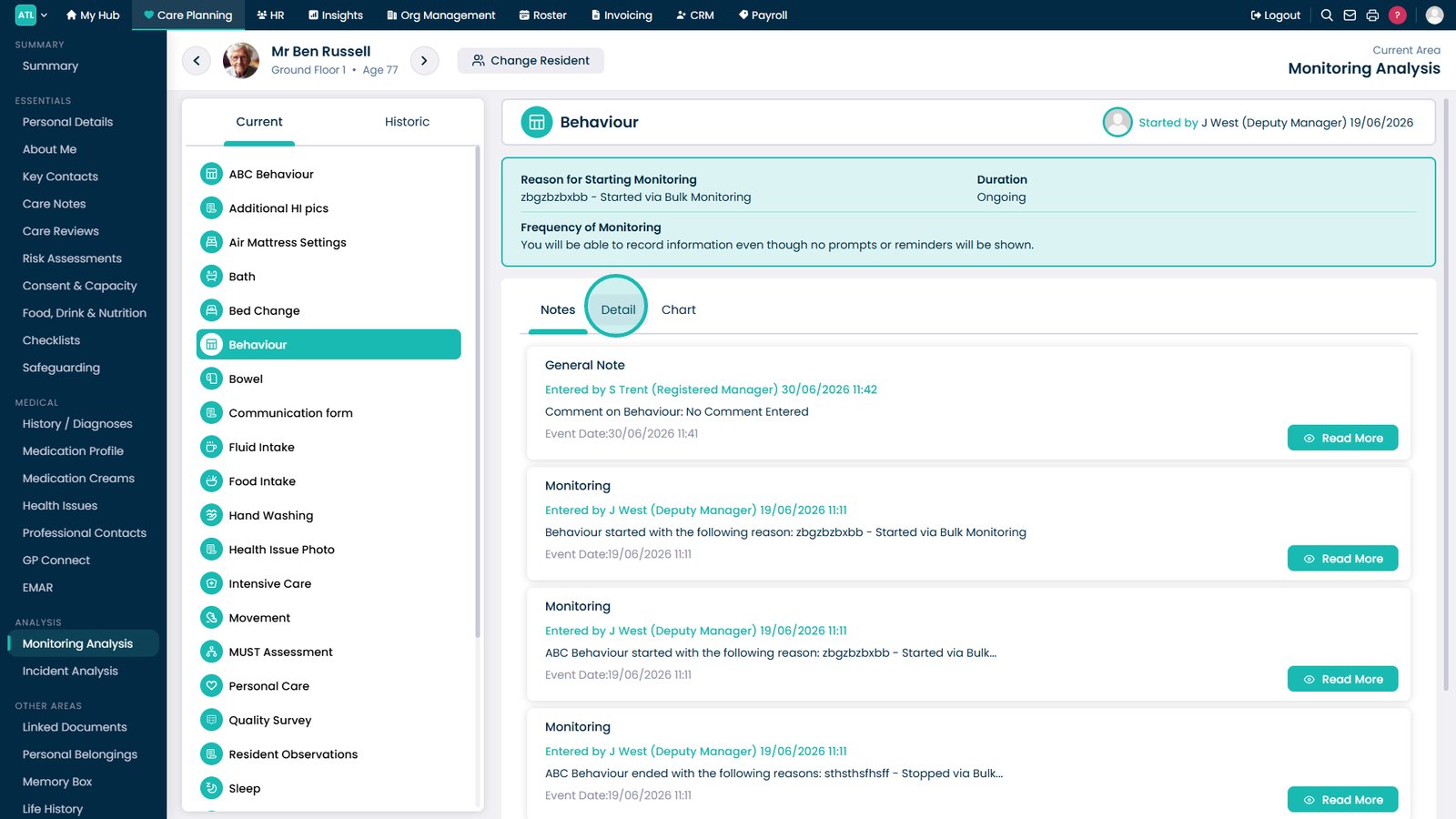
Select Detail to view in-depth behaviour monitoring logs and general notes.
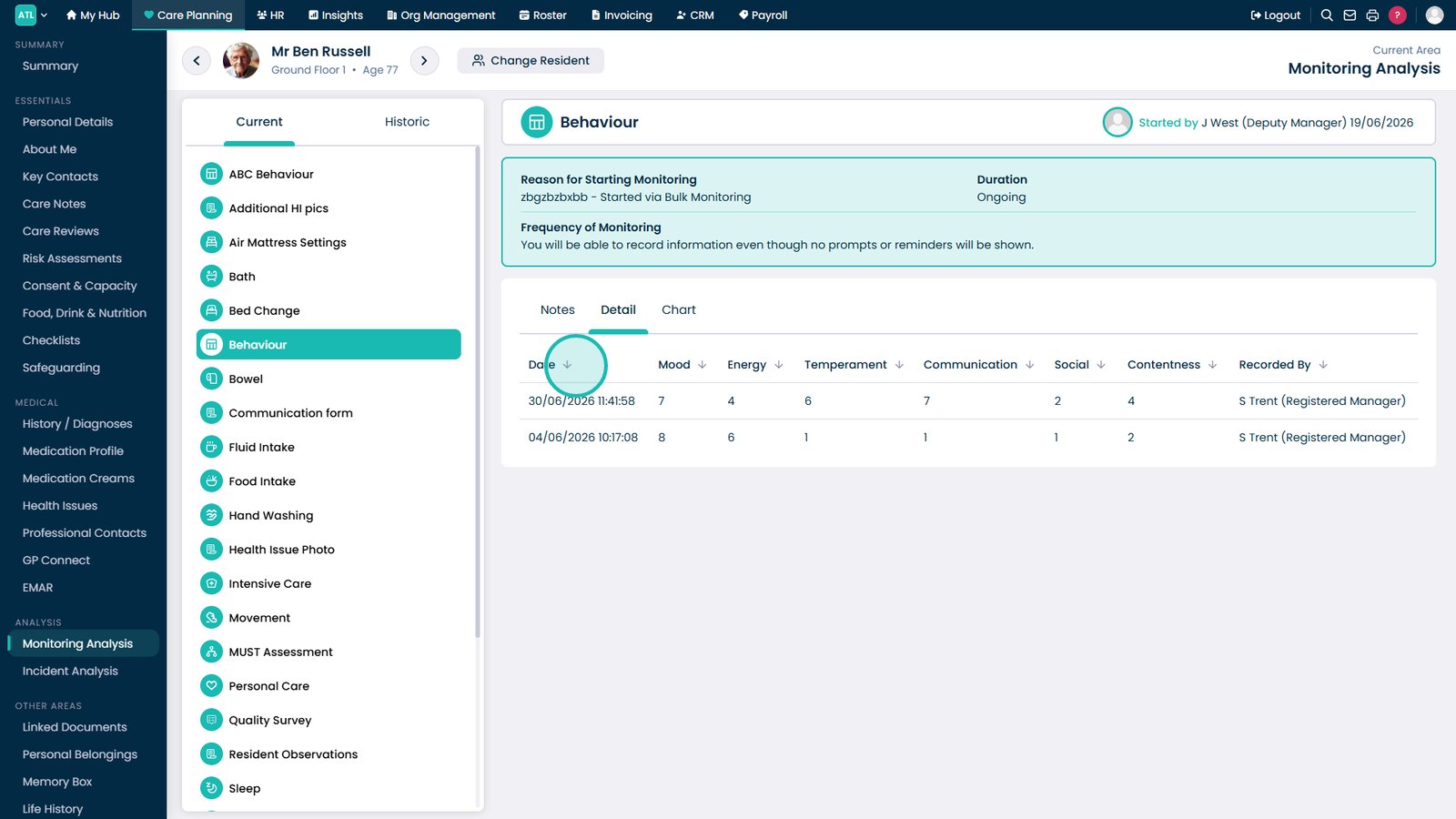
Select a section title to sort the records in that section.
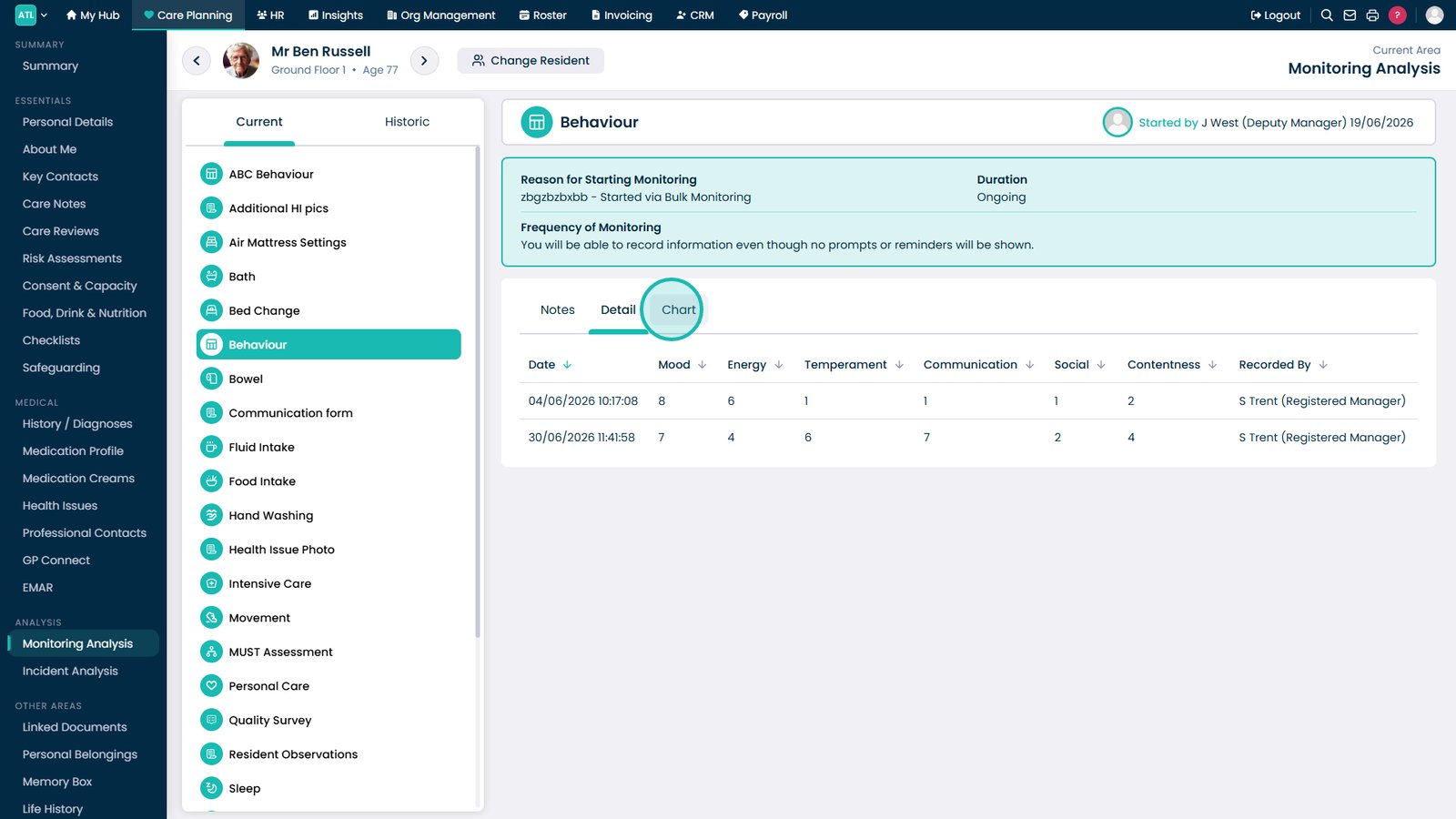
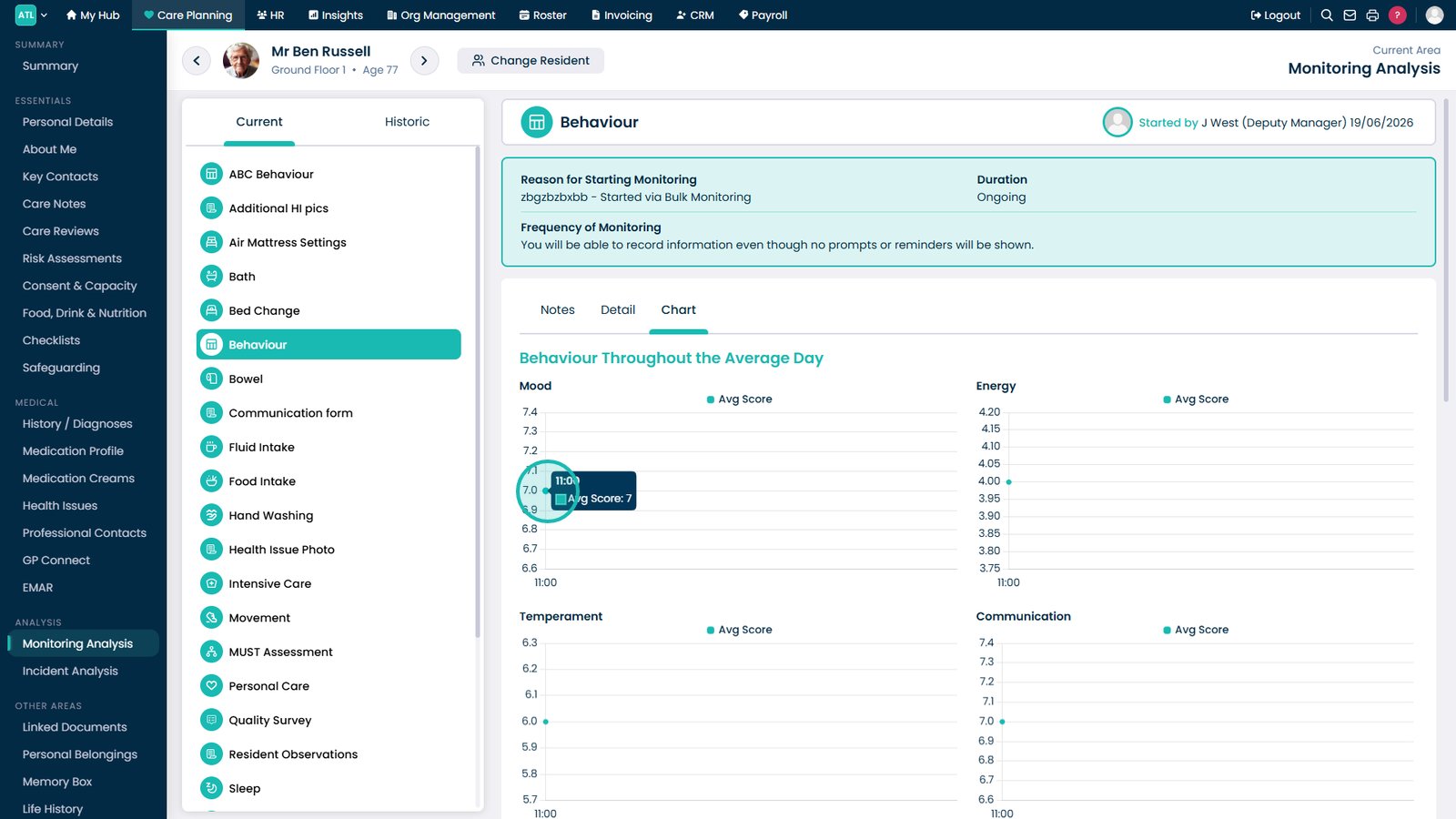
Open the Chart tab to view behavioural trends over time.
Review each chart to understand the recorded behaviour information.
Top tip
Use the Chart tab to quickly identify behaviour trends over time before reviewing individual notes in more detail.