How to Record a Professional Contact
This guide explains how to record and manage professional visits and external healthcare contacts for residents.
Takes 4 minutes
For: Care Staff
Updated: 8th June 2026
Introduction
The Professional Visits section allows you to record interactions with healthcare professionals and other external specialists involved in a resident's care. These records provide a clear history of consultations, recommendations and actions taken following professional advice.
In this guide you'll learn how to:
- Add a new professional contact record
- Record visit details and outcomes
- Associate contacts with relevant health issues
- Document recommendations and follow-up actions
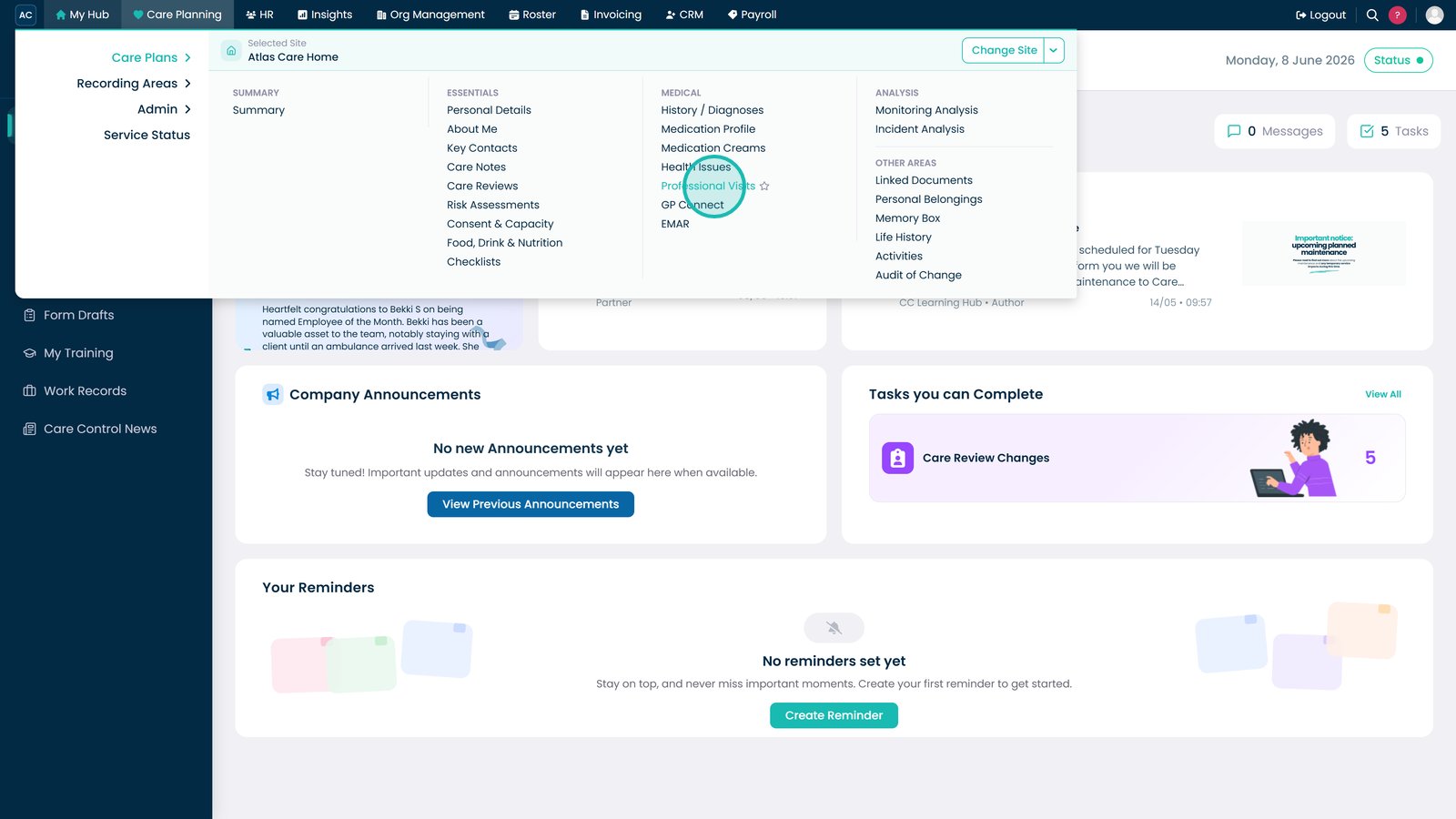
Open Professional Visits from the Medical section.

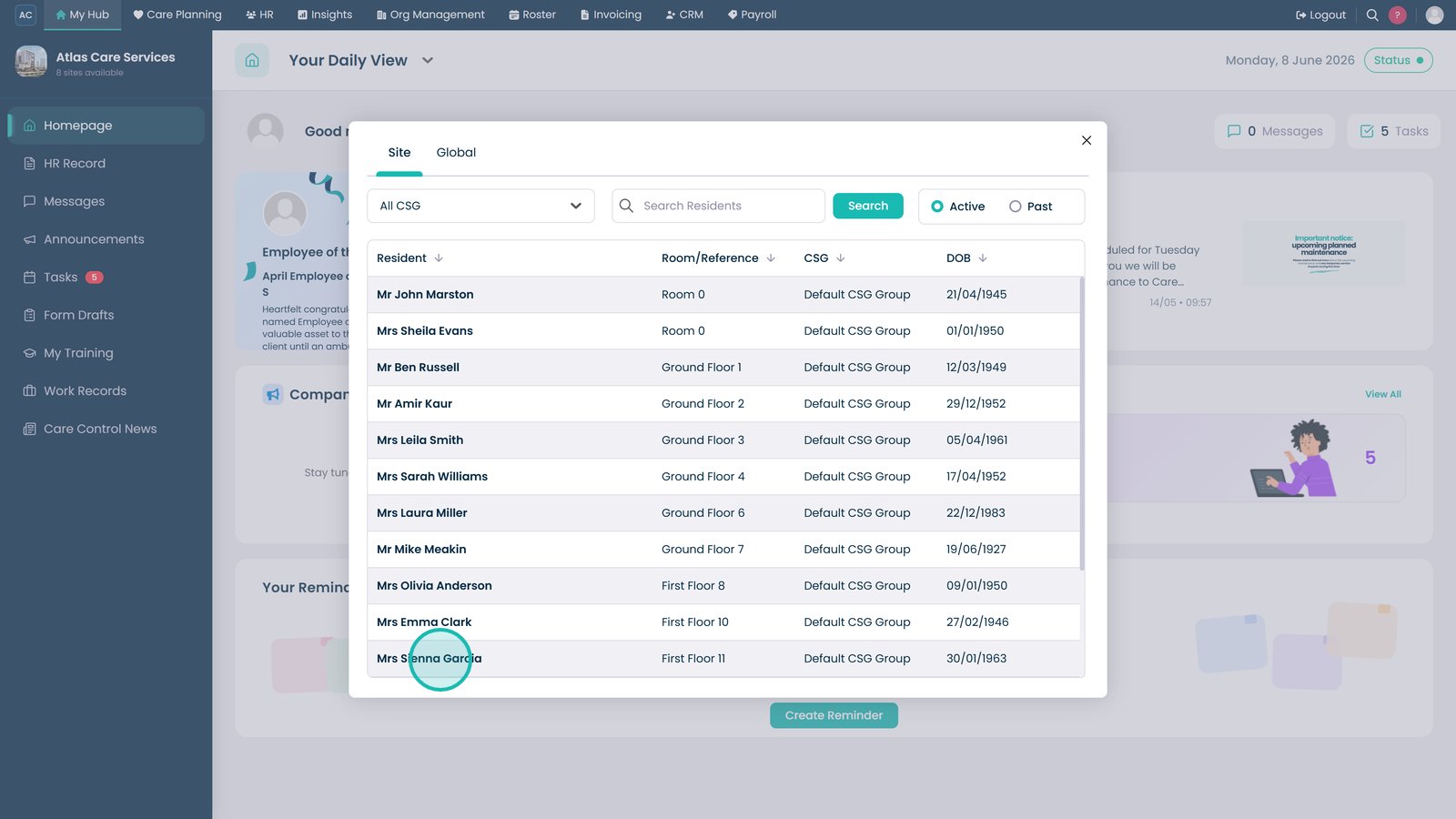
Select the resident whose professional contacts you want to manage.

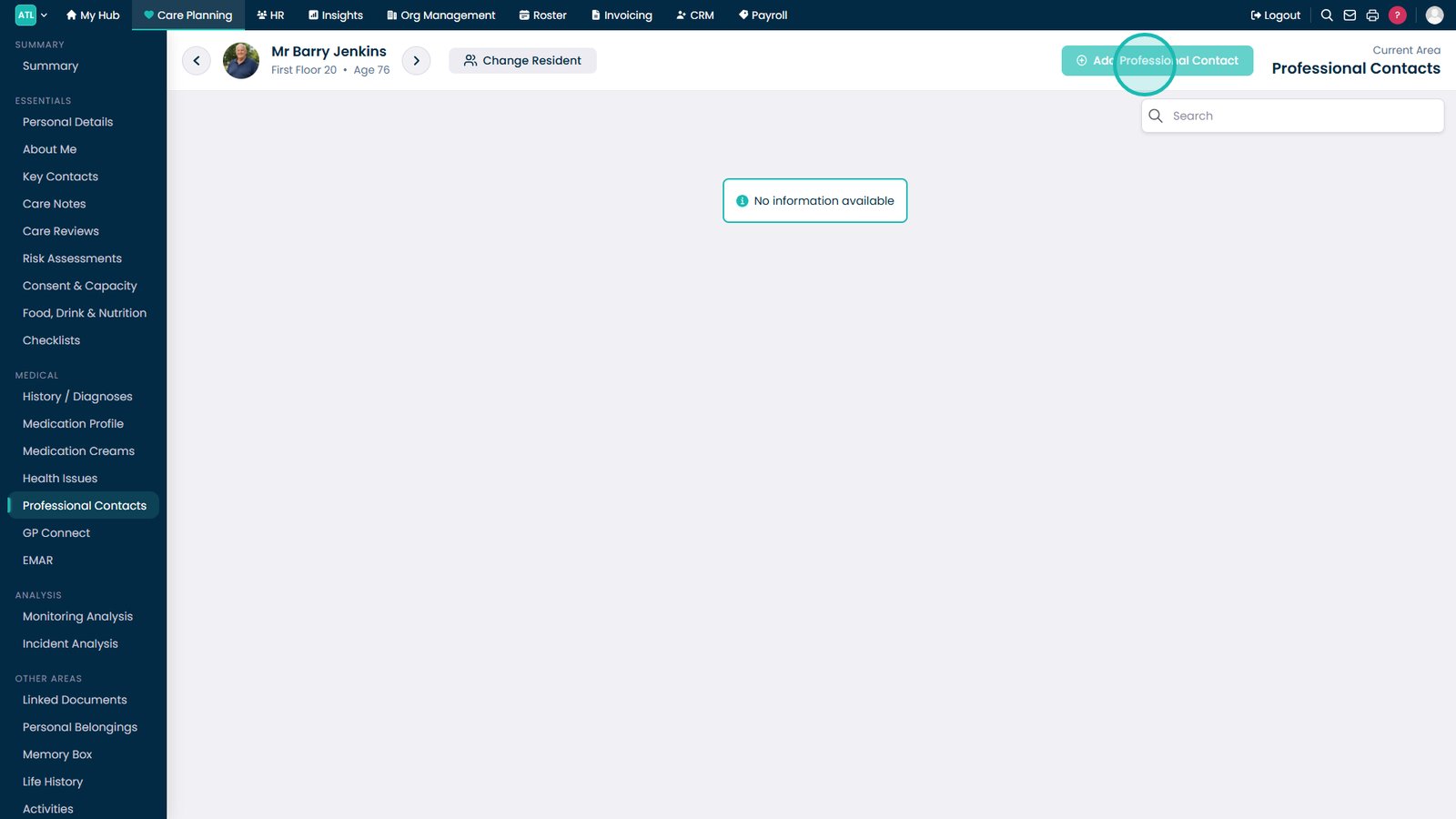
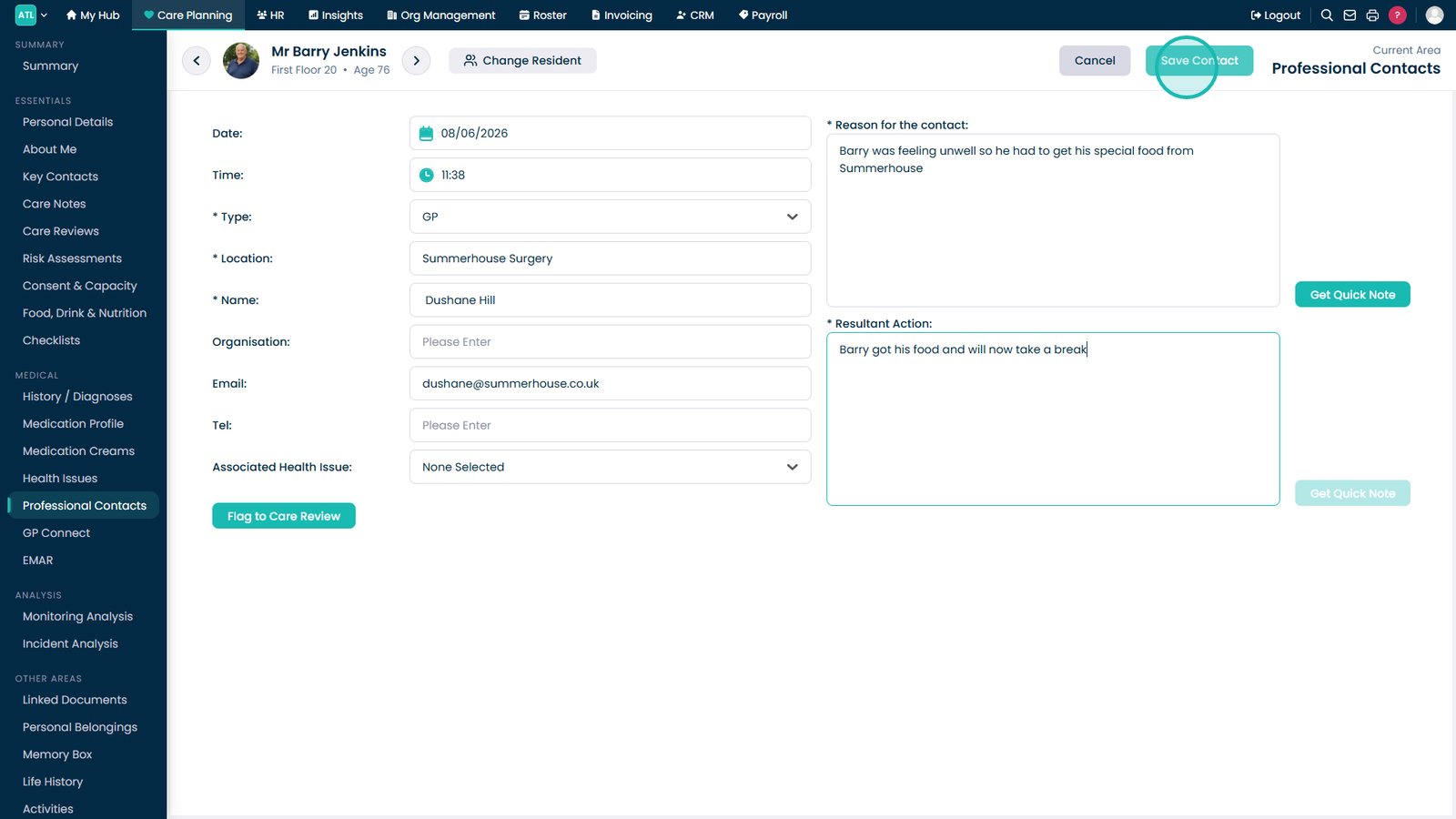
Click Add Professional Contact to create a new record.

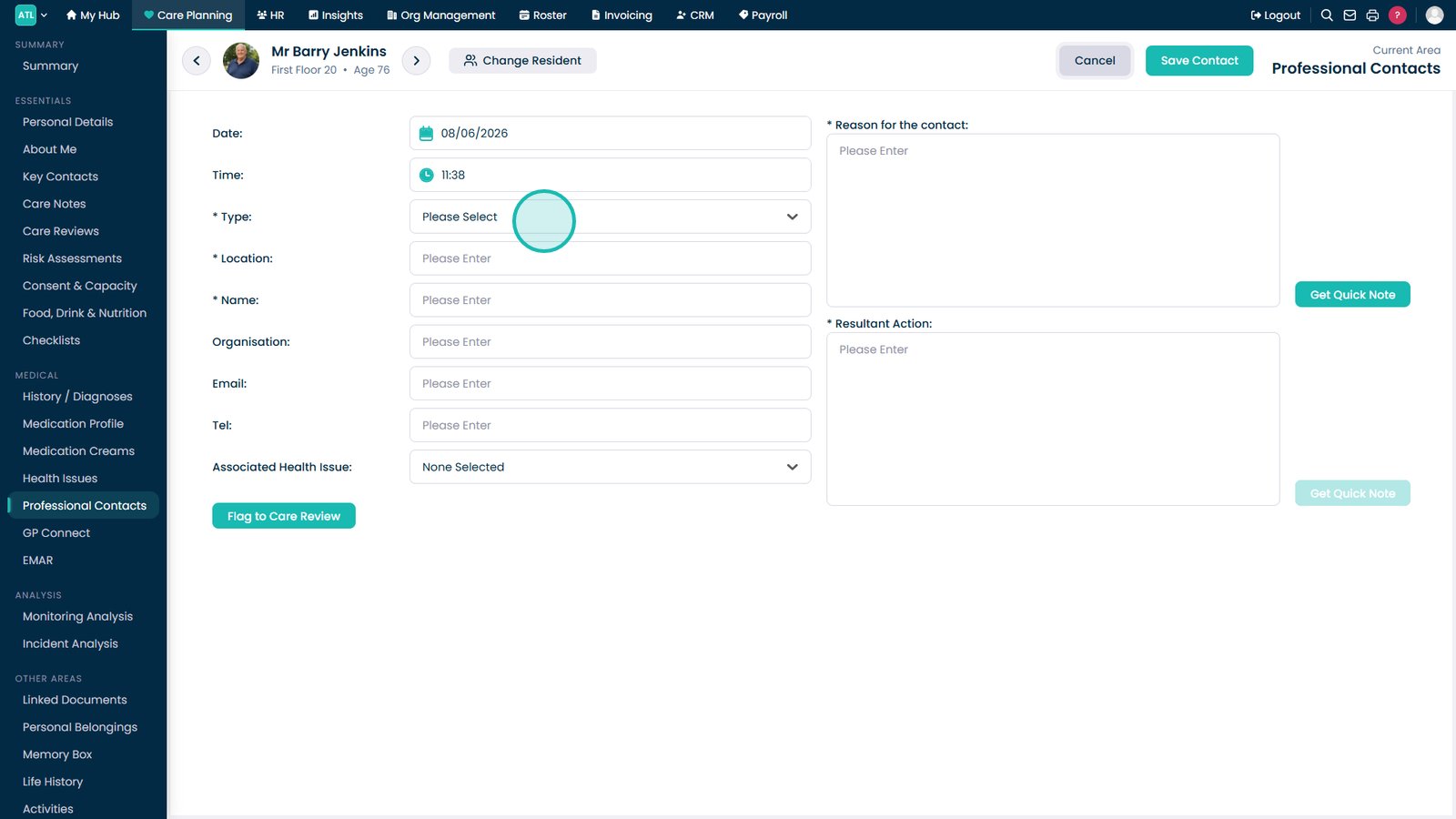
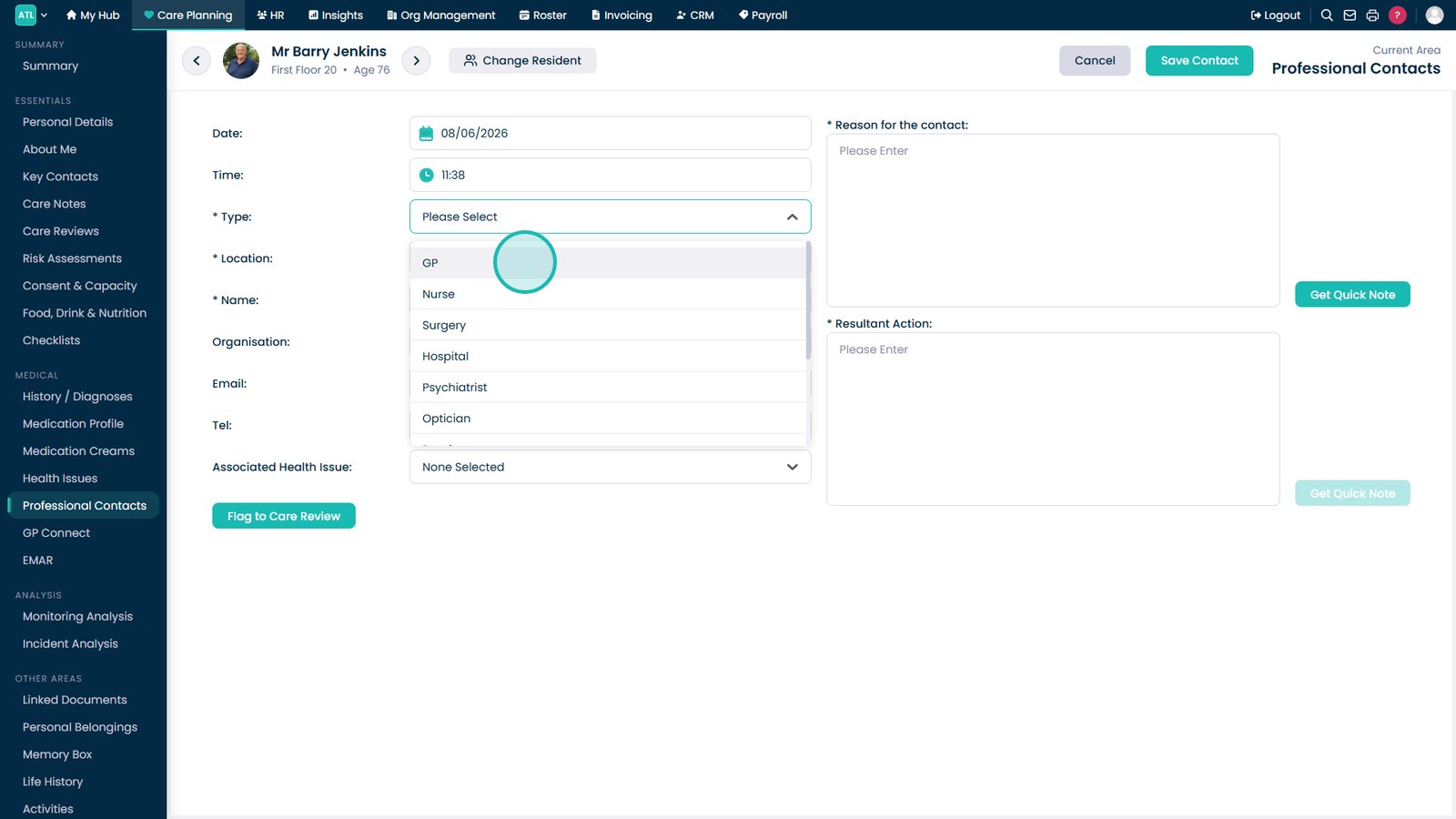
Select the professional contact type from the dropdown list.

Choose the appropriate professional or service from the available options.

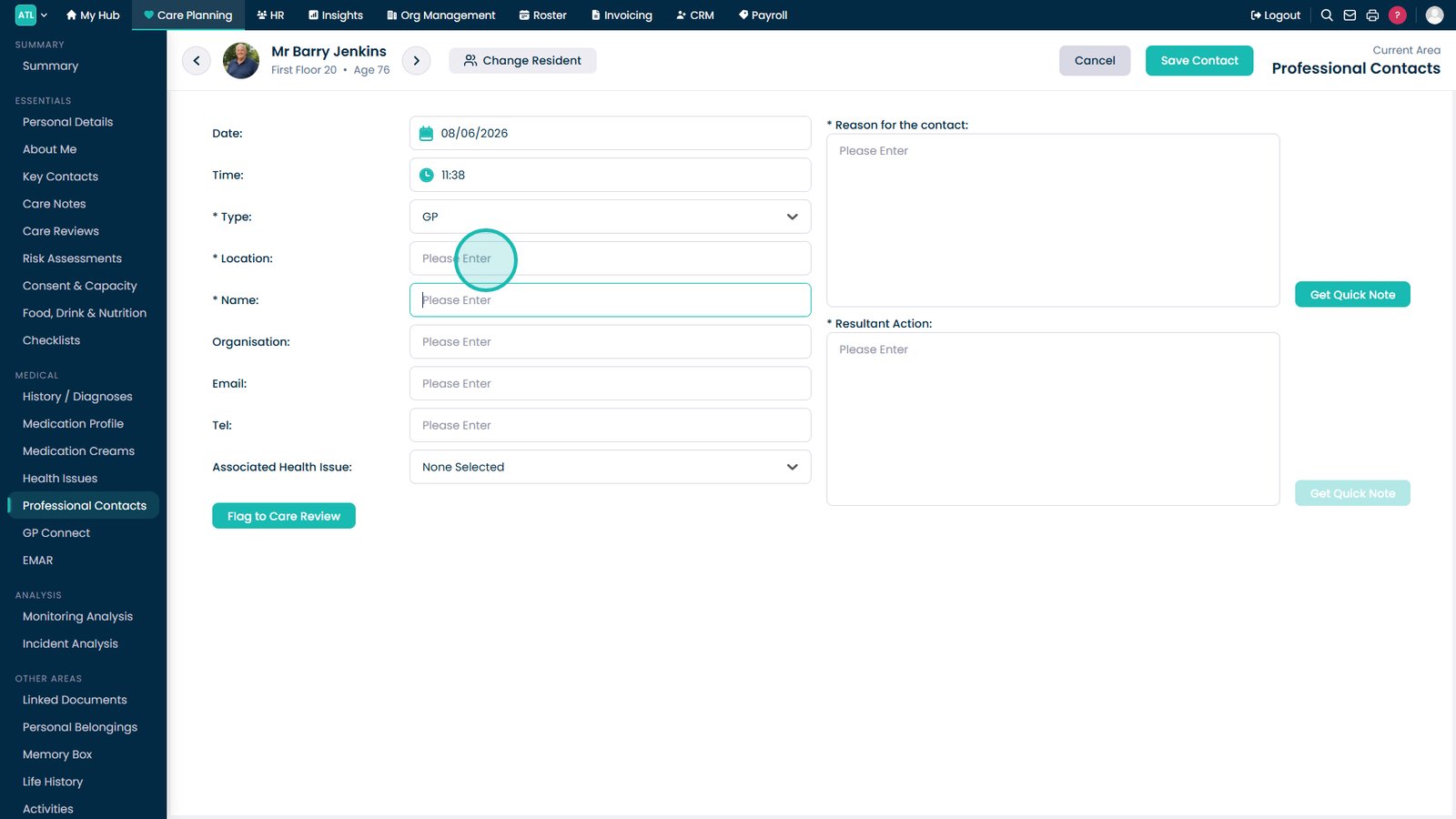
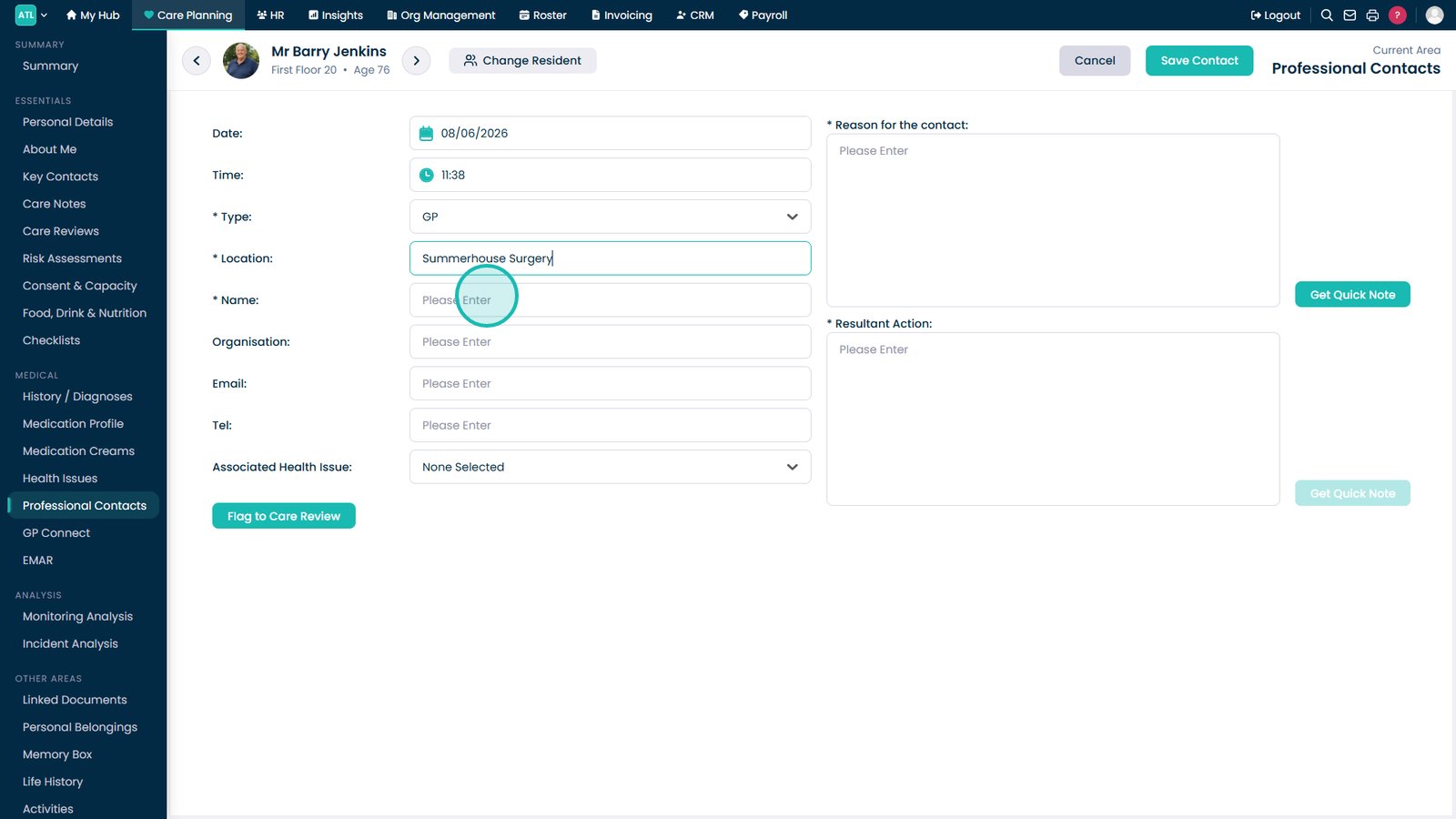
Enter the location or organisation details where applicable.

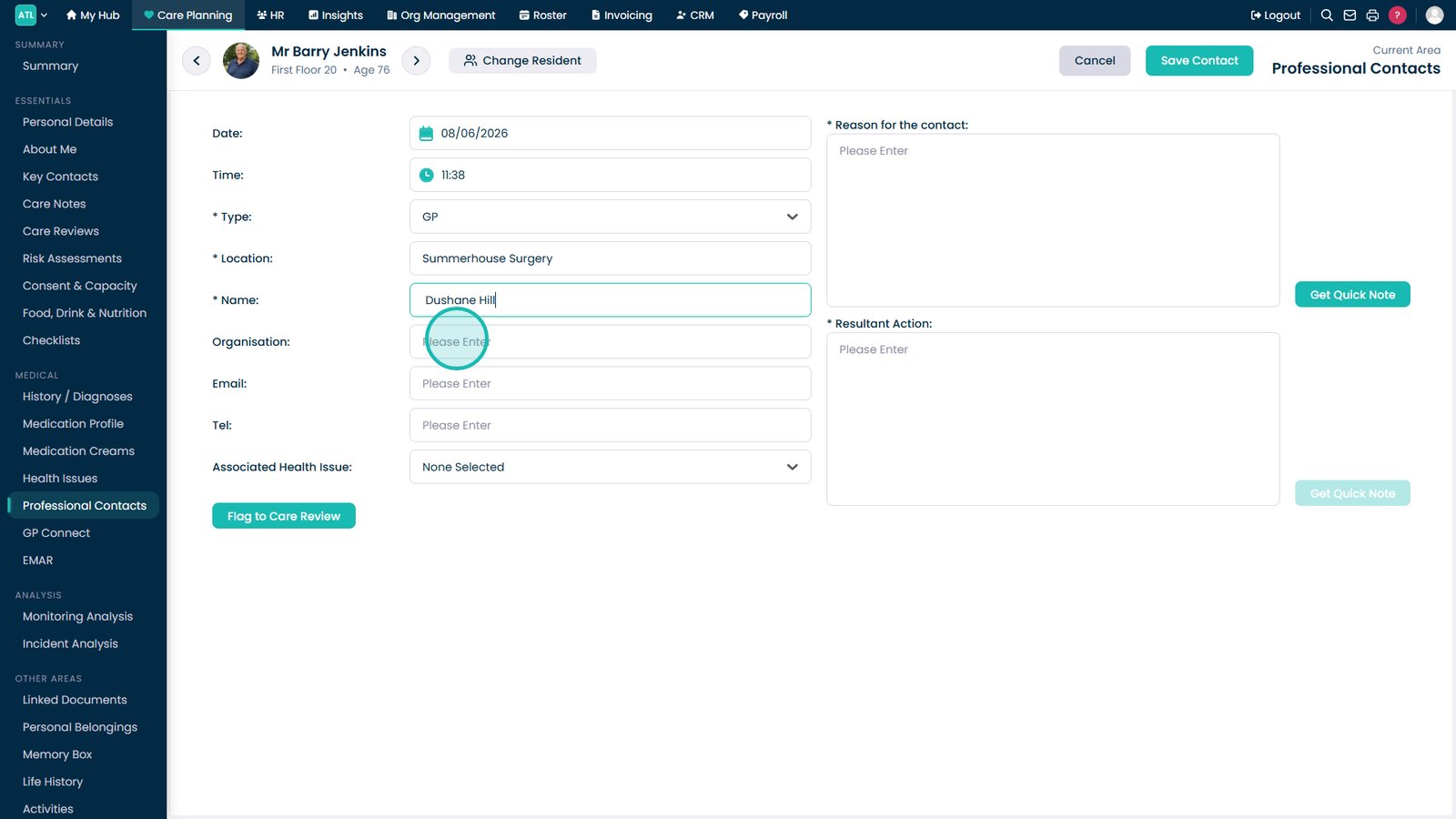
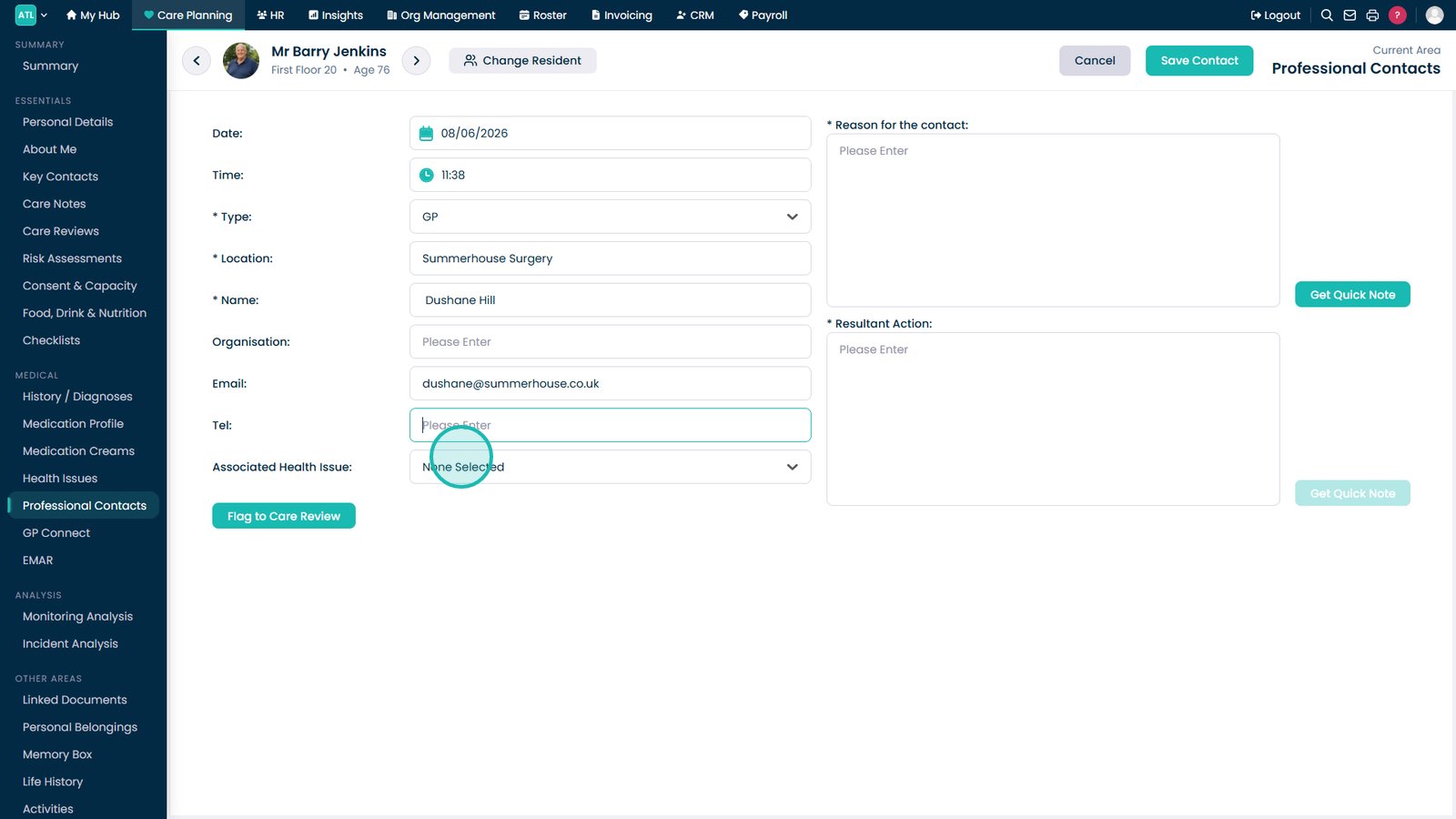
Confirm the professional's name and contact details are correct.

Complete any remaining details required for the contact record.

Associate the contact with a relevant health issue if required.

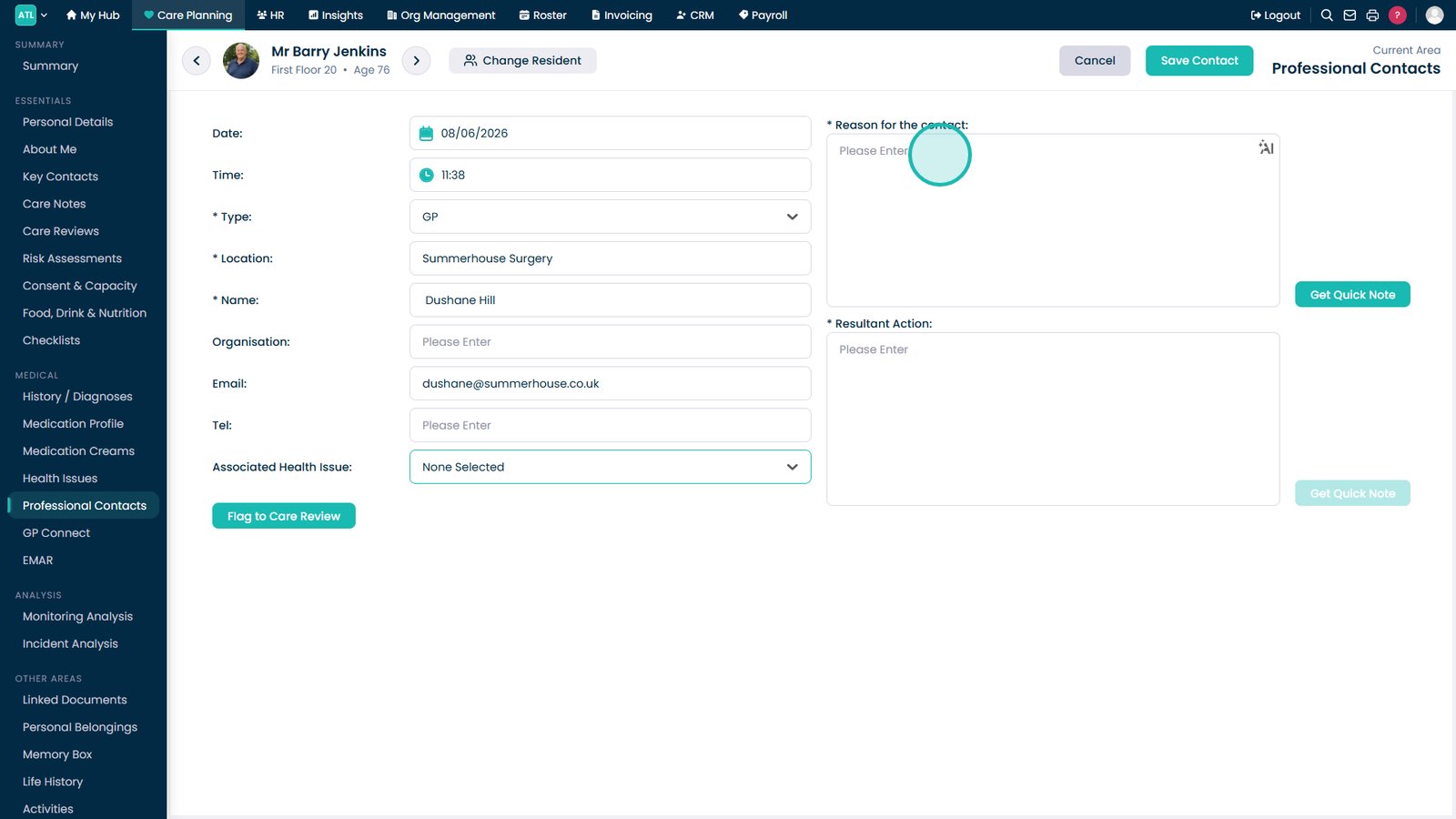
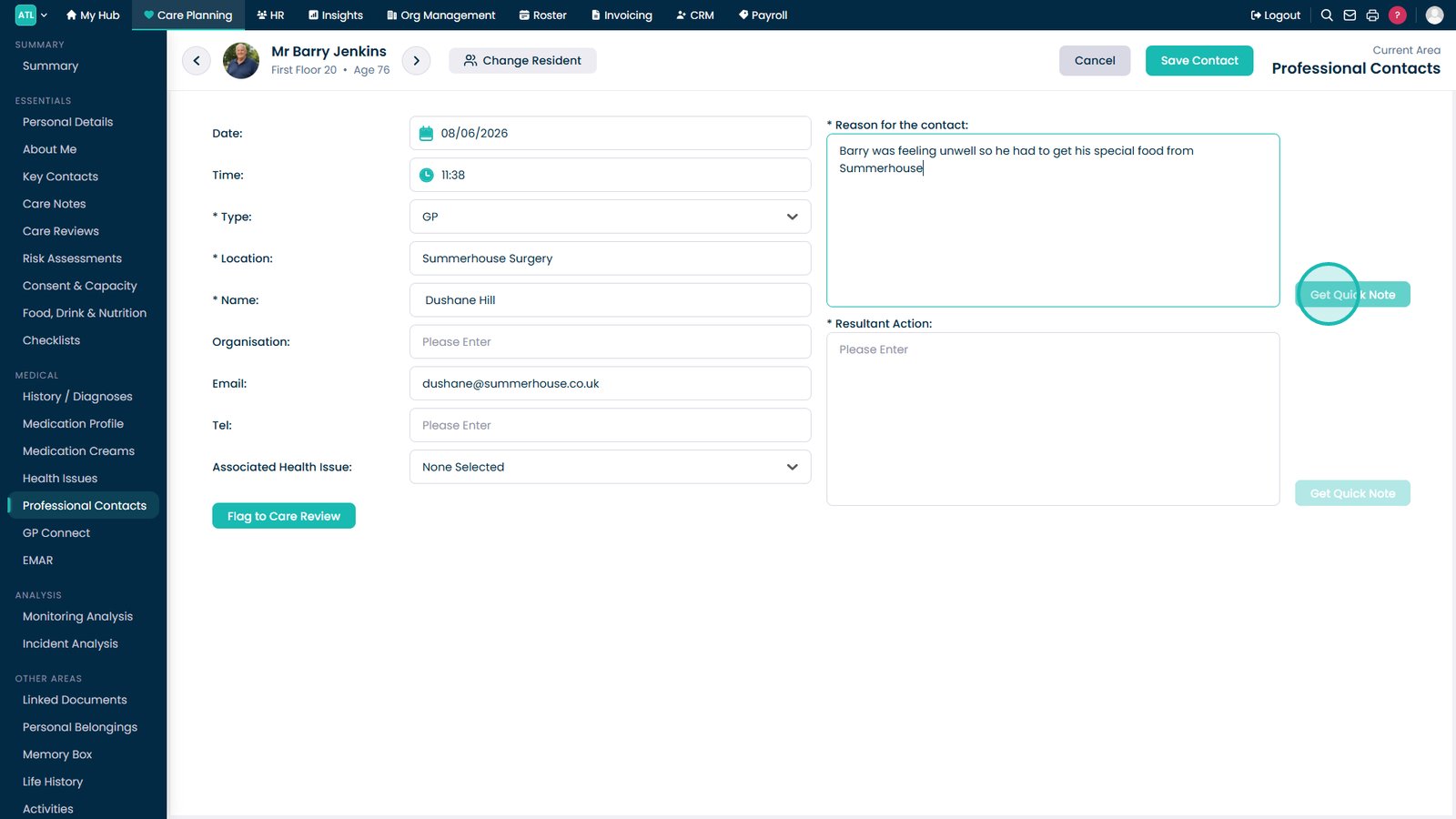
Record the reason for the visit, call or professional contact.

Use Get Quick Note to insert a predefined note where appropriate.

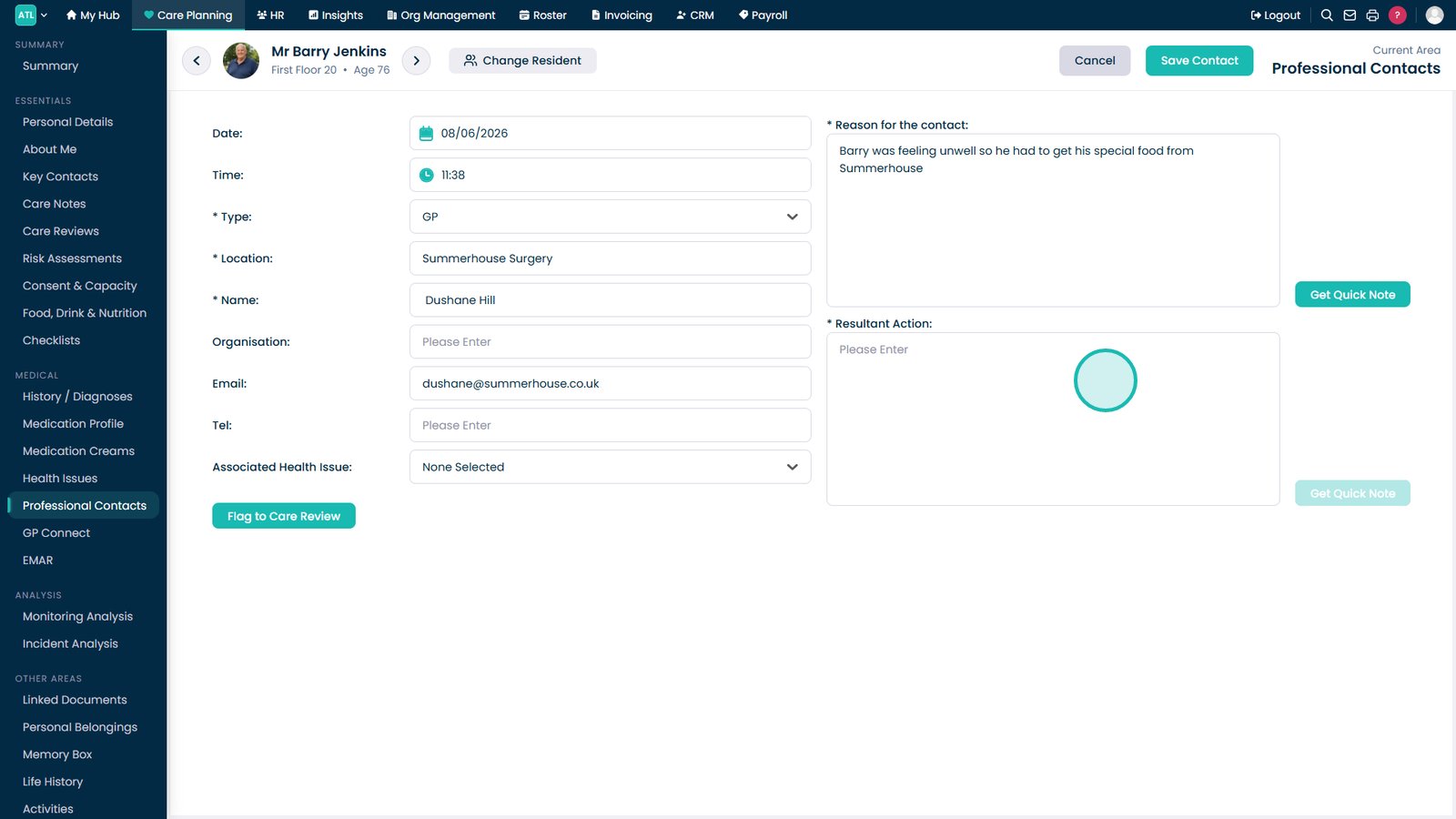
Document any advice given, outcomes or follow-up actions required.

Click Save Contact to record the professional contact entry.

Top tip
Use the Resultant Action field to clearly document any advice received or actions that need to be followed up by the care team.
Need more help?
Can't find what you're looking for? Our support team is here to help.
Contact SupportOr call us on