Find out more about Cloud, click here to sign up
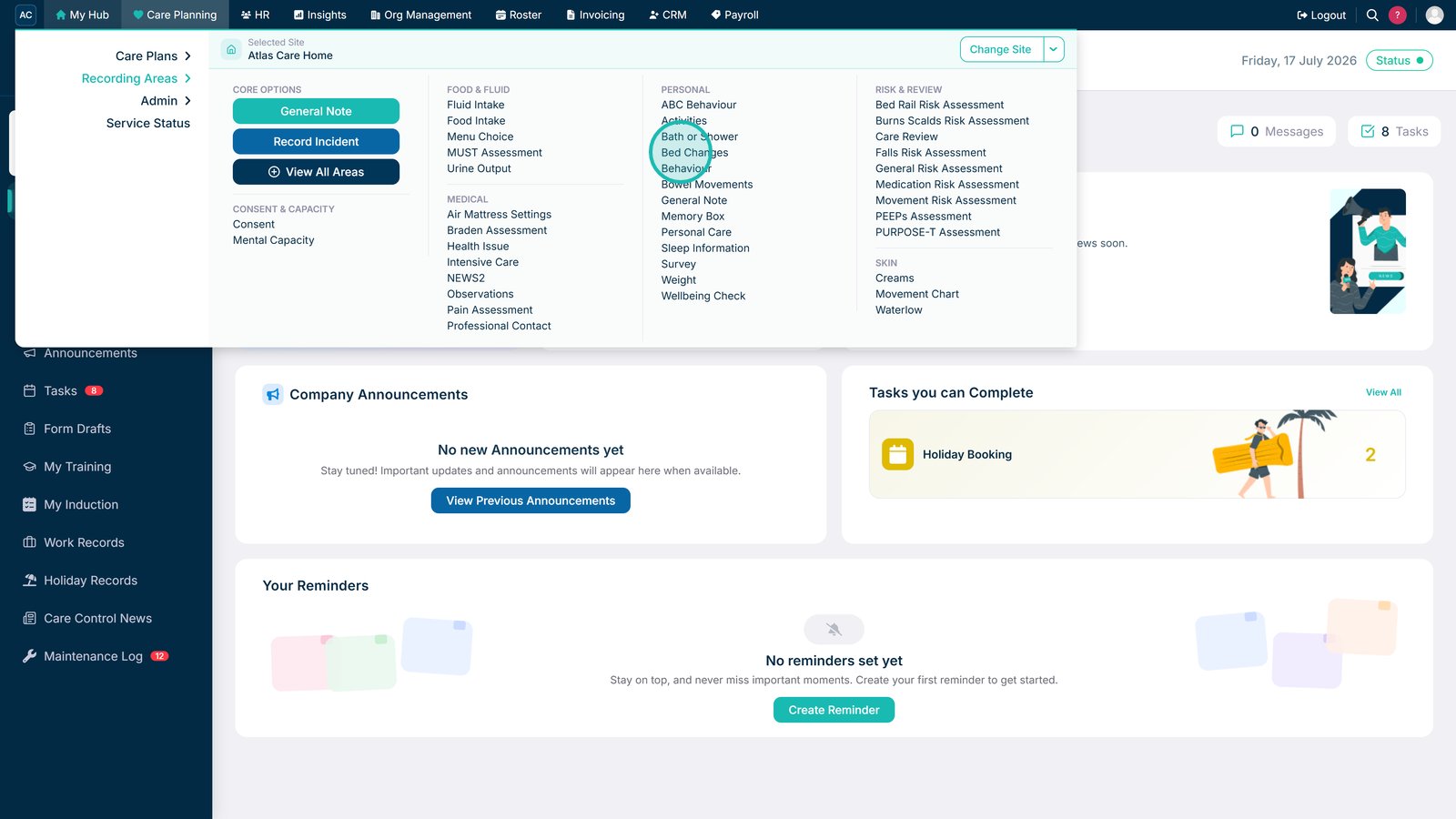
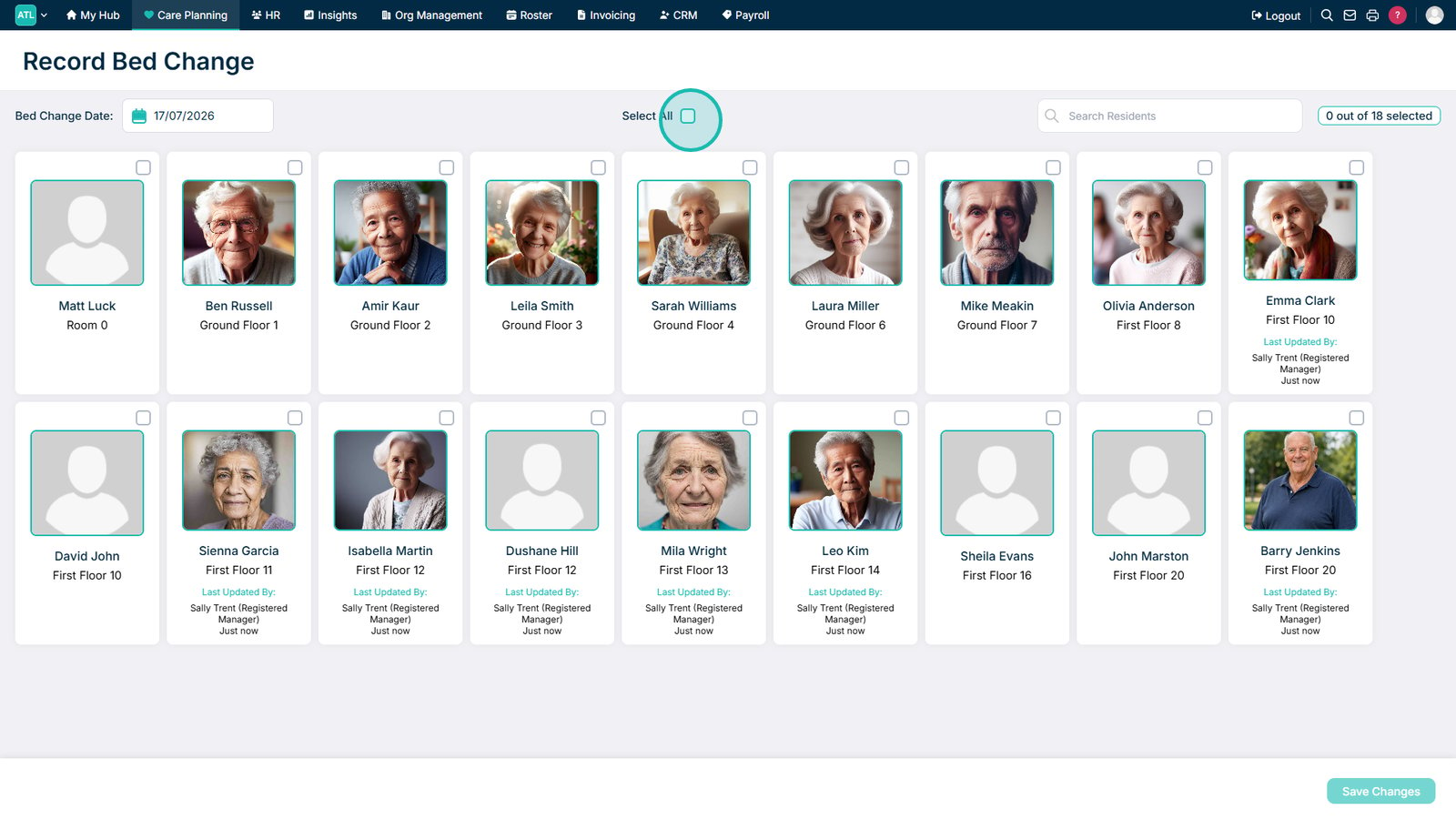
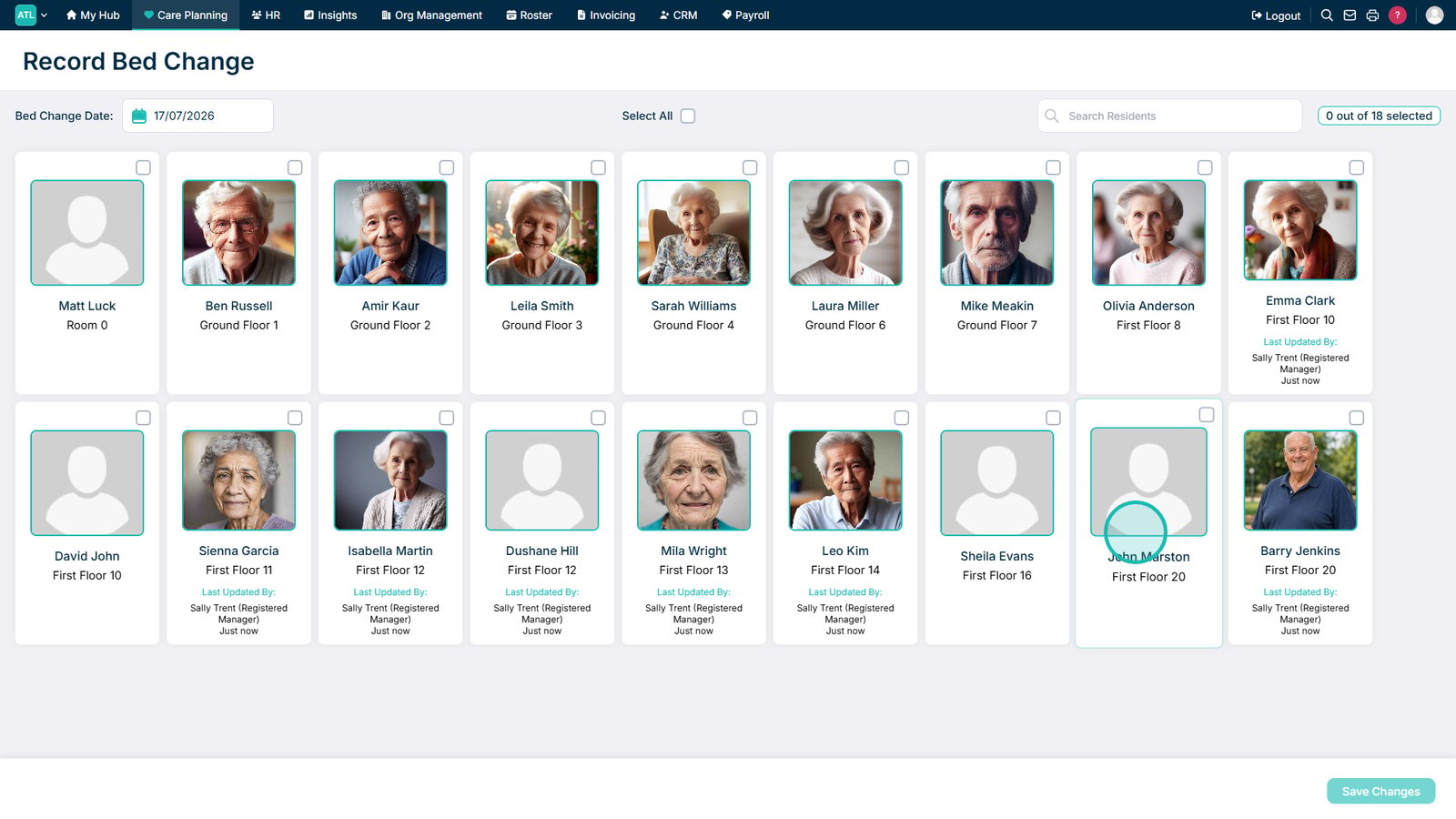
This guide explains how to record bed changes for all, individual, or multiple service users.
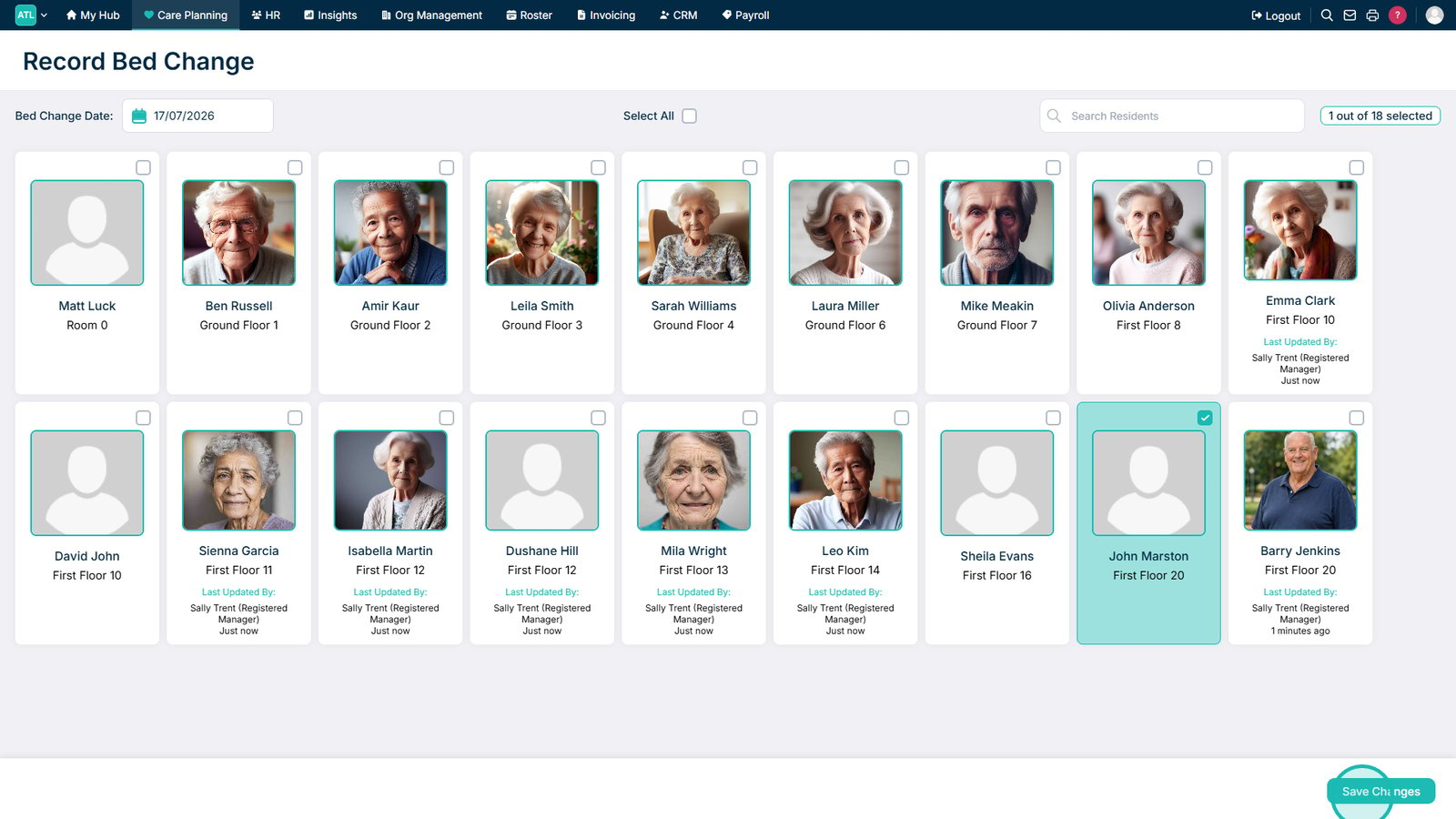
The Bed Changes recording area allows you to record completed bed changes for one, several, or all service users at the same time.
In this guide you'll learn how to:
Check that the correct service users are selected before saving, especially when recording bed changes for multiple people.
Check out our full list of guides here
Take a look at our Blog pages to see all things Care Control
Can't find what you're looking for? Our support team is here to help.
Or call us on