This guide explains how to record a new Weight entry for a service user
Takes 2 minutes
For: Care Staff
Updated: 30th June 2026
Introduction
The Weight module allows you to record and monitor a service user's weight over time. You can enter measurements using either imperial or metric units, review previous recordings, and link entries to relevant health issues where appropriate.
In this guide you'll learn how to:
Select a service user
Record a new weight measurement
Switch between imperial and metric units
Review previous weight records
Save the completed weight entry
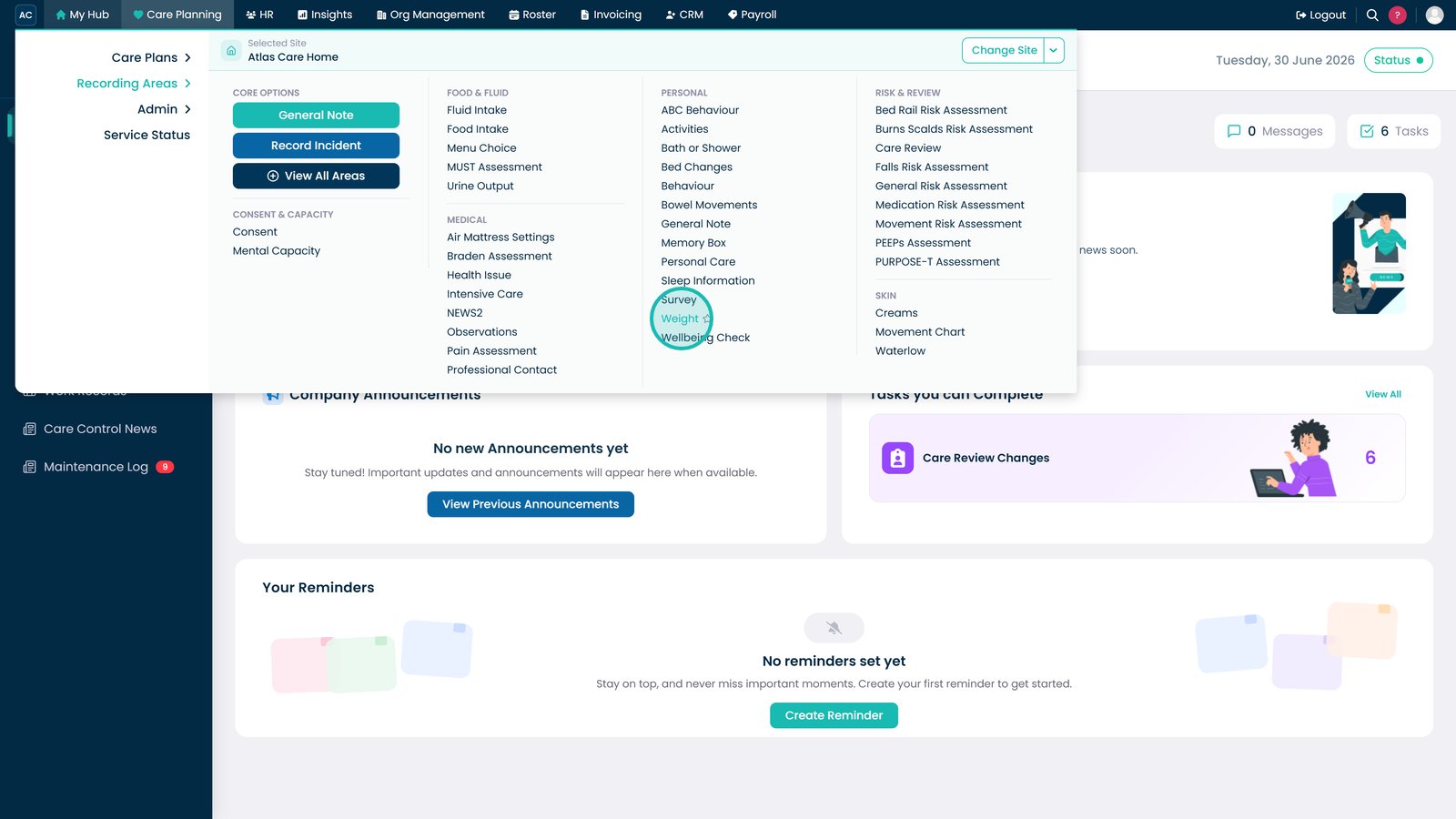
Select Weight under Care Planning.
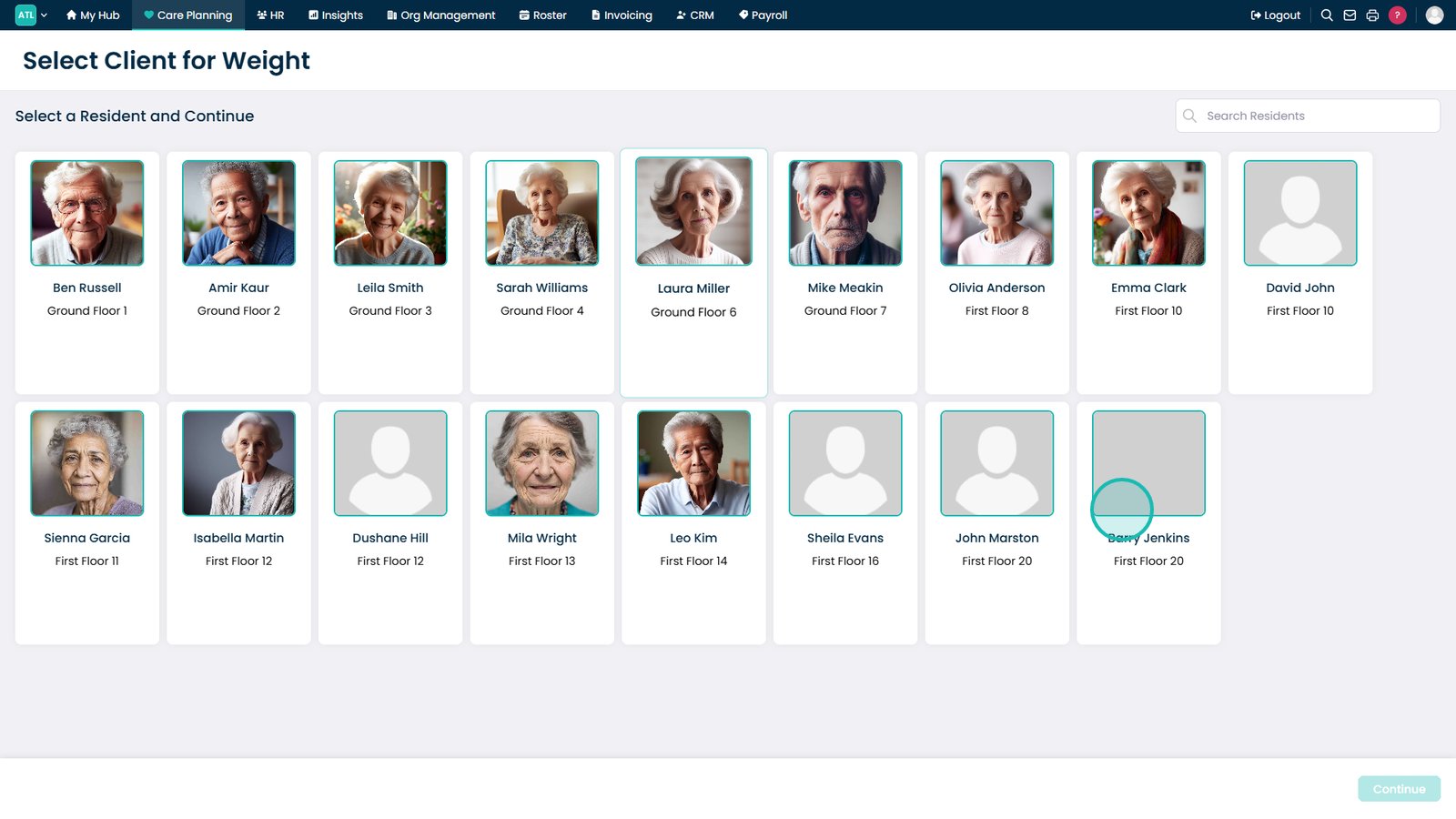
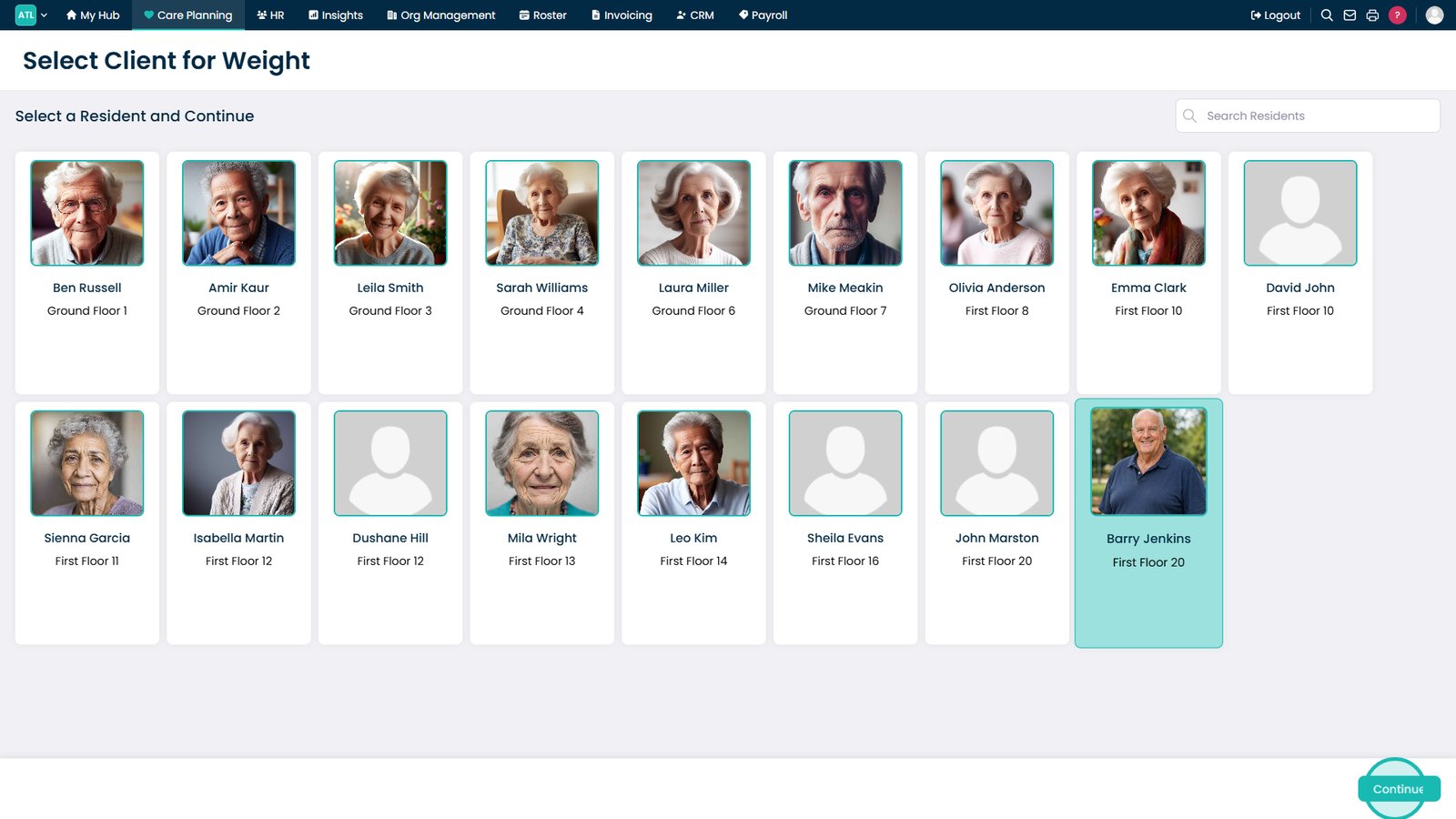
Select the service user you want to record a new weight for.
Select Continue.
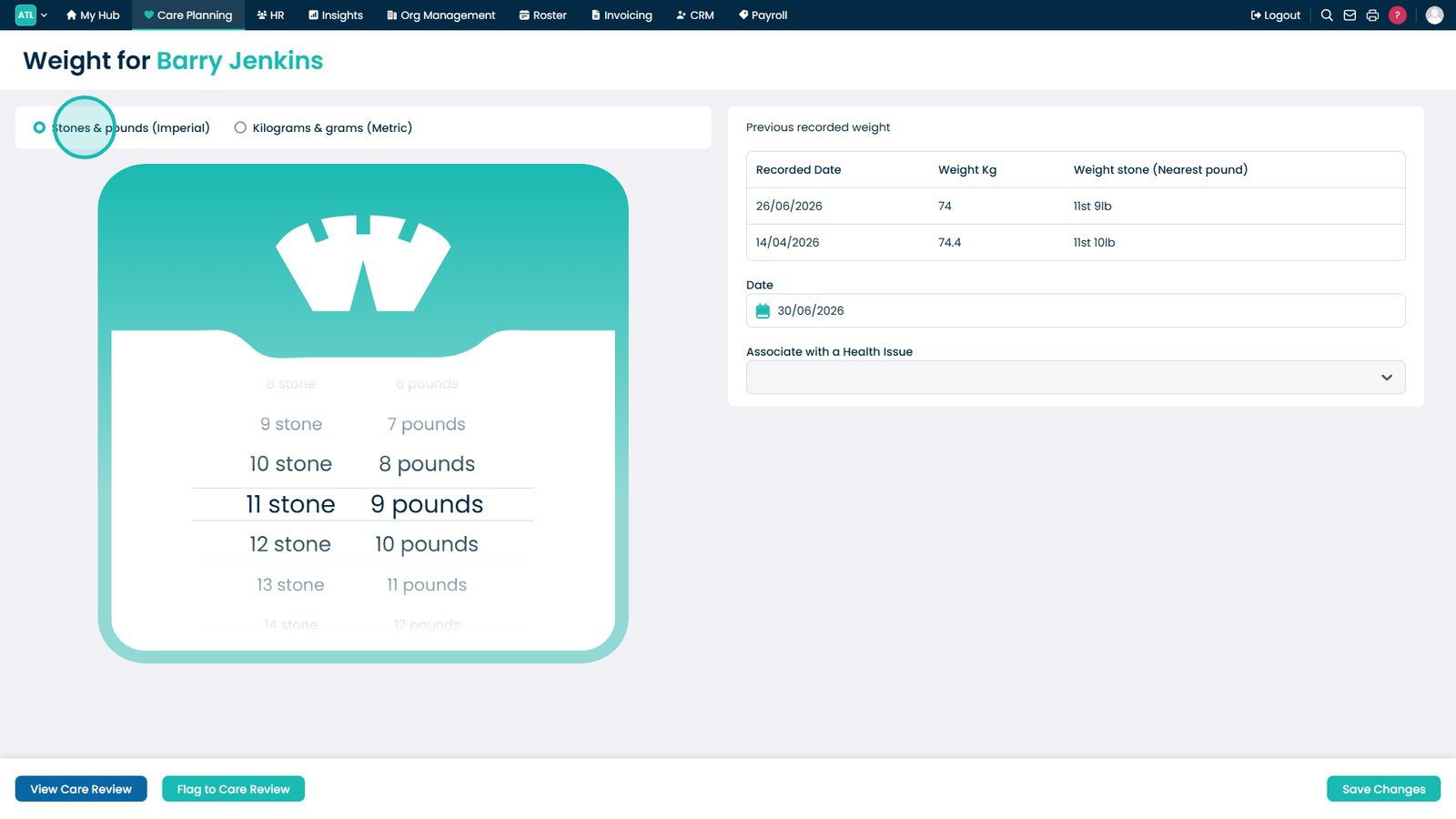
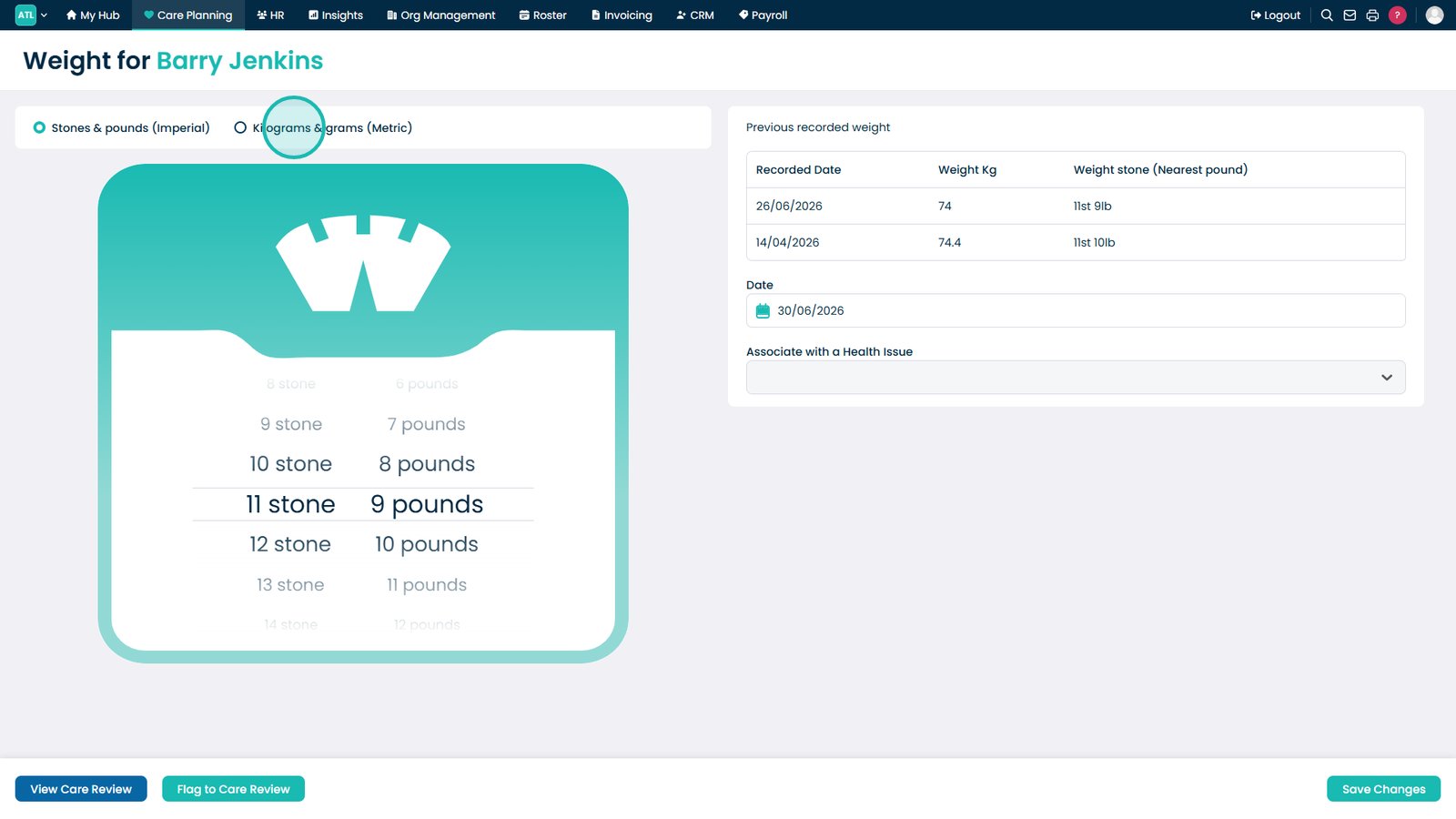
Select Imperial to record the weight using stones and pounds.
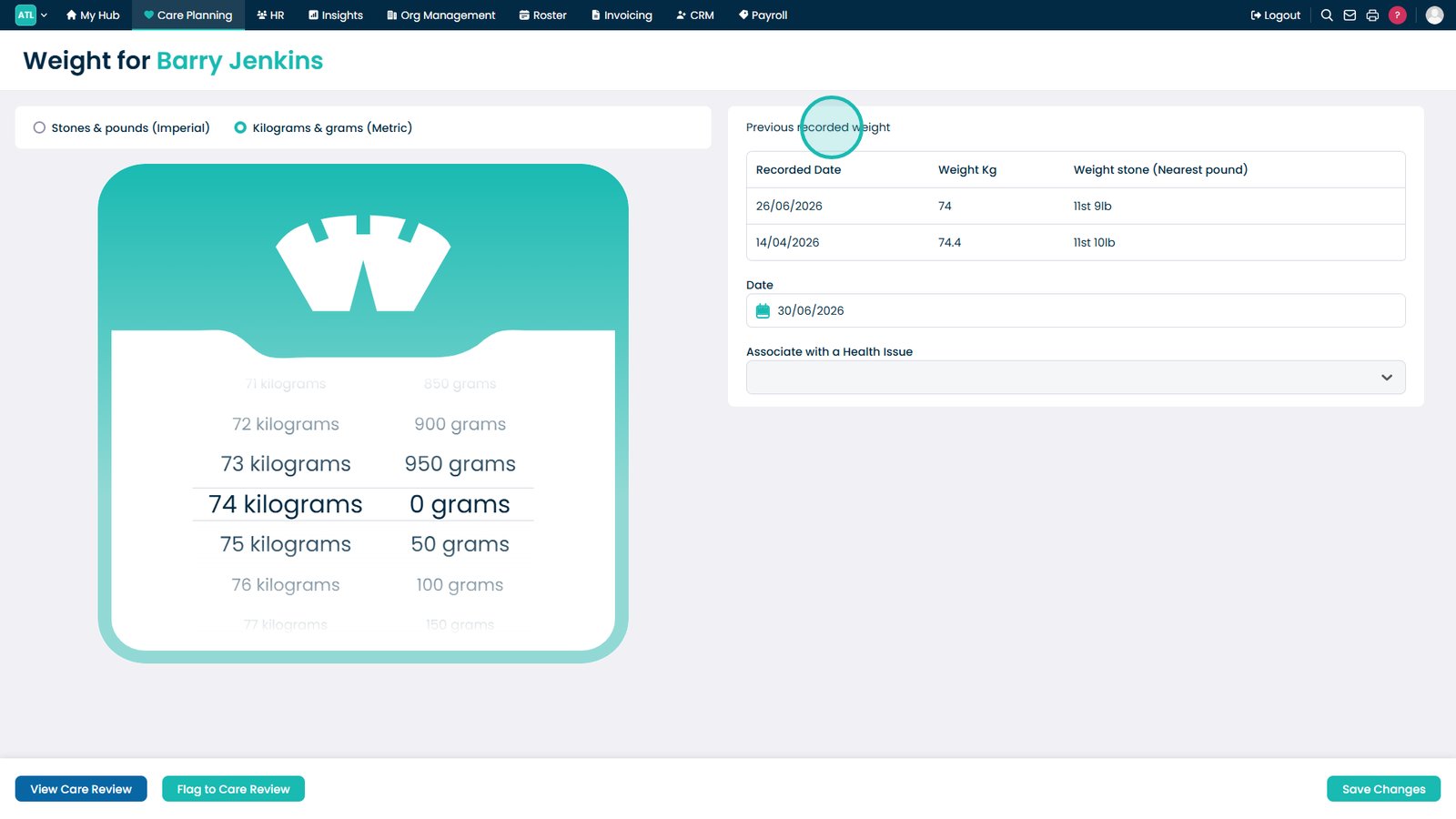
Alternatively, switch to Metric to record the weight in kilograms.
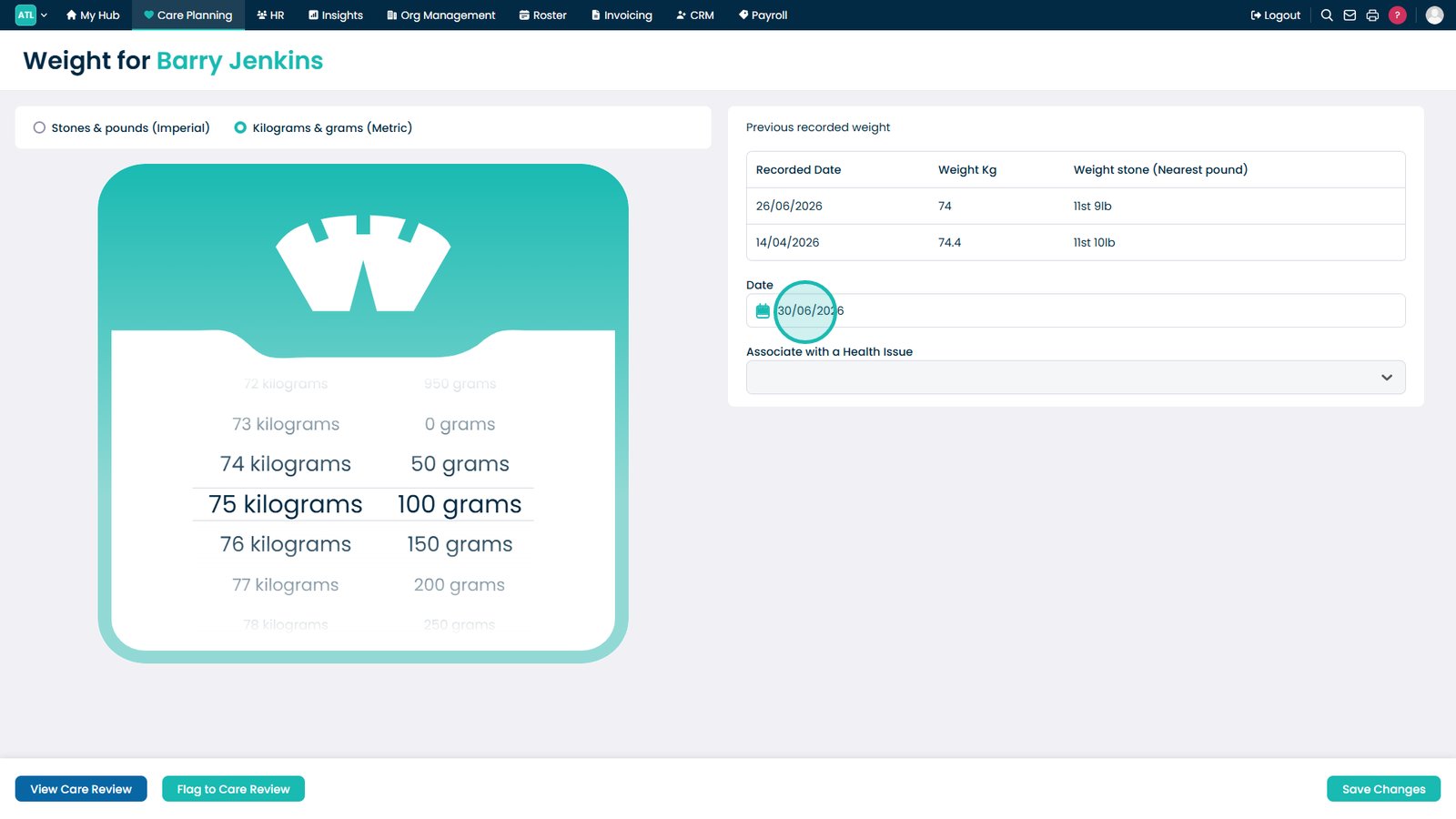
Review previous weight records.
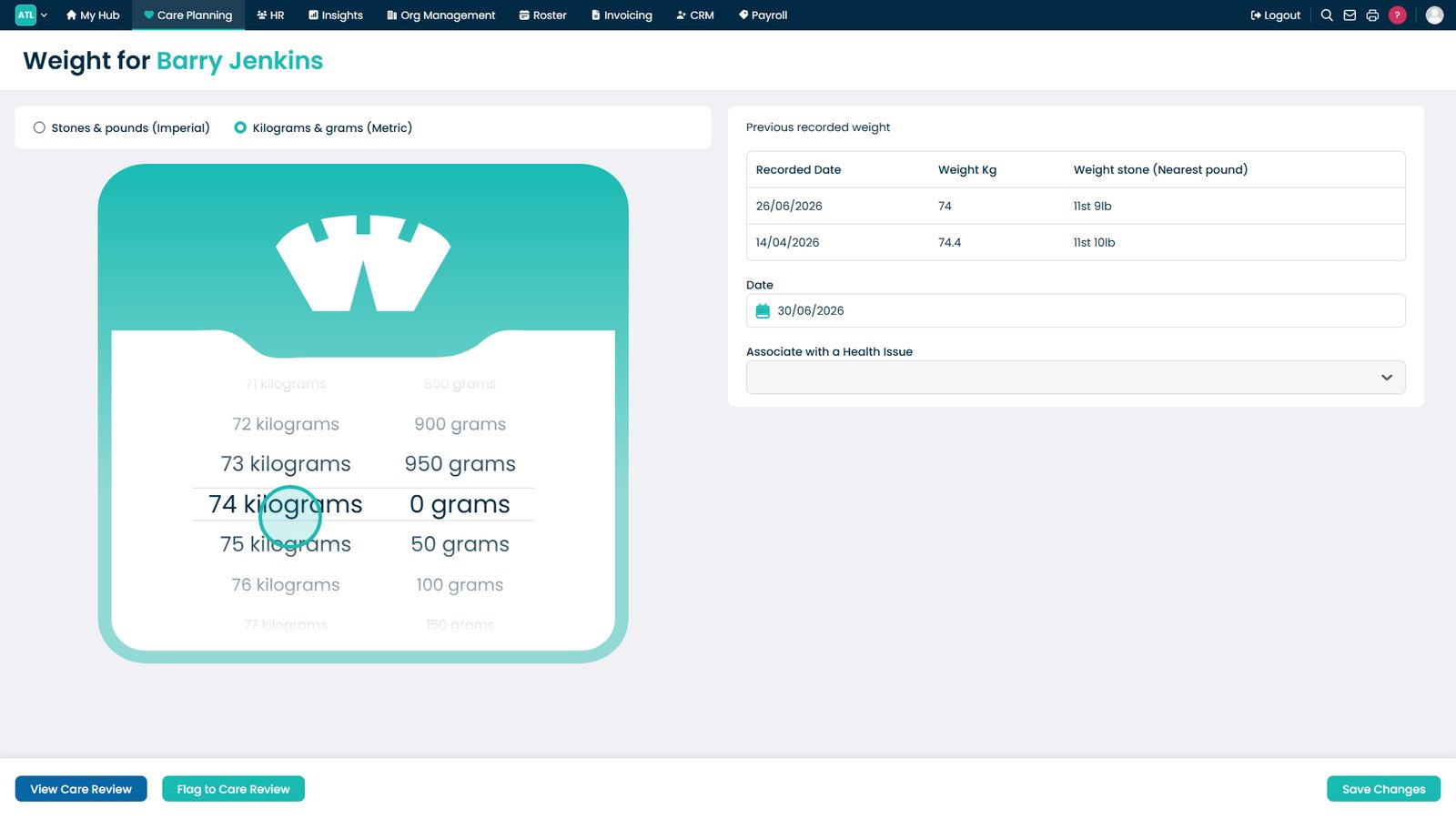
Set the weight using the slider.
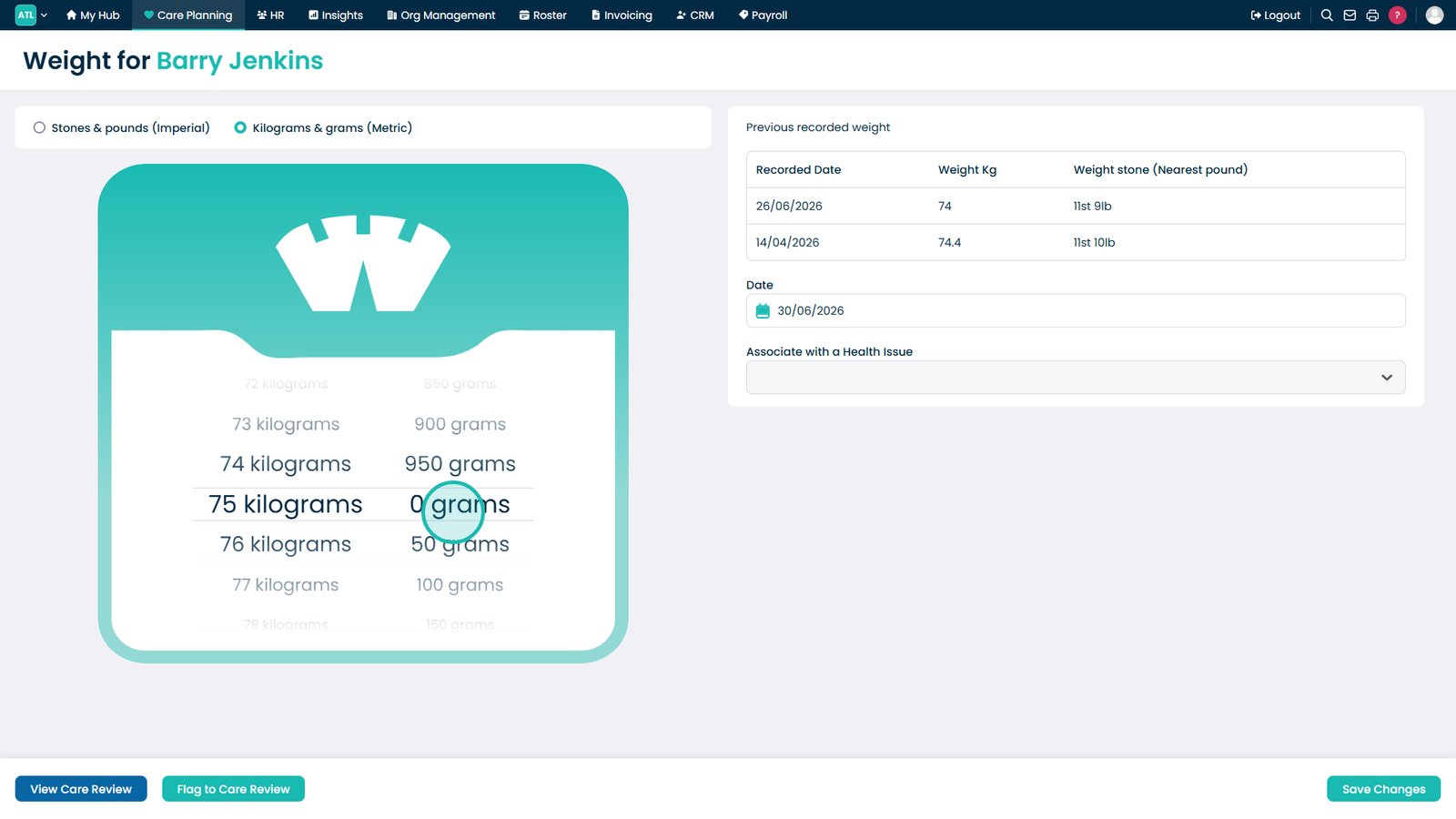
Adjust the grams (or decimal value) for a precise measurement.
Confirm or adjust the date the weight was recorded.
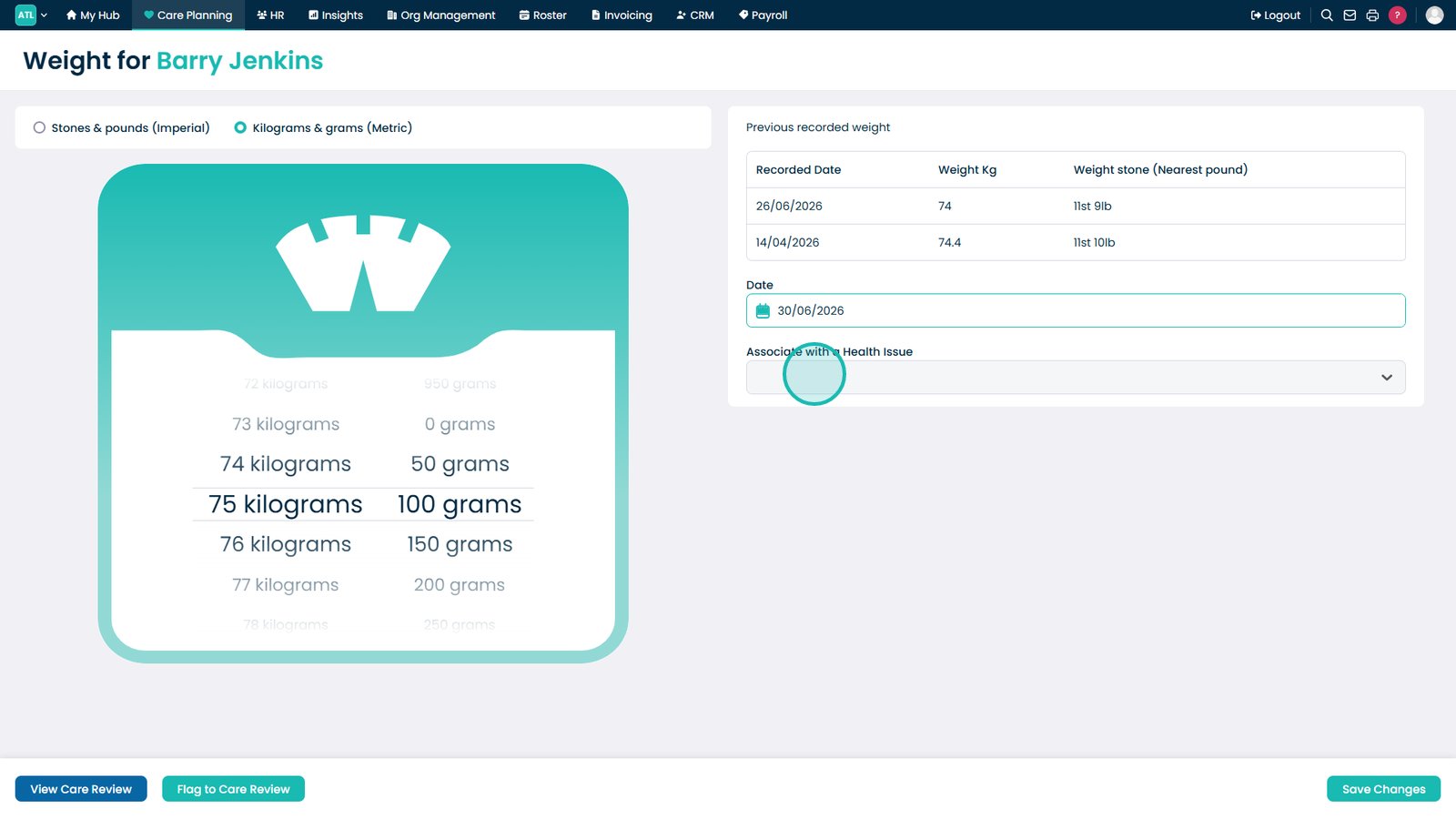
Optionally, link the weight entry to a relevant health issue.
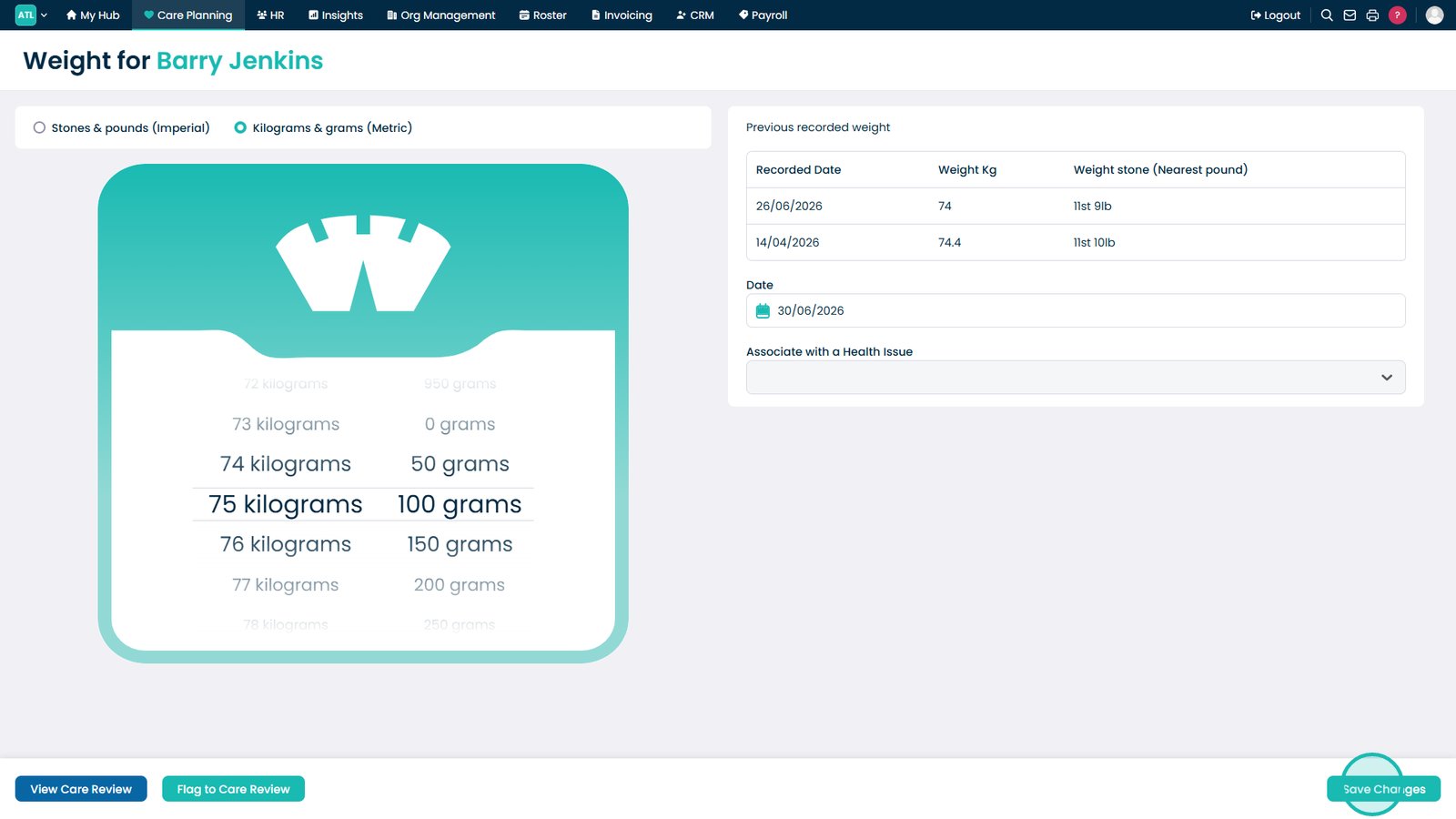
Select Save Changes to record the new weight.
Top tip
Review previous weight records before entering a new measurement to help identify any significant weight changes or trends.