How to View and Analyse Care Review Data
Learn how to review and analyse a service user's Care Review data. This guide covers viewing previous reviews, exploring changes in Level of Need and Dependency Level, reviewing weight information, using filters, printing Care Reviews, and accessing MargoAI Analysis.
Takes 5 minutes
For: Managers
Updated: 28th Sept 2026
Introduction
The Care Review Analysis area brings together information from a service user's completed Care Reviews, helping you review previous records and understand how their needs have changed over time.
You can open individual Care Reviews, print previous records and use the analysis tools to explore changes in Level of Need, Dependency Level and weight. Filters are available to help you focus on particular periods, categories and sections.
You can also access MargoAI Analysis to further analyse the available Care Review and weight information.
In this guide you'll learn how to:
- Access Care Review Analysis for a service user
- View and print previous Care Reviews
- Analyse changes in Level of Need
- Review Dependency Level and dependency rankings
- View weight information as a chart or table
- Access MargoAI Analysis
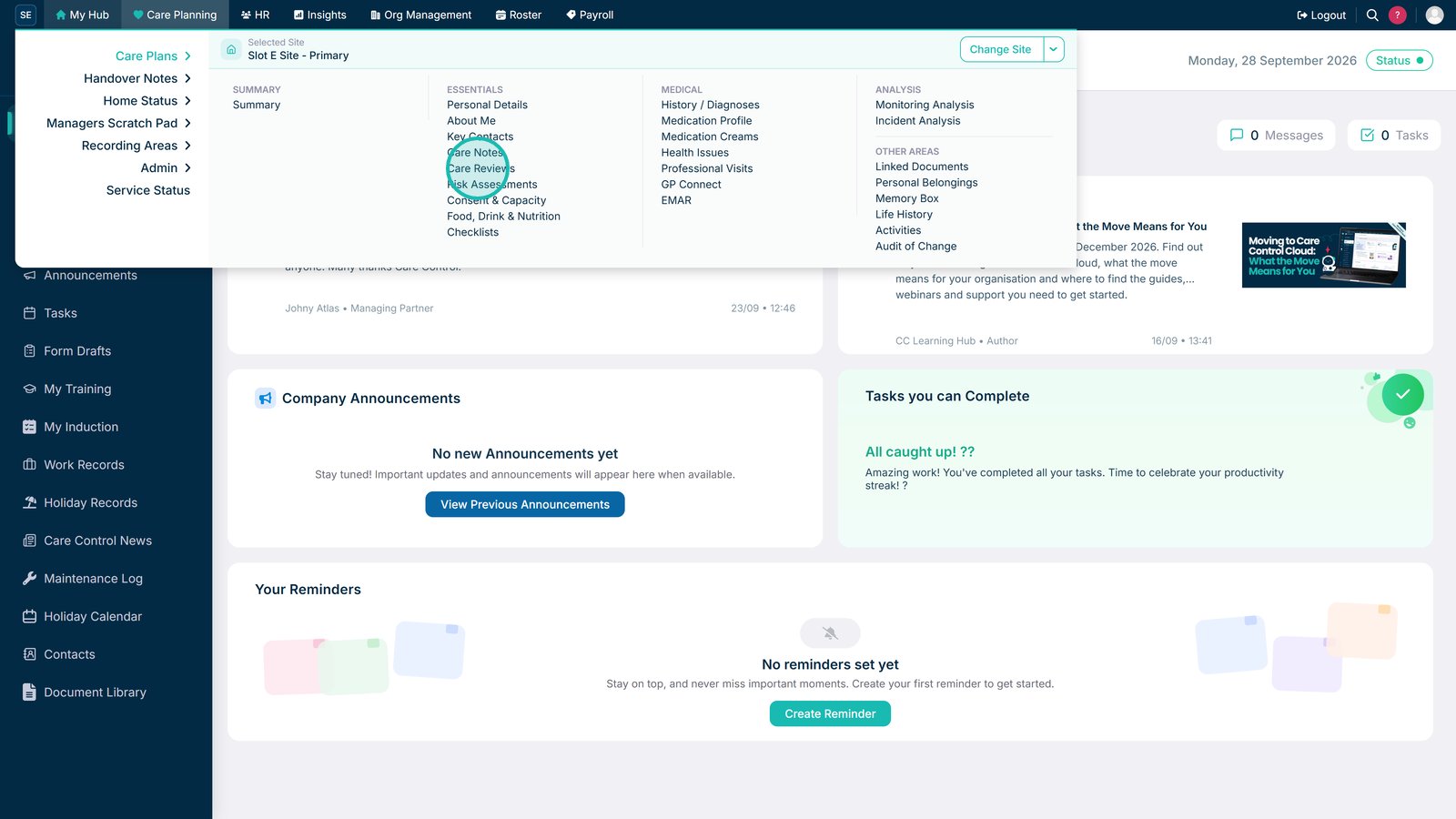
Open Care Review Analysis from Care Plans.

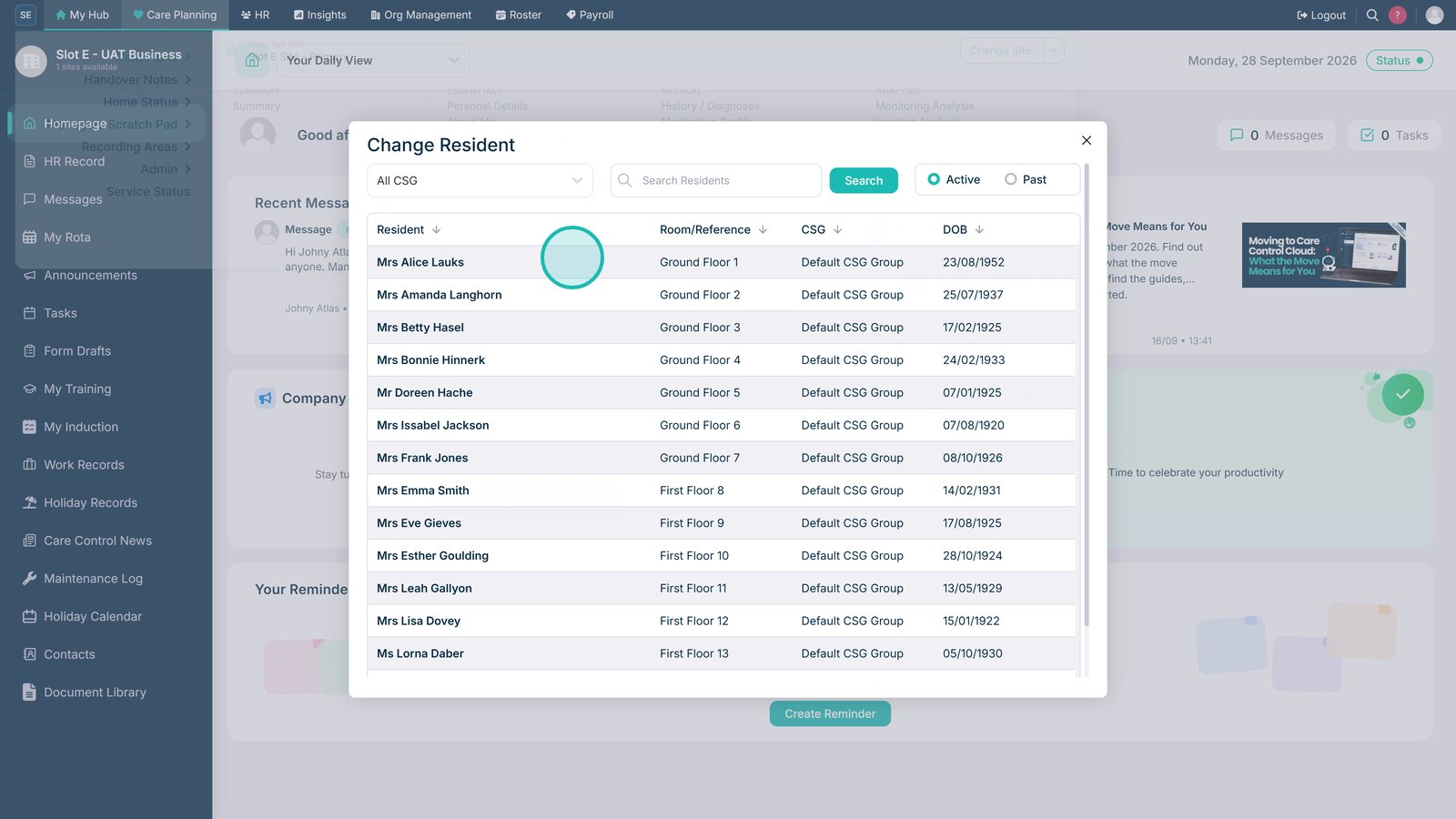
Select the service user whose Care Review information you want to analyse.

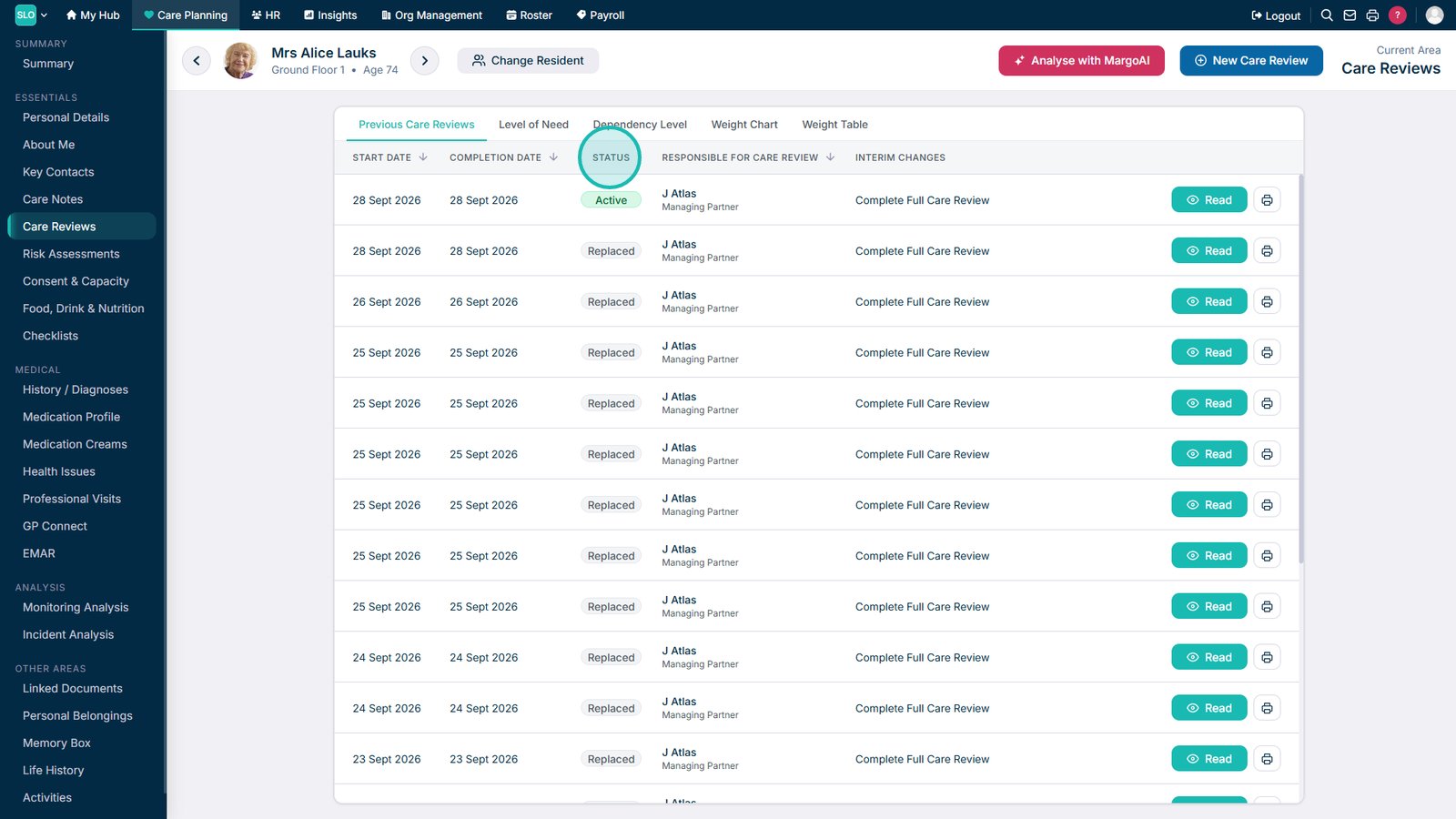
Use the arrows to filter the Care Review sections displayed.

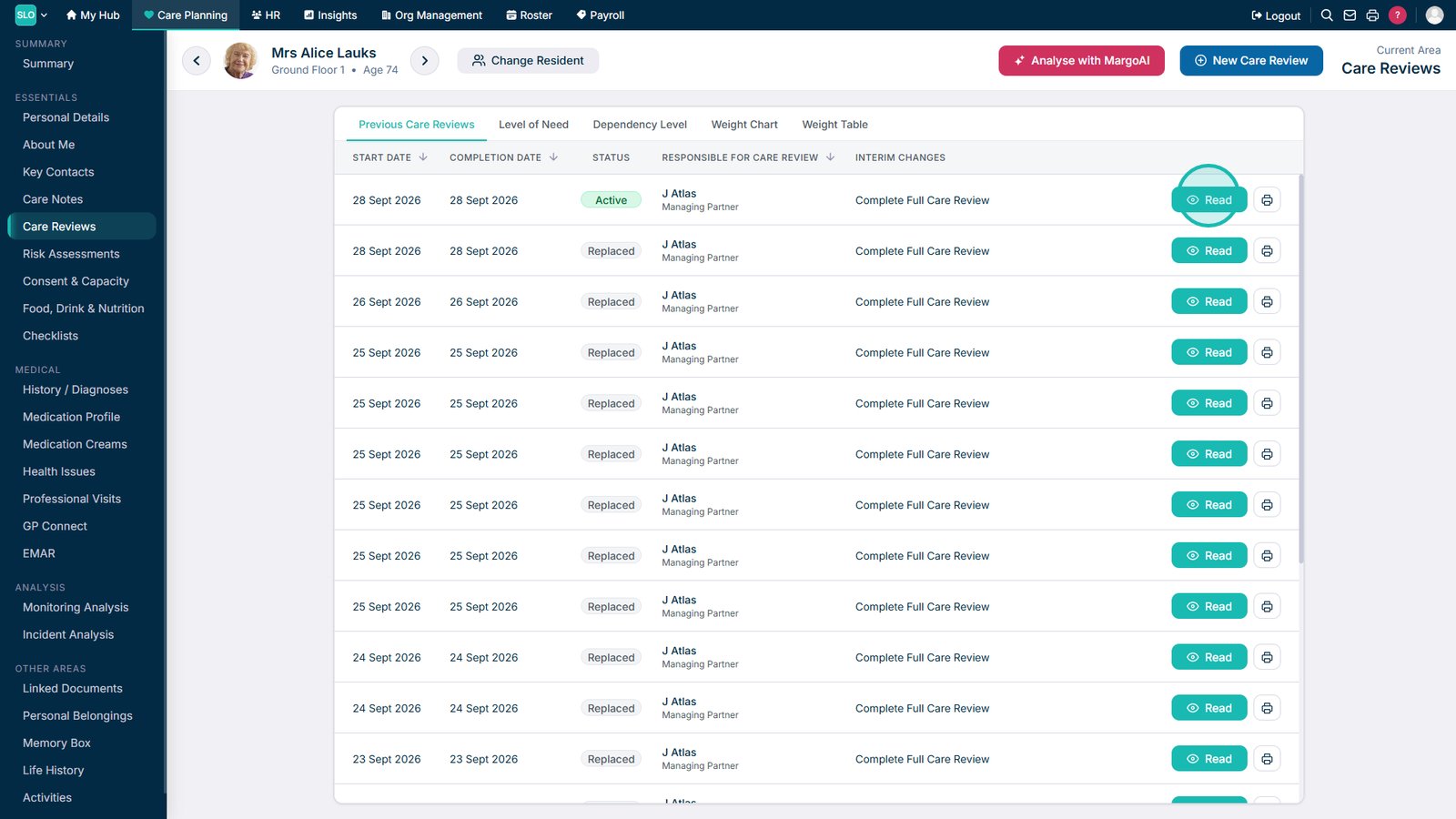
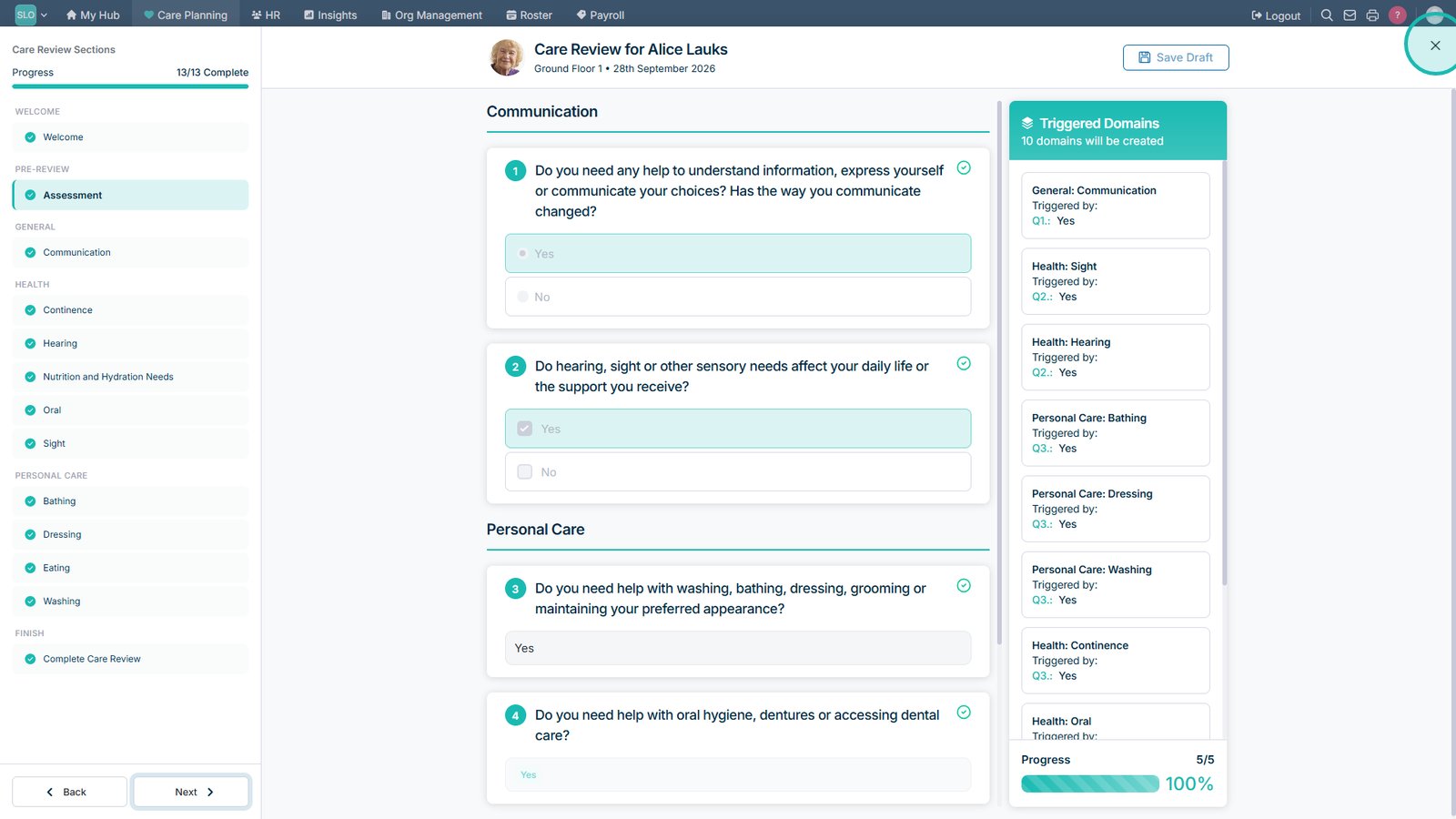
Open the latest Care Review to view its information.

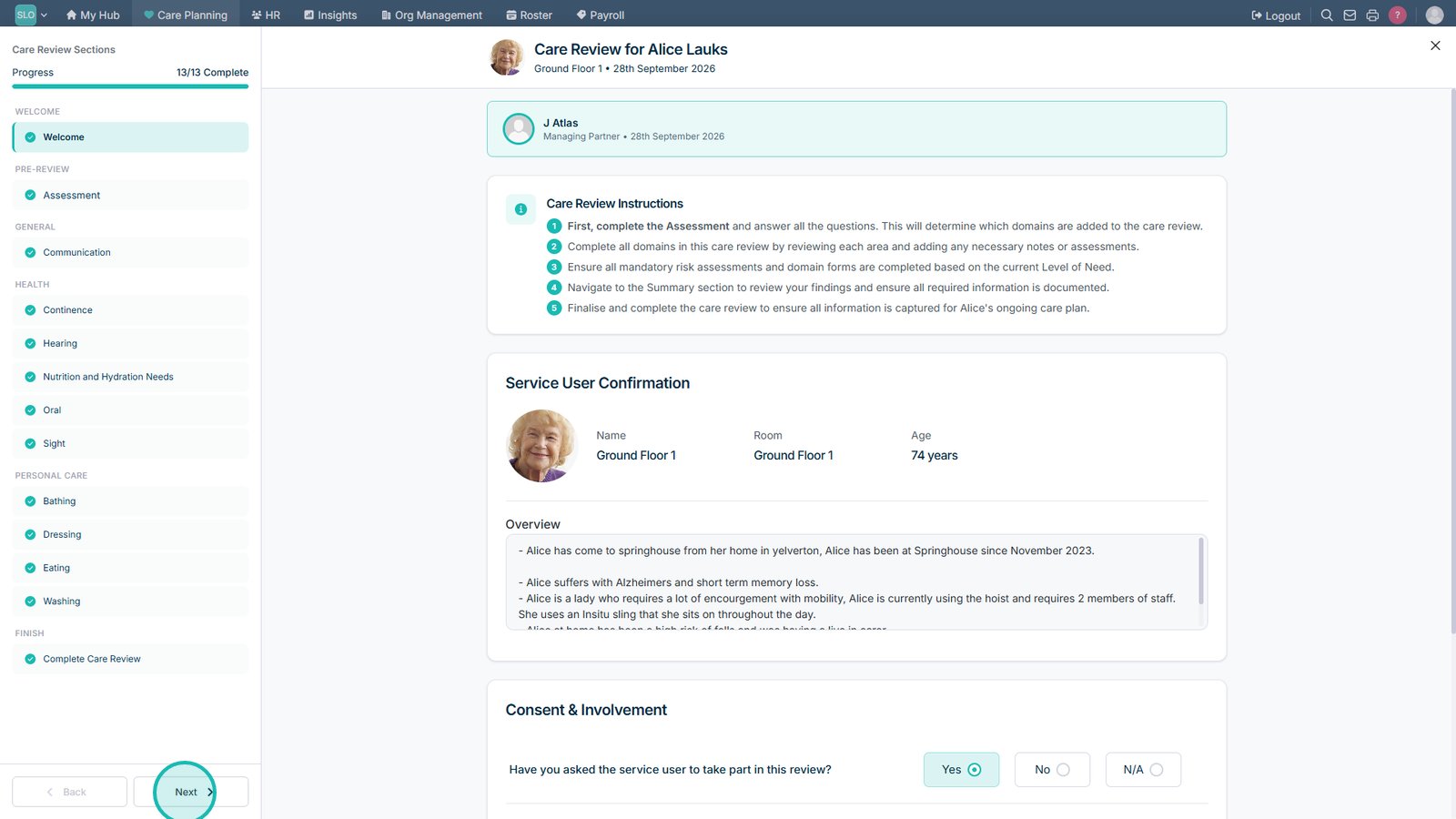
Select Next to move through the different sections of the Care Review.

Select Close when you have finished viewing the Care Review.

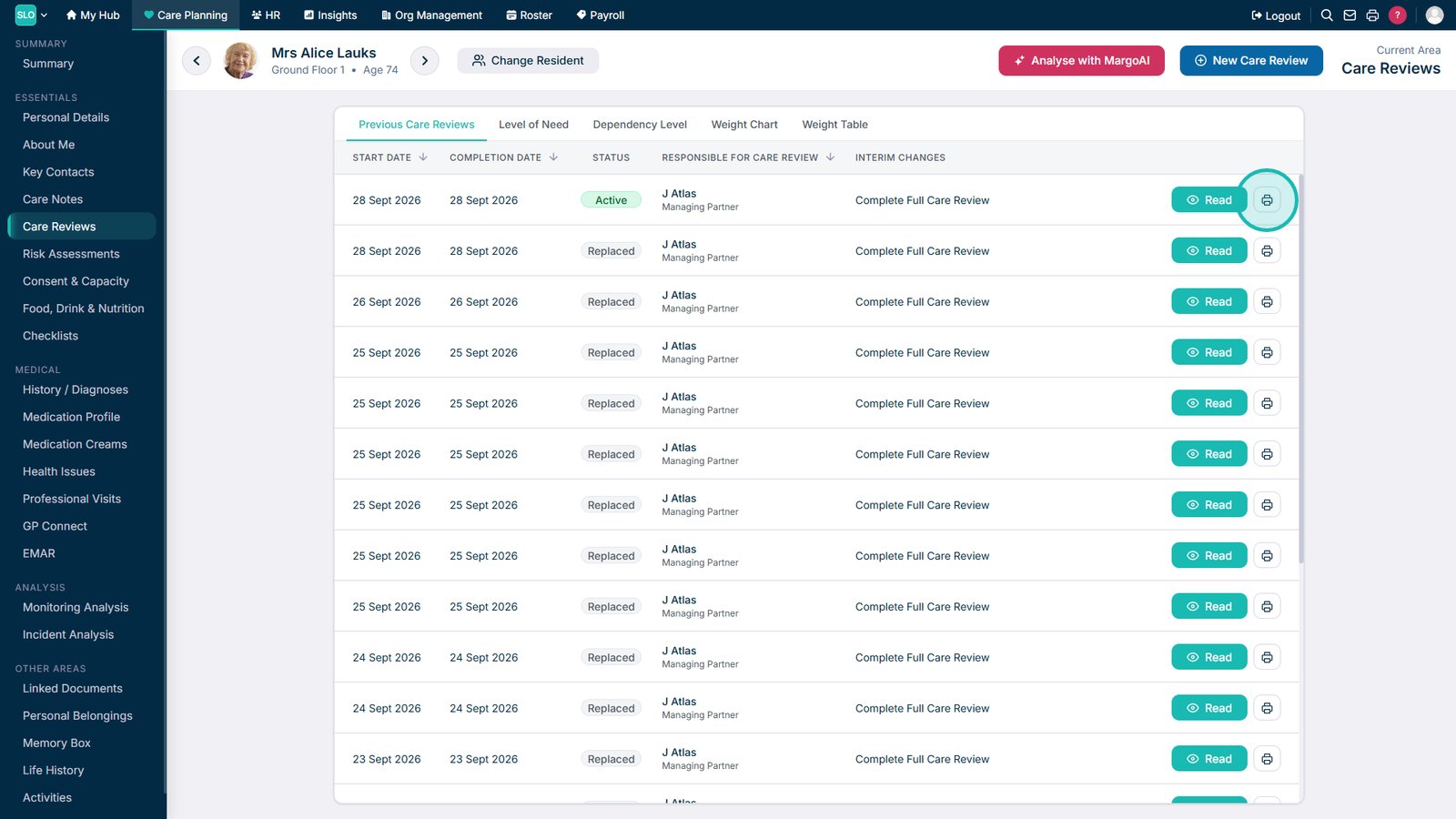
Select the print option if you want to print a Care Review.

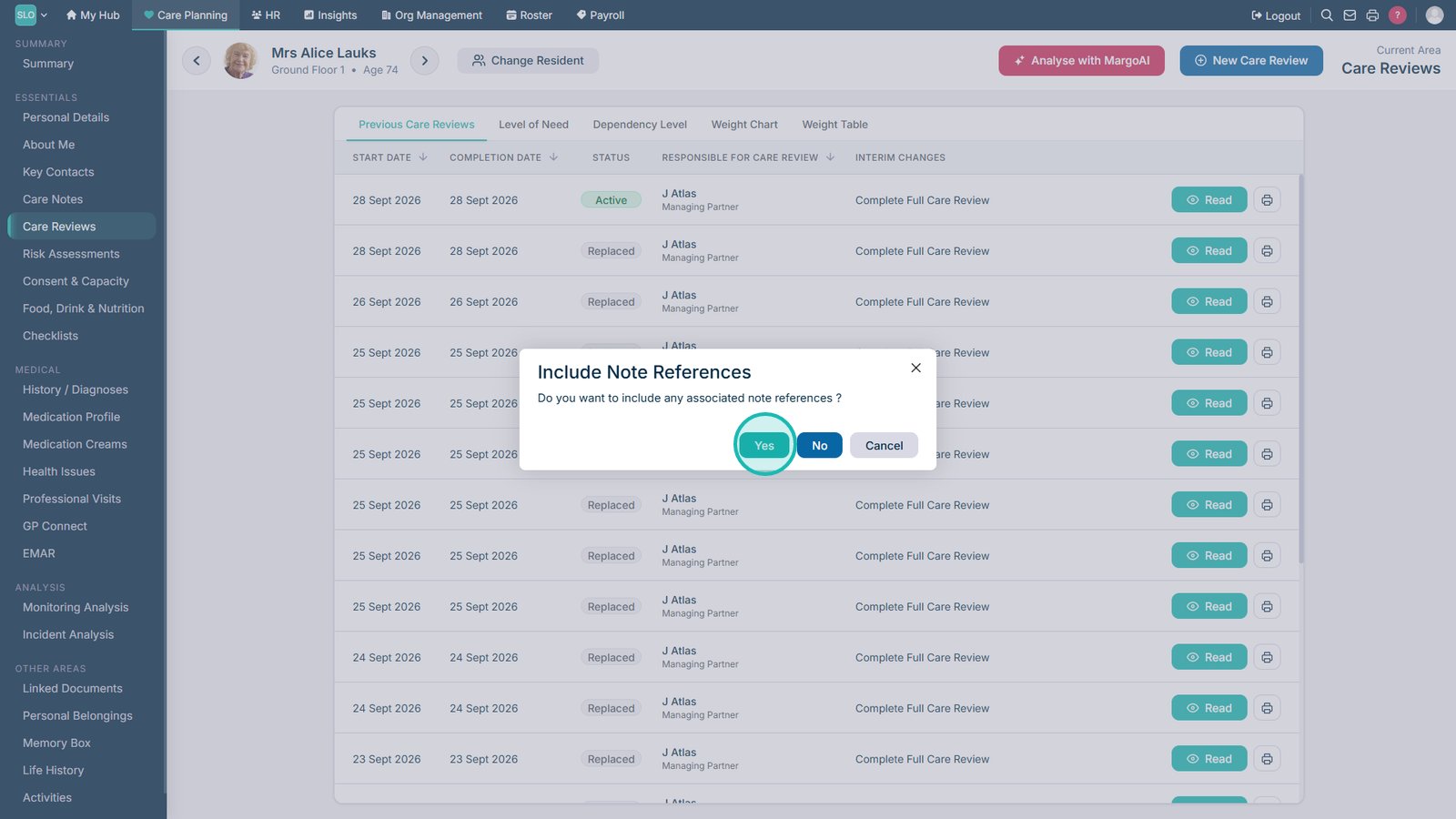
Choose whether note references should be included in the printed Care Review.

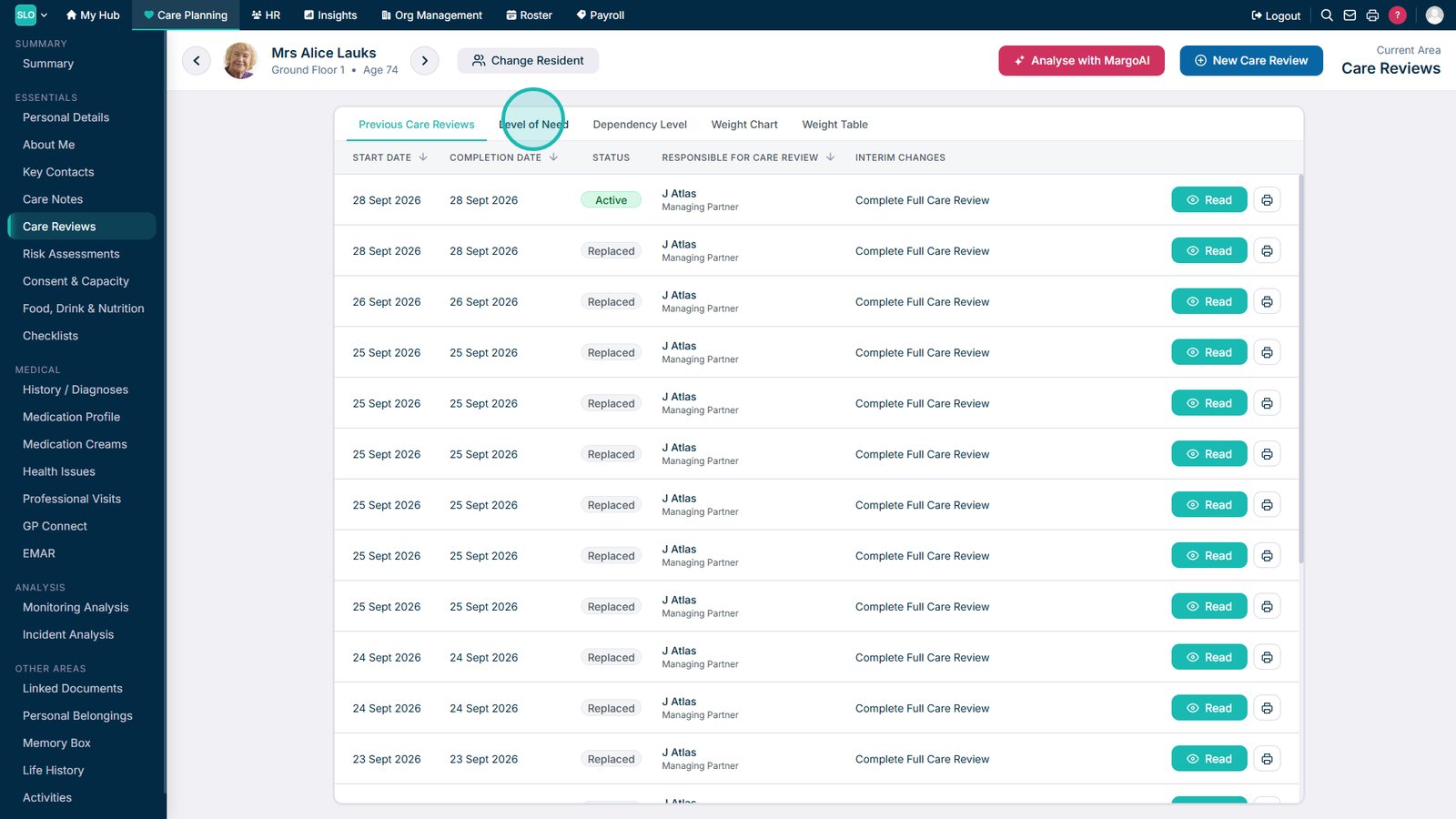
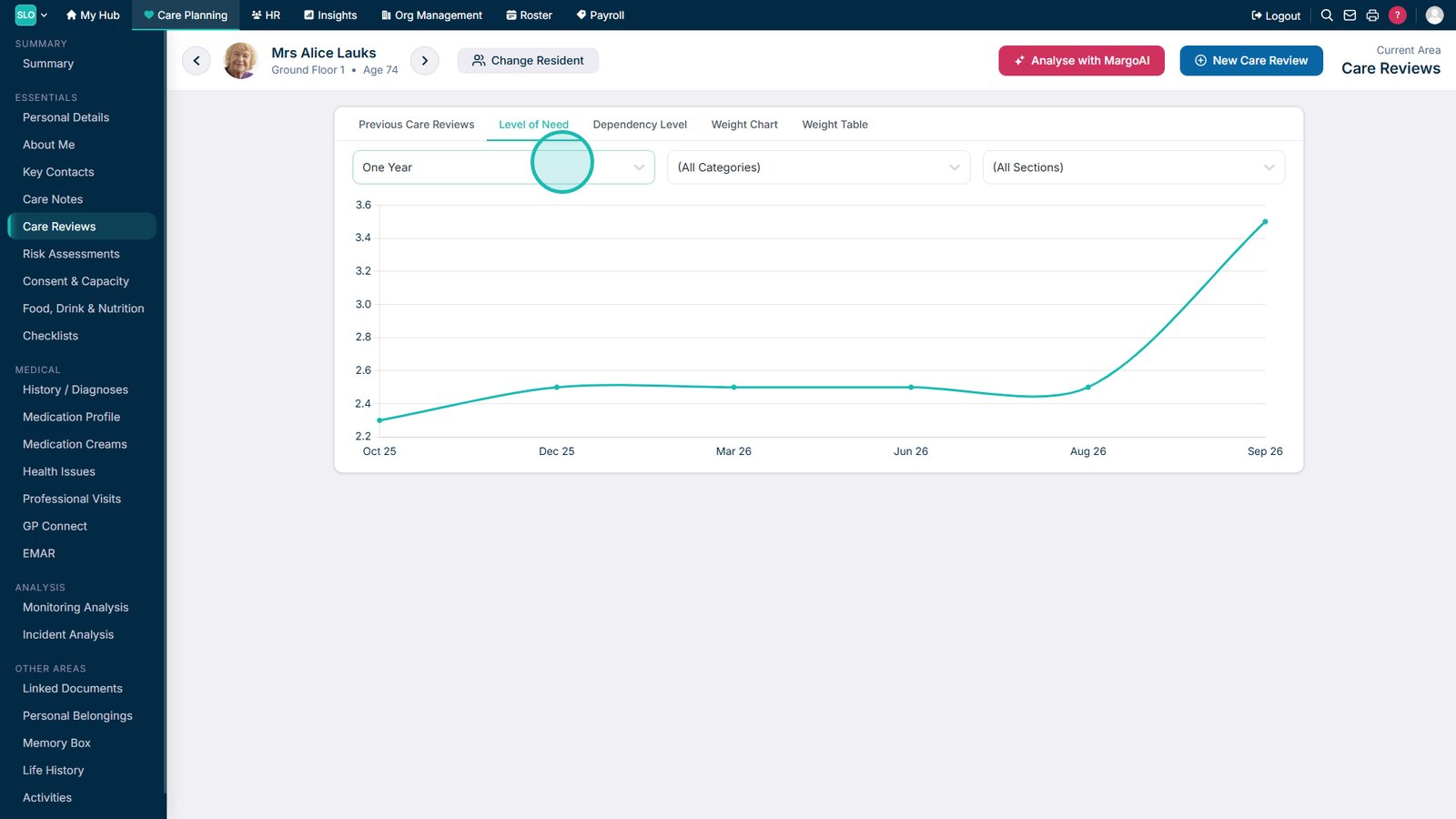
Open Level of Need to review how the service user's needs have changed over time.

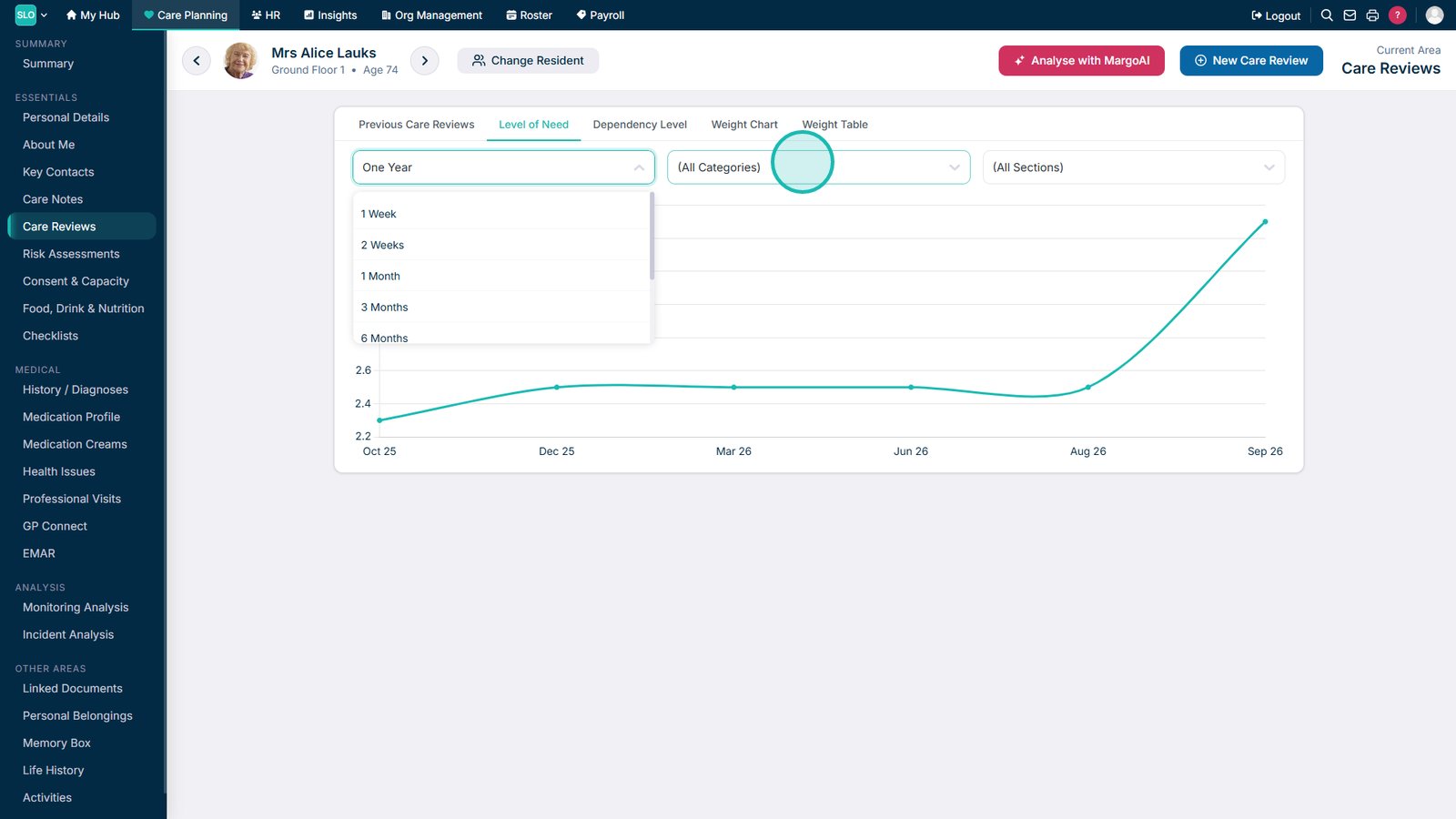
Adjust the timeframe to change the period included in the Level of Need analysis.

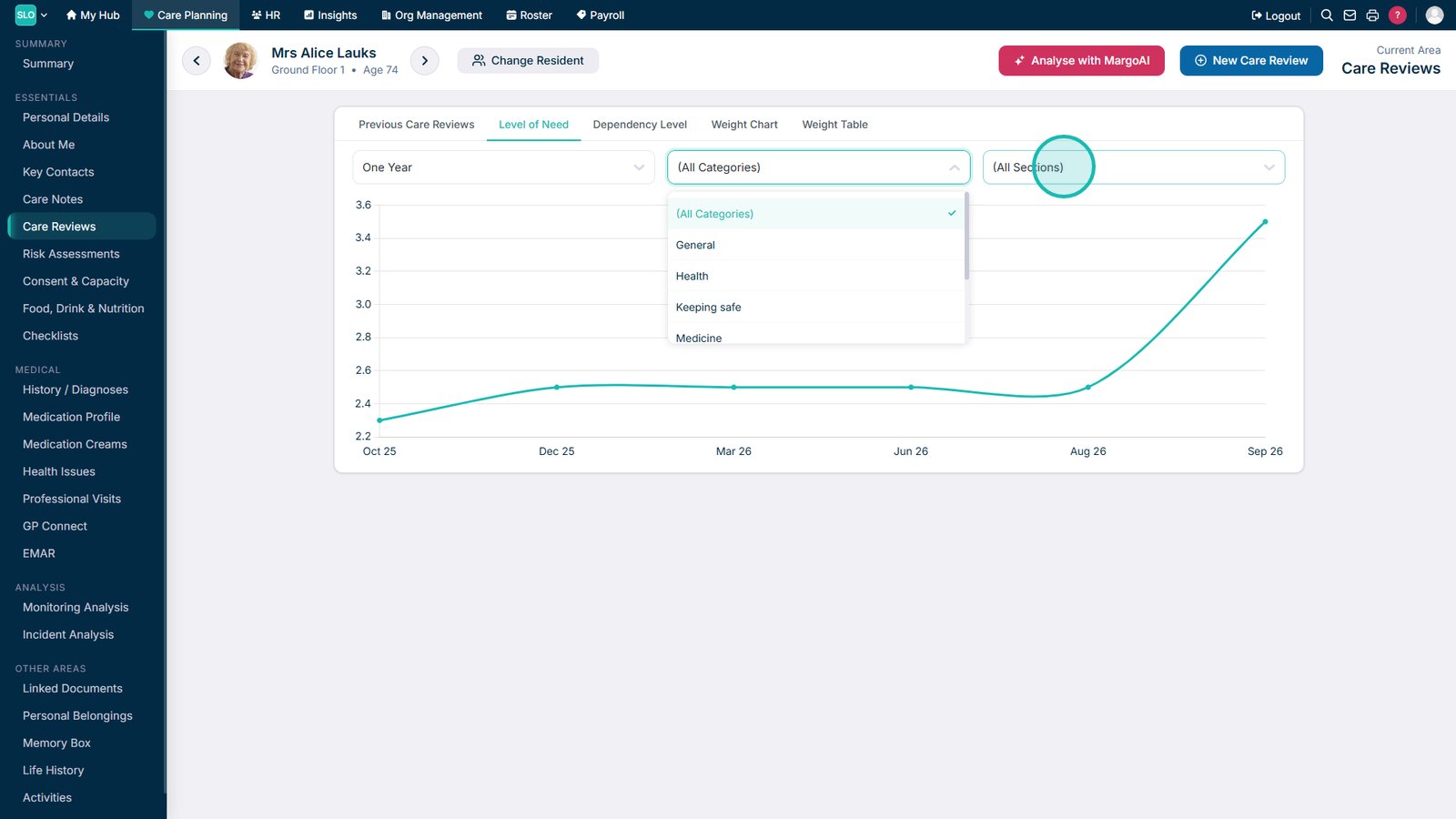
Use the category filter to focus the analysis on a particular care category.

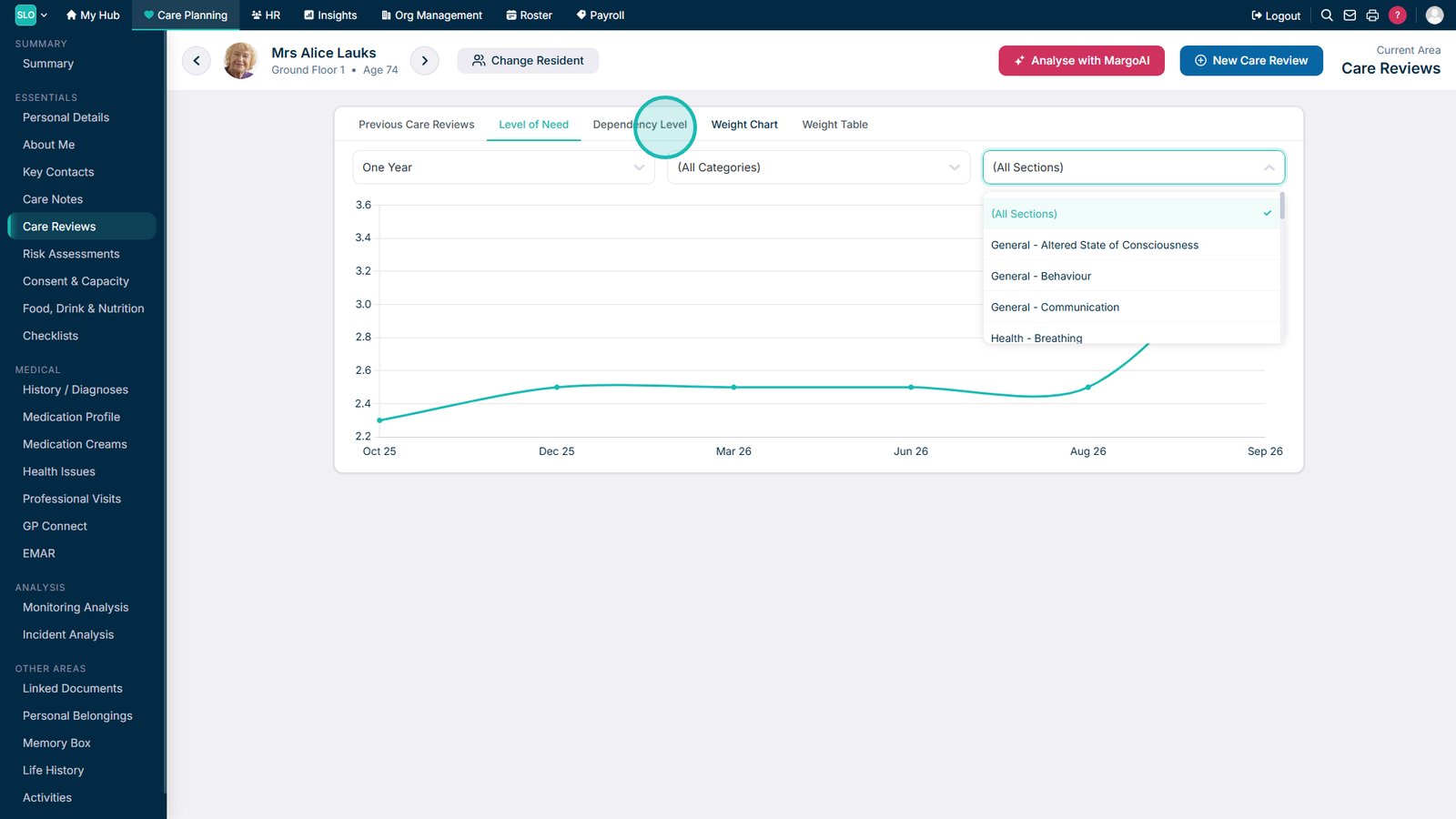
Use the section filter to focus on specific areas within the selected category.

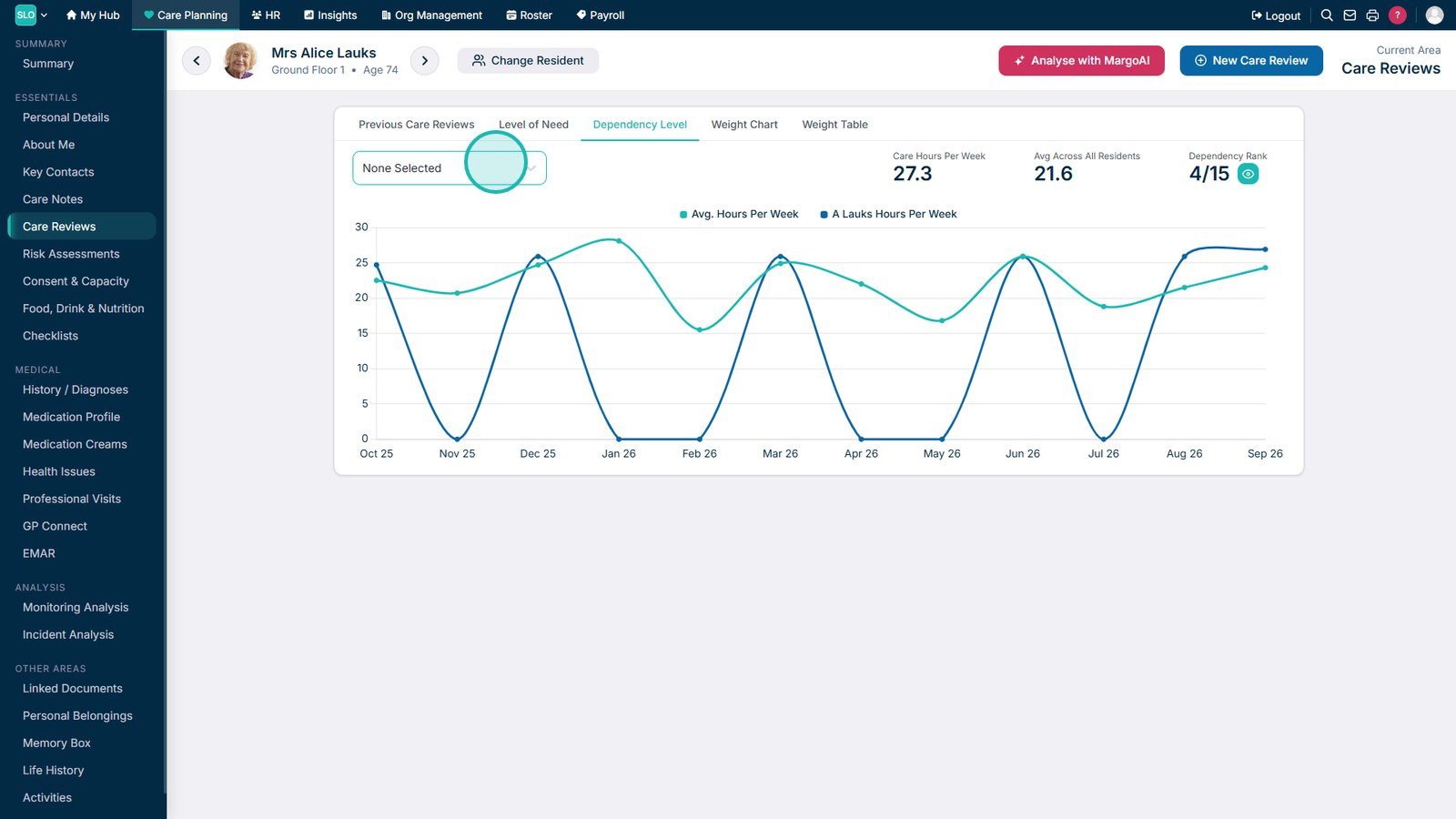
Open Dependency Level to review how the service user's dependency has changed over time.

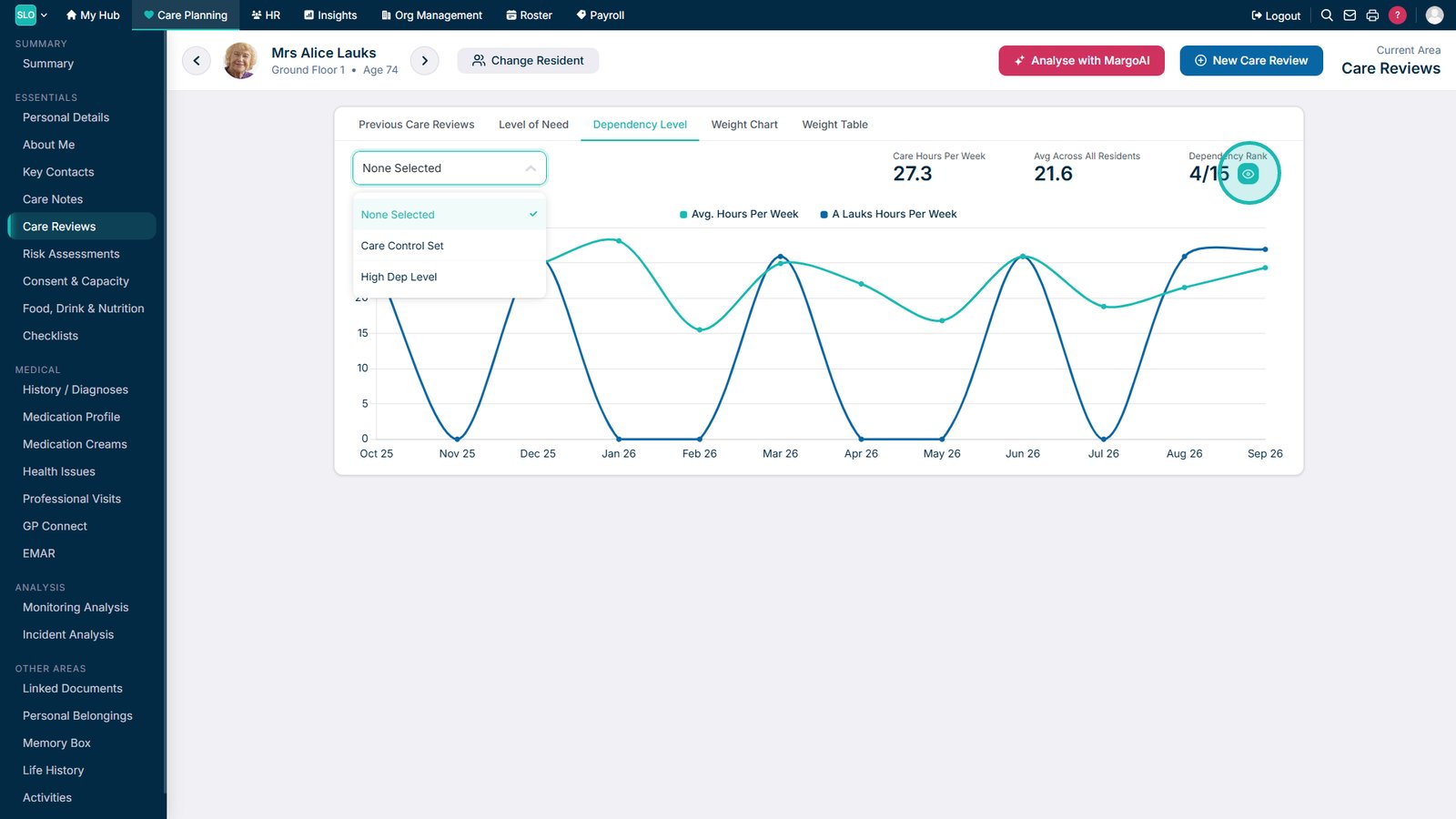
Select previous Care Reviews or adjust the available filters to compare Dependency Levels.

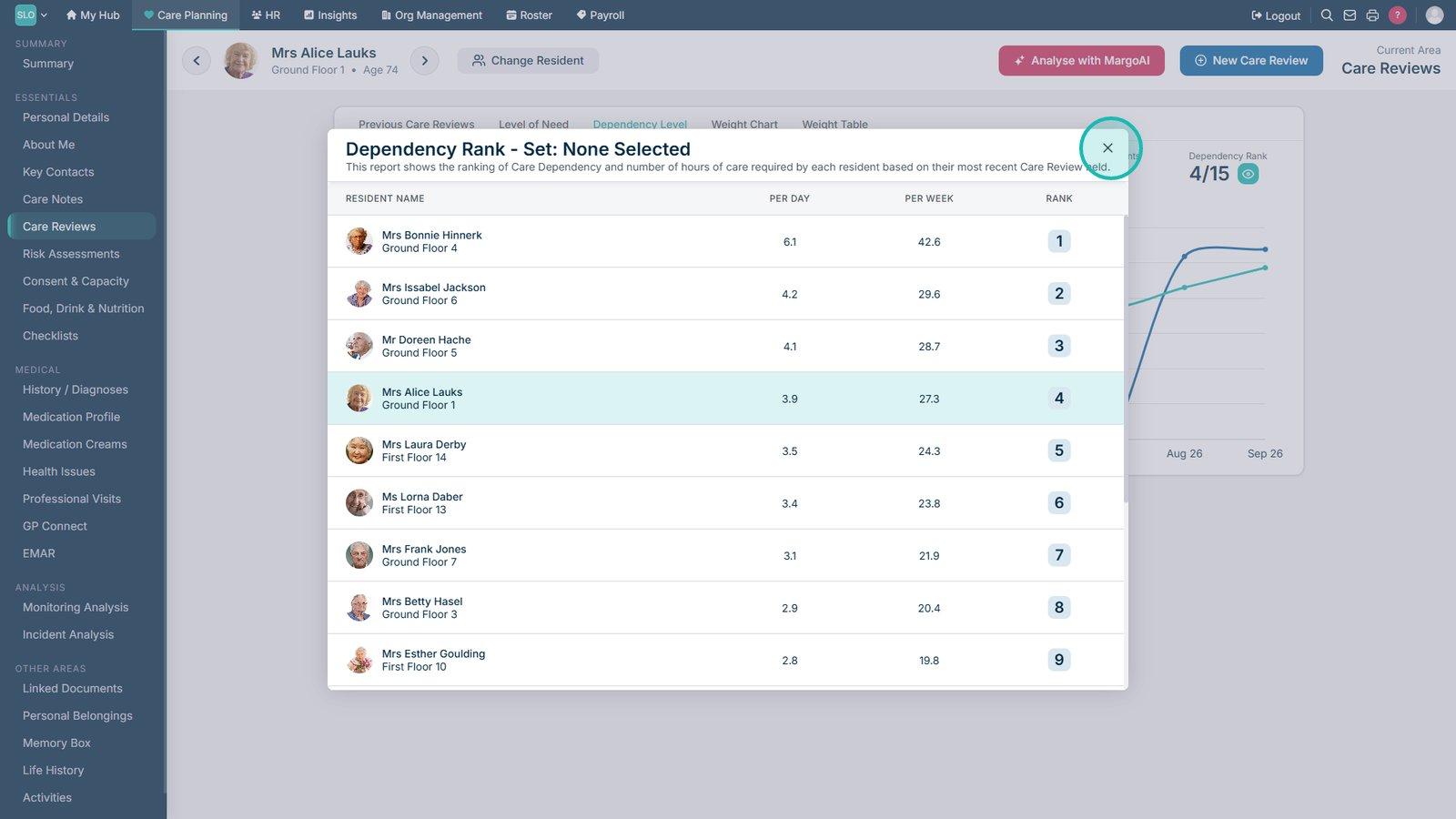
View the service user's dependency ranking for more information about their current Dependency Level.

Close the dependency ranking when you have finished reviewing it.

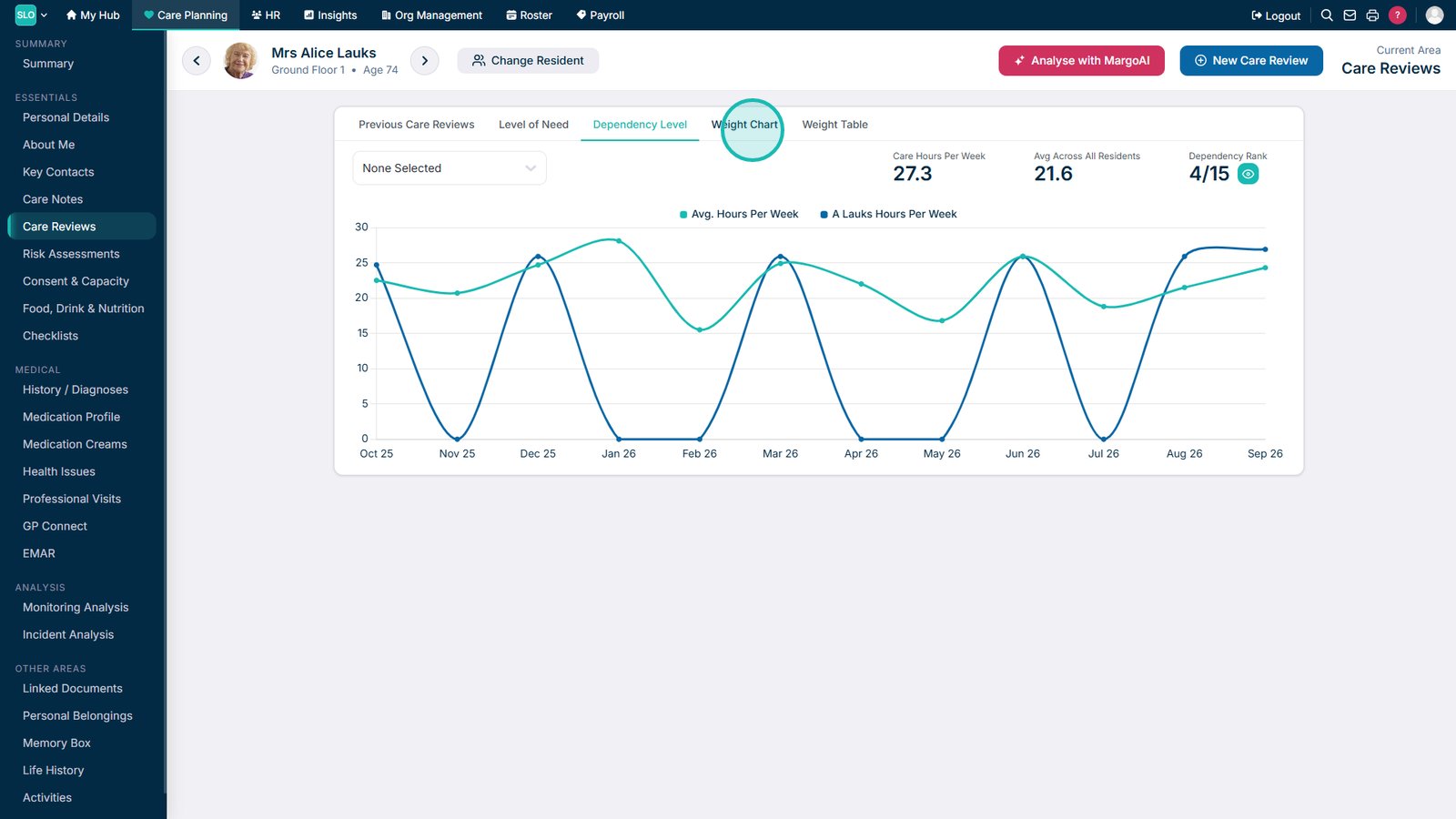
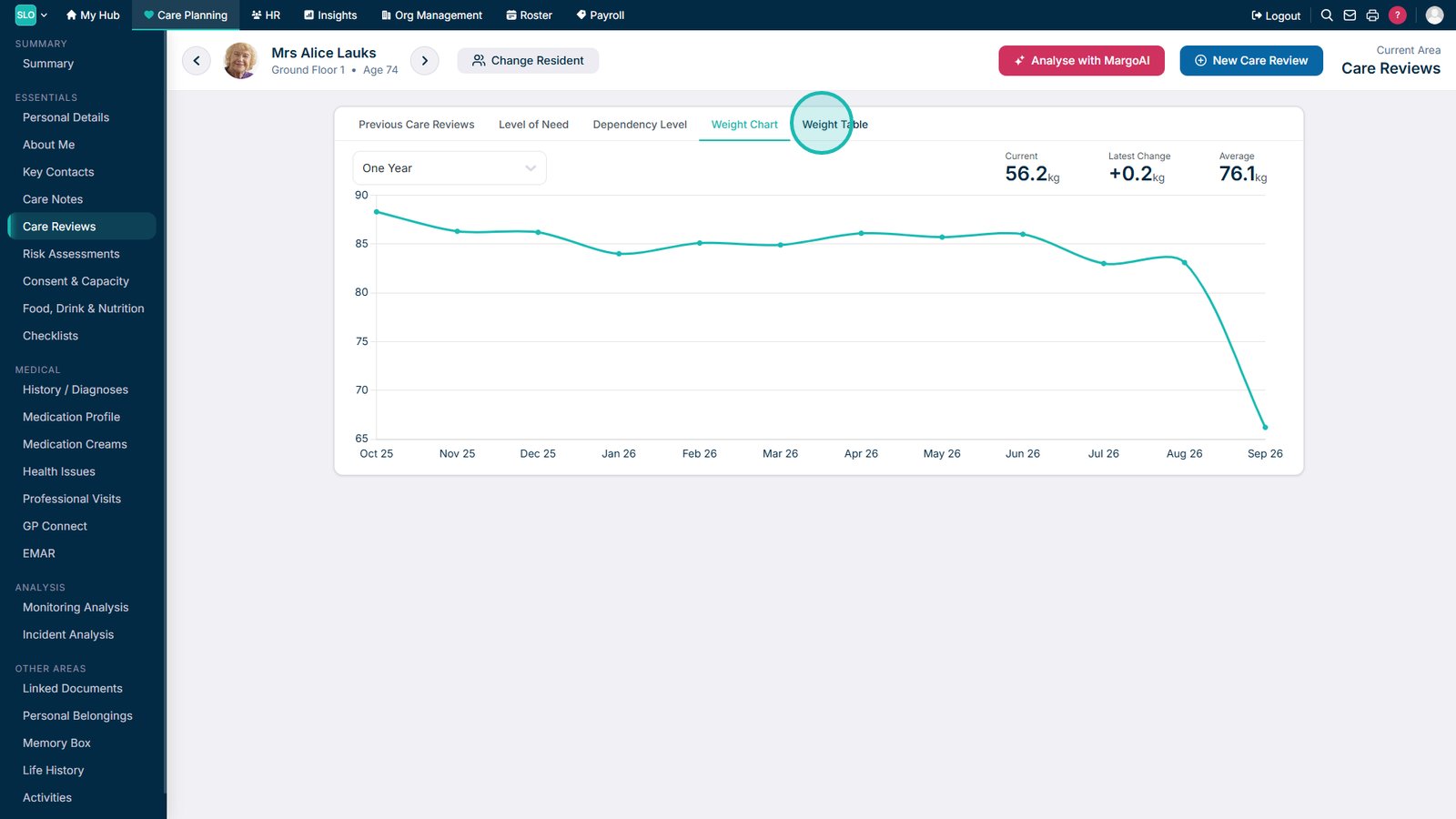
Open Weight Chart to view changes in the service user's recorded weight over time.

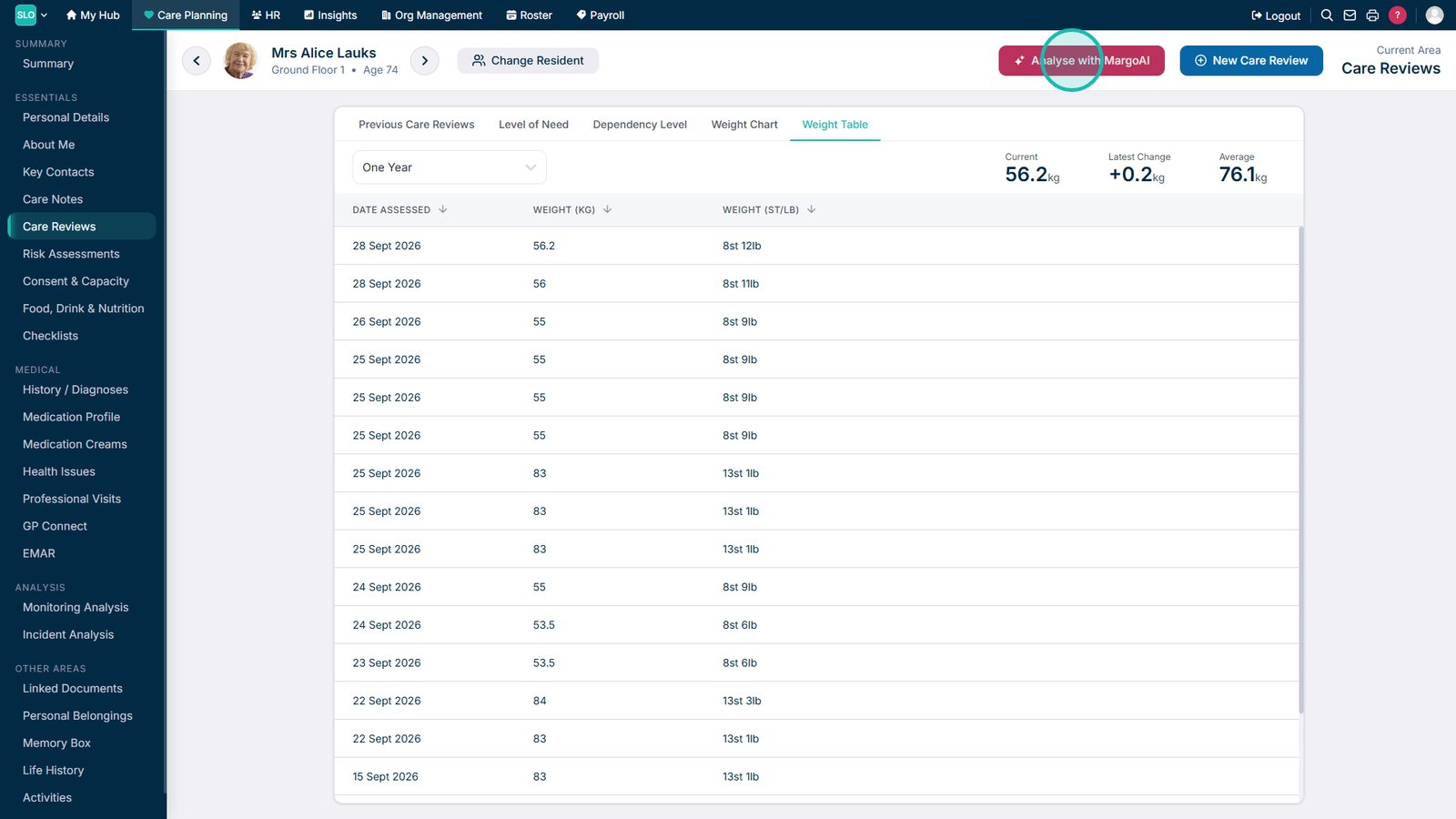
Open Weight Table to view the service user's recorded weight information by date.

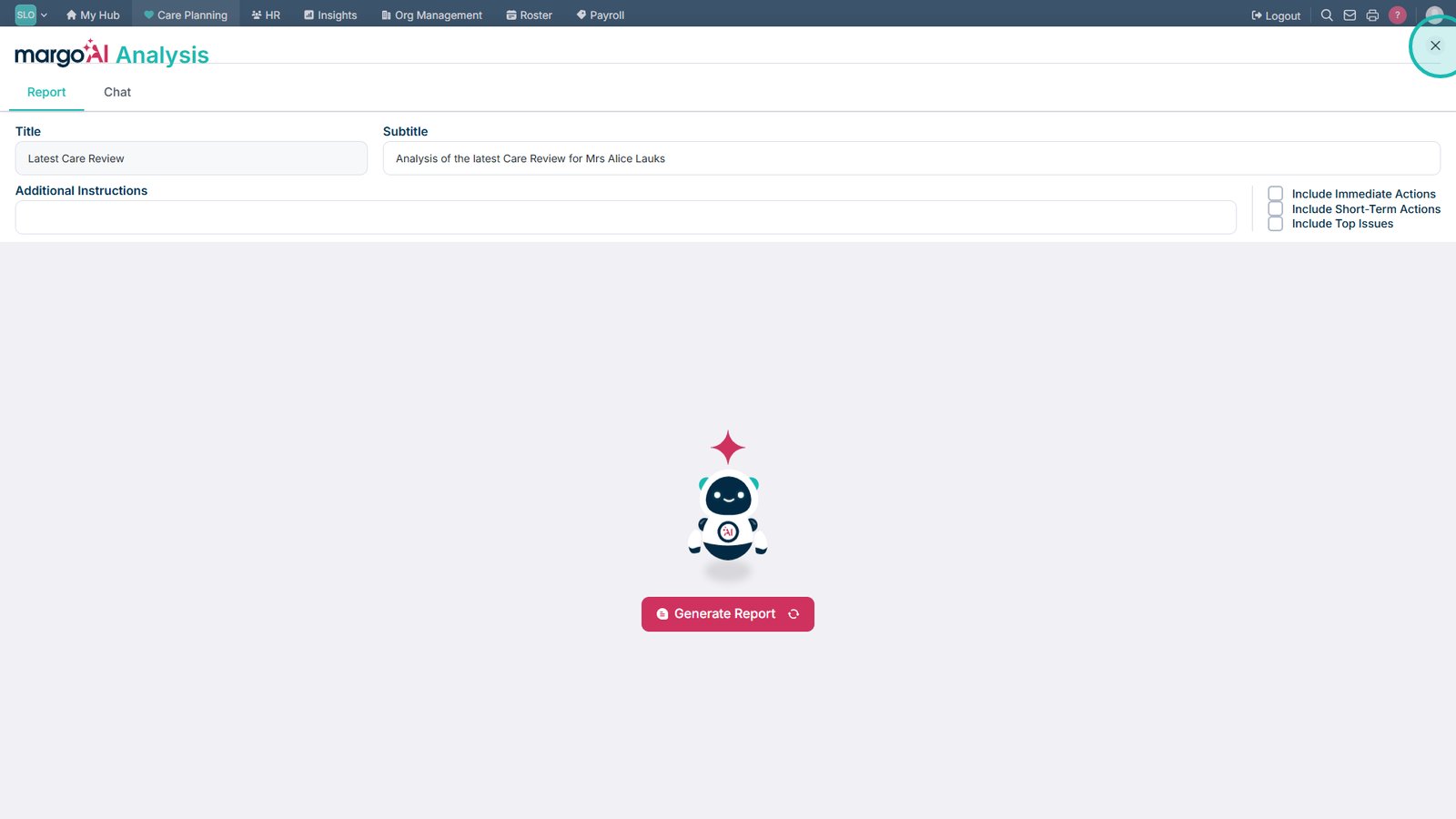
Select MargoAI Analysis to analyse the available Care Review and weight information.

Close the Analysis area when you have finished reviewing the service user's information.

Top tip
Use the available time, category and section filters when reviewing historical data. This makes it easier to focus on a particular area of care and see how a service user's needs have changed over time.
Need more help?
Can't find what you're looking for? Our support team is here to help.
Contact SupportOr call us on