How to Sign Off and Track Induction Tasks
This guide explains how to review and complete induction tasks, filter your induction dashboard, sign off completed activities, and export induction records.
Takes 5 minutes
For: Everyone
Updated: 9th July 2026
Introduction
The Induction module allows you to manage onboarding tasks, monitor progress, and complete induction sign-offs. You can filter tasks, review task details, complete sign-offs using a secure PIN where required, and export induction records.
In this guide you'll learn how to:
- Access your induction dashboard
- Filter and review induction tasks
- Complete induction sign-offs
- Track task completion
- Export induction records
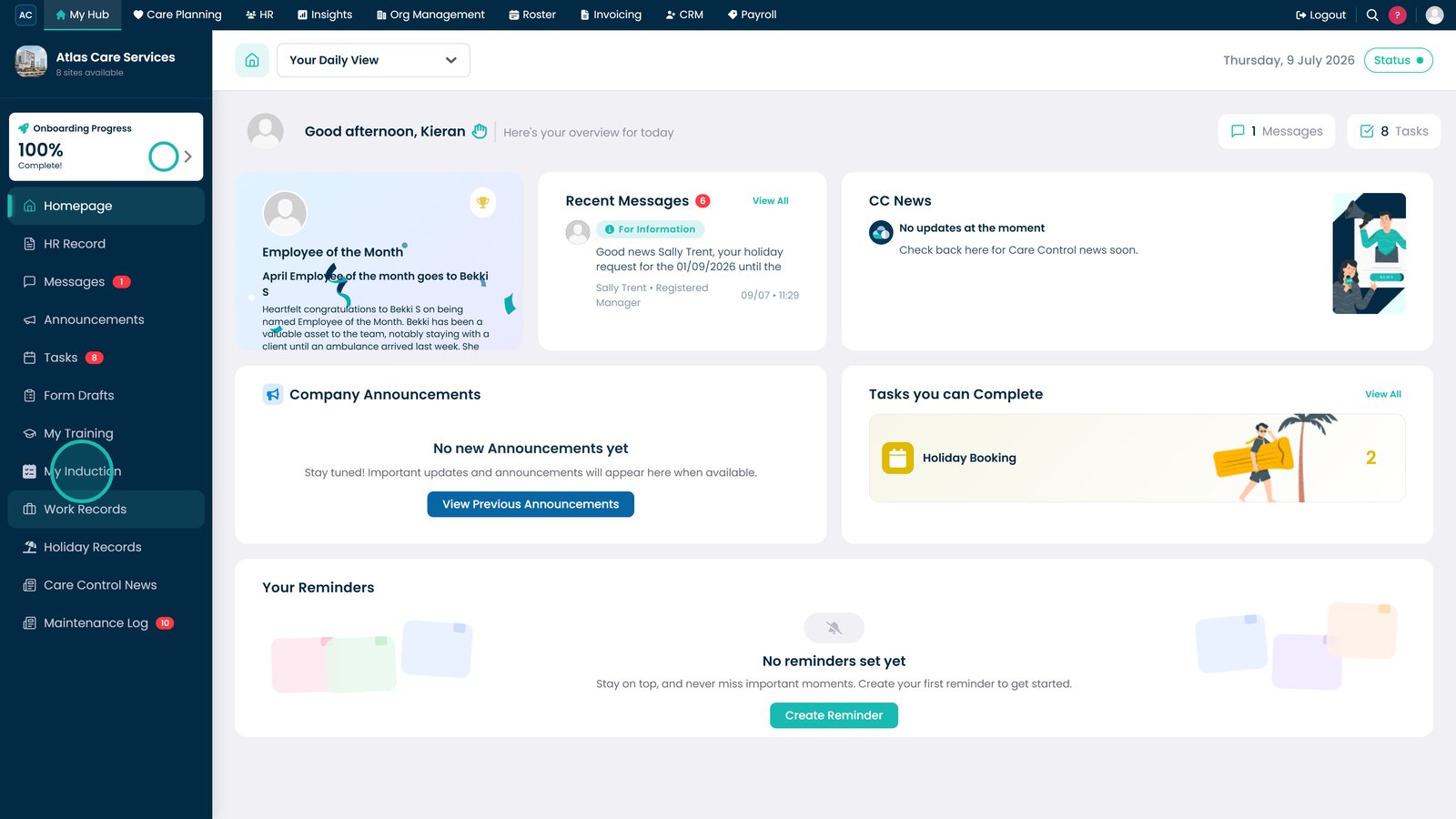
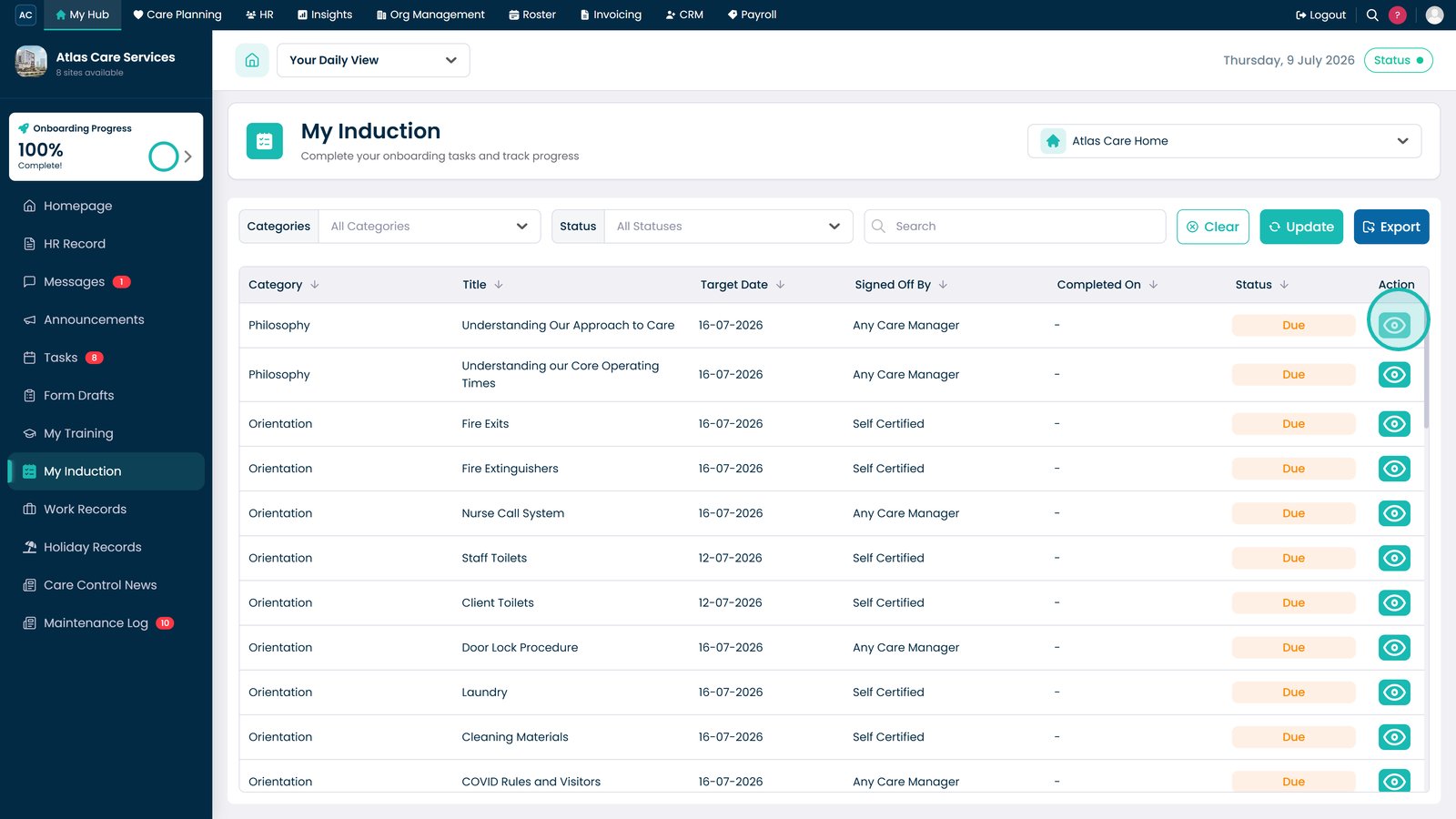
Open the Induction dashboard.

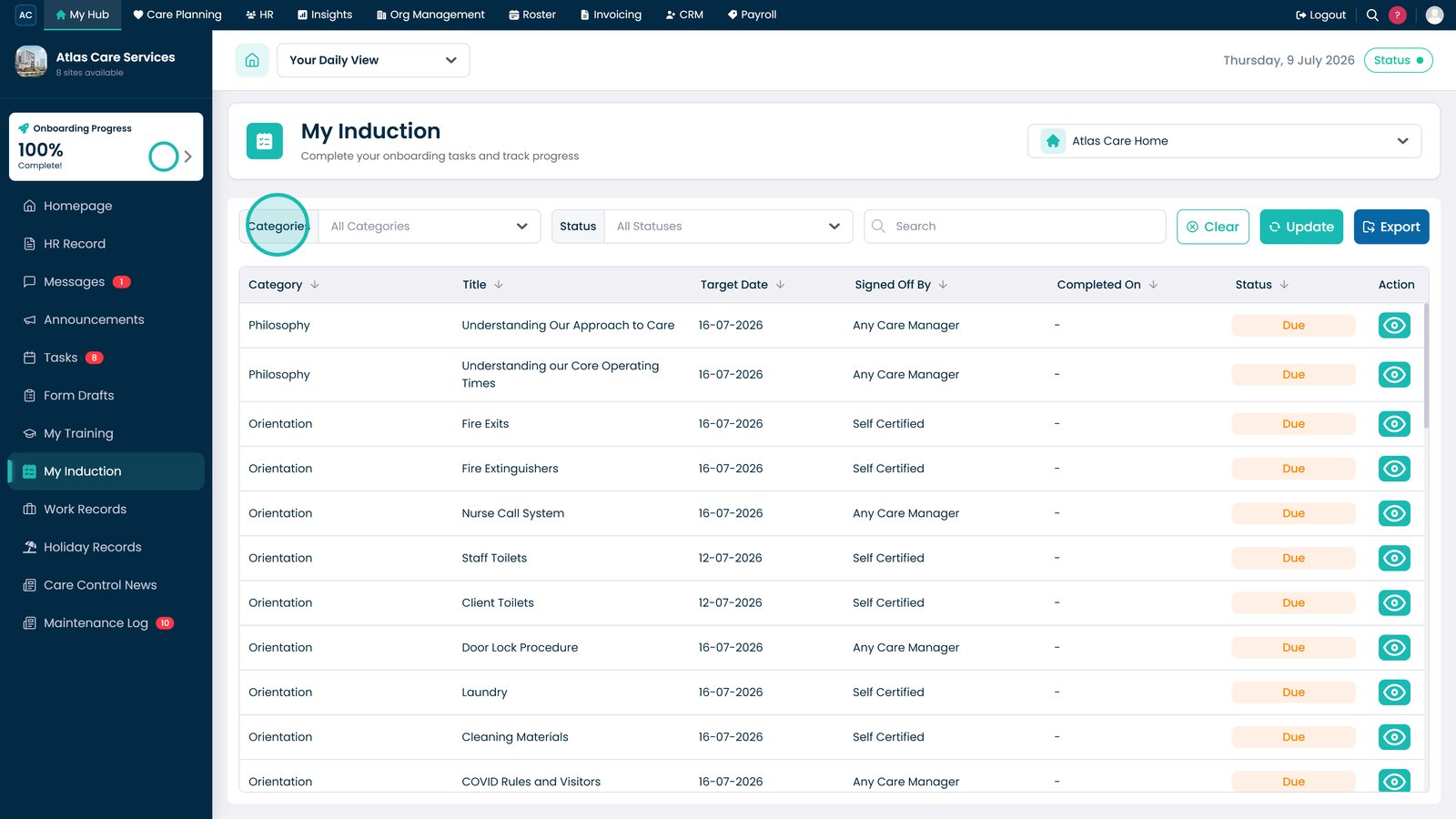
Filter induction tasks by category.

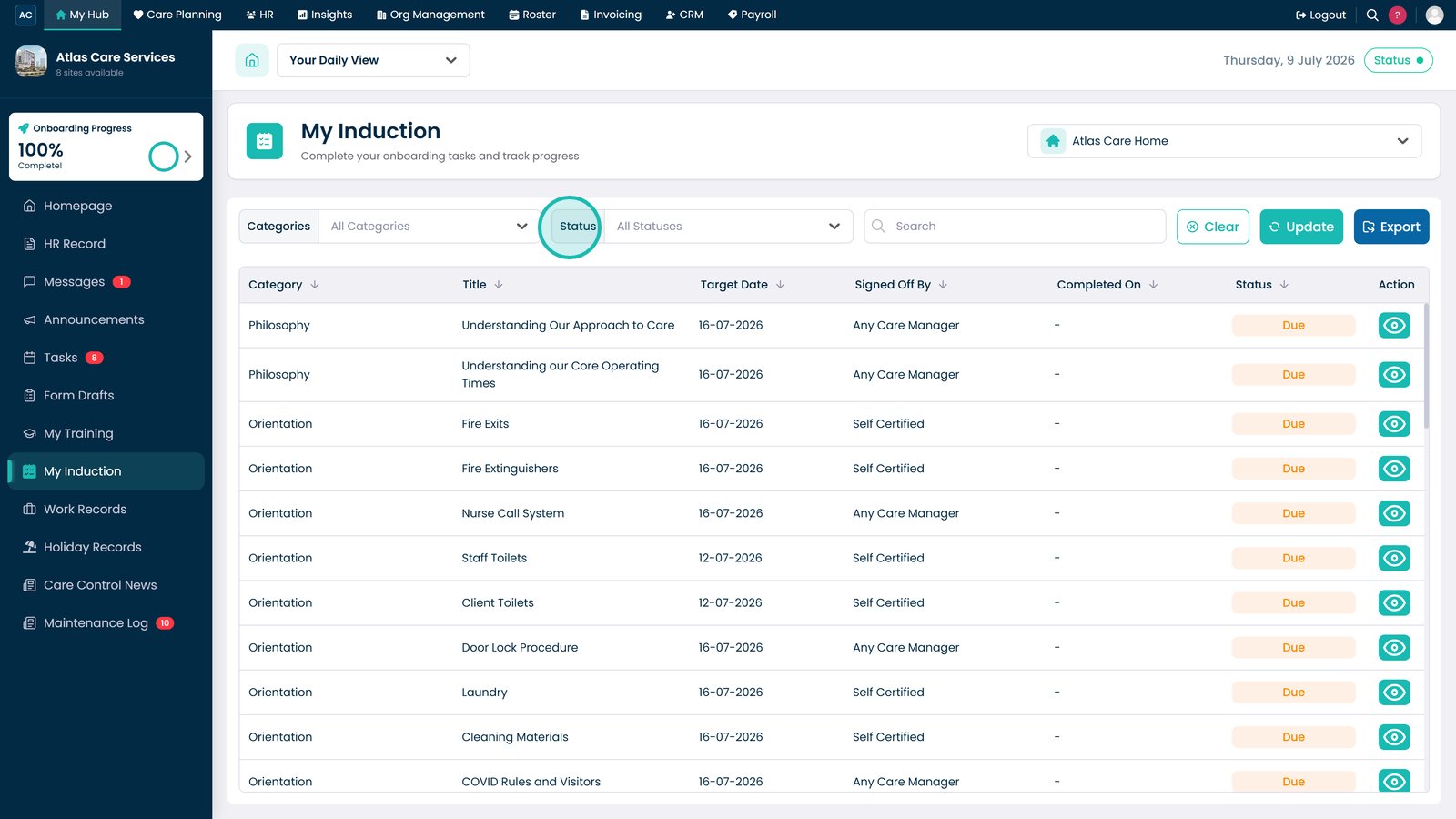
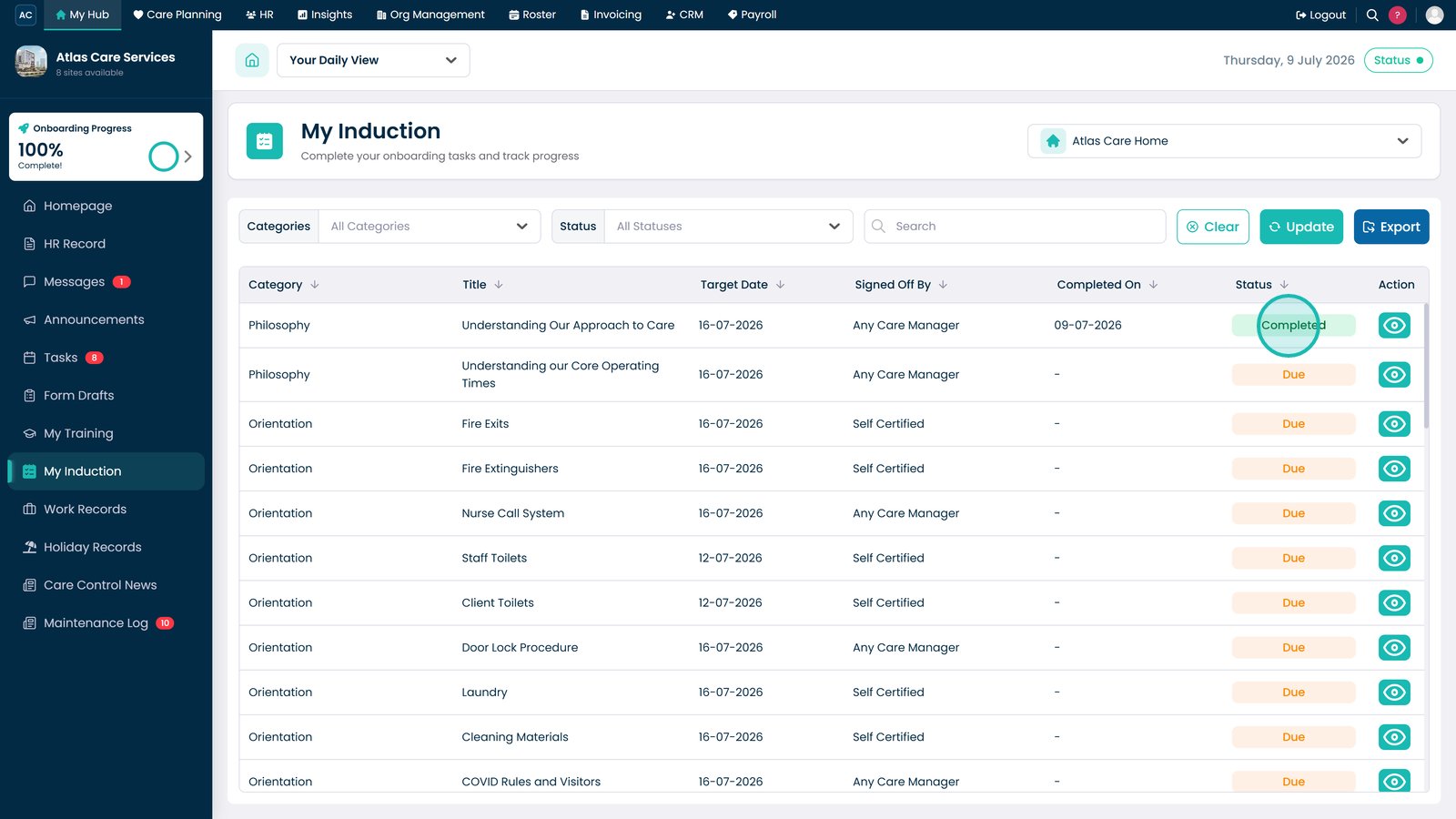
Use the Status filter to view tasks by their completion status.

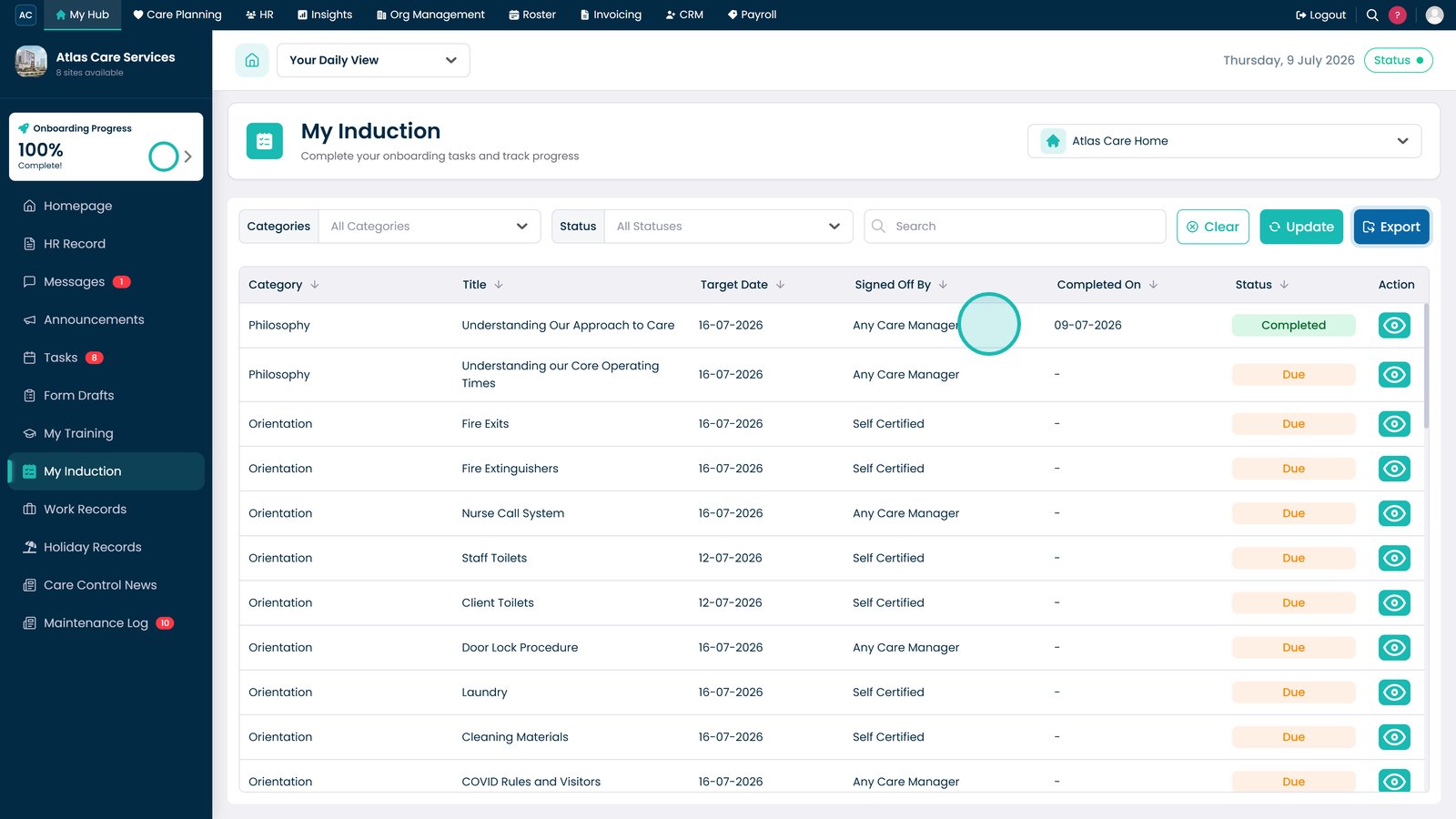
Review who is assigned to, or has signed off, the induction task.

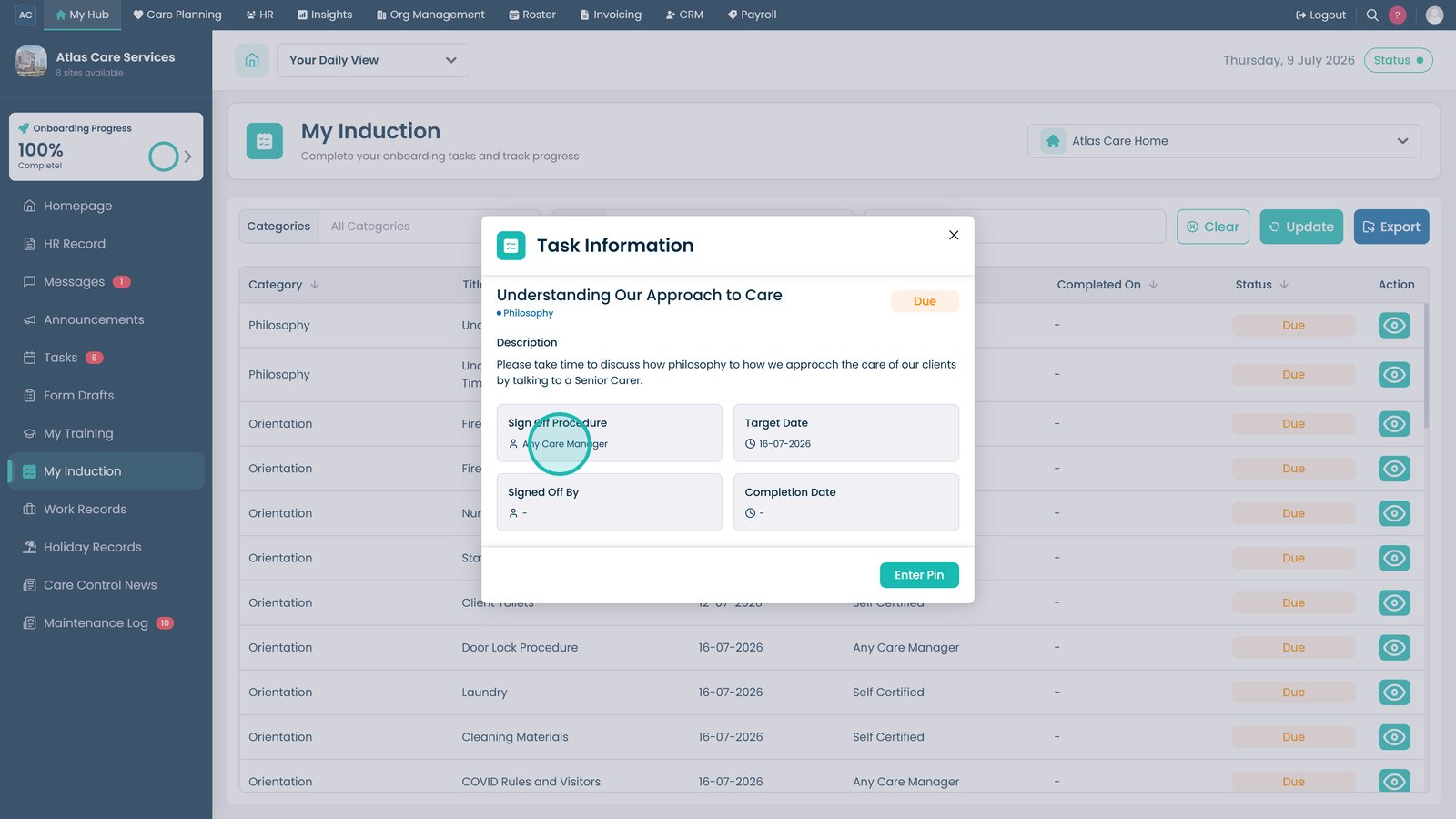
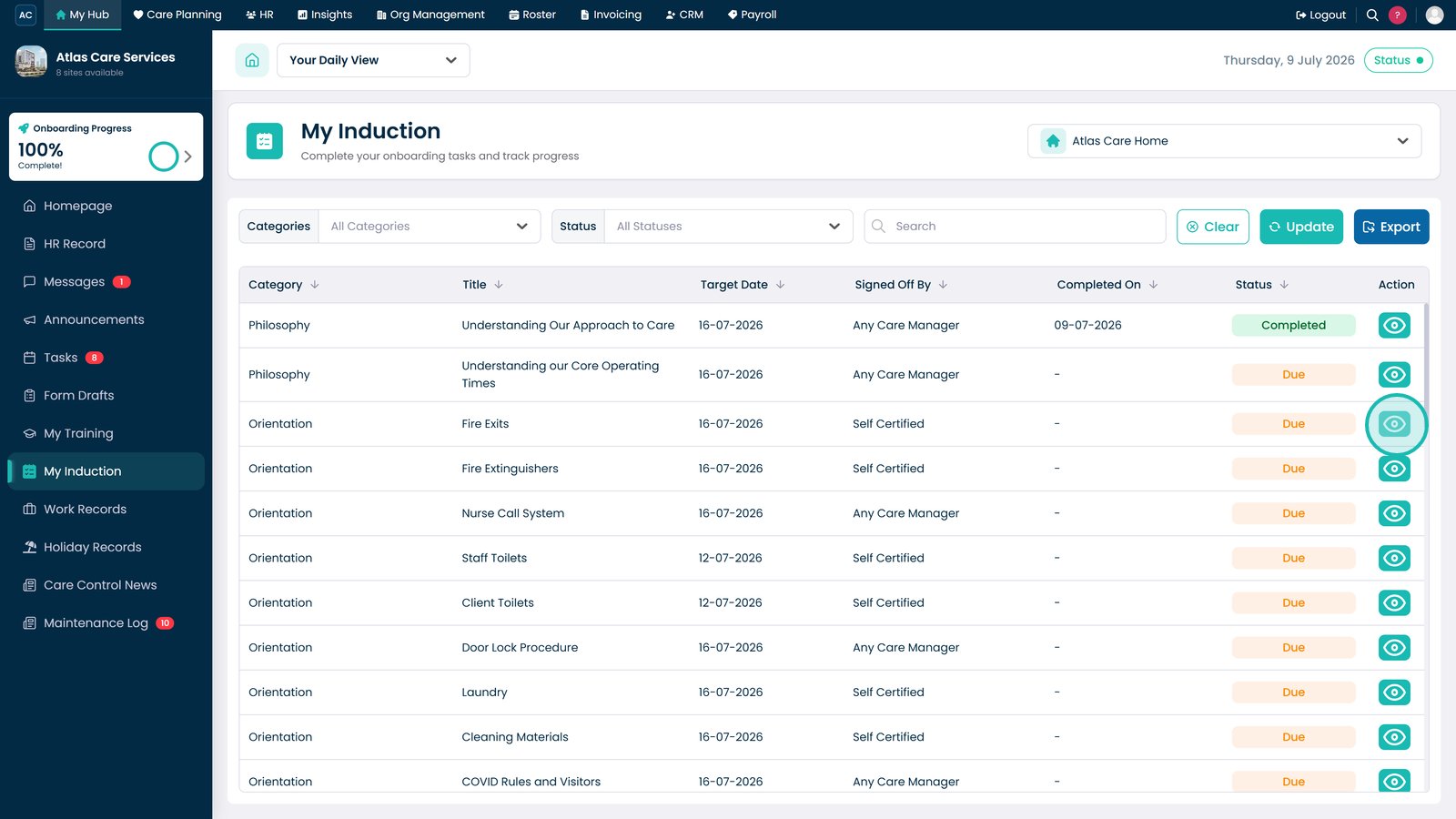
Select the View icon to review the induction task details.

Review whether the task requires sign-off by a Care Manager.

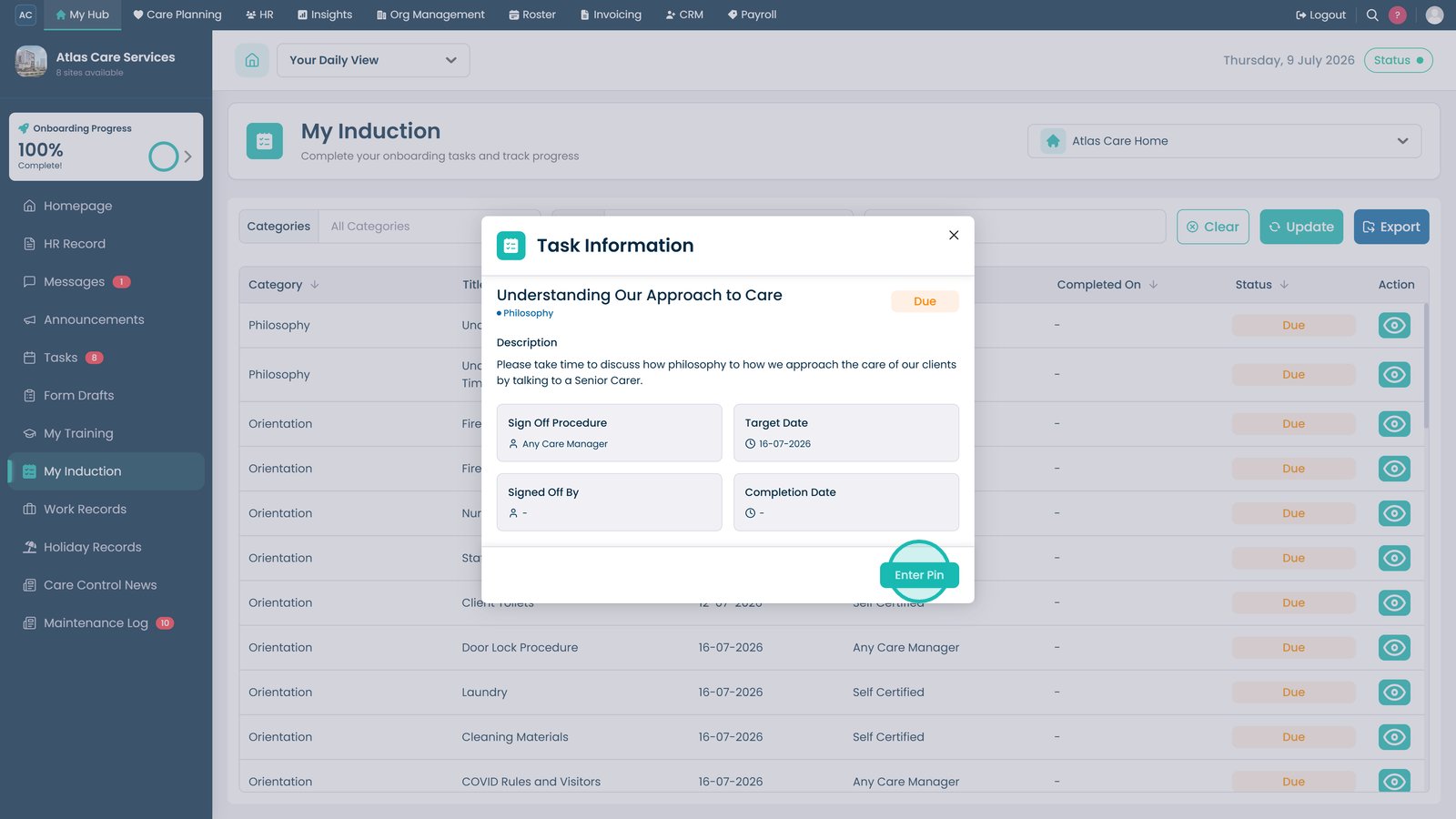
Select Enter PIN to begin the sign-off process.

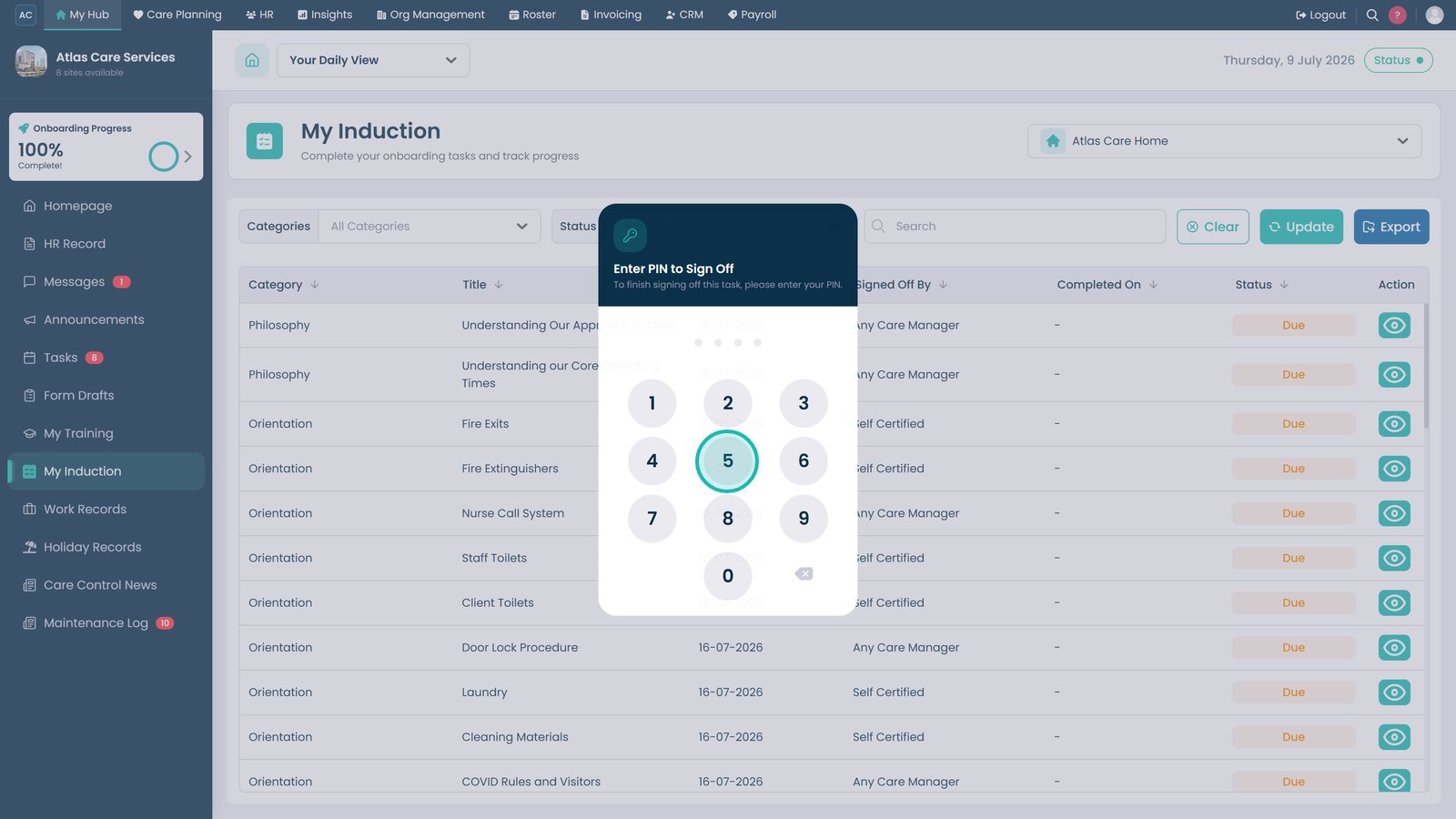
Enter your PIN to confirm completion of the task.

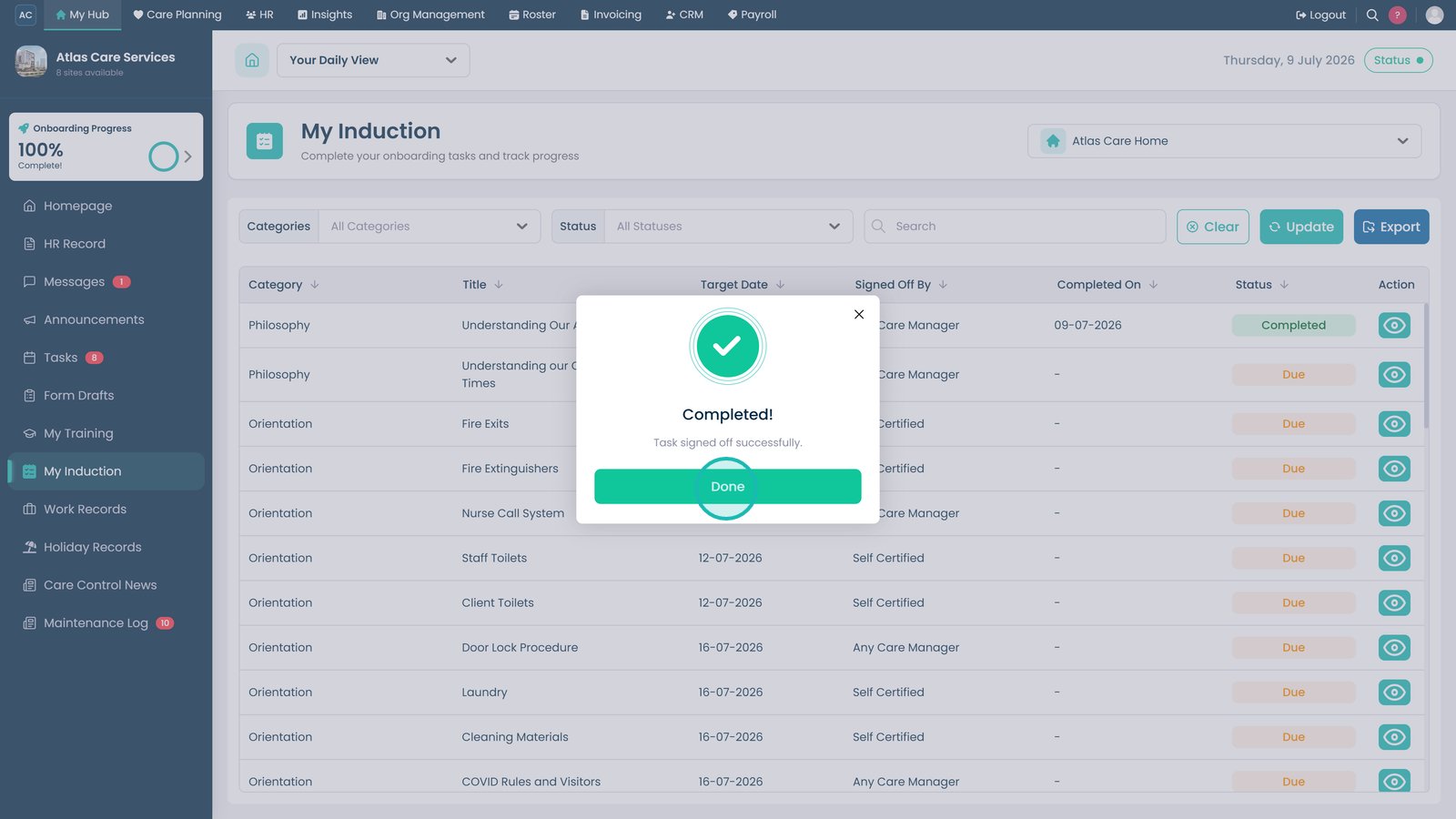
Select Done to close the confirmation message.

Review the updated status to confirm the task has been completed.

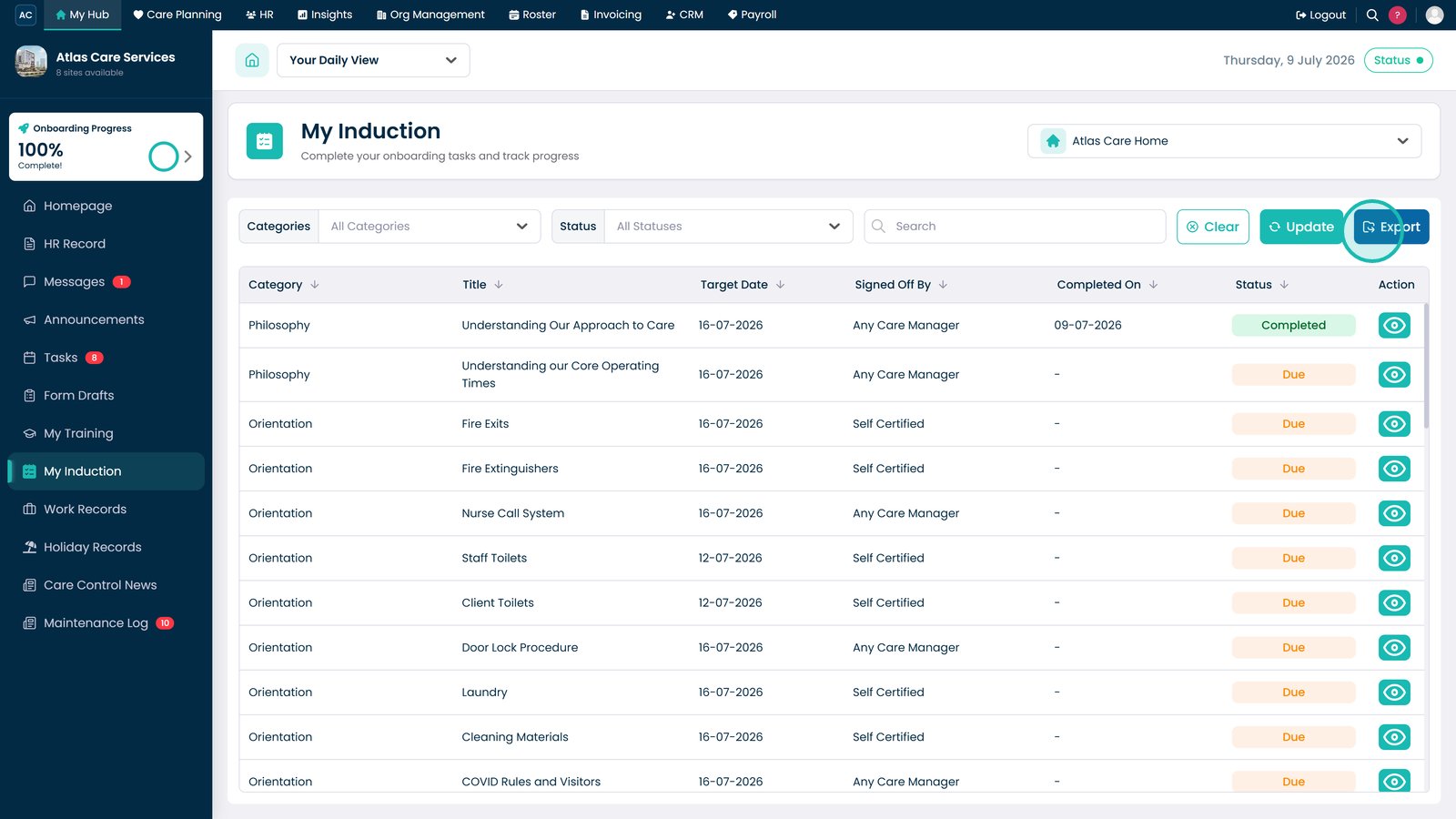
Export the induction records if required.

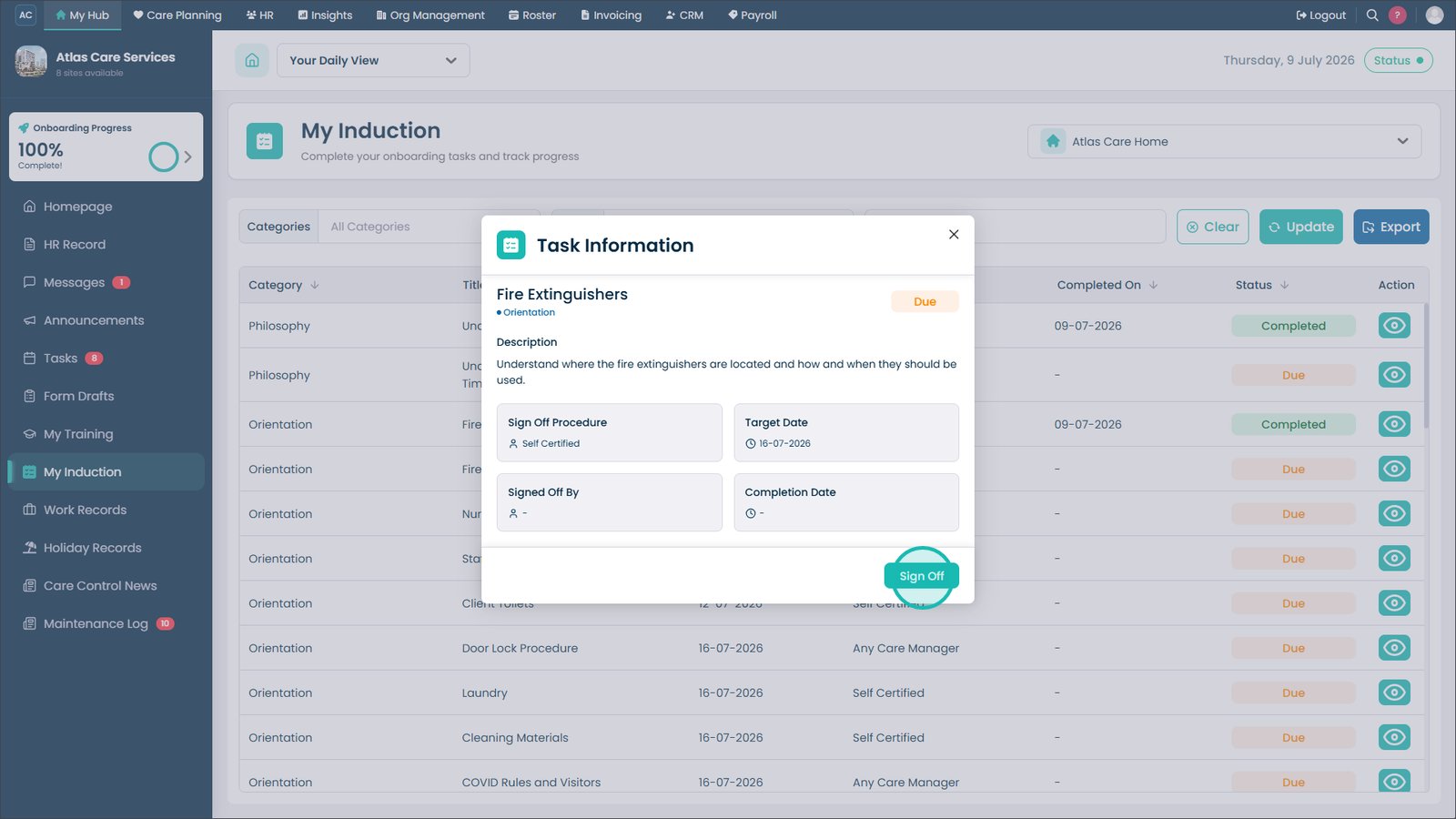
Open the task details to review additional information and completion history.

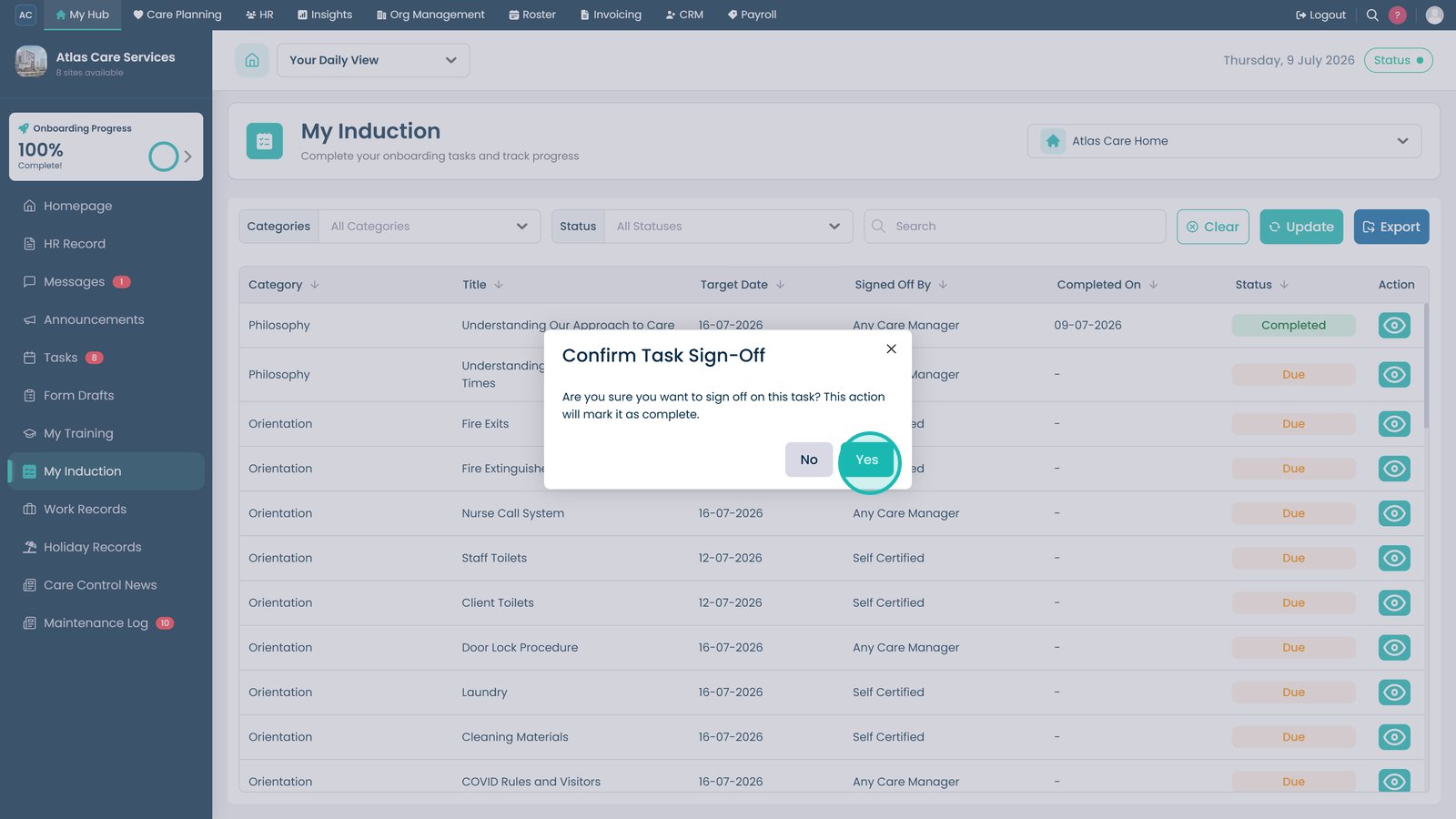
Select Sign-Off to complete the induction task.

Confirm the sign-off to complete the onboarding task.

Top tip
Before signing off a task, review its details to ensure all required activities have been completed, as some tasks require manager authorisation.
Need more help?
Can't find what you're looking for? Our support team is here to help.
Contact SupportOr call us on