This guide explains how to quickly switch between service users within the system.
Takes 1 minute
For: Care Staff
Updated: 26th June 2026
Introduction
The Change Service User function allows you to quickly navigate between service user records from anywhere within the system. You can search for individuals, filter the available list, and move directly between records without needing to return to the service user selection screen.
In this guide you'll learn how to:
Open the Change Service User window
Filter and search for service users
Switch between active and past service users
Navigate directly to the next or previous service user
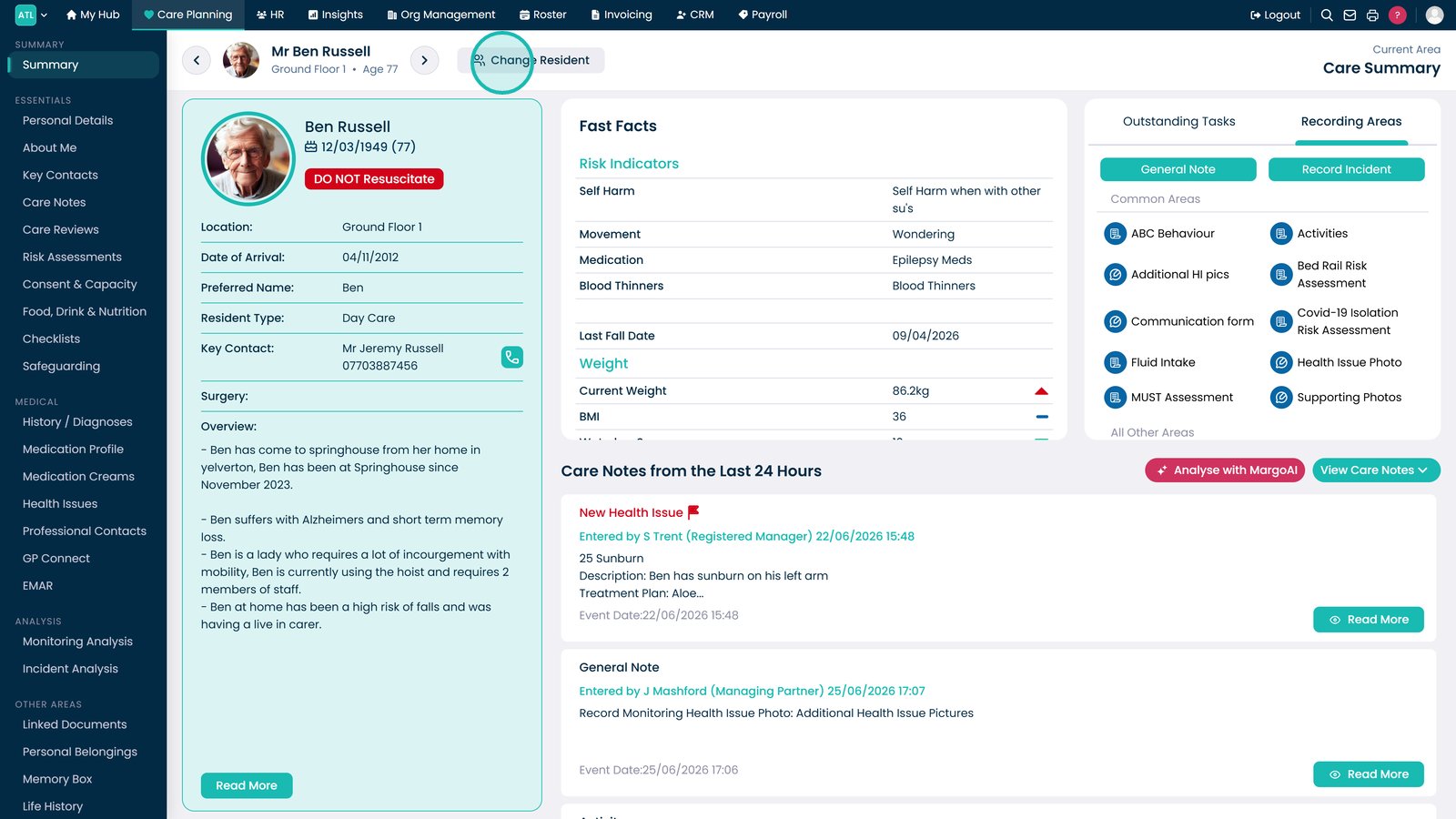
Select Change Service User.
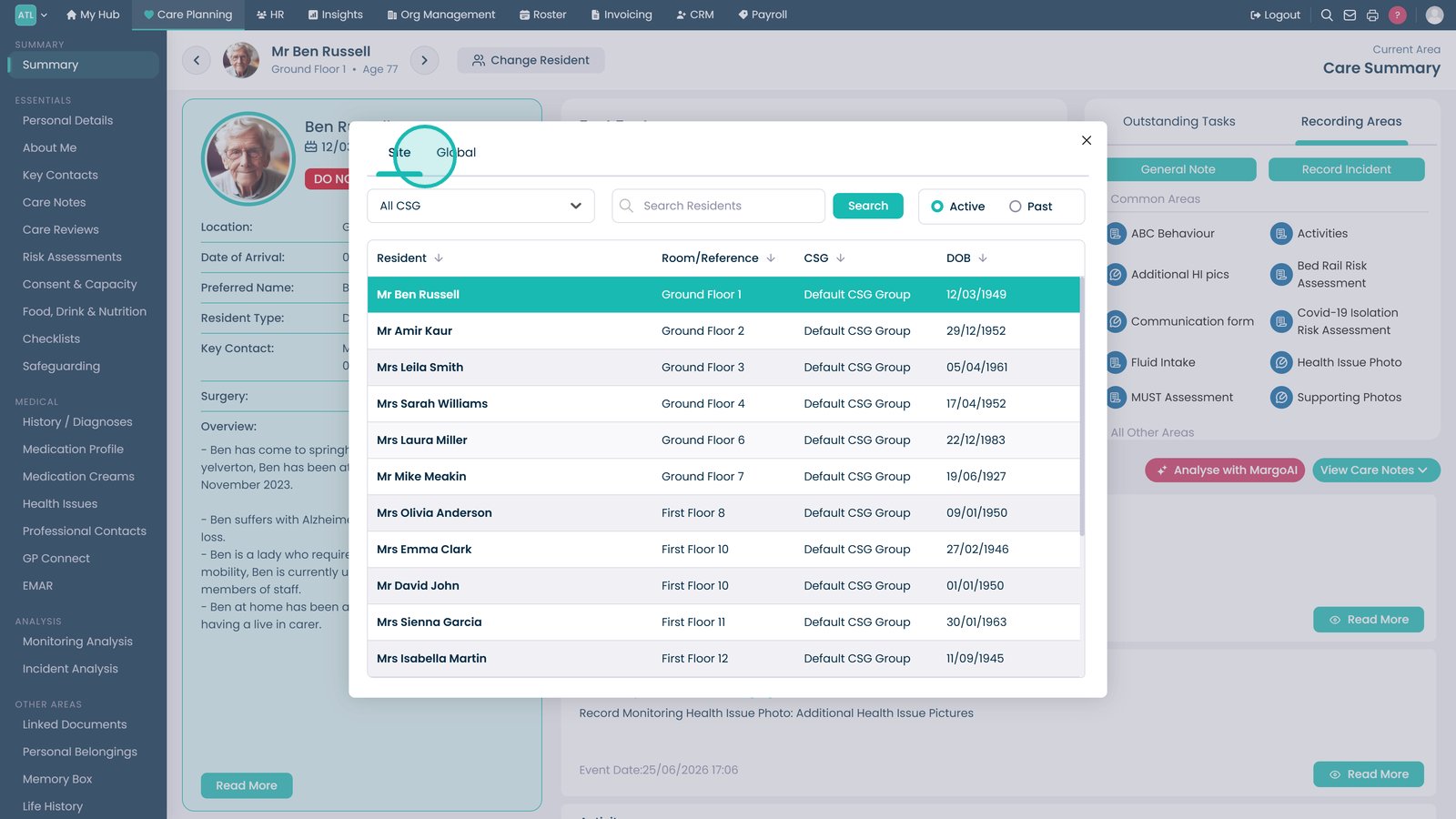
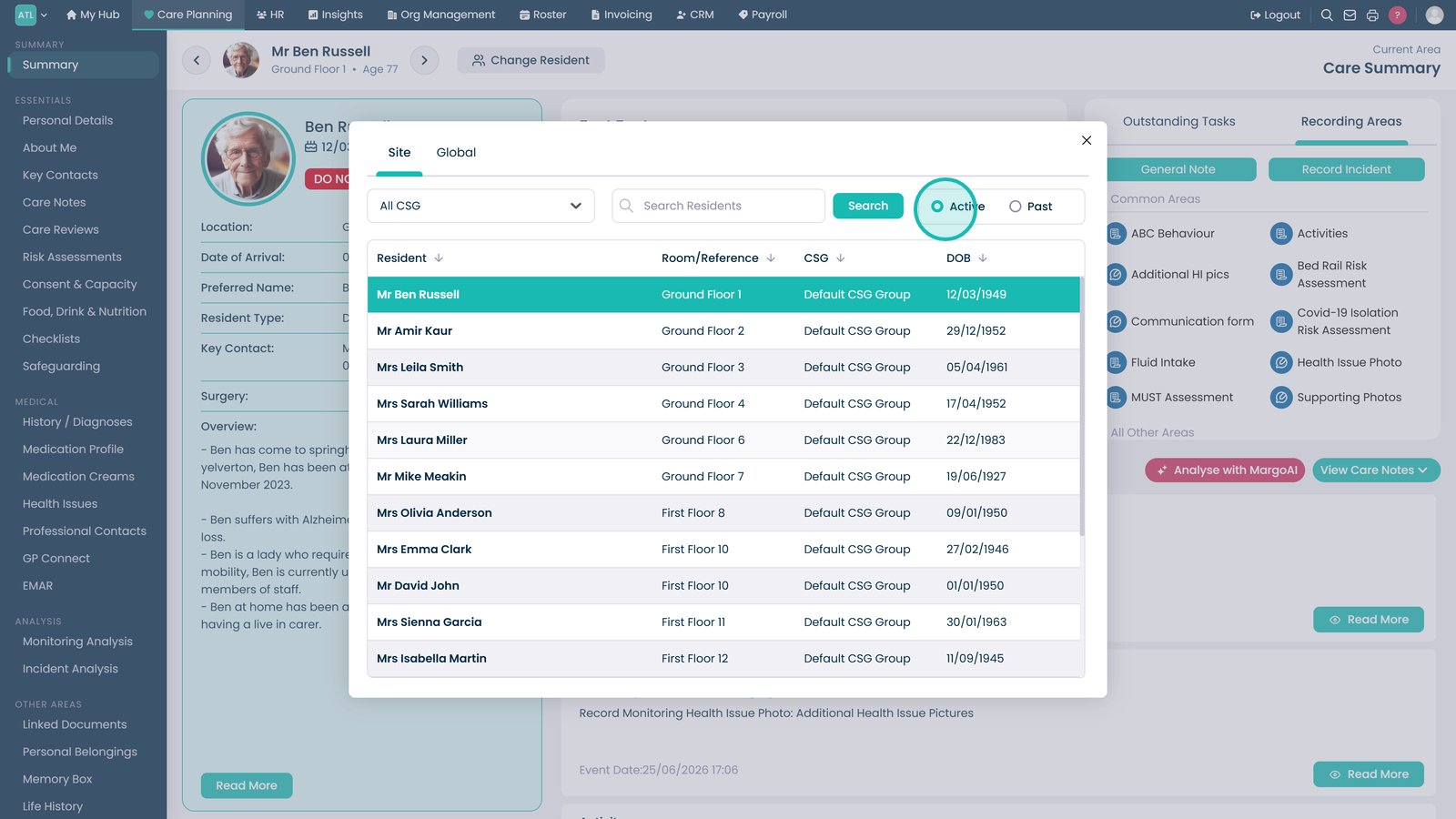
Choose whether to view Sitewide or Global service users.
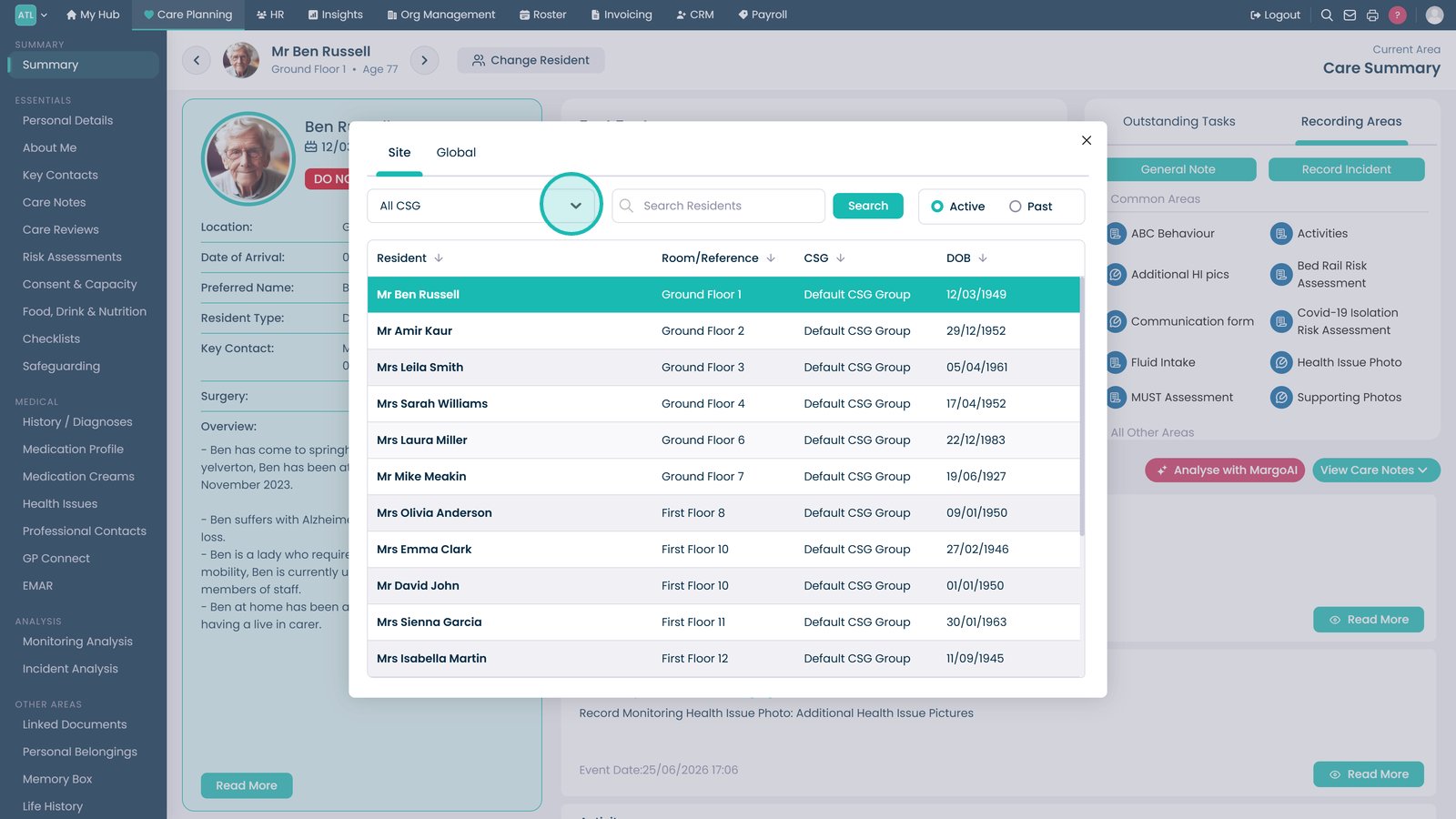
Use the CSG filter to narrow the list of service users.
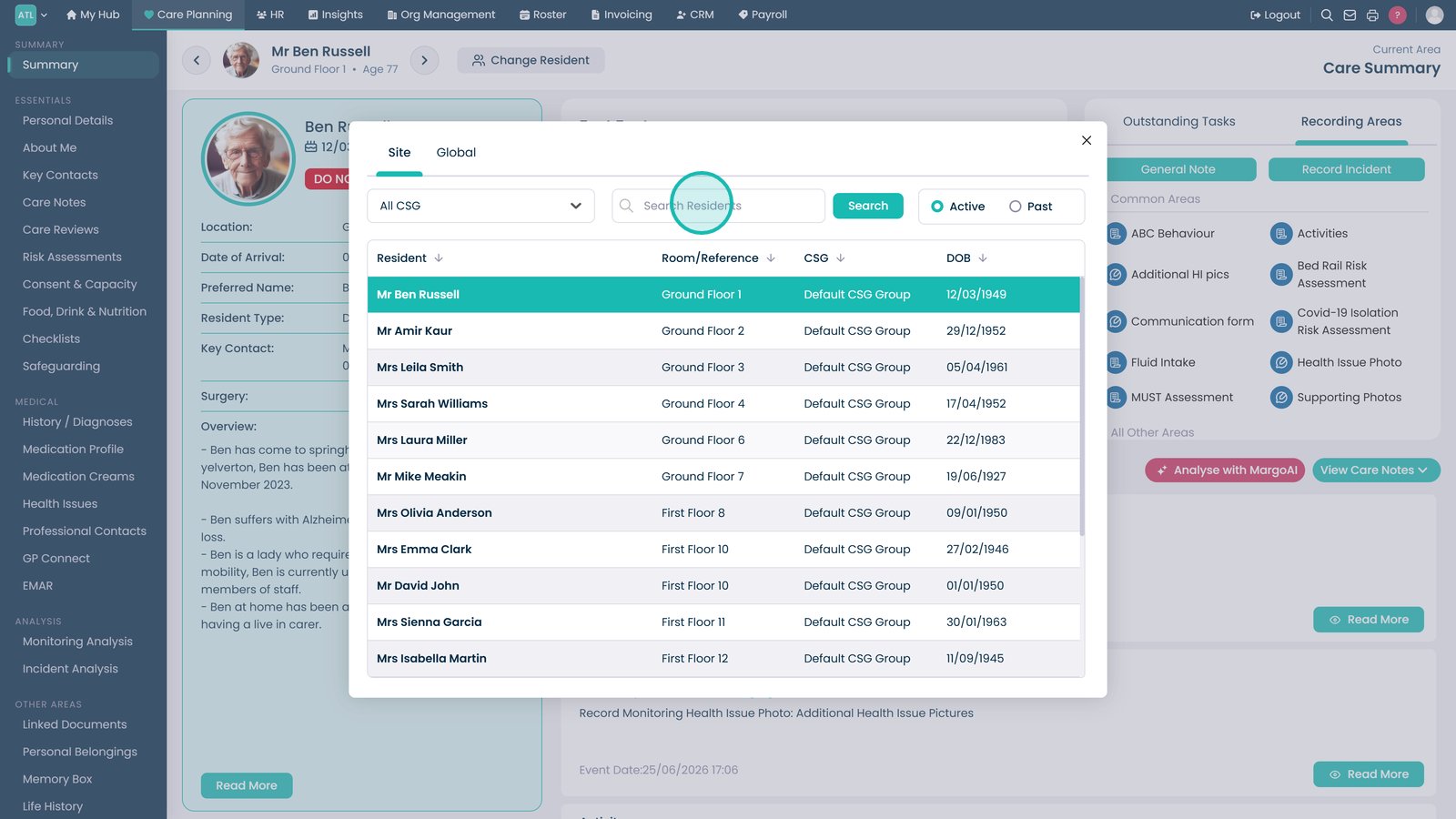
Search for a specific service user.
Choose whether to display active or past service users.
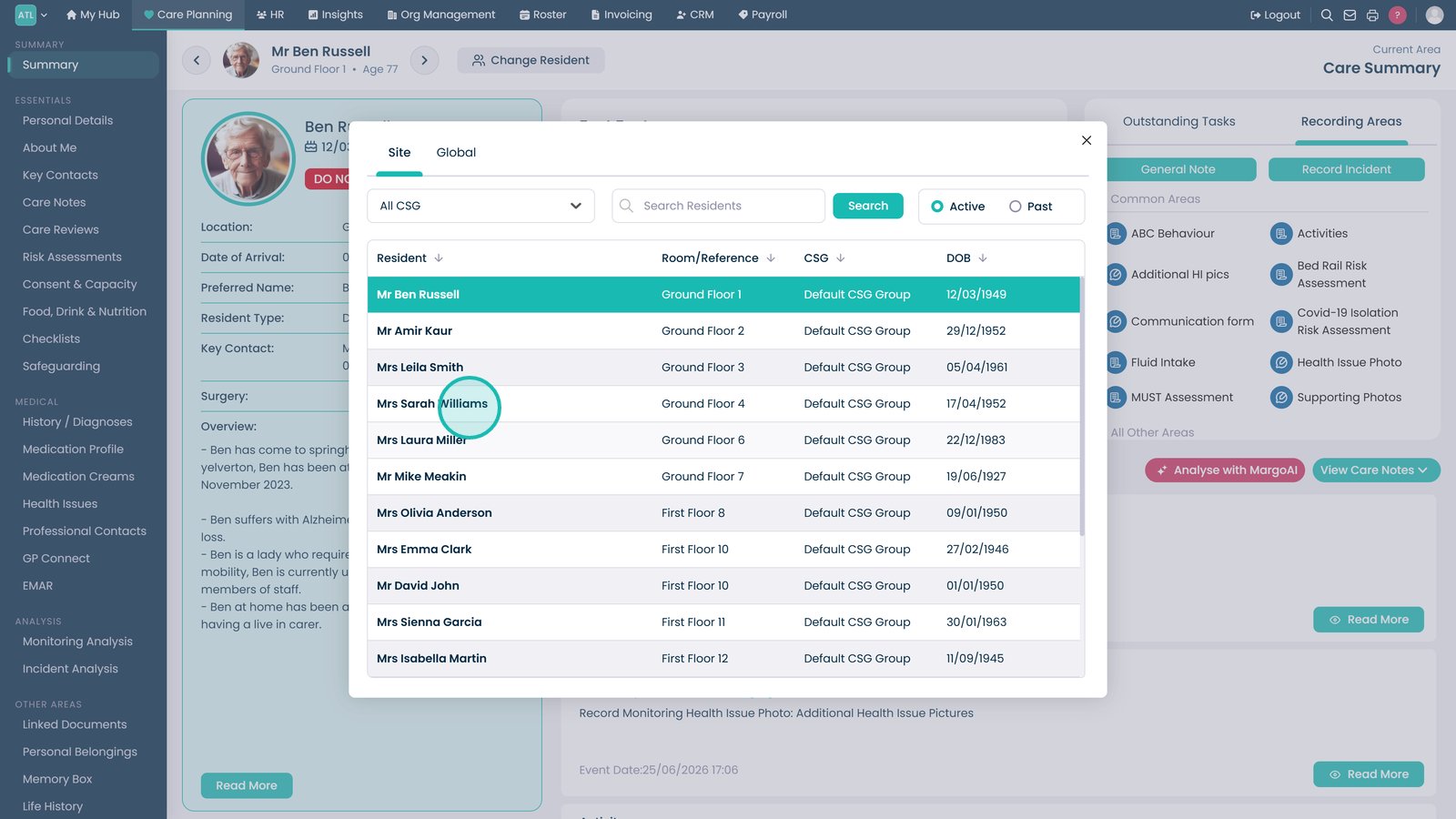
Select a service user's name to open their record.
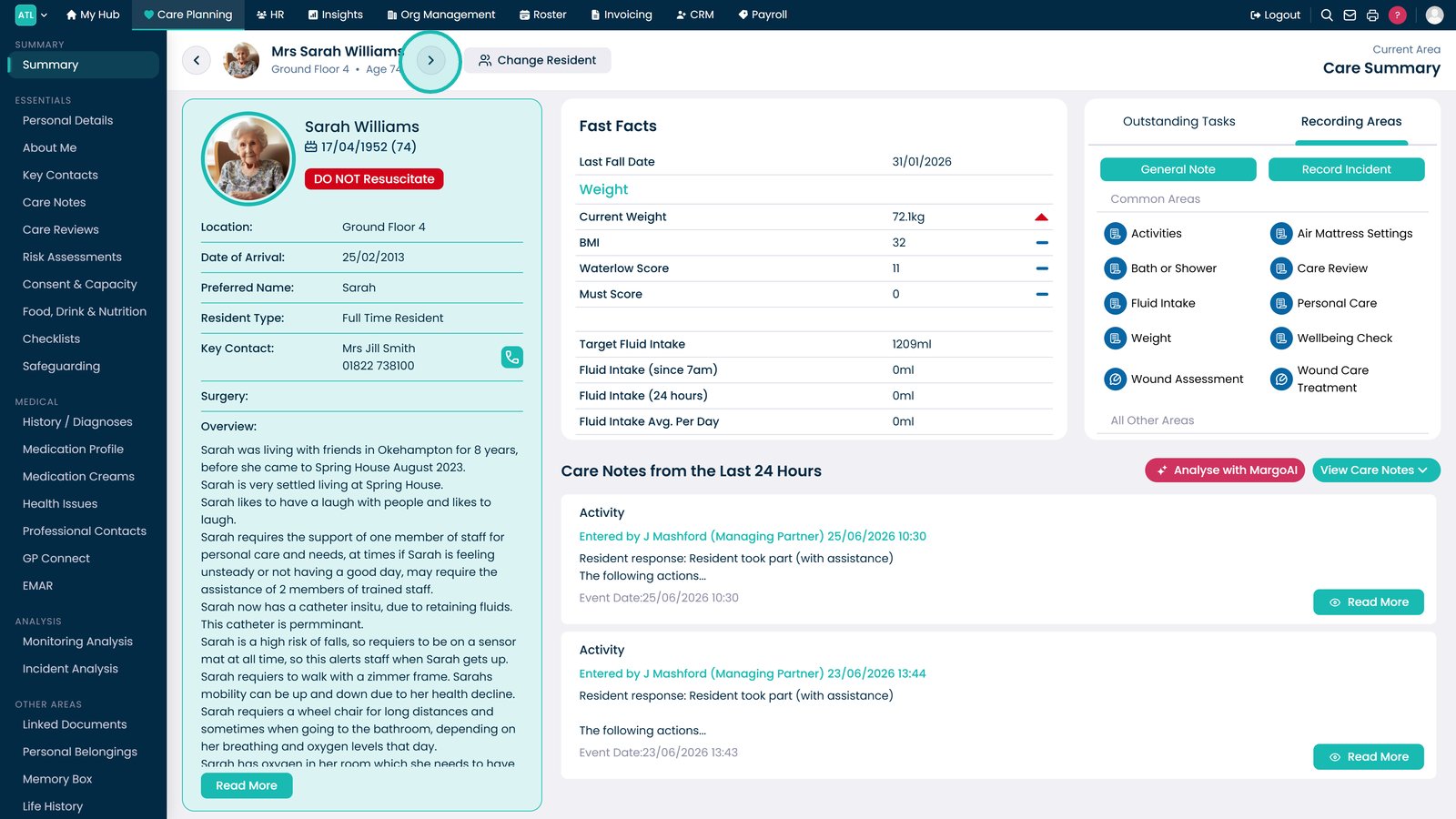
Use the previous and next arrows beside the service user's name to move between records.
Top tip
Use the search box together with the CSG filter to quickly locate a specific service user in large organisations.