This guide explains how to view and update a Service User's Life History record.
Takes 5 minutes
For: Care Staff
Updated: 22nd June 2026
Introduction
The Life History section allows staff to record and maintain important personal information about a resident. This information helps care teams better understand the individual, support meaningful conversations, and deliver personalised care based on the resident's background, experiences, and preferences.
In this guide you'll learn how to:
Access a resident's Life History record
Edit existing life history information
Complete and navigate life history questions
Save updates to the resident's profile
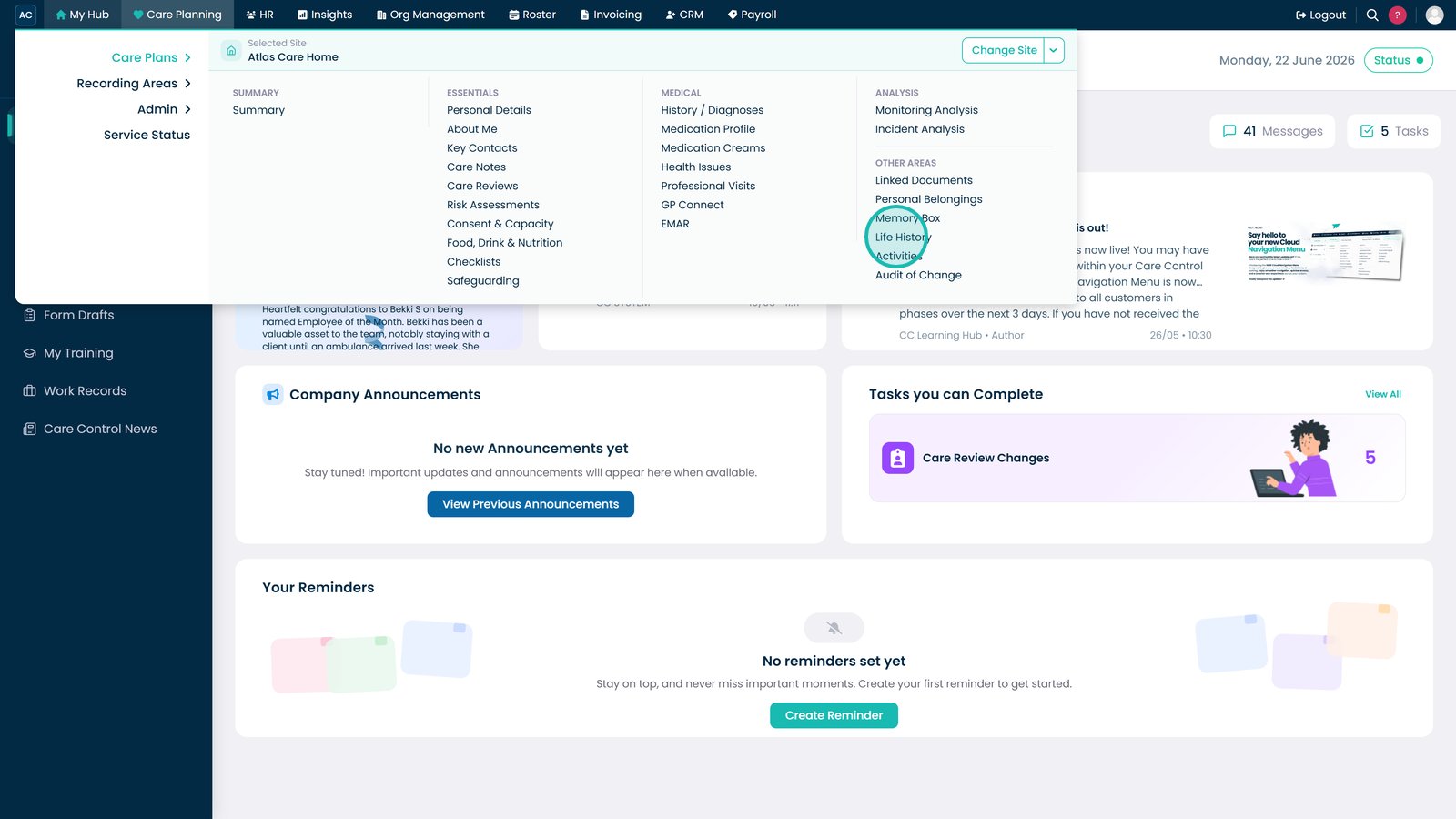
Open Life History from the Care Plans menu.
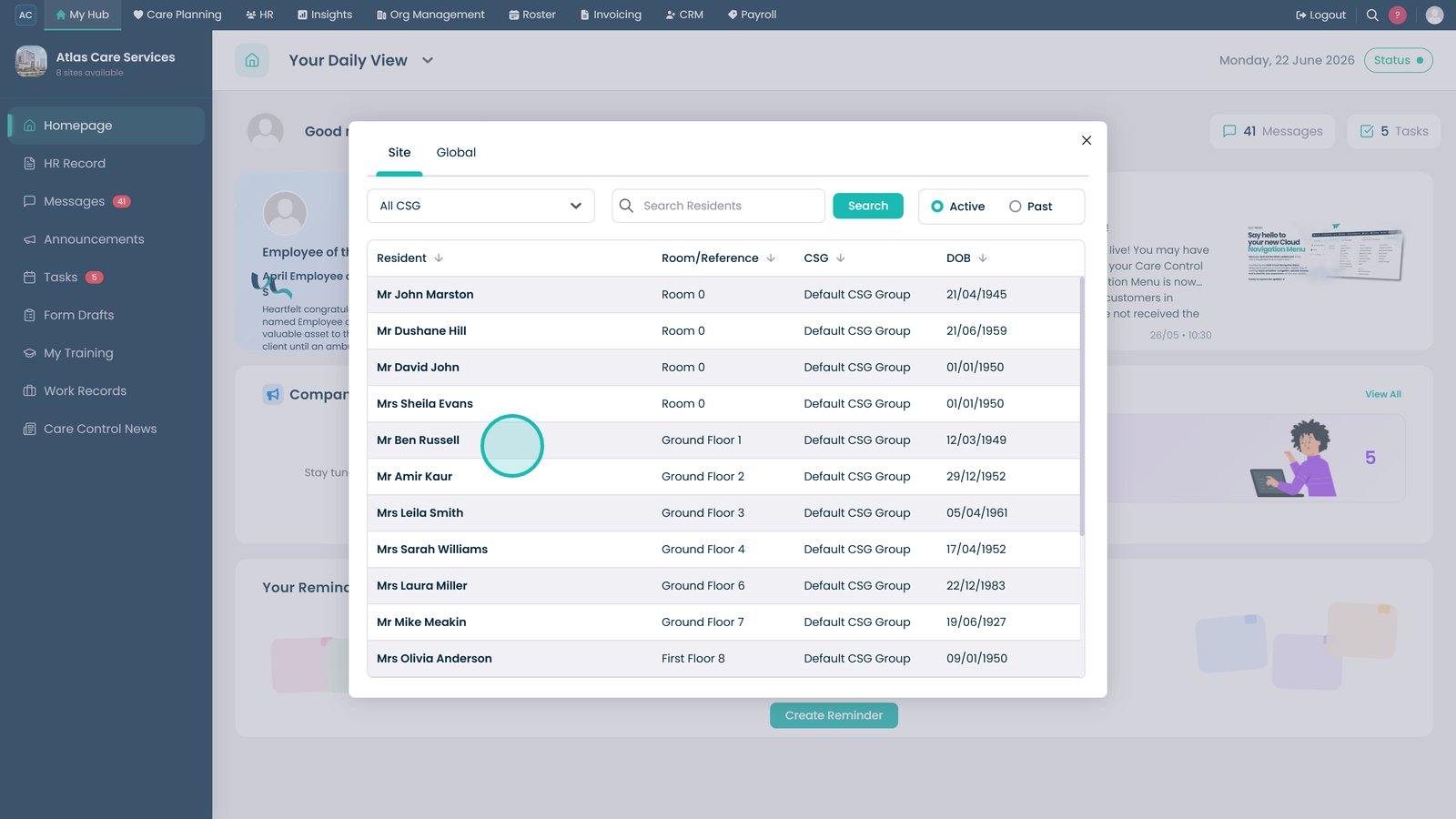
Select the resident whose Life History record you want to review or update.
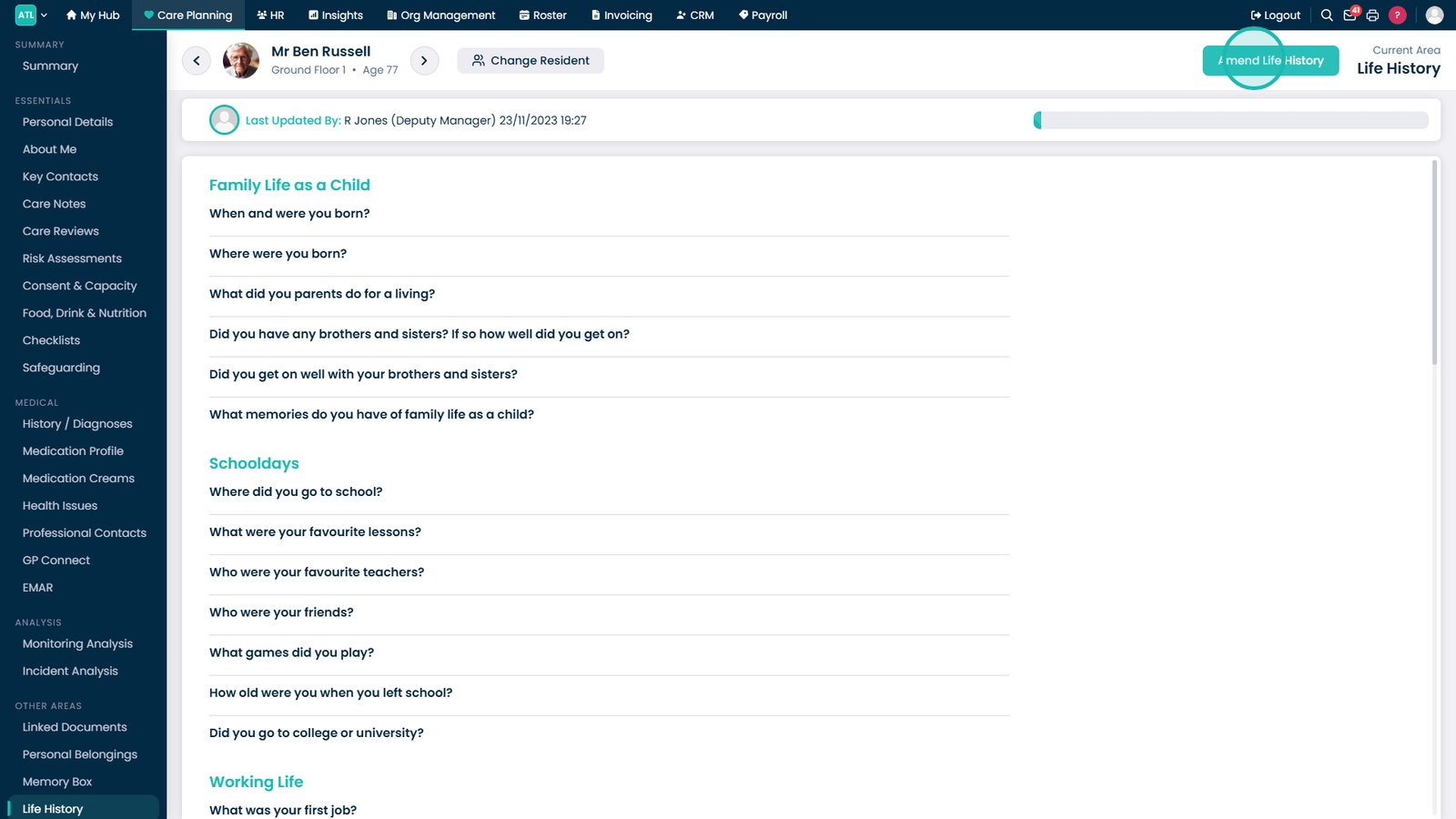
Select Amend Life History to begin editing the resident's information.
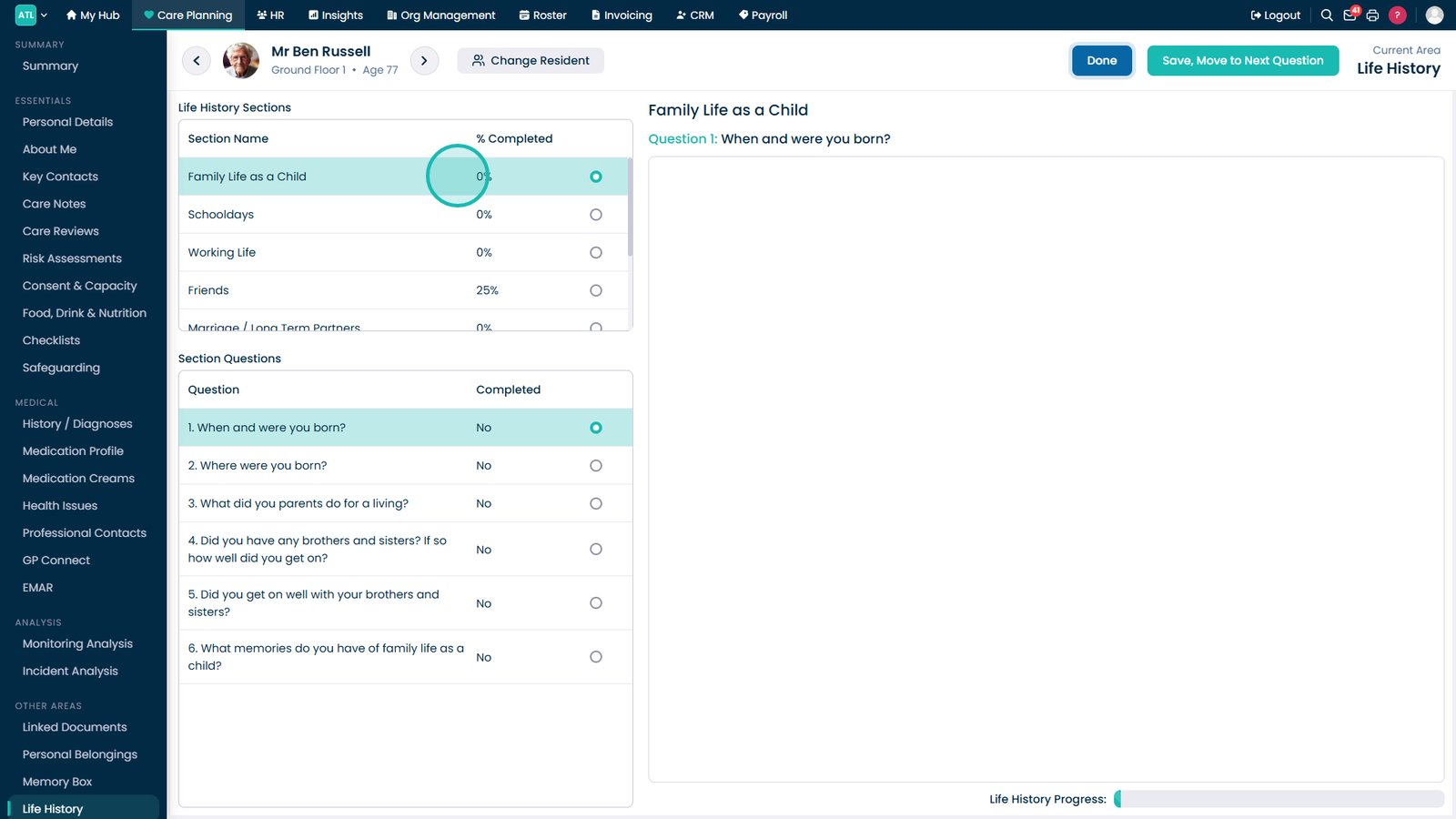
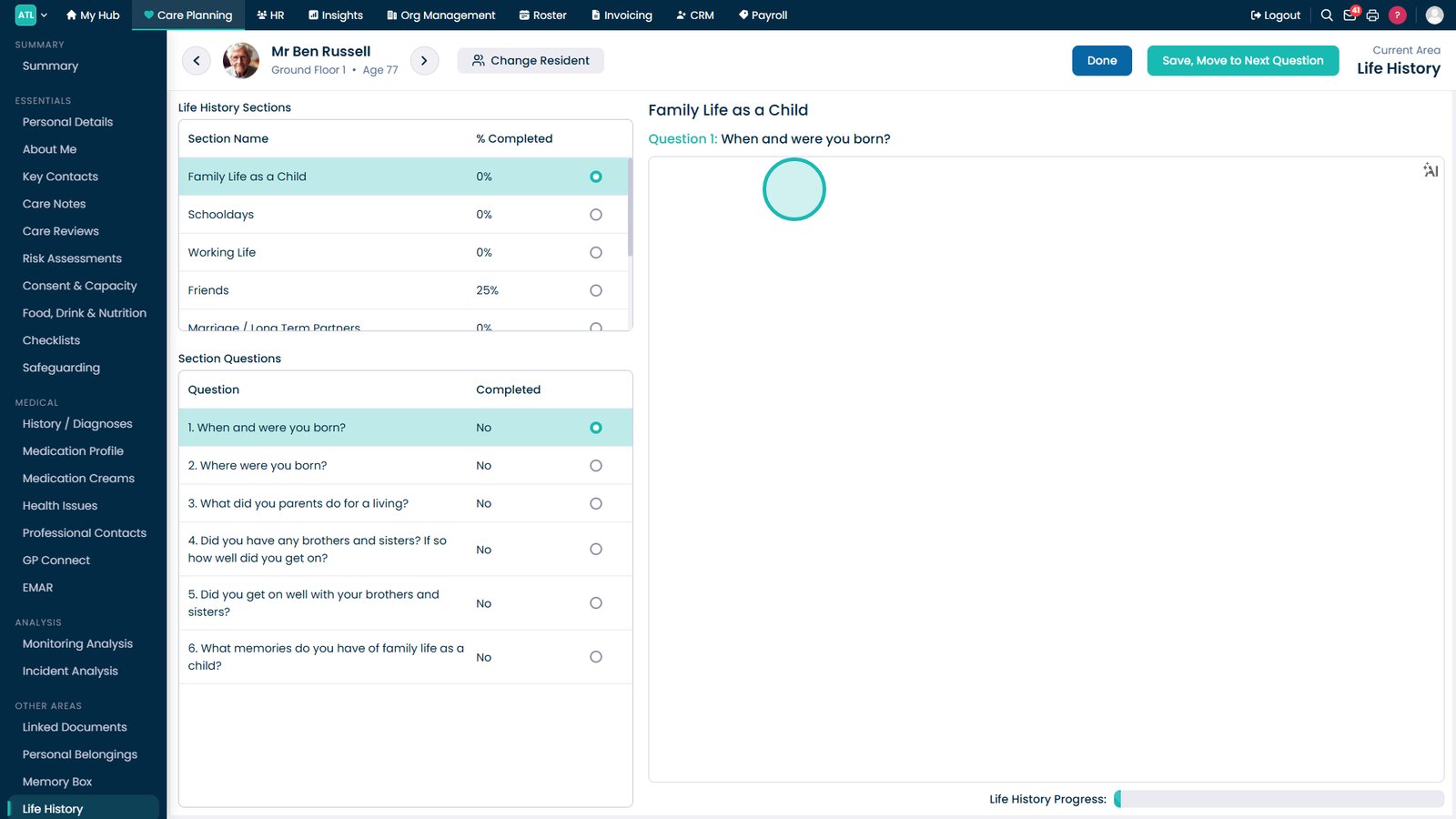
Select the Life History section you want to update.
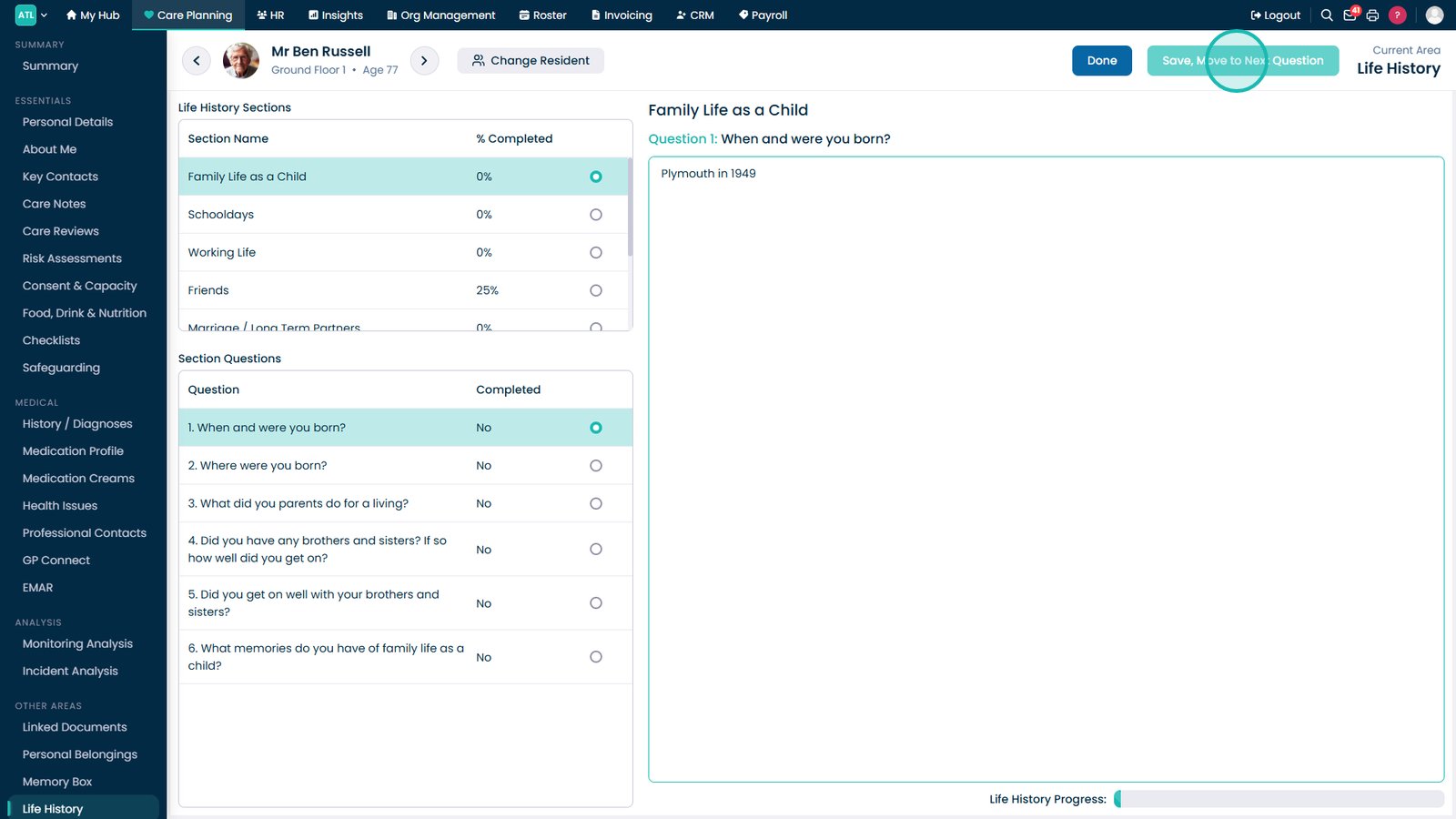
Enter or update the response in the answer field provided.
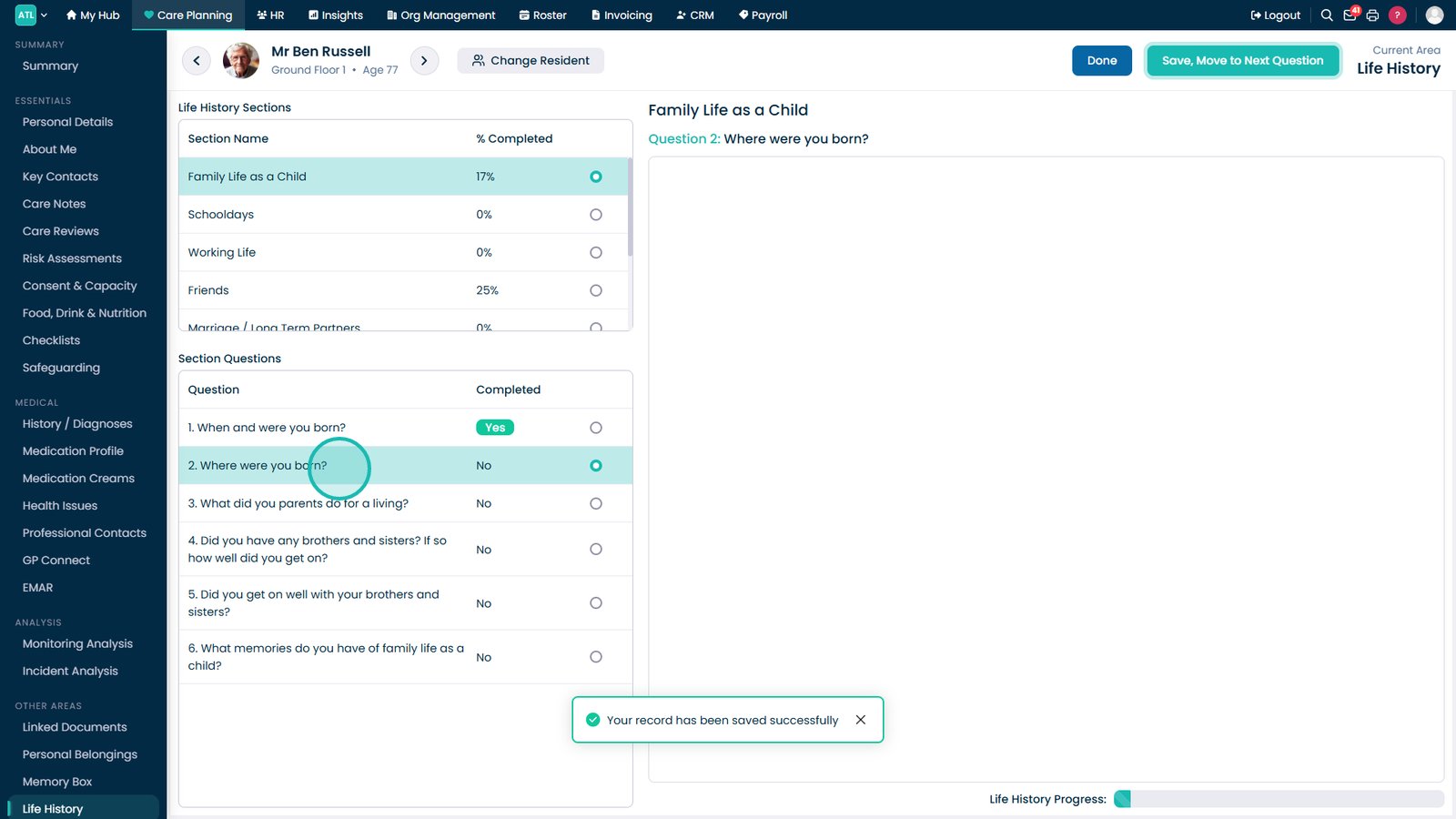
Select Save, Move to Next Question to save your response and continue.
Use the question list to jump directly to a specific Life History question if required.
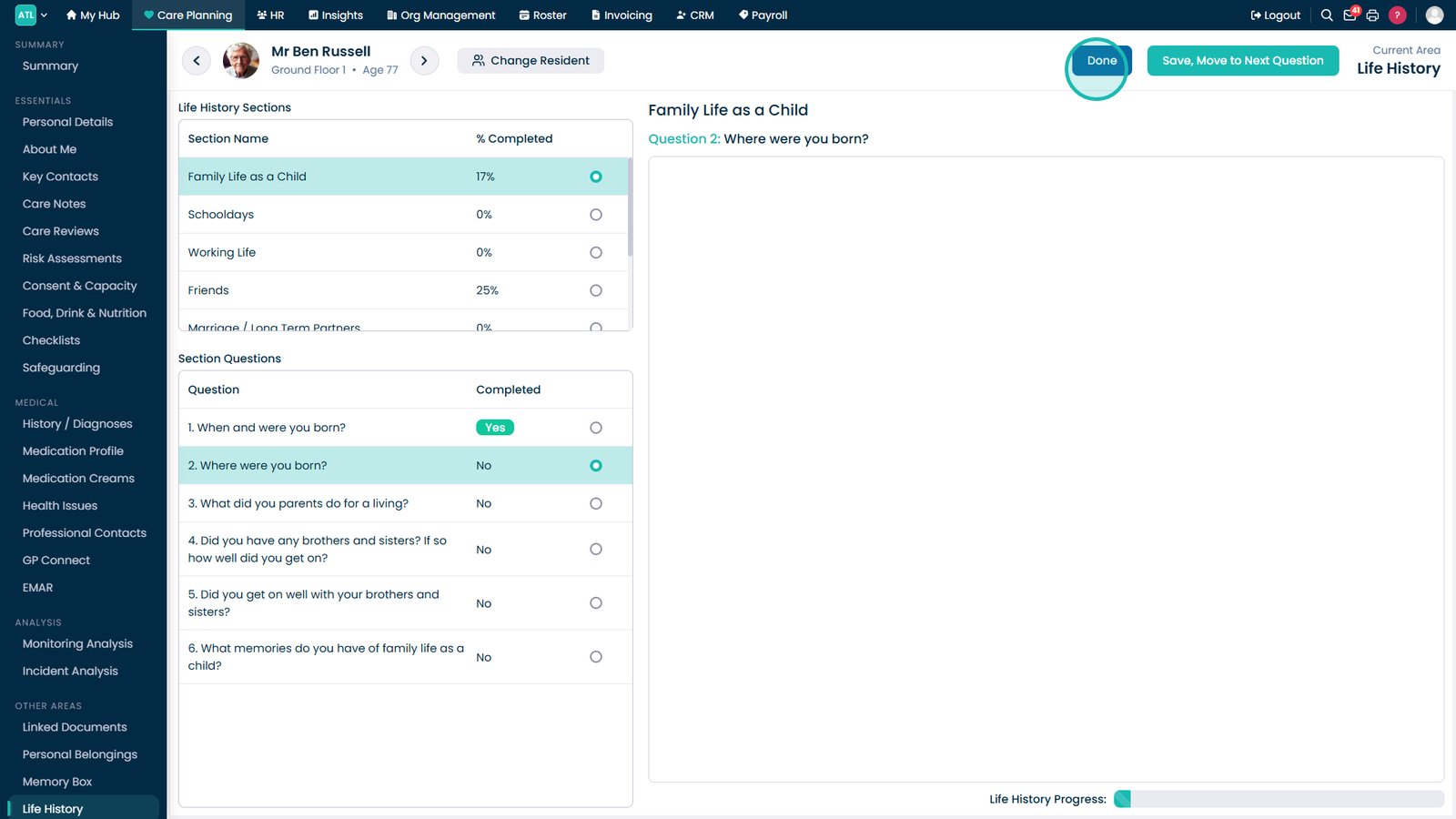
Select Done to finish editing and save all Life History updates.
Top tip
Use the question list to quickly jump between sections rather than working through each question sequentially if you only need to update specific information.