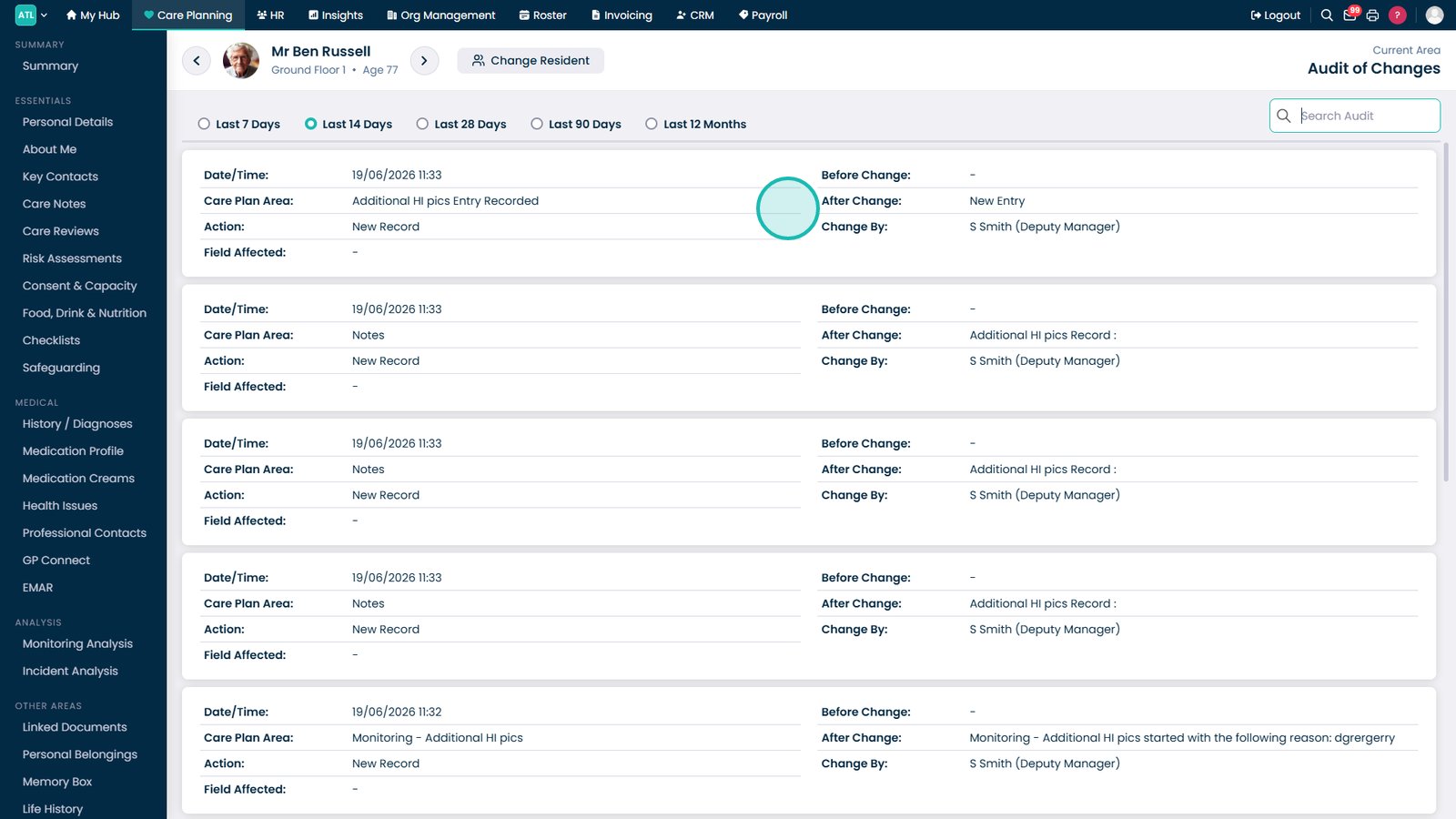
This guide explains how to use the Audit of Change feature to review historical changes
Takes 1 minute
For: Managers
Updated: 19th June 2026
Introduction
The Audit of Change area provides a complete history of changes made to a resident's records. This allows you to review updates, monitor activity, and maintain compliance by tracking who made changes and when they occurred.
In this guide you'll learn how to:
Access resident audit records
Filter audit history by date range
Search for specific changes
Review detailed audit information
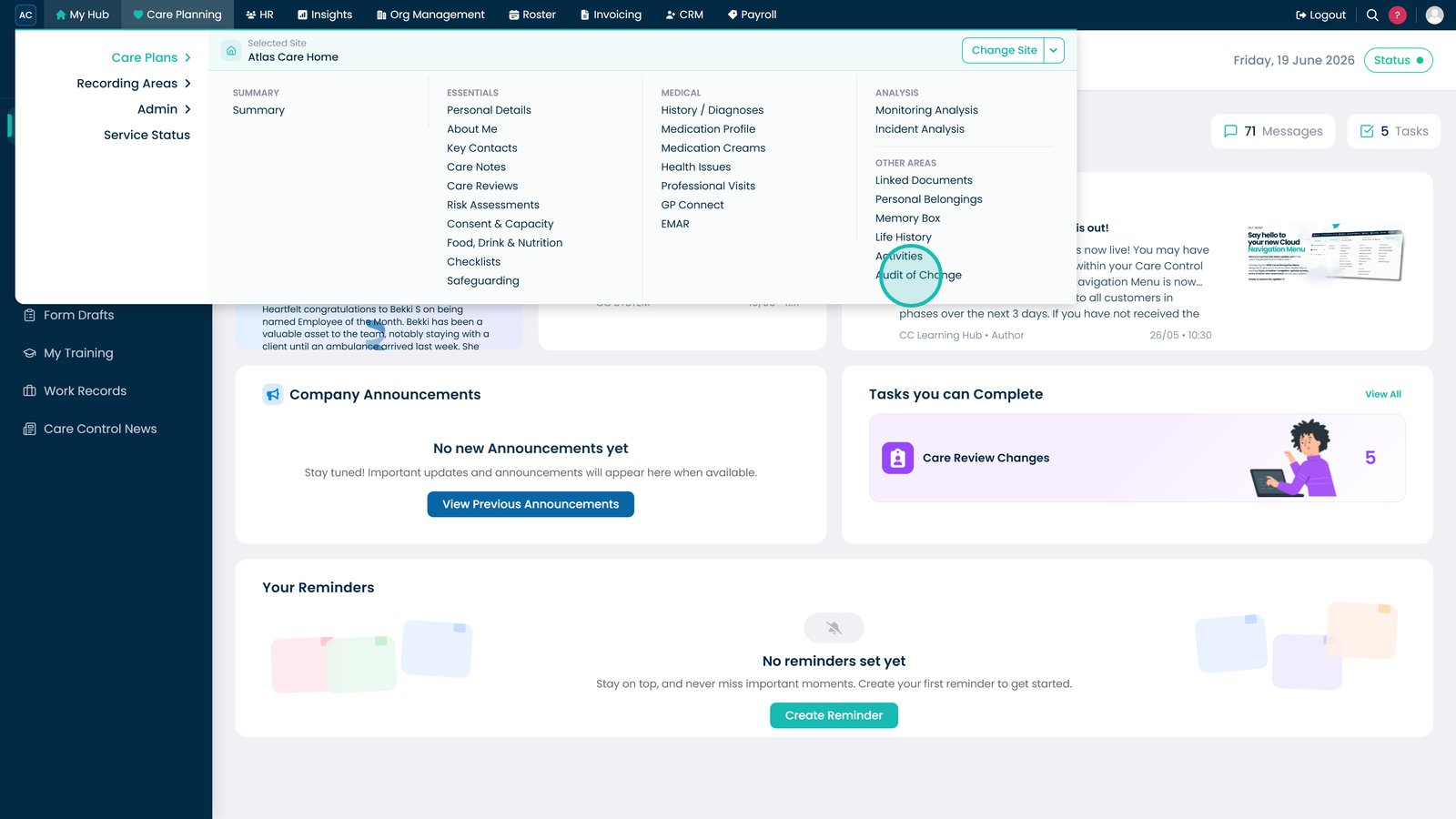
Open Audit of Change from the Care Plans menu under Other Areas.
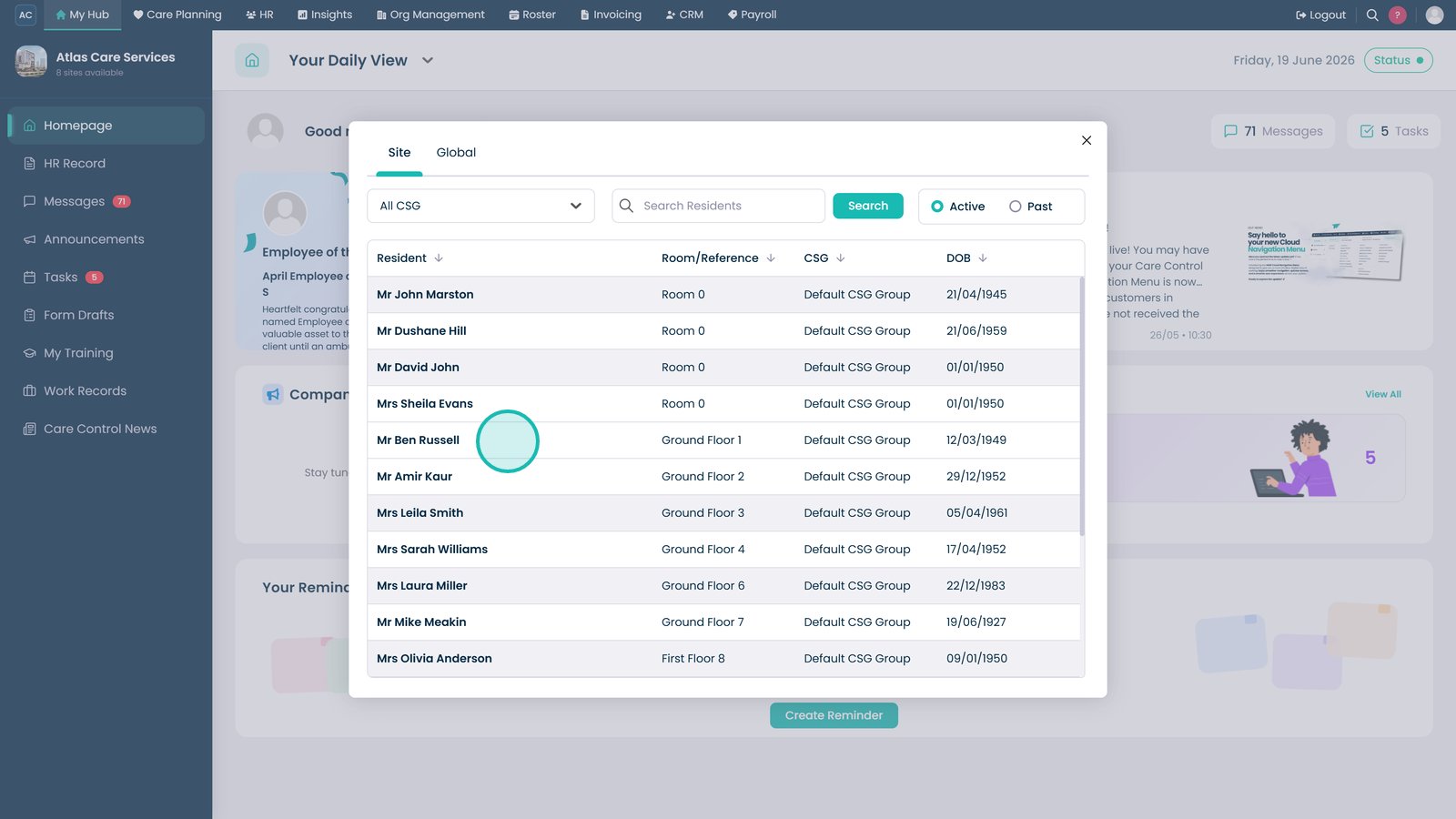
Select the resident whose audit history you want to review.
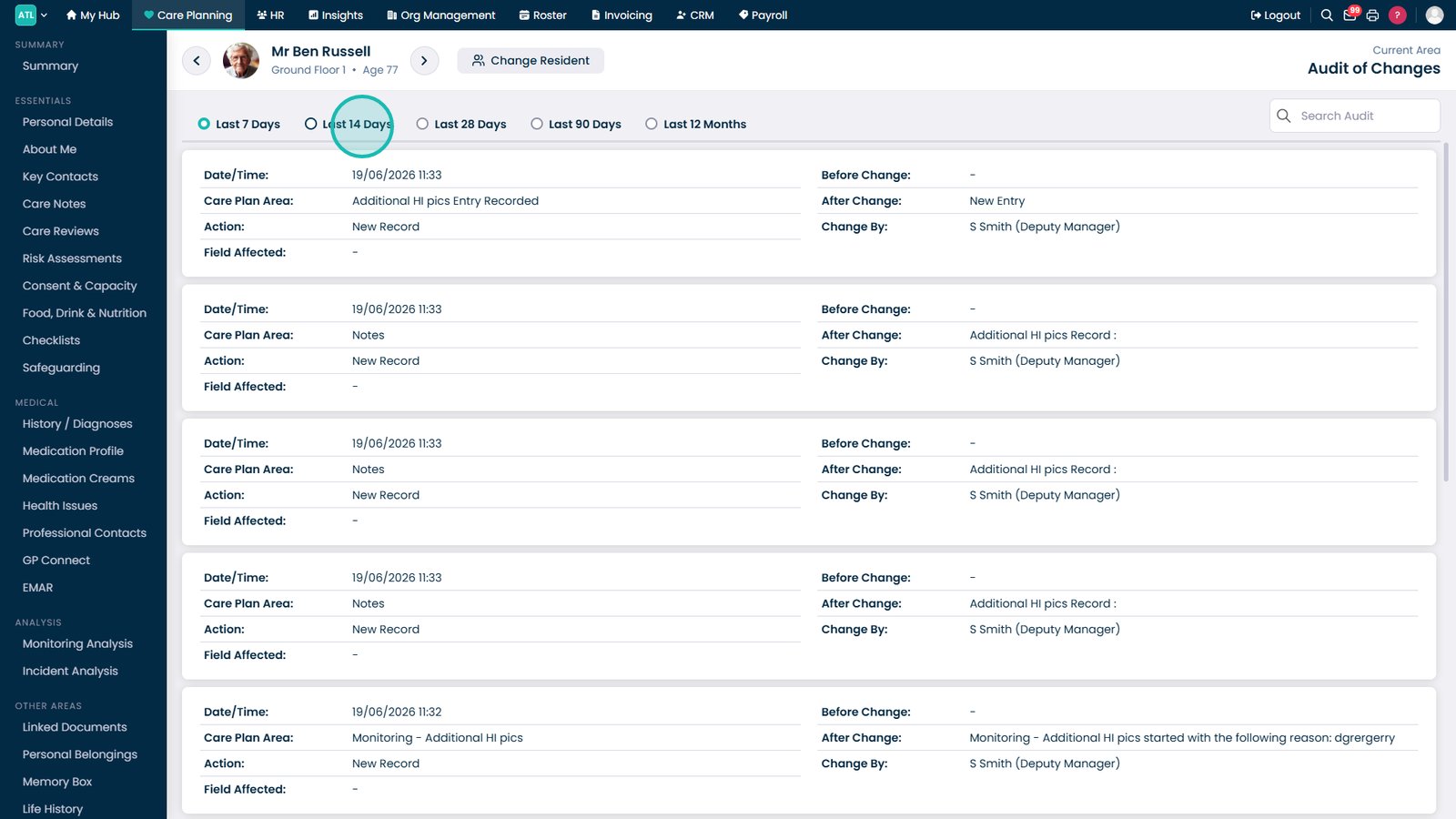
Use the date filter to review changes from a specific time period.
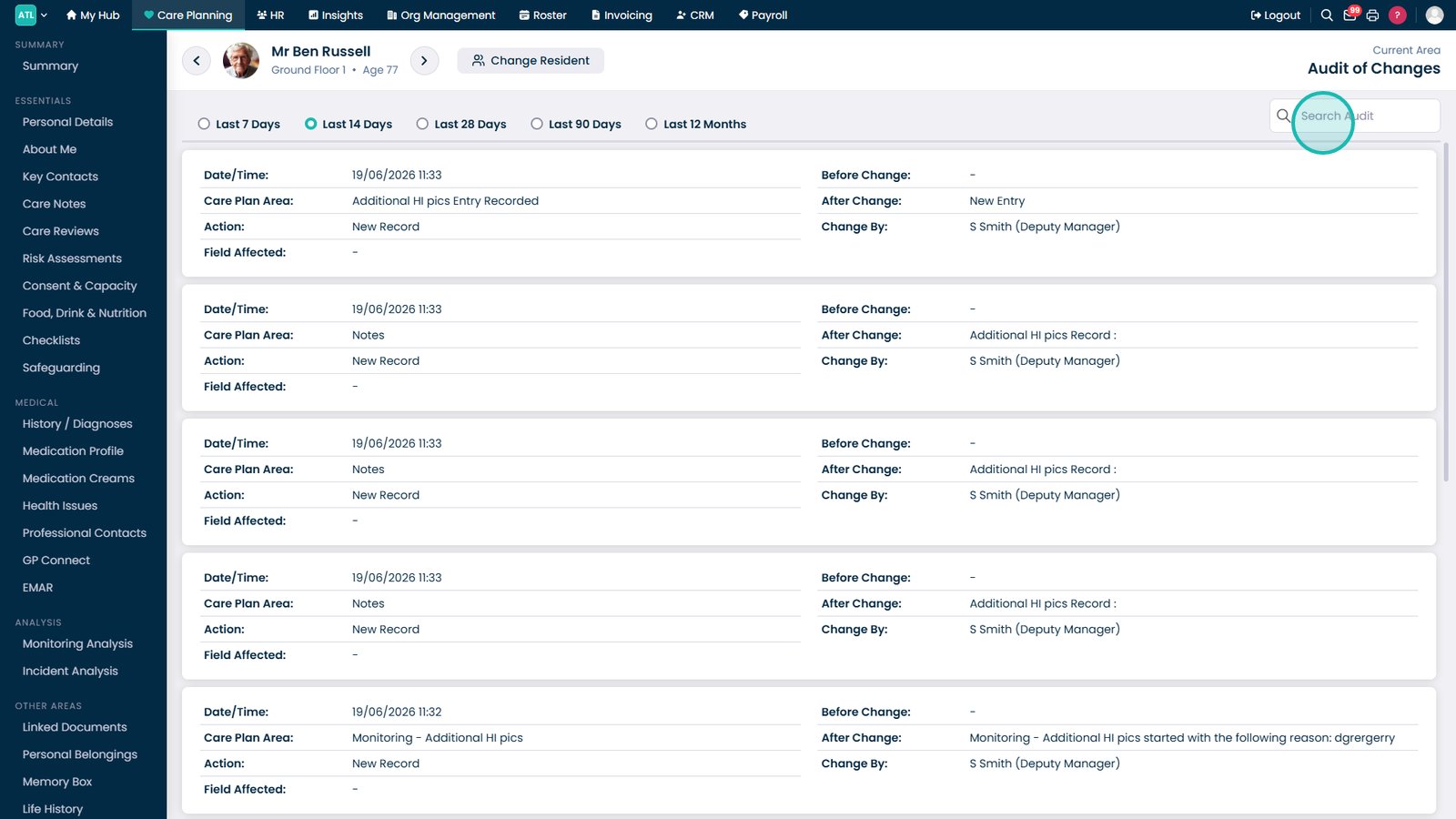
Use the Search Audit box to find specific records or changes.
Review the audit entries to see what changes were made, when they occurred, and who made them.
Top tip
Use the search box alongside the date filter to quickly locate specific changes without reviewing the entire audit history.