If you experience any issues with the system, or require support from our Customer Service team, please let us know by submitting our Customer Contact Form and we’ll be happy to help. Click here to access the form.

View Categories

How to View and Update Food, Drink & Nutrition Preferences

This guide explains how to review and update a resident’s food, drink, and nutrition preferences

Takes 5 minutes
For: Care Staff
Updated: 23rd June 2026

Introduction

The Food, Drink & Nutrition section allows you to manage dietary preferences, review meal selection history, update menu assignments, and document nutrition-related needs. Keeping this information accurate helps ensure residents receive meals that meet their preferences, requirements, and nutritional needs.

In this guide you'll learn how to:

  • Review meal choice history
  • Update food and drink preferences
  • Change a resident's assigned menu
  • Record meal decision-making arrangements
  • Document health and nutrition-related information

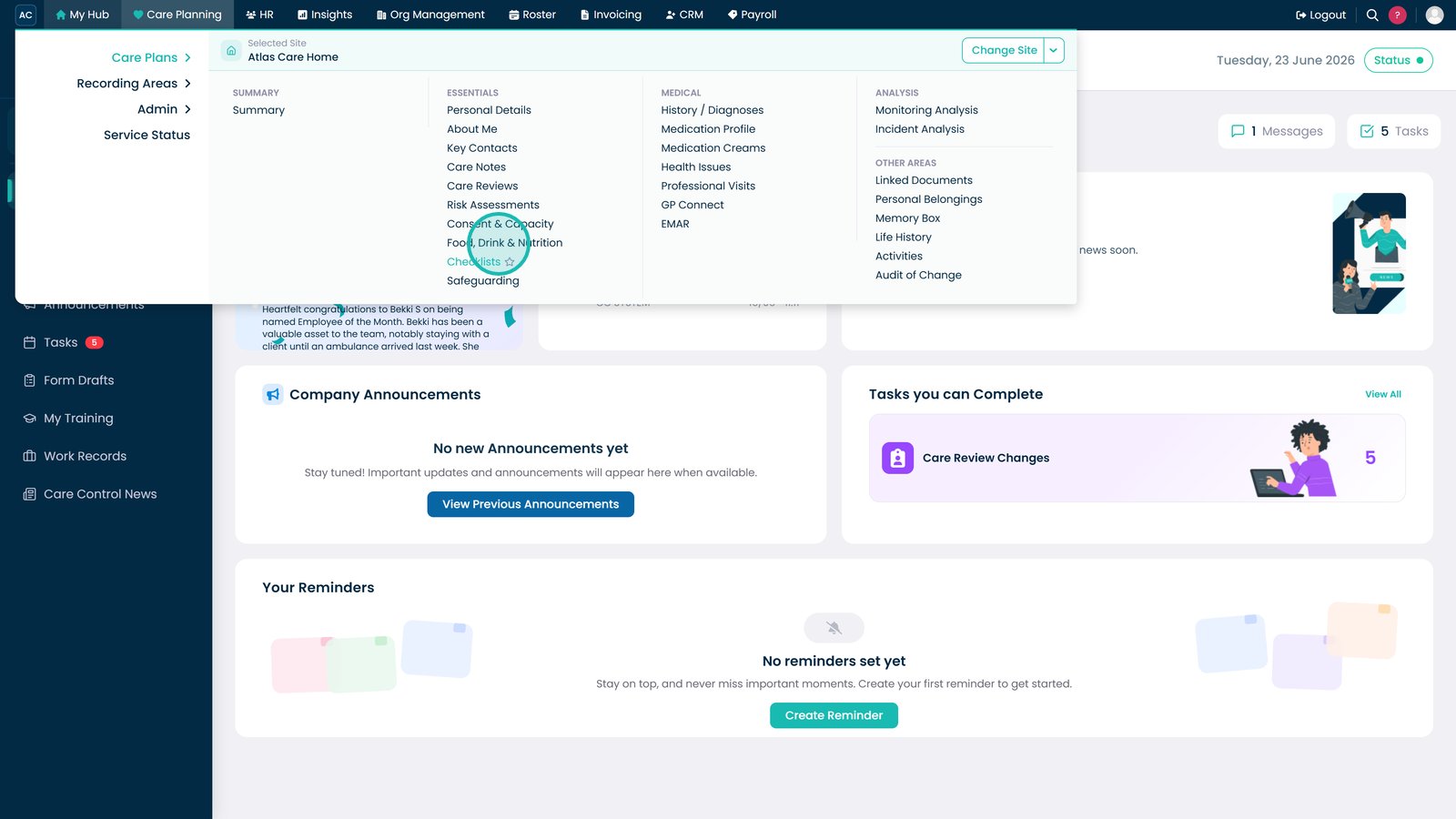
Open Food, Drink & Nutrition from the Care Plans menu.

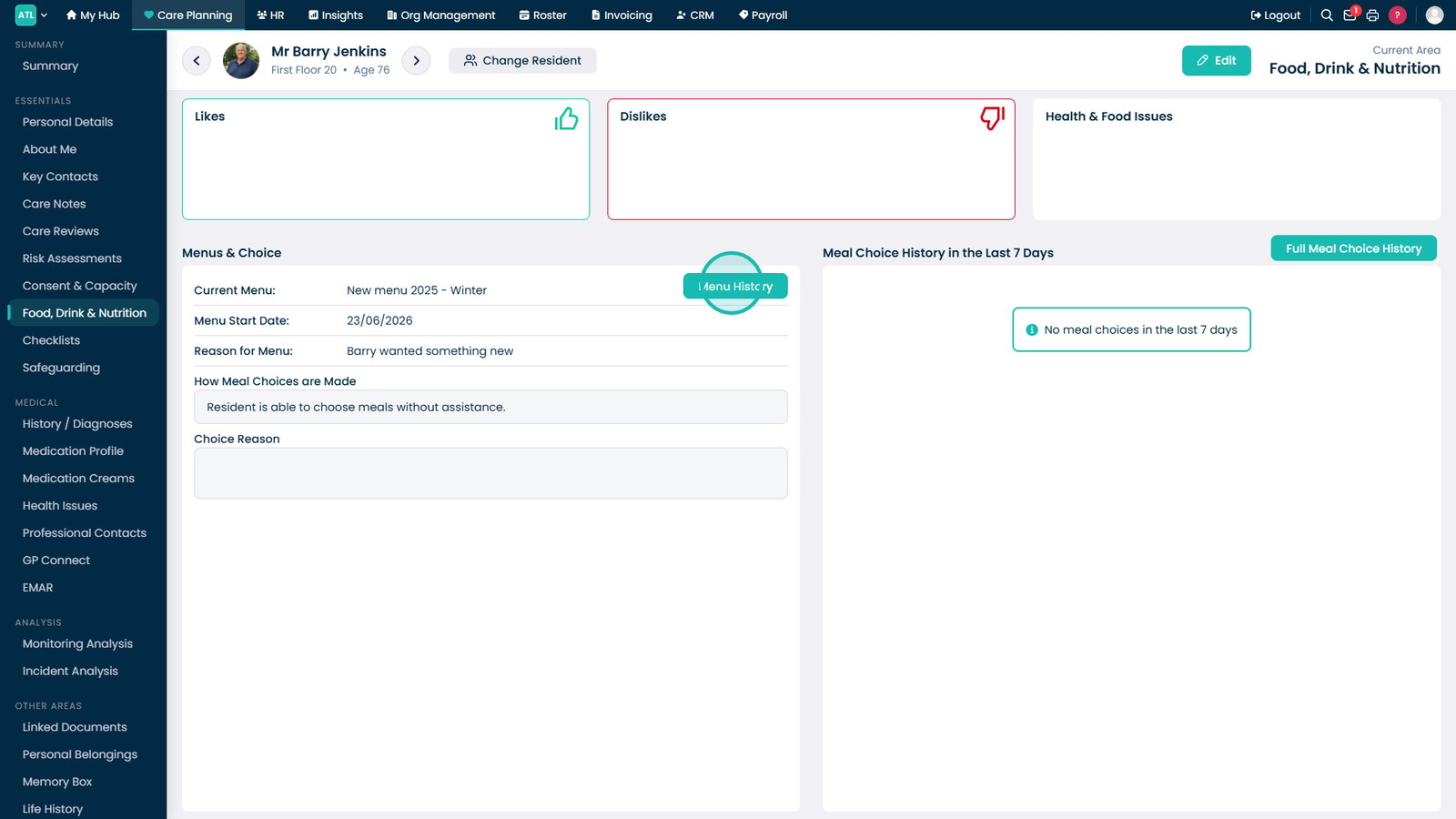
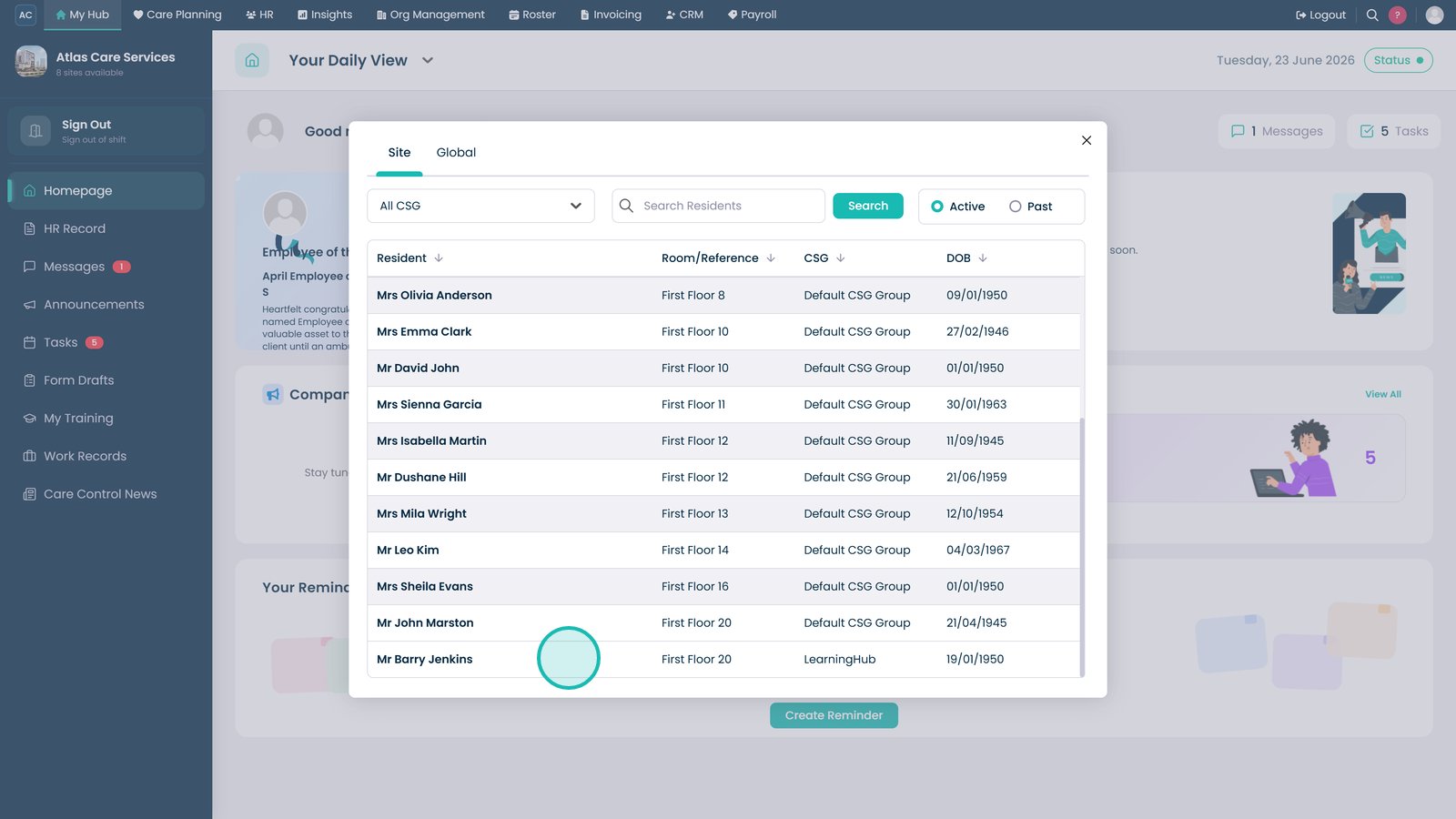
Select the resident whose nutrition profile you want to review or update.

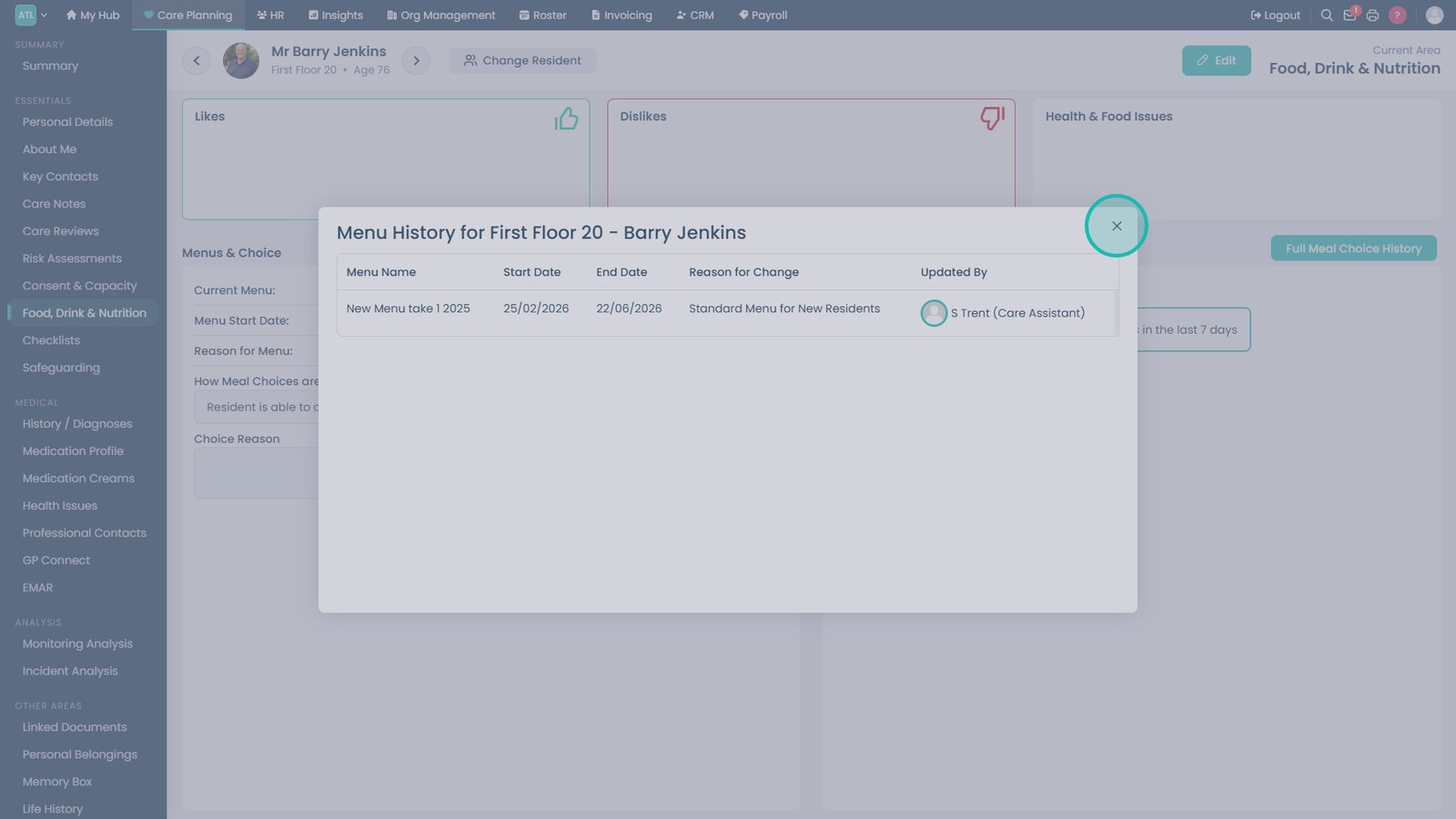
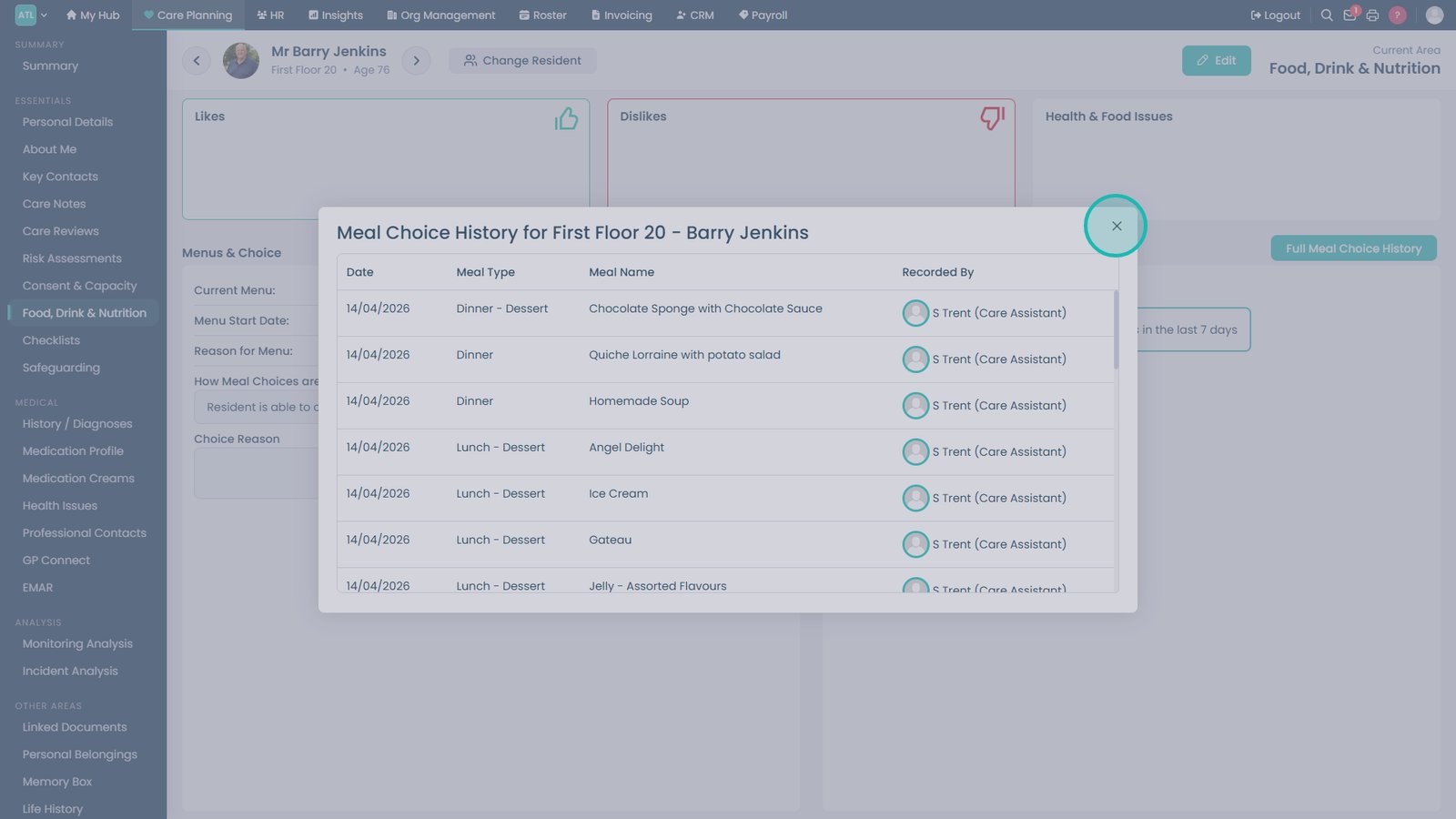
Select Menu History to review recent meal selections.

Close the Menu History window when you have finished reviewing previous selections.

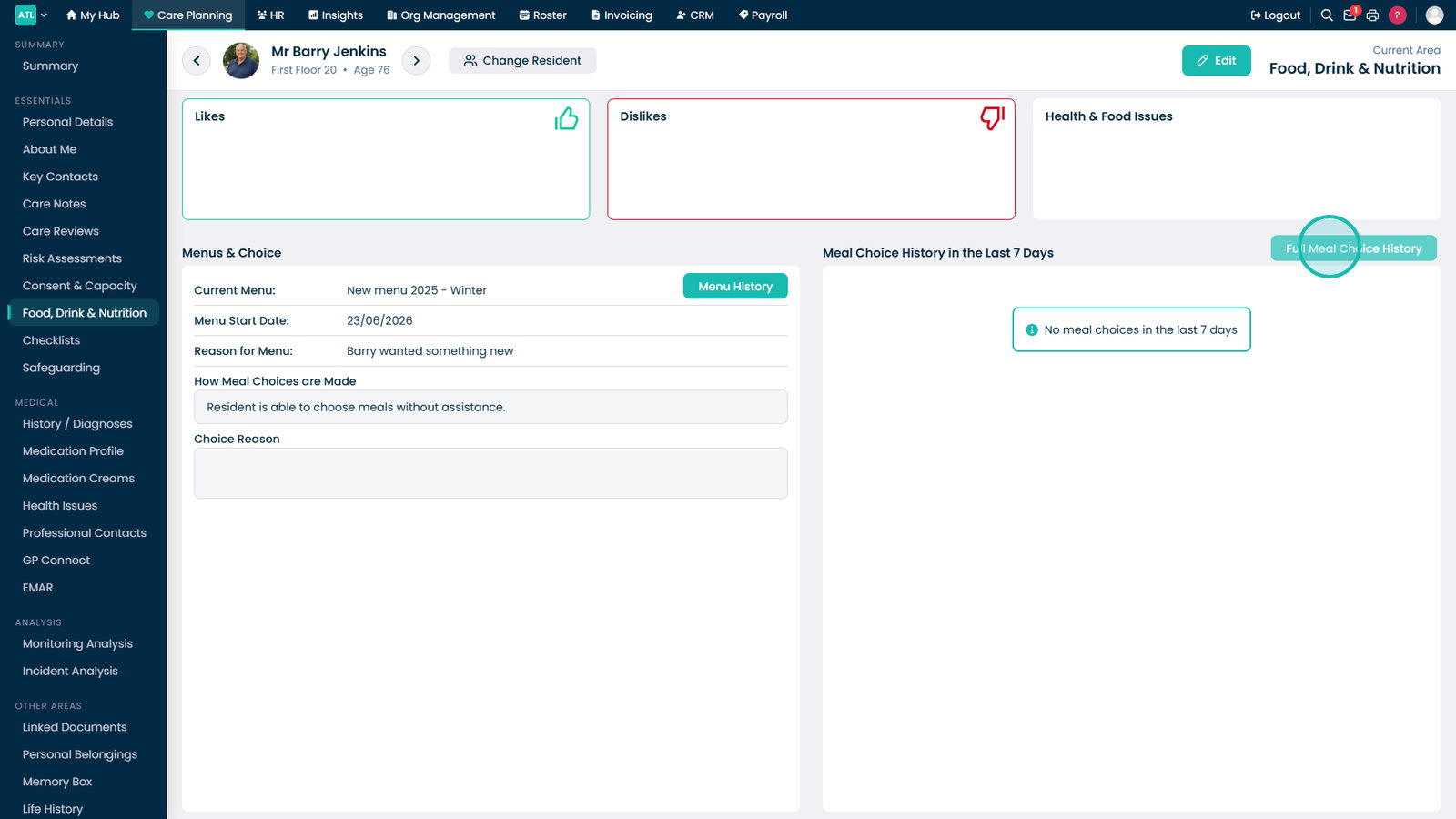
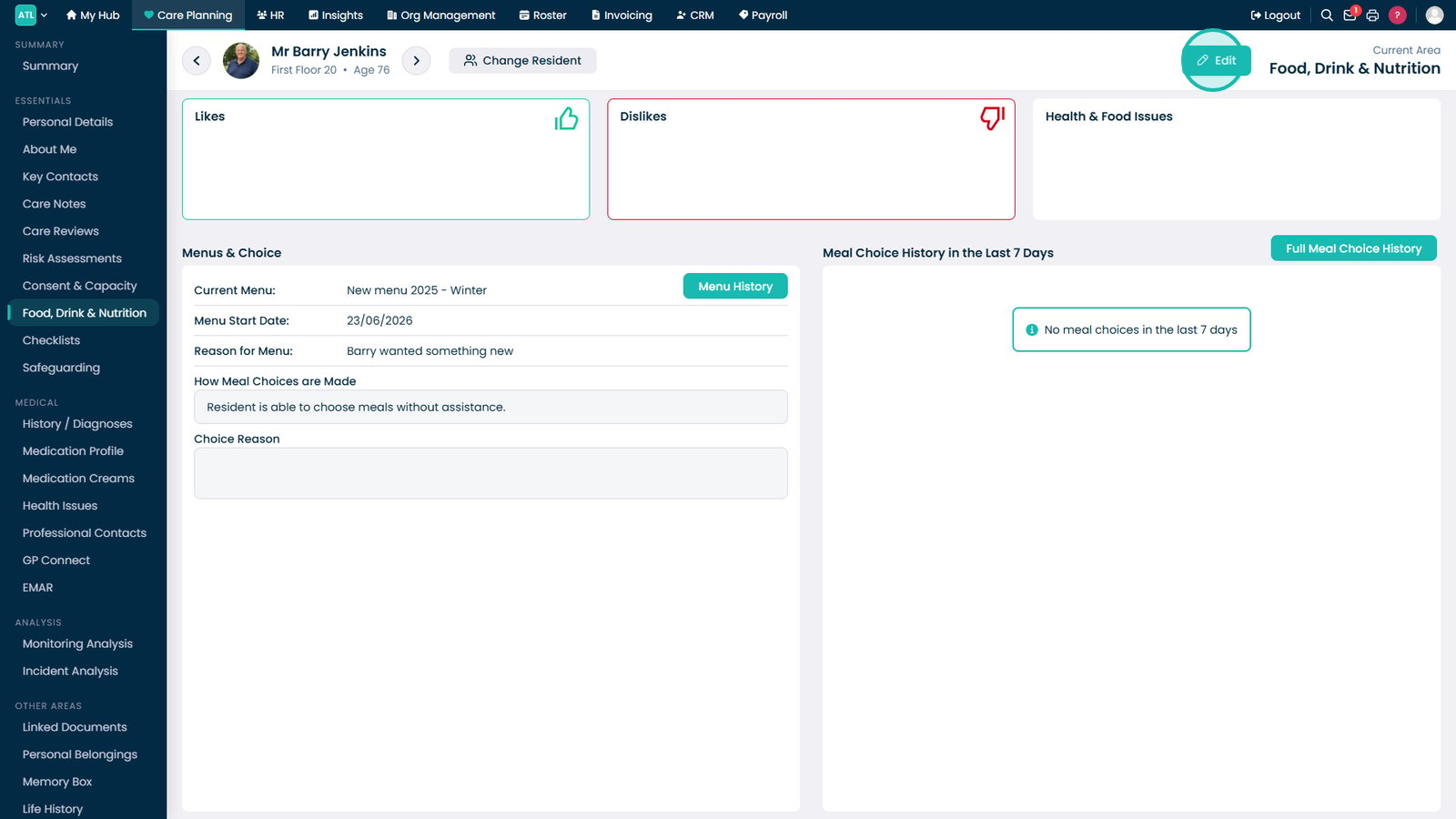
Open Full Meal Choice History to review a complete record of previous meal selections.

Close the Meal Choice History window to return to the nutrition profile.

Click Edit to begin updating food, drink, and nutrition information.

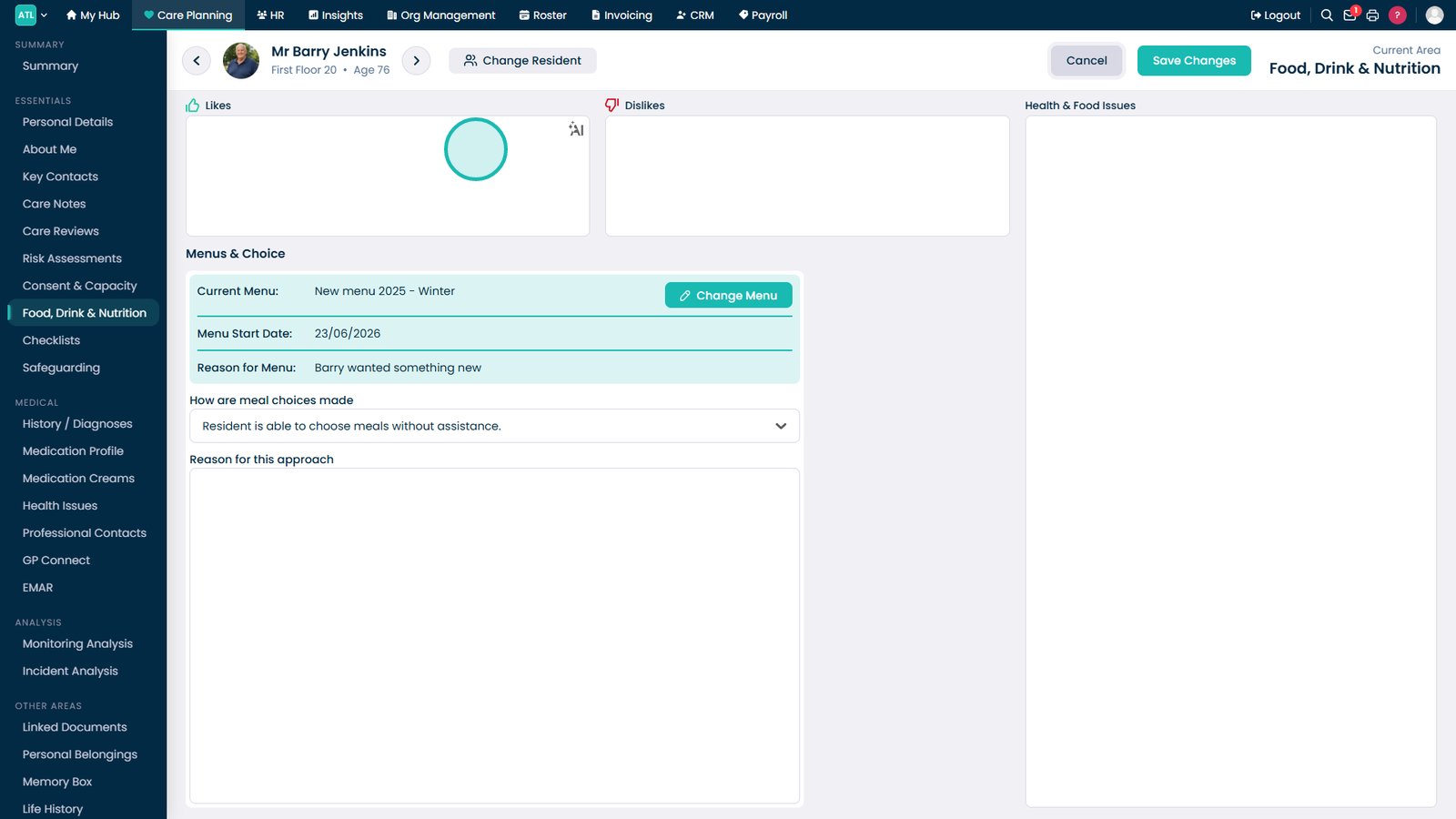
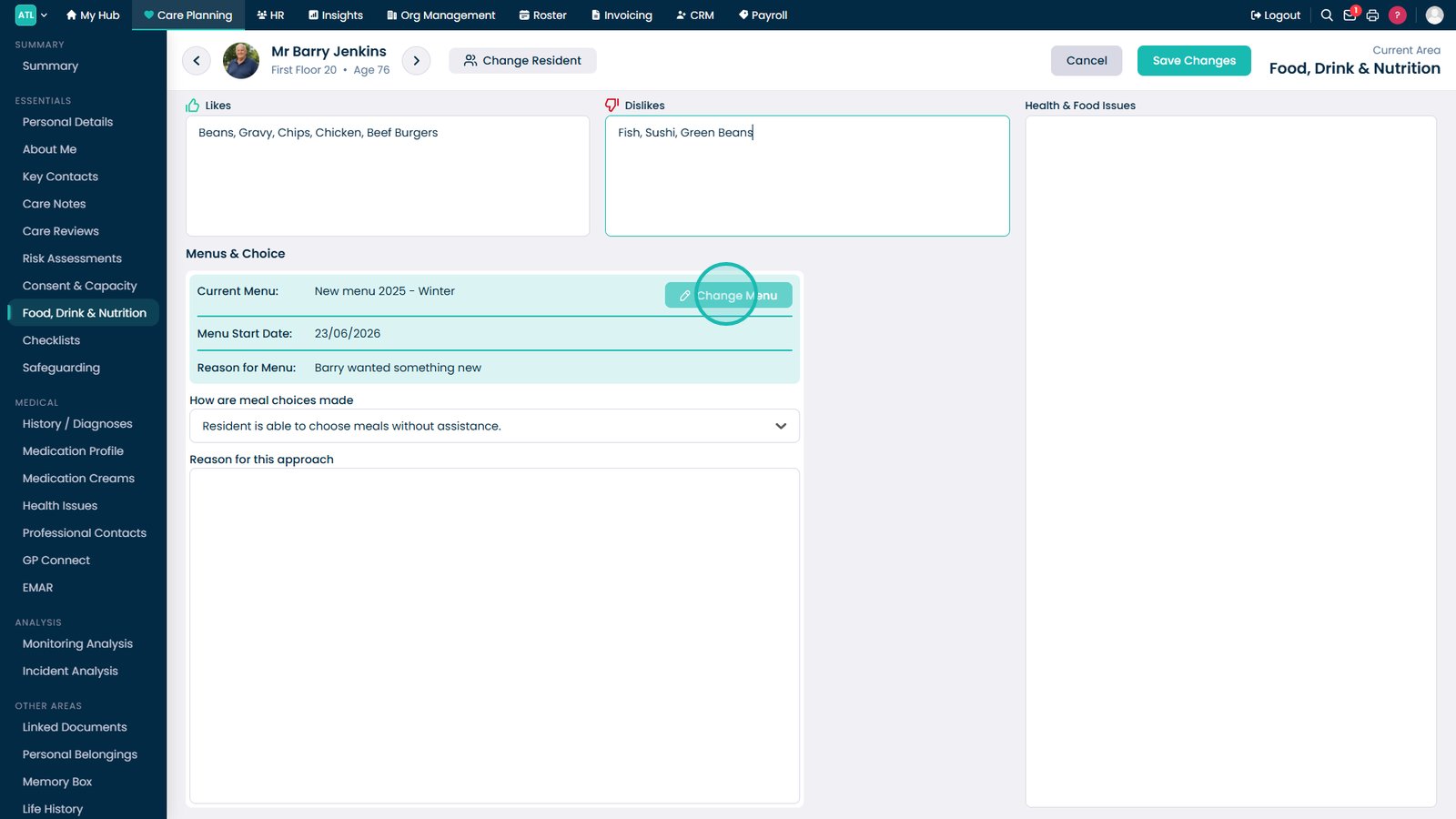
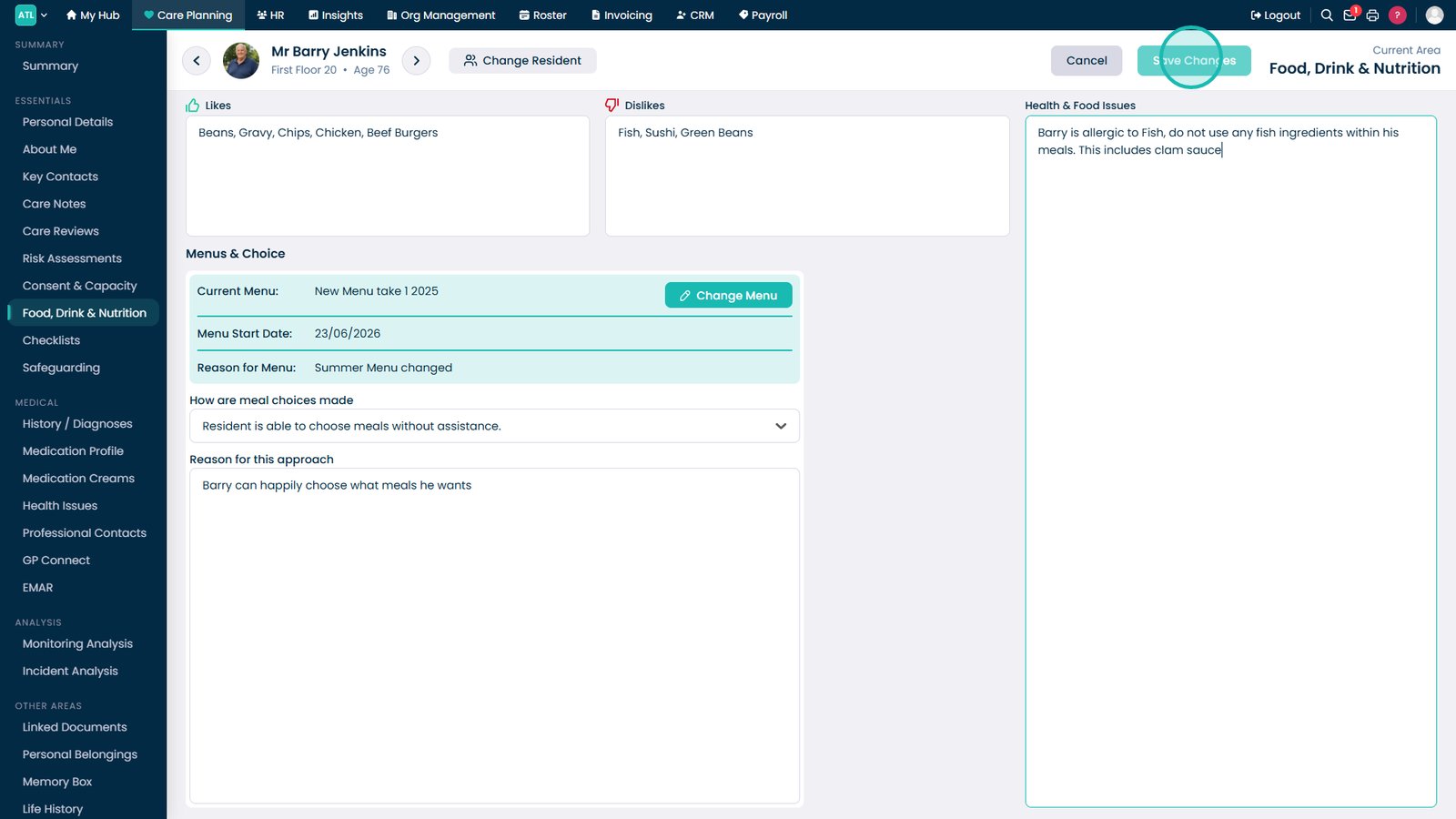
Update the Likes section with preferred foods and drinks.

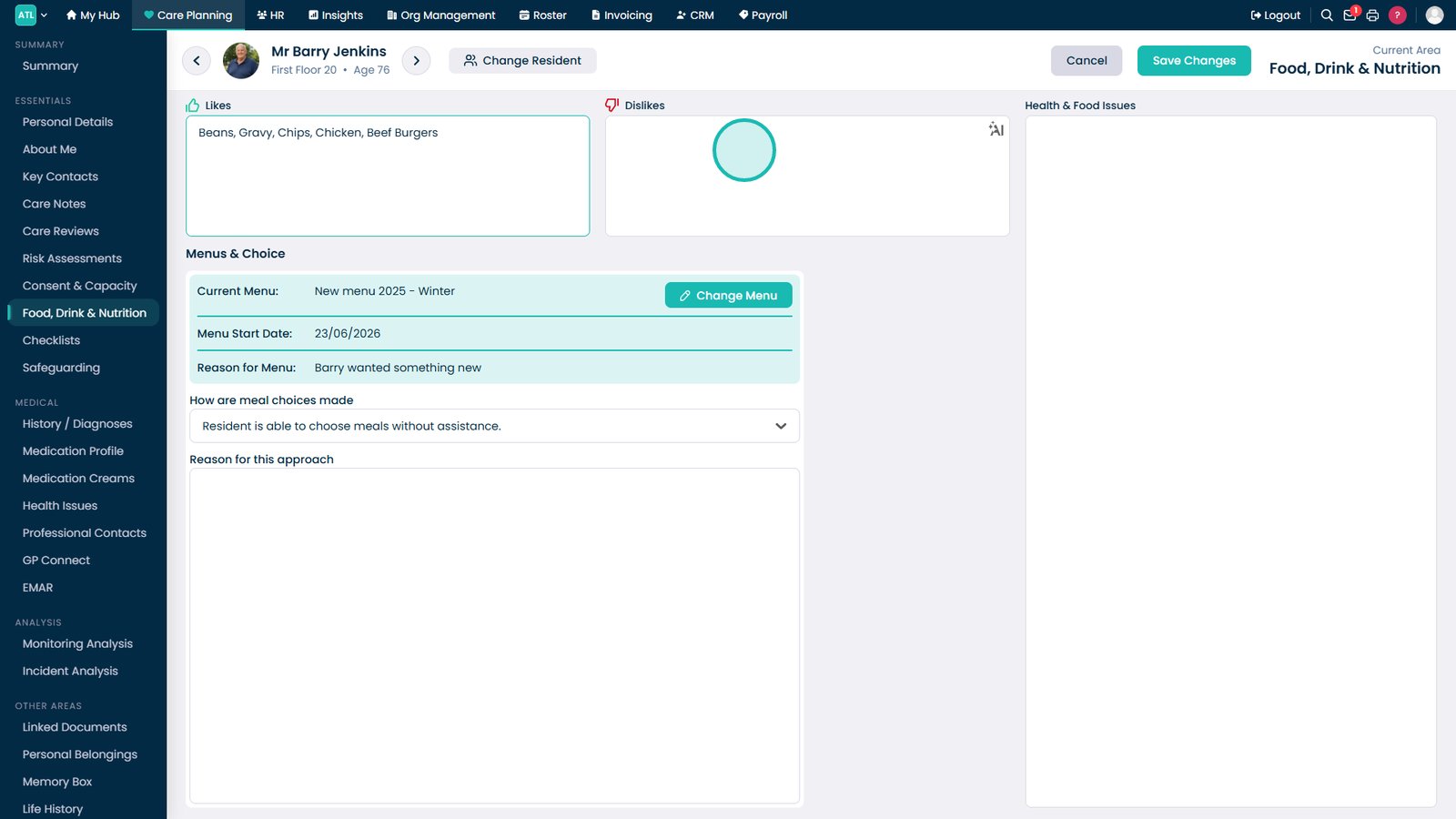
Update the Dislikes section to record foods and drinks the resident wishes to avoid.

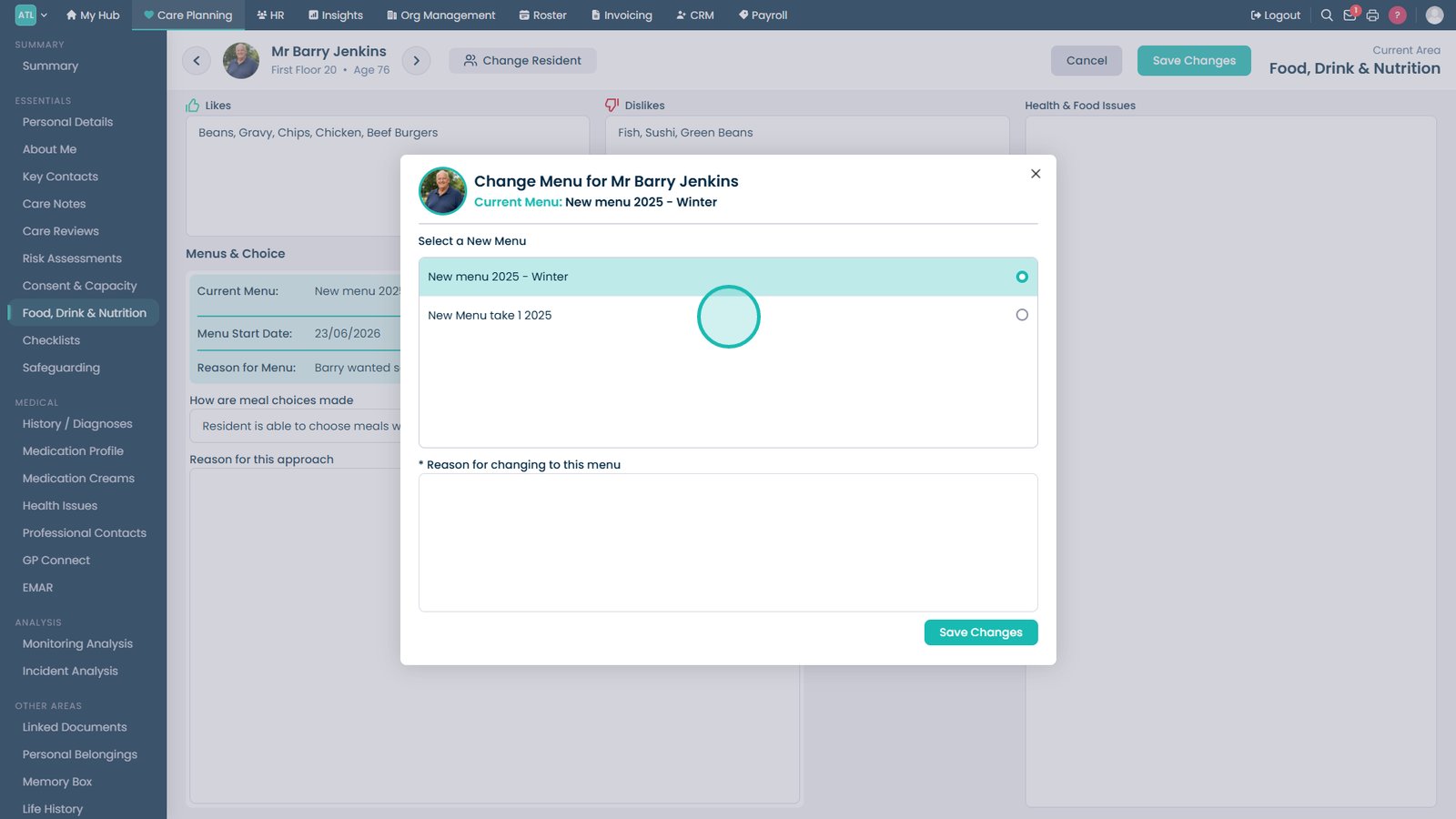
Select Change Menu to assign a different menu to the resident.

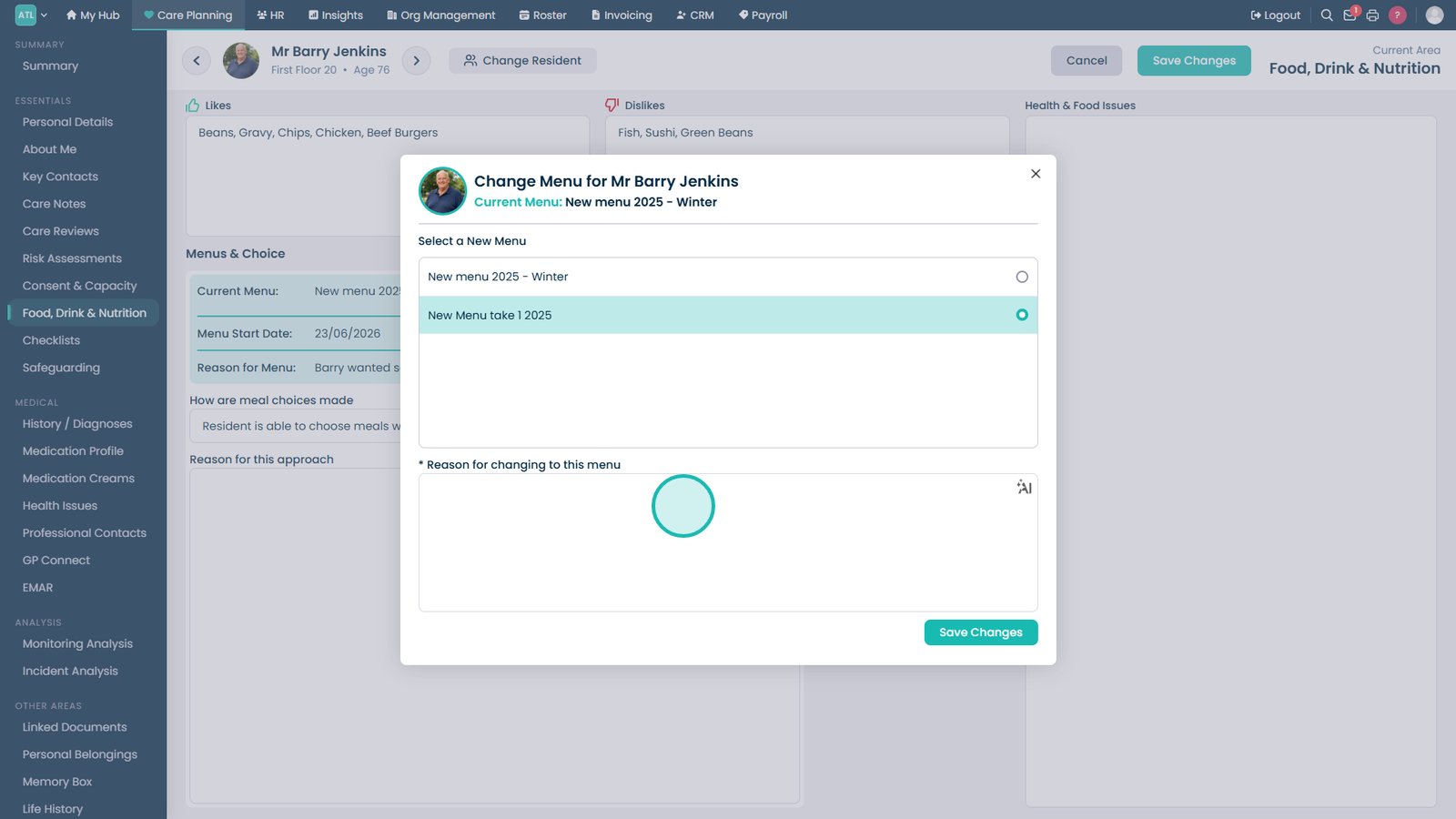
Select the new menu from the available options.

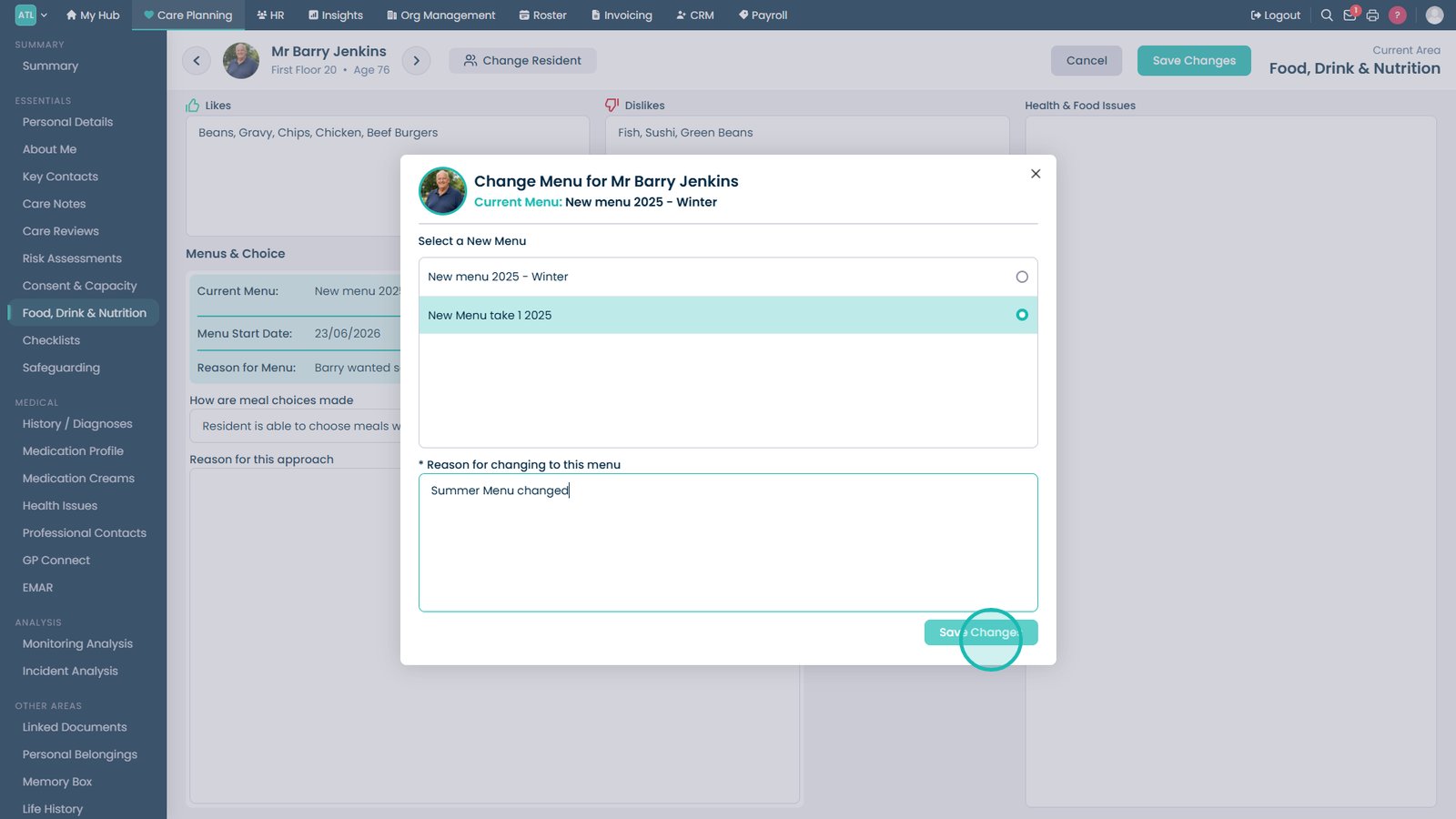
Enter a reason for the menu change to maintain an audit trail.

Save the menu change.

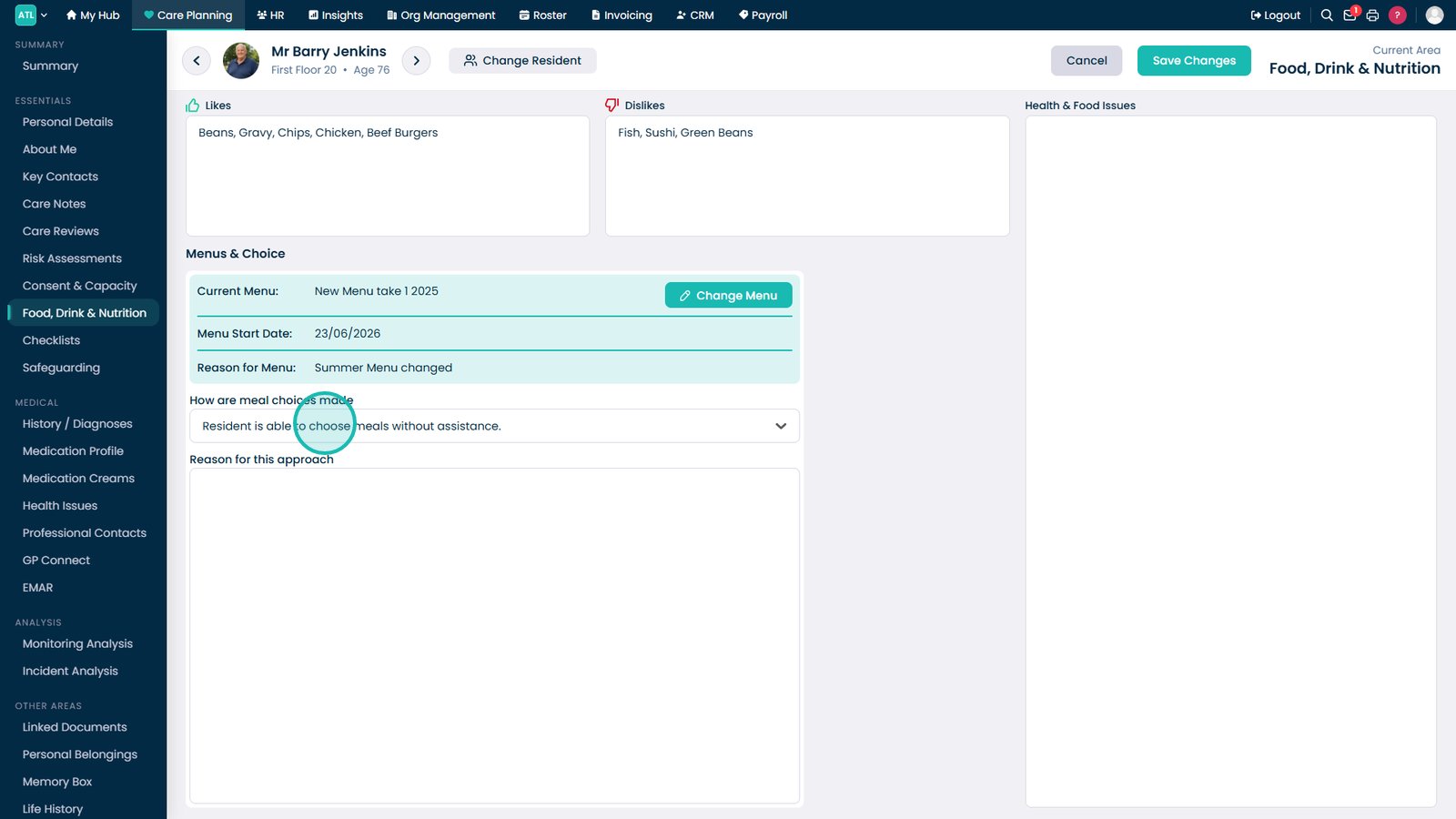
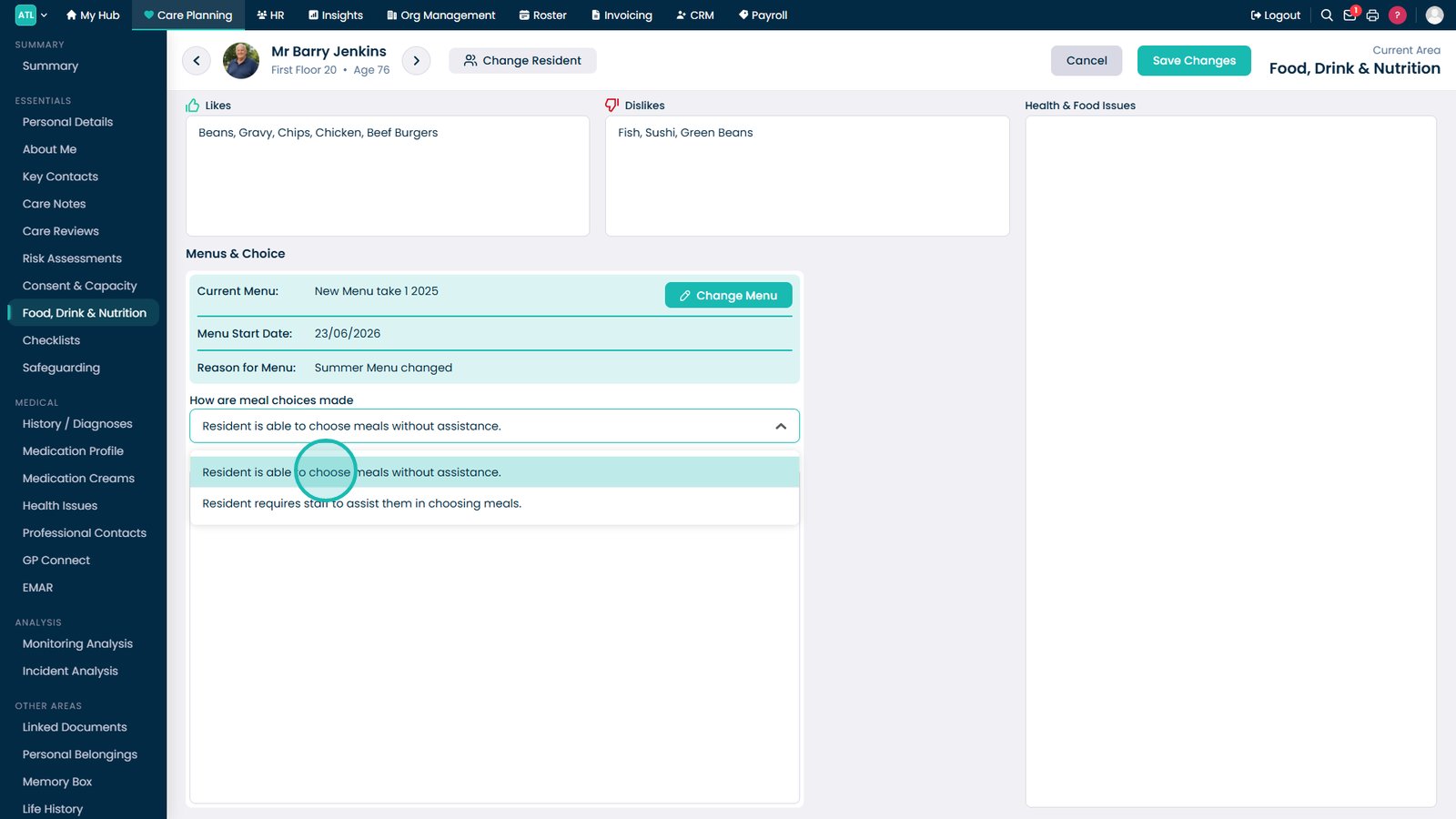
Review or update how meal choices are made for the resident.

Record whether the resident is able to choose meals independently.

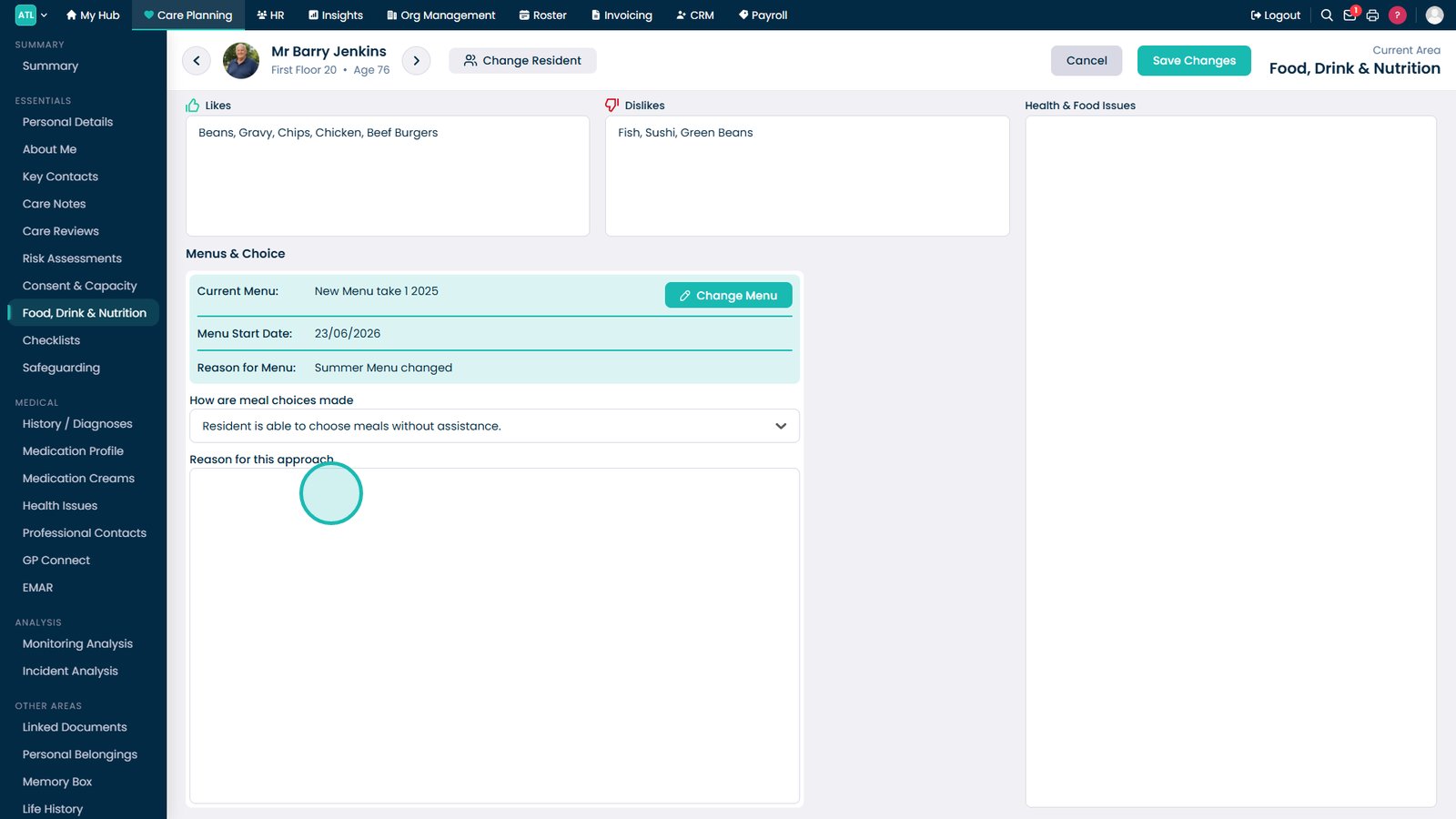
Document the reason for the selected meal decision-making arrangement.

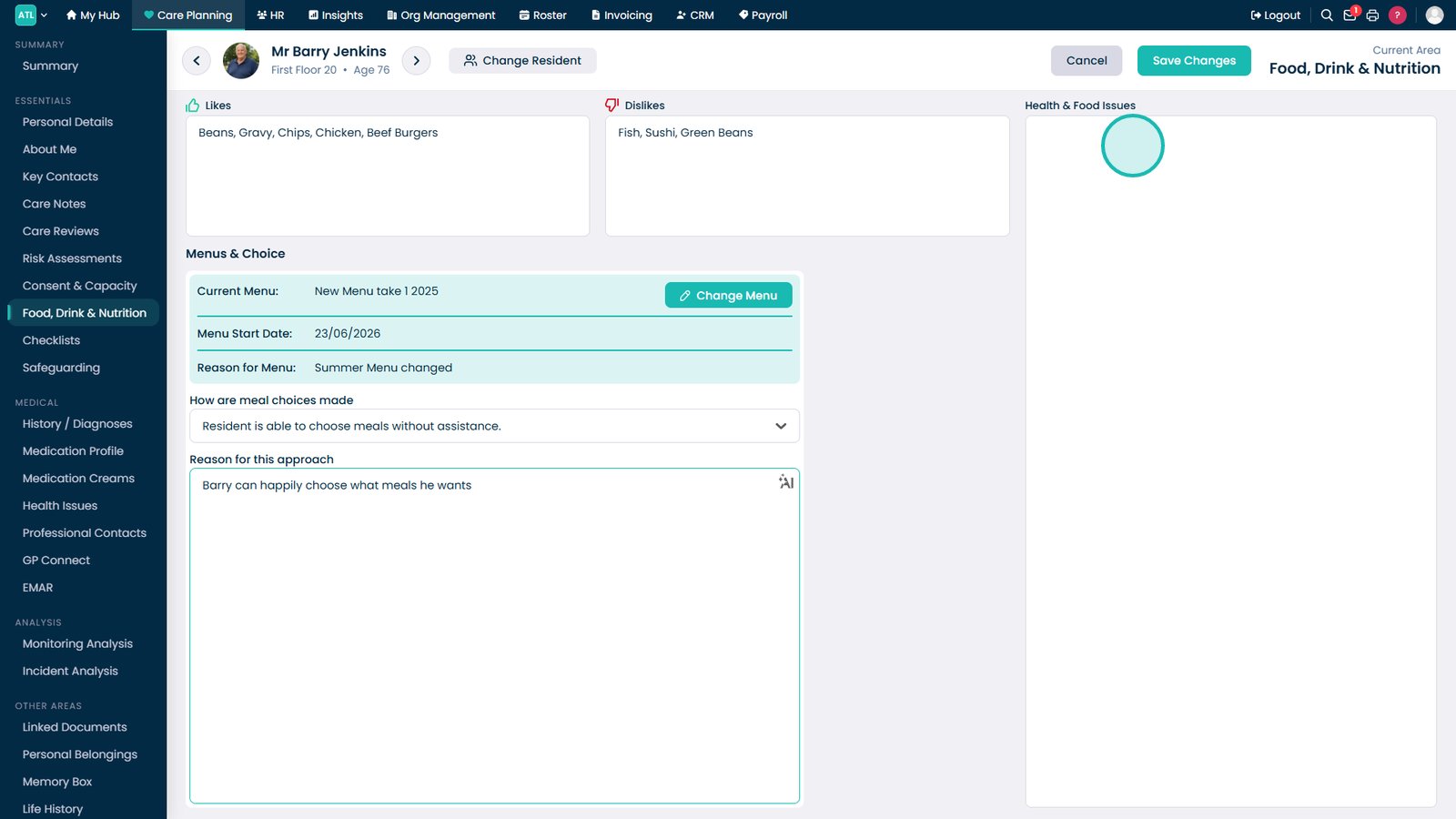
Update any health or food-related notes that may affect dietary care.

Save Changes to apply all updates to the resident's food, drink, and nutrition profile.

Top tip

Review a resident's meal history before making menu changes to help ensure new selections align with their established preferences and dietary requirements.

Was this guide helpful?

Need more help?

Can't find what you're looking for? Our support team is here to help.

Contact Support

Or call us on

On this page