If you experience any issues with the system, or require support from our Customer Service team, please let us know by submitting our Customer Contact Form and we’ll be happy to help. Click here to access the form.

View Categories

How to View Consents & Capacity

This guide explains how to review consent records and mental capacity assessments for a service user.

Takes 1 minute
For: Care Staff
Updated: 26th May 2026

Introduction

The Consent & Capacity section provides access to a service user's consent records and mental capacity assessments. Reviewing this information helps ensure care is delivered in accordance with the service user's wishes, legal requirements, and any recorded capacity assessments.

In this guide you'll learn how to:

  • Access consent and capacity records
  • Review active service user consents
  • View mental capacity assessments
  • Open detailed assessment information
  • Print assessment records when required

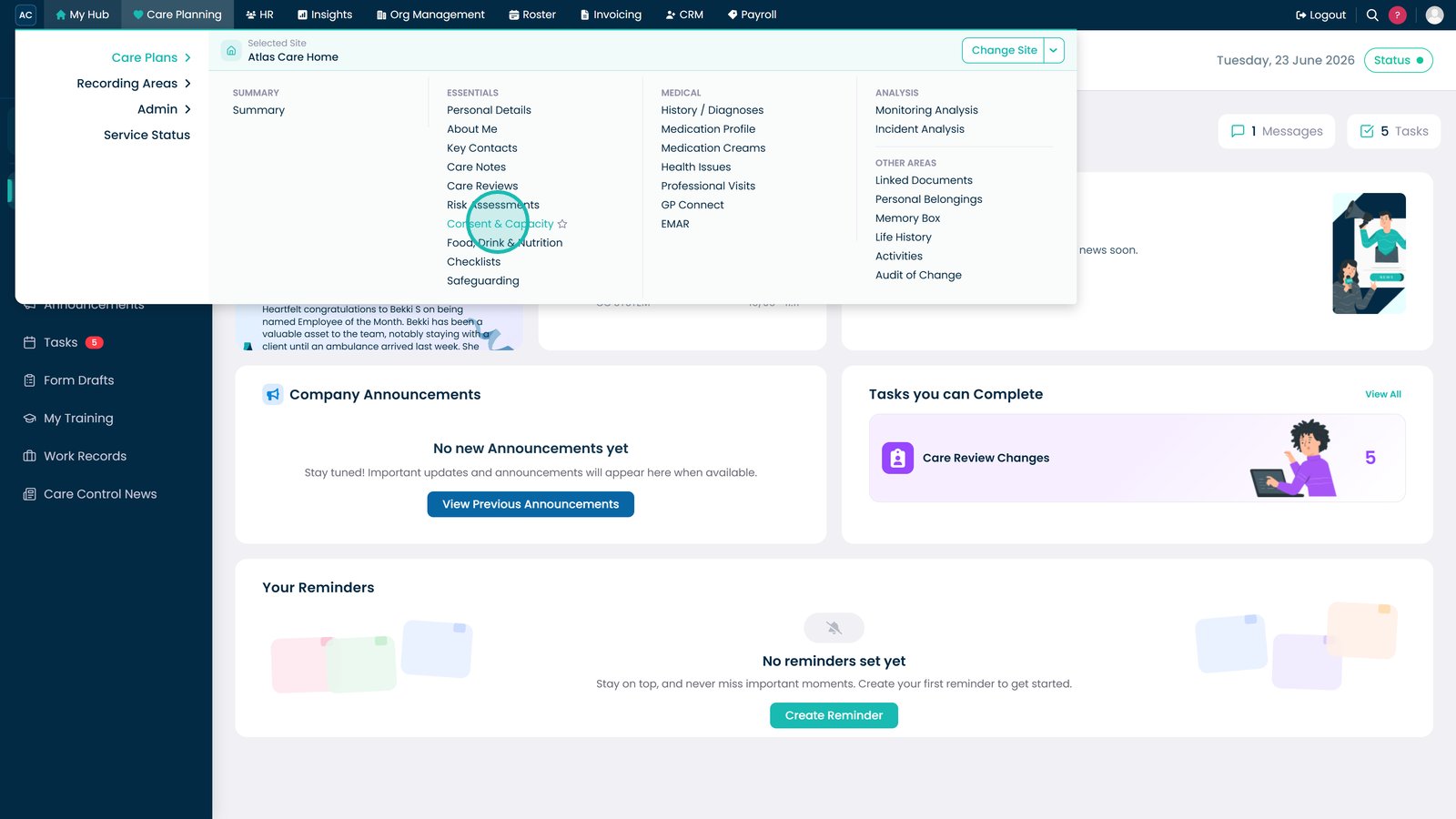
Open the Consent & Capacity section.

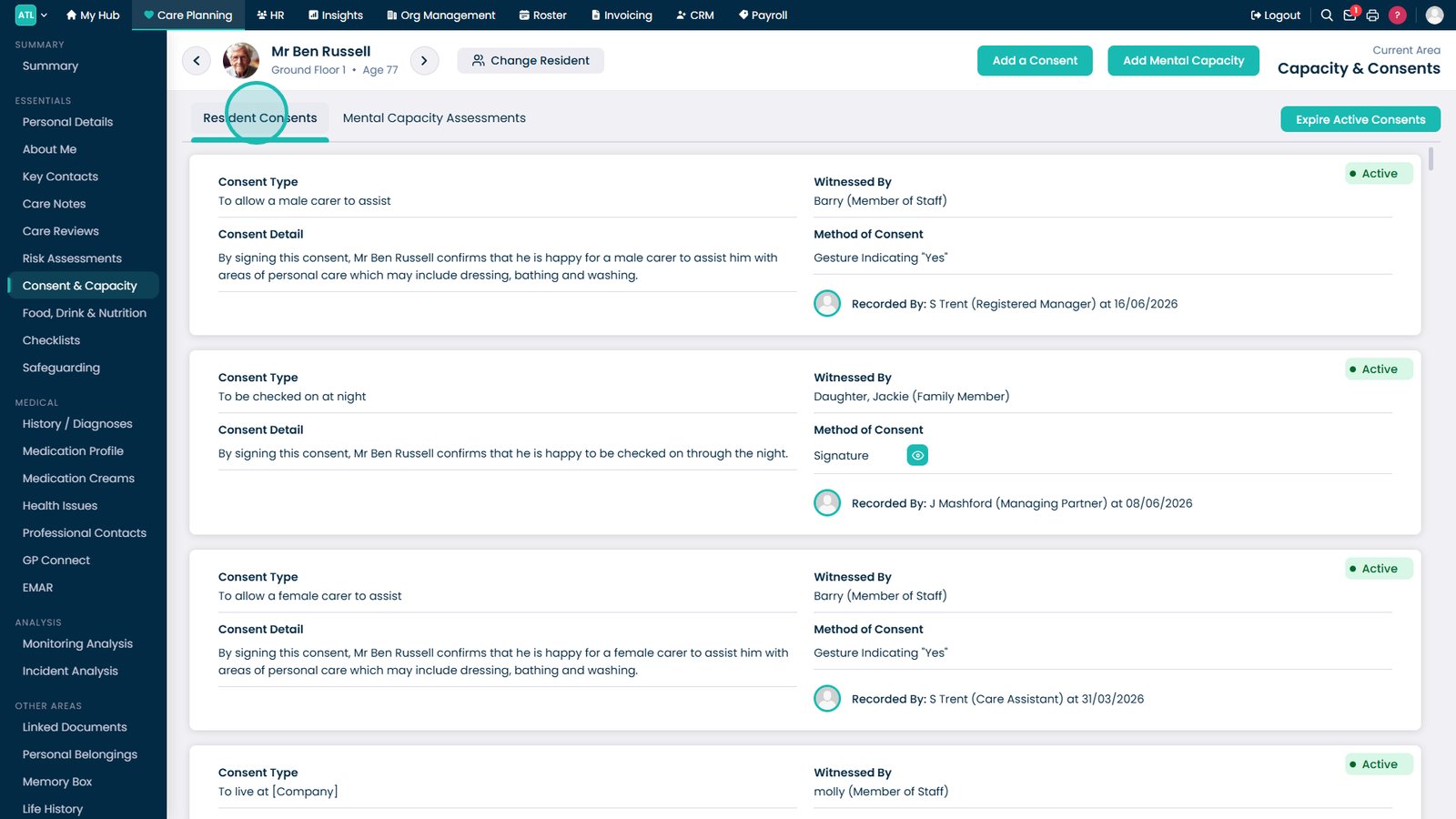
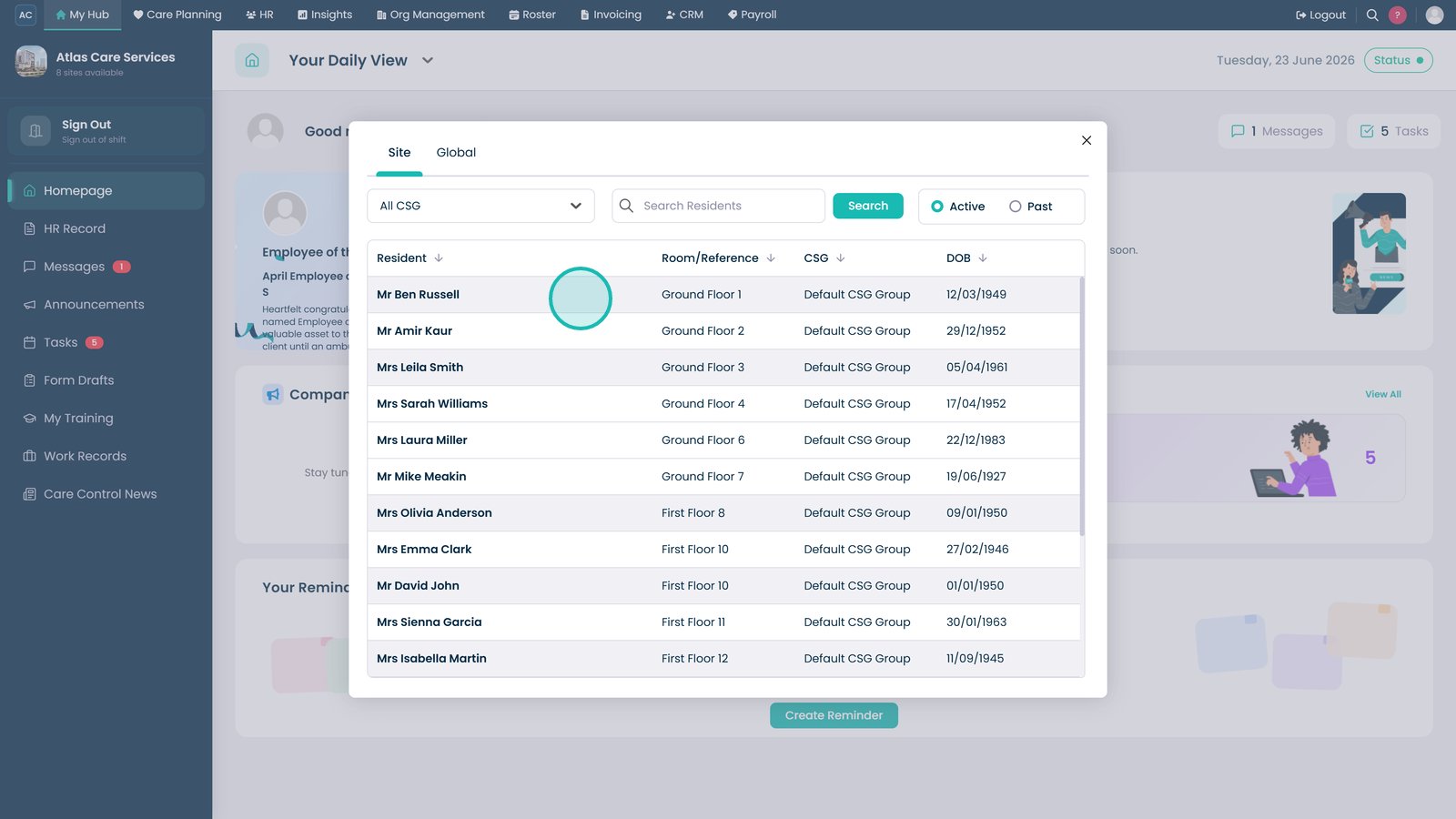
Select the service user whose consent and capacity records you want to review.

Open the Service User Consents tab to review active consent records.

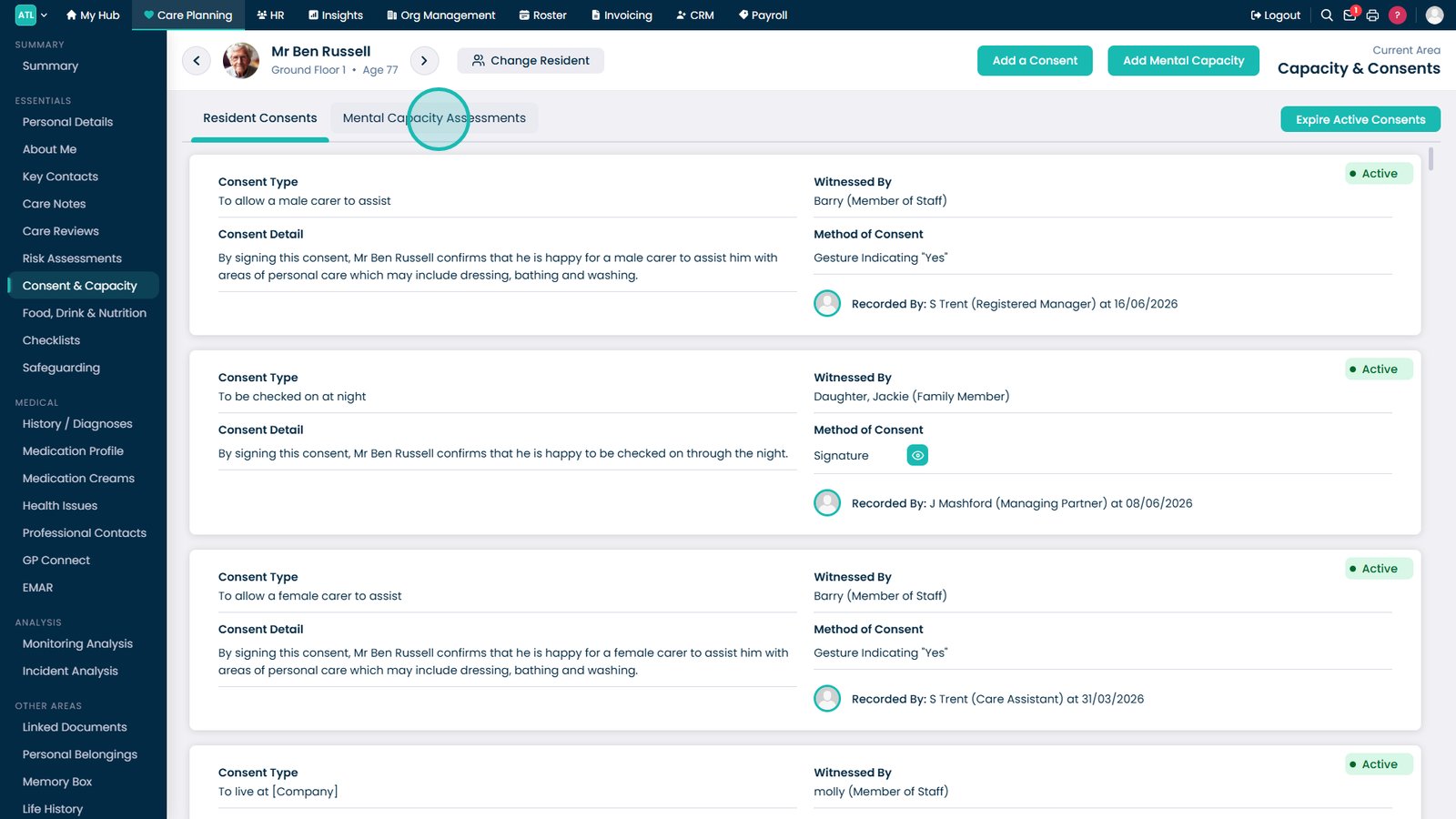
Select Mental Capacity Assessments to view active and historical assessments.

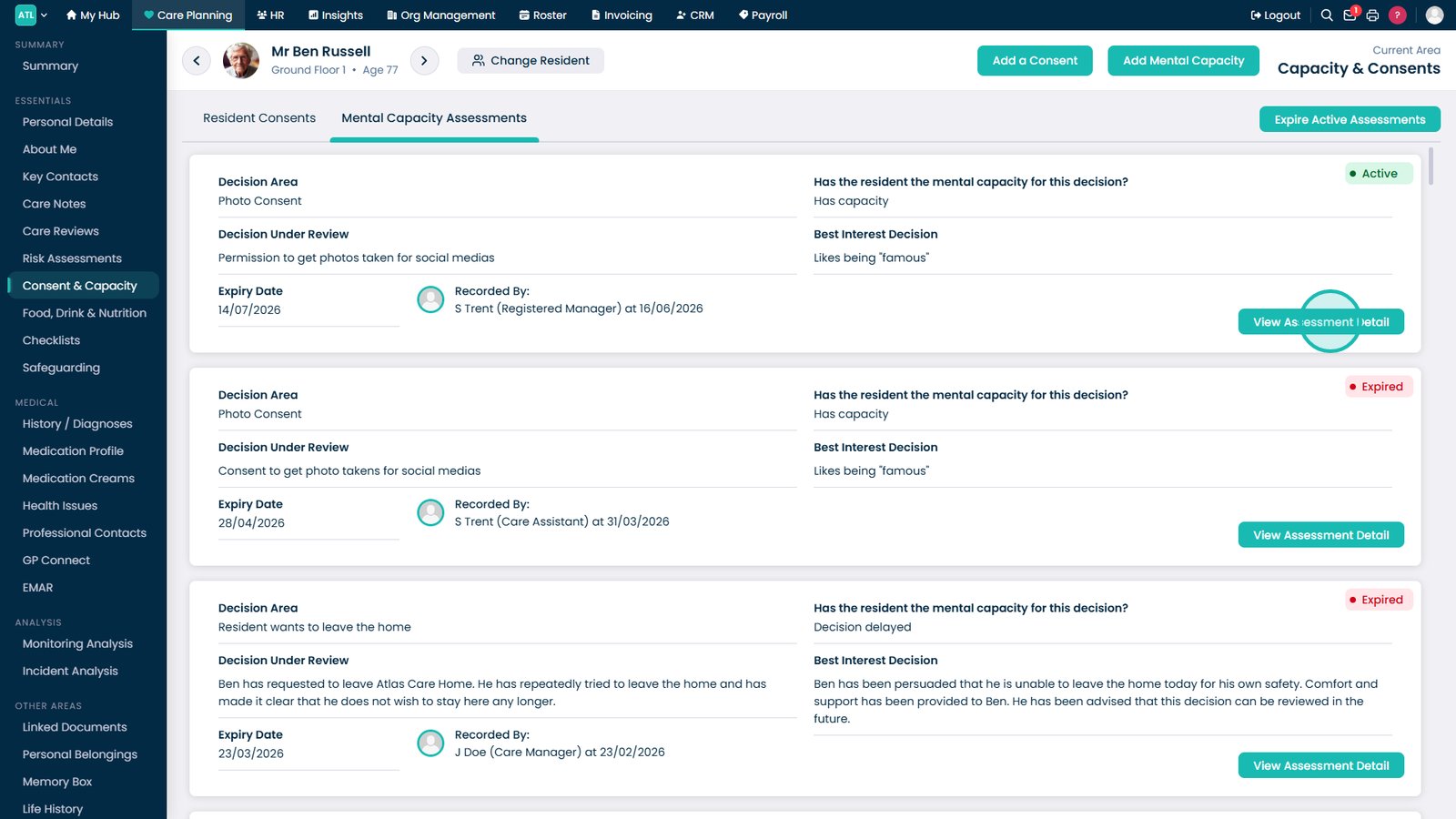
Select View Assessment Detail to review the full assessment record.

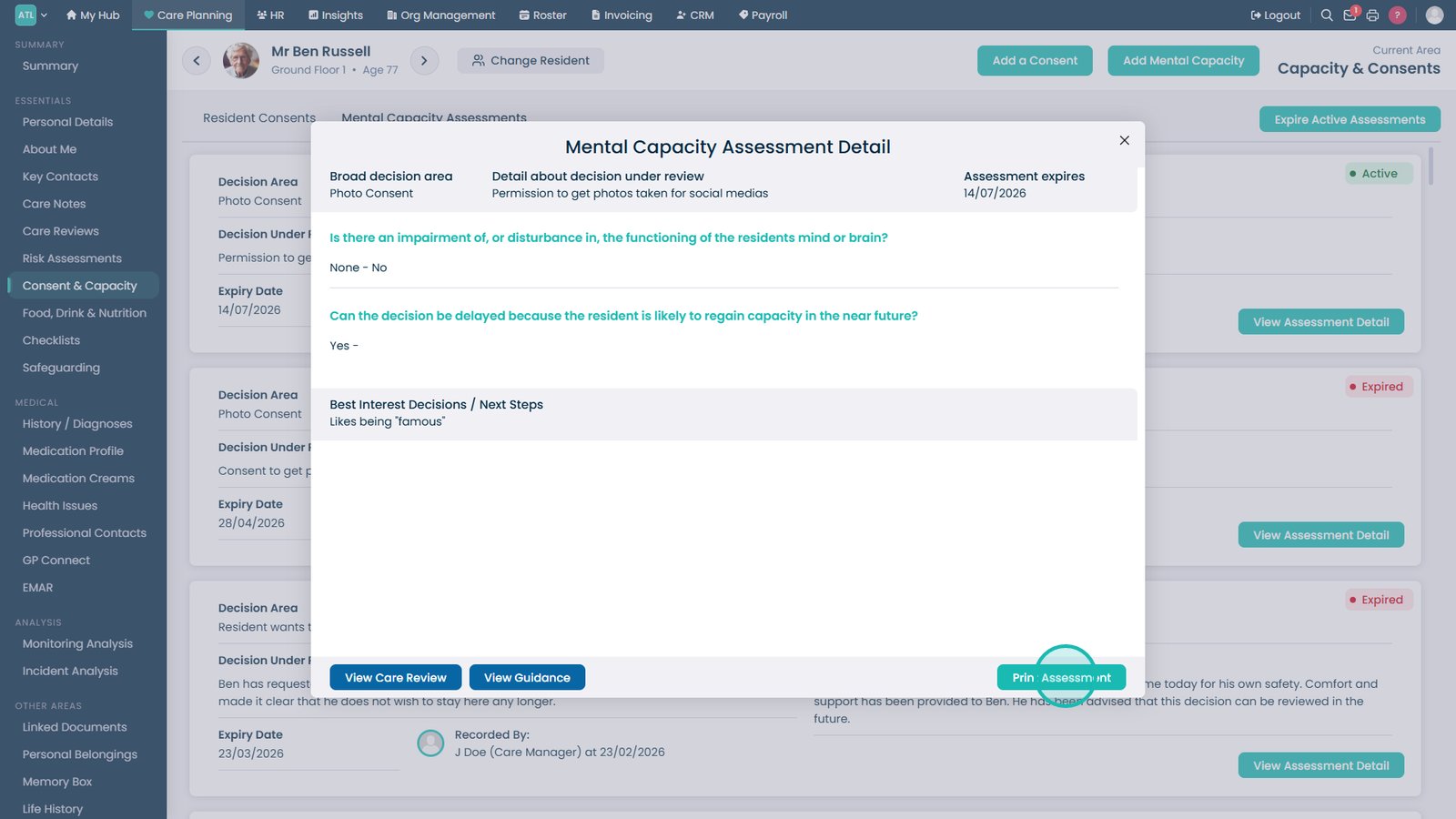
Select Print Assessment to generate a printable or PDF version of the assessment.

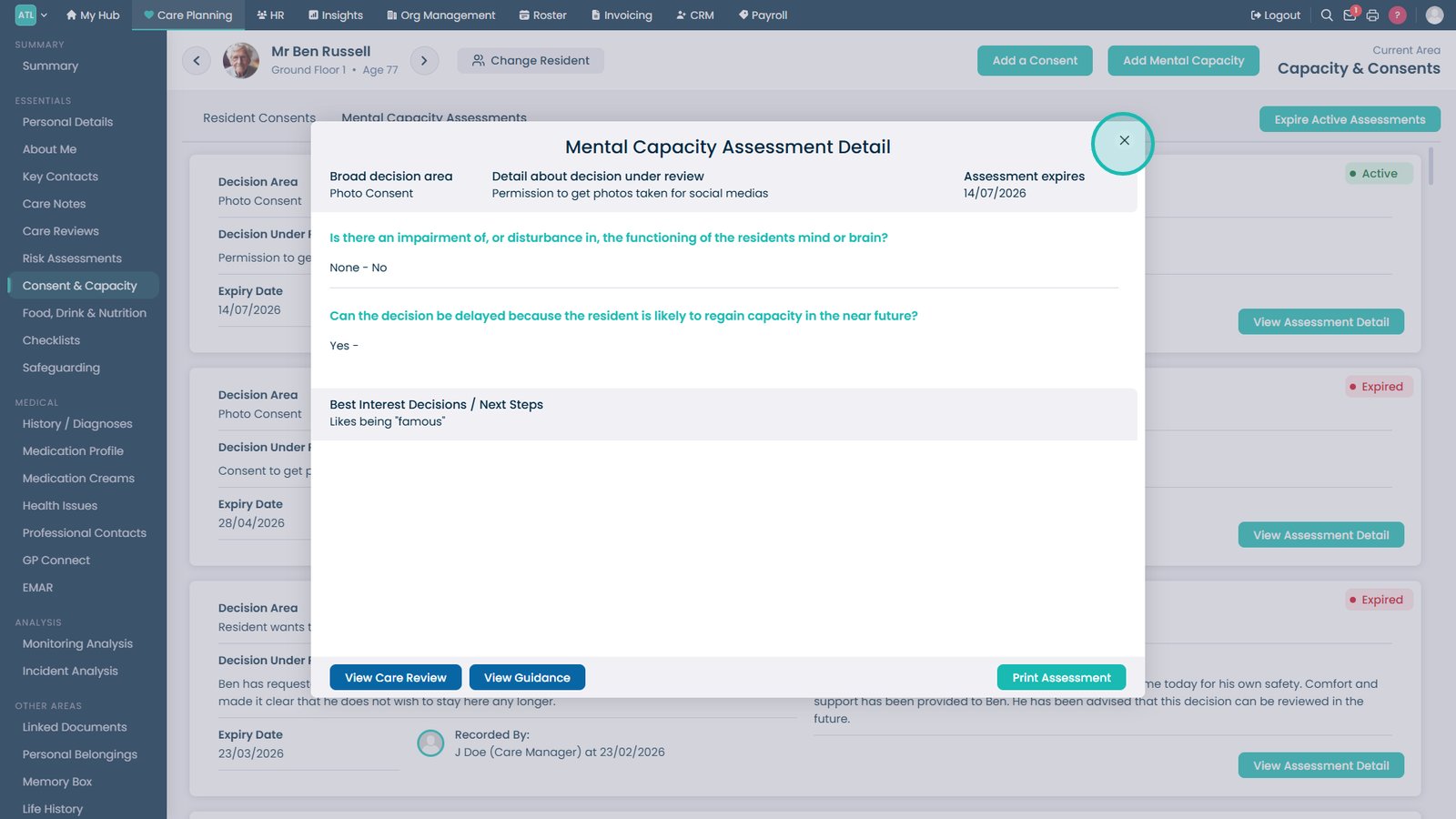
Close the assessment details window to return to the Consent & Capacity records.

Top tip

Review the latest mental capacity assessment before making care decisions to ensure care delivery remains aligned with the service user's current assessed capacity.

Was this guide helpful?

Need more help?

Can't find what you're looking for? Our support team is here to help.

Contact Support

Or call us on

On this page