How to View Current and Historic Monitoring Analysis
This guide will walk you through viewing and analysing Monitoring data within Care Control Cloud.
Takes 3 minutes
For: Seniors & Managers
Updated: 1st June 2026
Introduction
This guide explains how to review and analyse Monitoring records within Care Control Cloud.
In this guide you'll learn how to:
- Access Monitoring Analysis
- Review current and historic records
- View monitoring details
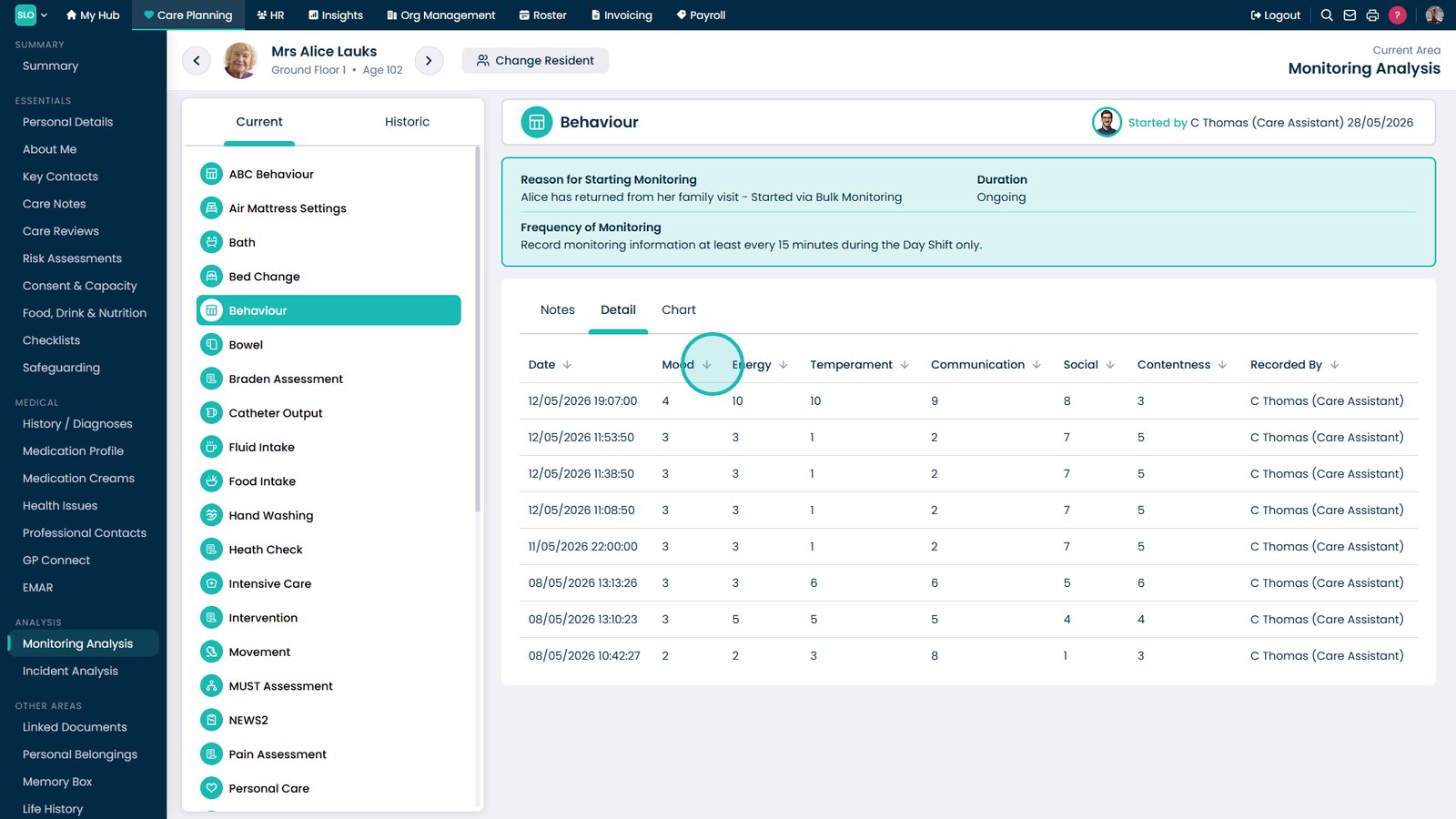
- Analyse data in table format
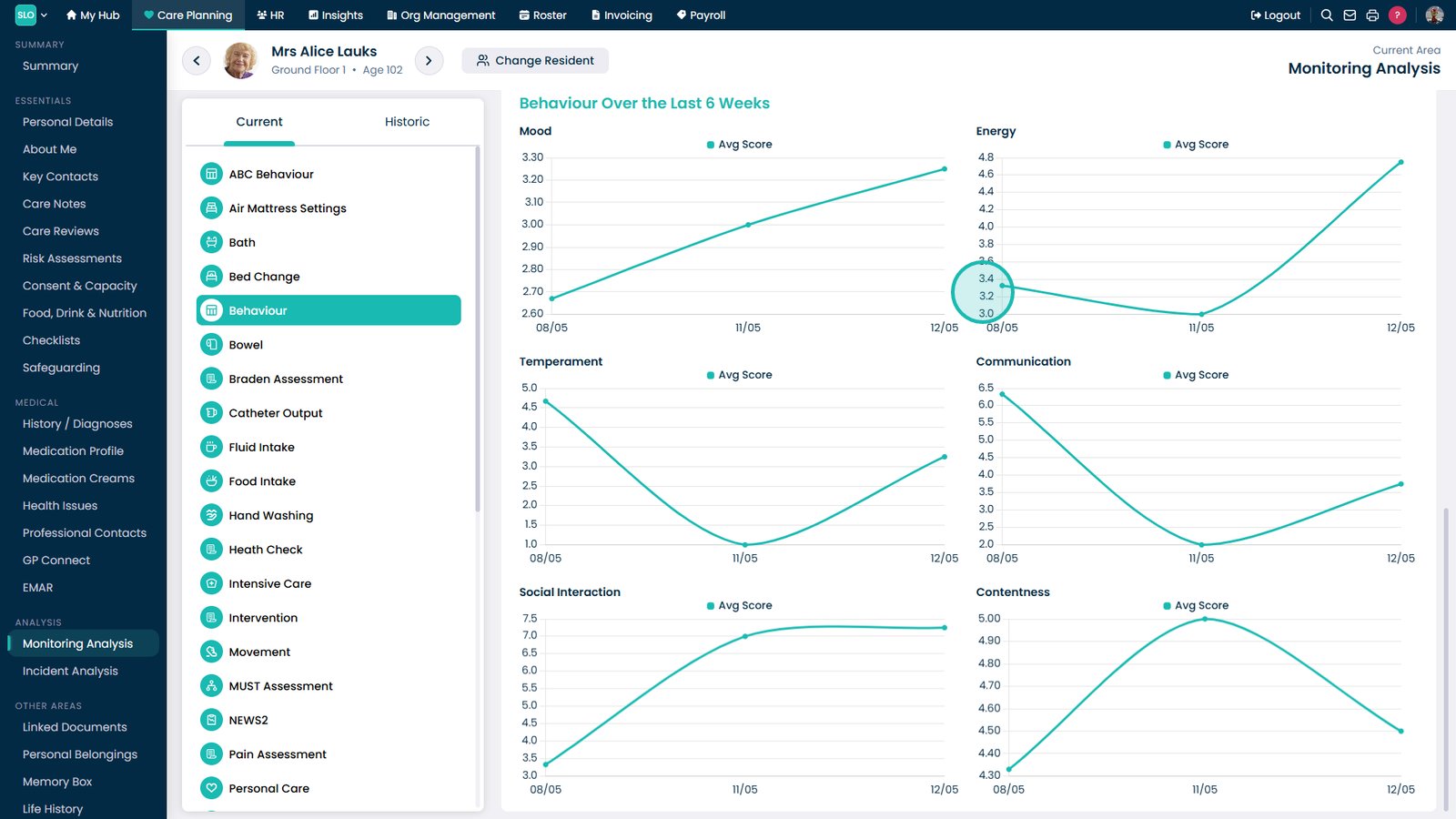
- Use charts to identify trends
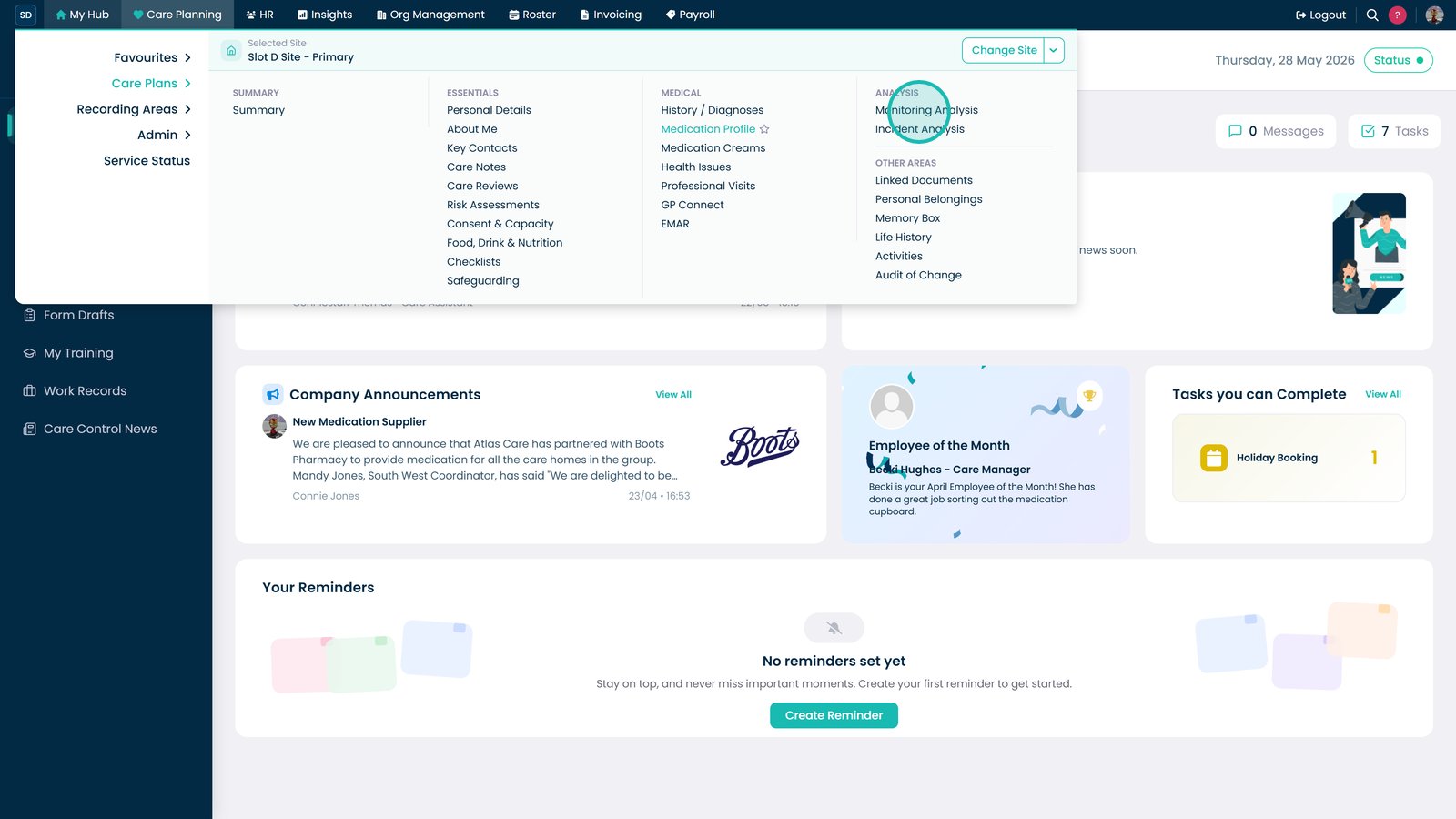
Open Monitoring Analysis.

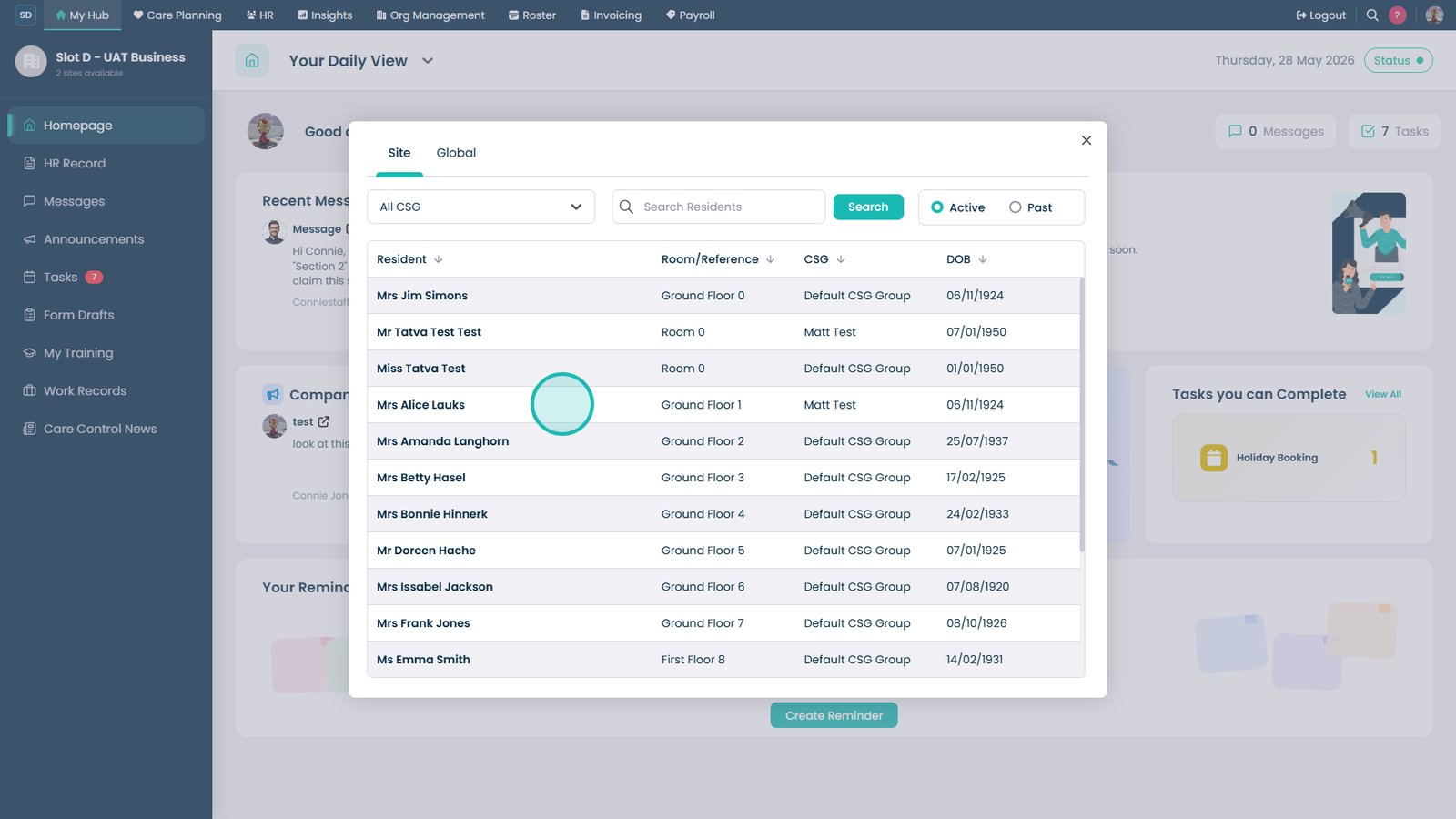
Select the resident.

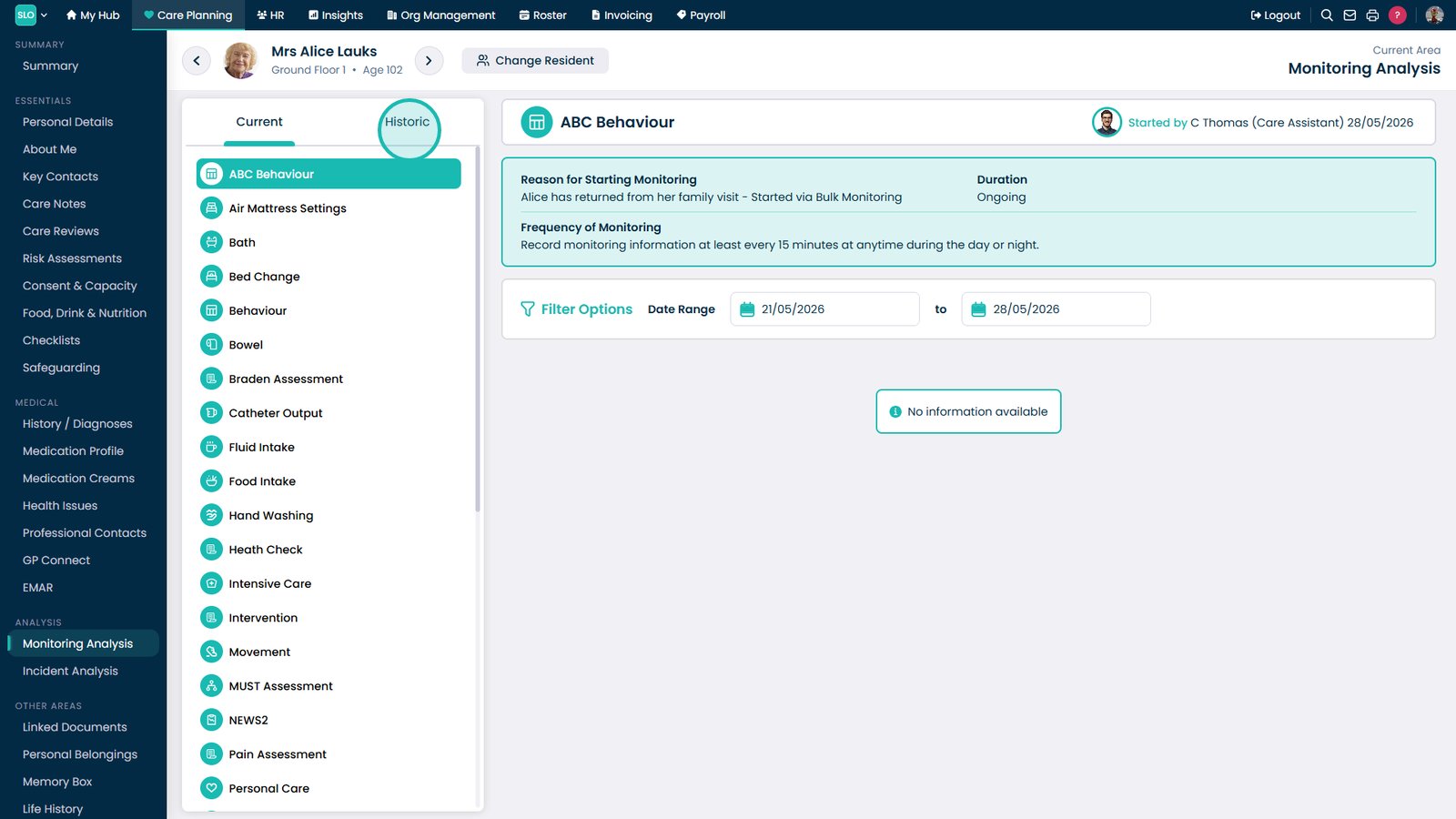
Open the Historic tab.

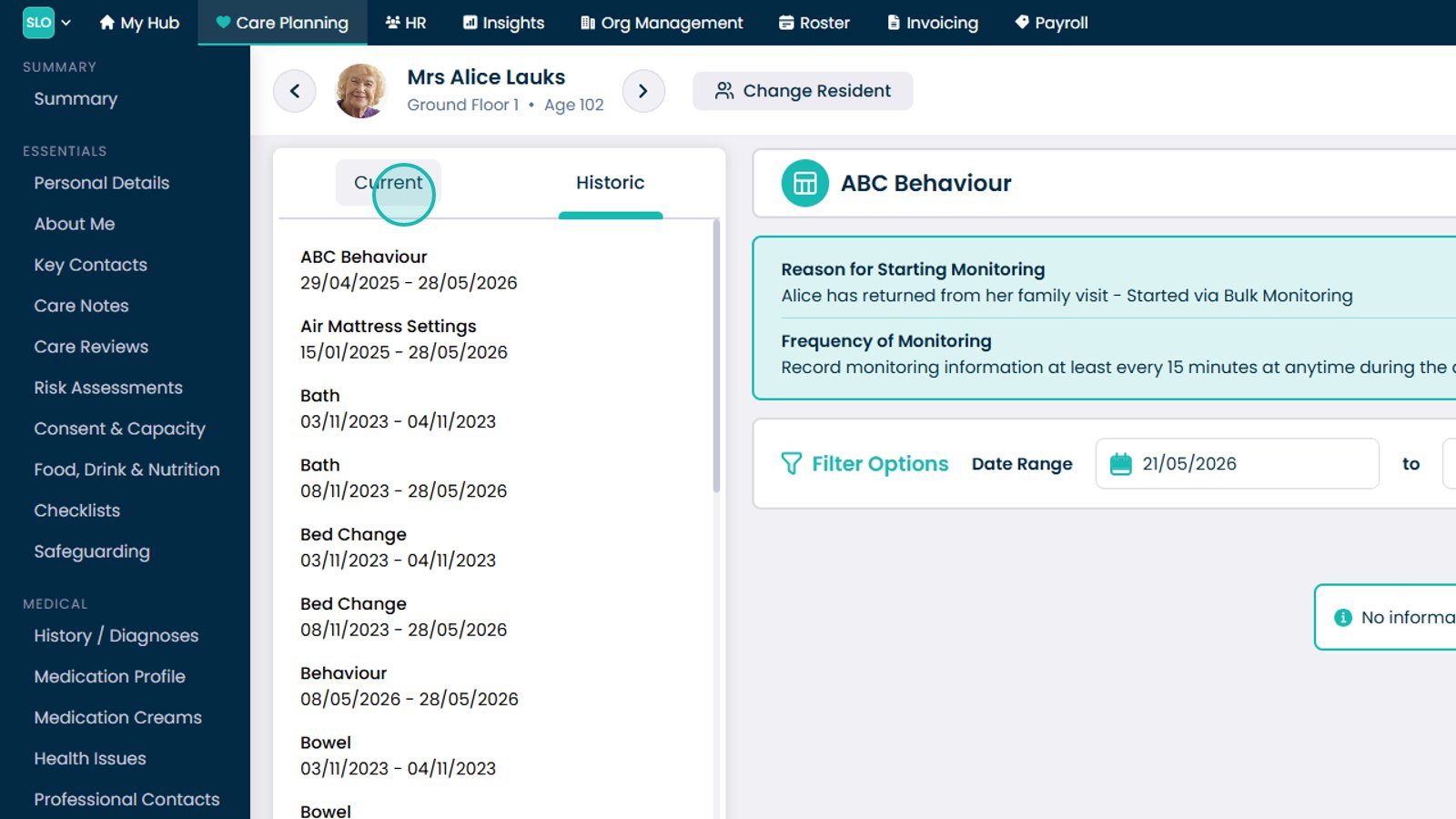
Return to the Current tab.

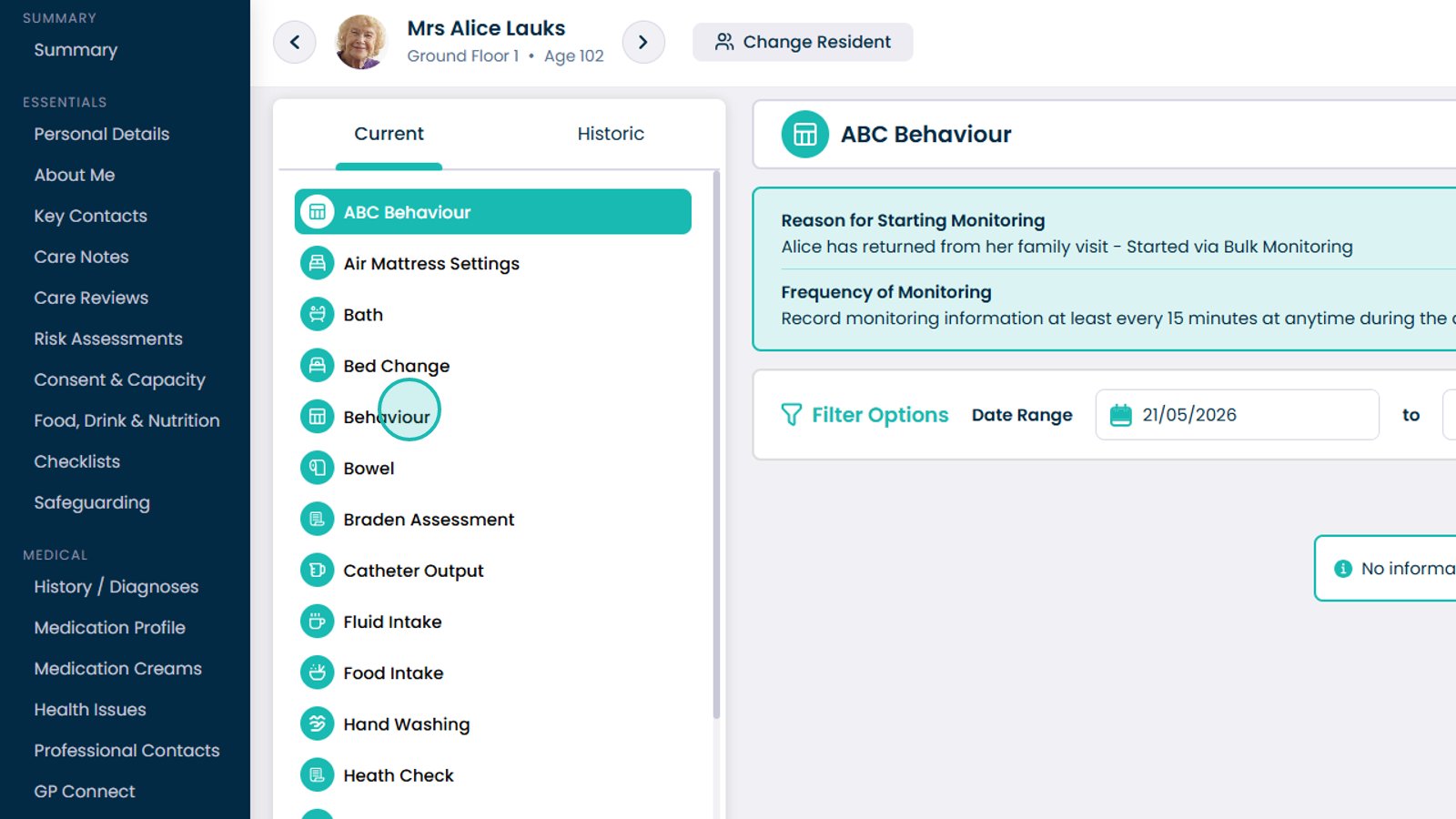
Select a monitoring category.

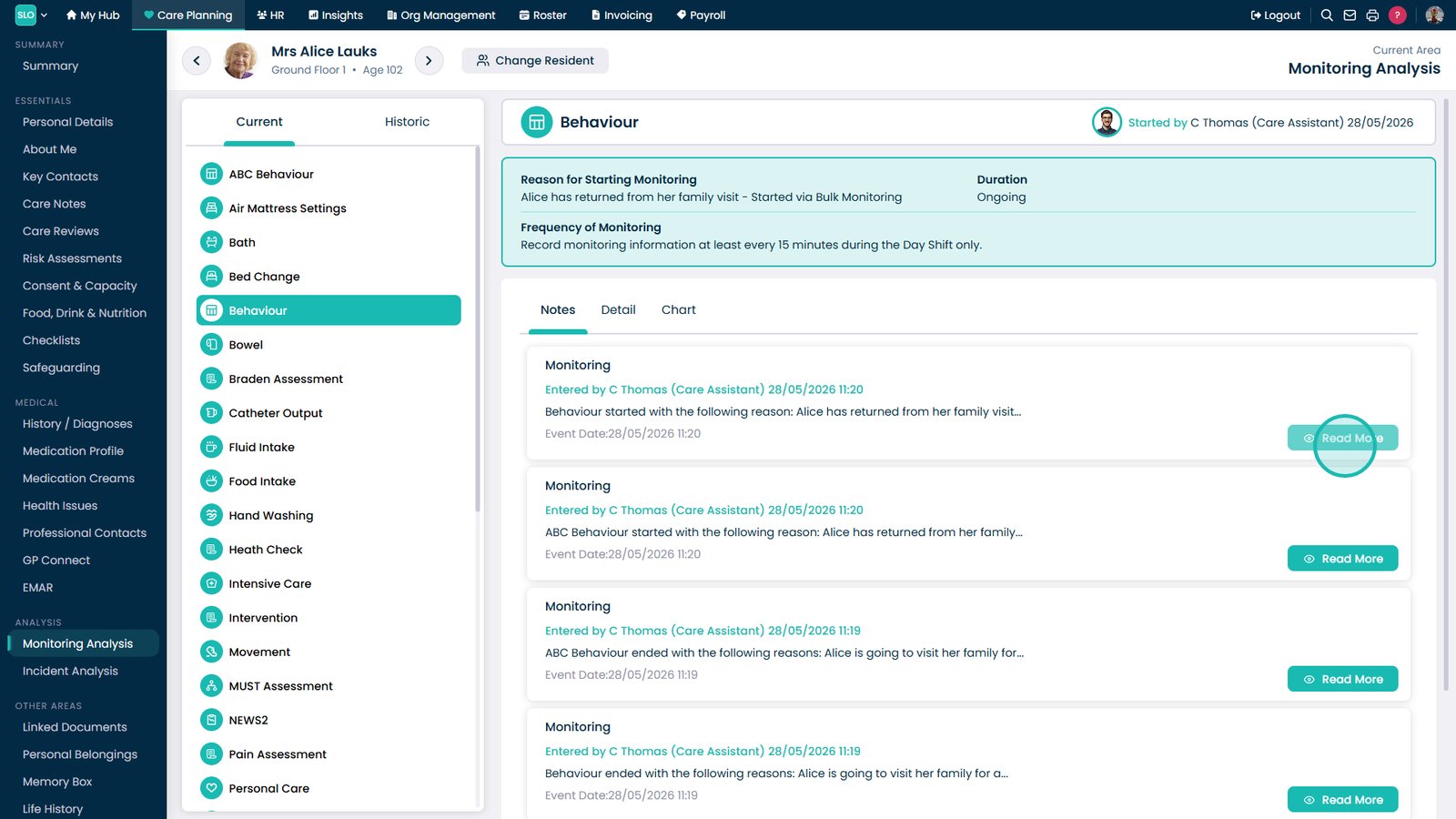
Select Read More.

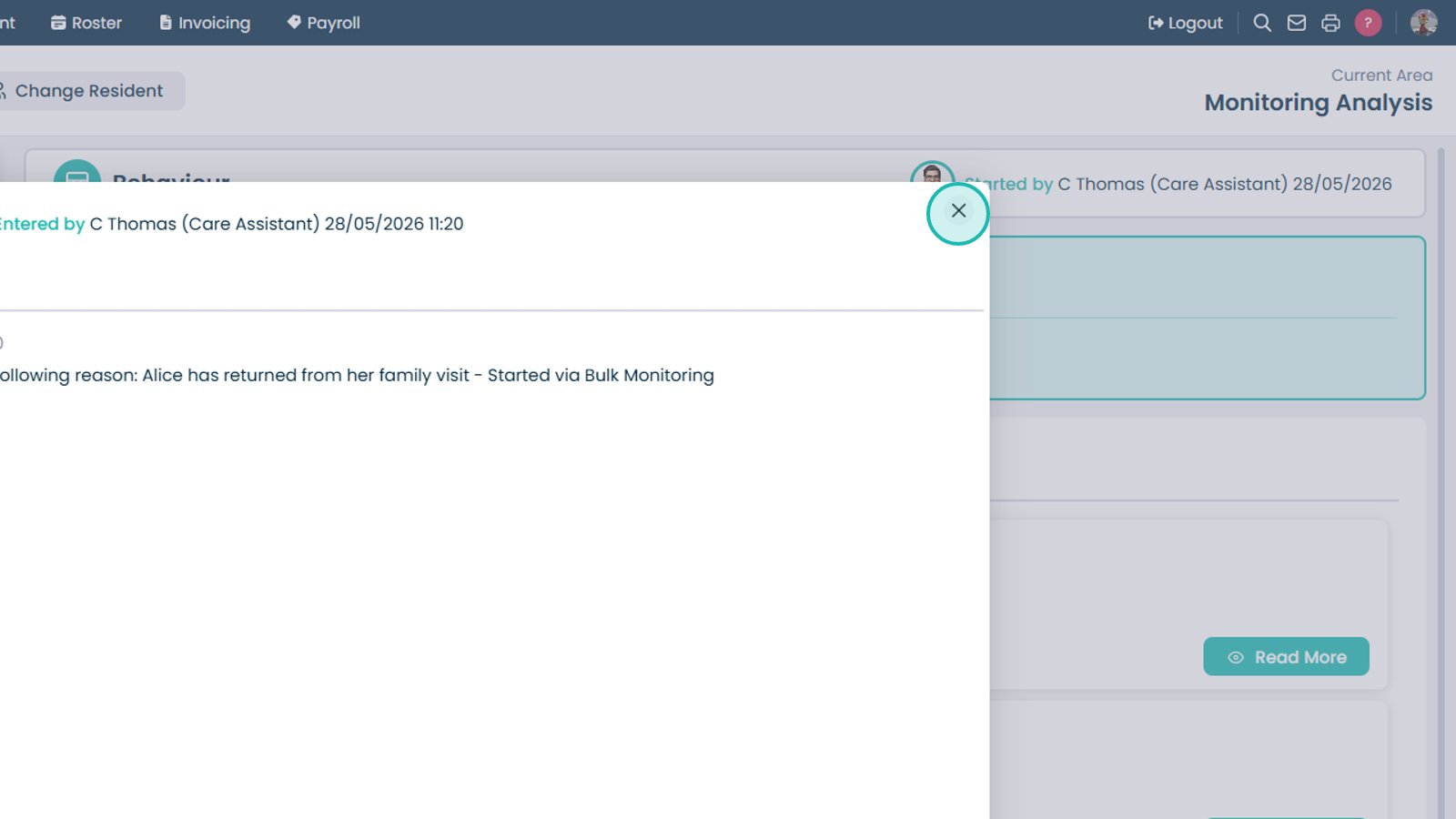
Close the detailed view.

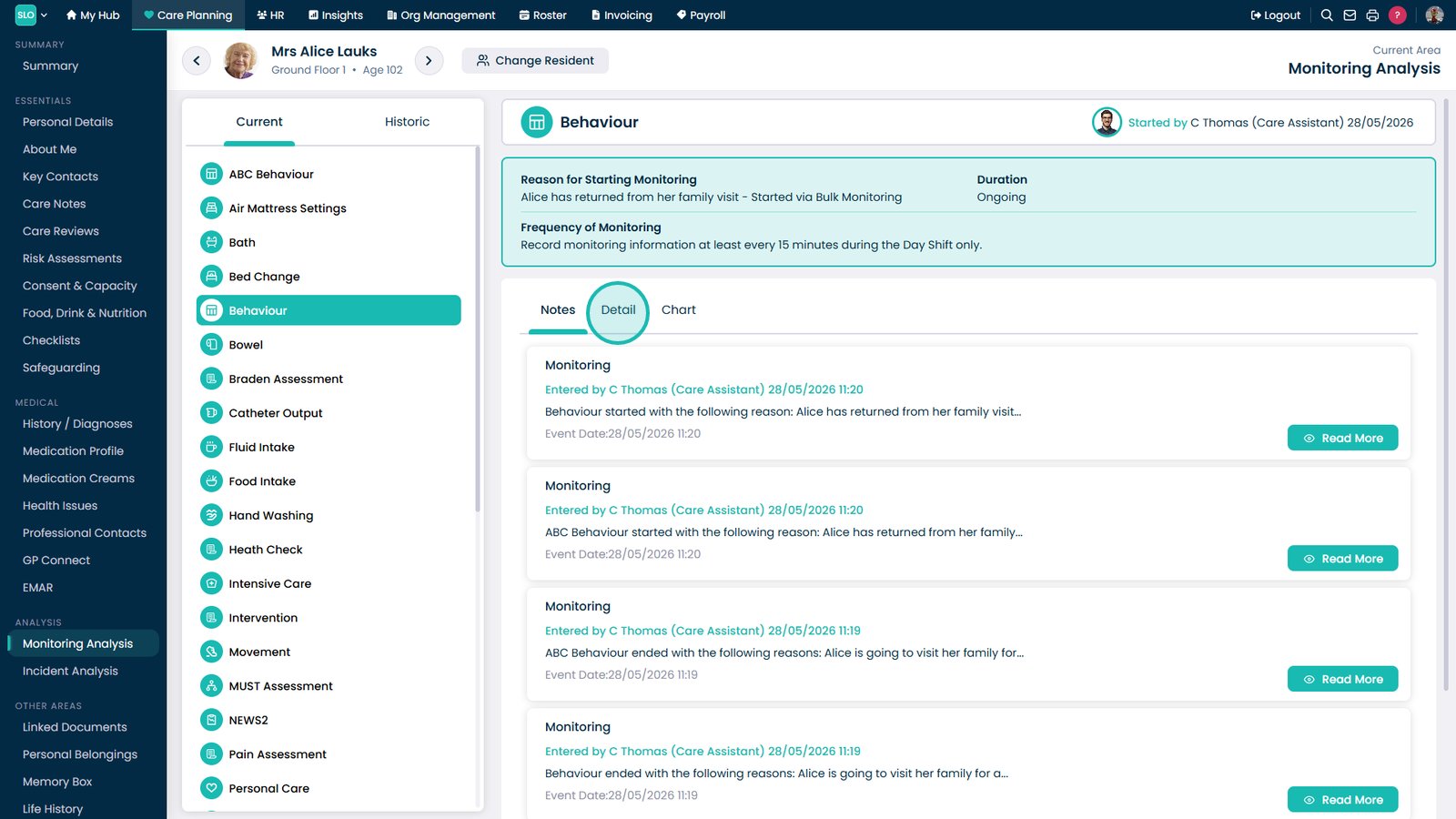
Open the Detail view.

Review the monitoring table.

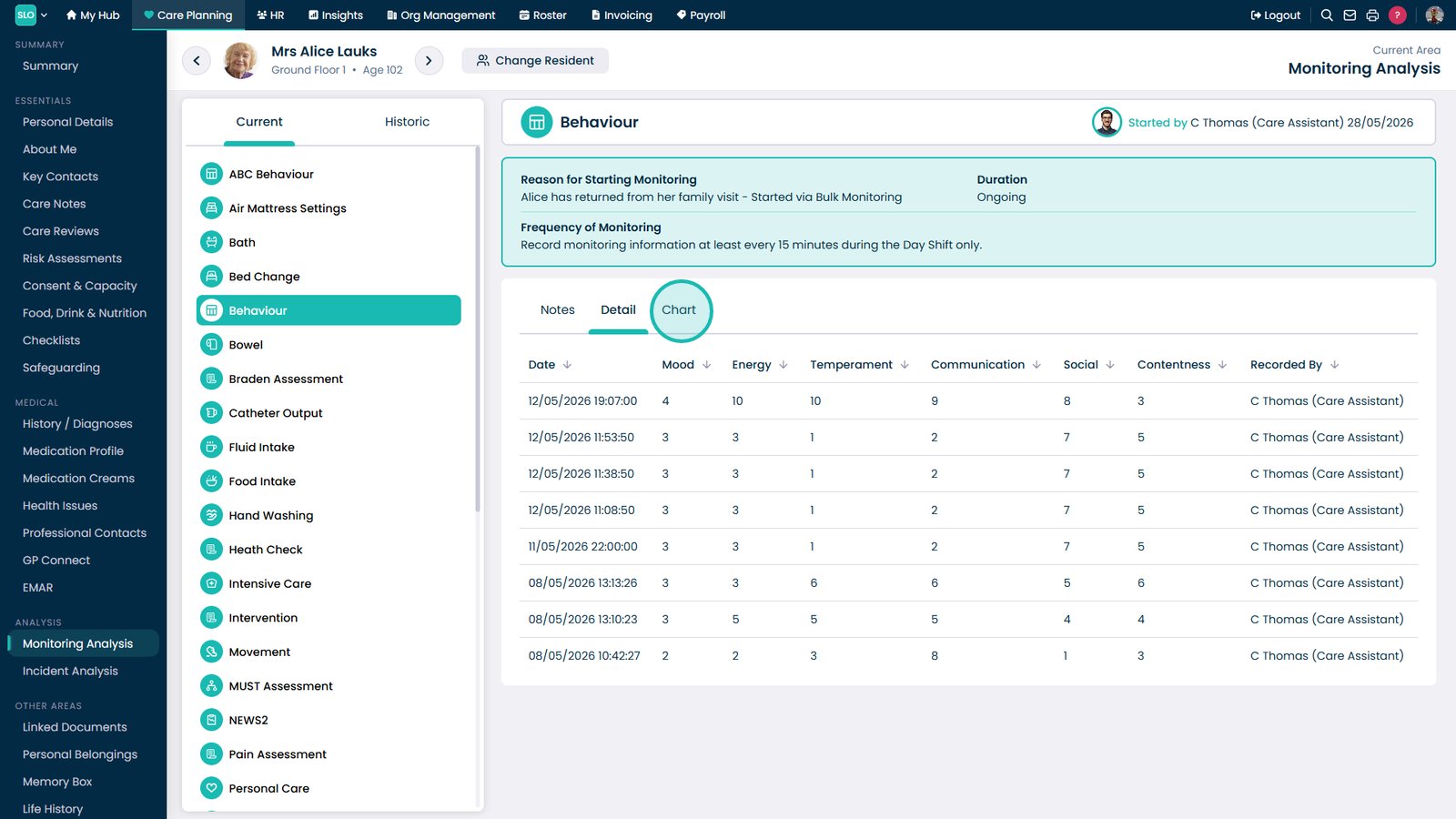
Open the Chart view.

Review monitoring trends and patterns.

Top tip
Use the chart view to quickly identify patterns and trends that may not be obvious when reviewing individual monitoring records.
Need more help?
Can't find what you're looking for? Our support team is here to help.
Contact SupportOr call us on