View Categories

How to View Monitoring Analysis on Cloud

This guide explains how to access and review Monitoring Analysis within the Care Planning app, including navigating through monitoring areas and viewing historical records.

Monitoring analysis is essential for tracking trends, identifying changes in a resident’s condition, and supporting informed decision-making. Using these tools effectively helps improve care quality, ensures accurate record-keeping, and allows staff to quickly identify risks or patterns that require attention.

By following this guide, you will learn how to:

  • Access the Monitoring Analysis section within Care Planning
  • Navigate between different monitoring areas
  • View historical monitoring data
  • Sort and review recorded information
  • Access detailed records for deeper insights

This ensures monitoring data is easy to access, clearly understood, and effectively used to support high-quality, person-centred care.

Interactive Guide

Text based guide

Open the Care Planning app to manage and monitor resident care

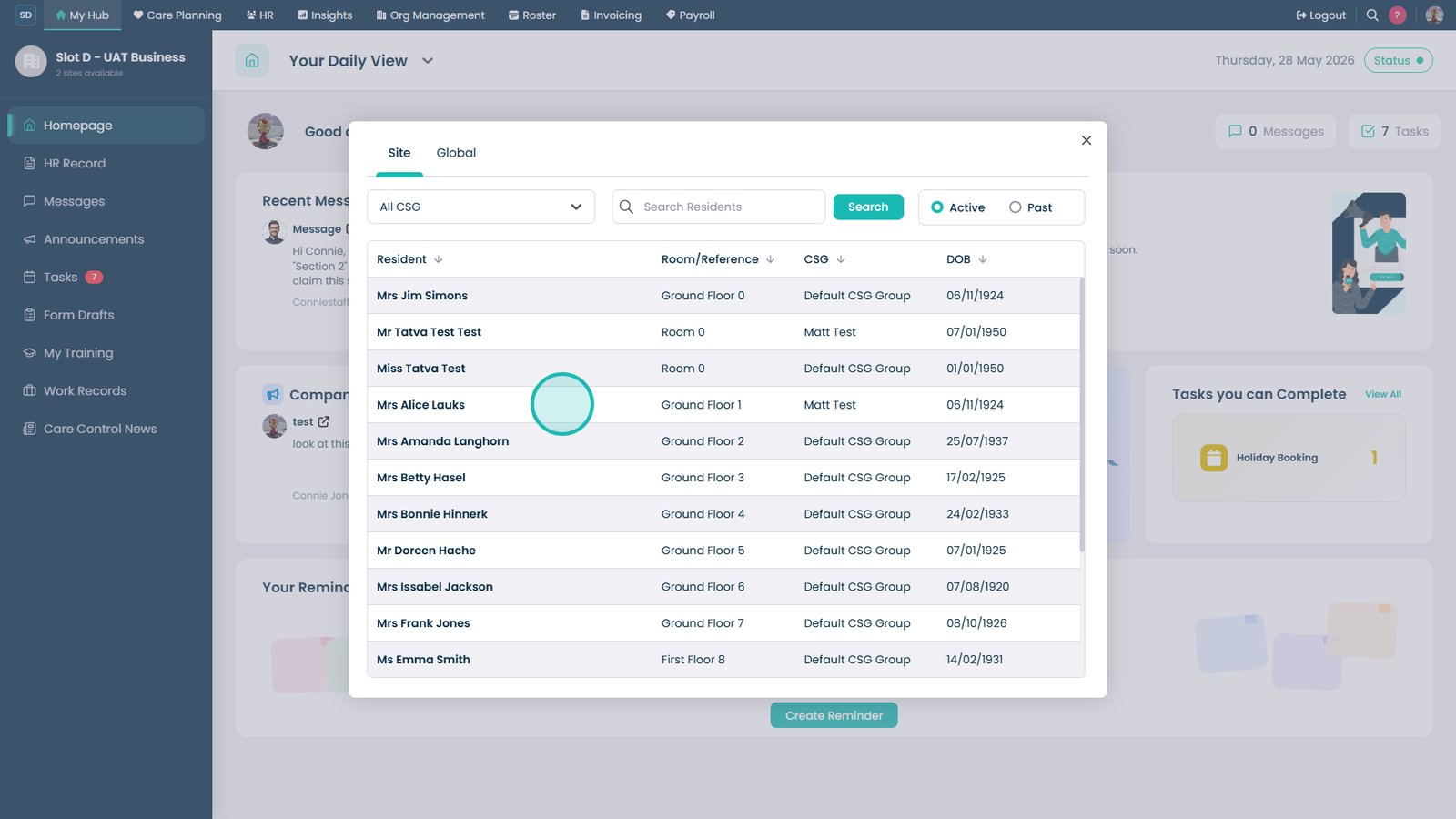
Select Resident Care Plans to access resident dashboards

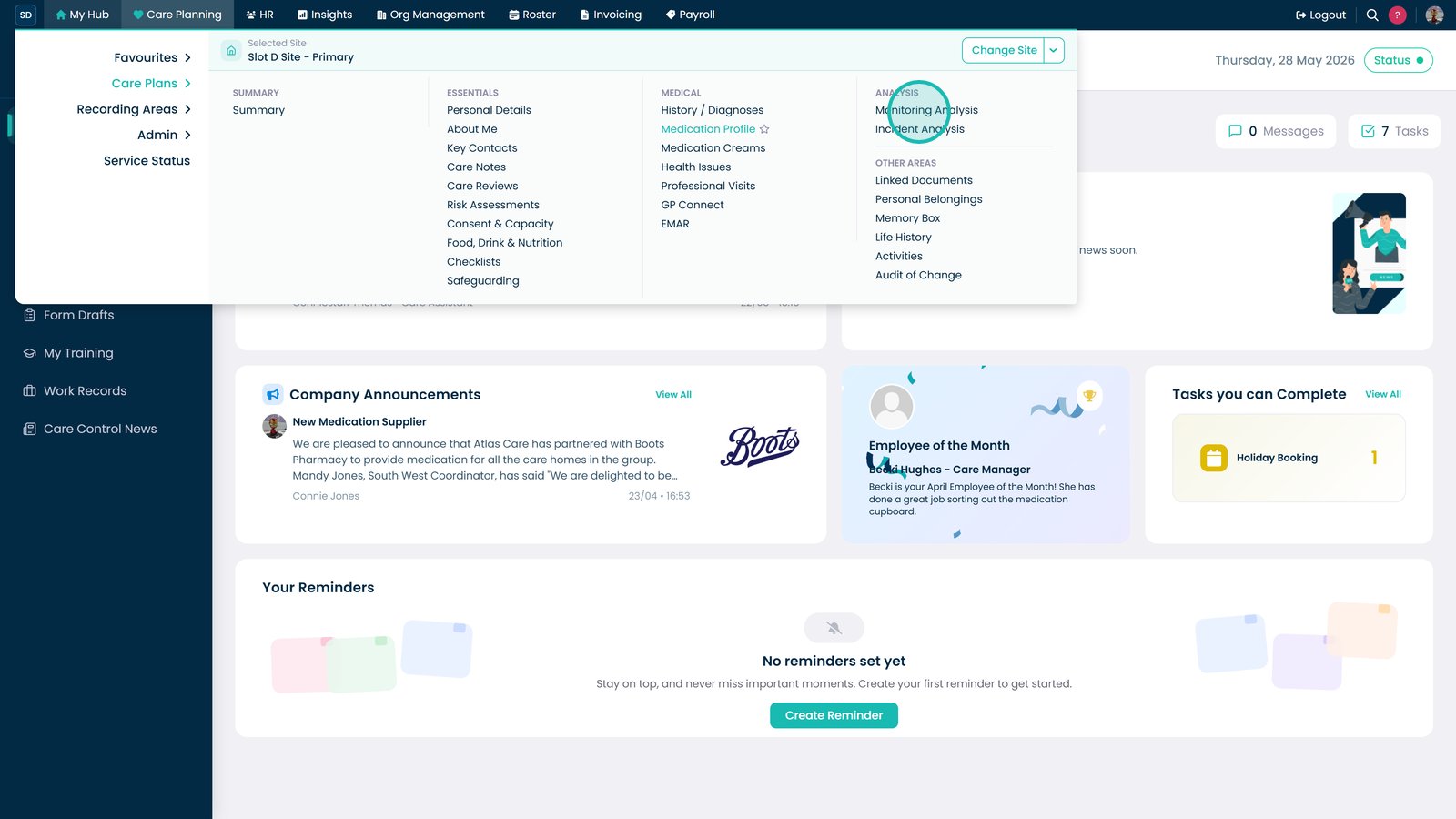
Open the Analysis dropdown to access monitoring insights

Select Monitoring Analysis to view detailed monitoring records

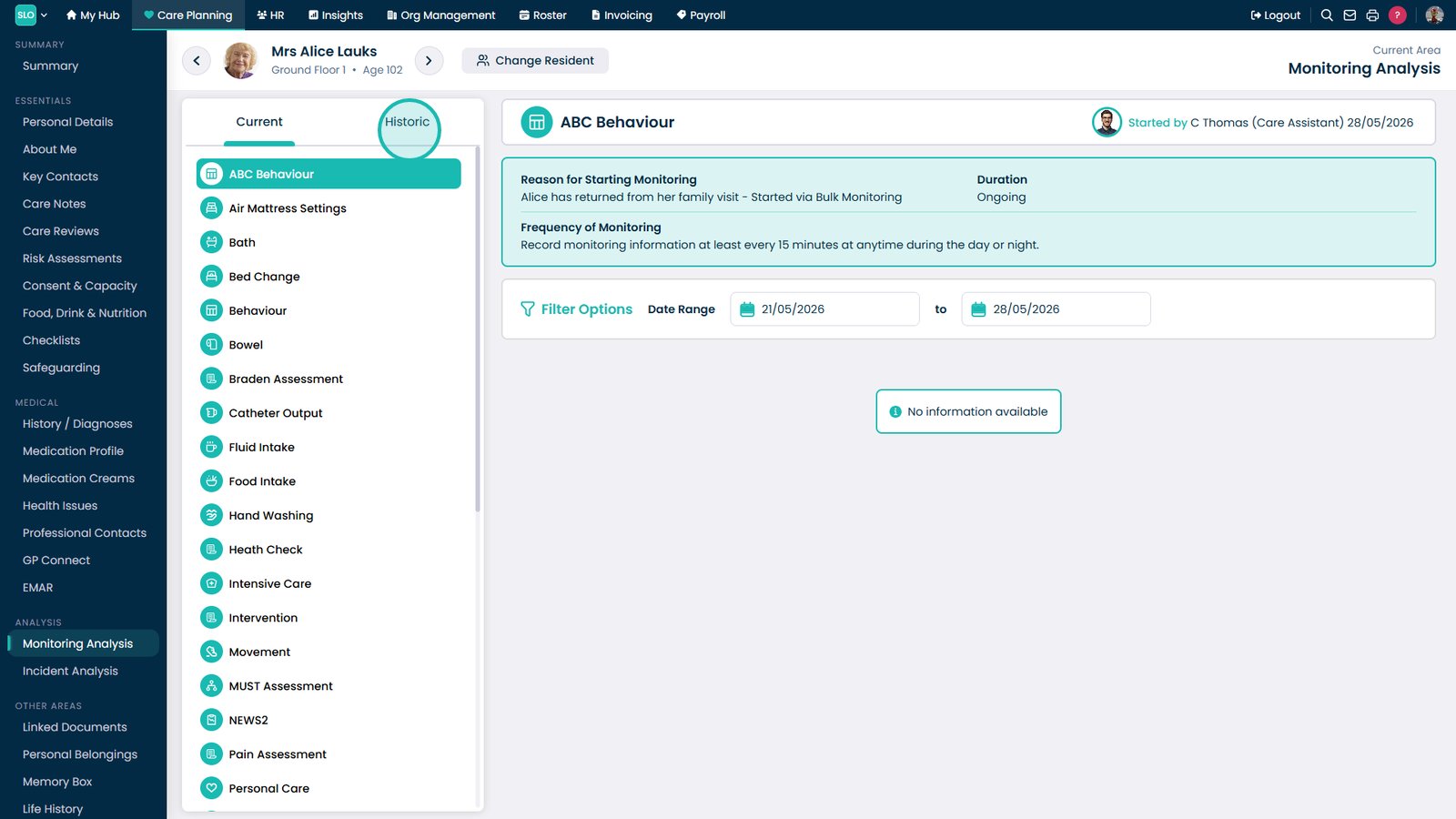
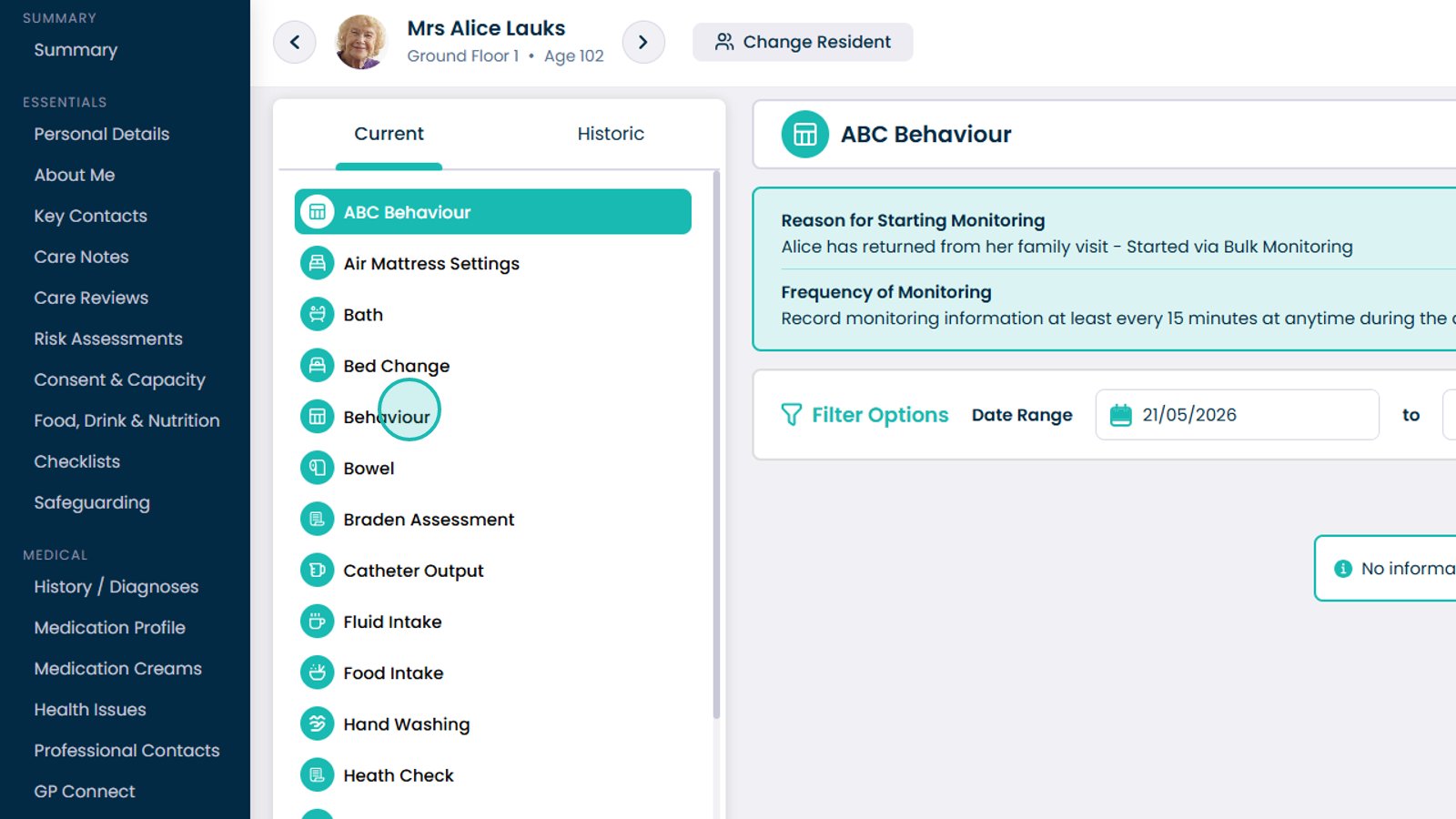
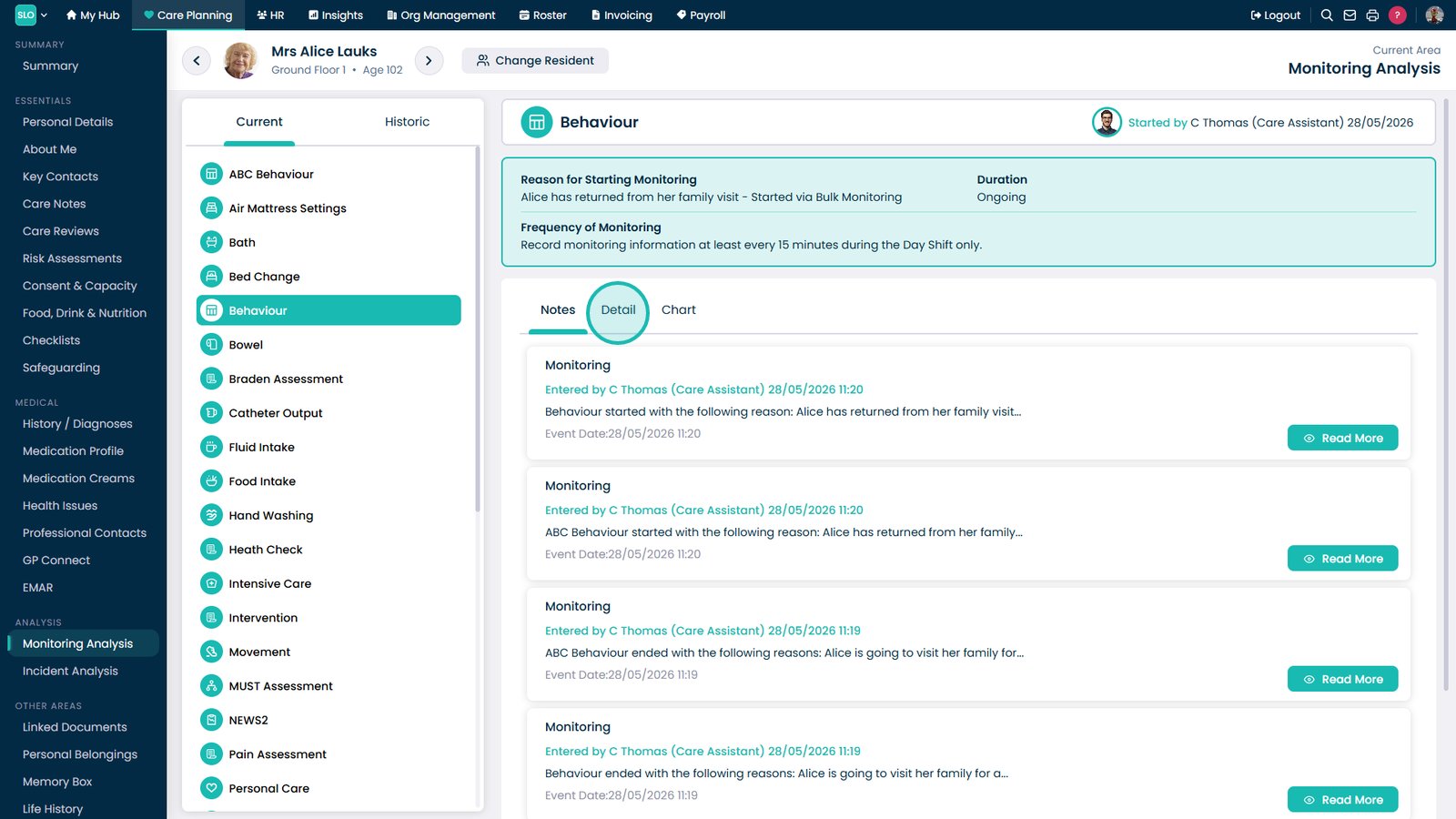
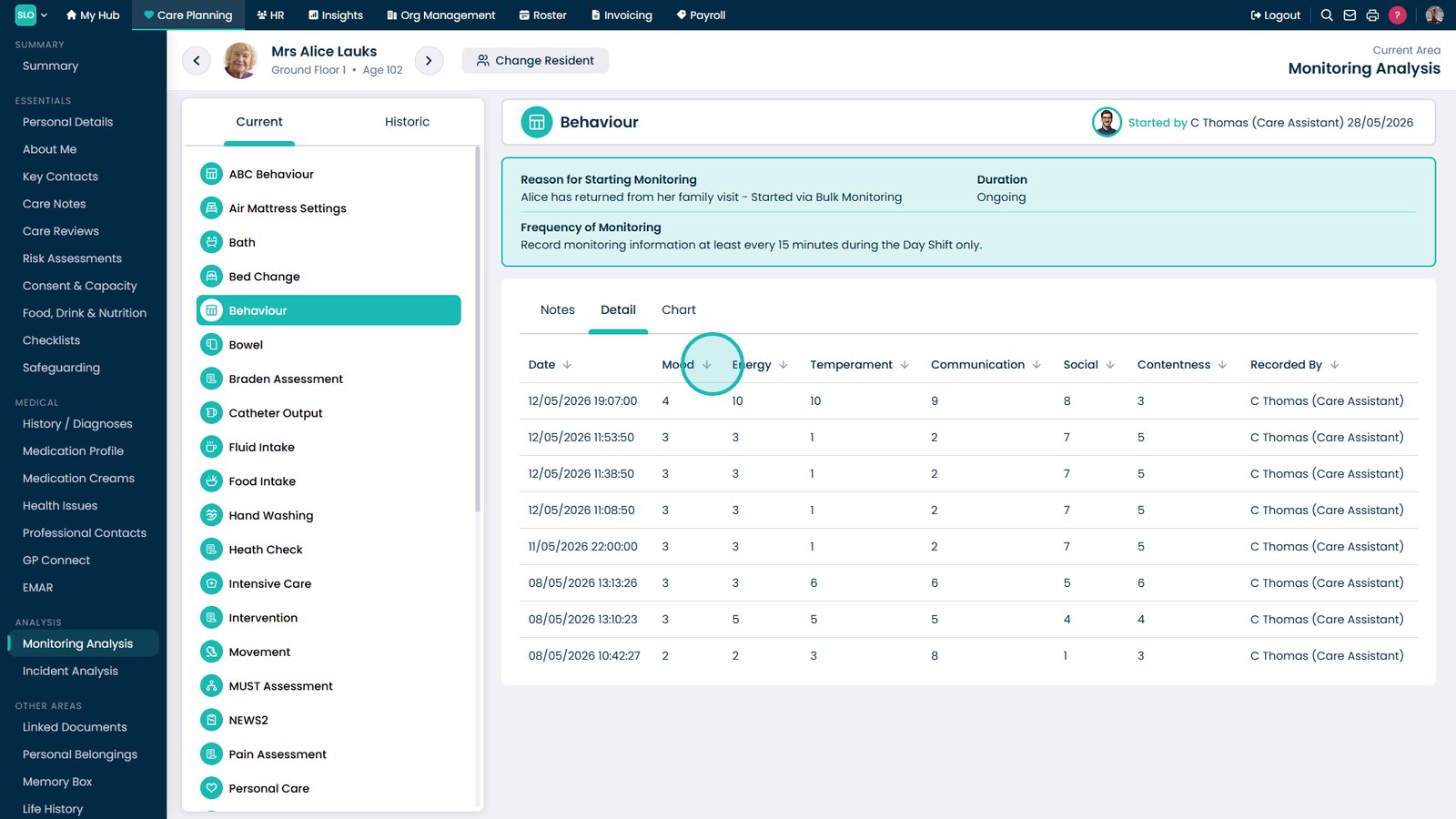
Select a monitoring area from the list to view detailed information

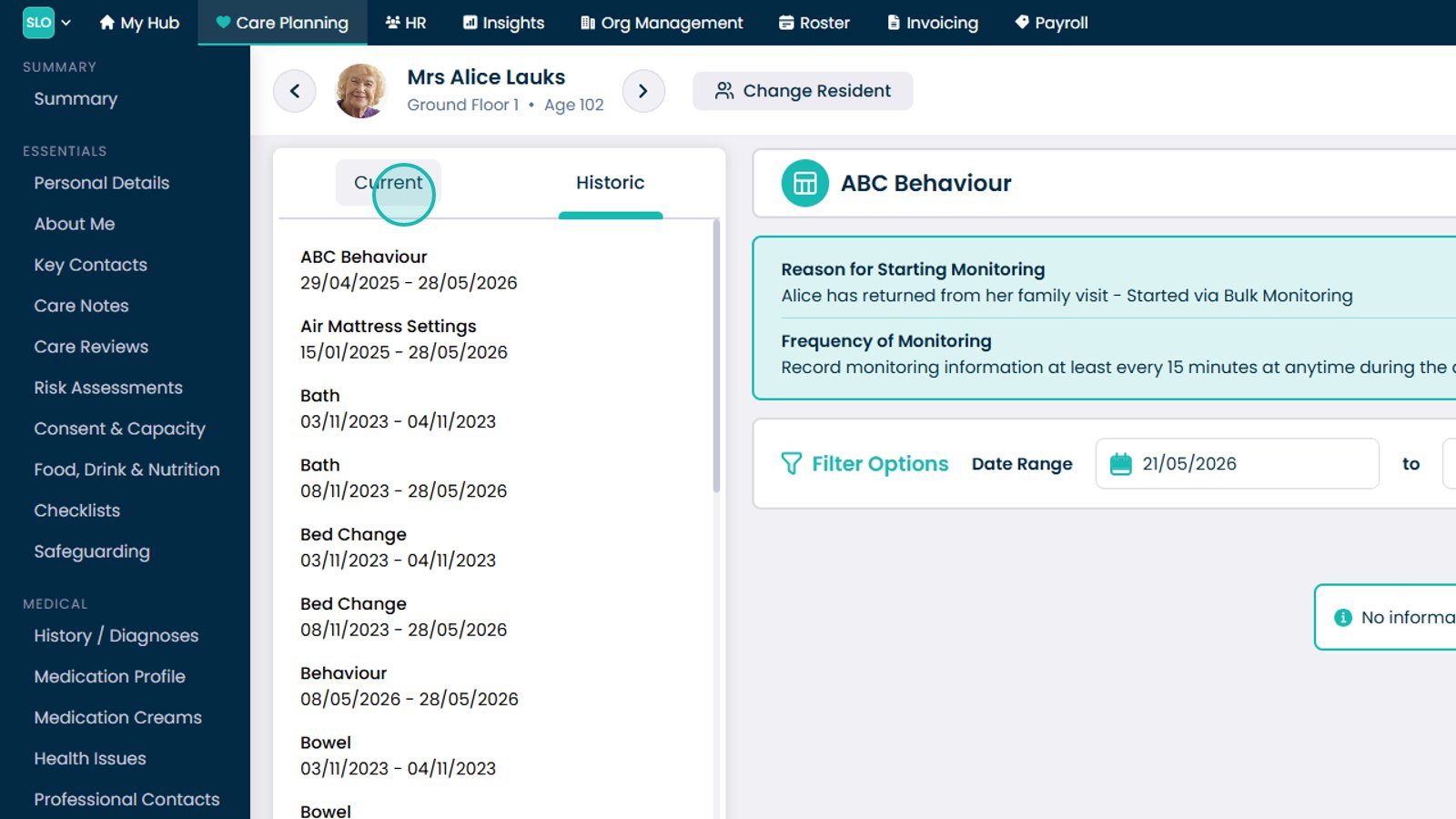
Select the Historic tab to view past monitoring records

Review the data and select column headers to sort the information

Use the Historic view to review all previous monitoring entries

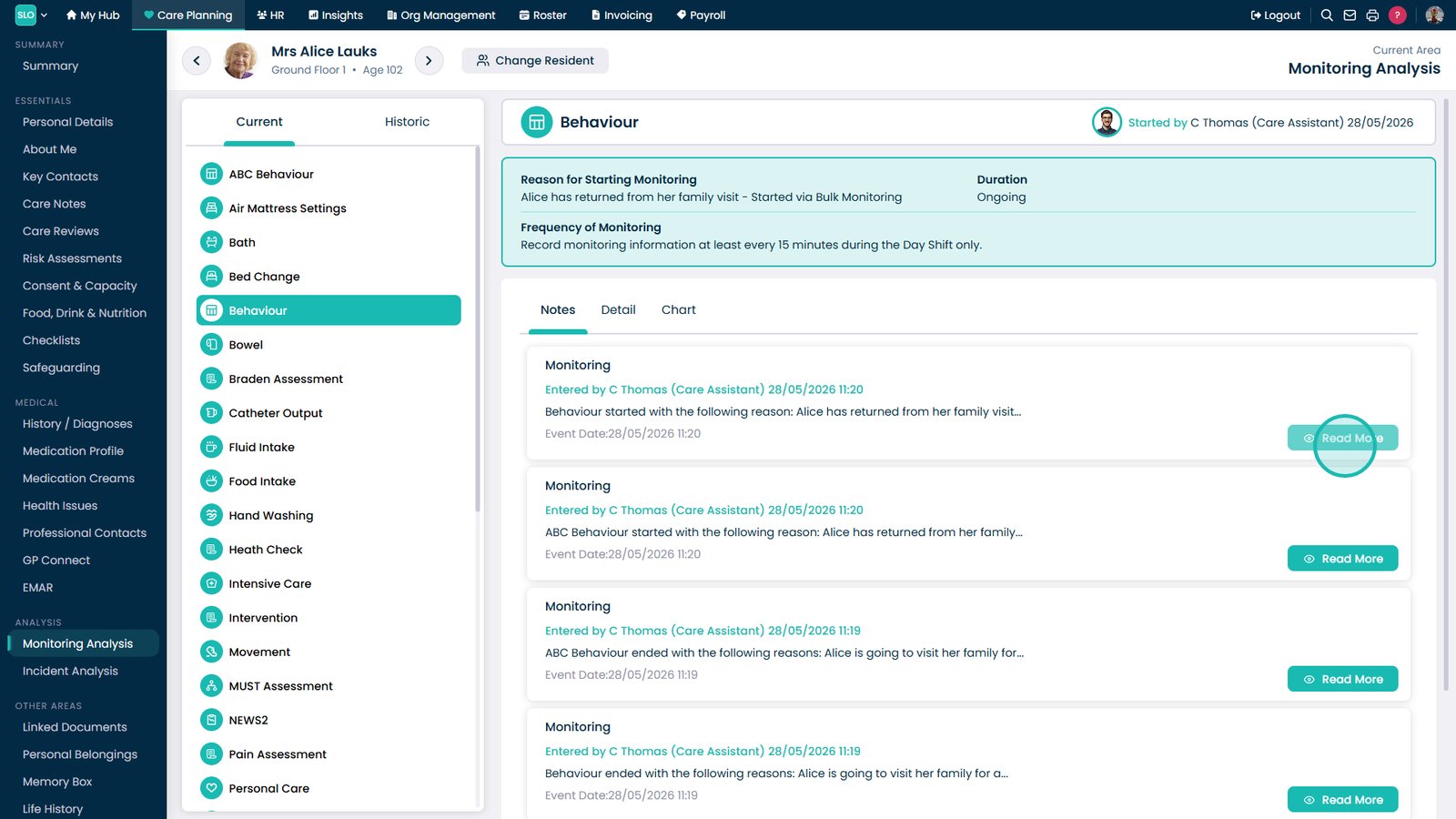
Select a specific record to view more detailed information

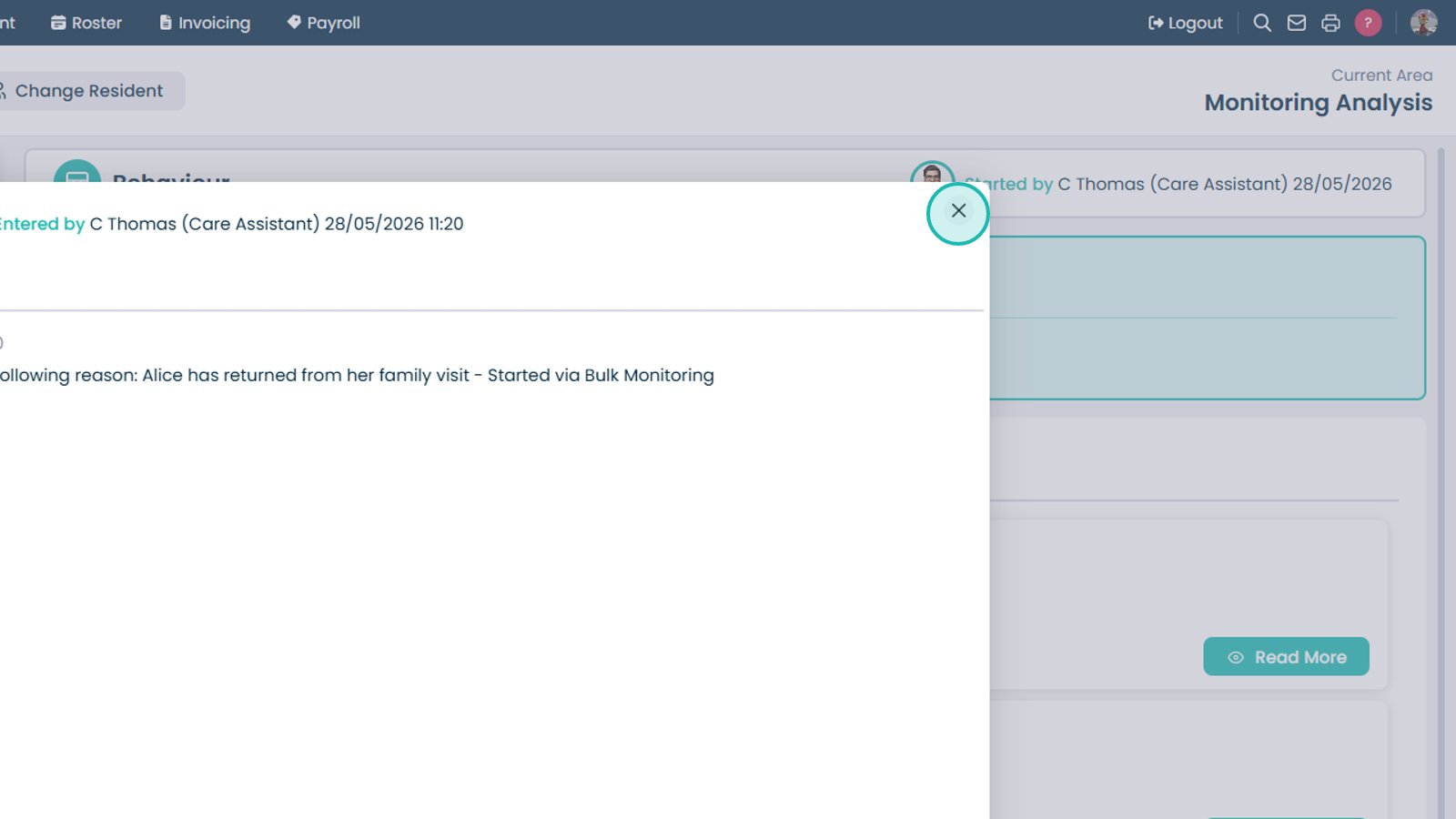
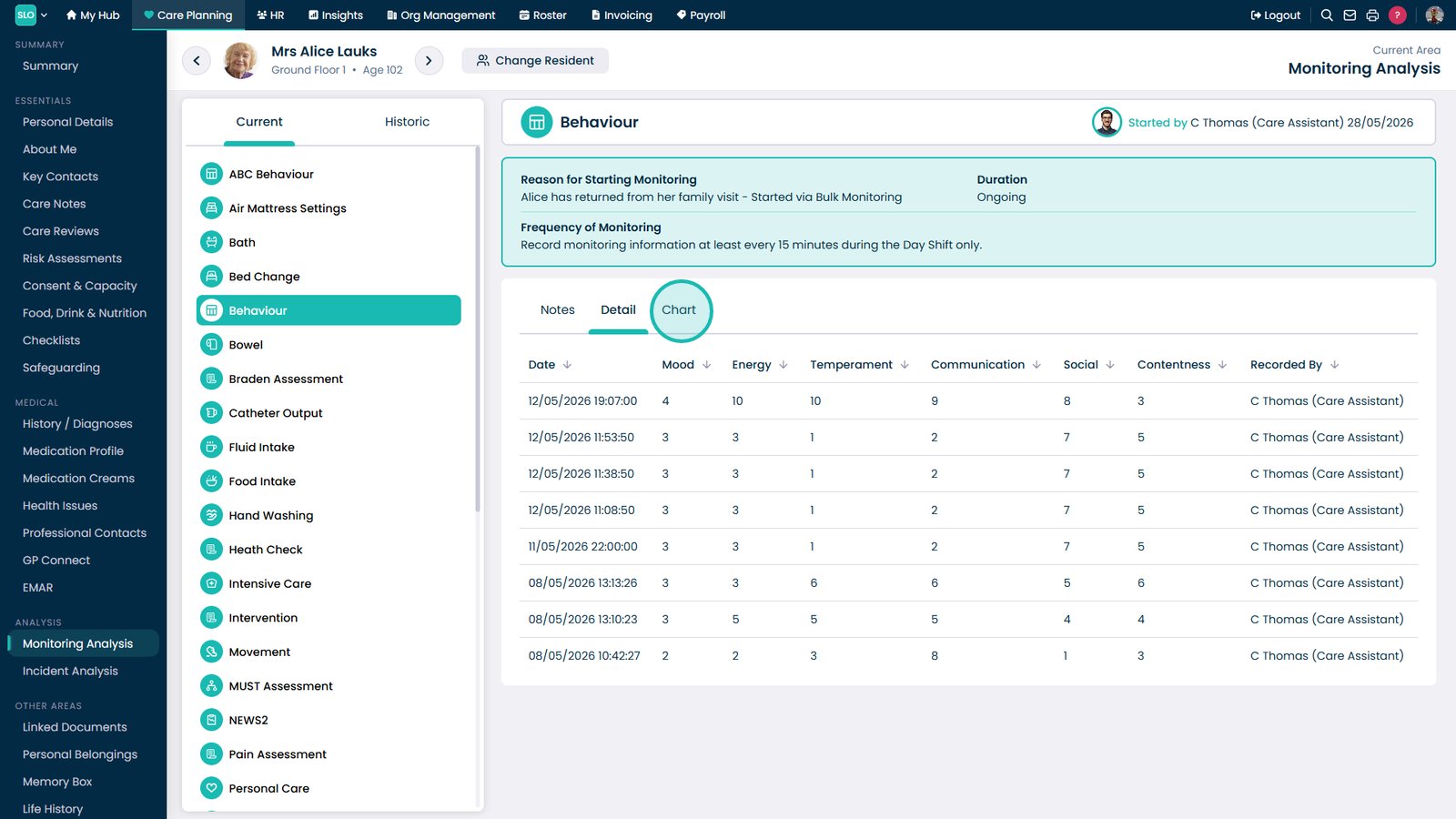
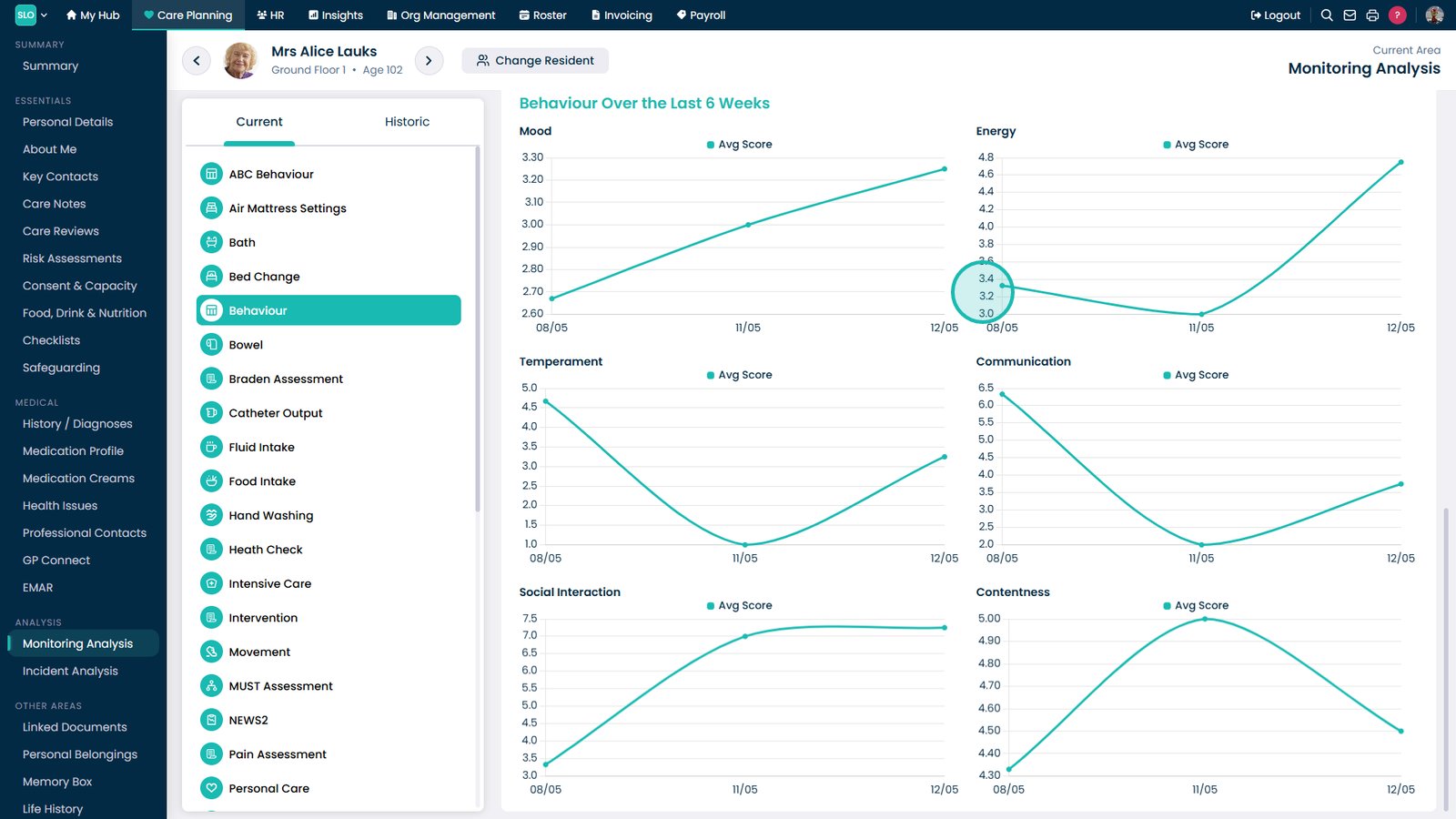
Review the detailed monitoring information for the selected record

Was it helpful ?
Table of Contents
↑ Top