Bank Holiday Closure Notice: We will be closed on the 3rd April for the Easter bank holiday, so our customer service team will not be available on this day. If you need to get in touch, you can still use our customer contact form and we will get back to you as soon as possible. Even better, Margo will still be available on our phone lines to help with your queries whenever you need support. We hope you have a lovely Easter weekend 🐣
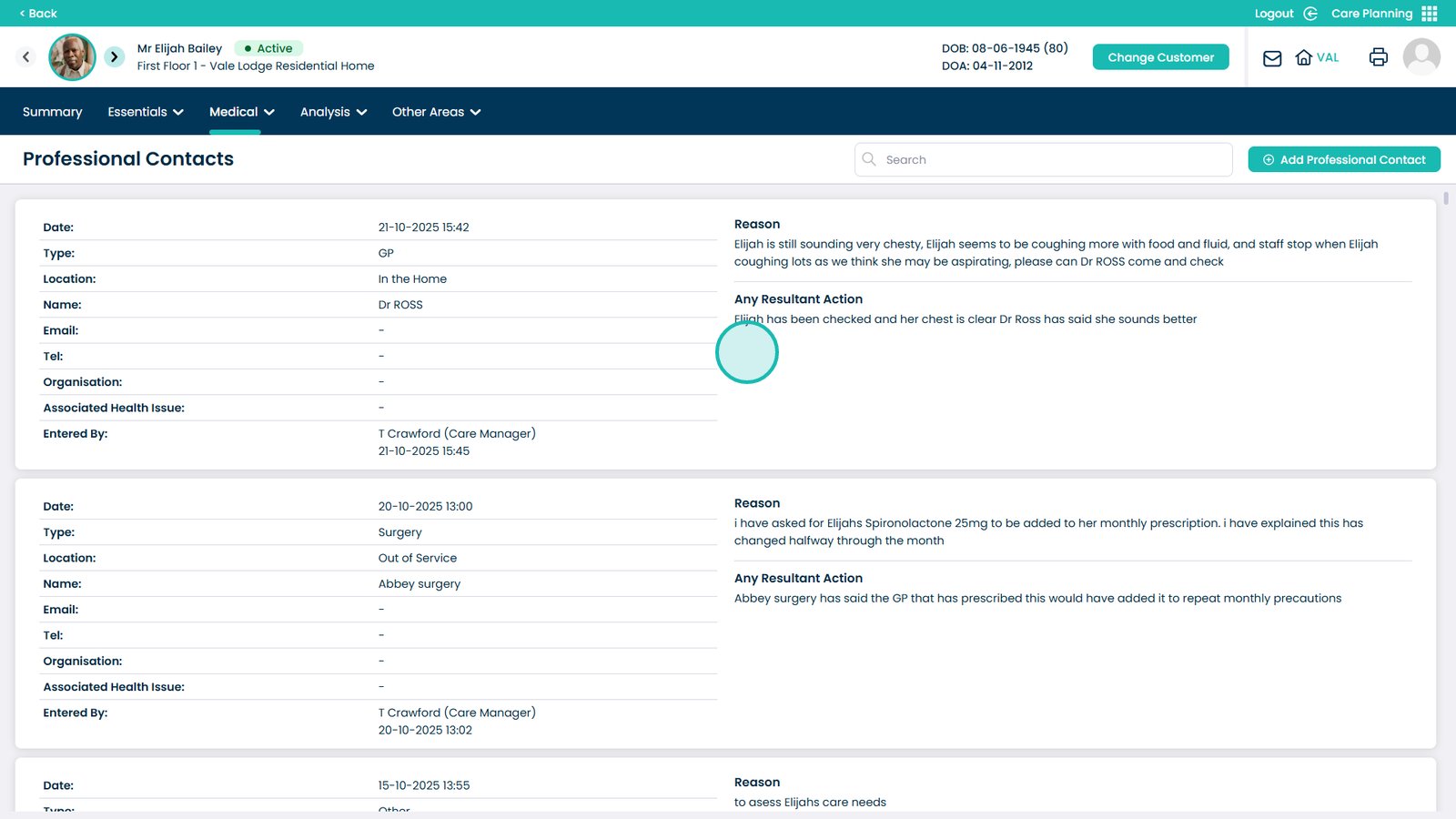
This guide explains how to view all Professional Contacts within the Care Planning App. These contacts are important because they link directly to professional visits, GP visits, and other external healthcare interactions recorded for each customer.
By accessing this section, you can quickly see who is involved in a customer’s care, including doctors, specialists, and other professionals. This helps ensure accurate communication, supports better care planning, and allows you to check that all professional details are up to date. Use this guide whenever you need to review or confirm the professionals linked to a customer’s care plans.
Interactive Guide
Text based guide
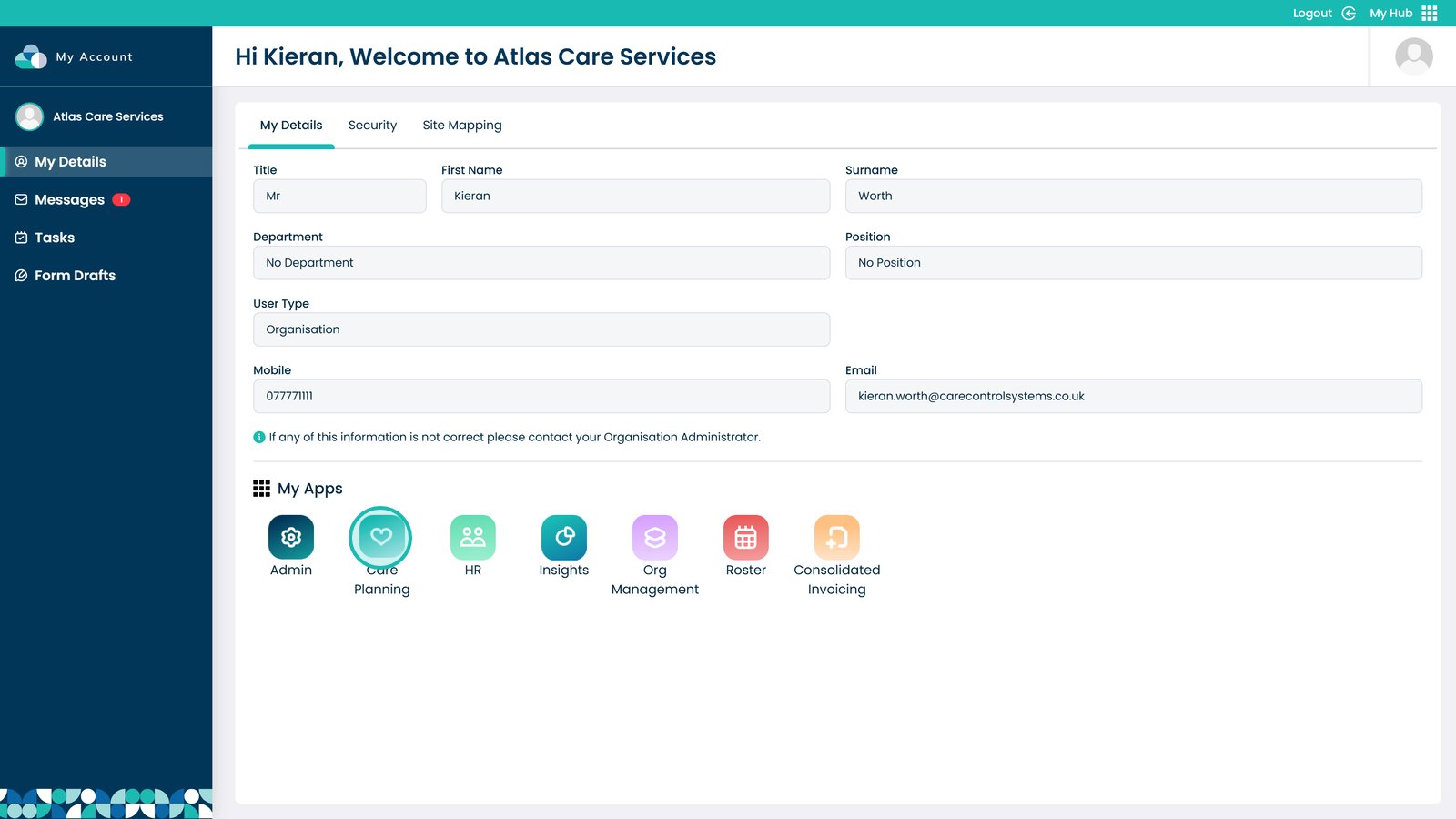
Open the Care Planning App
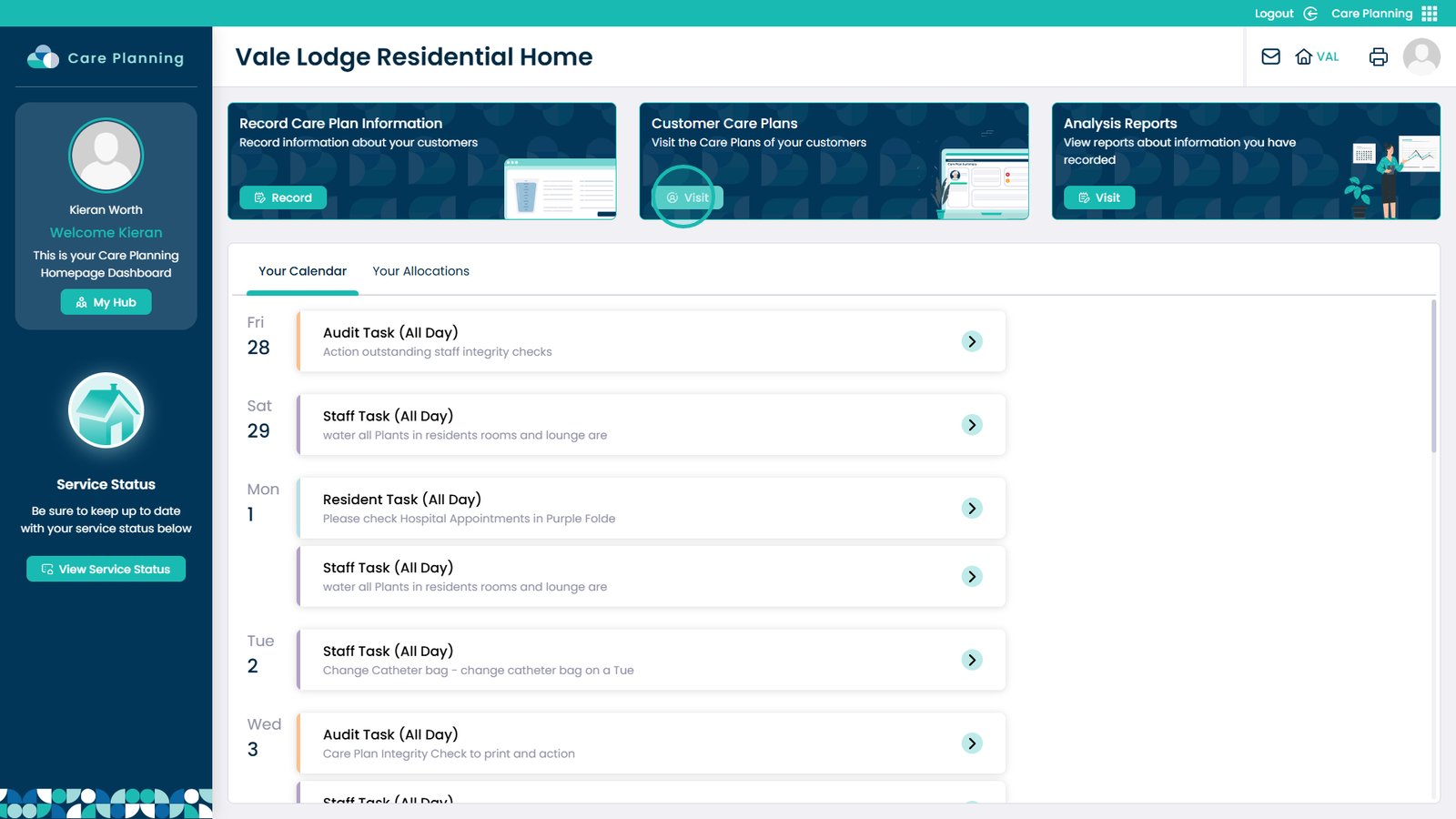
Click Visit under Customer Care Plans
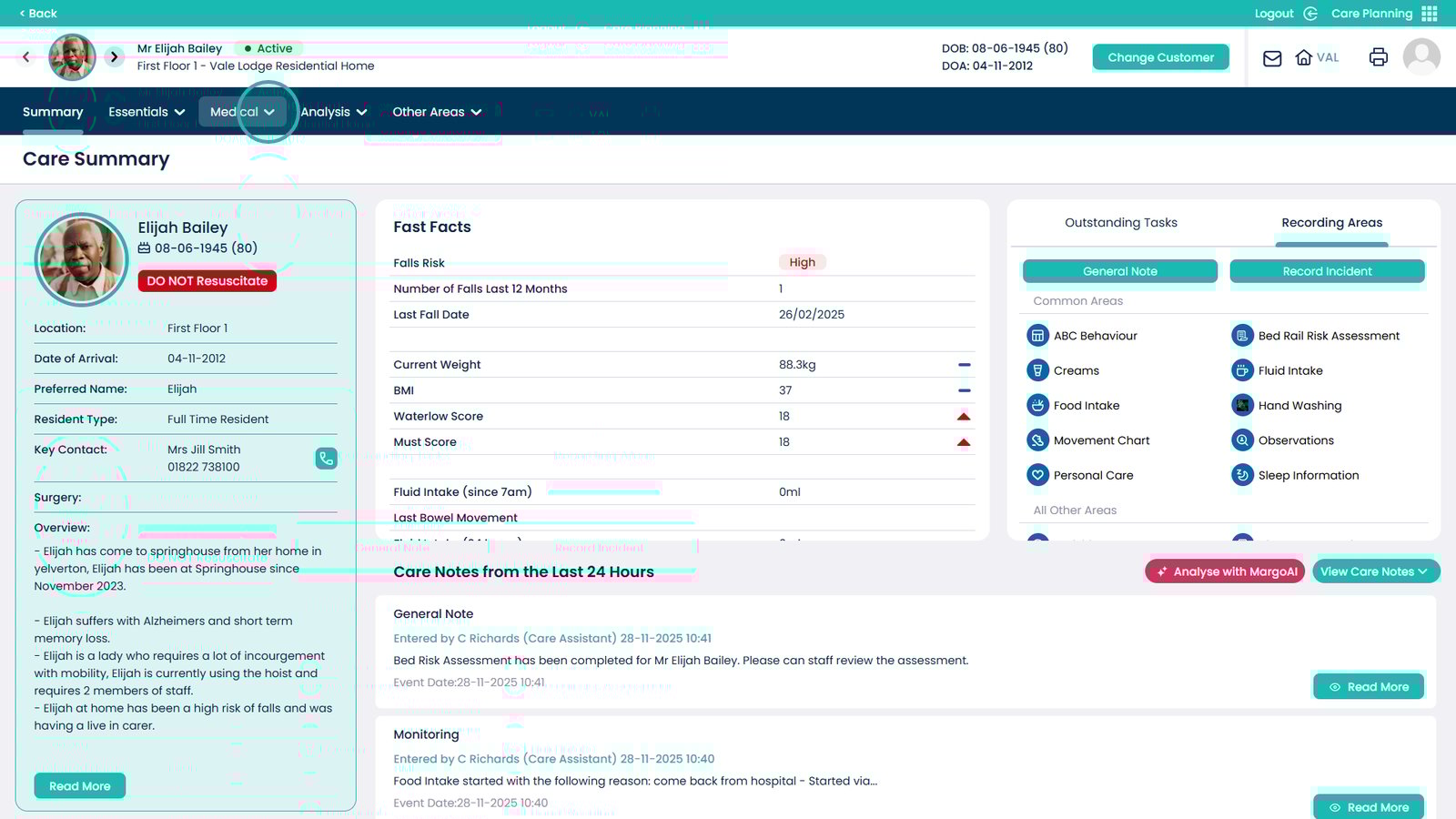
Open the Medical dropdown tab
Select Professional Contacts
You should now be able to see all of the Professional Contacts