If you experience any issues with the system, or require support from our Customer Service team, please let us know by submitting our Customer Contact Form and we’ll be happy to help. Click here to access the form.

View Categories

How to View Service User Checklists

This guide explains how to review resident checklists, view checklist items for a specific date, and access historical checklist records

Takes 2 minutes
For: Seniors
Updated: 23rd June 2026

Introduction

The Checklists section allows you to review daily checklist records for a resident. You can view completed checklist items for a selected date and access historical records to monitor care activity and compliance over time.

In this guide you'll learn how to:

  • Access service user checklist records
  • Review checklist items for a specific date
  • View completed checklist activity
  • Access historical checklist records

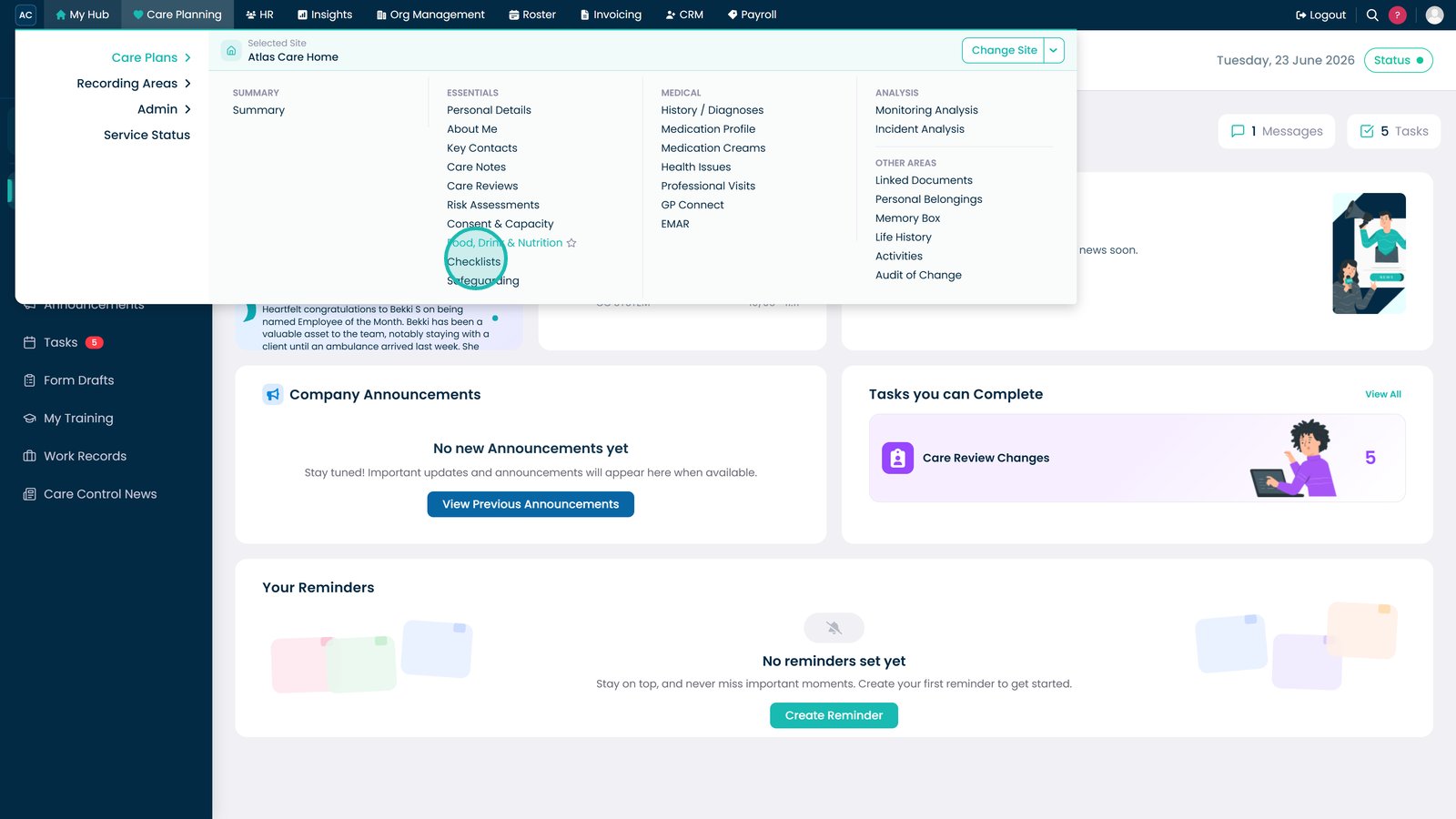
Open Checklists from the Essentials section within Care Planning.

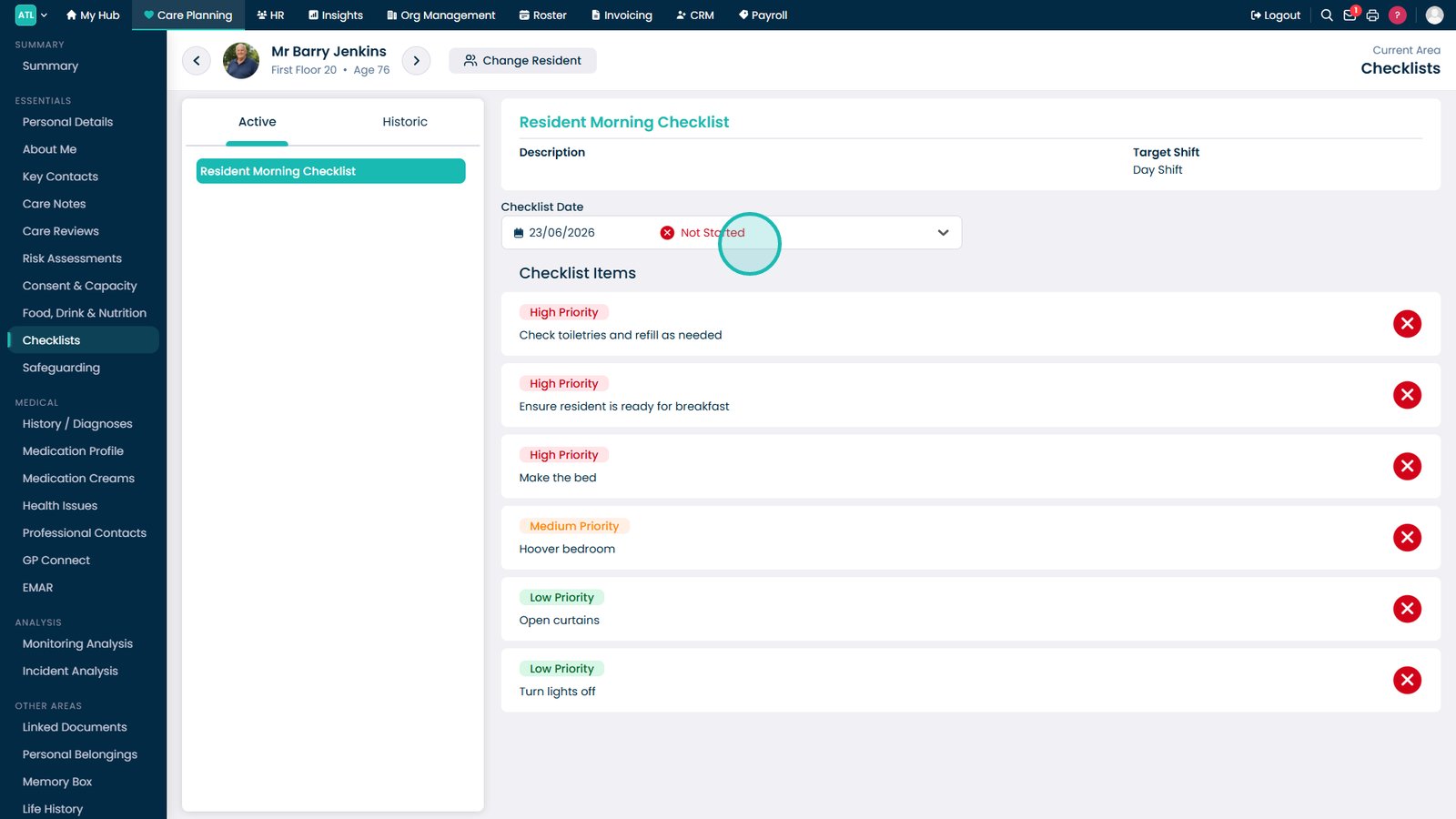
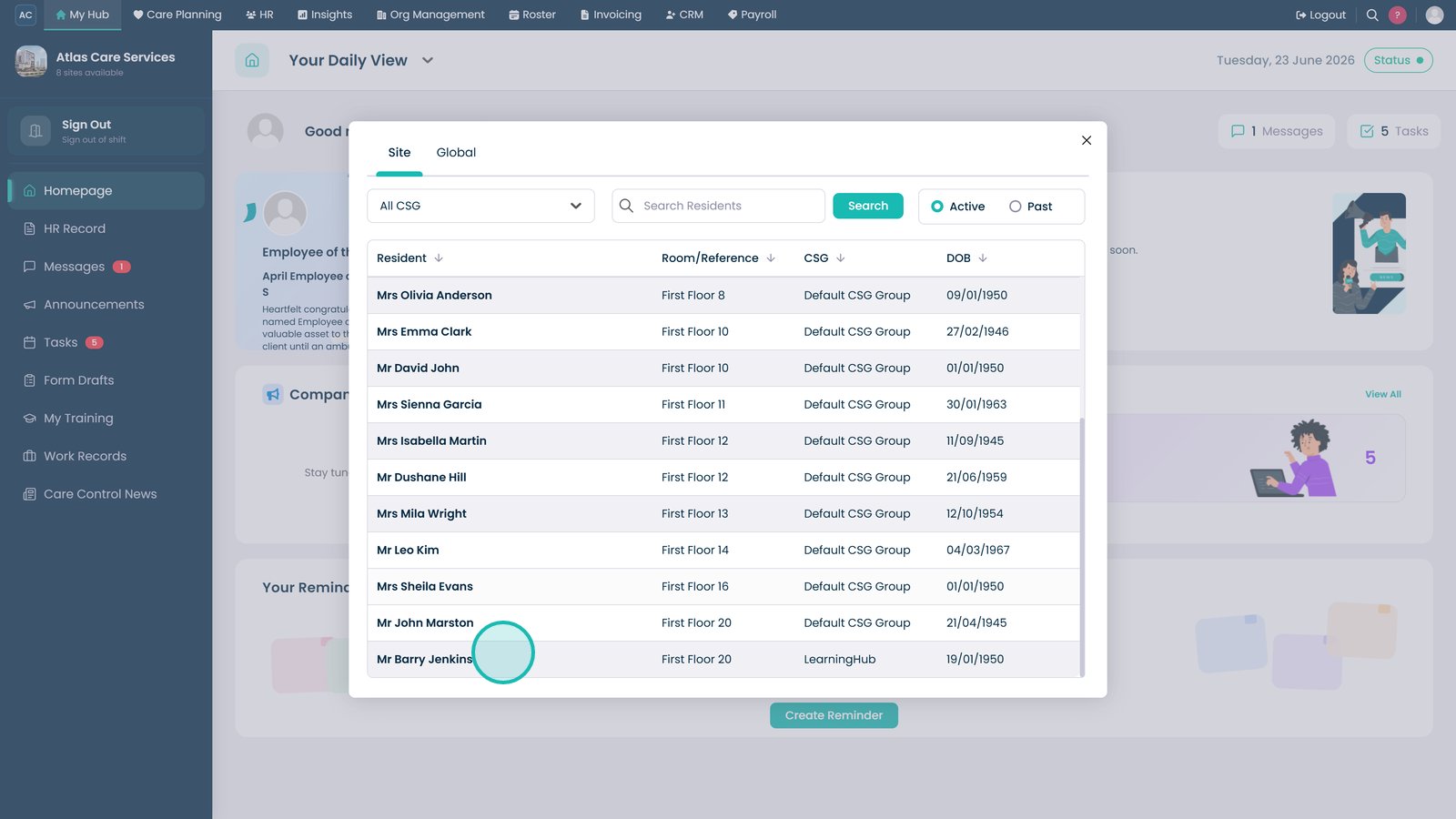
Select the service user whose checklist records you want to review.

Select a checklist date to review records for a specific day.

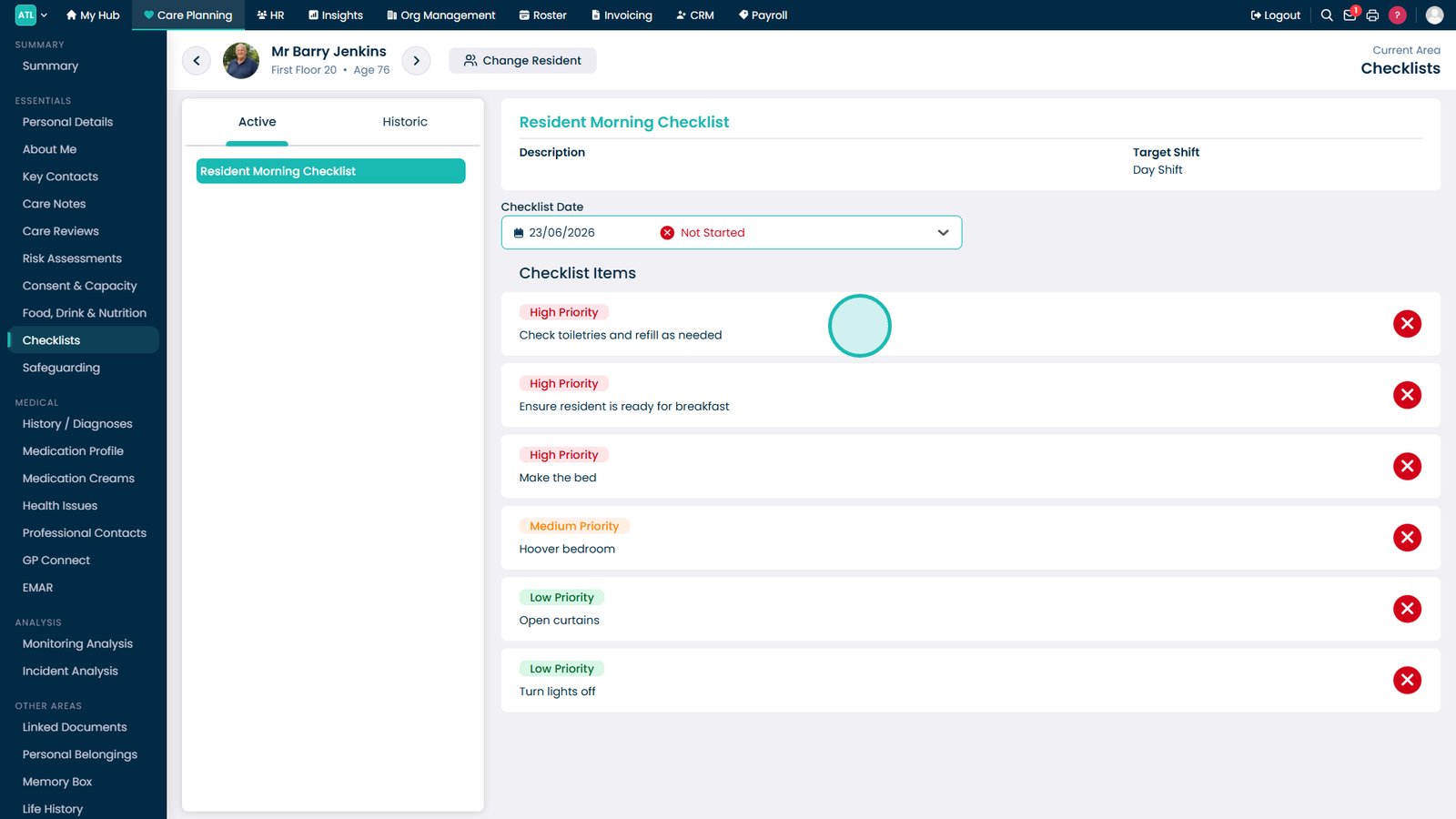
Review all checklist items recorded for the selected date.

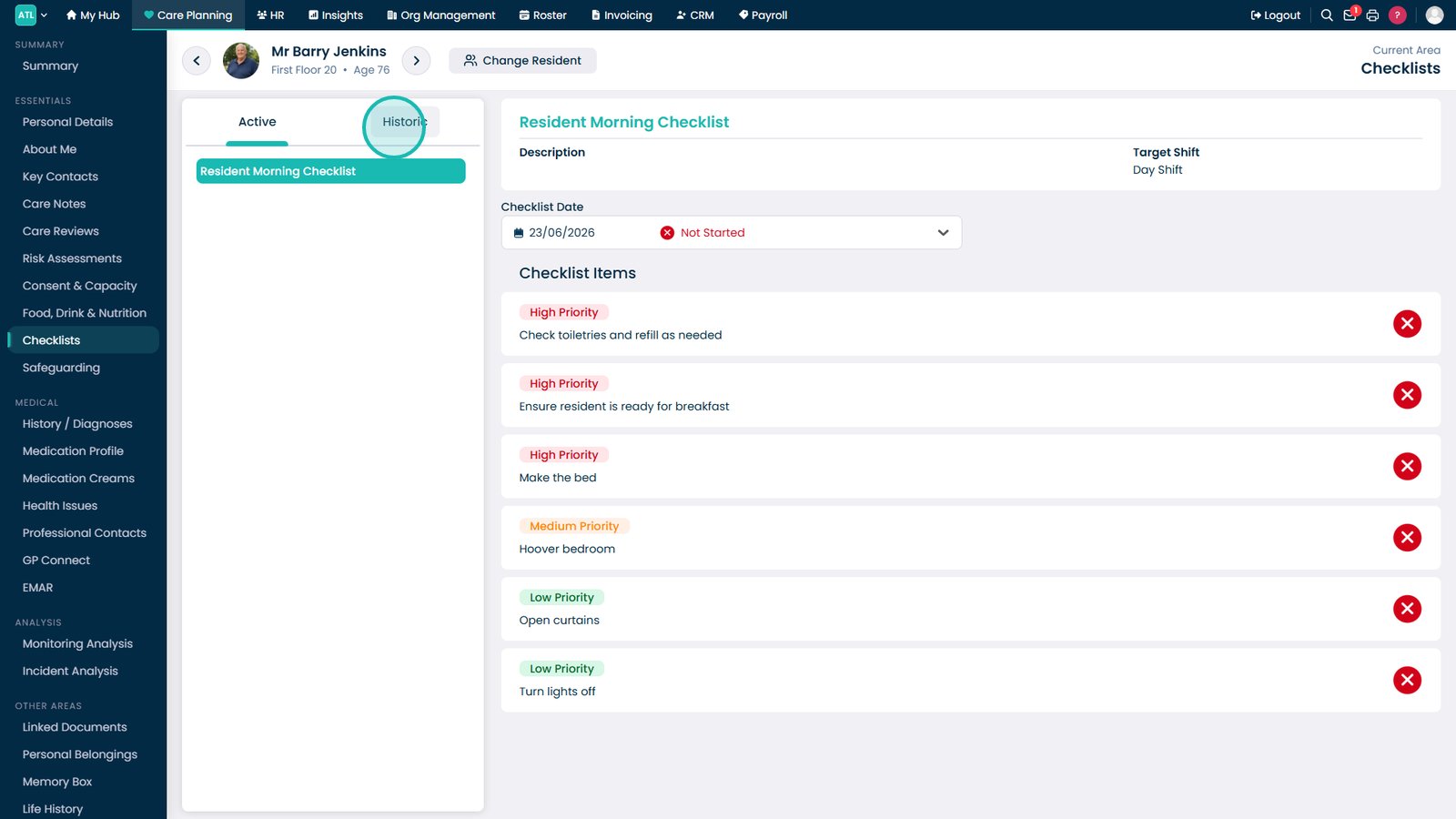
Open the Historic tab to view previous checklist records.

Top tip

Use the Historic tab when investigating previous care activities or confirming that routine tasks were completed on a specific date.

Was this guide helpful?

Need more help?

Can't find what you're looking for? Our support team is here to help.

Contact Support

Or call us on

On this page