View Categories

How to View the Formal Handover Change Log

Learn how to use the Change Log within Formal Handover Configuration to review previous configuration changes, including what was changed, who made the change, and when it was made.

Takes 2 minutes
For: Managers
Updated: 22nd Sept 2026

Introduction

The Change Log provides a history of changes made within Formal Handover Configuration. This makes it easier to keep track of how your handover setup has changed over time.

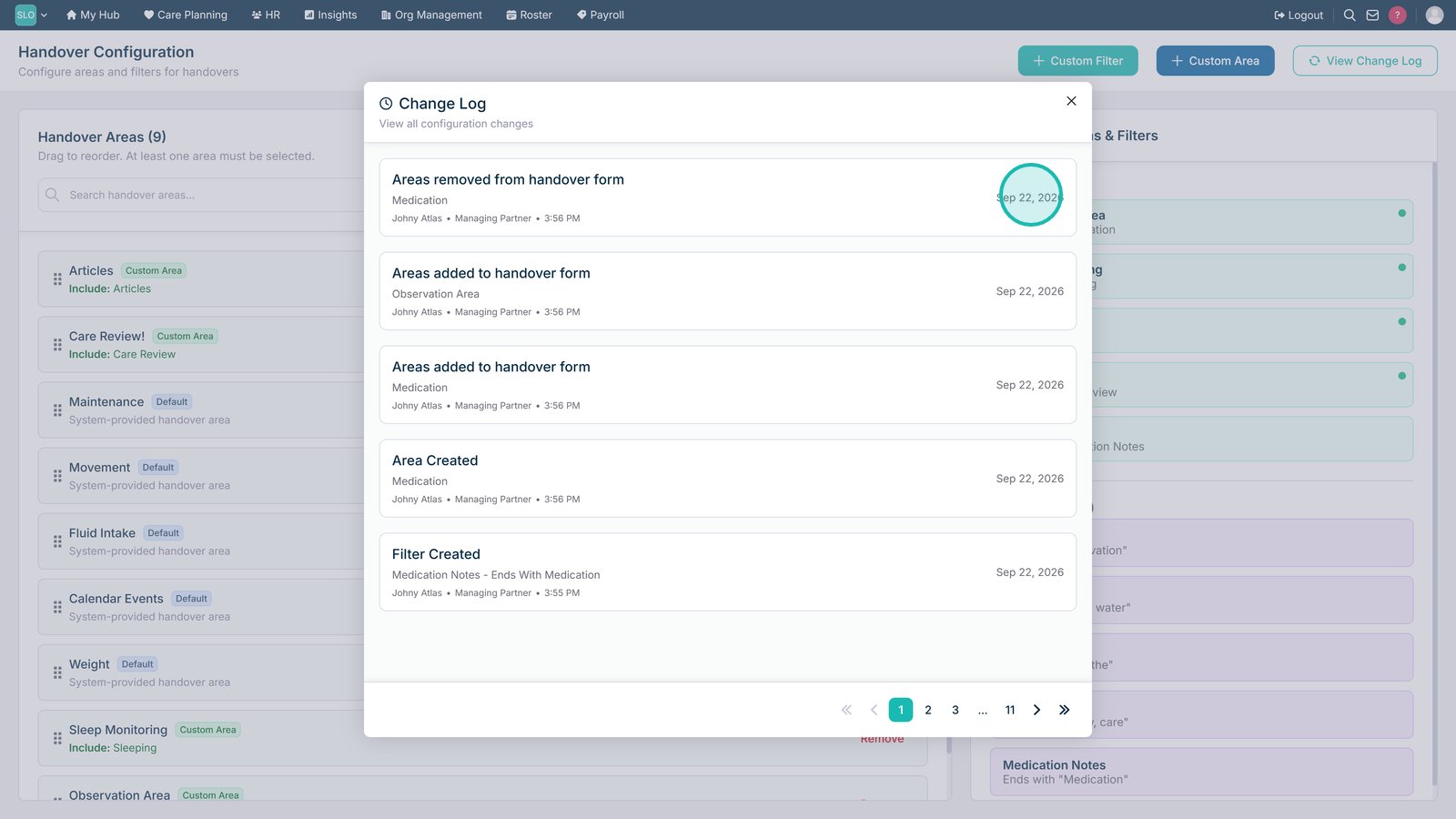
For each change, you can see which area was updated, who made the change, and the date and time it occurred.

In this guide you'll learn how to:

  • Access the Formal Handover Change Log
  • Identify which area was changed
  • See who made a configuration change
  • Check the date and time a change was made

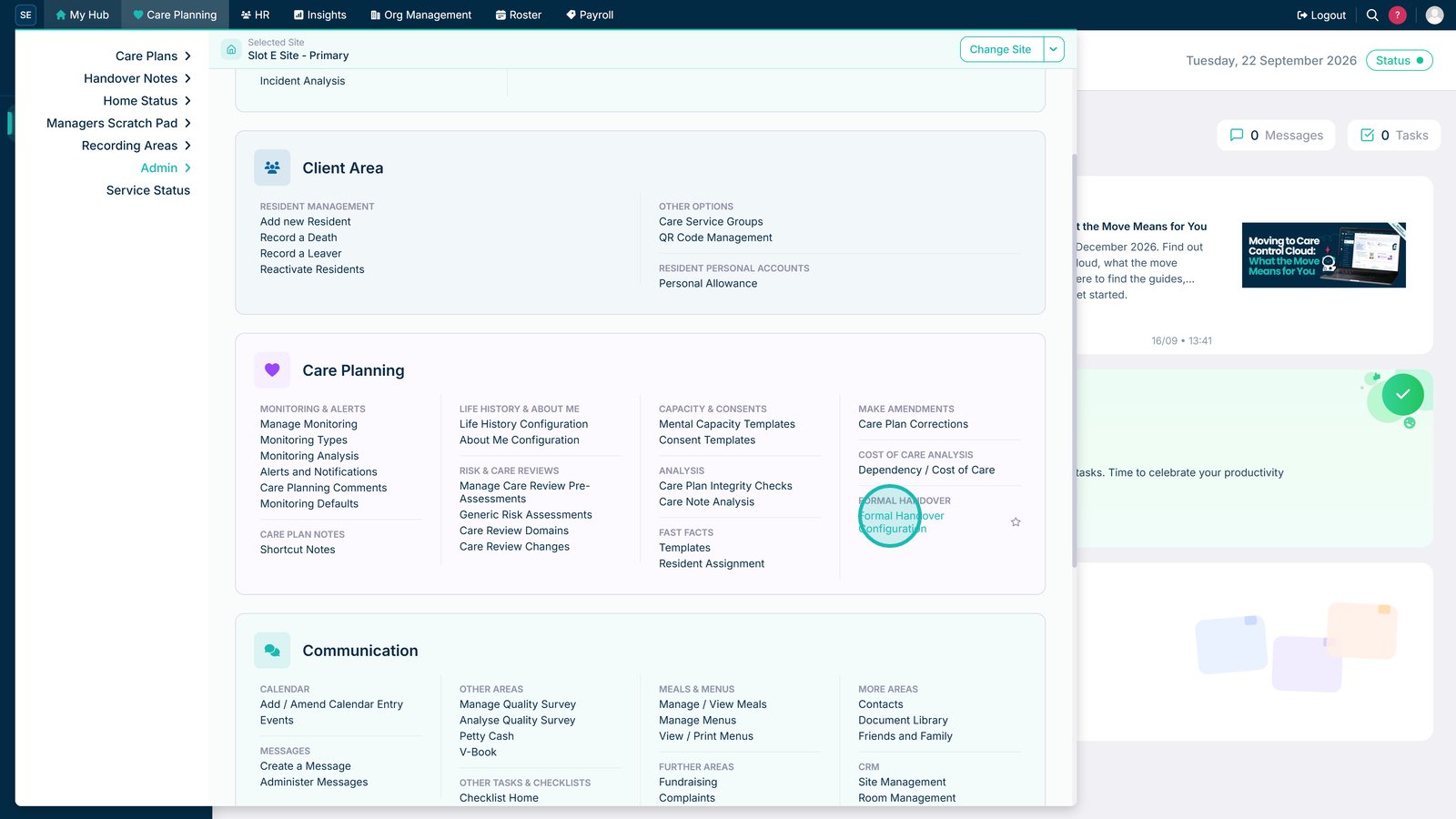
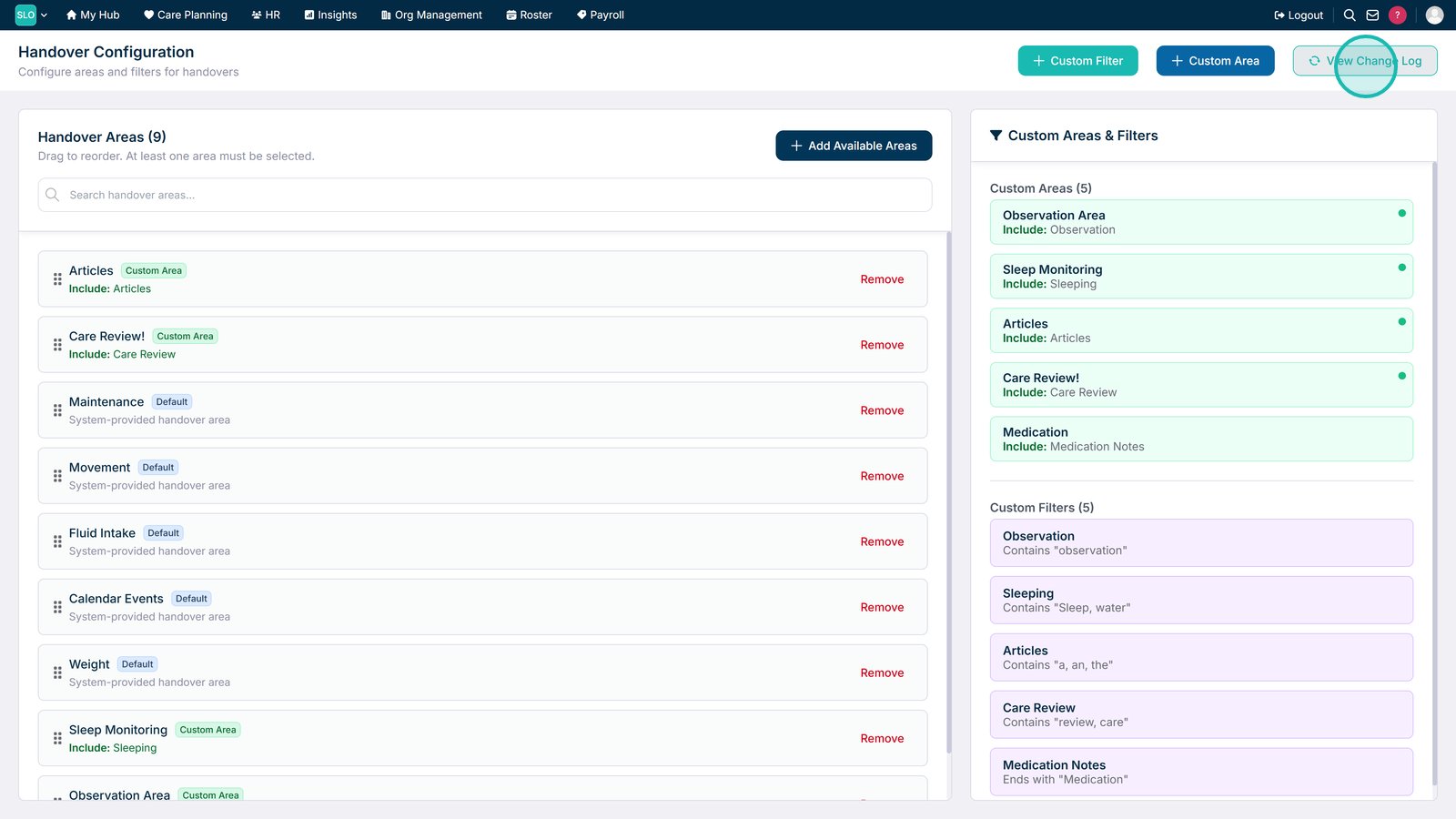
Open Formal Handover Configuration.

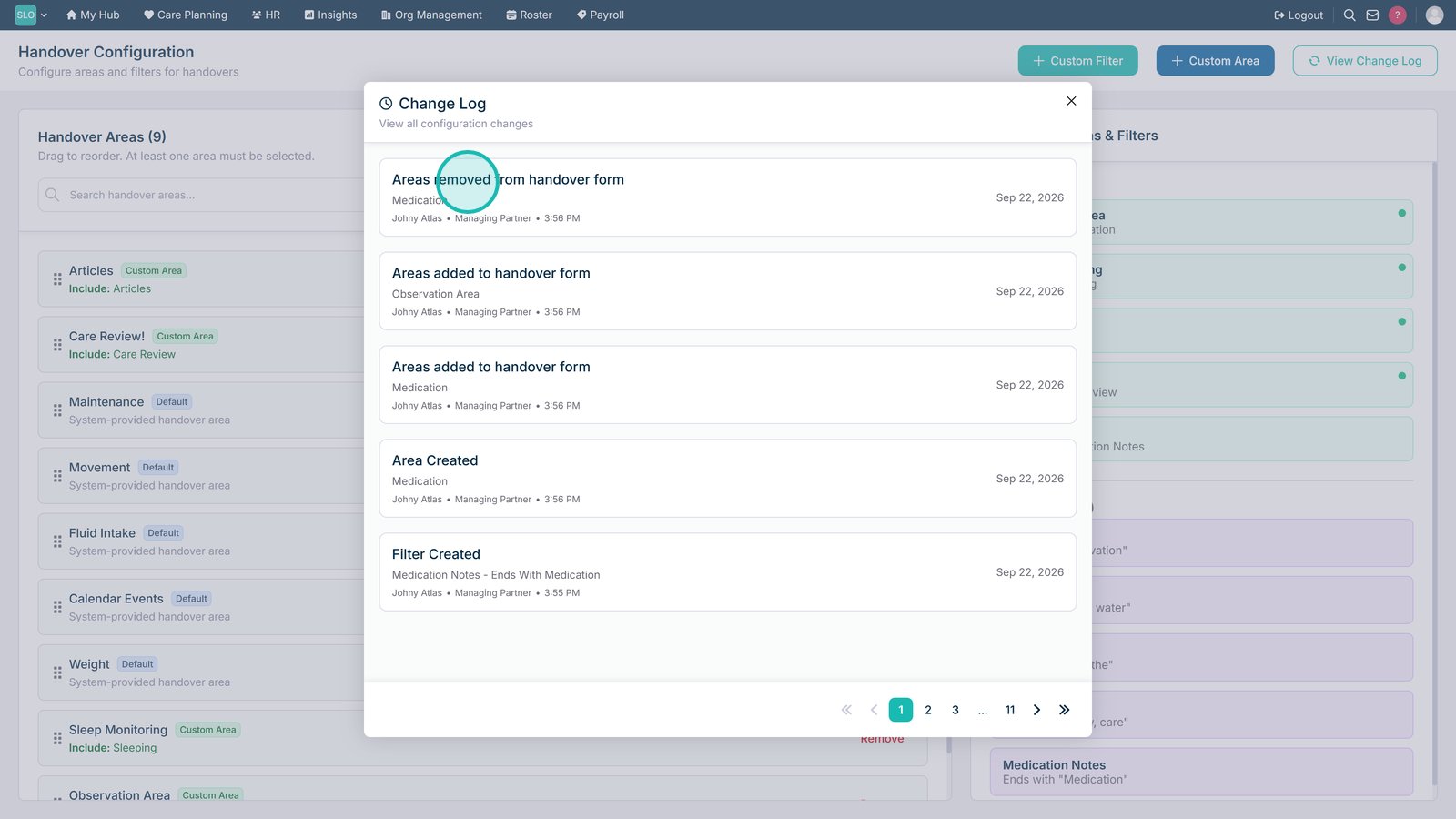
Select View Change Log to review previous changes to the handover configuration.

Review the Area to see which part of the handover configuration was changed.

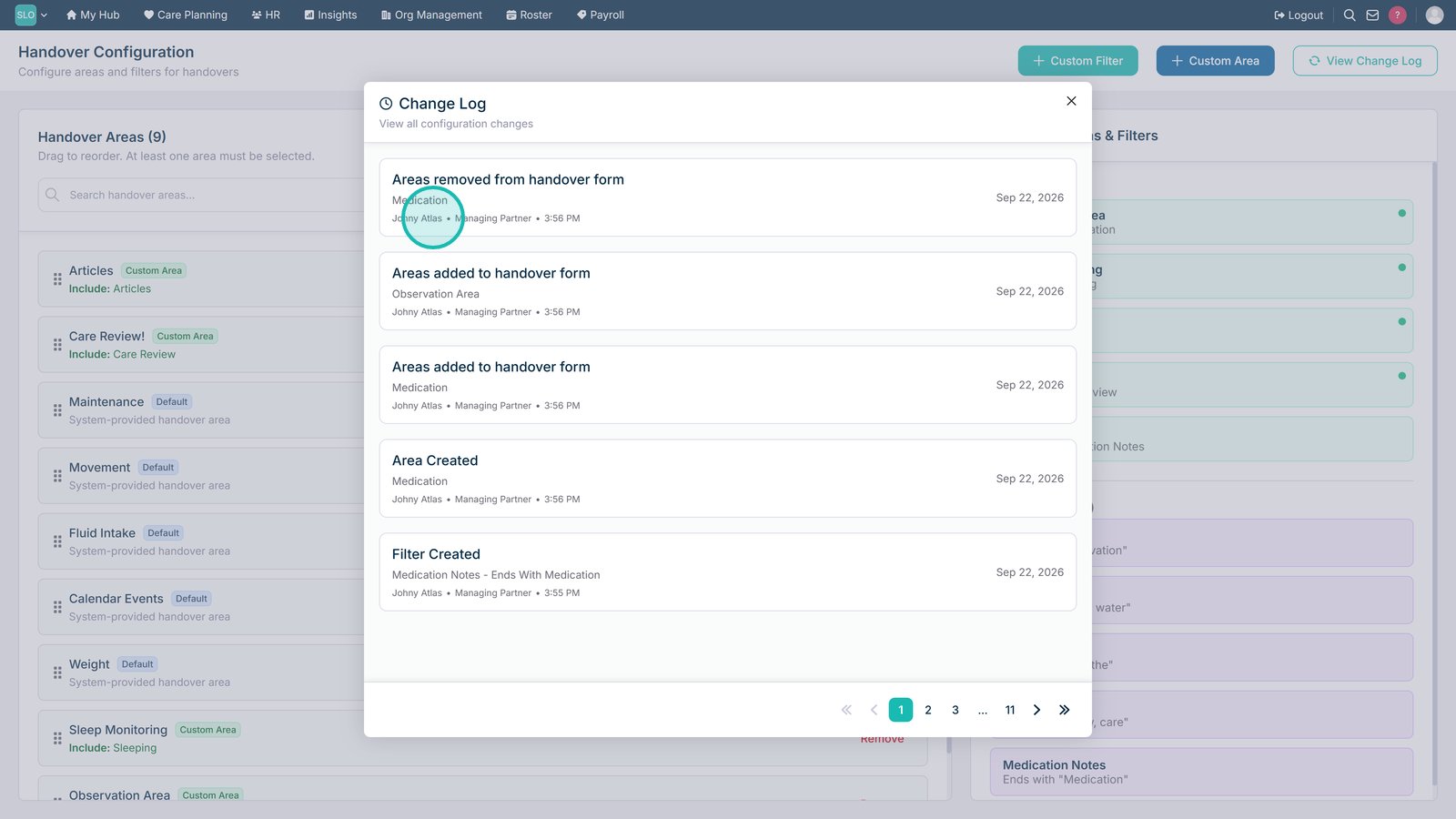
Review the user details to see who made the change.

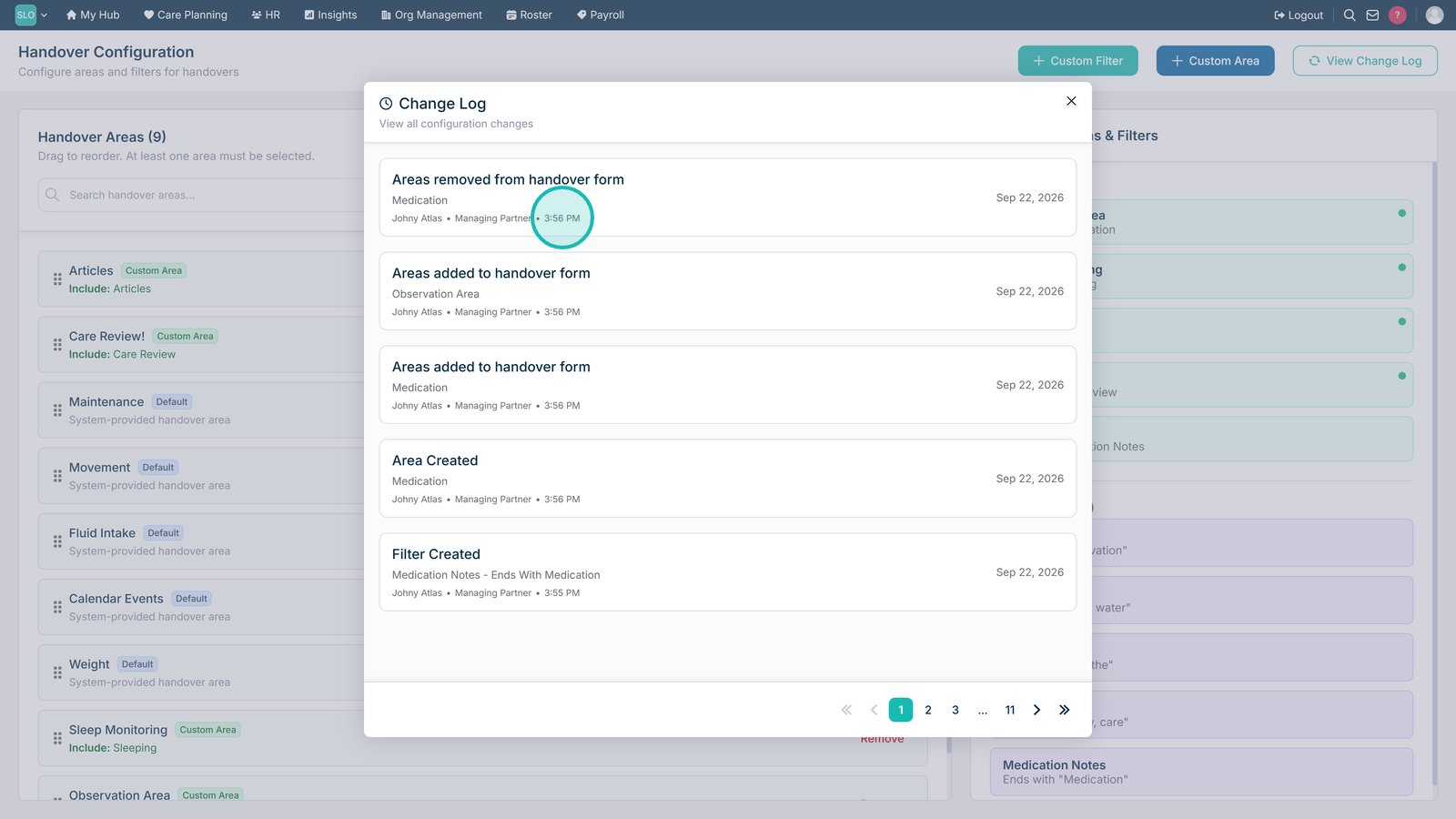
Check the timestamp to see the exact time the change was made.

Check the date to see when the configuration change was made.

Top tip

Use the Change Log whenever you need to check when a Formal Handover configuration was updated or identify who made a particular change.

Was this guide helpful?

Need more help?

Can't find what you're looking for? Our support team is here to help.

Contact Support

Or call us on

On this page