This guide will cover how to open V-Book from within the staff side of Care Control Mobile. This allows care recording devices to also be used for visitor sign in / out, without the need for a dedicated V-Book device.
1
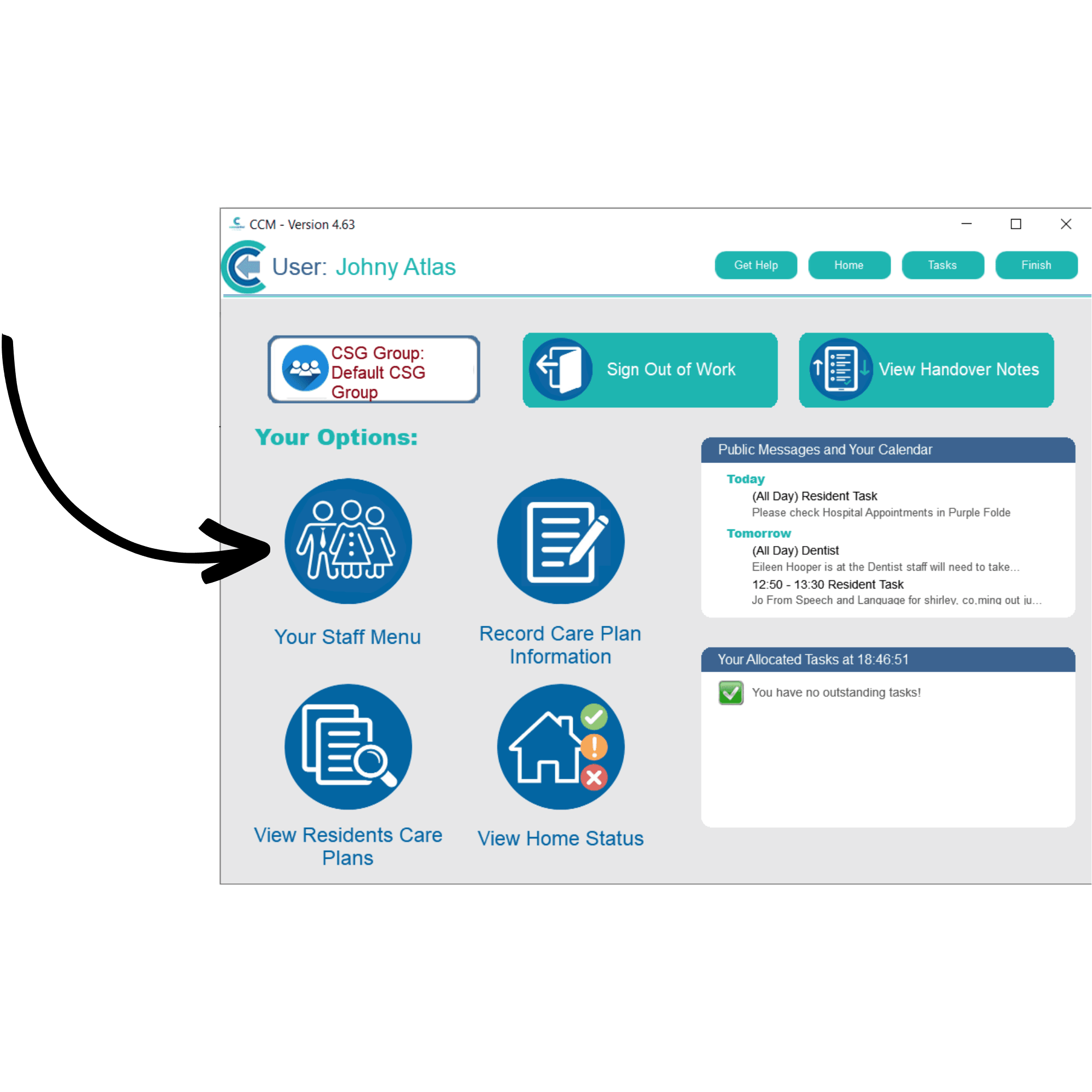
After signing into Care Control Mobile, open the Staff Menu.
2
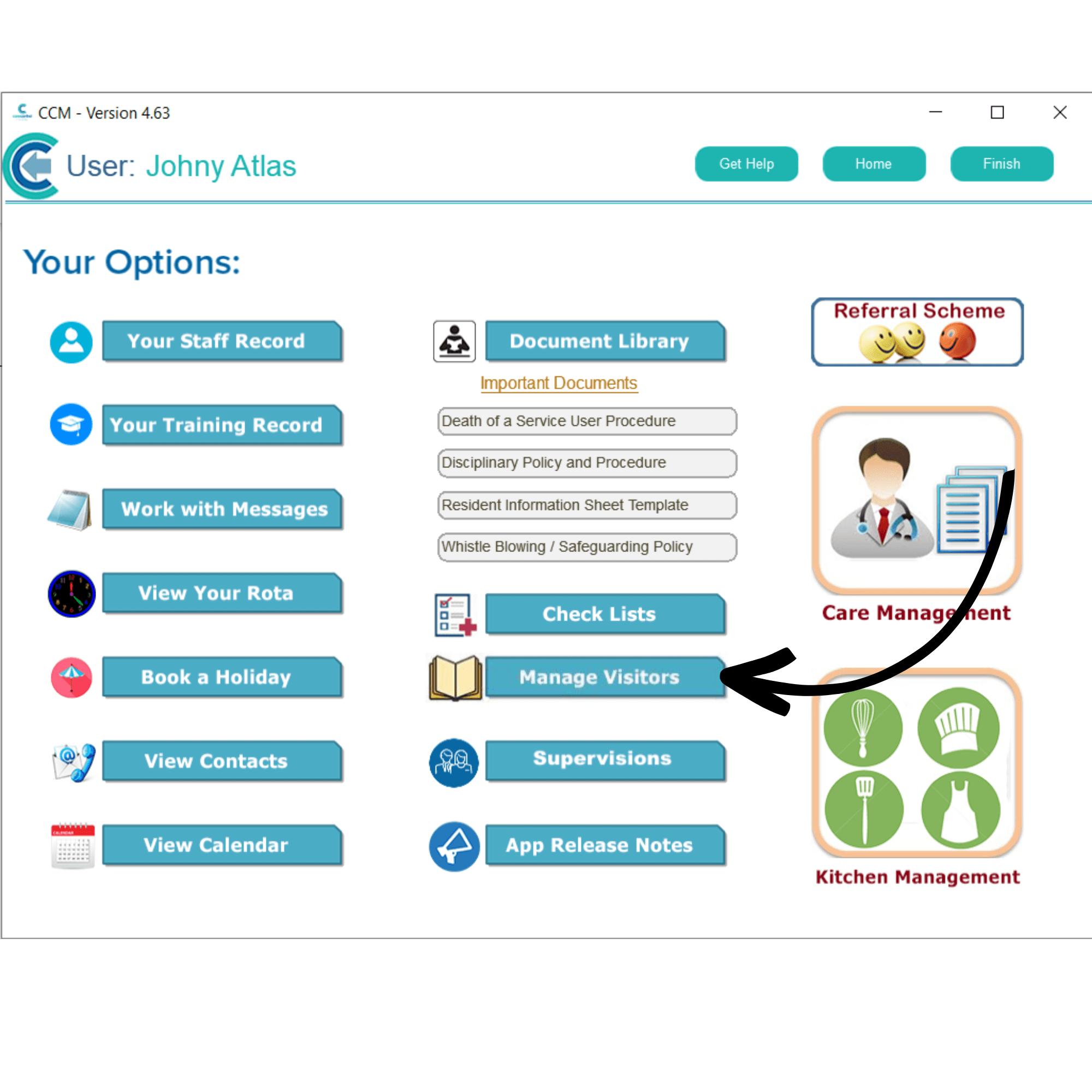
Here, select Manage Visitors.
3
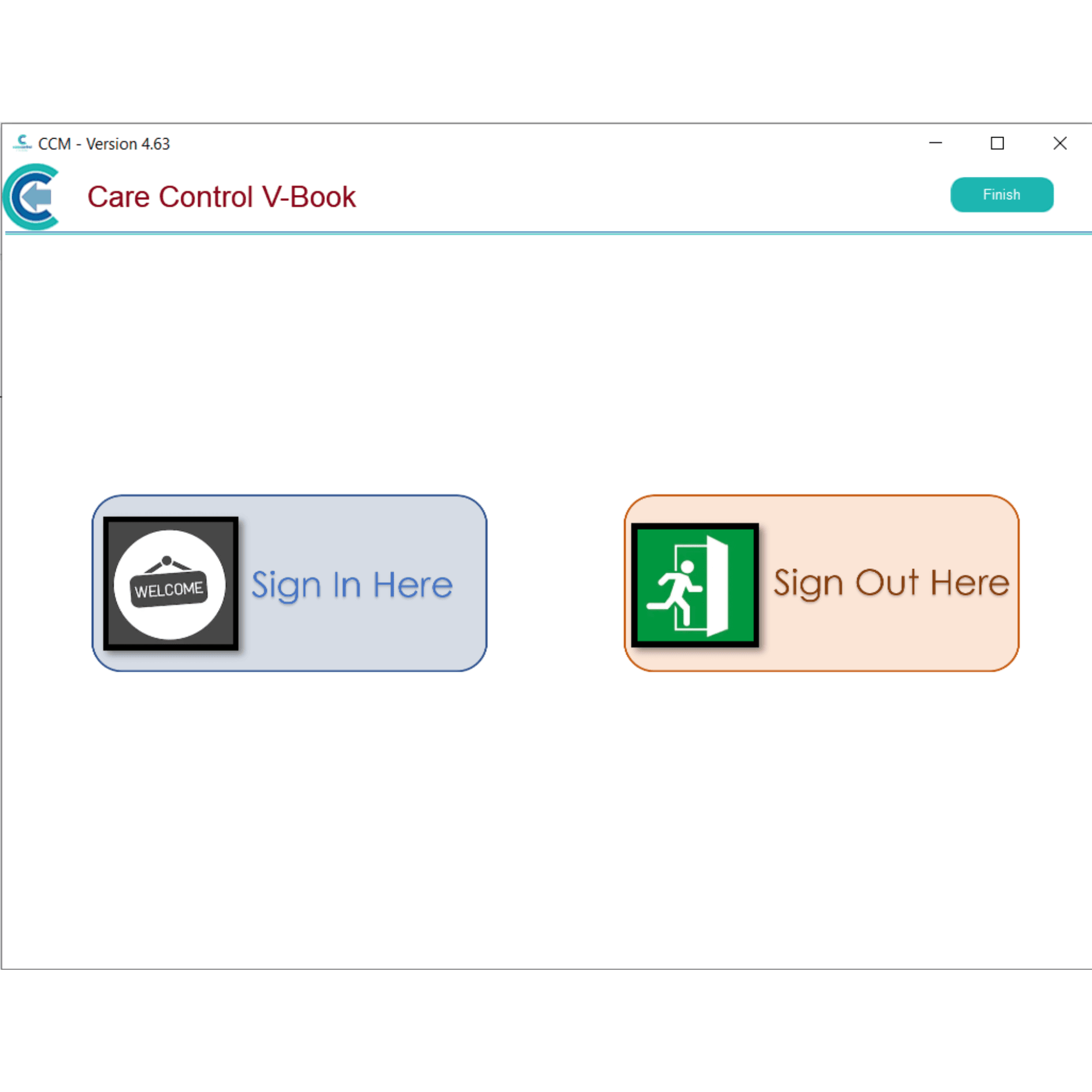
You can Sign In and Out visitors from this screen.