Care Control eMAR contains the ability to lock eMAR to a single service user. This can be useful for staff members who only administer medication for one person. This guide references One Time Codes: please see the guide we have on setting these up for more information.
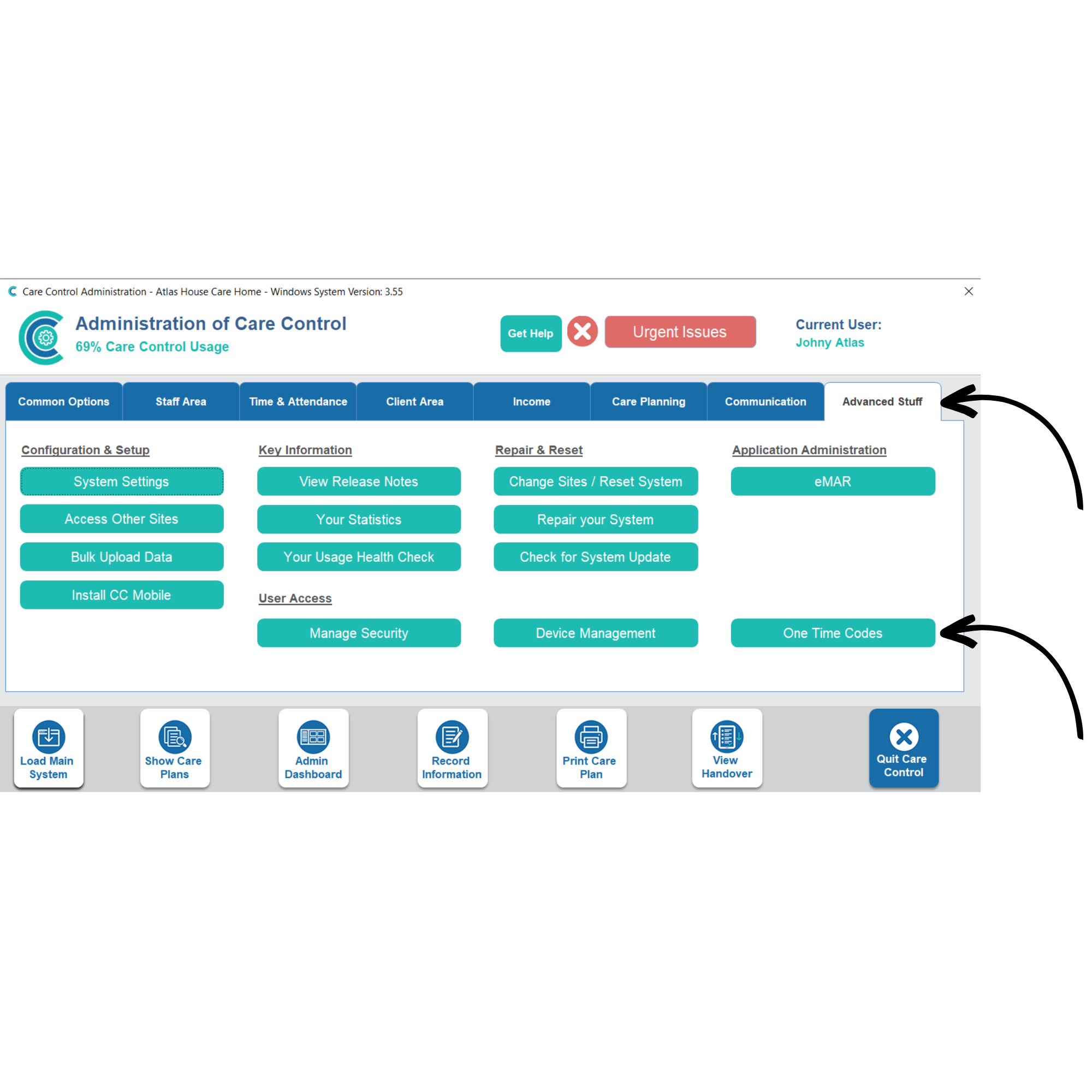
To lock eMAR to a service user, a One Time Code needs to be created for a staff member. In the Administration of Care Control Windows, navigate to the One Time Code tool, which can be found under the Advanced tab.
2
On this page, select the staff member and complete the rest of the form (explained in the dedicated guide).
The option at the bottom of the form, titled Set-up for eMAR use, needs to be ticked.
When selected, a new option will appear. Select the service user who you wish to lock the staff member to.
Press Send to create the One Time Code. This will be communicated to the staff member via emails or can be given manually.
3
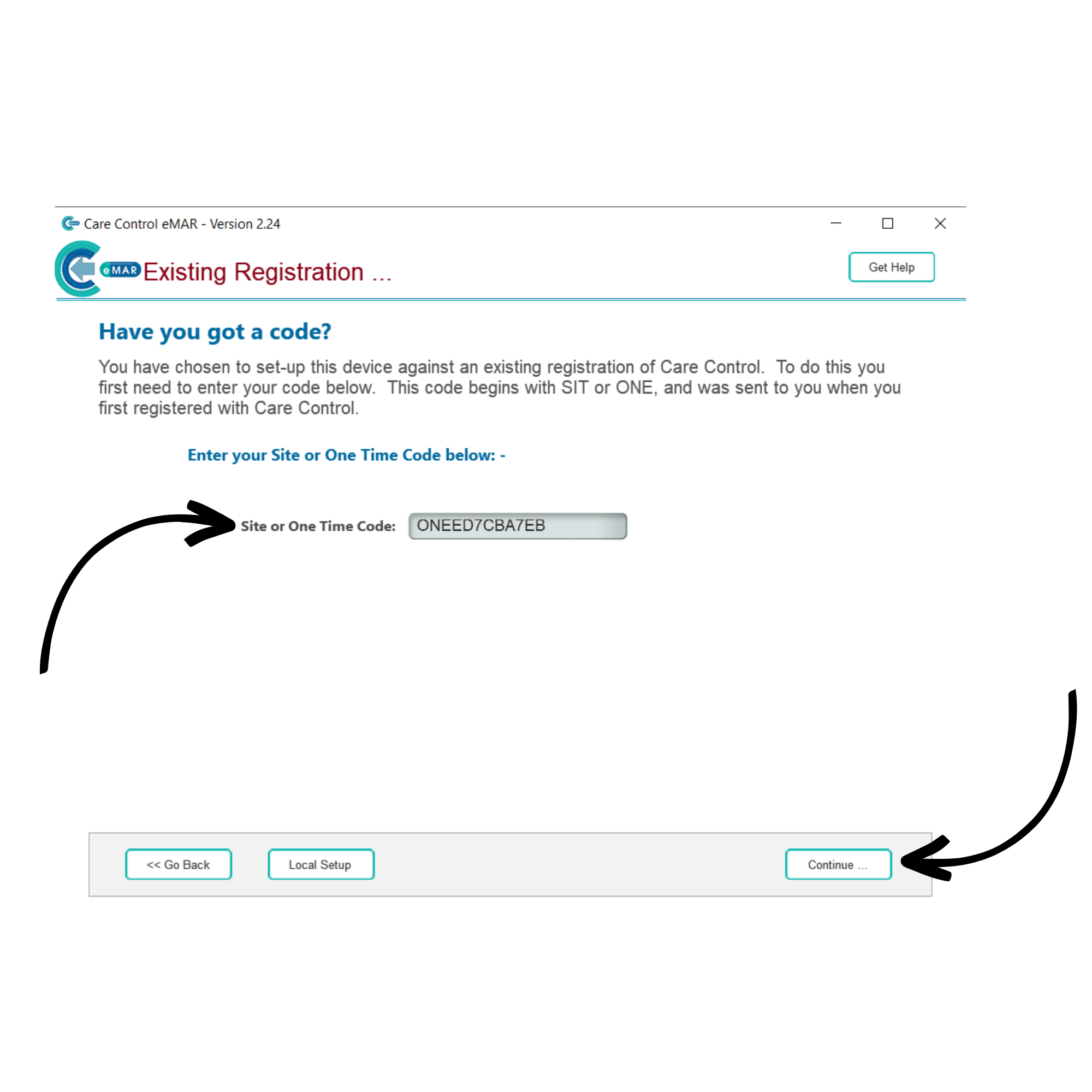
On the eMAR application, choose Existing Registration, and then enter the One Time Code. Press Continue.
4
Enter a Device Name. This can be anything and we would recommend using something to identify the device, for example, John’s Tablet. Press Continue.
5
After signing into eMAR, a notification will appear confirming that the eMAR log-in is locked to one service user. Press Okay. To begin administering medication, select Sign-In to Administer.
6
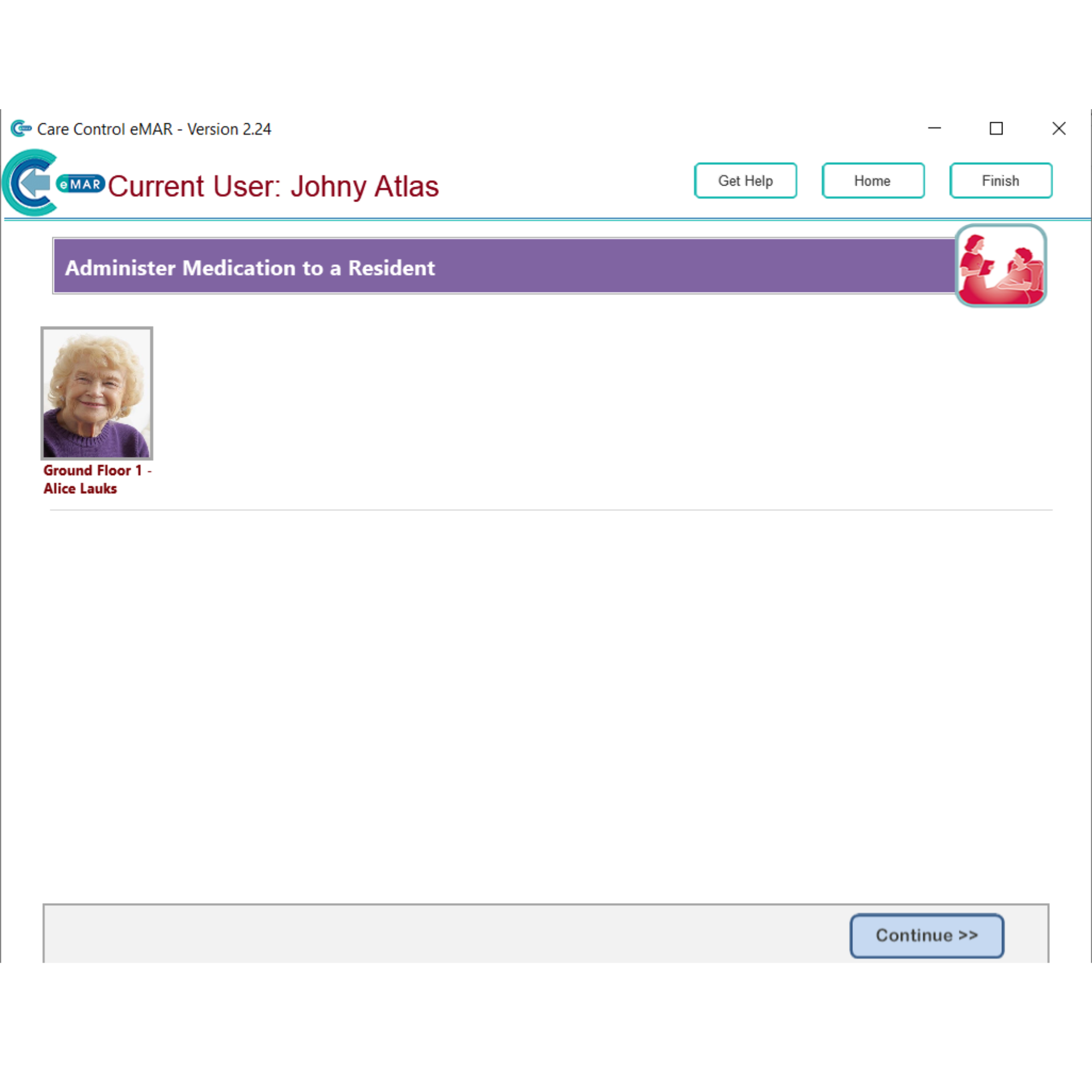
Now when administering medication, only one service user will be displayed.