Bank Holiday Closure Notice: We will be closed on the 3rd April for the Easter bank holiday, so our customer service team will not be available on this day. If you need to get in touch, you can still use our customer contact form and we will get back to you as soon as possible. Even better, Margo will still be available on our phone lines to help with your queries whenever you need support. We hope you have a lovely Easter weekend 🐣
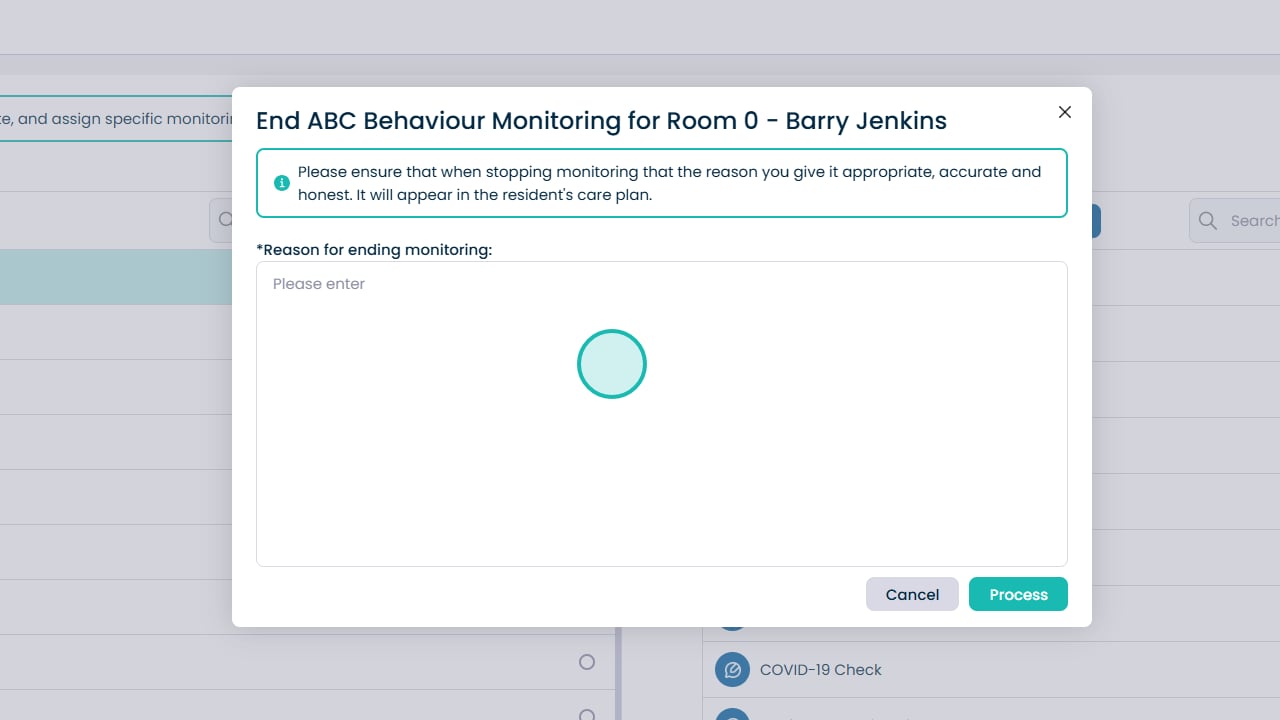
This guide explains how to add, manage, pause, and end Monitoring areas for a service user within Care Planning. Monitoring allows you to record specific observations at set times or frequencies, ensuring important health or wellbeing information is captured consistently.
You can configure when monitoring takes place (day shift, night shift, or 24-hour period), how often it occurs, and how long it should remain active. The guide also covers how to edit existing monitoring areas, pause all monitoring when required, and formally end a monitoring record when it is no longer needed.