How to Add and Modify a Key Contact
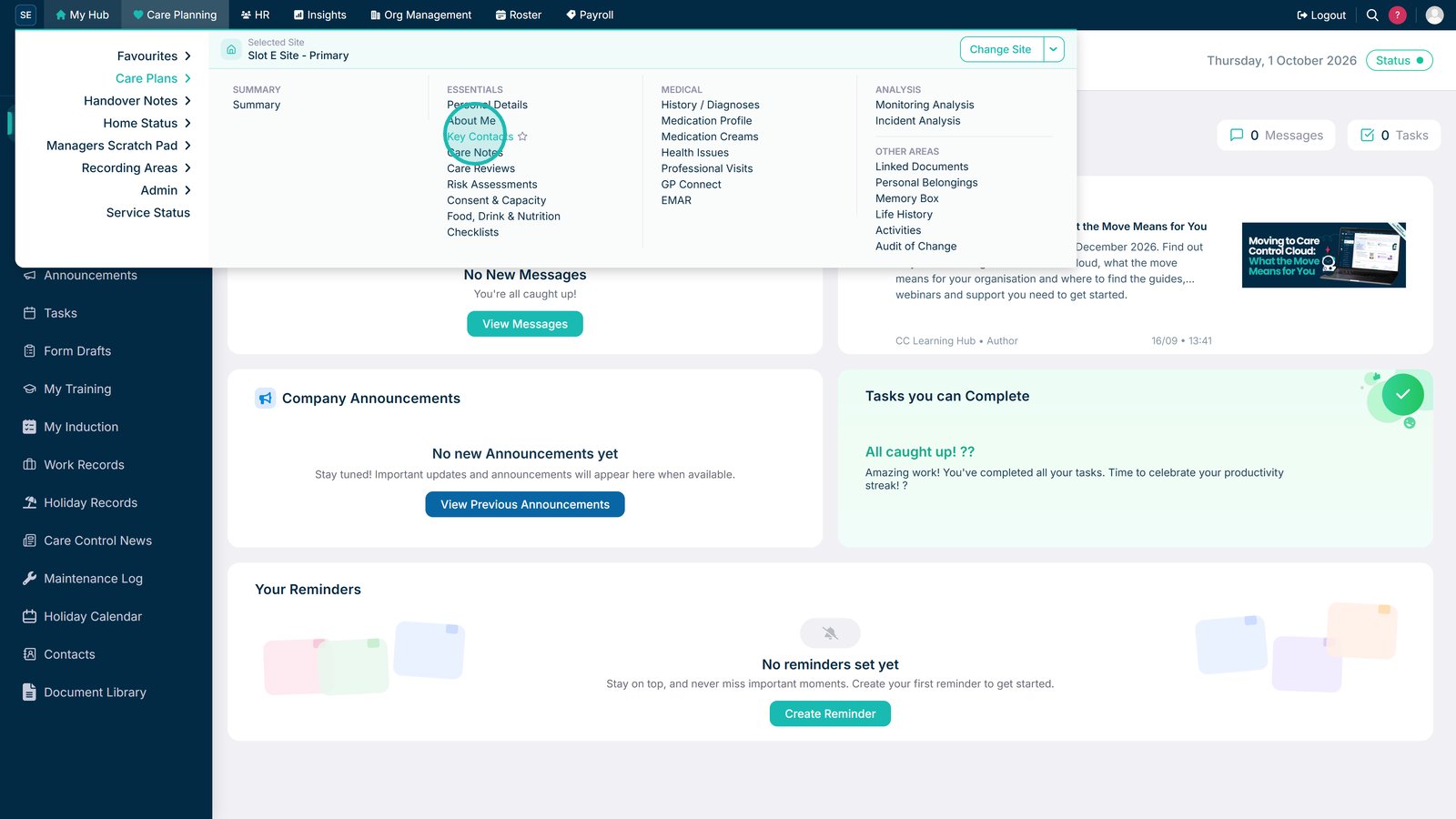
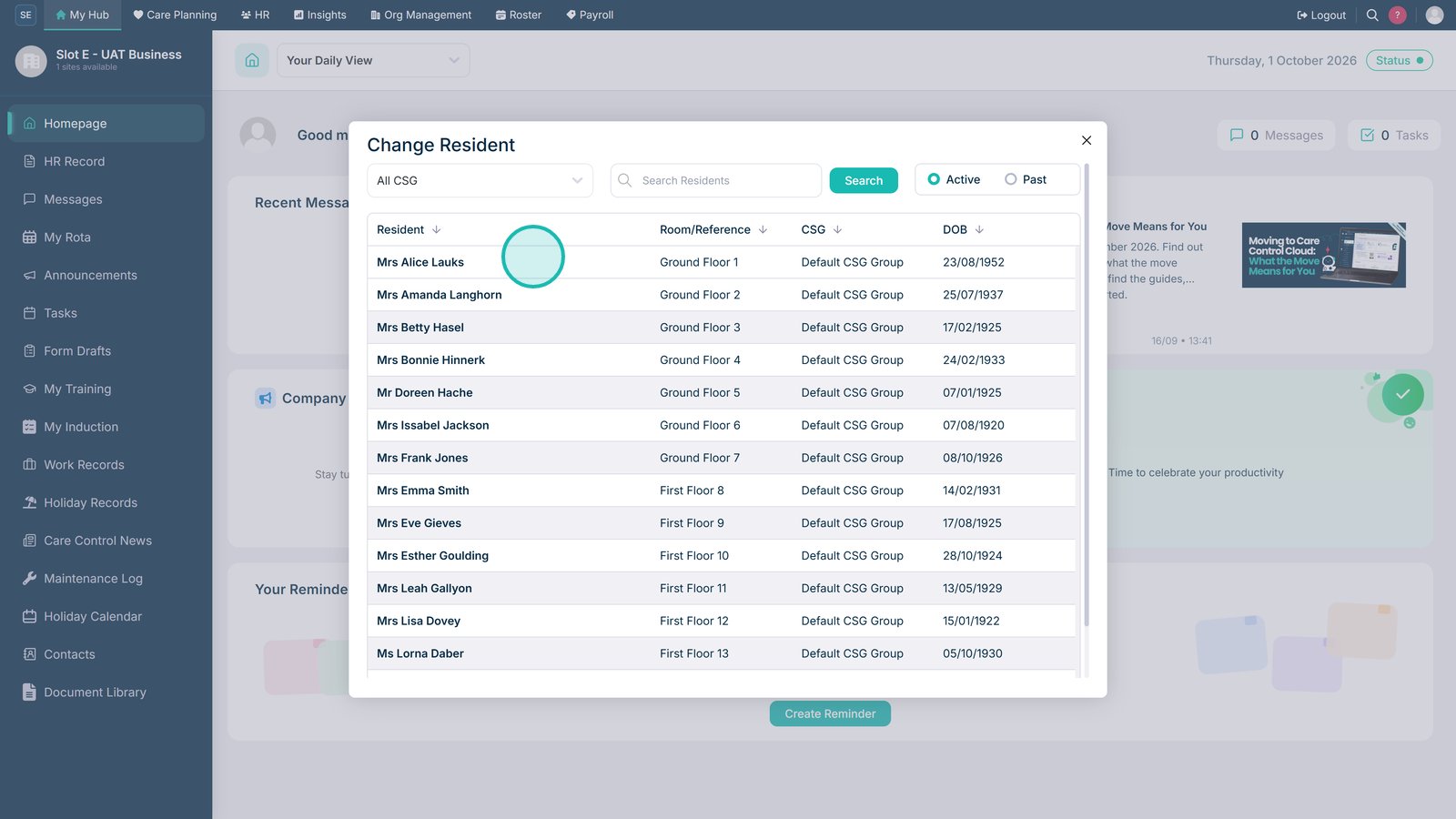
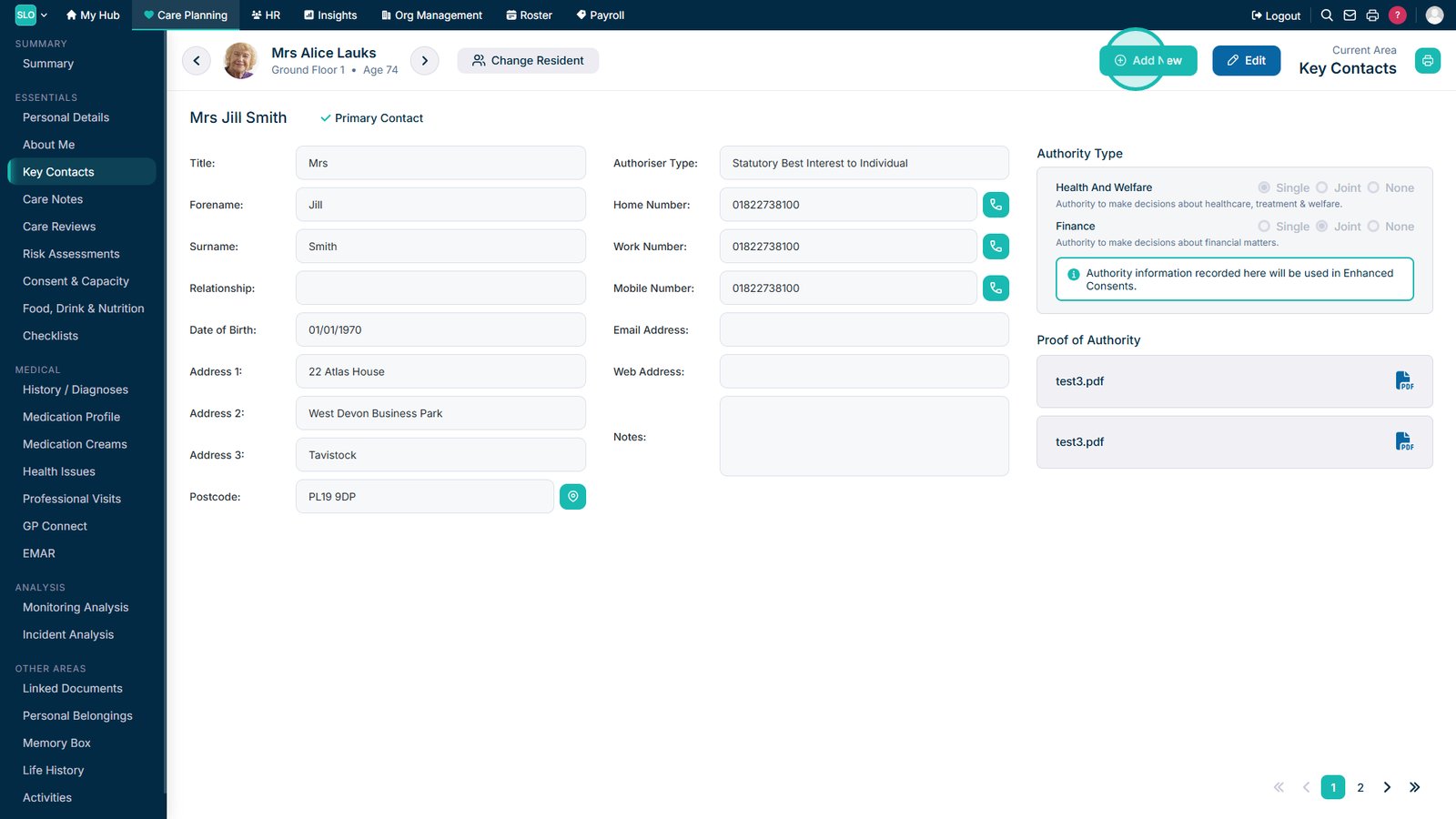
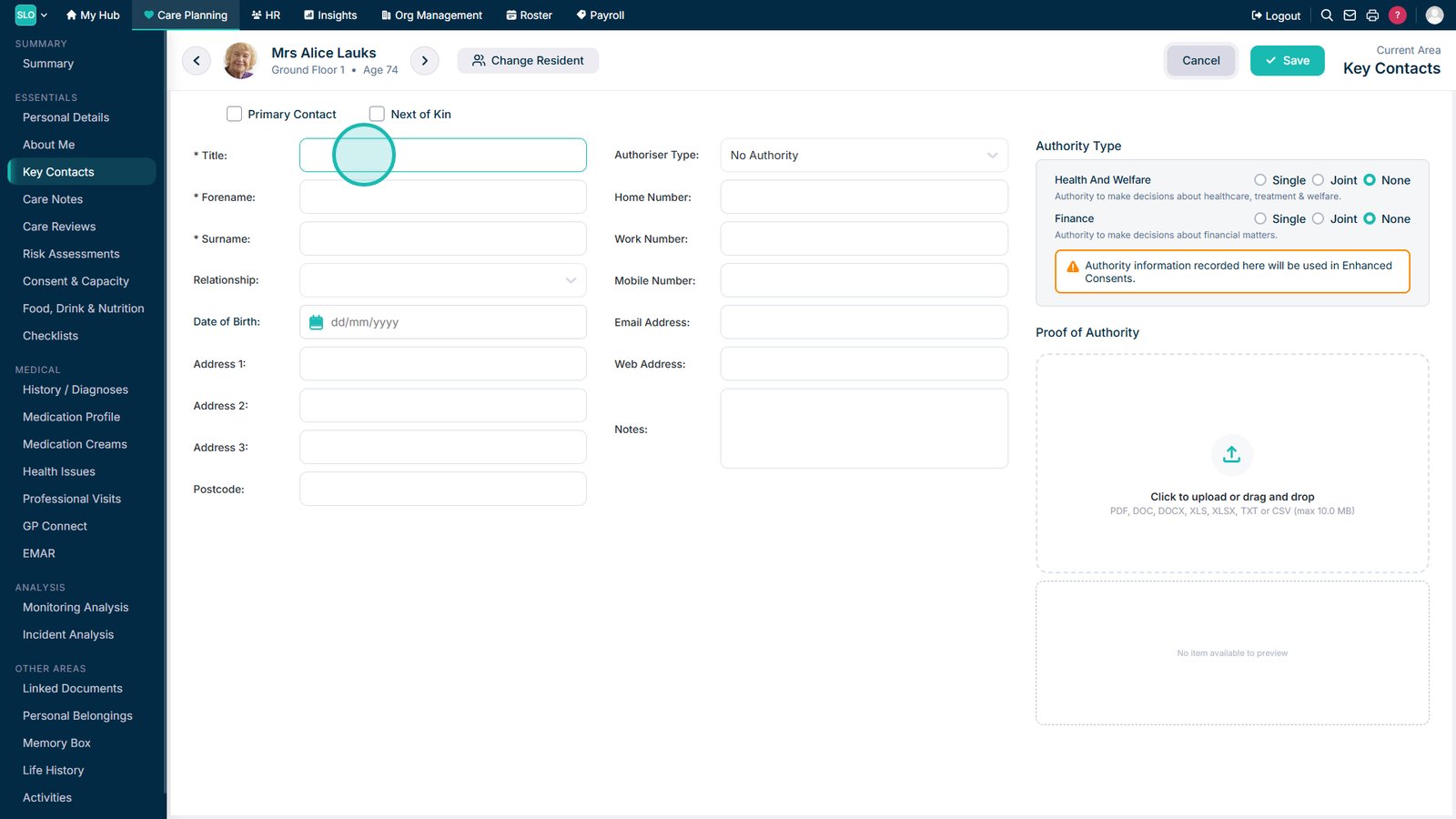
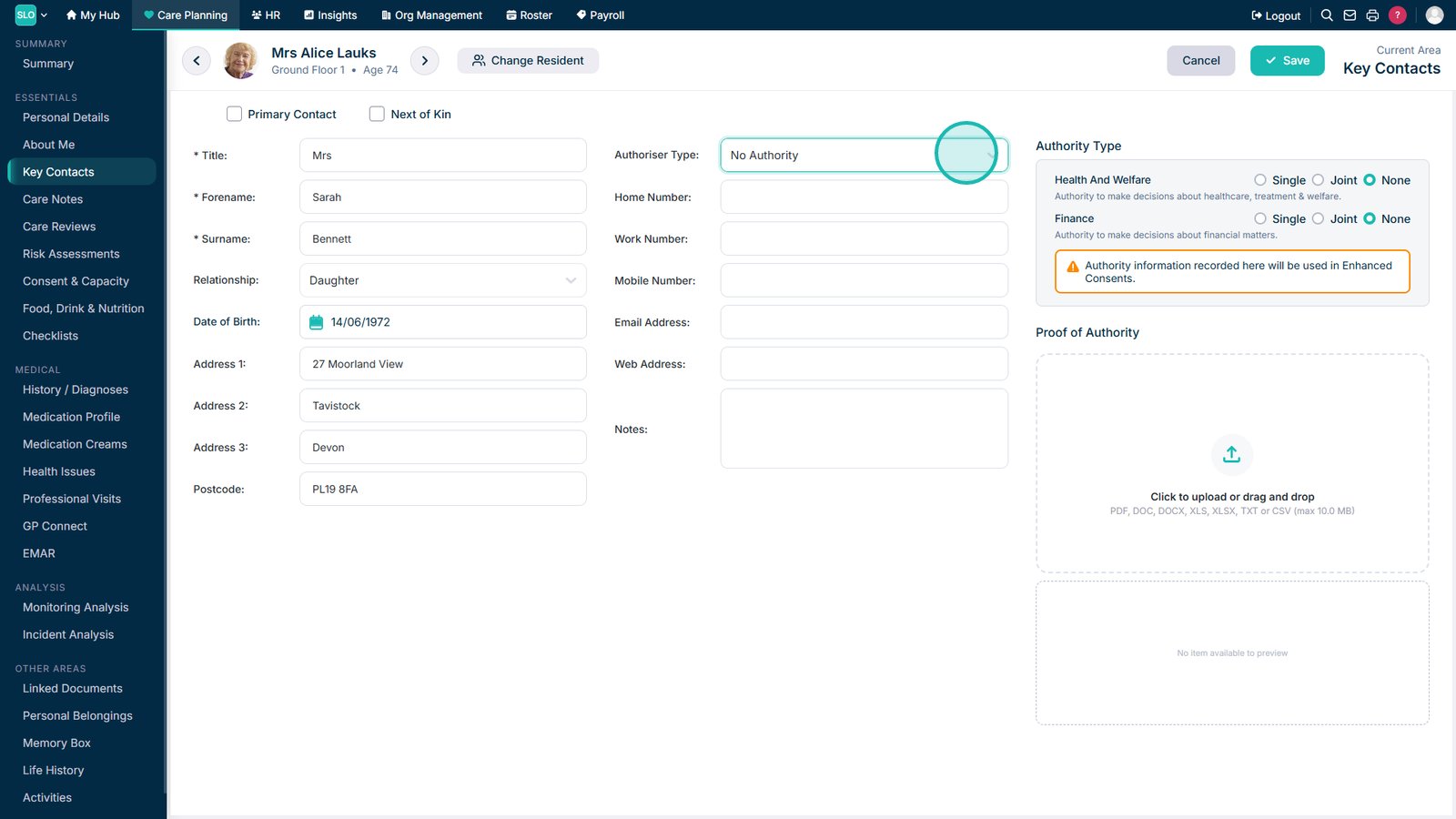
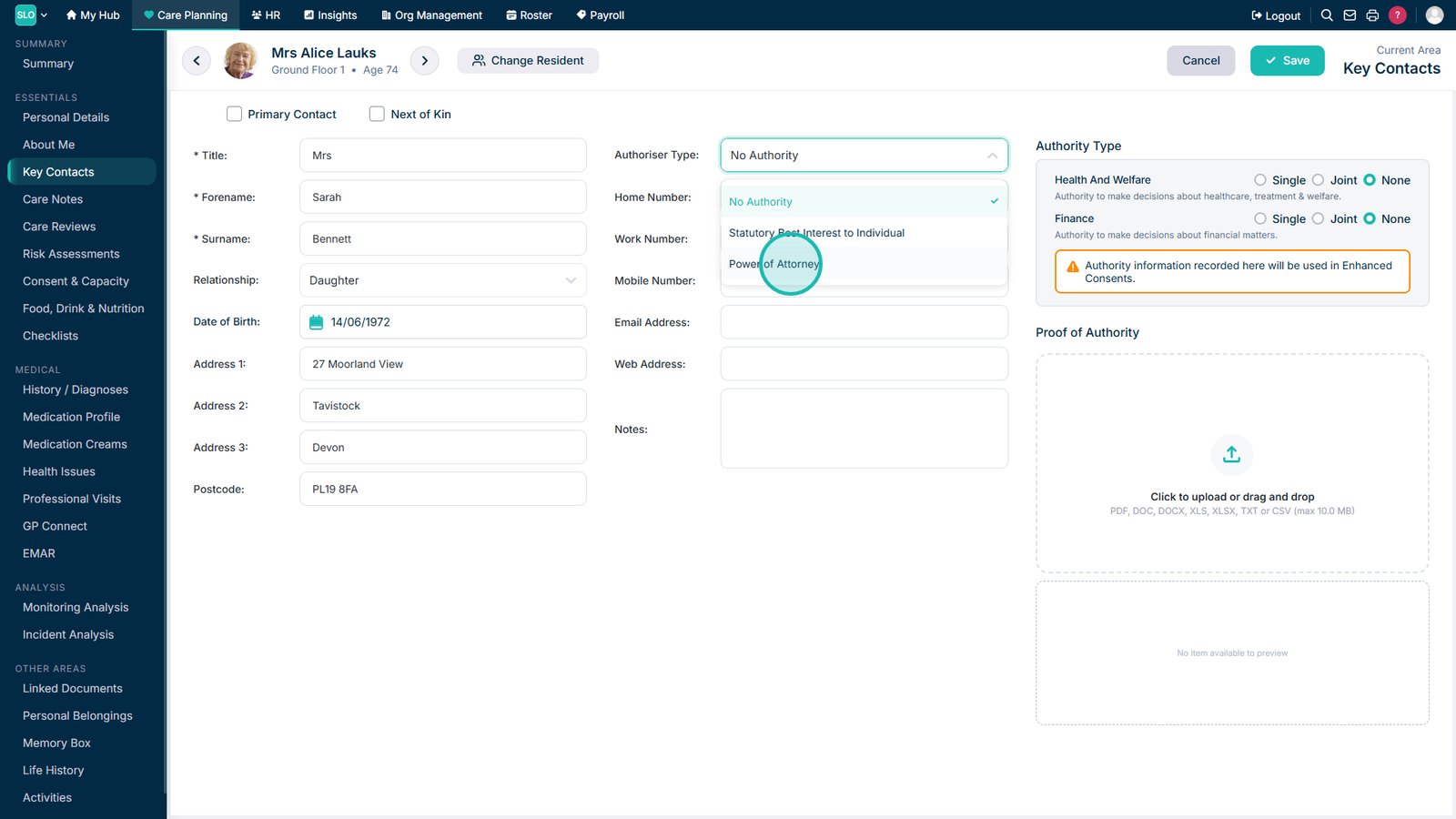
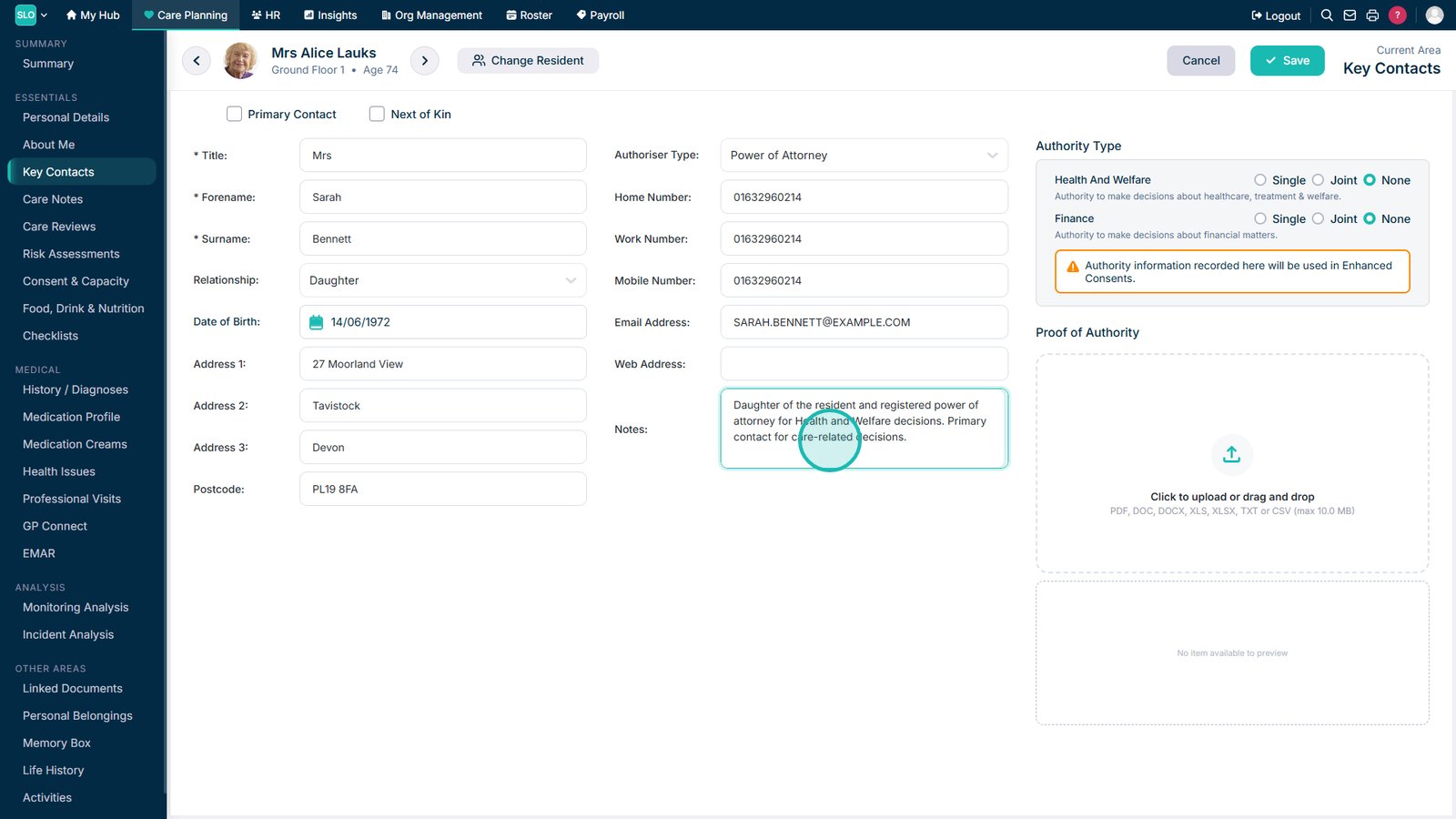
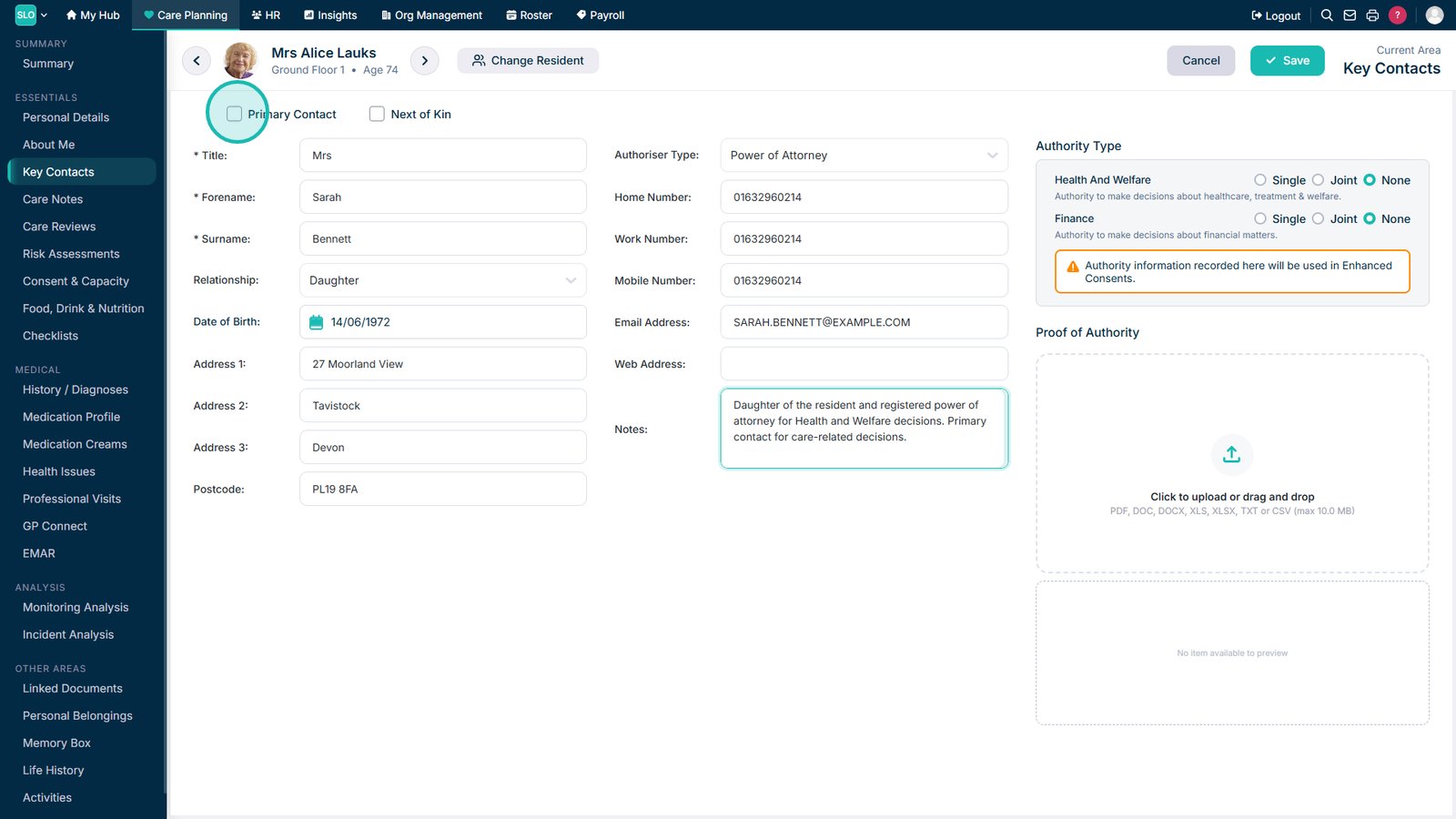
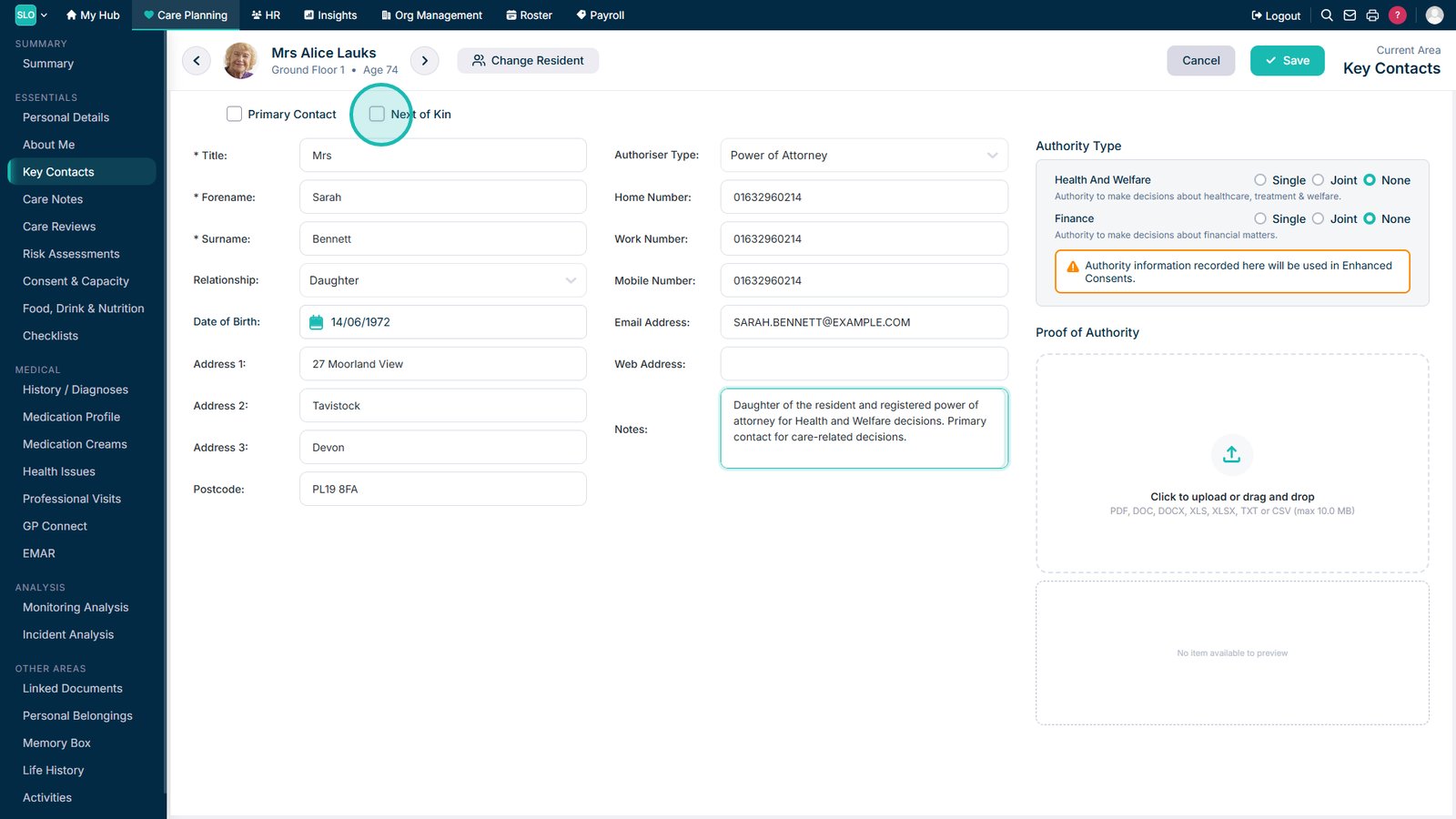
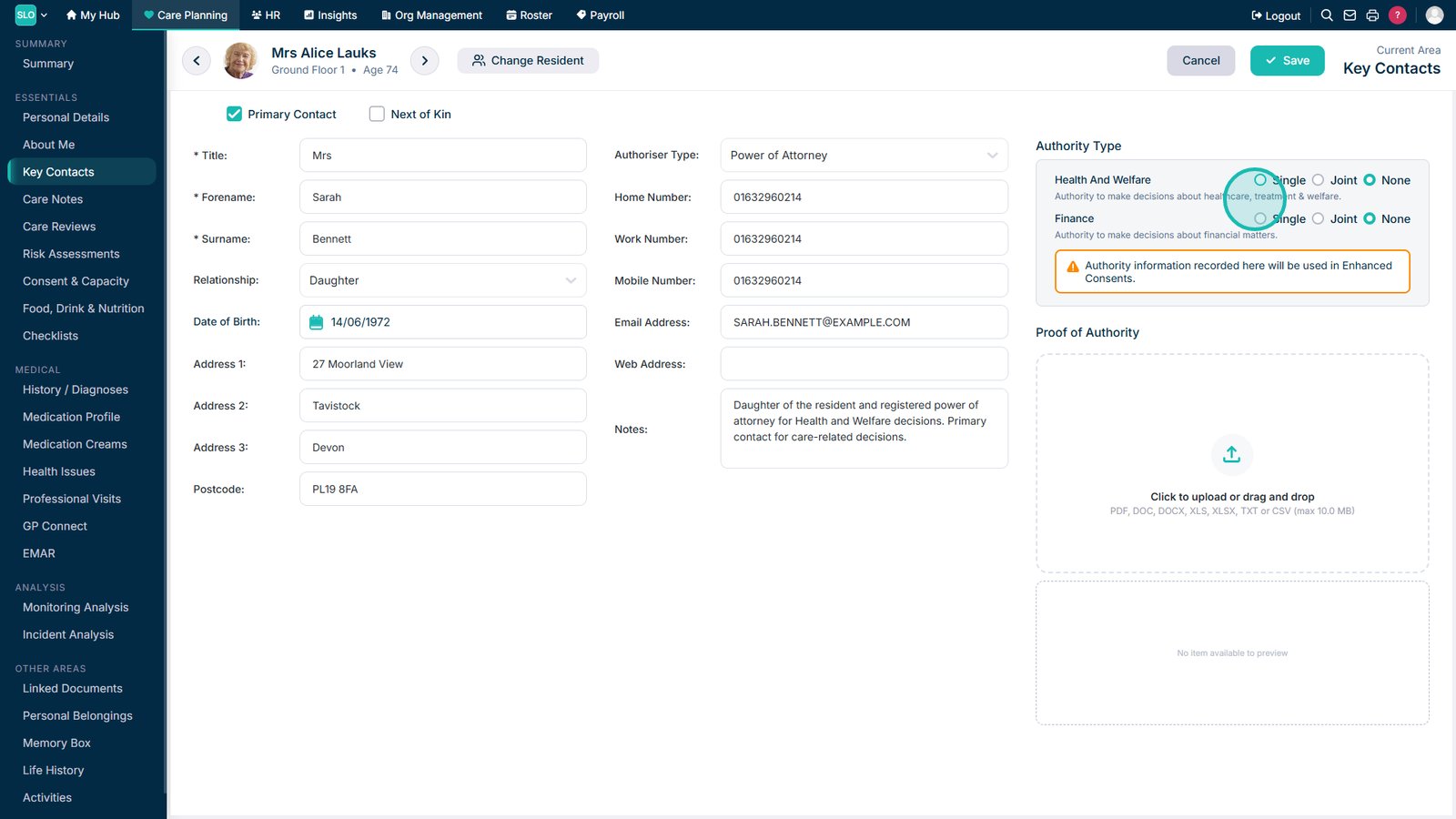
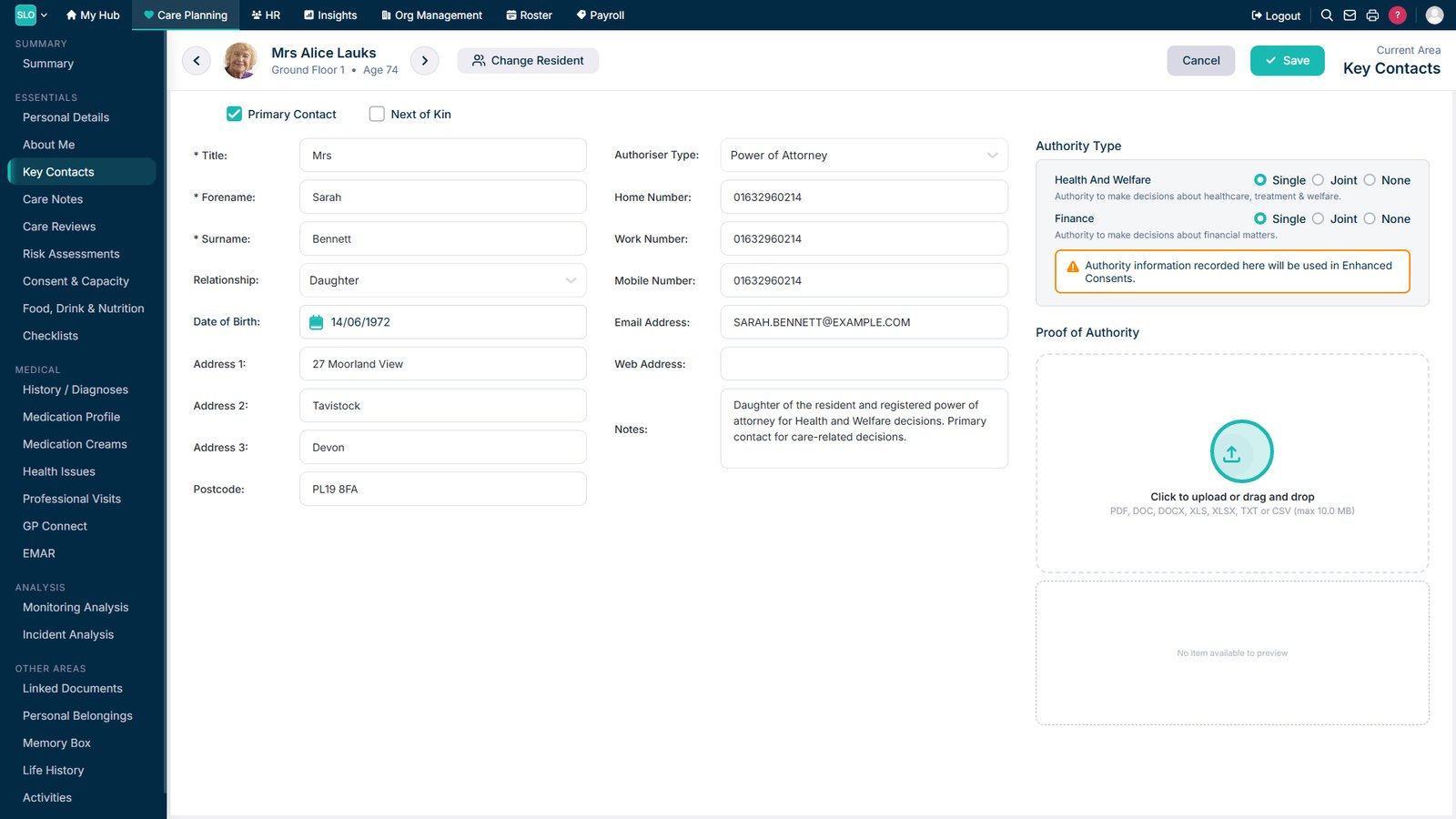
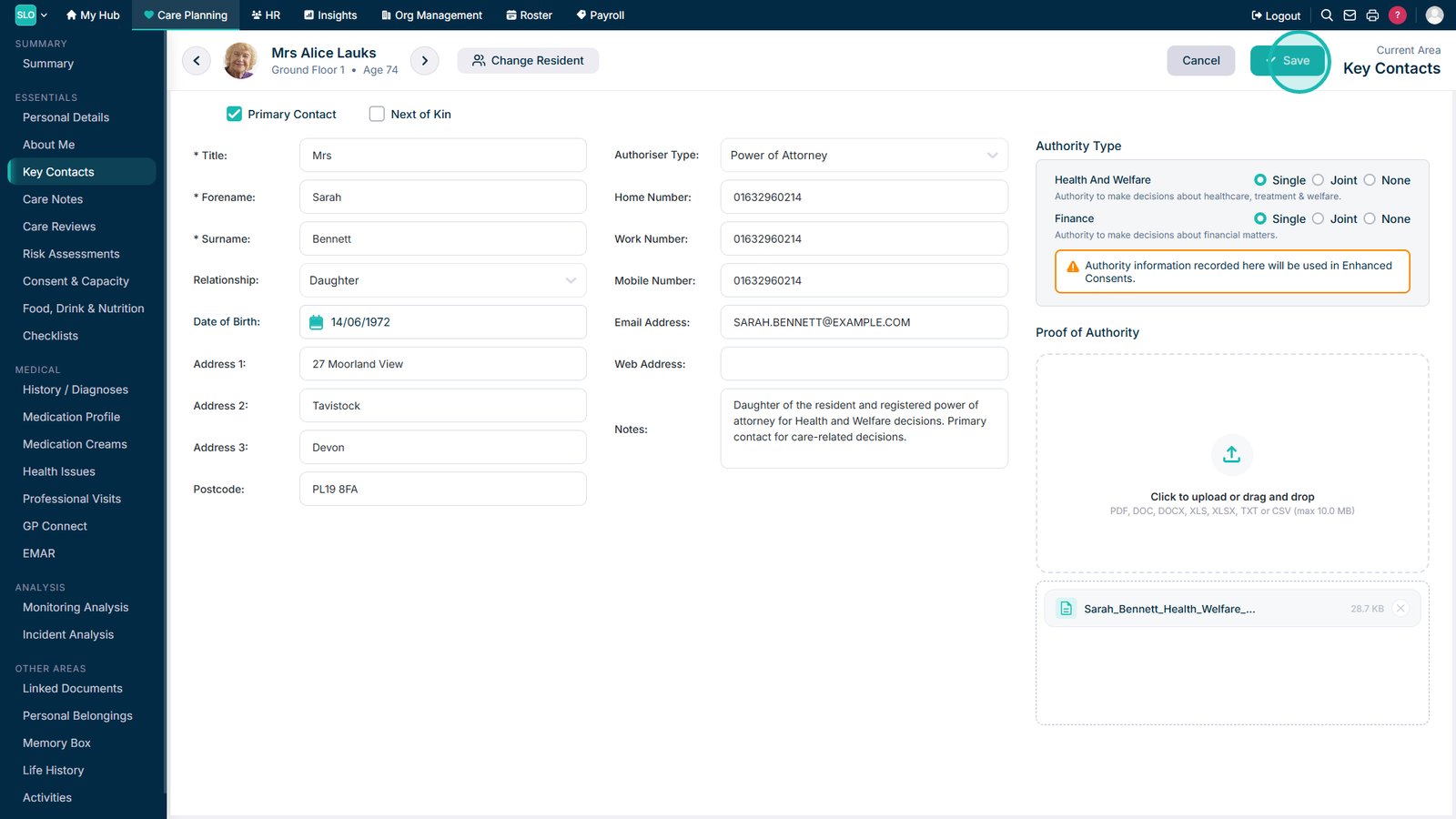
Learn how to add a Key Contact to a resident’s record, including their contact details, authoriser type, Primary Contact or Next of Kin status, legal authority, supporting documents, and any additional notes.

Learn how to add a Key Contact to a resident’s record, including their contact details, authoriser type, Primary Contact or Next of Kin status, legal authority, supporting documents, and any additional notes.