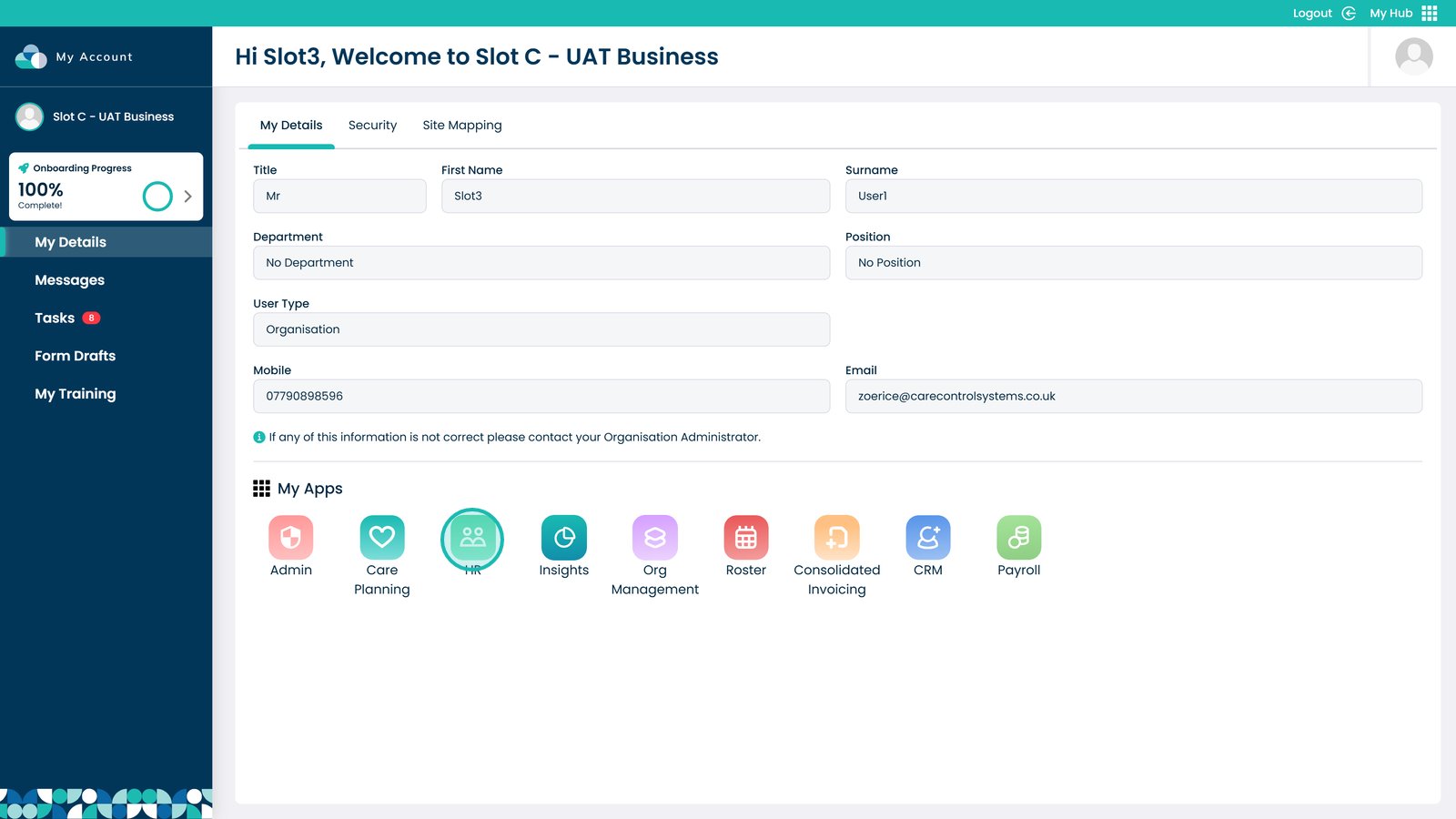
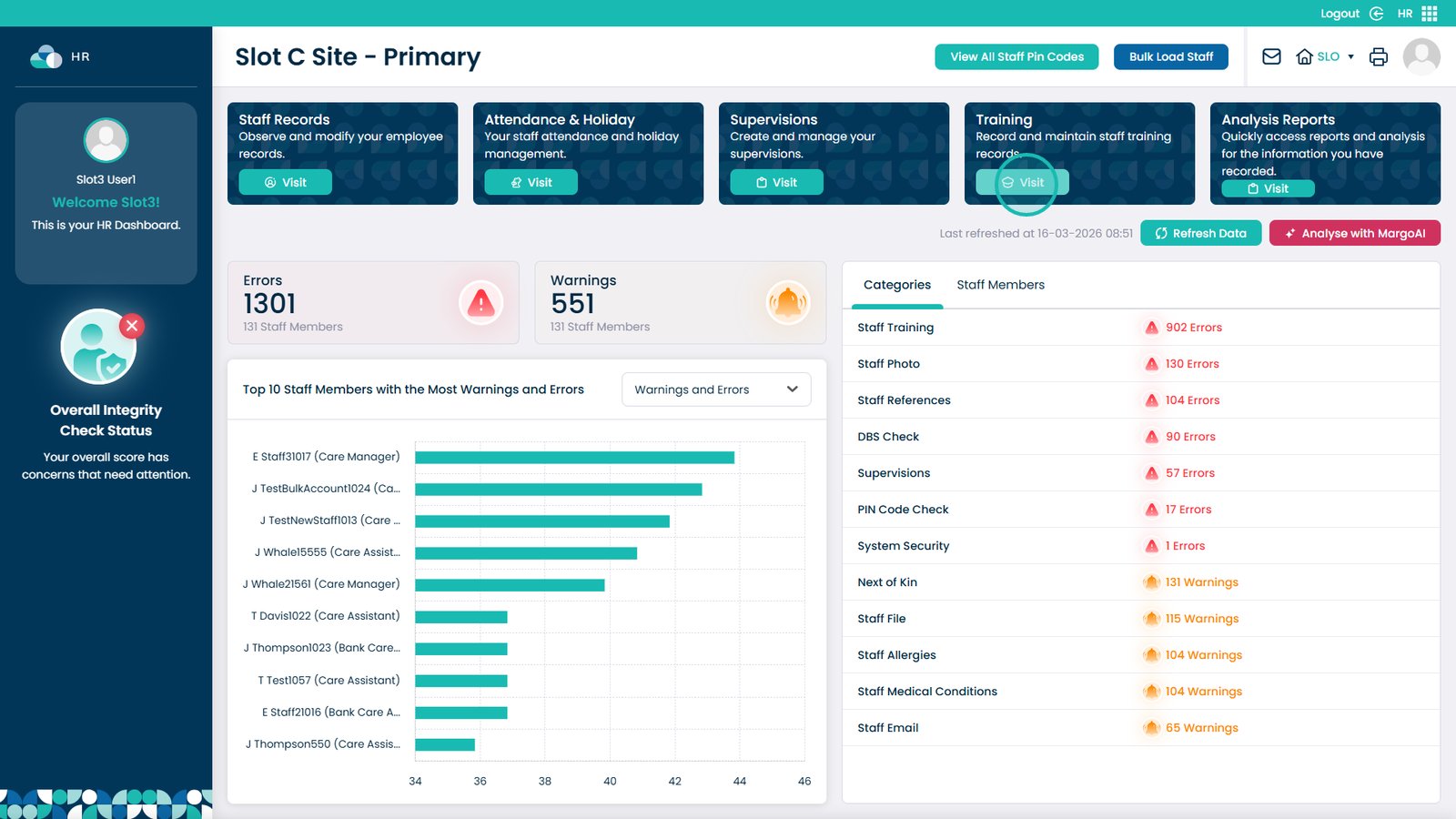
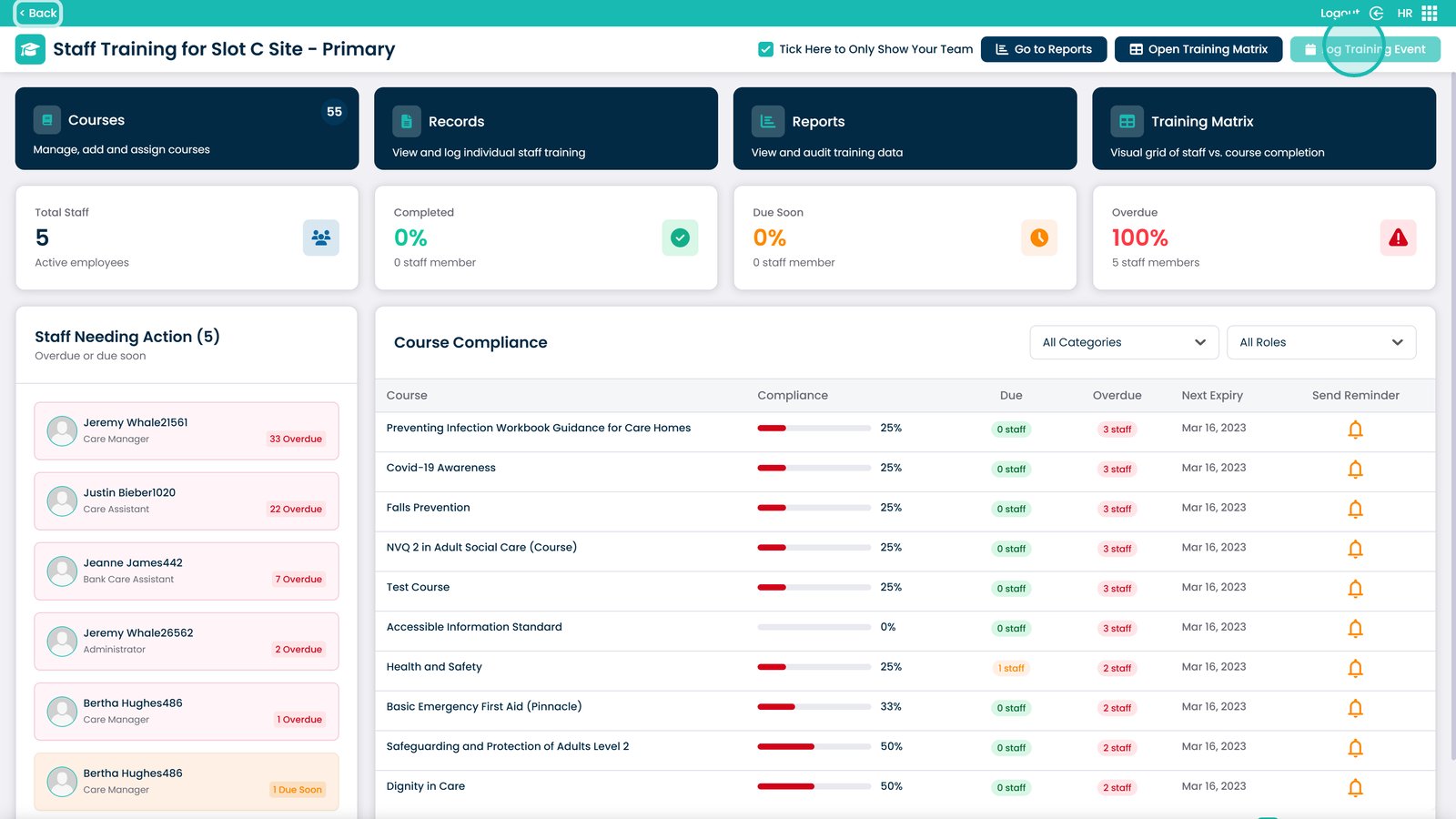
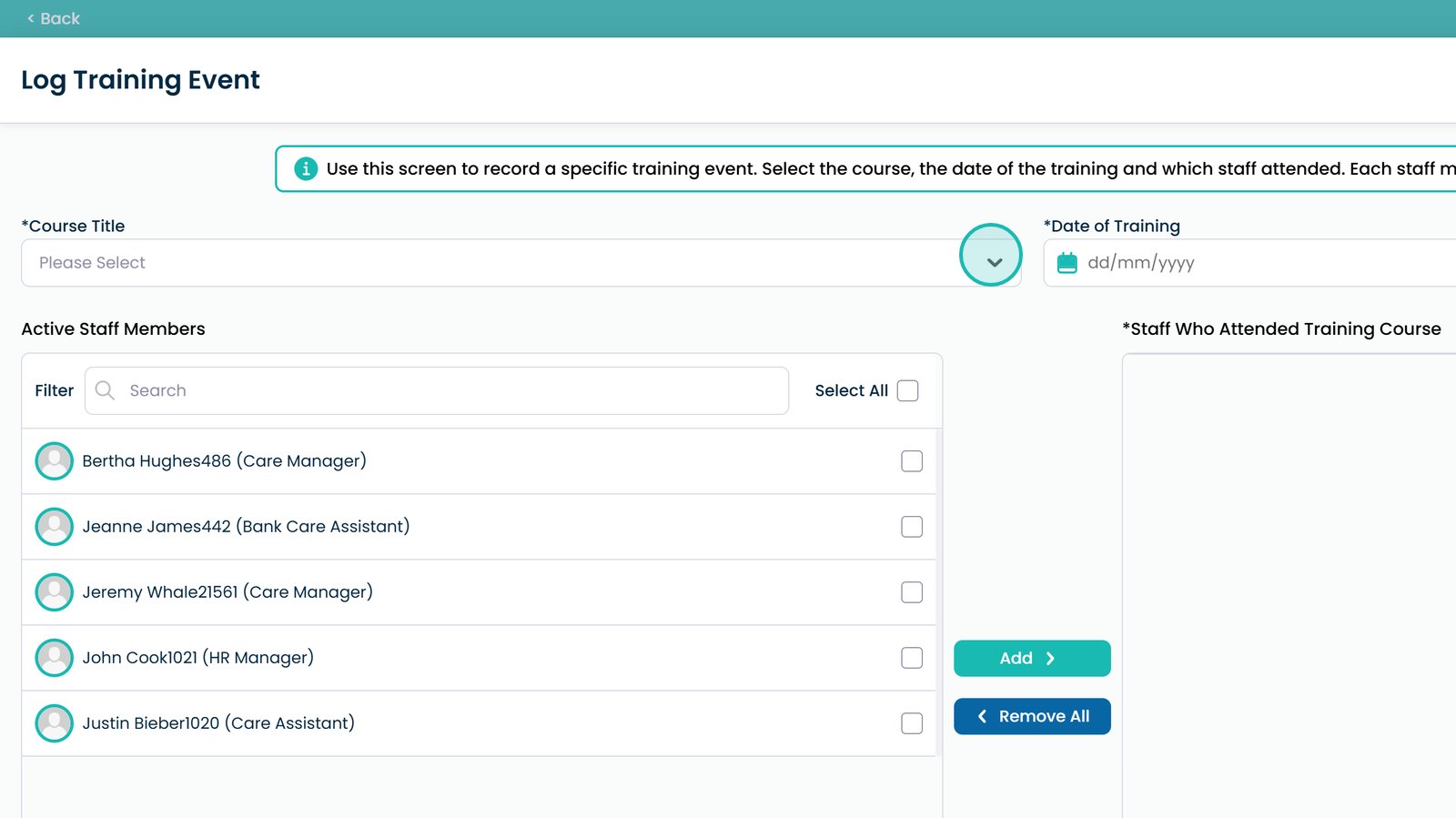
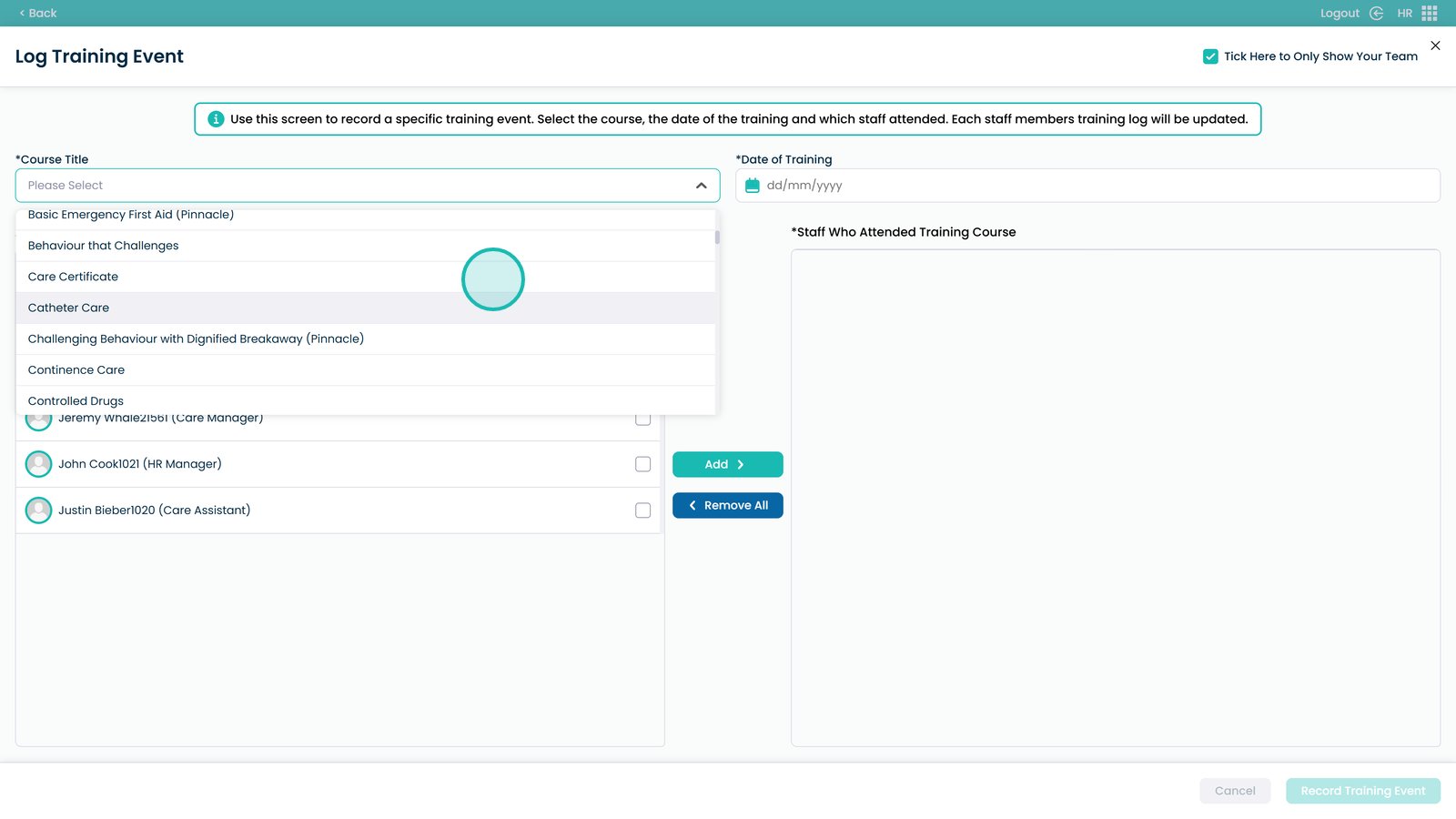
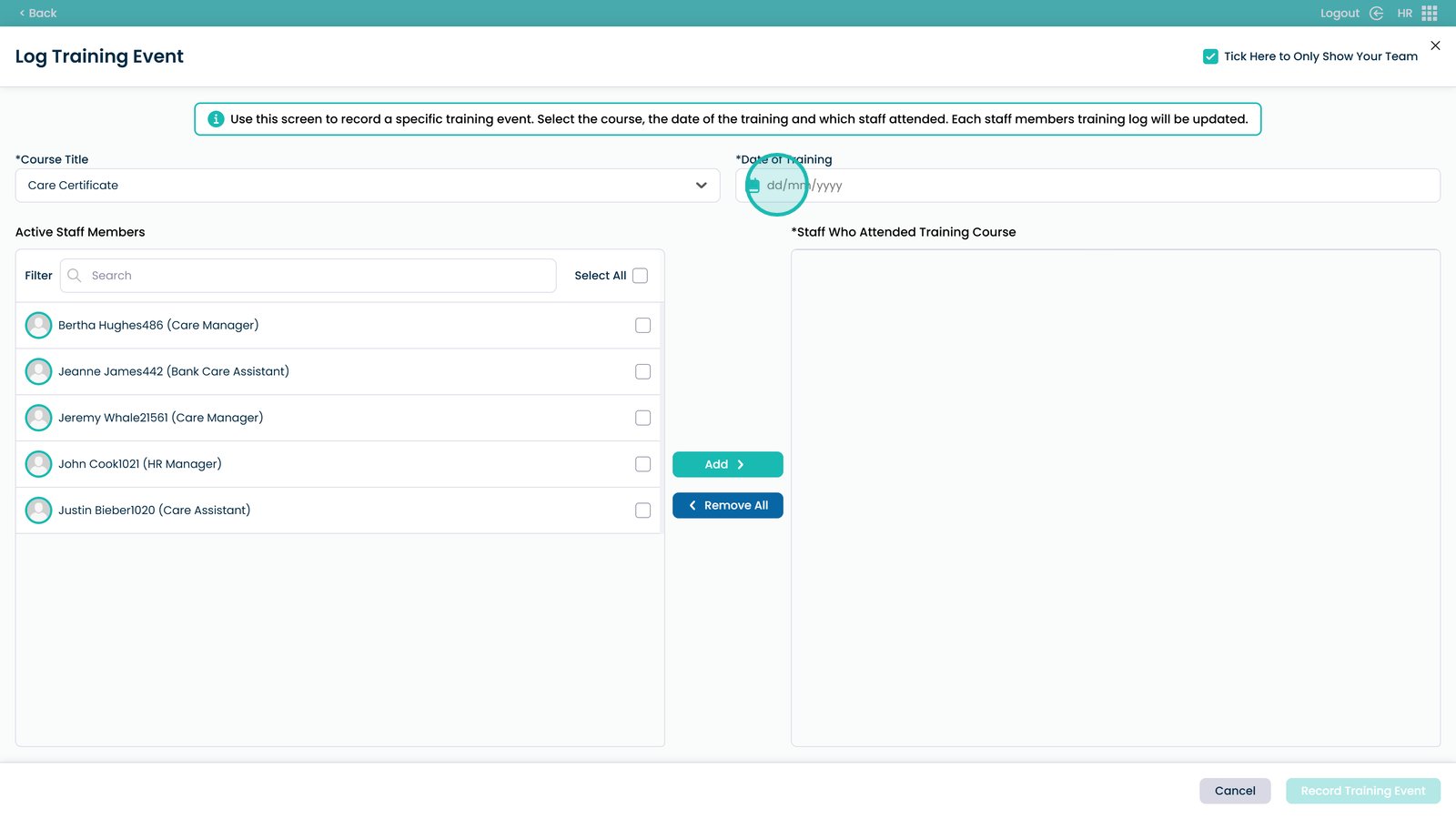
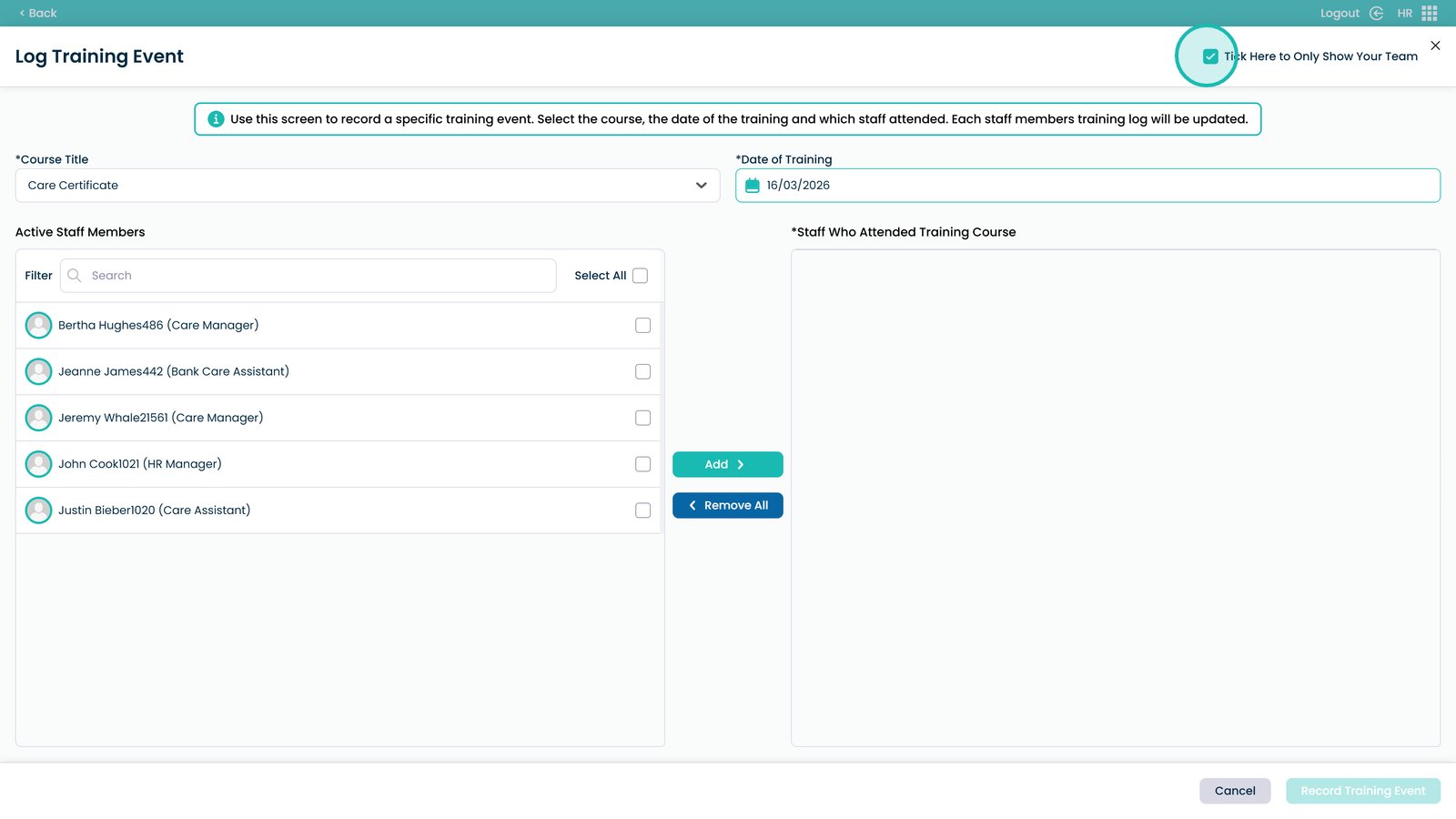
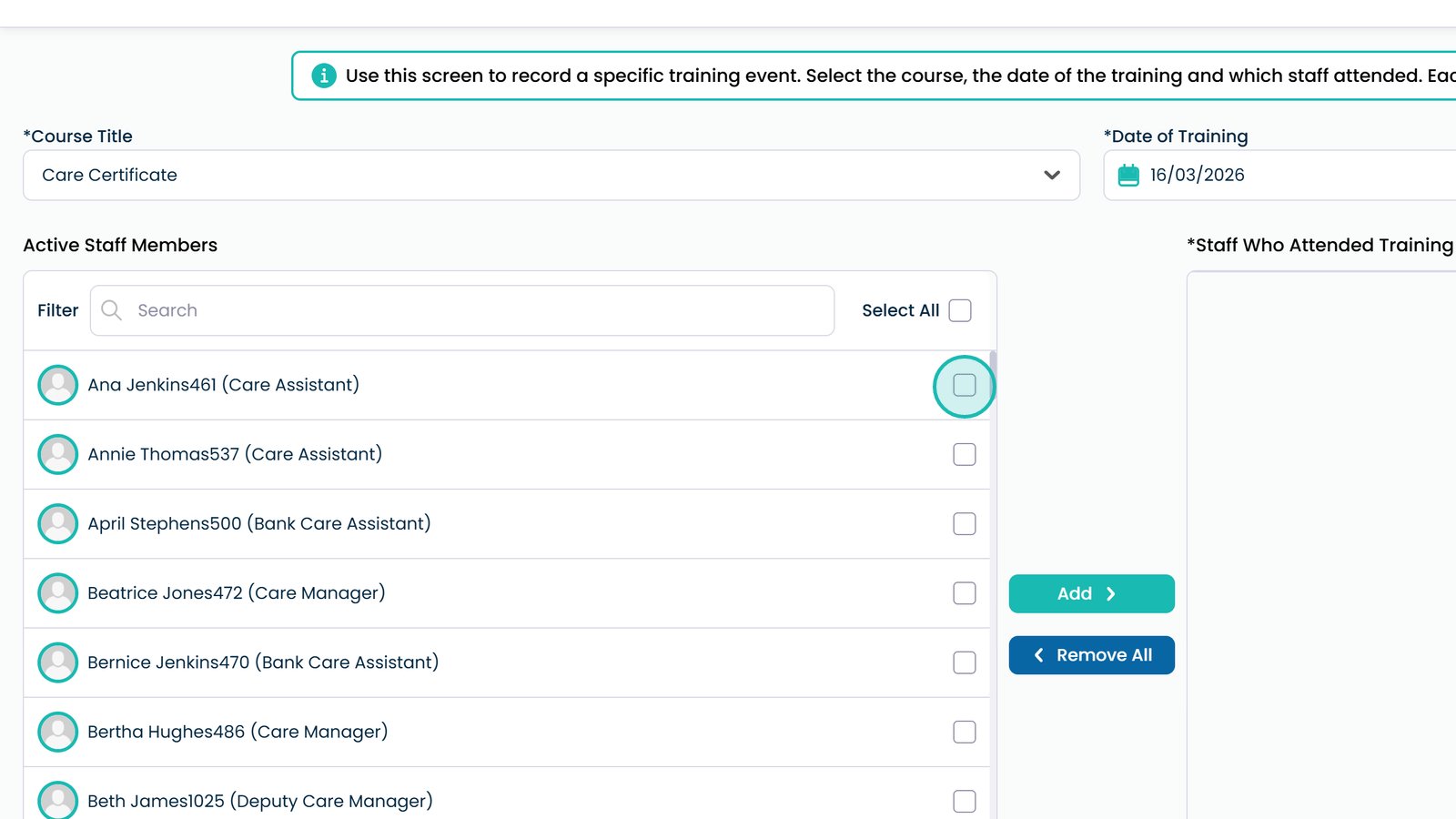
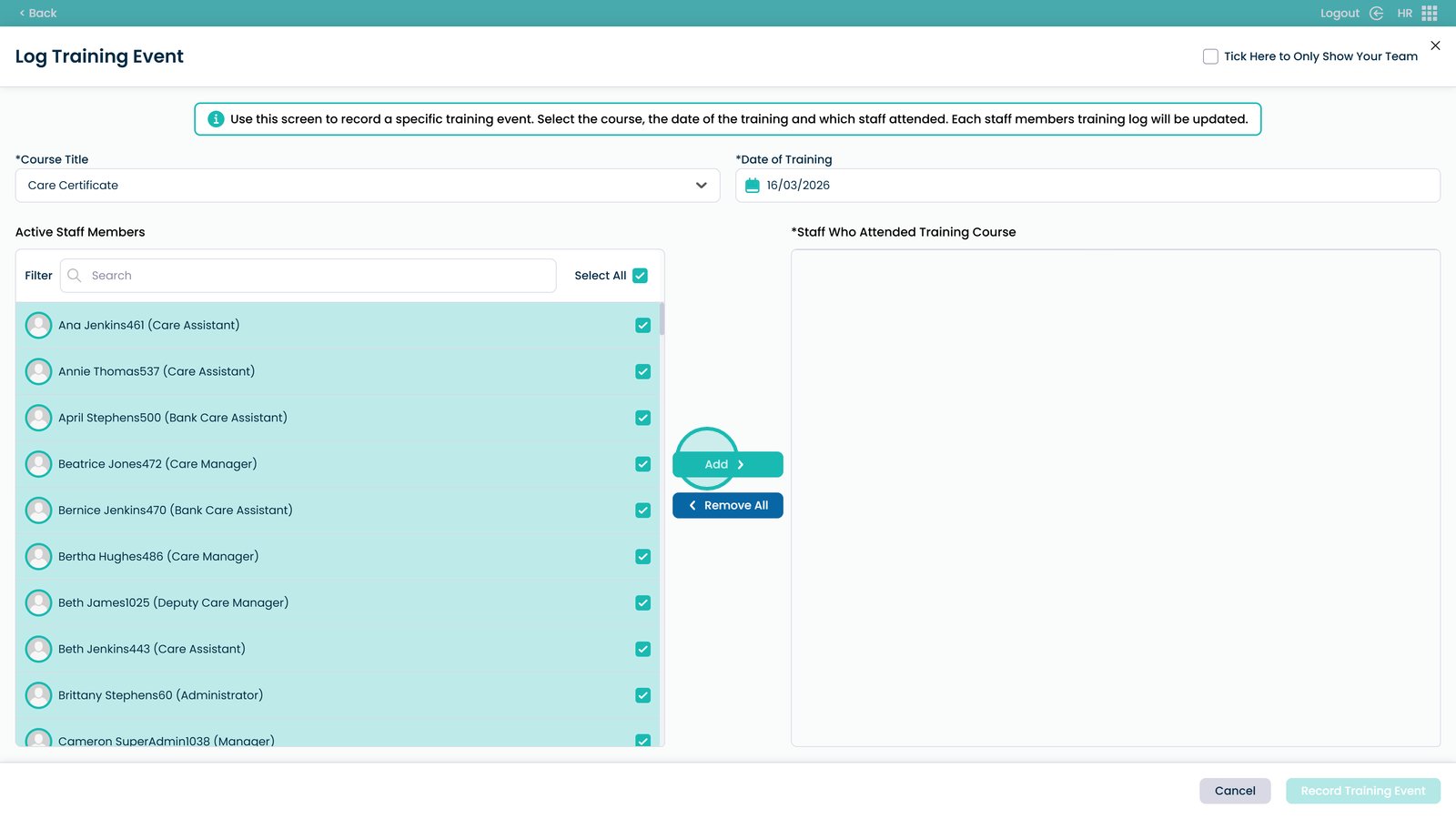
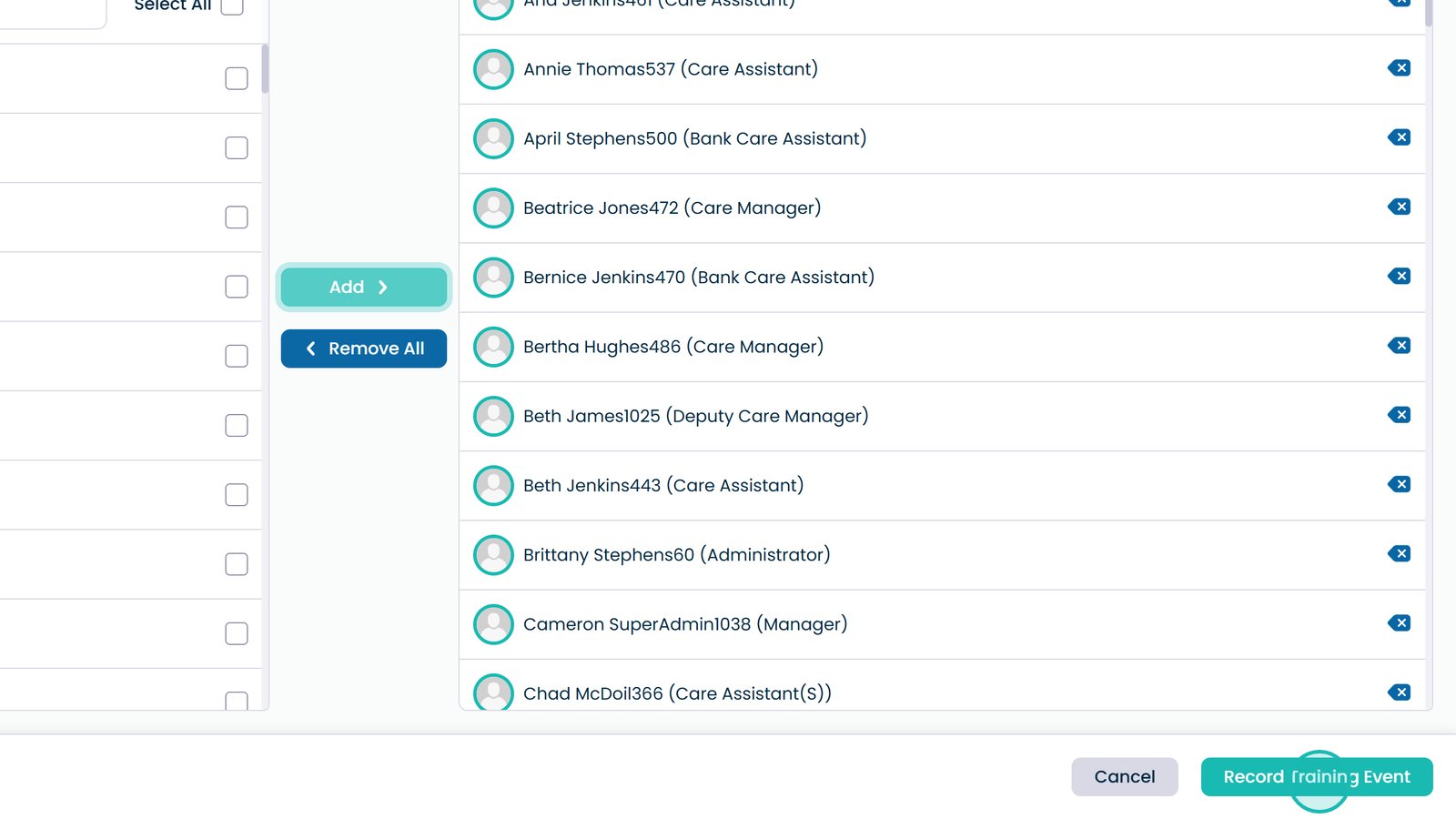
This guide explains how to record a training event in the HR App. Logging training ensures that staff development and compliance records are kept up to date across your service. By following the steps below, you can select the relevant course, enter the training date, and add the staff members who attended before saving the record to the system.
If you are responsible for managing staff training or maintaining training records, this process will allow you to quickly record completed training for individuals, teams, or your entire site.