We’ve updated the coming soon page!
Curious about what’s coming next? We’ve just updated our
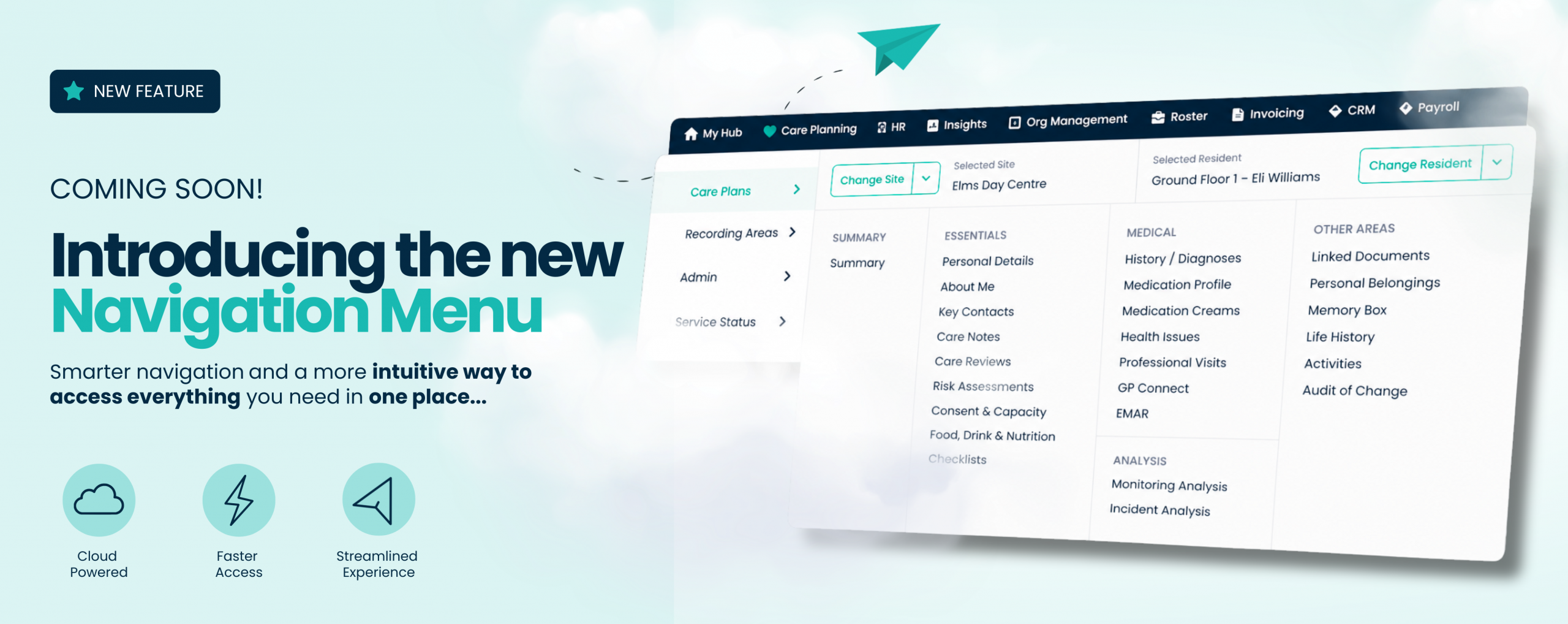
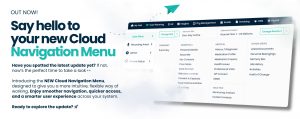
Our new Cloud Navigation Menu will replace the current app bar with a clearer, more visual way to access key areas across the system.
This update is designed to help you find what you need faster, reduce time spent searching, and make day to day use feel more intuitive.
The Cloud Navigation Menu introduces a more structured and visual layout across the system.
Instead of relying on tabs and hidden areas, you’ll now see a clearer navigation menu that gives you direct access to the parts of the system you use most.
You’ll also notice:
Alongside a more intuitive layout, this update introduces a number of new features designed to make everyday tasks quicker and easier.
Enhanced search across Care Control Cloud: You can now search across the entire system from one place, no matter where you are. Whether you’re looking for a staff member or a service user, you can find what you need instantly without navigating between screens.
Live service status visibility: A new active status button on your dashboard shows the current service status of Care Control Cloud. If there are ever any issues, you’ll be able to see updates straight away, giving you full visibility and reassurance.
Personalise your favourites: You can now favourite the areas you use most, creating a shortcuts list tailored to you. For example, you can favourite your essentials list for quick and easy access whenever you need it.
We know that speed and ease of use matter, especially when teams are busy and under pressure.
The previous navigation relied more on tabs and less visible pathways, which could slow things down or make it harder to find specific areas quickly.
This update is all about:
Day to day, you’ll be able to move around the system much more easily.
Tasks that previously took a few extra clicks or a bit of searching will now feel quicker and more straightforward.
This update will be released to all customers.
The new Cloud Navigation Menu will automatically appear in your system once released, so there’s nothing you need to do.
Because this is a new way of navigating, it may take a short amount of time to adjust! To help with this, we’ve created guidance and support to make the transition as smooth as possible.
We’re here to help you every step of the way.
Once the new Navigation Menu has released, you’ll have access to:
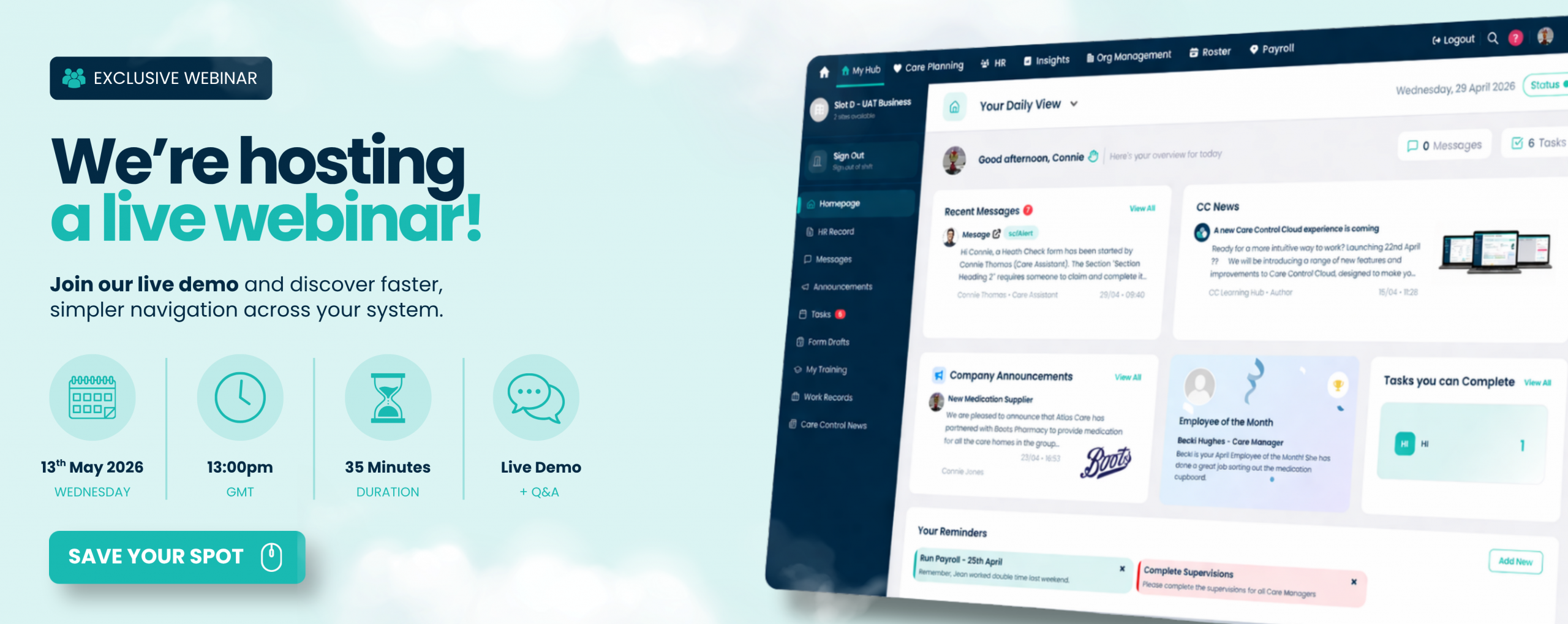
To help you feel confident with the new Cloud Navigation Menu, we’ll be hosting a live webinar ahead of release.
📍Join us on Wednesday 13th May at 1pm!
This is an exclusive pre release preview, giving you the chance to see the new navigation before it goes live across your system.
During the session, we’ll:
This is a great opportunity to get familiar with the update early and make the transition as smooth as possible for your team. Click the button below to secure your place!
We will be hosting the webinar on Wednesday 13th May at 1pm.
We have replaced the current app bar with a new and improved navigation menu which brings you a more visual way to access key areas across Care Control Cloud.
Keep an eye on our Customer Hub page for all the latest updates and everything you need to know about the release. We will also be sharing information via email, so please make sure you are signed up and part of our Customer Hub on Facebook.
👆Click here to join our Facebook group.
👆Click here to join our mailing list.
You will also have the option to join our webinar, where we will walk you through the changes and share more detail.
And do not worry if you cannot make the webinar! This webinar will be recorded so you can watch on demand, whenever you would like.
Our Support Team are always happy to help. Should you need any support, use our Customer Contact Form to provide as much detail as possible to help us solve your query, therefore we can diagnose the problem faster.

Curious about what’s coming next? We’ve just updated our

New features in Cloud are here! Ready to take a

Ready for a more intuitive way to work? Launching 22nd

Introducing CRM in Care Control Cloud: manage enquiries and maintain

Introducing Cloud onboarding and the new HR access tab Joining

Introducing an improved HR training dashboard & MyHub training Staff