You may have already noticed a fresh new look within your Care Control Cloud system 🎉
Our new Cloud Navigation Menu is now officially live and will be released to all customers in phases over the next 3 days.
If you have not received the update yet, don’t worry, it’s on its way! Keep an eye out over the next few days as the new navigation experience becomes available across Care Control Cloud.
By Friday 29th, all Care Control Cloud users will have access to the new navigation experience.
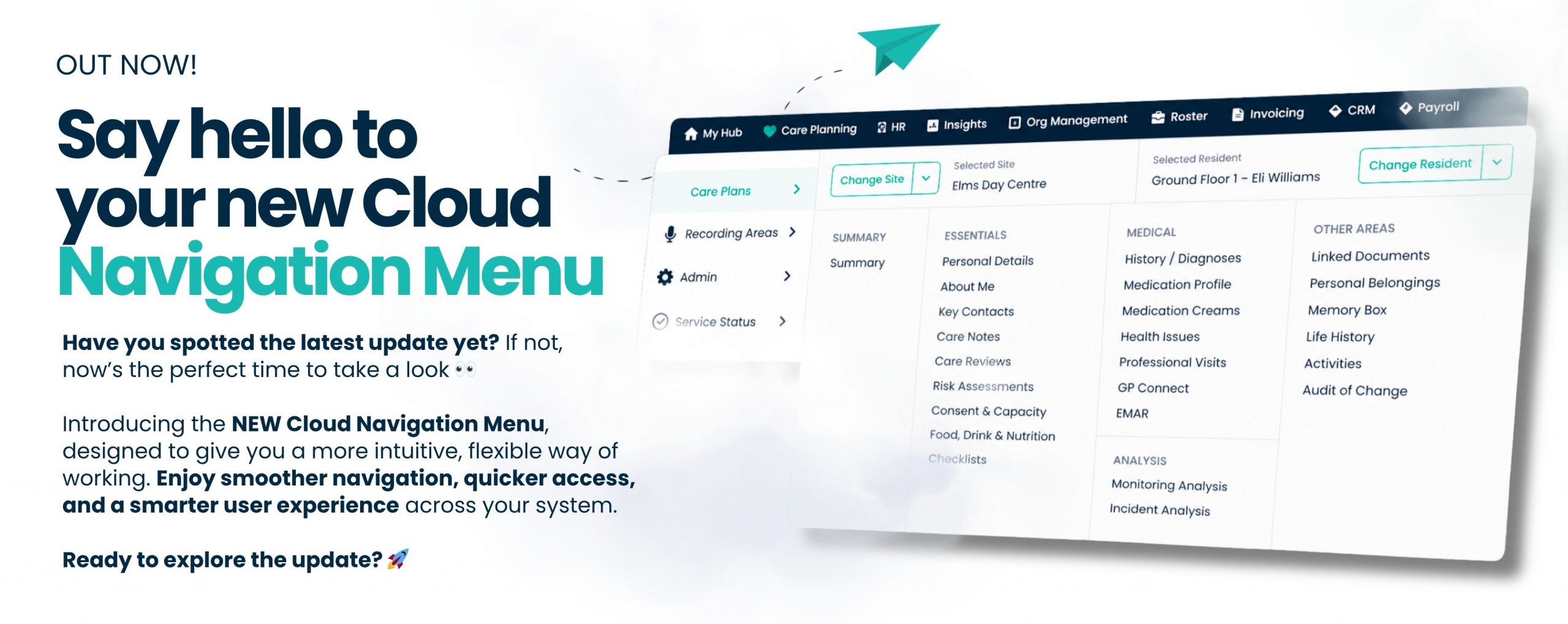
The updated menu has been designed to make moving around the system quicker, simpler, and more intuitive, helping your team access the tools they use every day with ease.
The Cloud Navigation Menu introduces a more structured and visual layout across the system. Instead of relying on tabs and hidden areas, you’ll now see a clearer navigation menu that gives you direct access to the parts of the system you use most.
With this update, you’ll notice:
- A more organised layout across all areas
- Easier movement between different parts of the system
- Quick access to global search across the system
Here’s exactly what’s included
Alongside a more intuitive layout, this update introduces several new features designed to make everyday tasks quicker and easier.
Enhanced search across Care Control Cloud
You can now search across the entire system from one place, no matter where you are. Whether you’re looking for a staff member or a service user, you can find what you need instantly without navigating between screens.
Live service status visibility
A new active status button on your dashboard shows the current service status of Care Control Cloud. If there are ever any issues, you’ll be able to see updates straight away, giving you full visibility and reassurance.
Personalise your favourites
You can now favourite the areas you use most, creating a shortcuts list tailored to you. For example, you can favourite your essentials list for quick and easy access whenever you need it.
Built in support and guidance
To help you get comfortable with the new layout, we’ve also created support guides that will walk you through the updated navigation and features available within the system.
Missed our webinar?
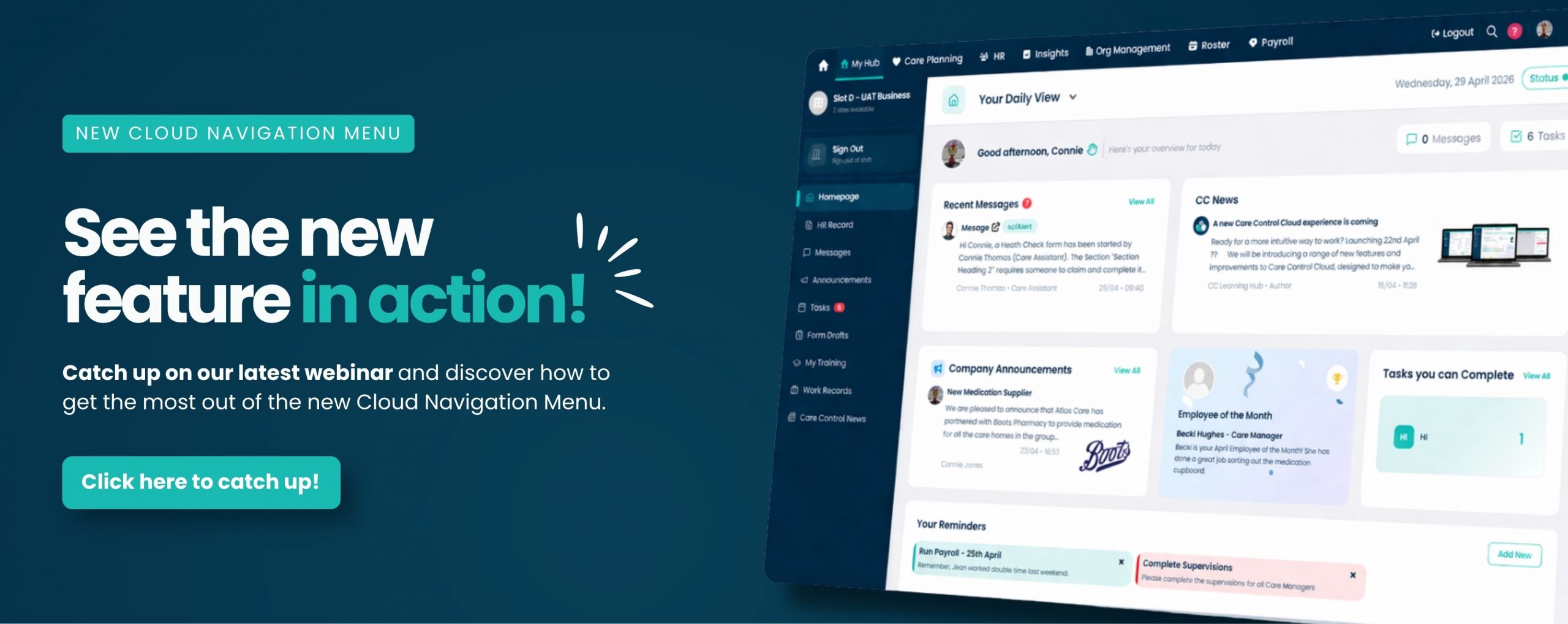
We recently hosted a webinar showcasing the new Cloud Navigation Menu and walking through the latest updates now available within Care Control Cloud.
If you were unable to attend, you can now watch the webinar recording to explore the new navigation features in your own time and see how to get the most from the latest Care Control Cloud update.
We’re excited for you to experience a more connected and streamlined Care Control Cloud system!
Tailored support to help you get started
To help you get the most from the new Cloud Navigation Menu, we’ve also created tailored support content designed to guide you through the updated experience.
This includes step by step guides and helpful resources that will walk you through the new layout, navigation features, favourites, search functionality, and more, helping your team feel confident using the updated system from day one.
👉Learn how to use the Navigation Menu: View guide here