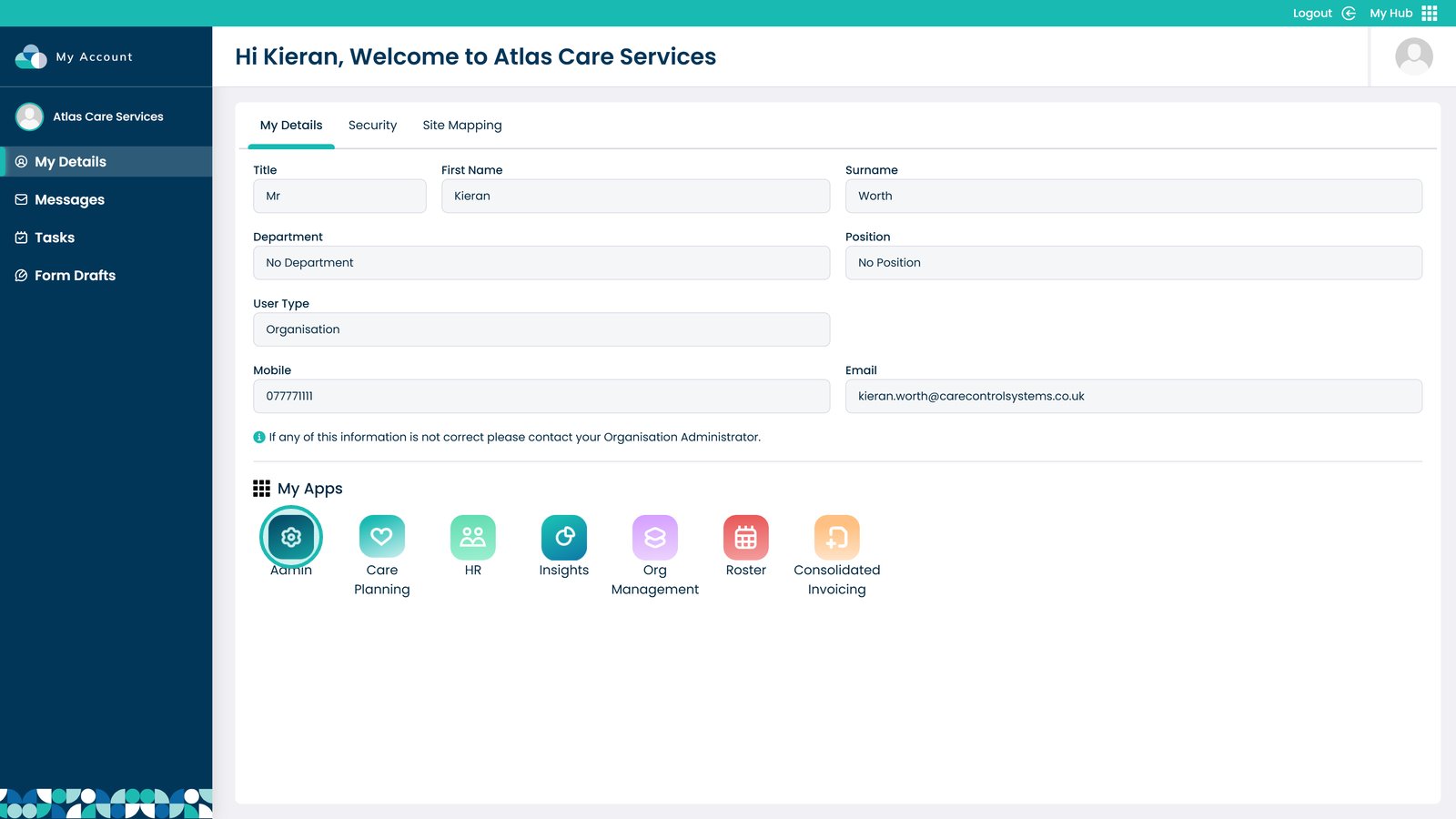
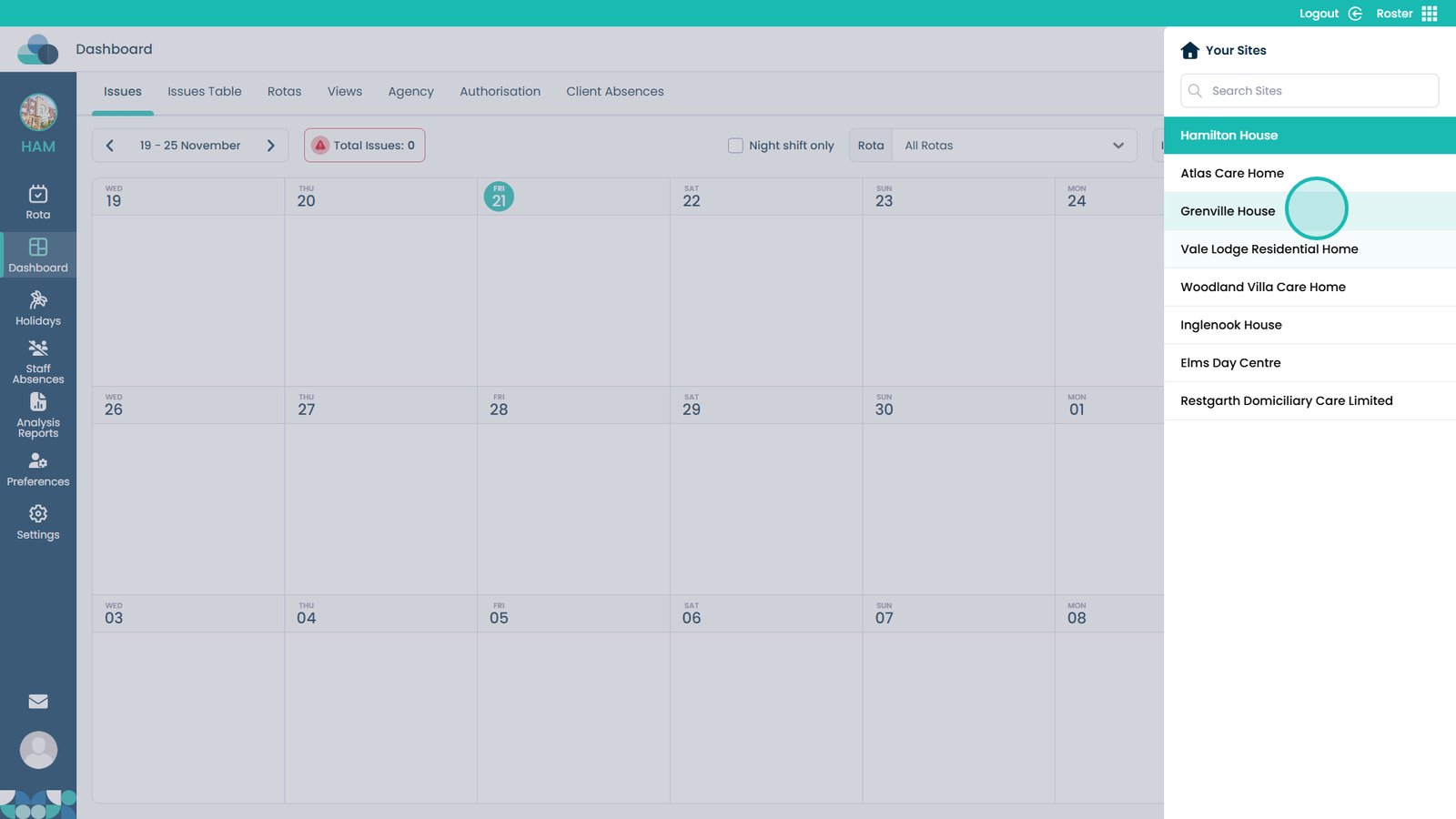
This guide explains how to change the site you are working in across different Care Control applications. It shows you the steps for switching sites in Admin, Care Planning, HR, Insights, Roster, and Consolidated Invoicing.
Being able to change sites quickly is useful when you support multiple services or need to check information for different locations. It helps you move between sites without logging out or switching accounts, saving time and reducing mistakes. Use this guide whenever you need to select a different site while working in any of the apps.
Interactive Guide
Text based guide
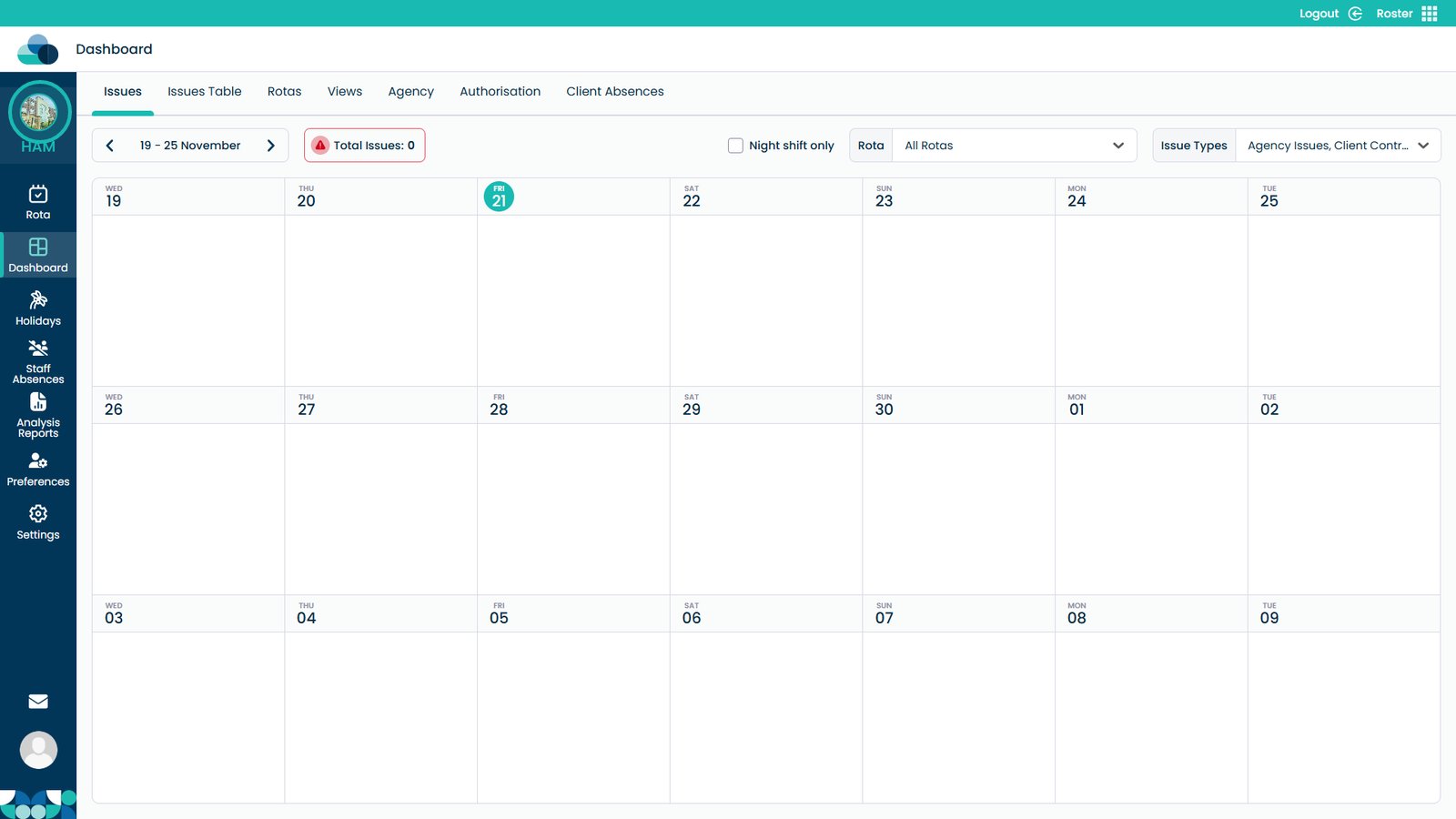
You can change the site within individual apps. This is available on Admin, Care Planning, HR, Insights, Roster and Consolidated Invoicing.
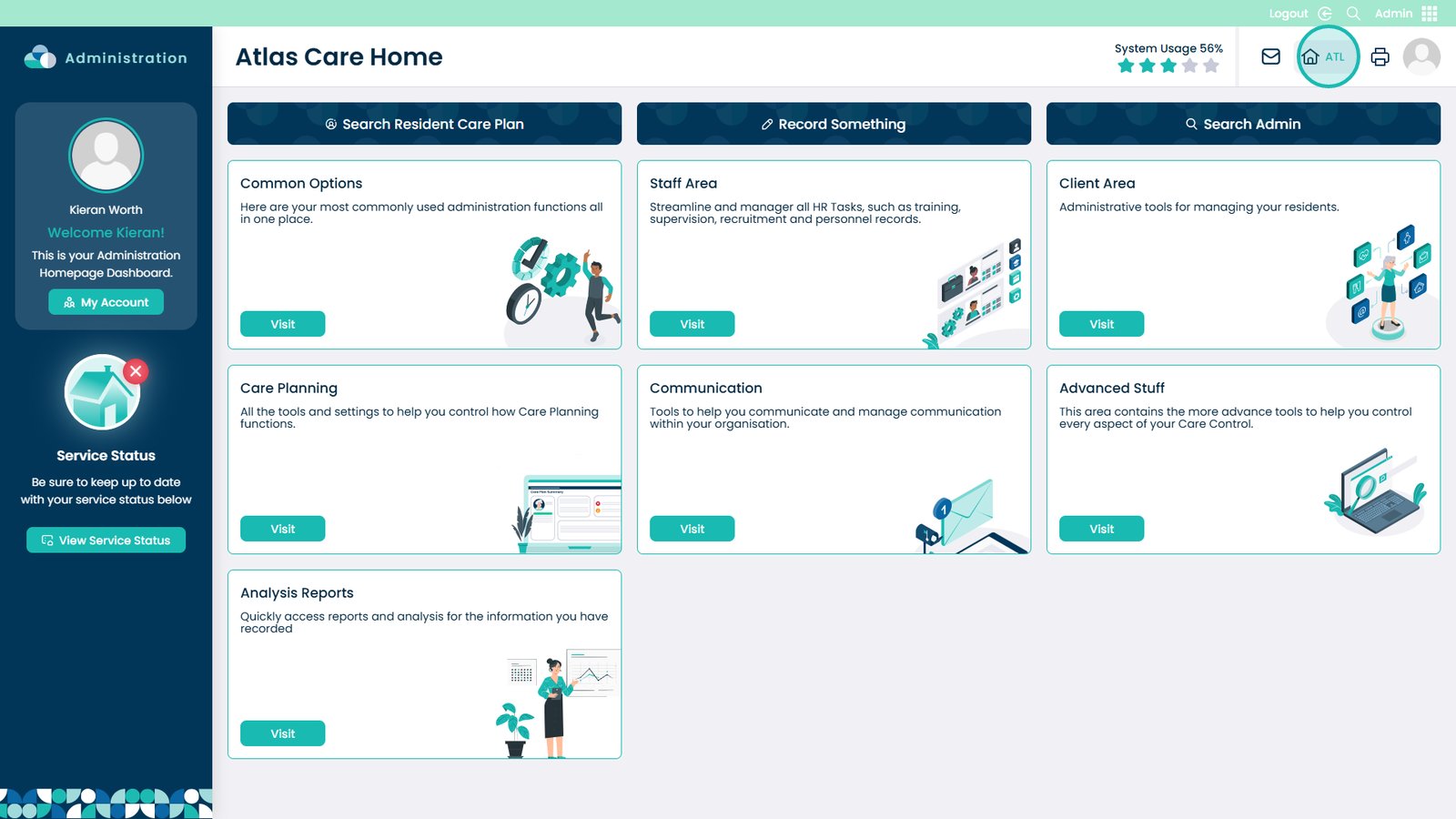
On Admin, Care Planning, HR and Consolidated Invoicing you can click the house icon in the top right.
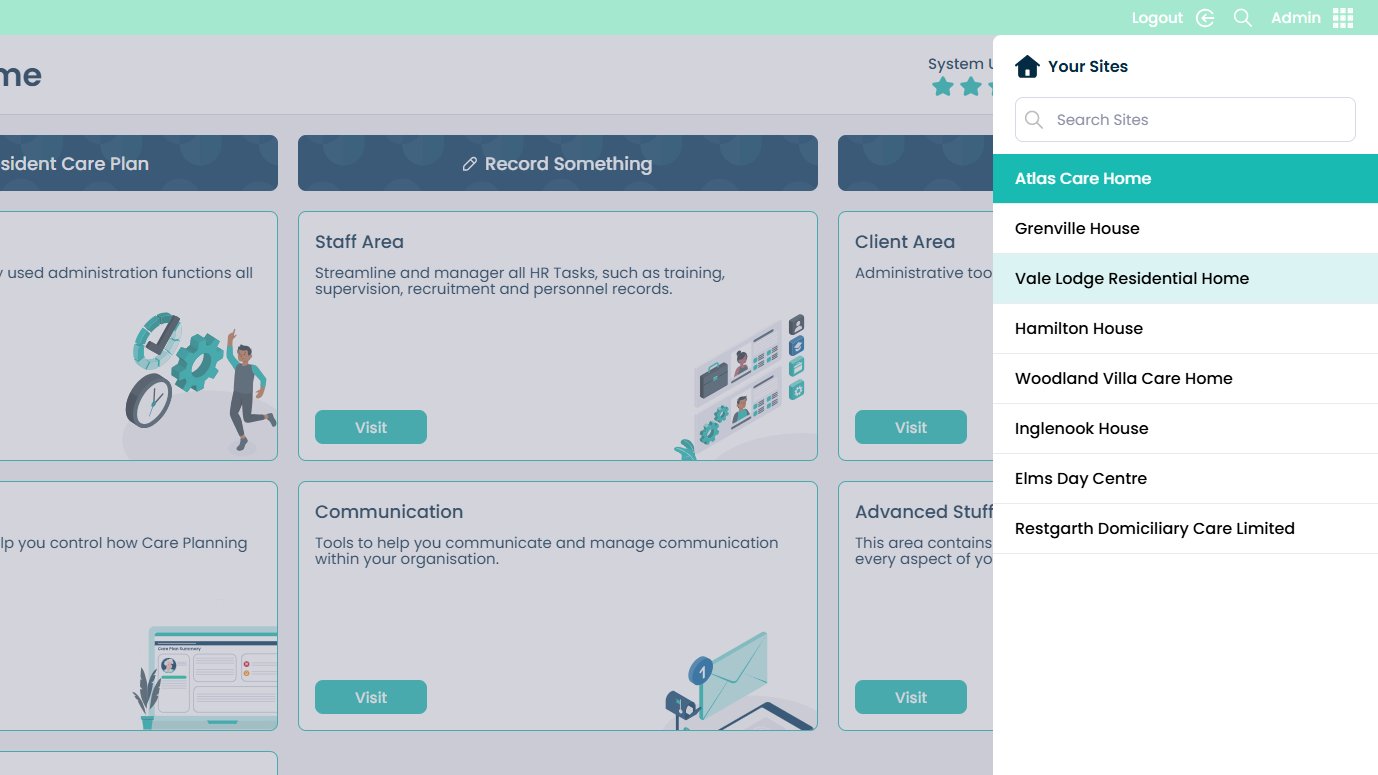
Then choose the site you want from the right-hand side.