How to Add a Staff Training Course
This guide explains how to create a new training course within the Training Area of Care Control’s HR app. Building courses directly in the system allows you to keep all staff training organised and trackable in one place. You can define the course title, type, and location, set whether it is mandatory, and configure automatic assignment rules so the right staff members are enrolled without any manual effort. This step-by-step guide walks you through the full setup process, from entering the basic course details through to saving your completed course.
Interactive Guide
Text based guide
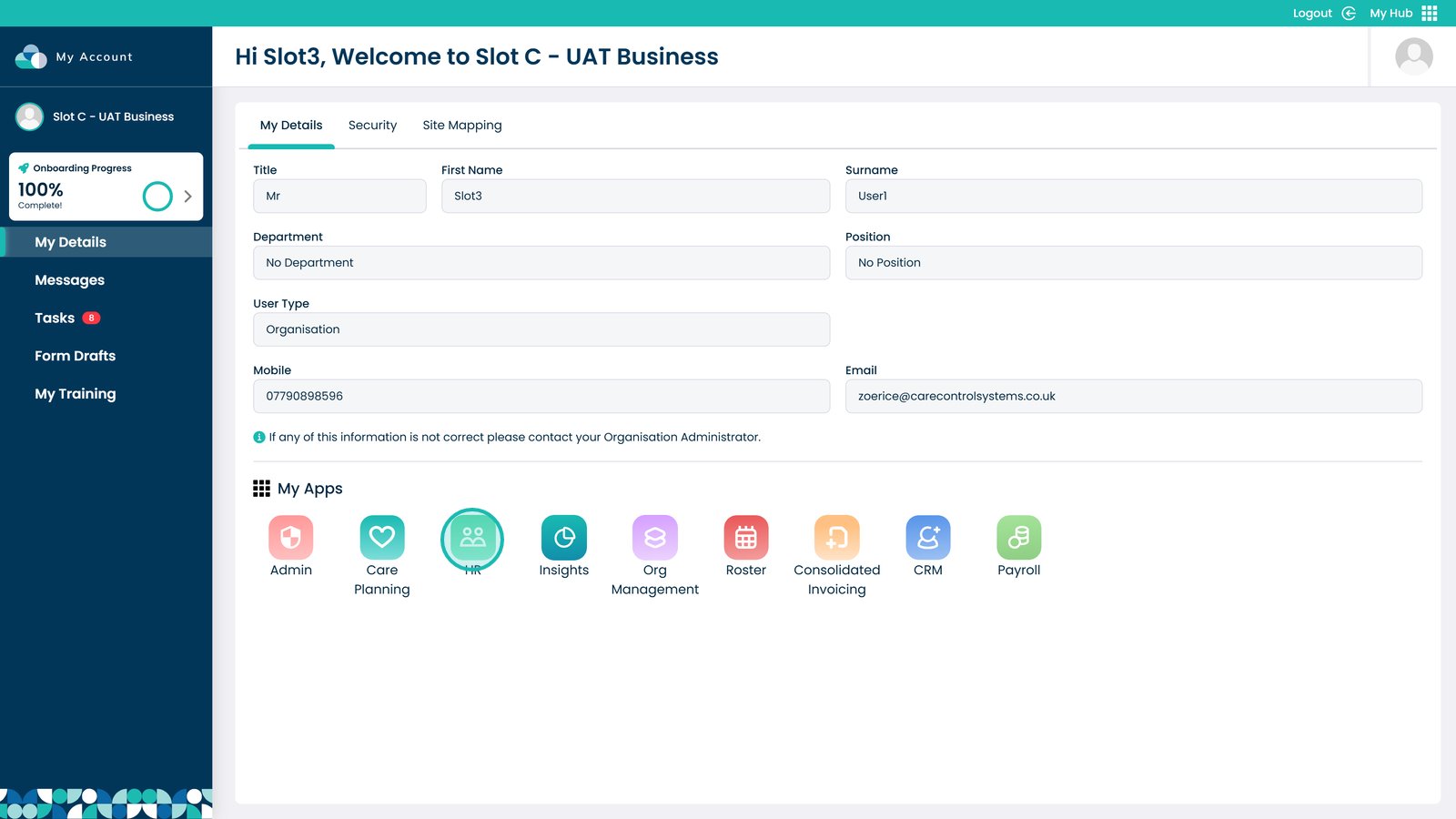
Enter the HR App

Â
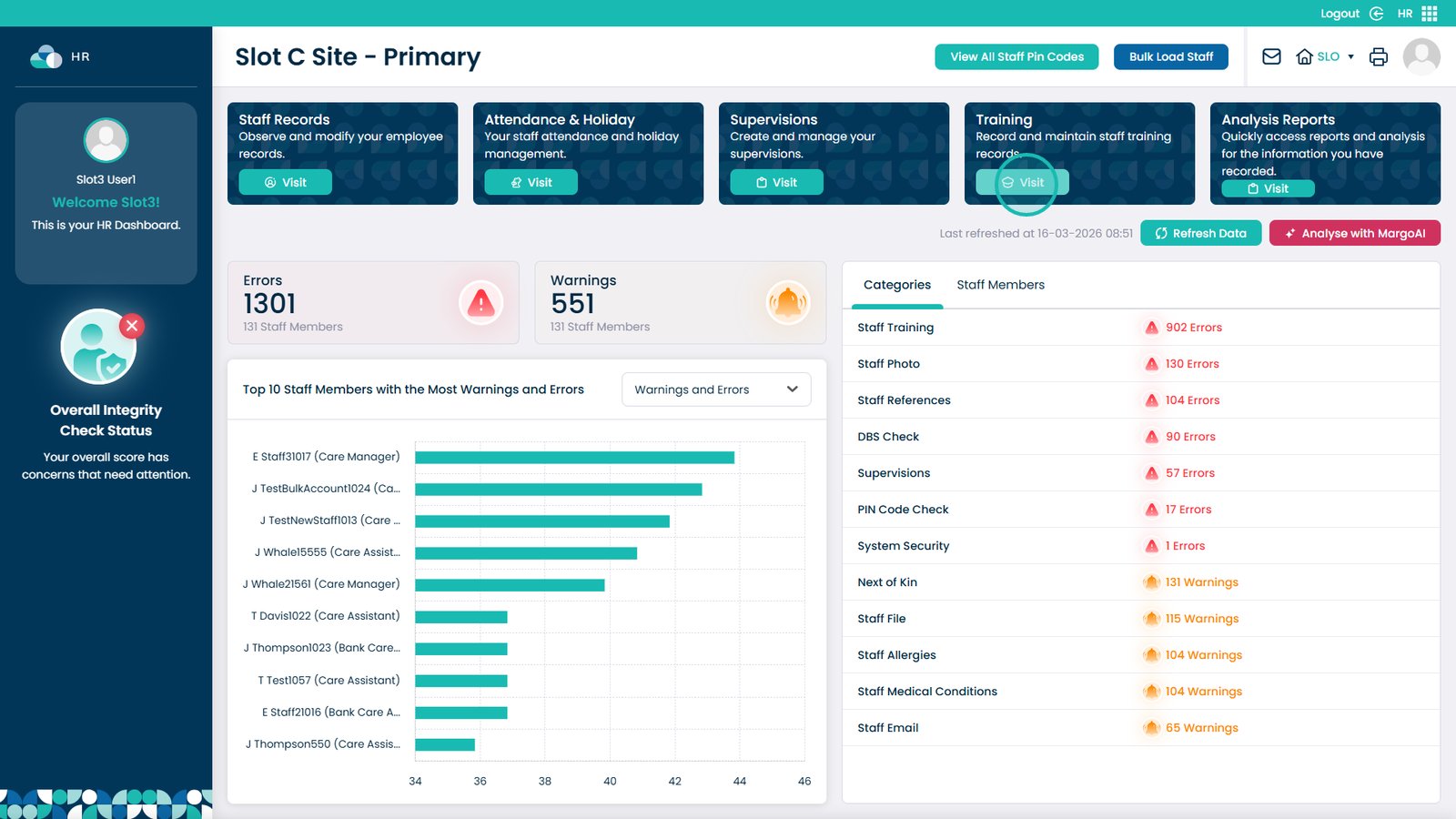
Click Visit on the Training Area

Â
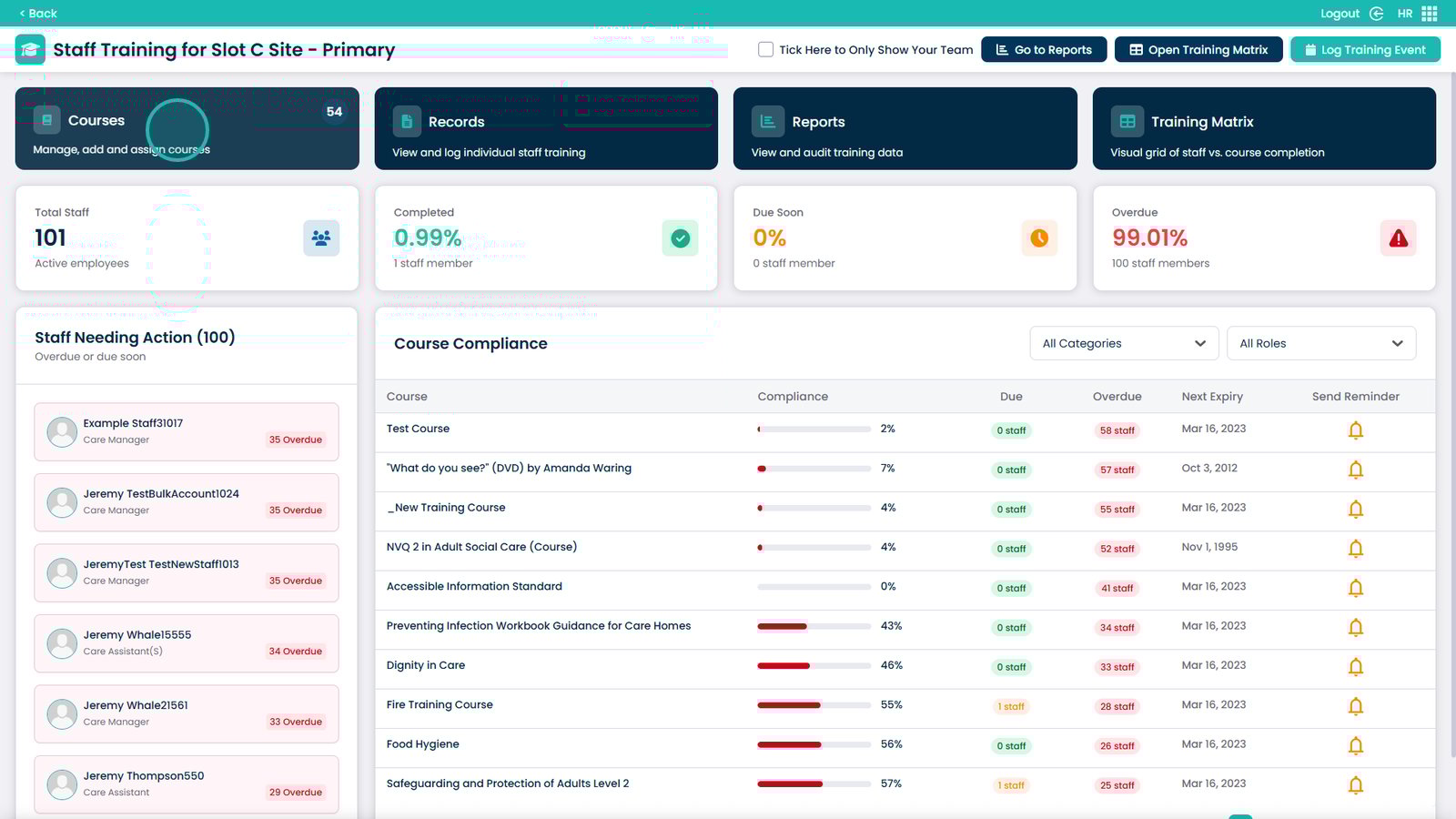
Choose the Courses box

Â
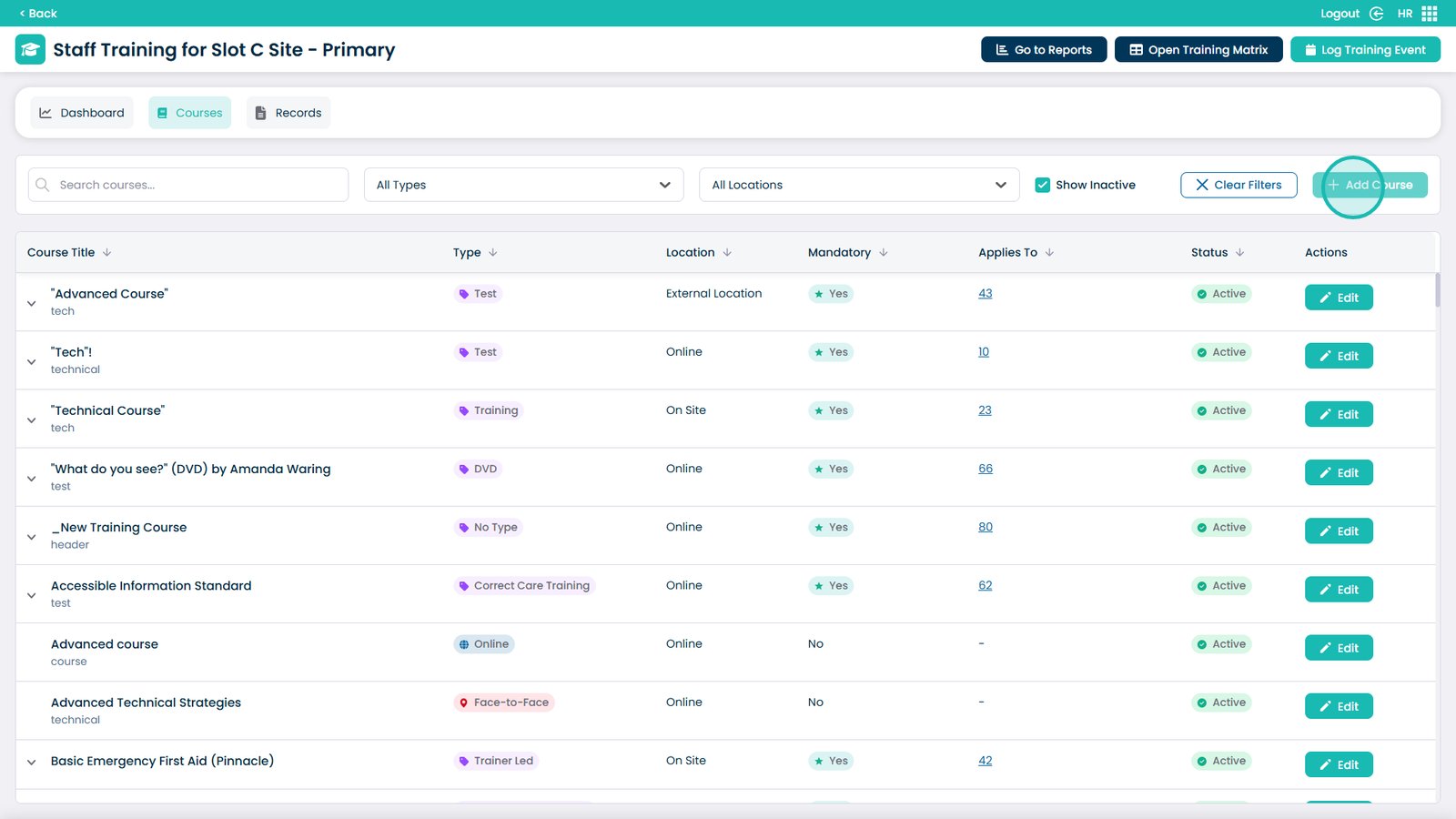
Select Add Course

Â
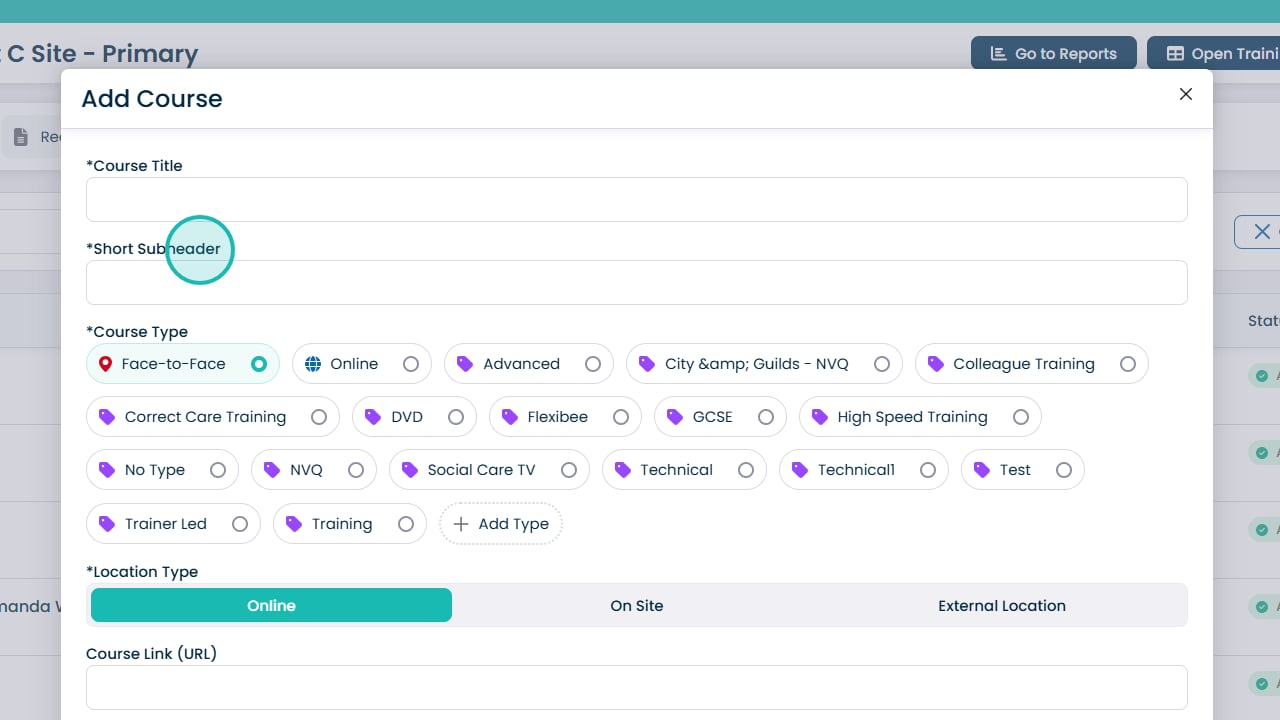
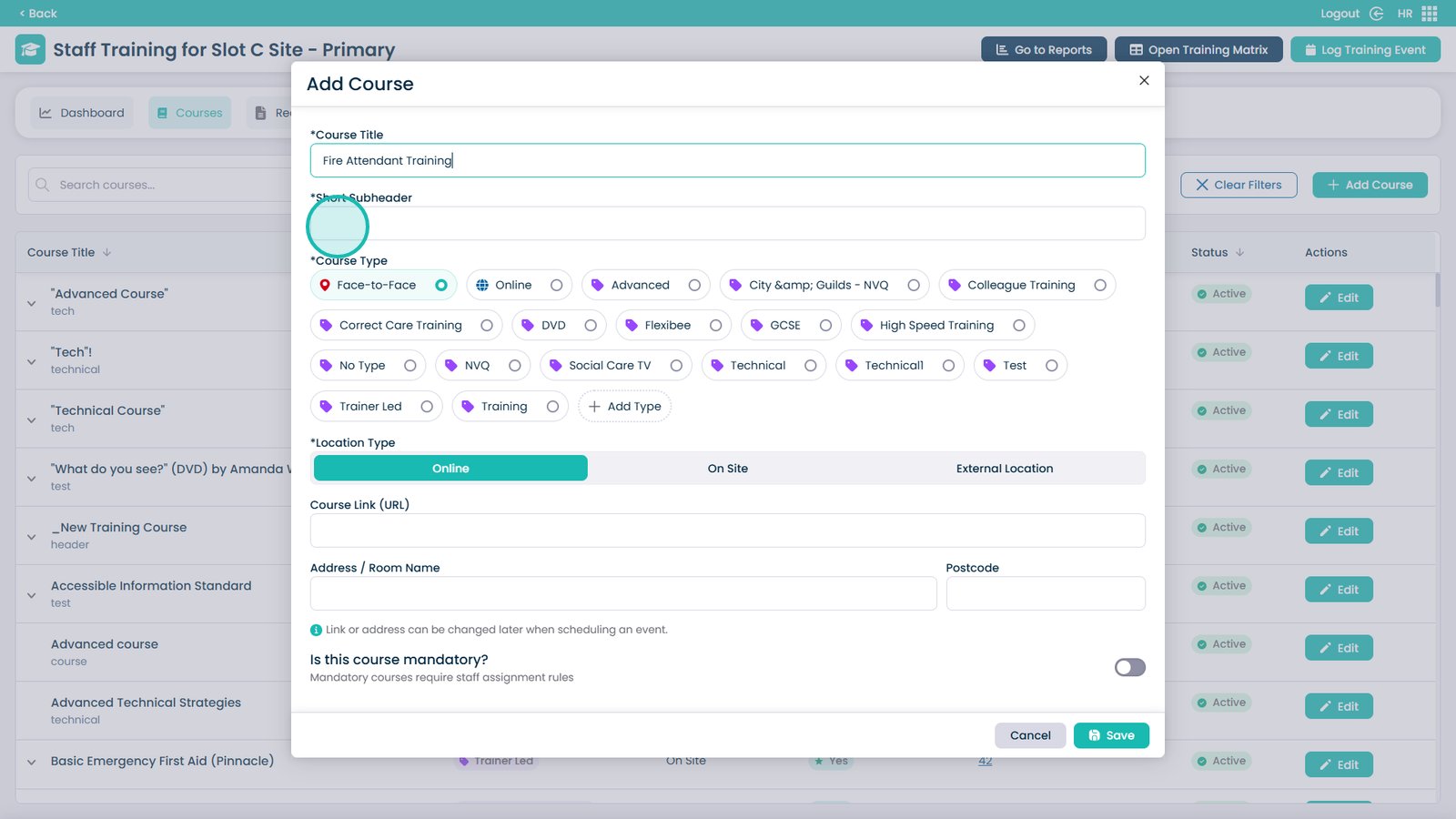
Enter the Course Title in this box

Â
Enter a short subheader description

Â
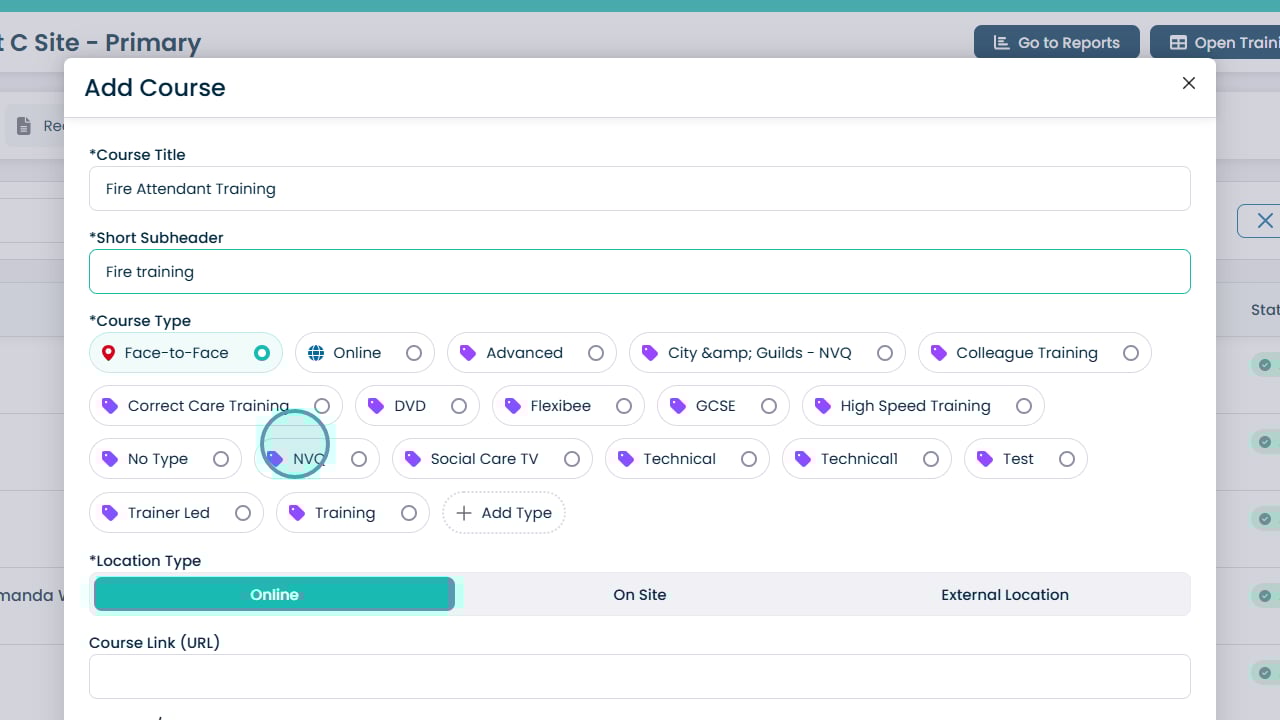
Select a course type from the list

Â
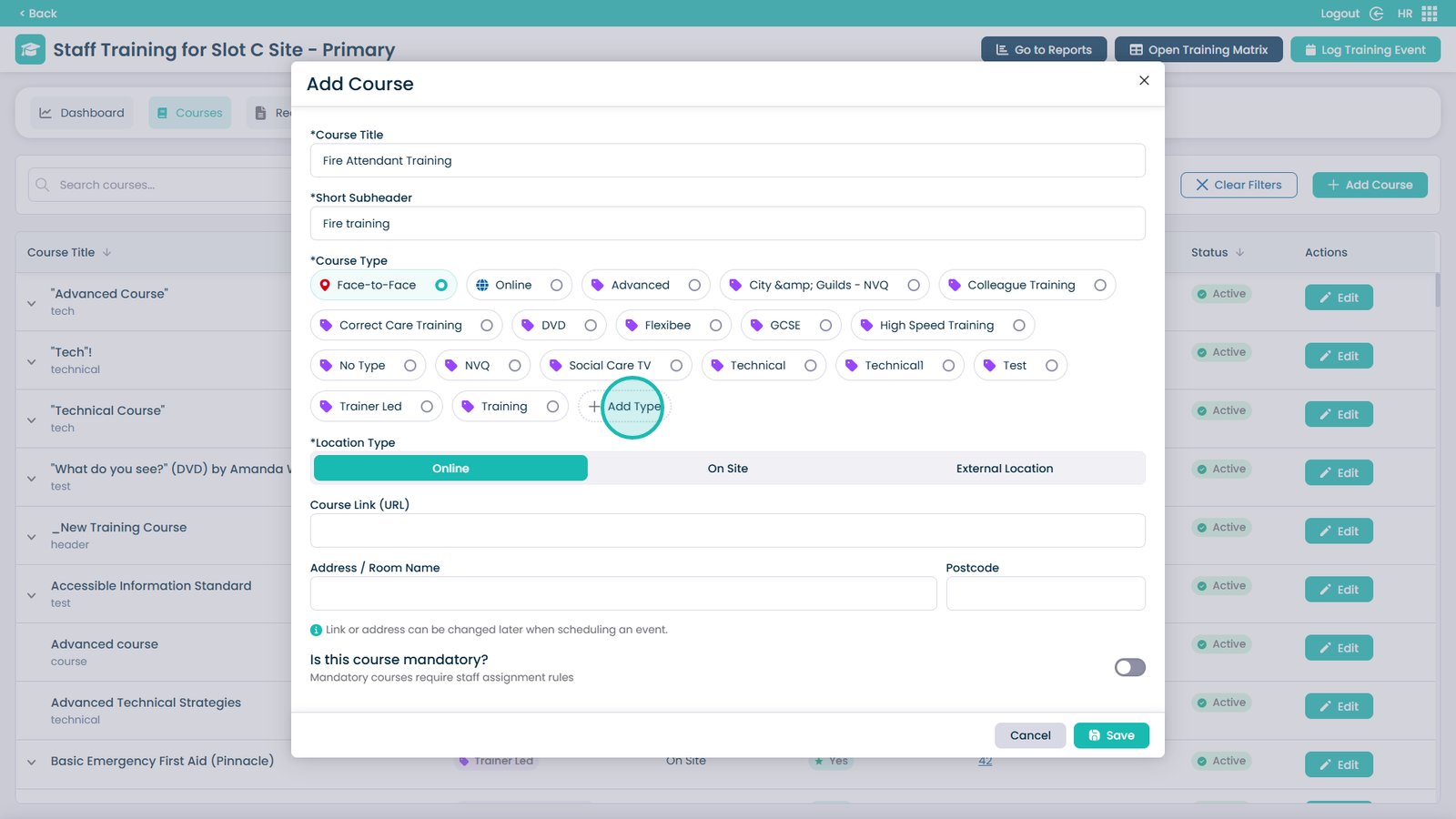
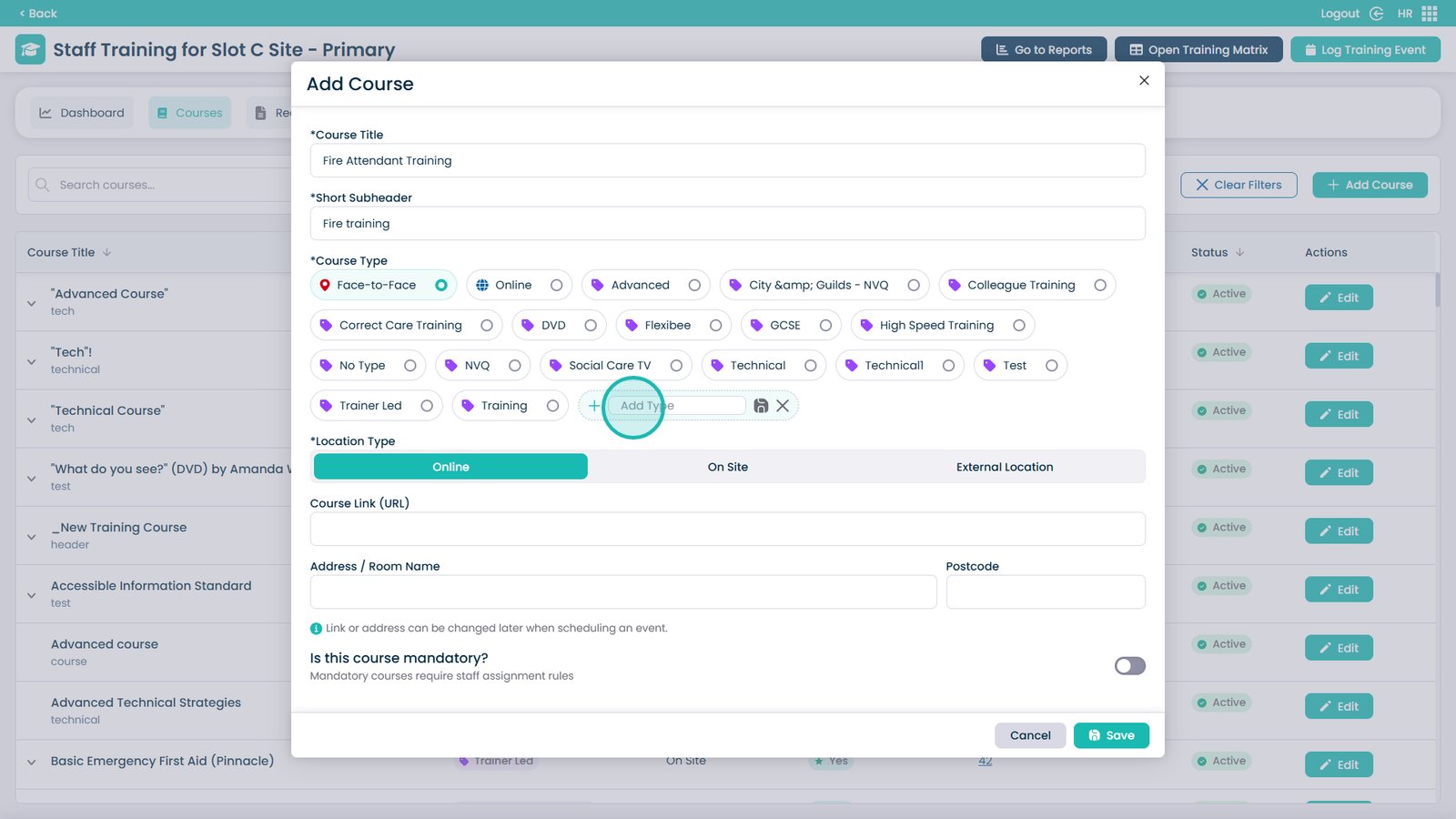
You can also add a new type by clicking Add Type

Â
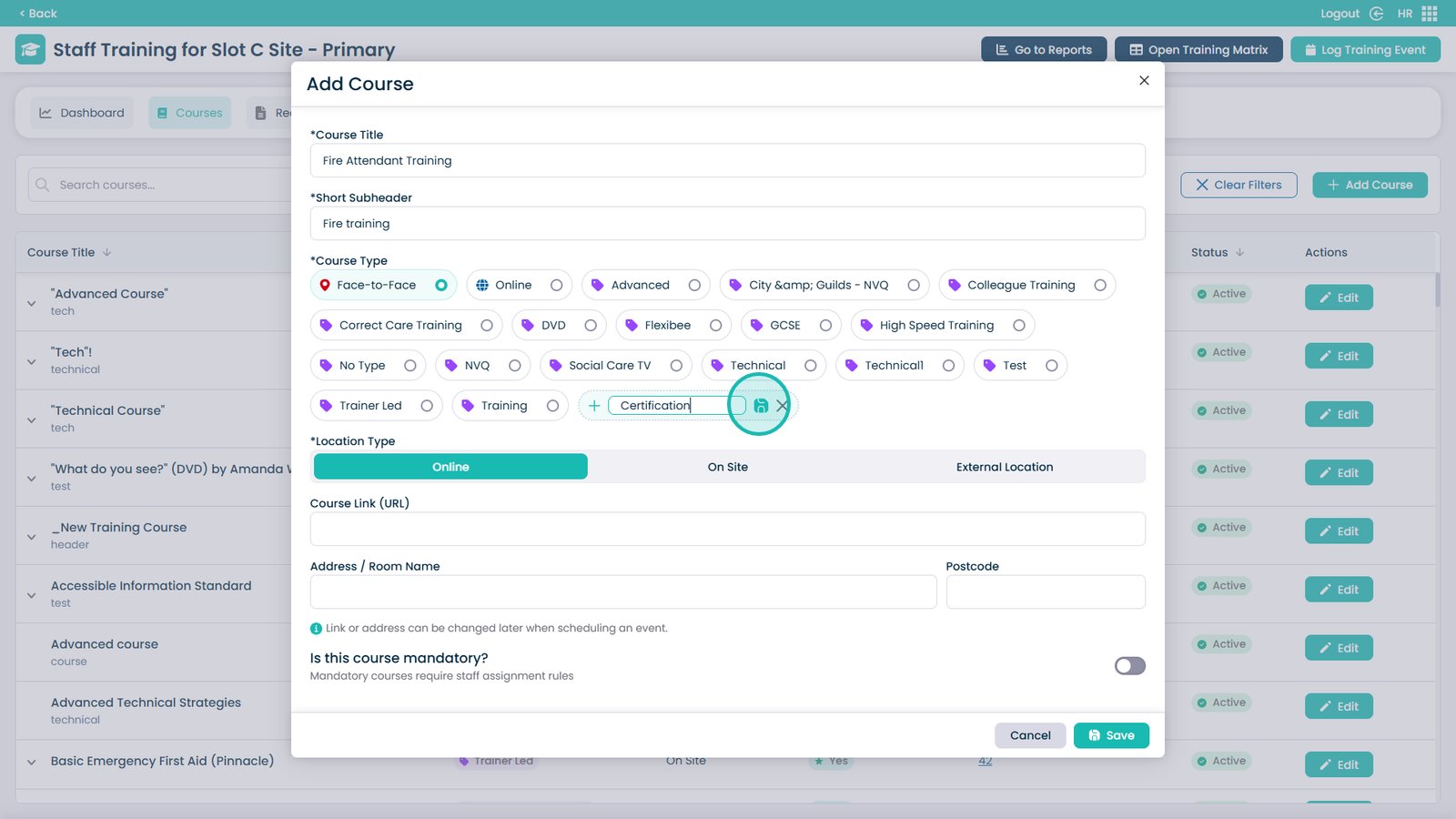
Enter the name of the type into this box

Â
Click Save to add the new type

Â
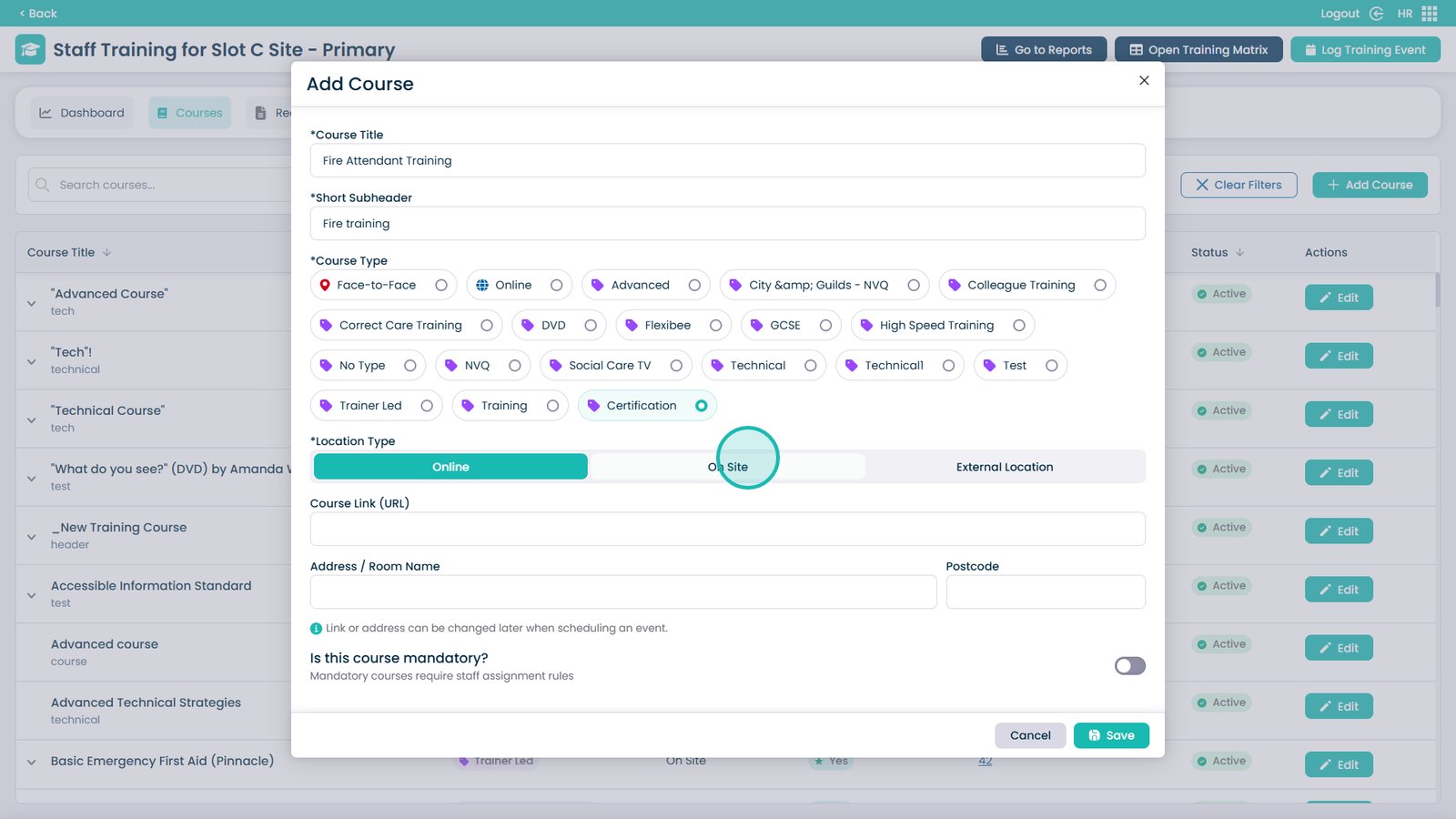
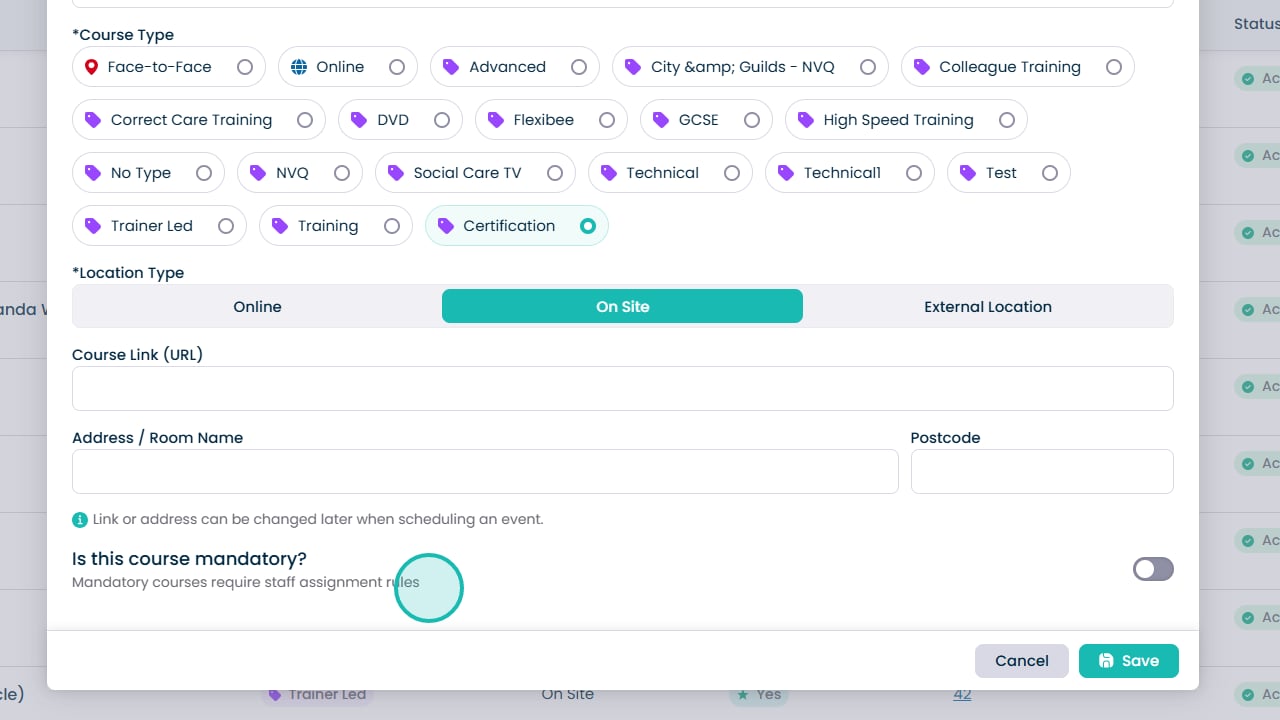
Choose the Location Type from the three options

Â
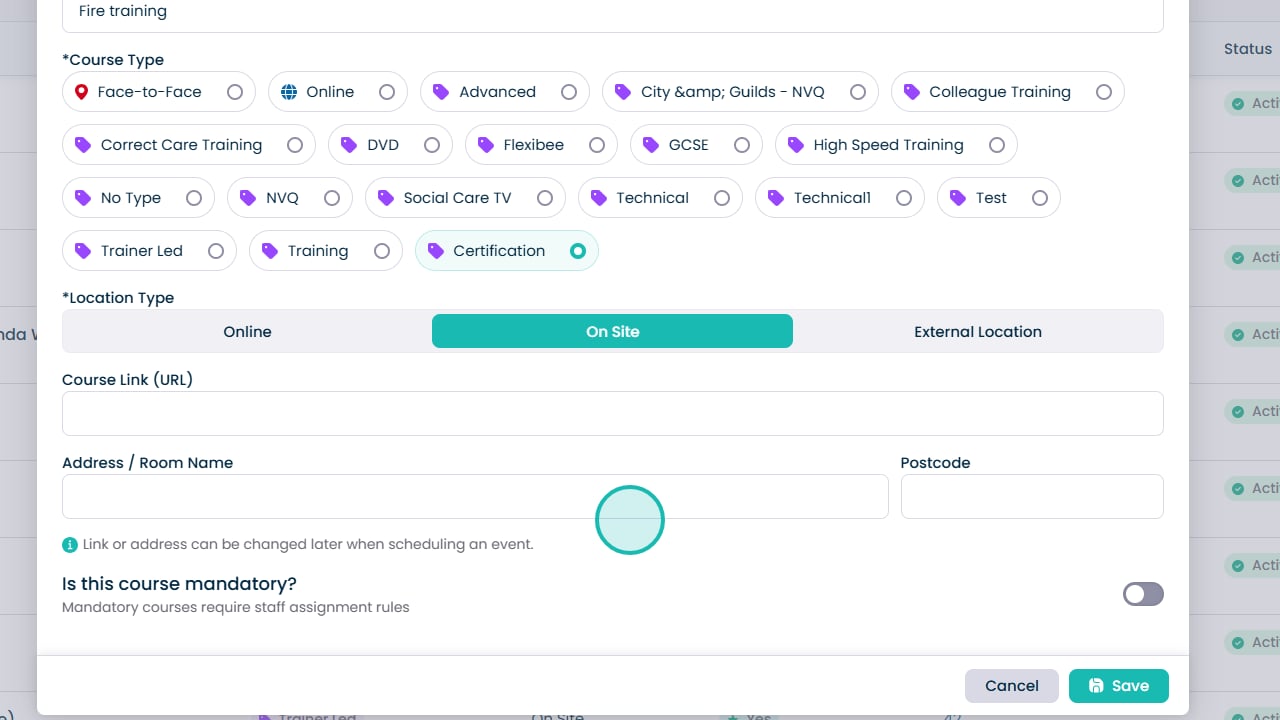
If required, you can add a Course Link that staff members can access

Â
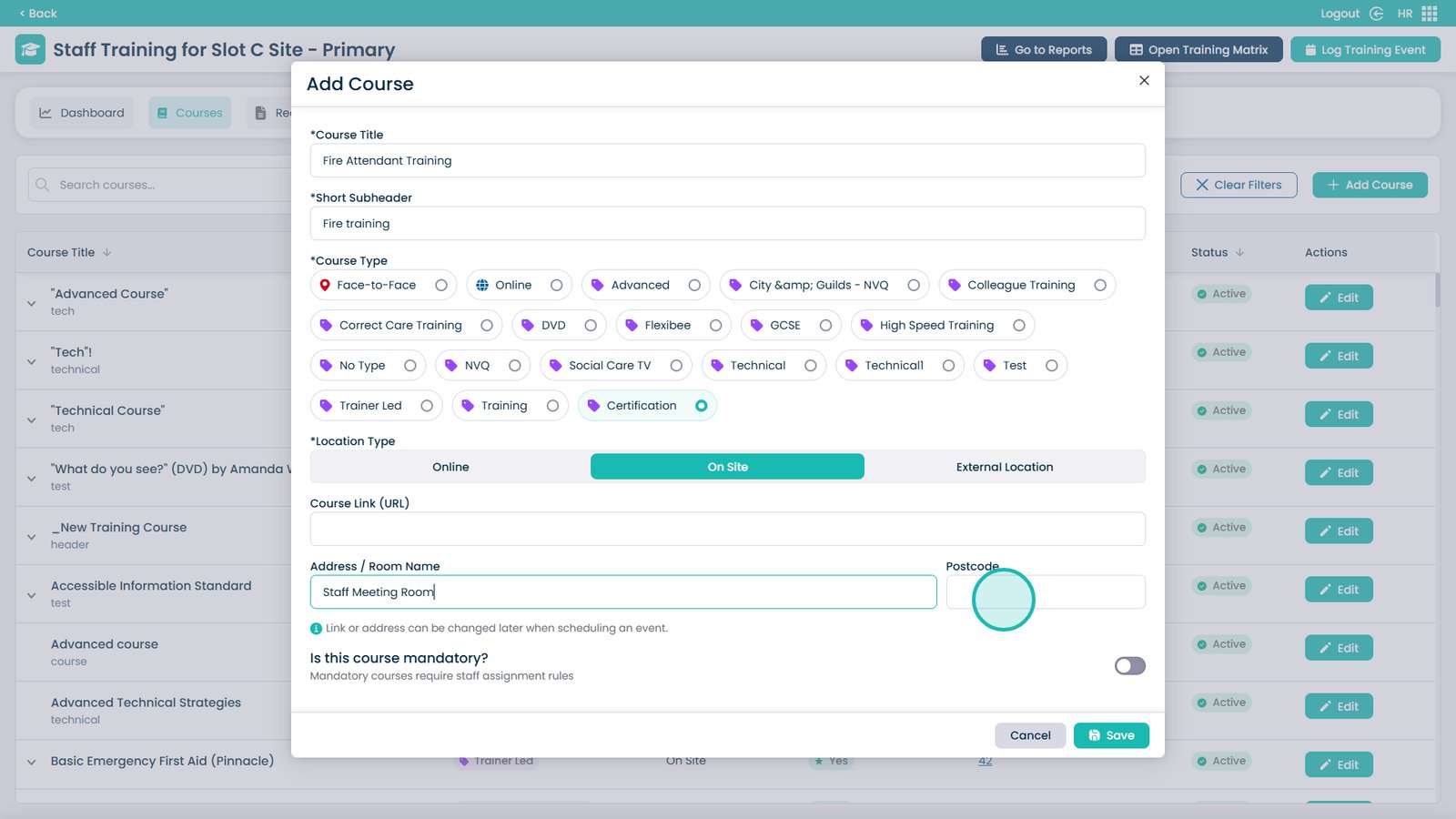
Enter the room name or address into this box

Â
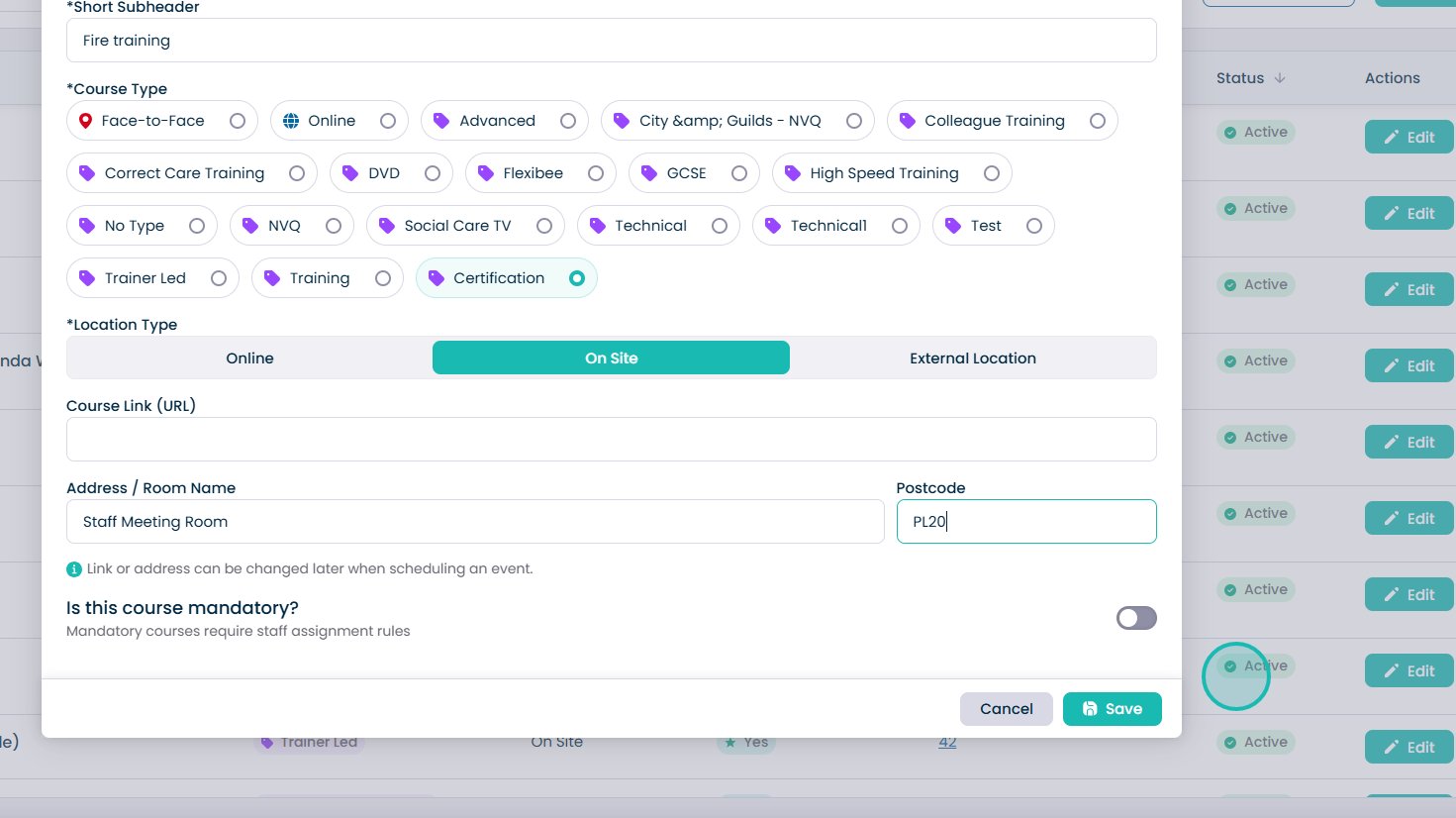
Enter the Postcode into this box

Â
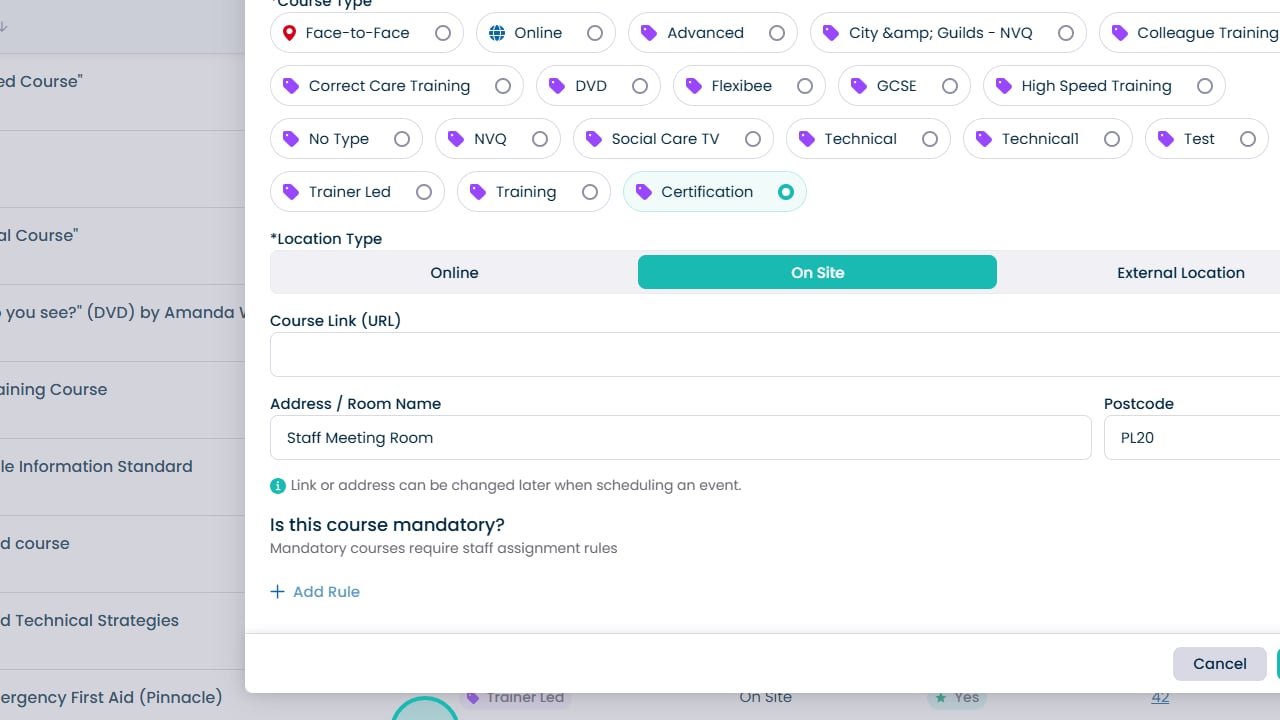
Use this toggle to choose if the course is mandatory or not

Â
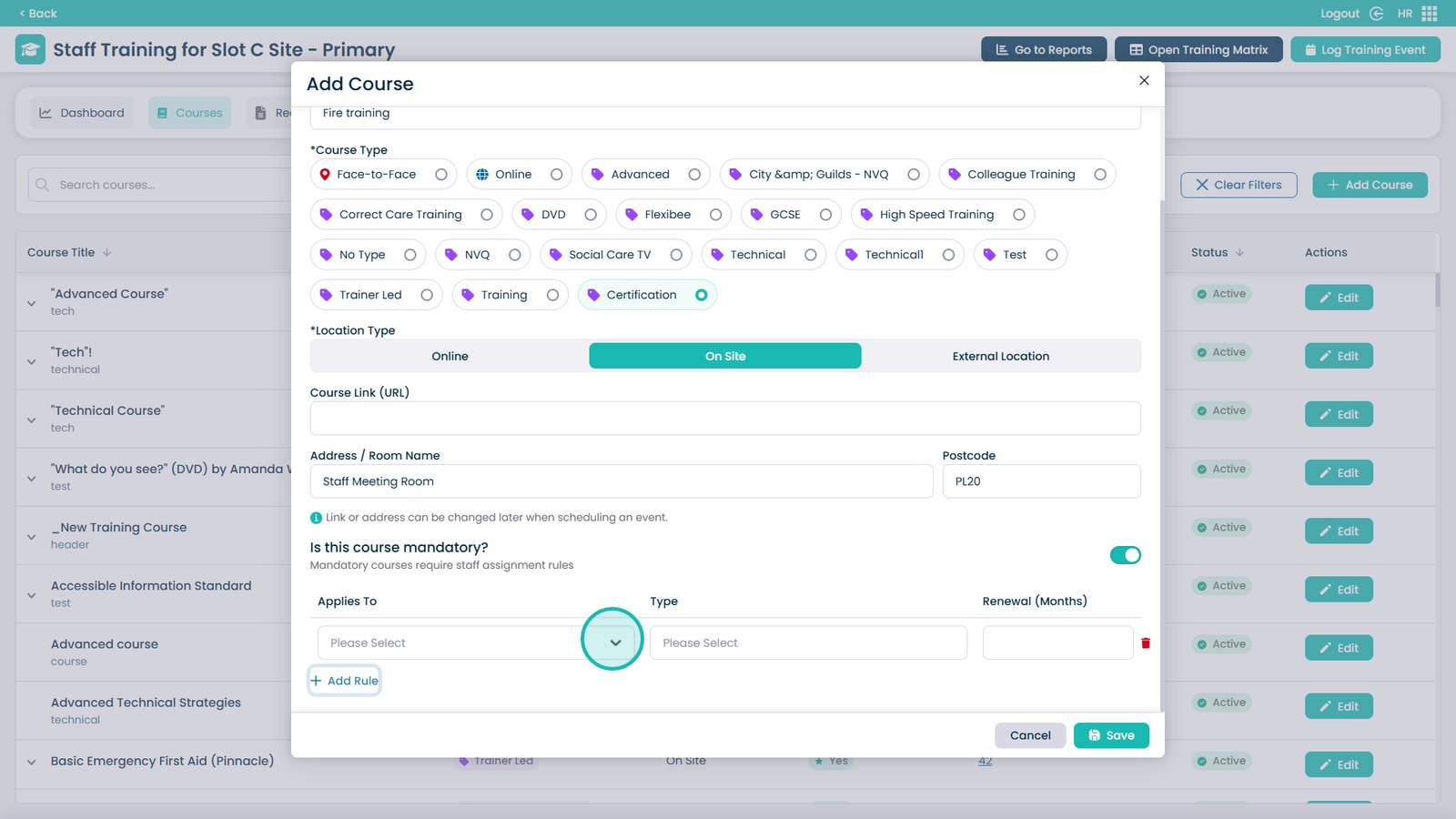
If the course is mandatory, you can add assignment rules to automatically assign the course to staff members

Â
Open the dropdown menu

Â
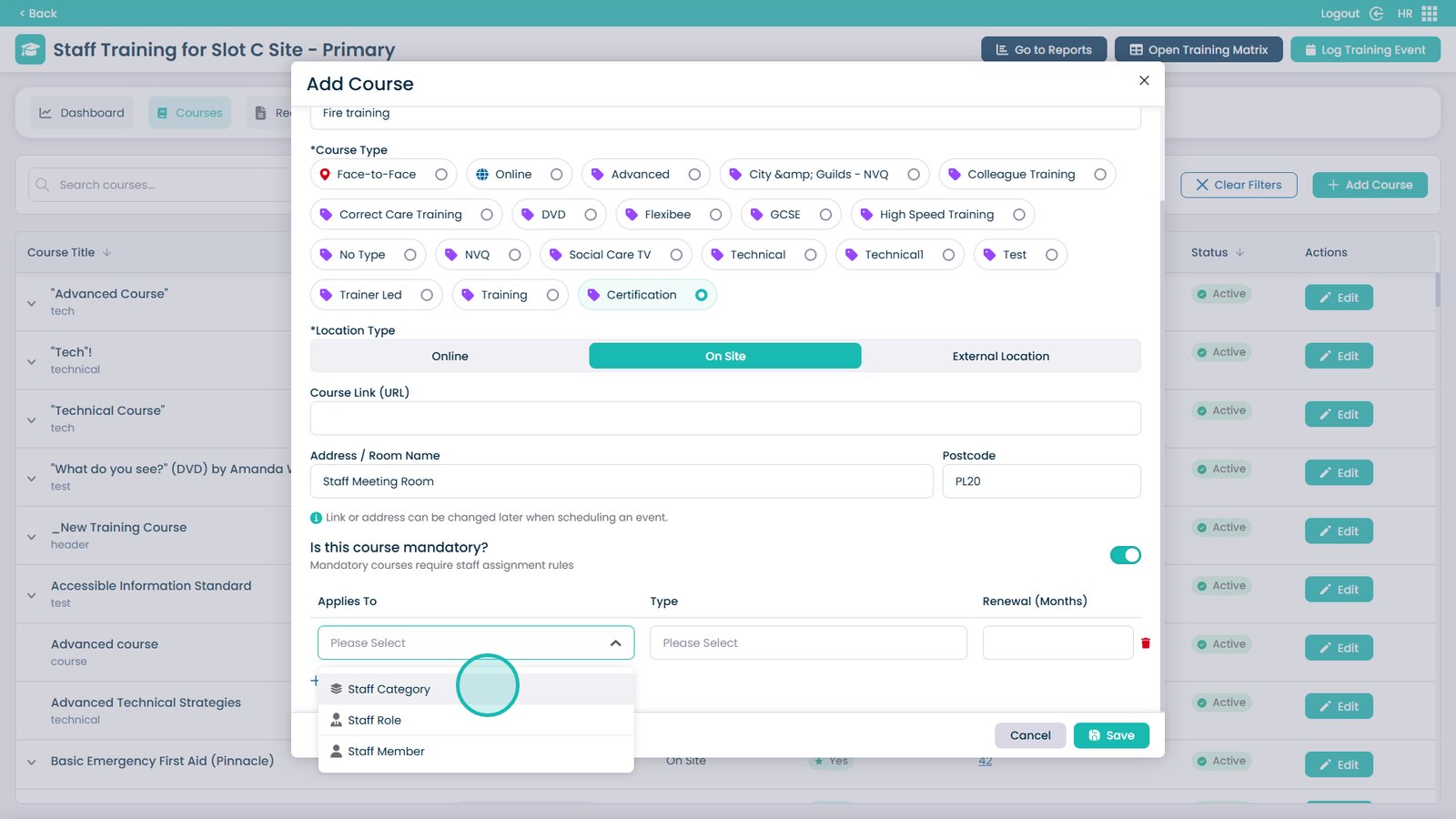
Choose how you want to assign the staff members — by category, role, or individual members of staff

Â
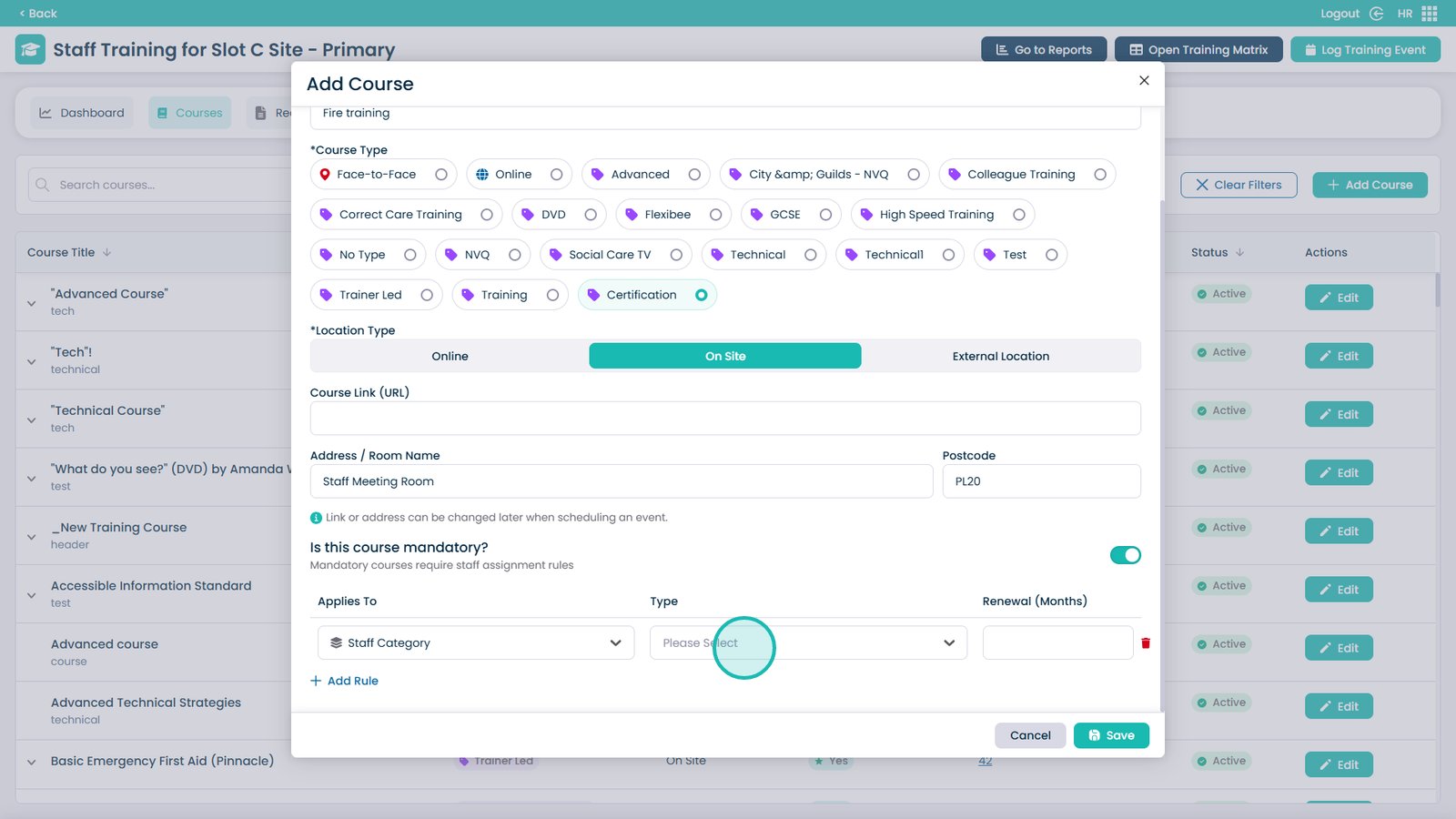
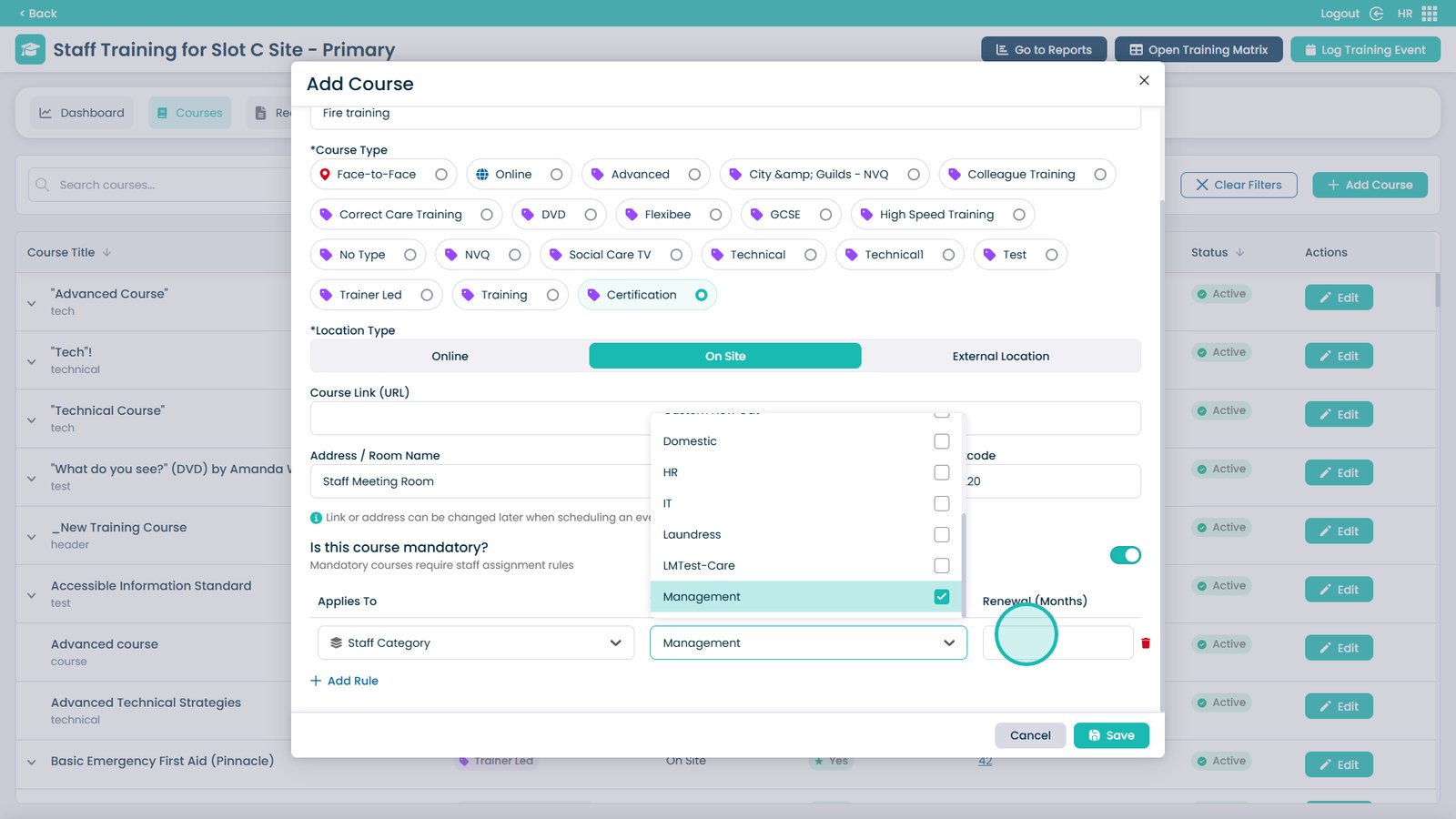
Open the type dropdown

Â
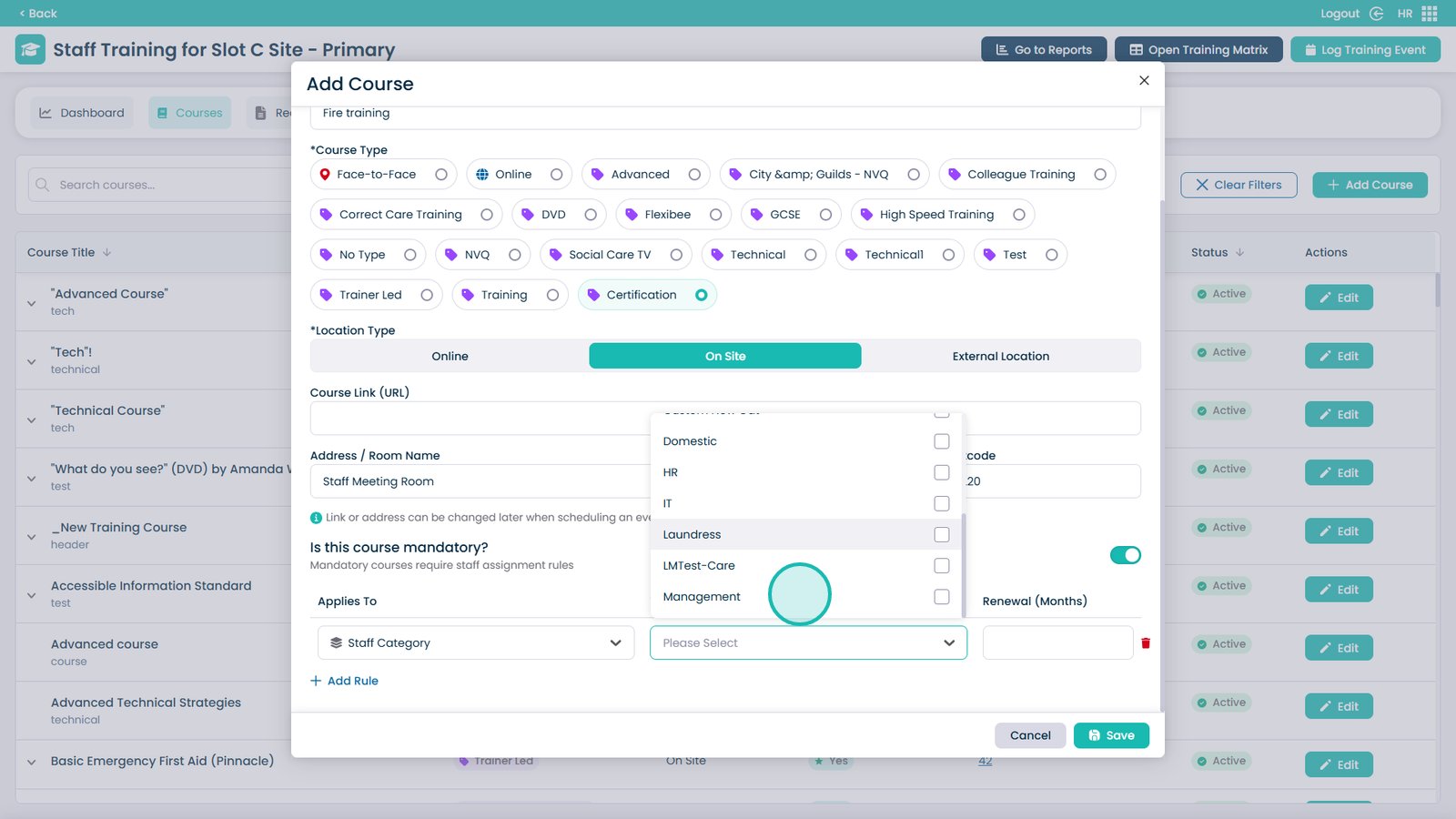
Choose which type of staff will be required to do the course — multiple selections are allowed

Â
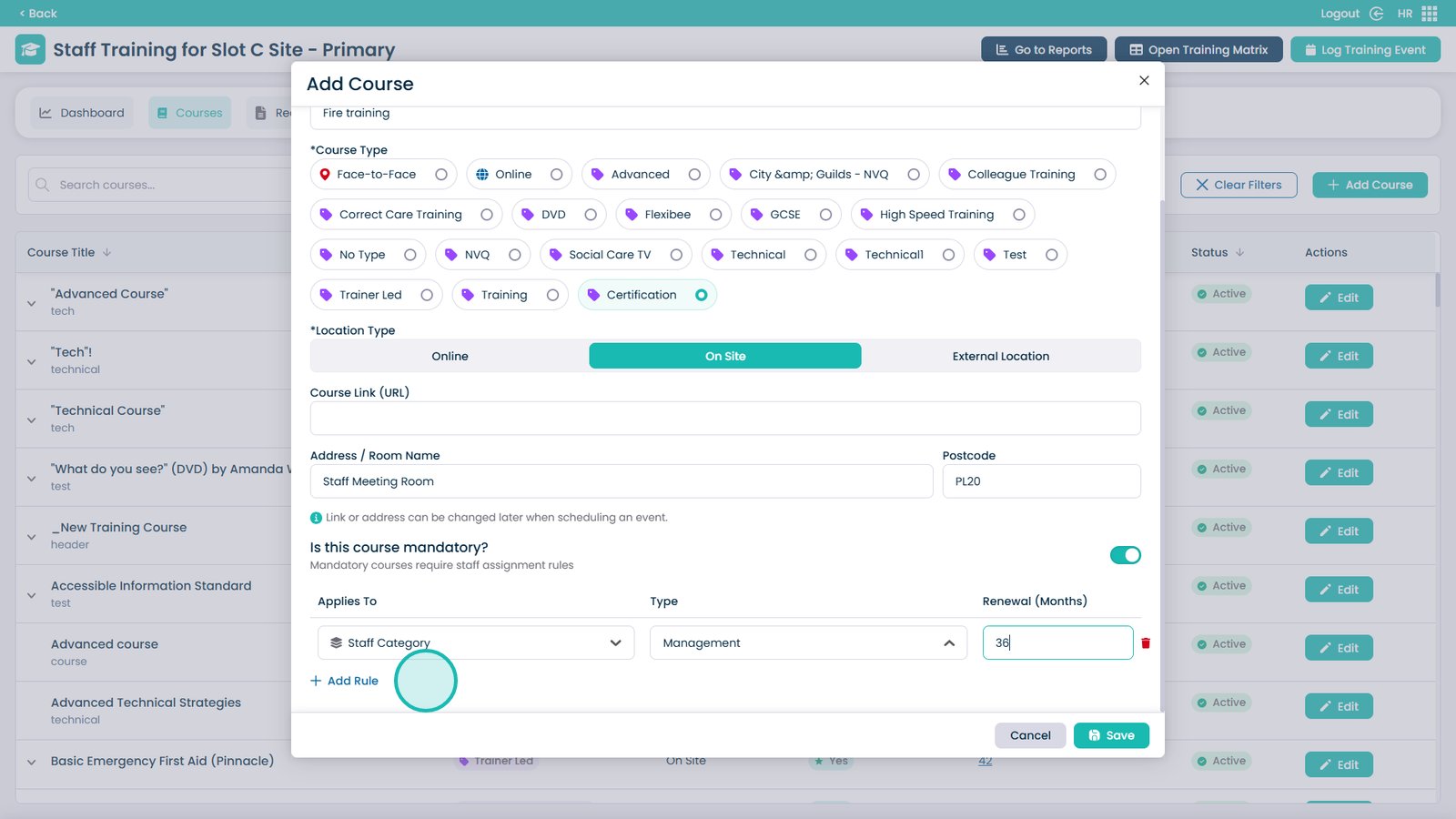
Enter the renewal date for the course

Â
If required, you can add further rules

Â
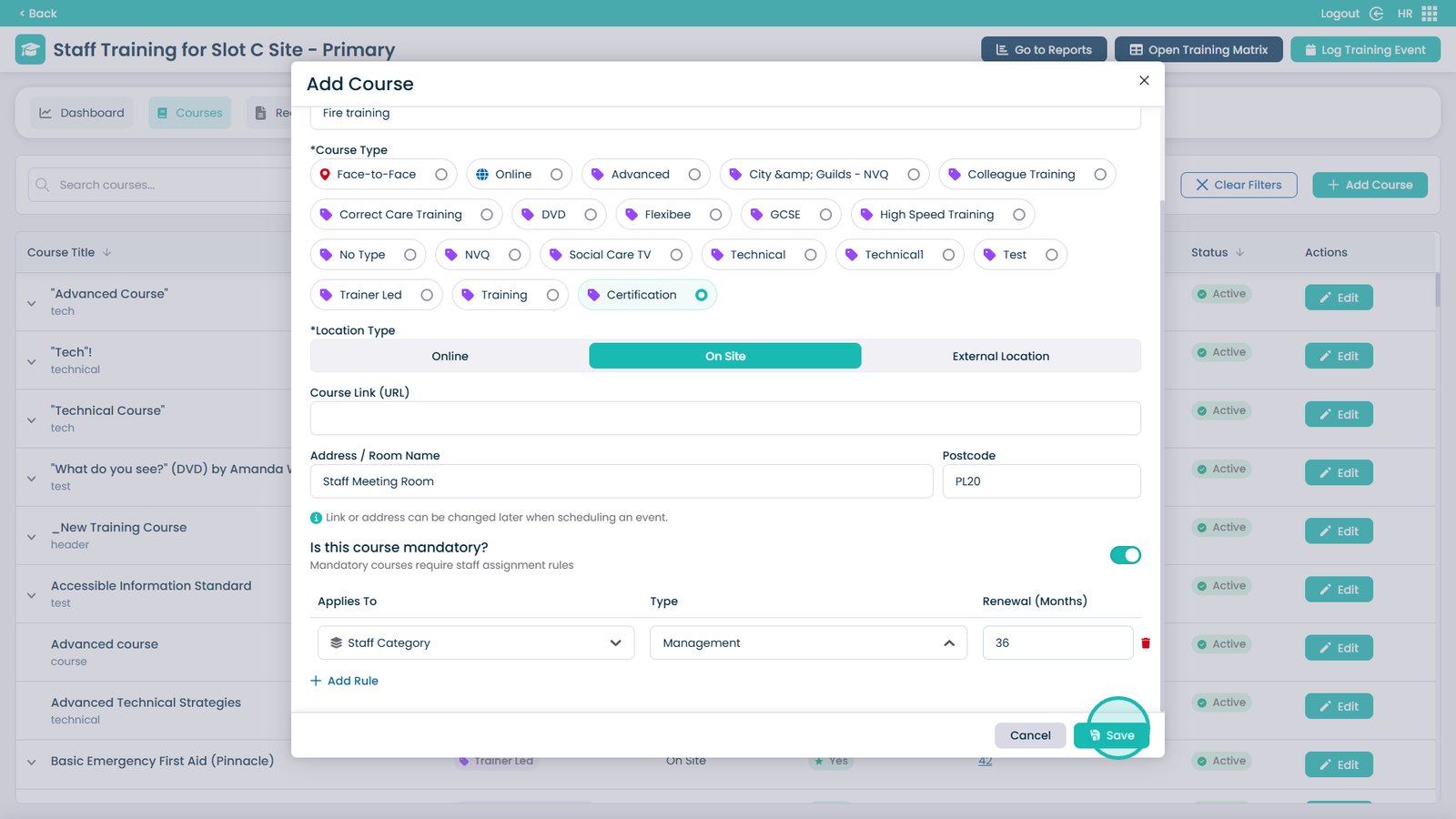
Click Save when finished to create the training course