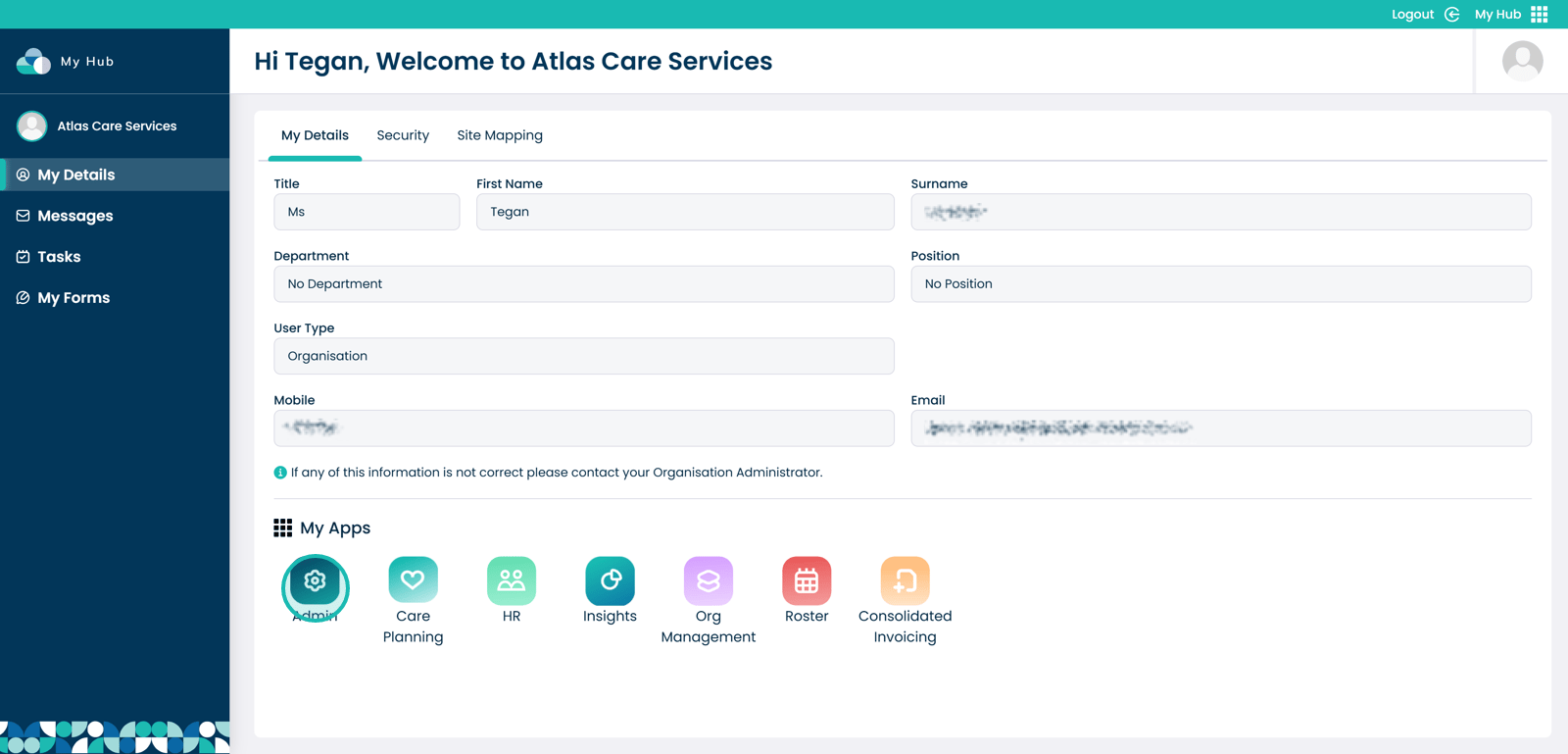
This guide explains how to add a Care Planning Comment within the Care Planning section of the Admin app. Care Planning Comments allow you to record structured information against a selected Data Structure area (for example, ABC – Activity), helping ensure consistent and organised documentation. You can select the relevant category, add a new comment, and save your changes so the information is stored correctly within the service user’s care planning records.
Interactive Guide
Text based guide
Within the “My Hub” dashboard, click the Admin app
Click the “Visit” button under Care Planning
Click the drop-down arrow next to “Monitoring & Alerts”
Select Care Planning Comments
Under “Data Structure”, open the drop-down to select the required list
Select the required option (for example, ABC – Activity)
Select the “Add New Comment” button
Enter your comment
Click the “Save” button
Click “Save Changes” once you are happy with the comments added