🚀 UPCOMING WEBINAR: See Payroll in Care Control Cloud in action on Thursday 18th June and discover how to manage payroll more efficiently from one connected system. Click here to find out more!

View Categories

How to Assign a Course to Individual Staff Members

This guide explains how to assign a training course to an individual staff member within the Training Area of Care Control’s HR app. Rather than relying solely on automatic assignment rules, this allows you to manually assign a specific course directly to a staff member’s record, giving you full control over individual training requirements. This step-by-step guide walks you through locating the staff member, selecting the appropriate course, and setting the renewal period before saving.

Interactive Guide

Text based guide

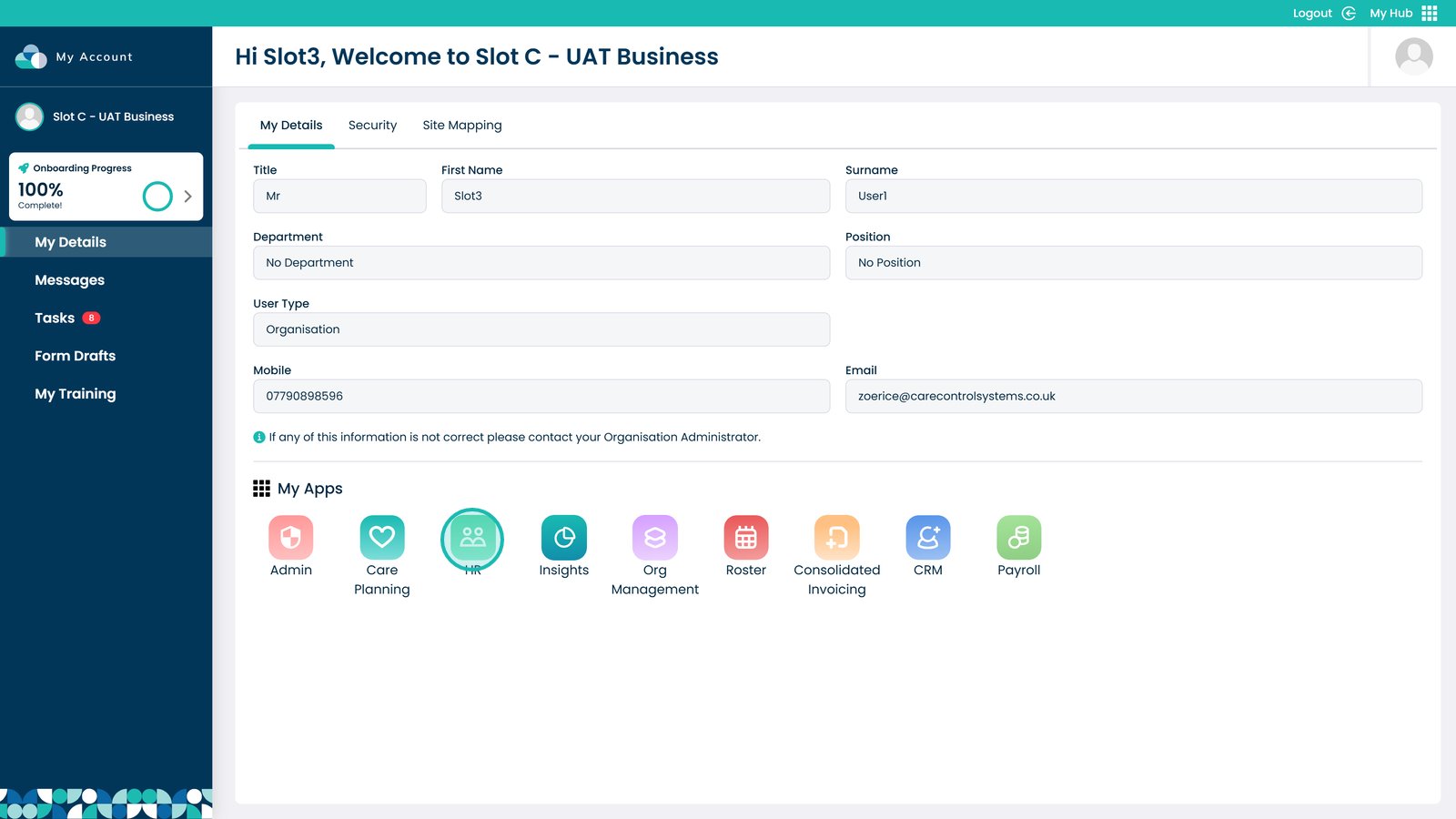
Enter the HR App


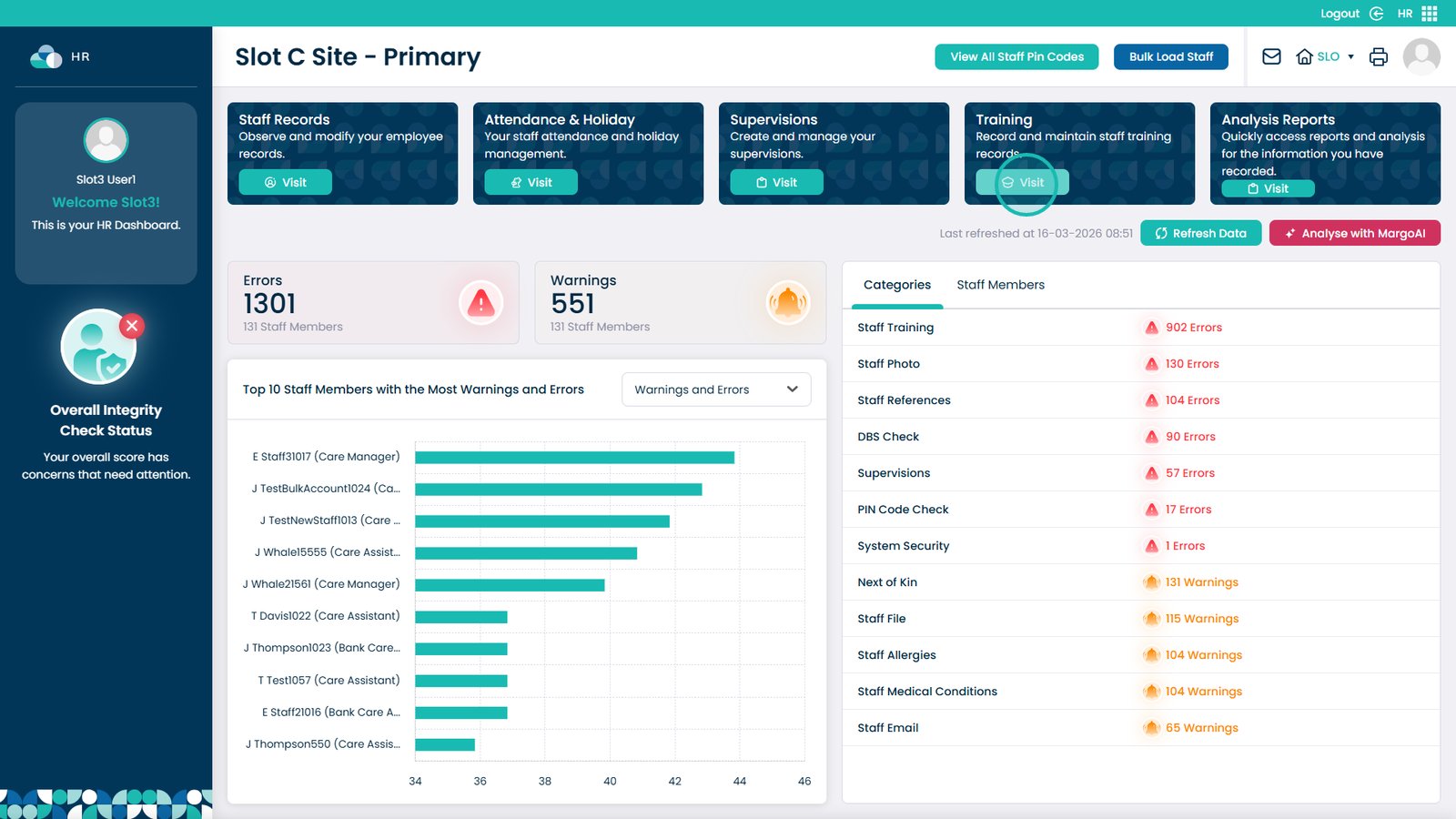
Click Visit on the Training Area


Select the Records box


Click Assign Course


Open the Course name dropdown


Pick a course from the list


Type in the renewal period in this box


Click Save when finished

Was it helpful ?
Table of Contents
↑ Top