View Categories

How to Assign a Run in Cloud

This guide explains how to assign a Run within the Cloud Roster system. Assigning a run allows you to allocate a grouped set of visits to a specific staff member quickly and accurately.

By linking a run to a staff member, you ensure that visits are clearly scheduled, availability is respected, and travel time is calculated correctly. This helps maintain an organised rota, improves visibility of workloads, and supports efficient day-to-day planning within your service.

Interactive Guide

Text based guide

Enter the Roster app
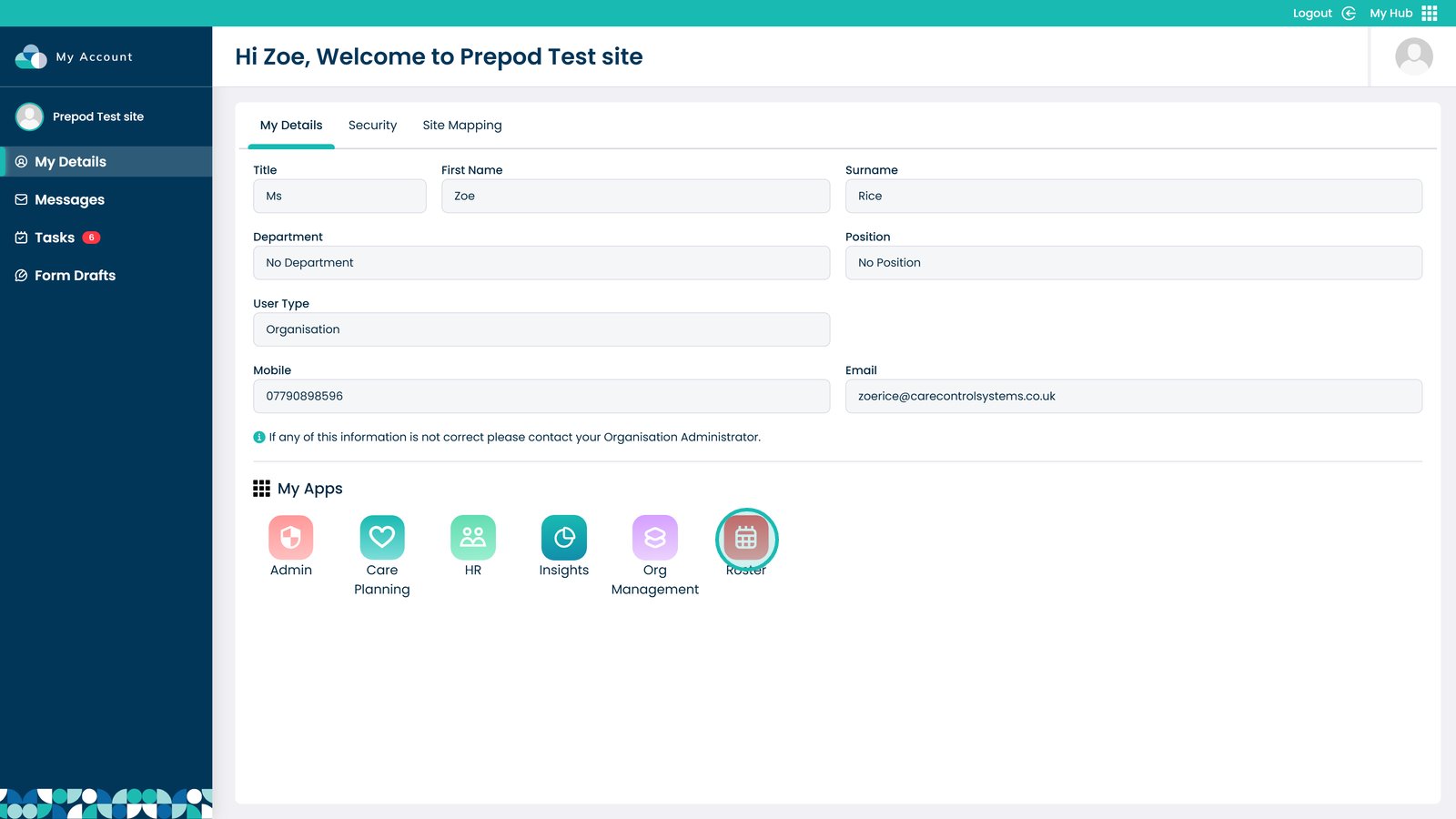

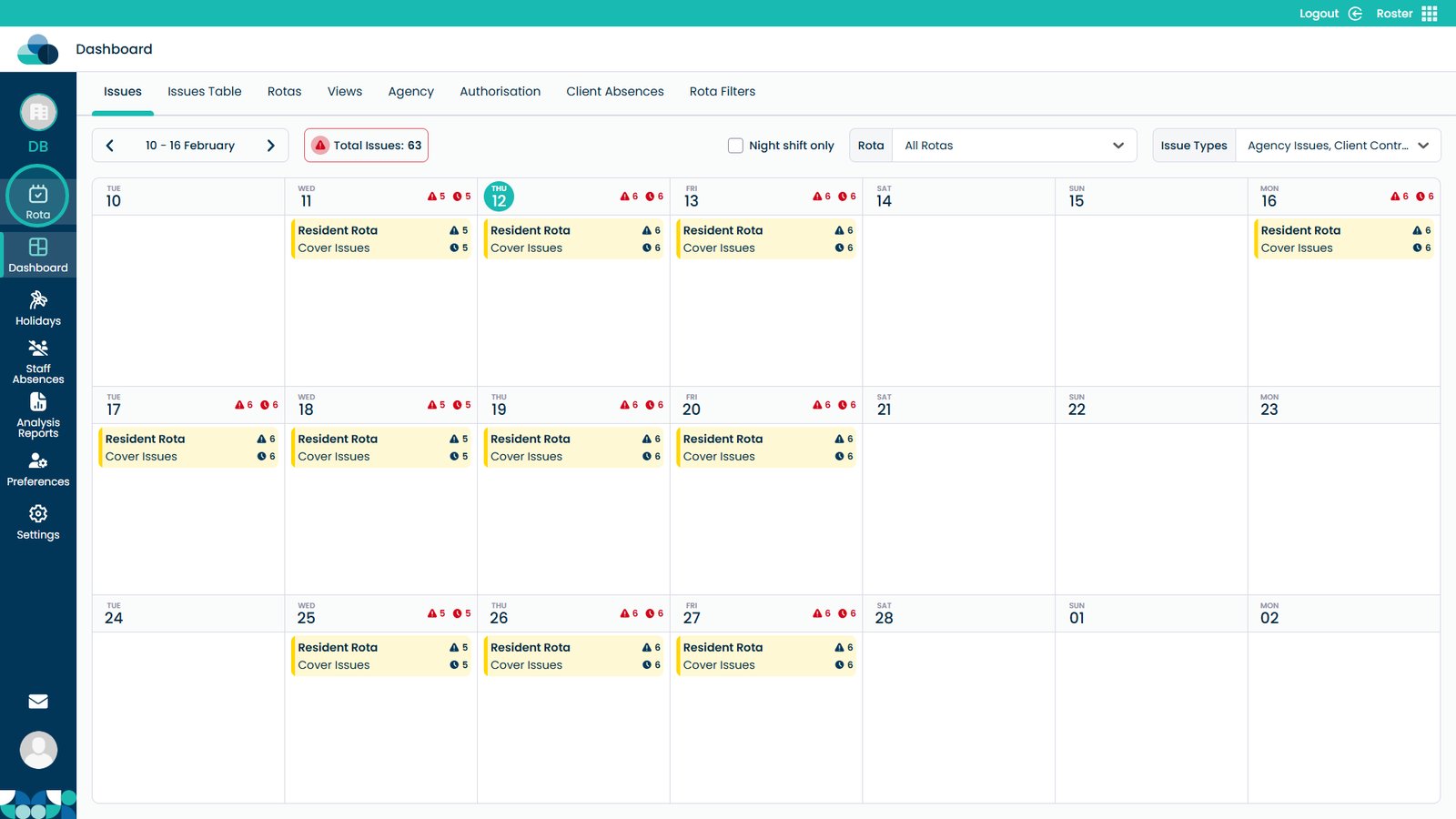
Open the Rota screen

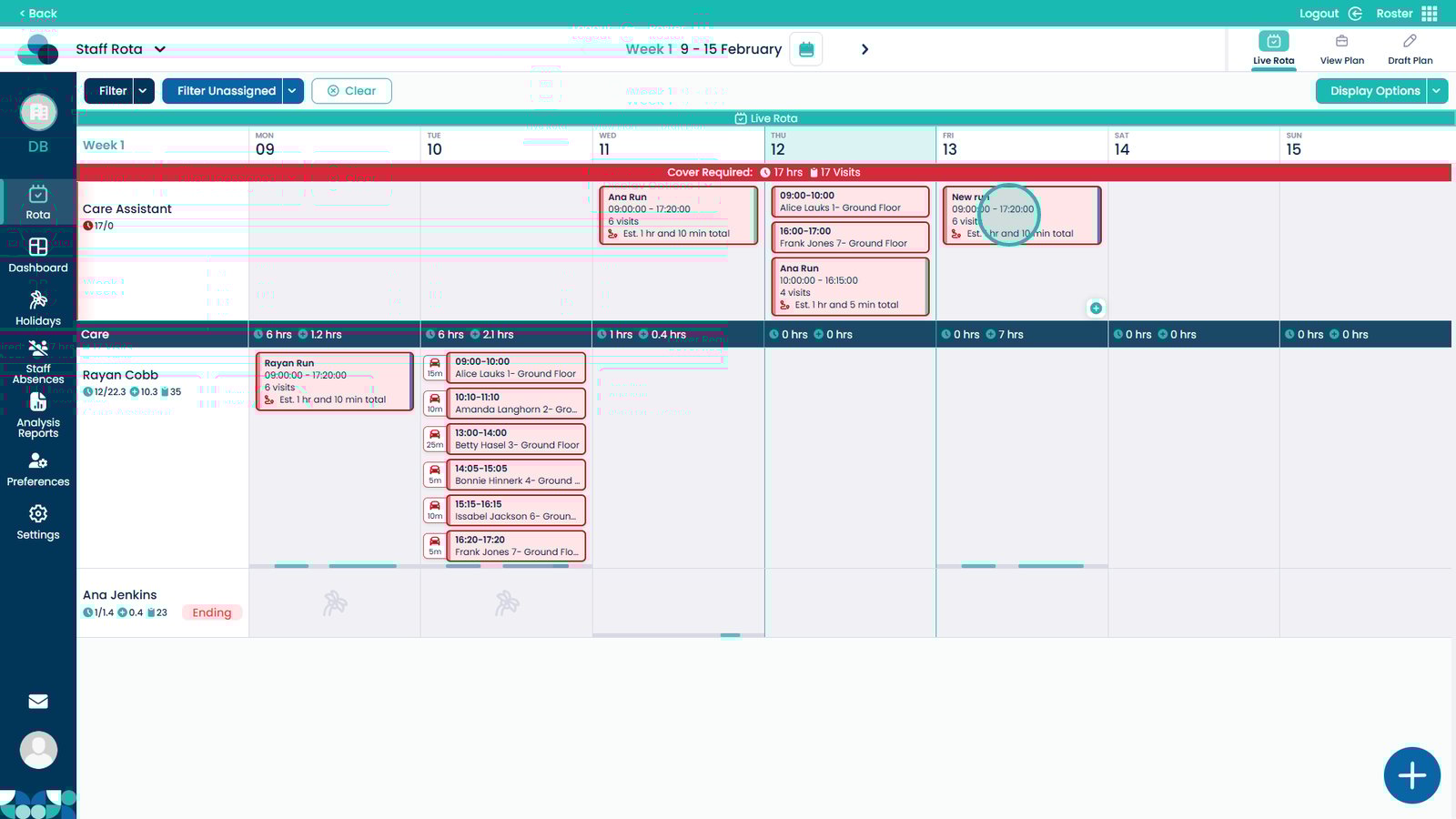
Click and hold the run, then drag and drop it onto the staff member you want to assign it to

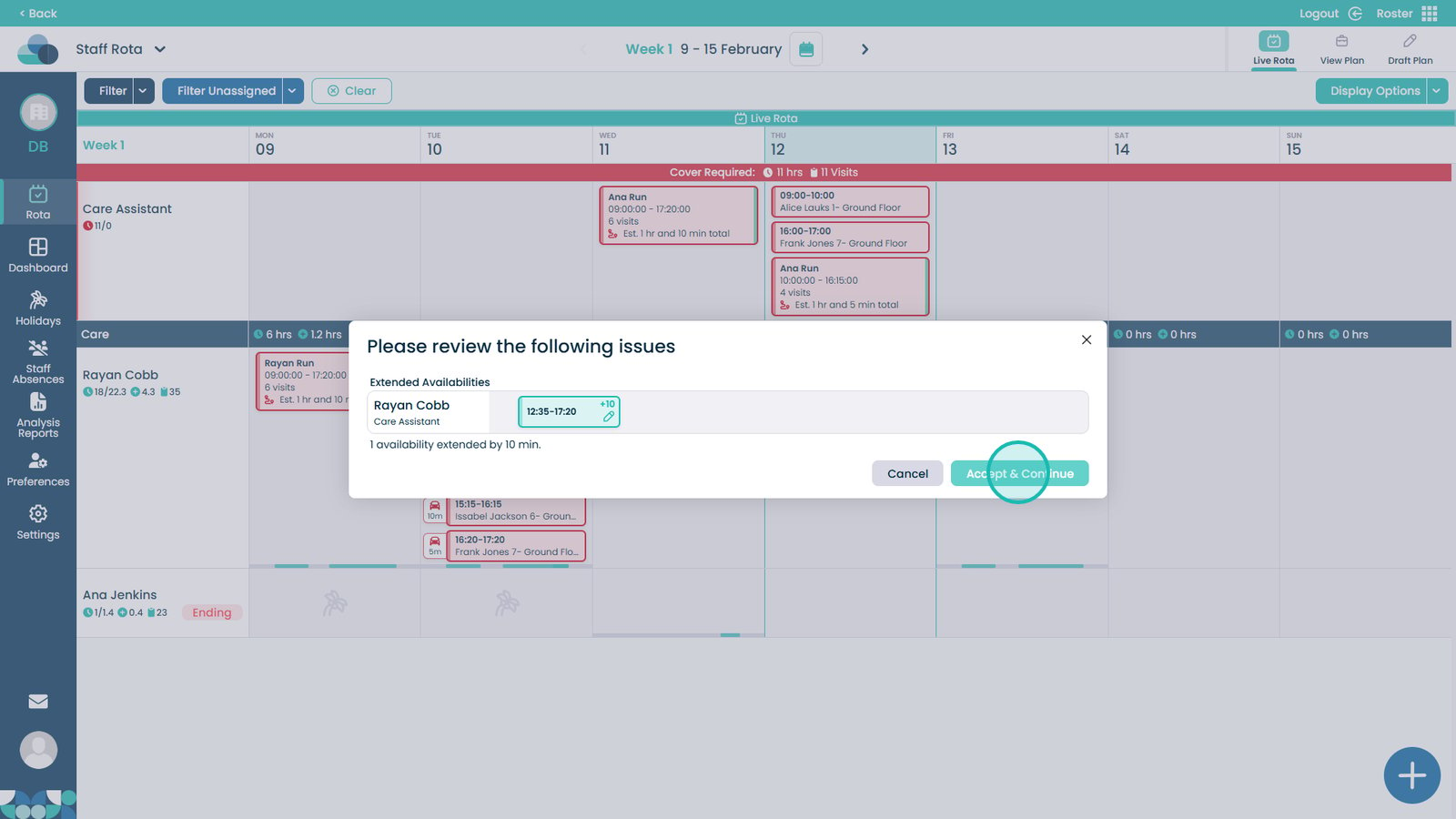
If prompted, confirm the availability extension to continue

Sometimes you will see a box appear showing that the availability will need to be extended, you can accept and continue for the availability to automatically update
Was it helpful ?
Table of Contents
↑ Top