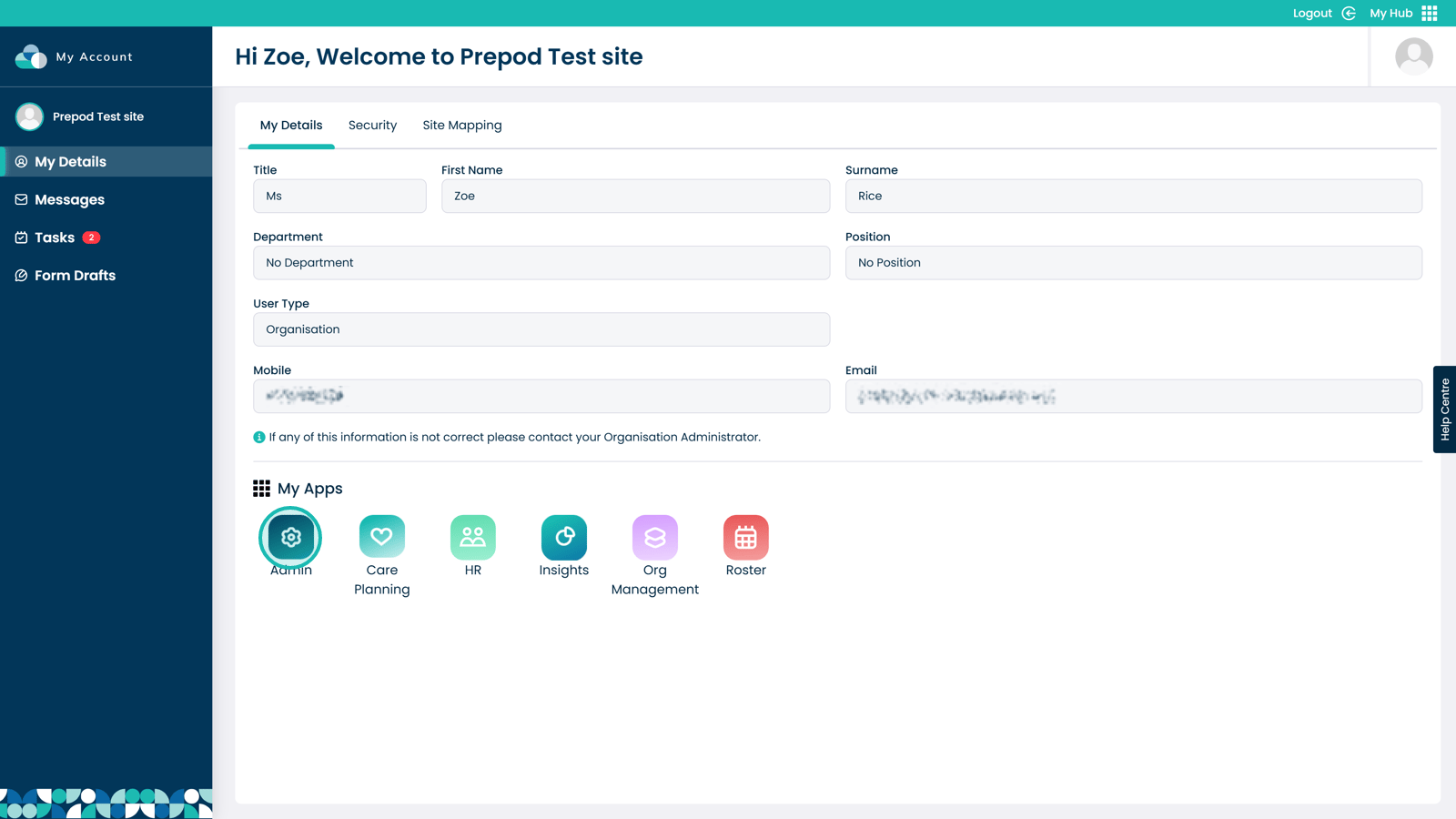
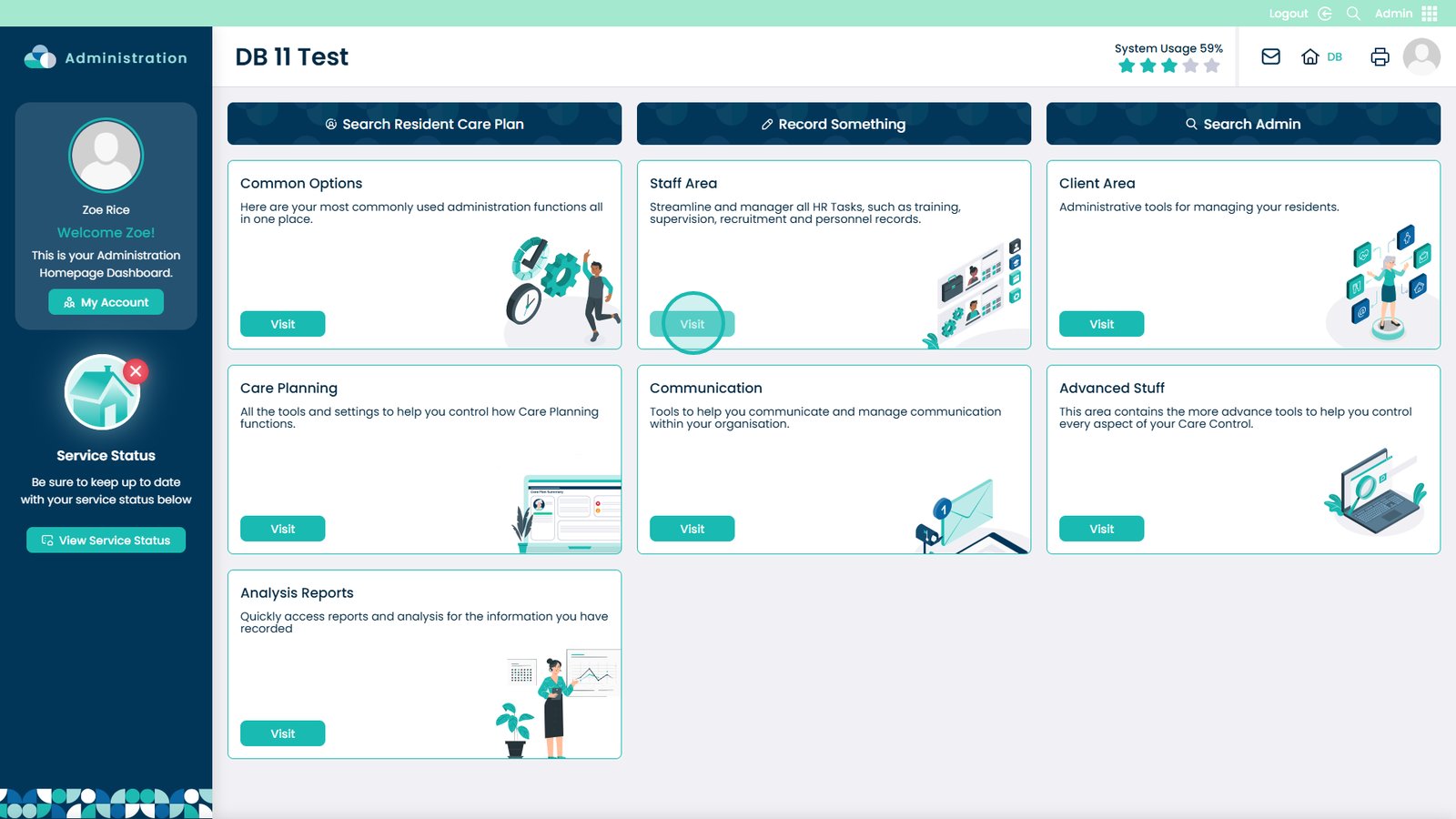
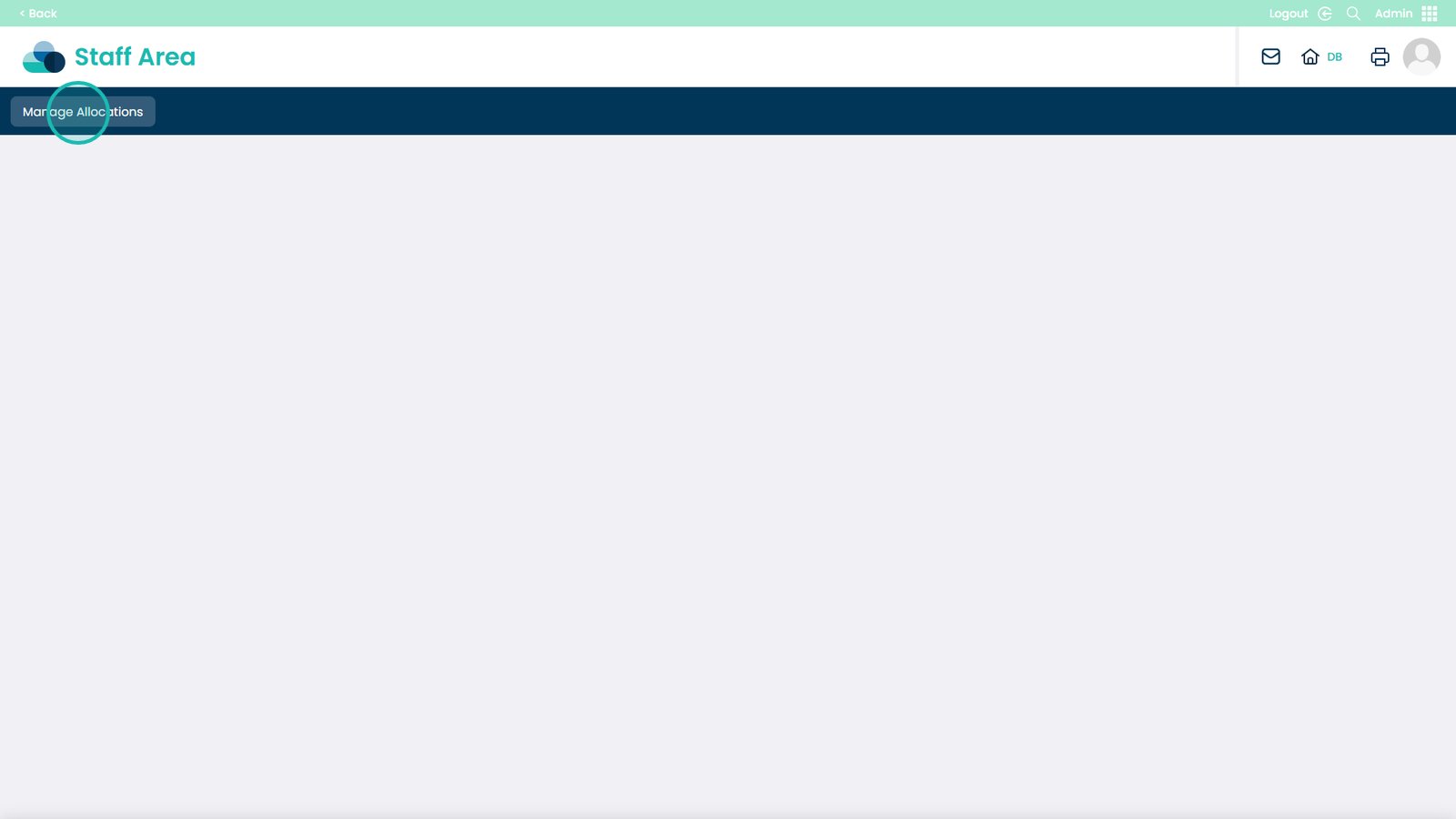
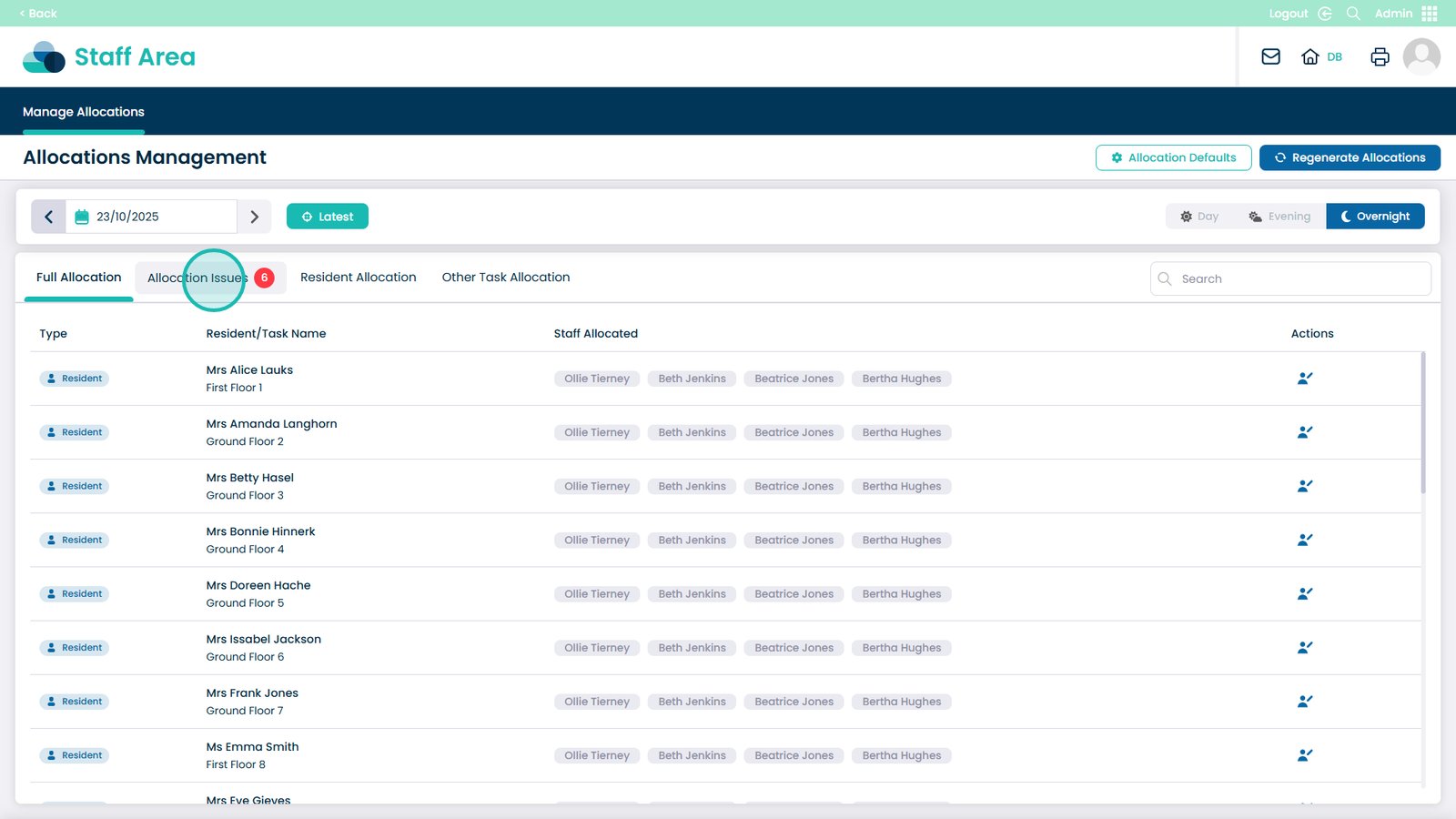
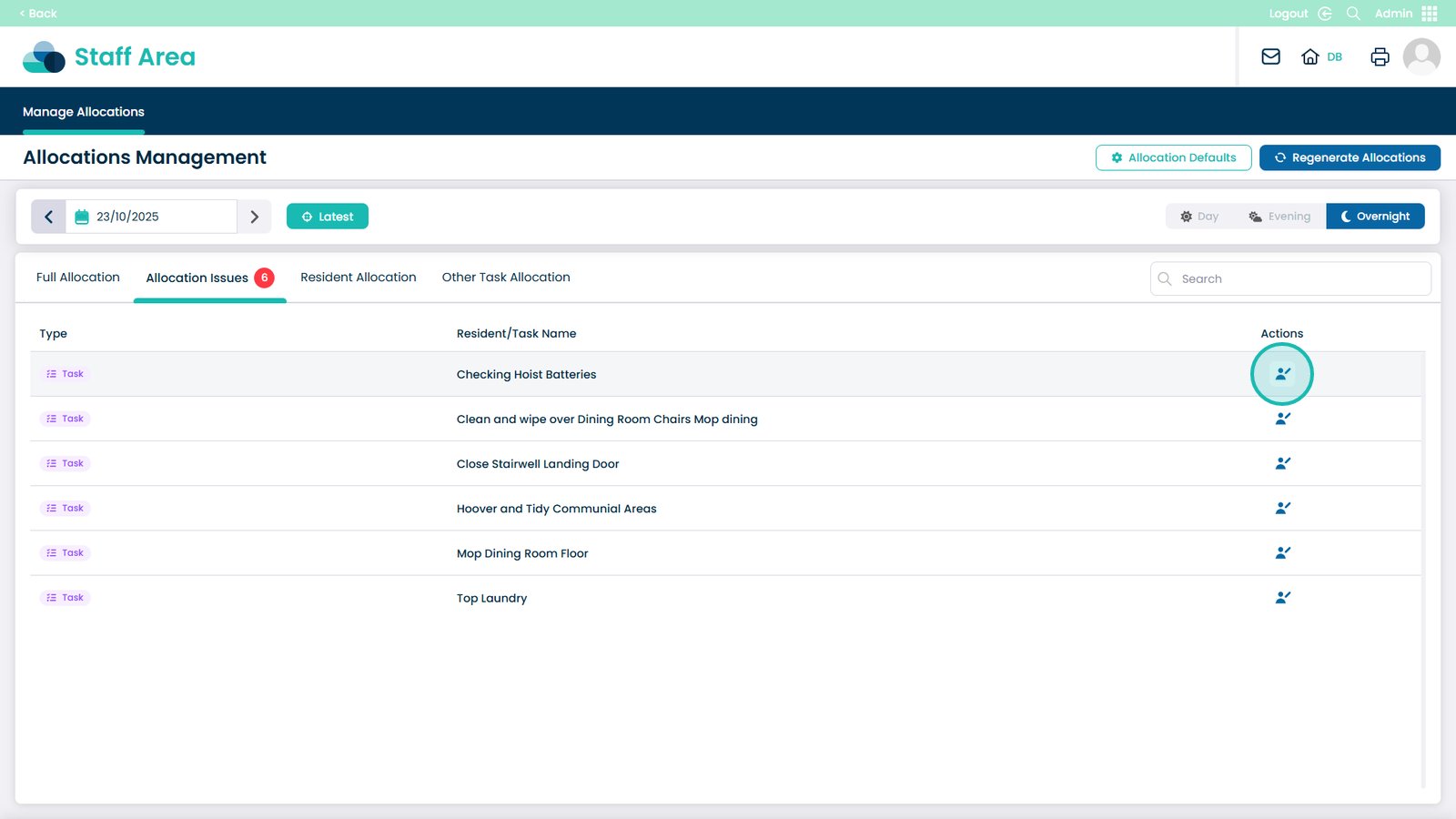
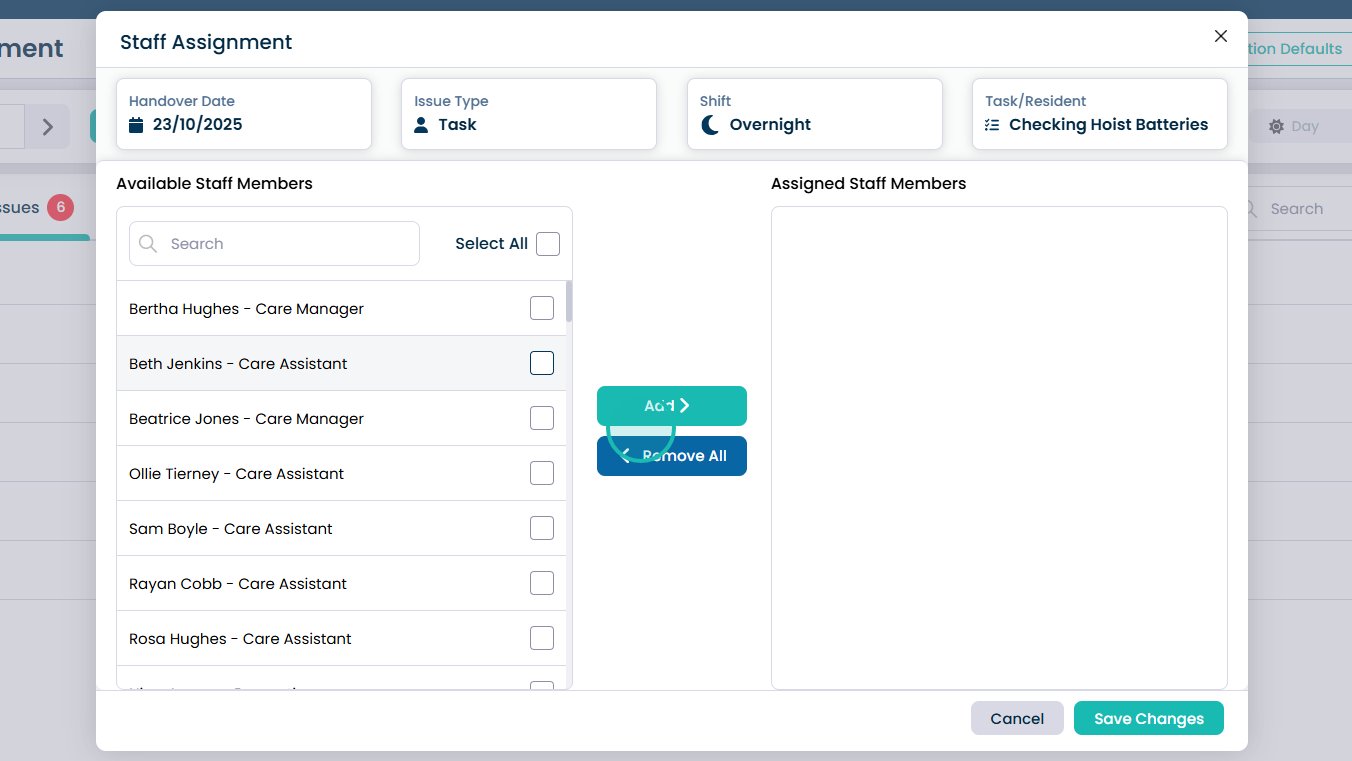
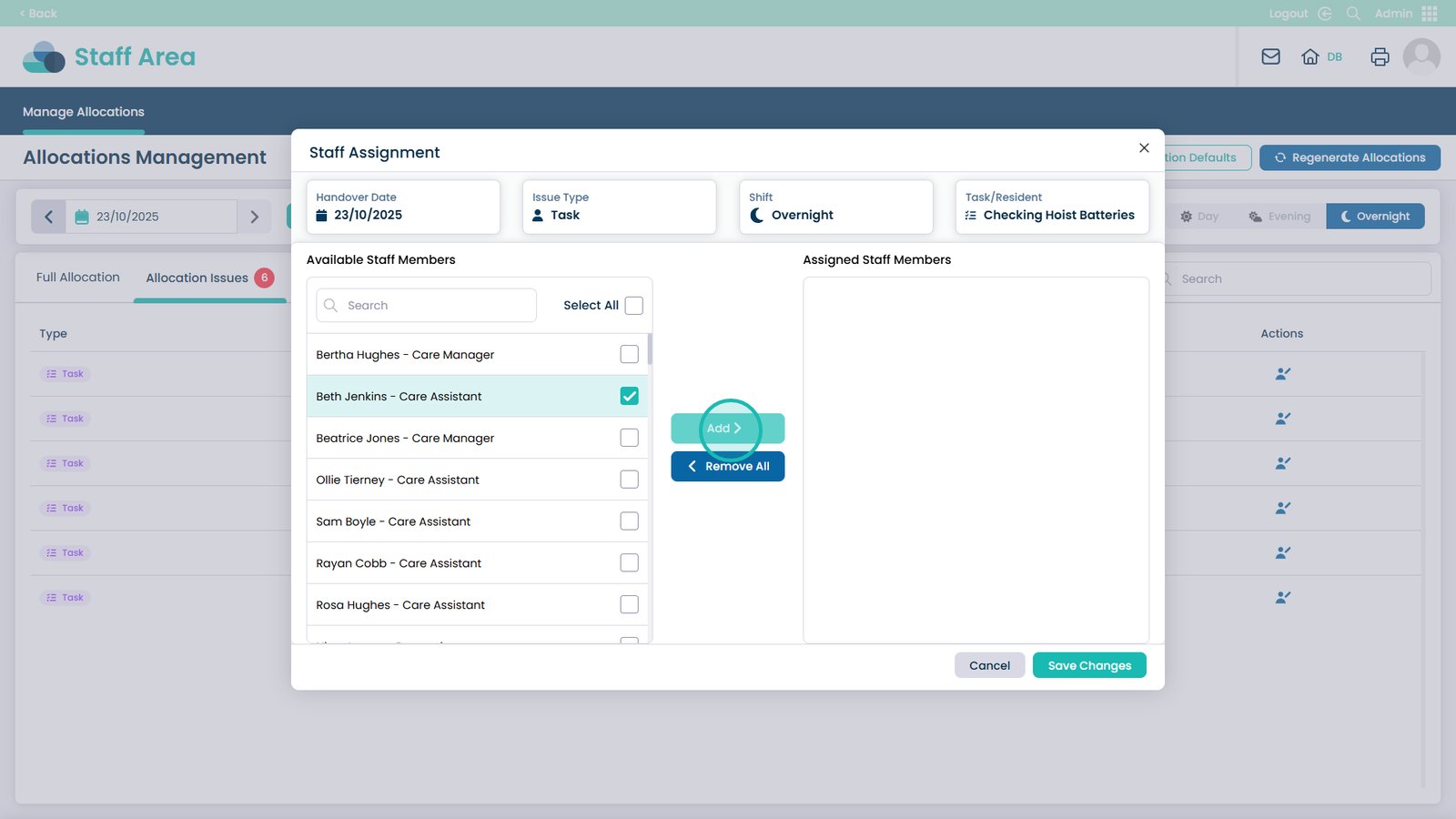
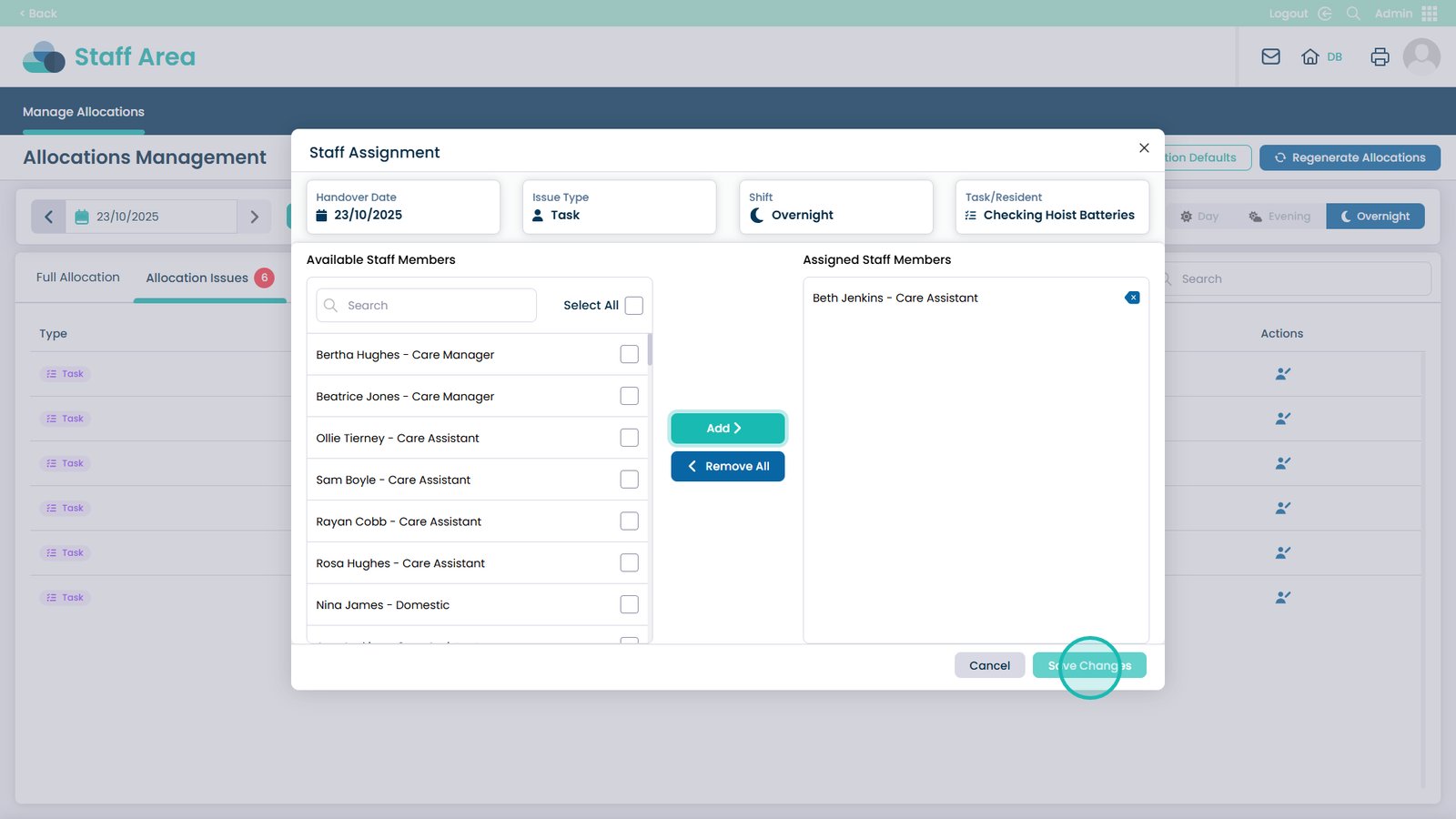
This guide explains how to identify and fix allocation issues within the Care Control Admin App. It walks you through the process of accessing the Staff Area, navigating to Manage Allocations, and resolving problems such as unassigned shifts, missing staff, or incorrect allocations. You’ll learn how to open the Allocation Issues screen, edit entries, assign available staff members, and save changes to keep staffing information accurate.
Using this feature ensures that all care duties are covered, agency staff can be added when needed, and staffing gaps are quickly resolved. Keeping allocations correct within the Admin App supports effective care delivery, staff coordination, and compliance with workforce management standards.