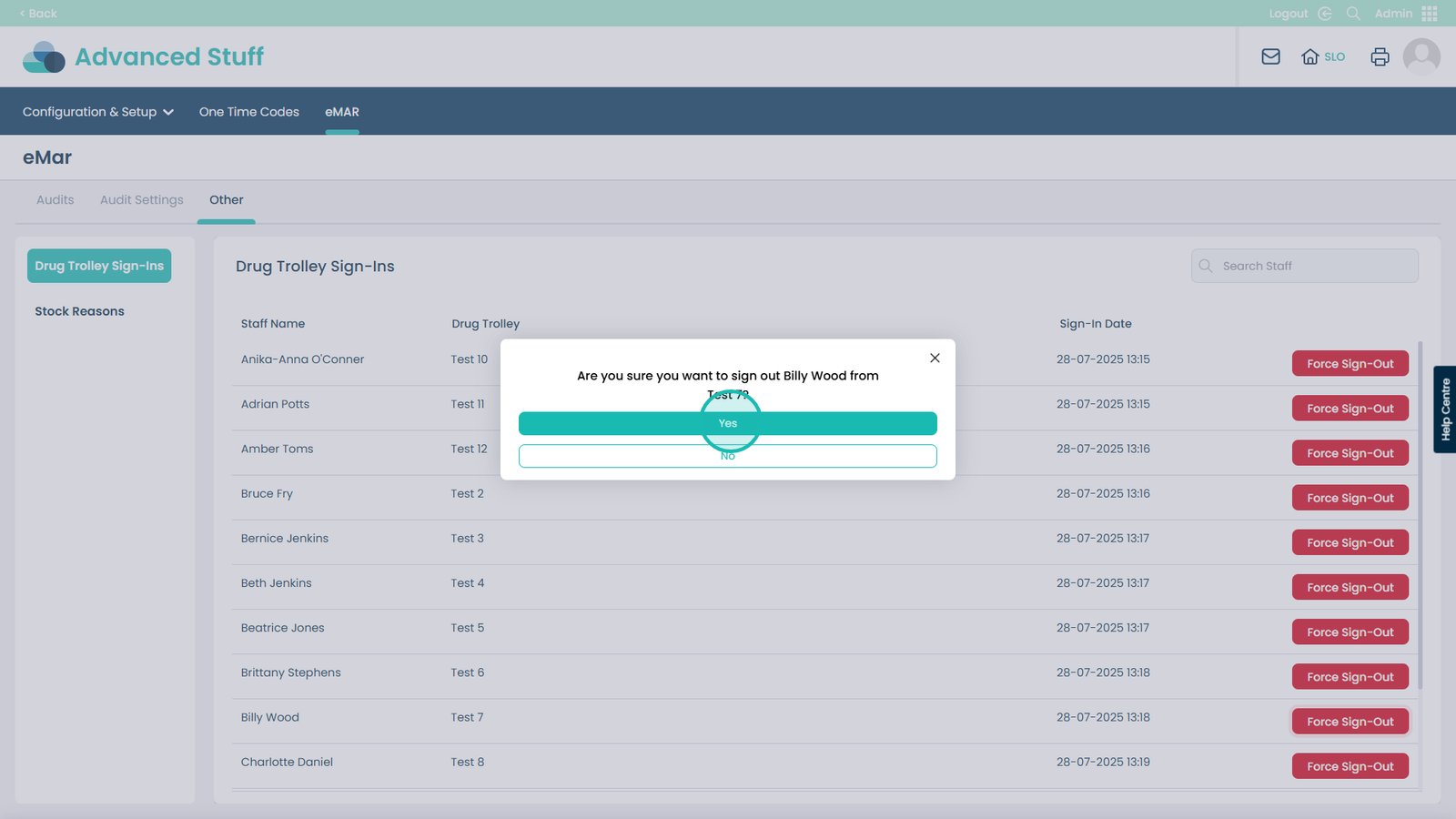
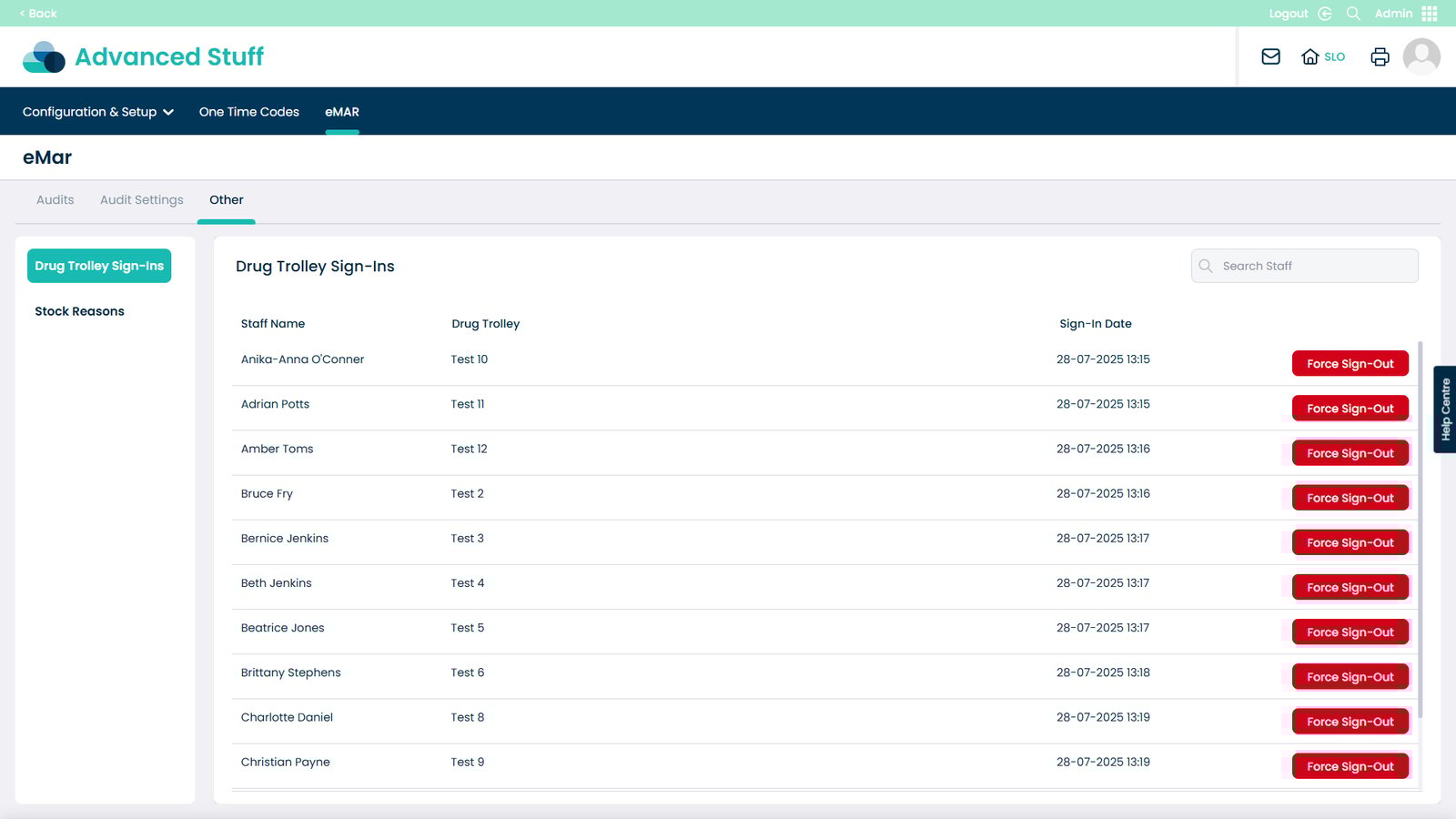
You can now remotely force sign-out users from eMAR directly through Care Control Cloud. This powerful new feature gives you greater control and oversight, especially in situations where someone may have forgotten to sign out of the drug trolley, potentially preventing others from accessing it.
With just a few clicks, you can quickly and easily sign them out, ensuring that care delivery remains smooth, uninterrupted, and fully compliant. Whether it’s during a busy medication round or shift change, this update helps maintain access, accountability, and continuous care; anytime, anywhere.
Interactive Guide
Text based guide
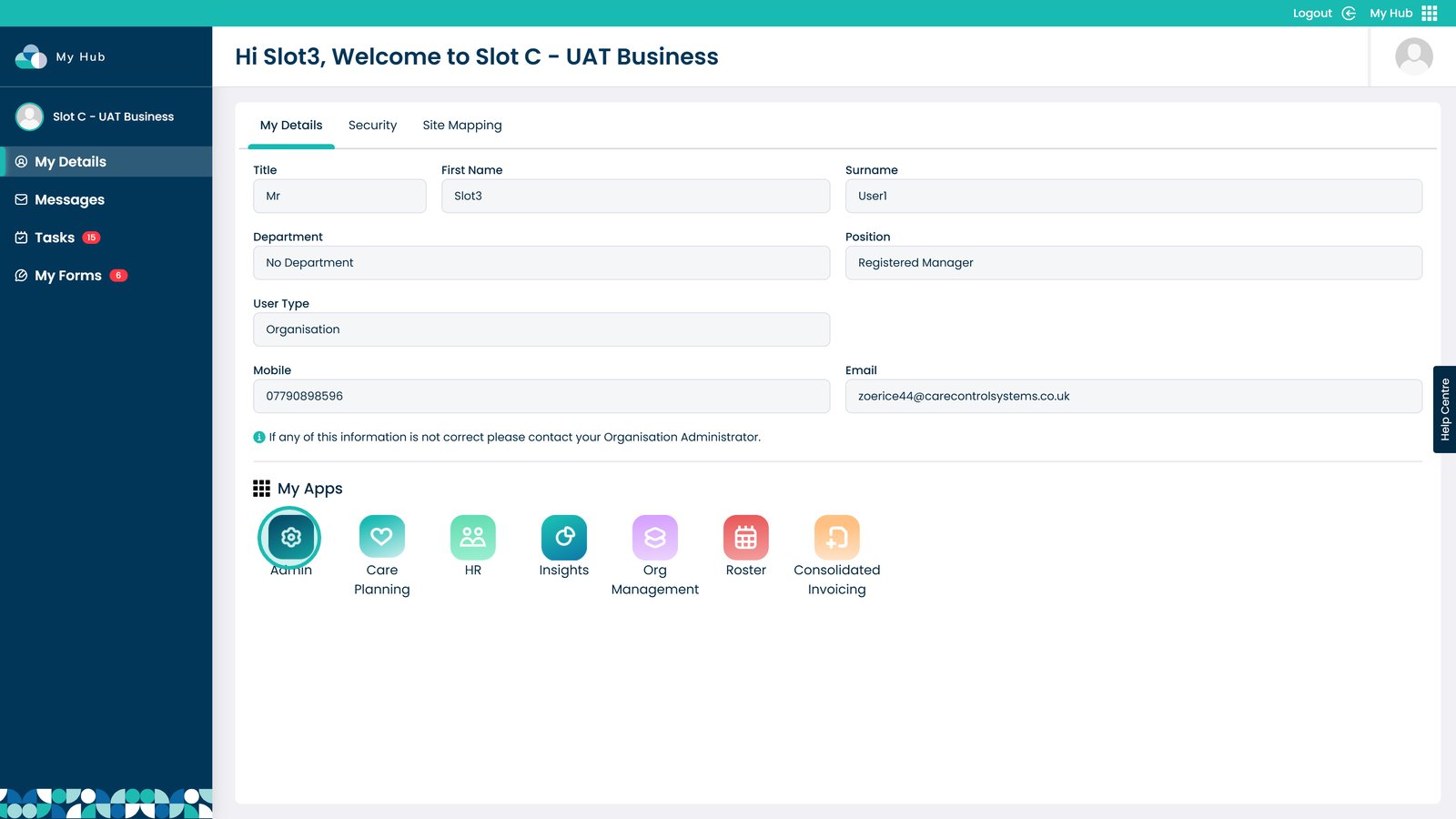
Head to the Admin app
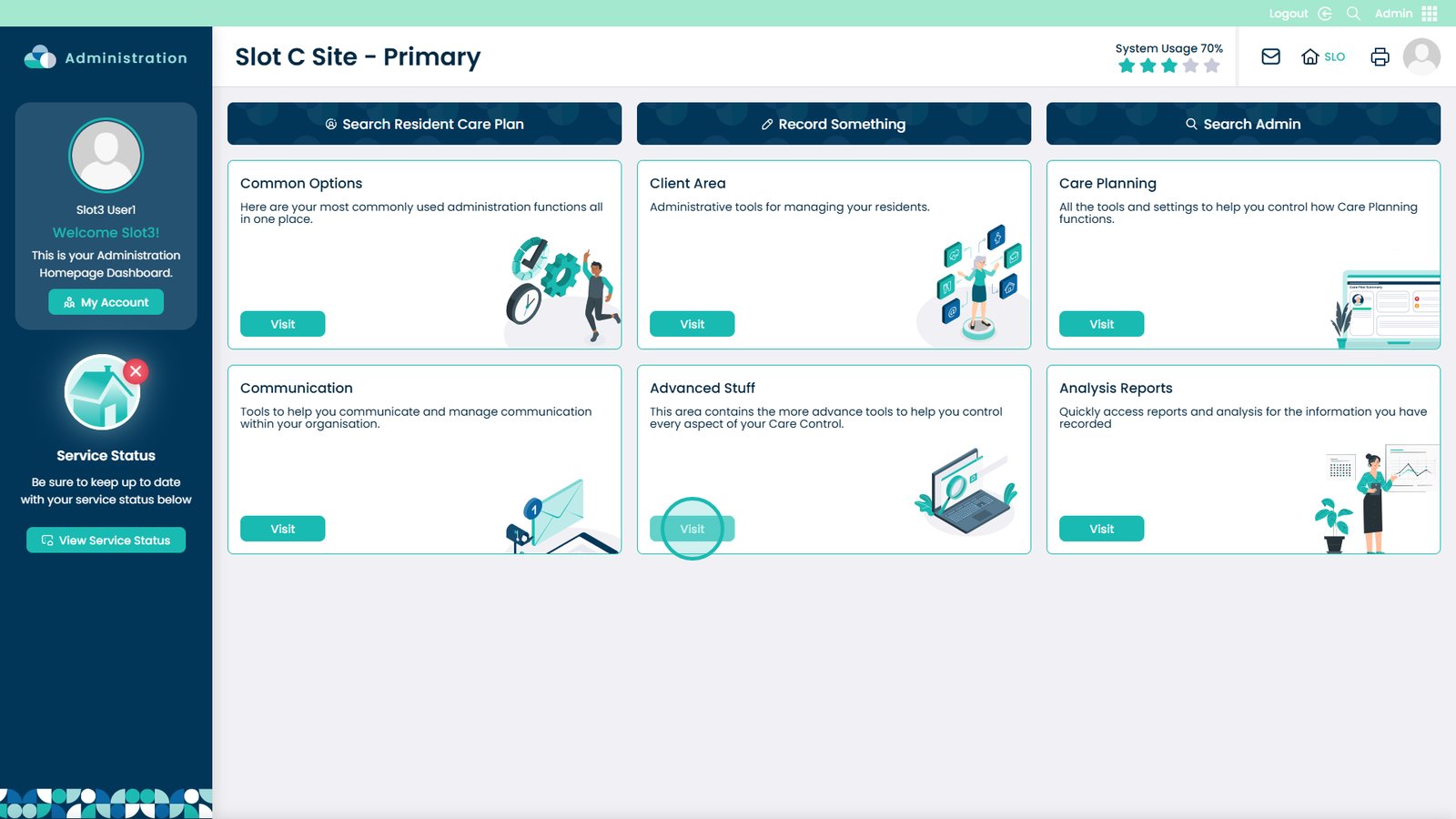
Visit the Advanced Stuff area
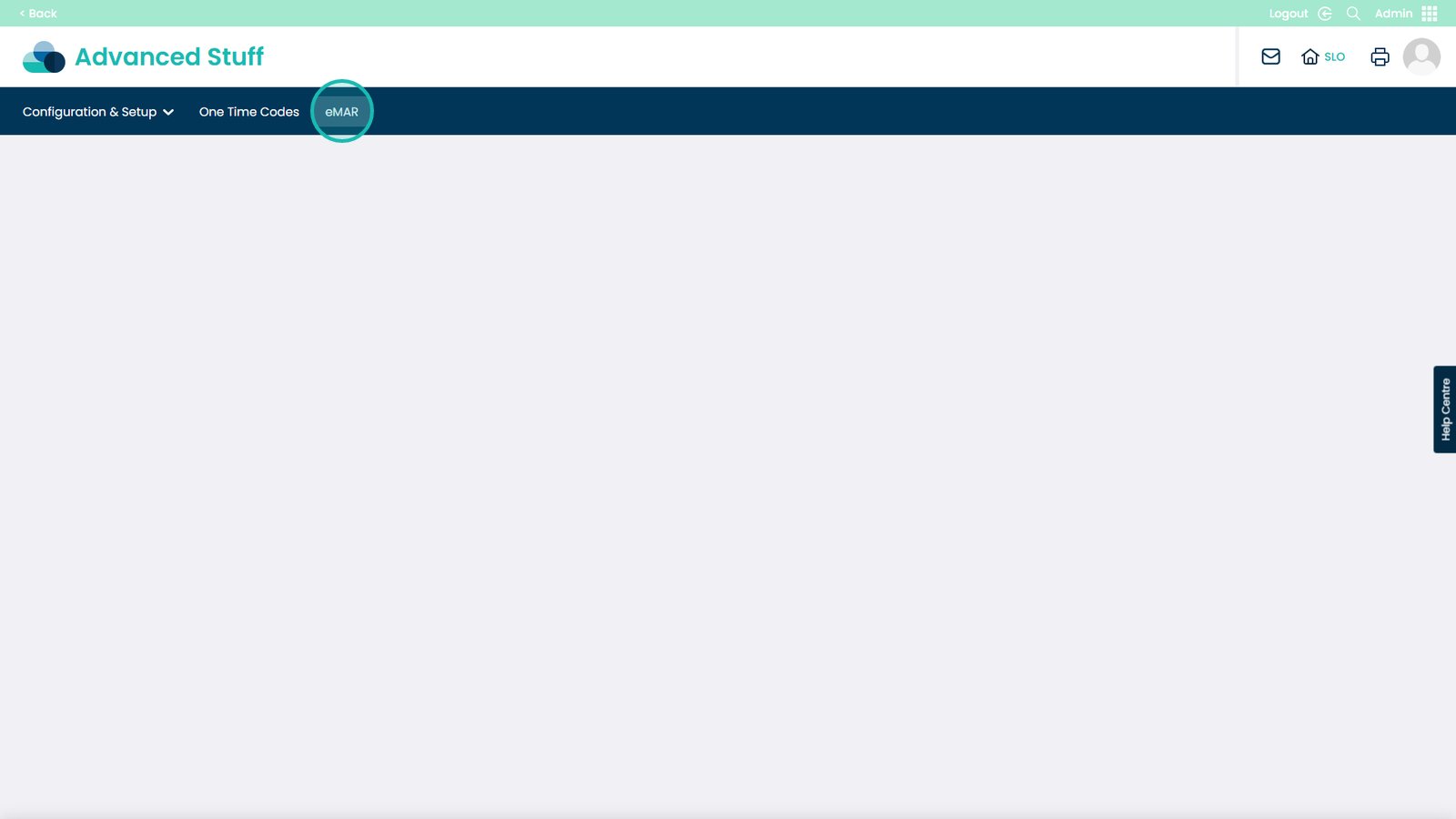
Select eMAR from the tabs at the top
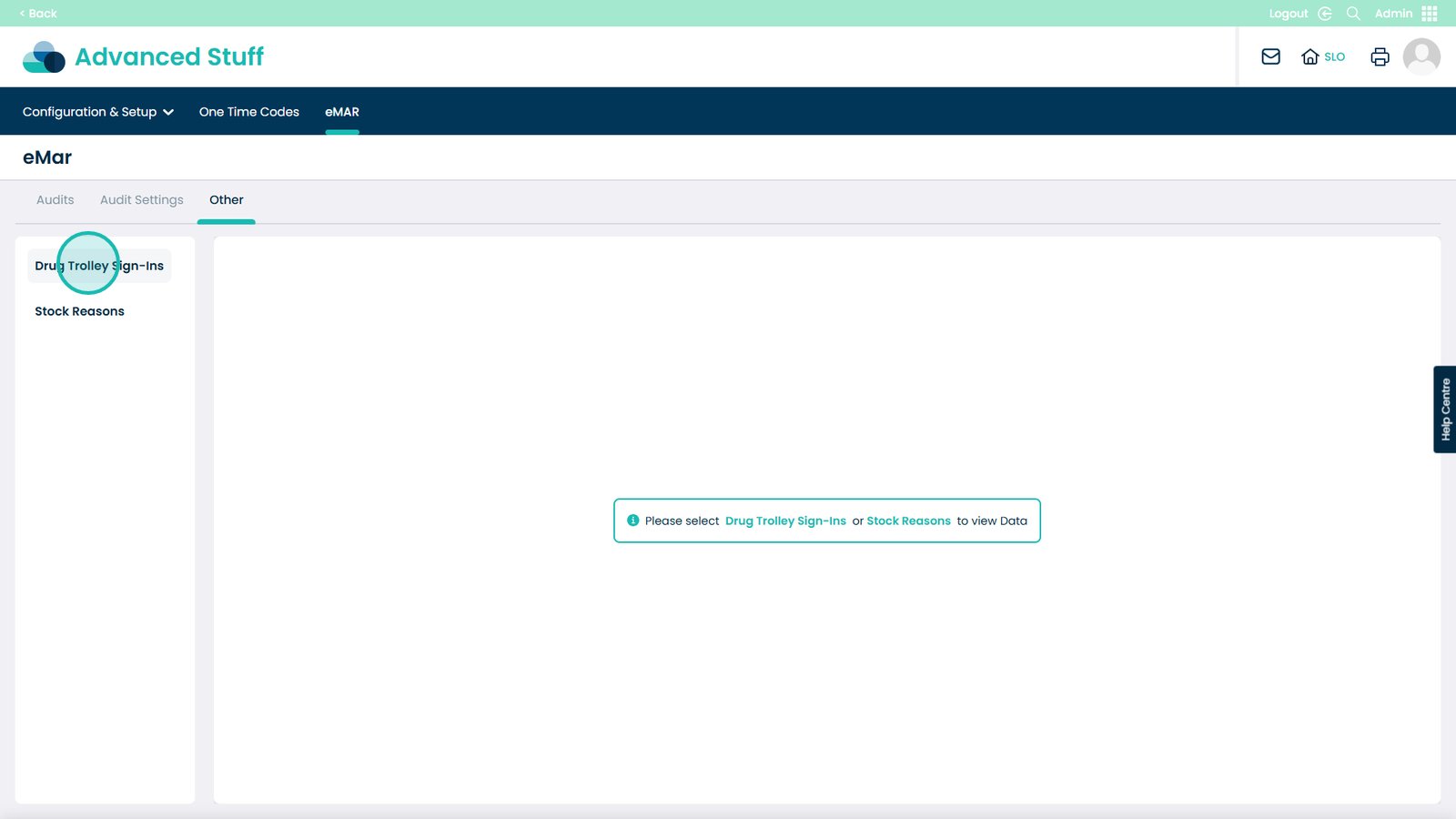
Open Drug Trolley Sign-ins
Select Force Sign-Out on the staff member who you need to sign-out