View Categories

How to Review and Manage Consent Records

Learn how to review a service user's Consent & Capacity records, check active, expiring and expired consents, return to draft consents, make changes, and complete any missing information before saving.

Takes 5 minutes
For: Care Staff
Updated: 28th Sept 2026

Introduction

The Consent & Capacity area allows you to review and manage a service user's existing consent records in one place.

You can filter records to view active, expiring or expired consents, as well as return to any draft consents that have not yet been completed. Draft records can be opened, reviewed and edited before being saved.

If any required information is missing, Care Control will highlight the issue so you can complete the relevant fields before saving the consent.

In this guide you'll learn how to:

  • Open a service user's Consent & Capacity records
  • View active, expiring and expired consents
  • Open and review draft consents
  • Edit an incomplete consent record
  • Correct missing or incomplete information
  • Save the completed consent

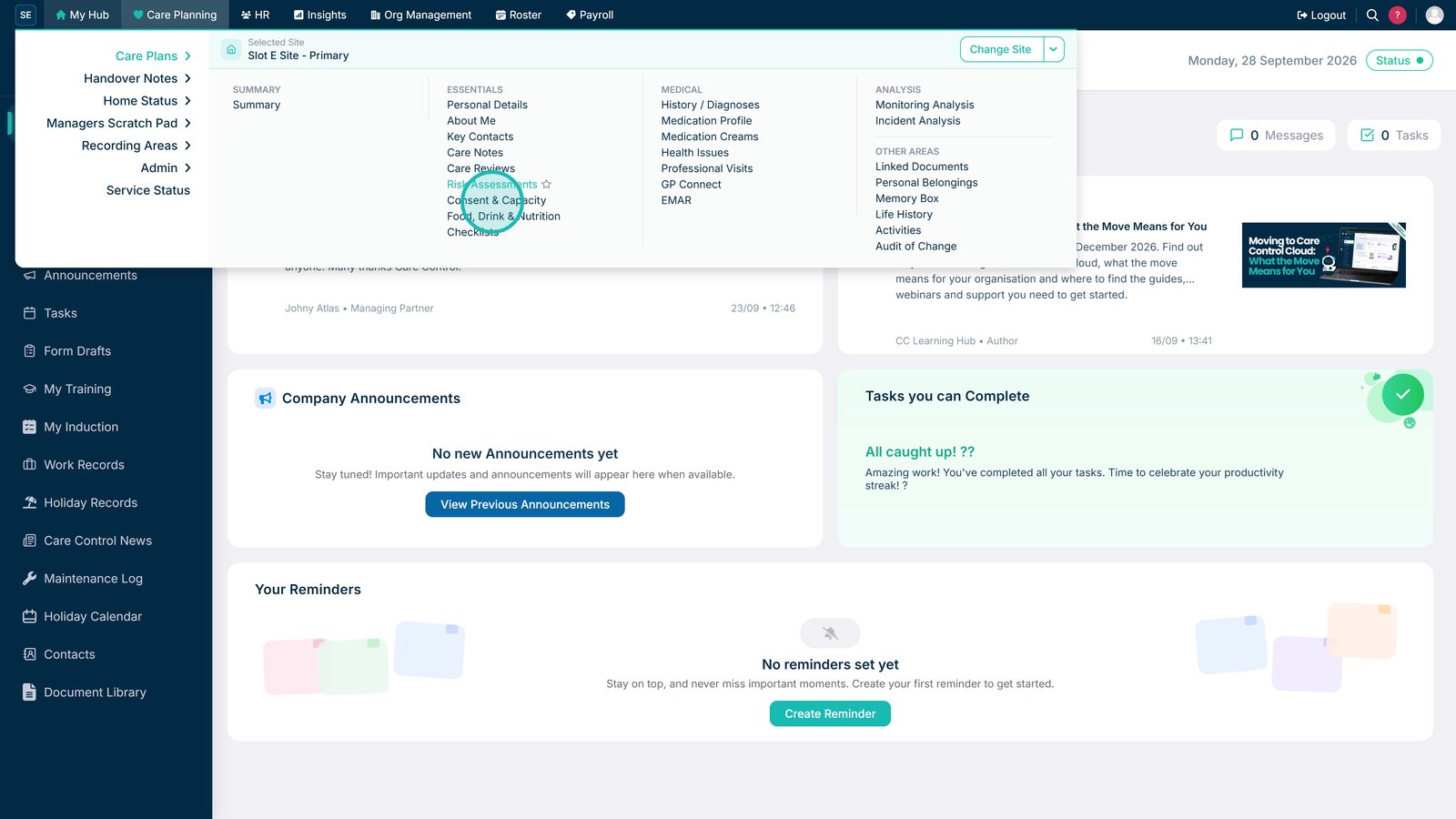
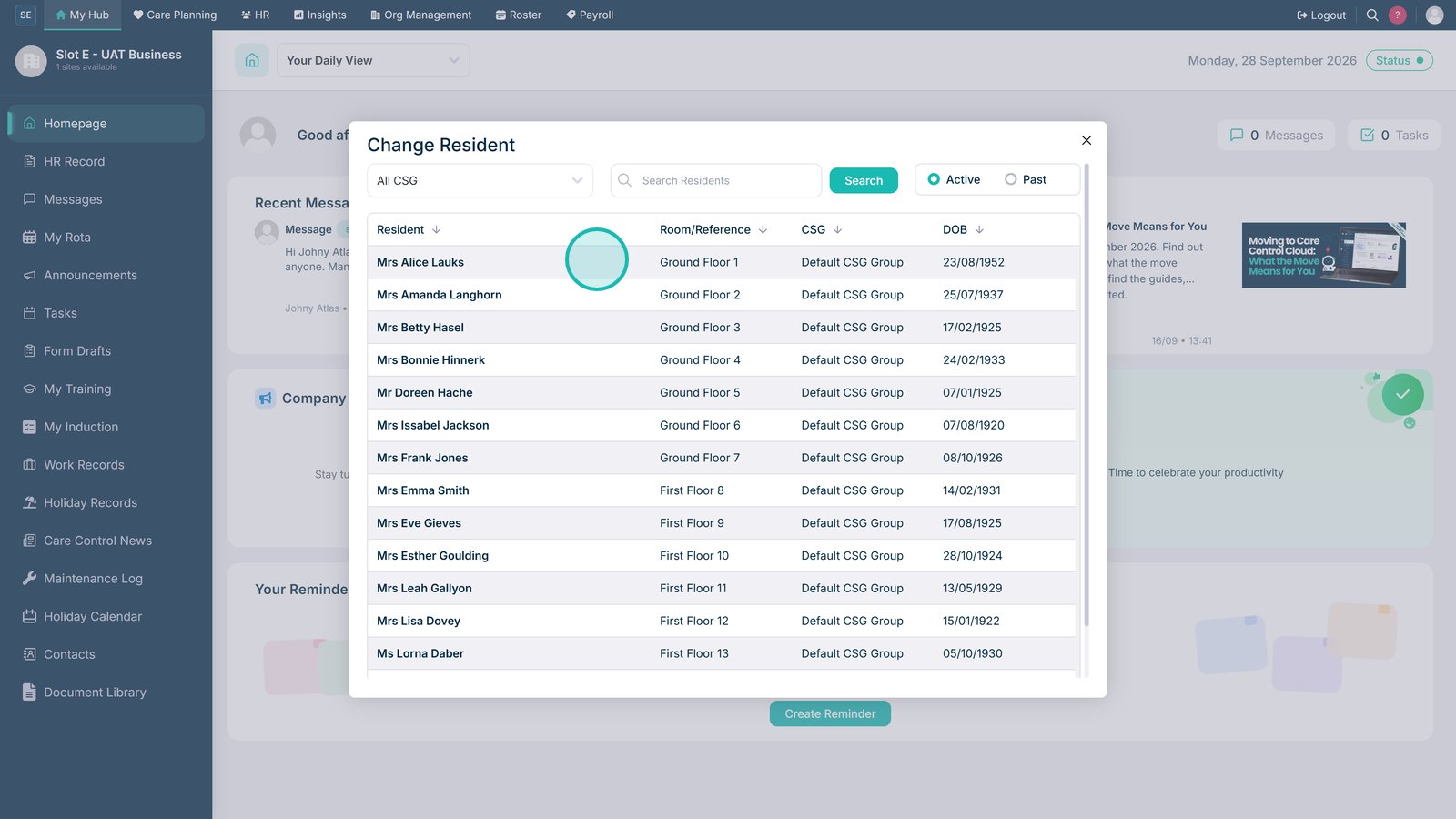
Open Consent & Capacity from the Care Plans menu.

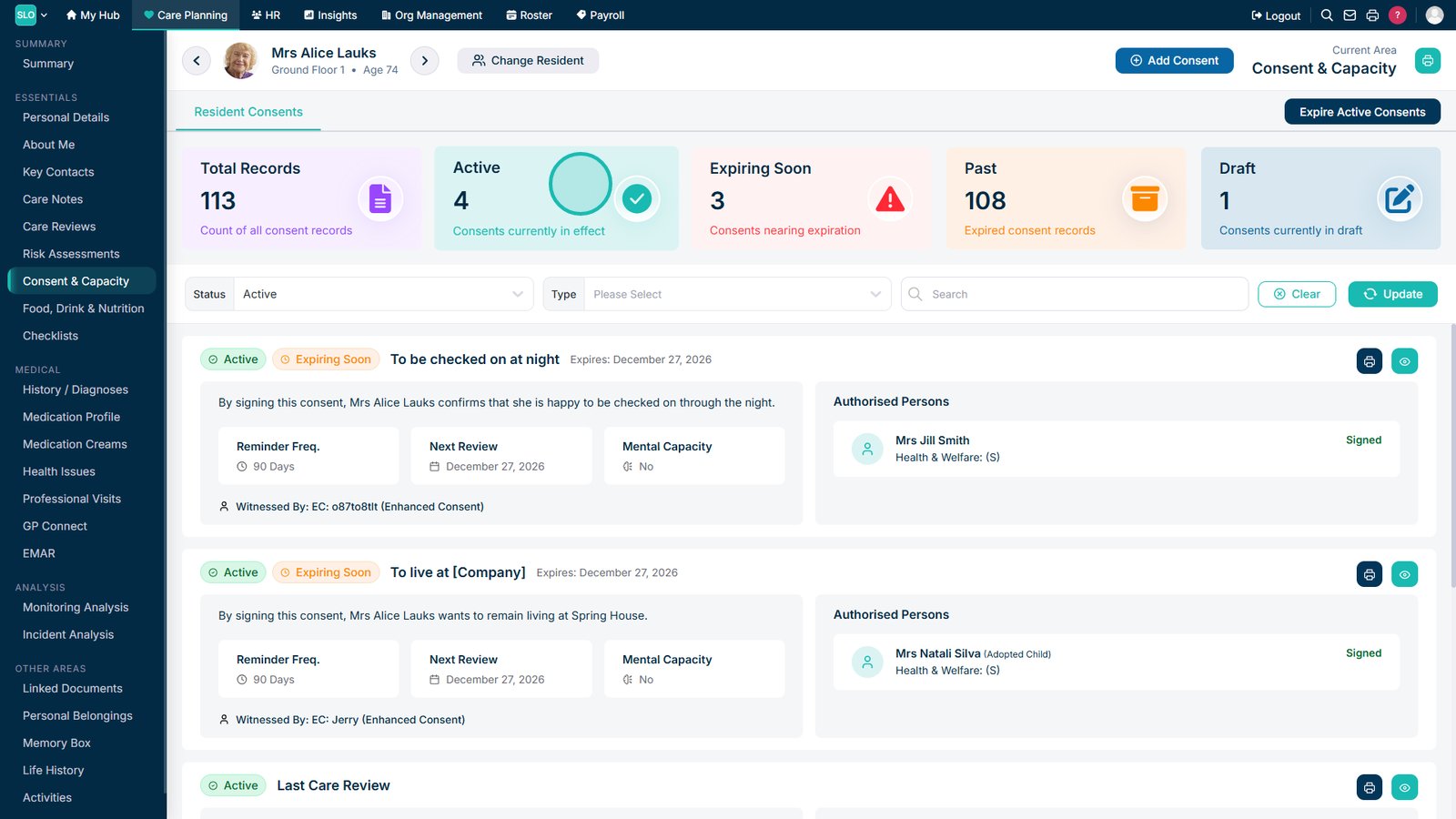
Select the service user whose consent records you want to review.

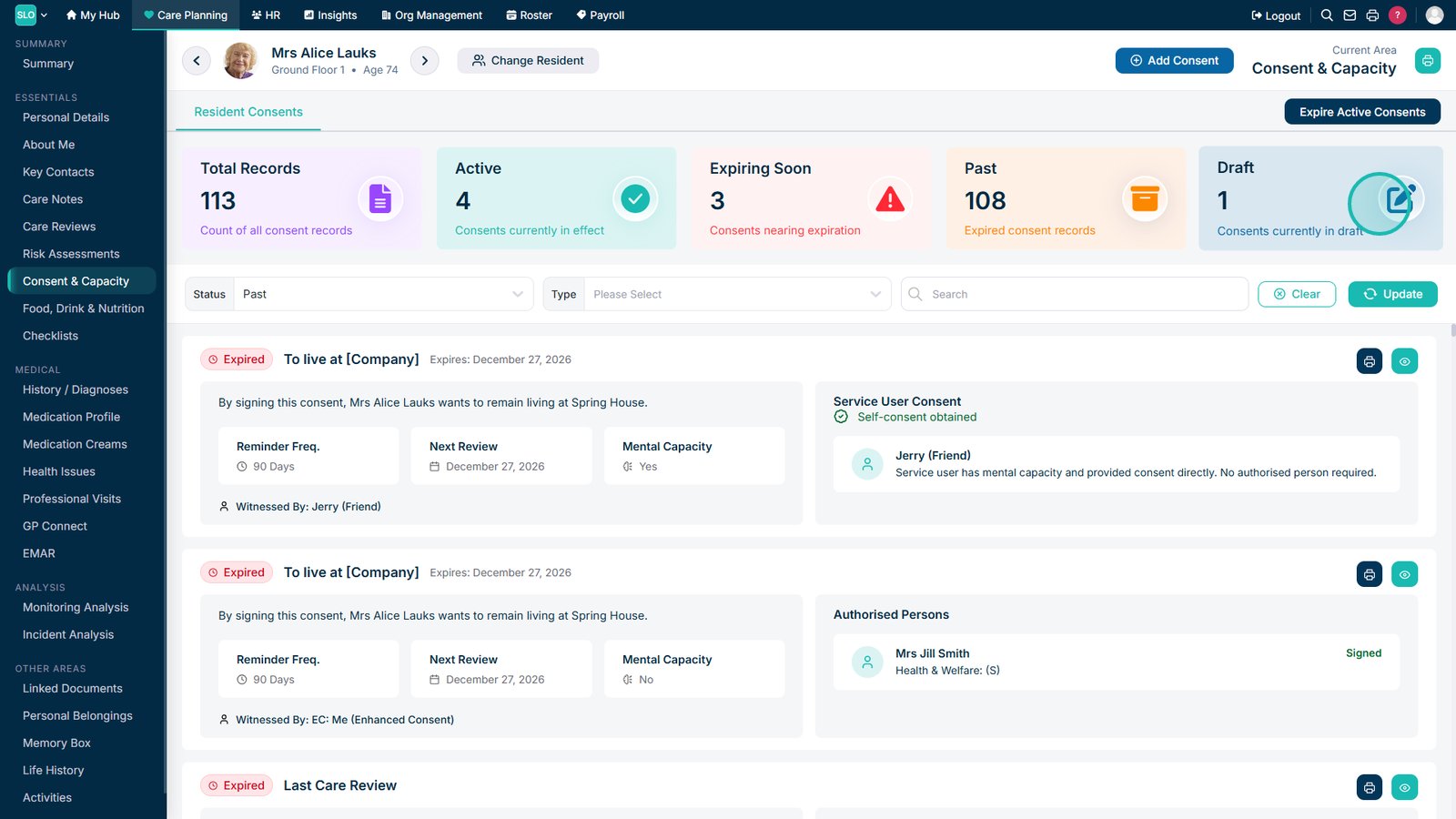
Select Active to view the service user's current consent records.

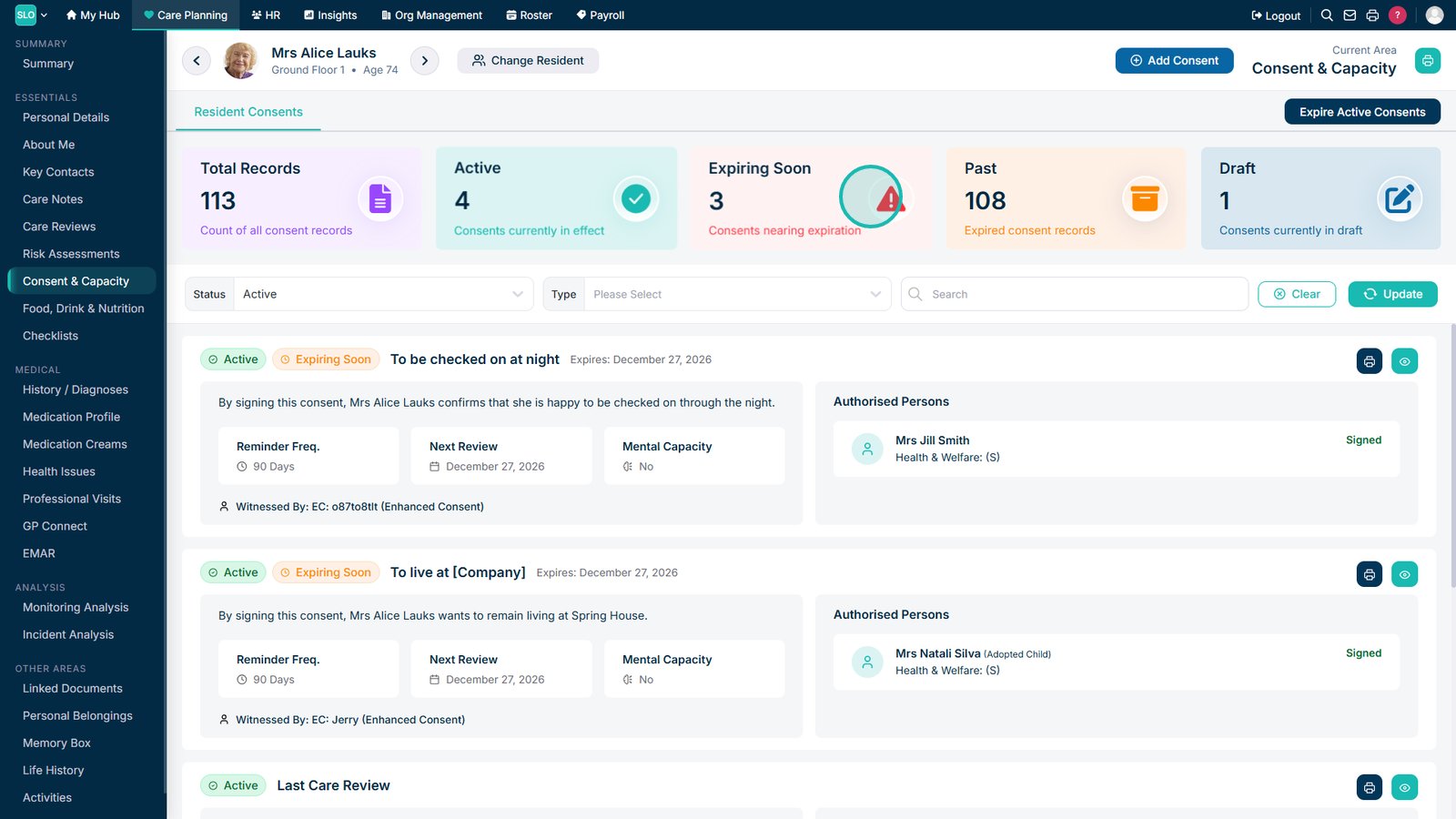
Select Expiring Soon to view consent records approaching their expiry date.

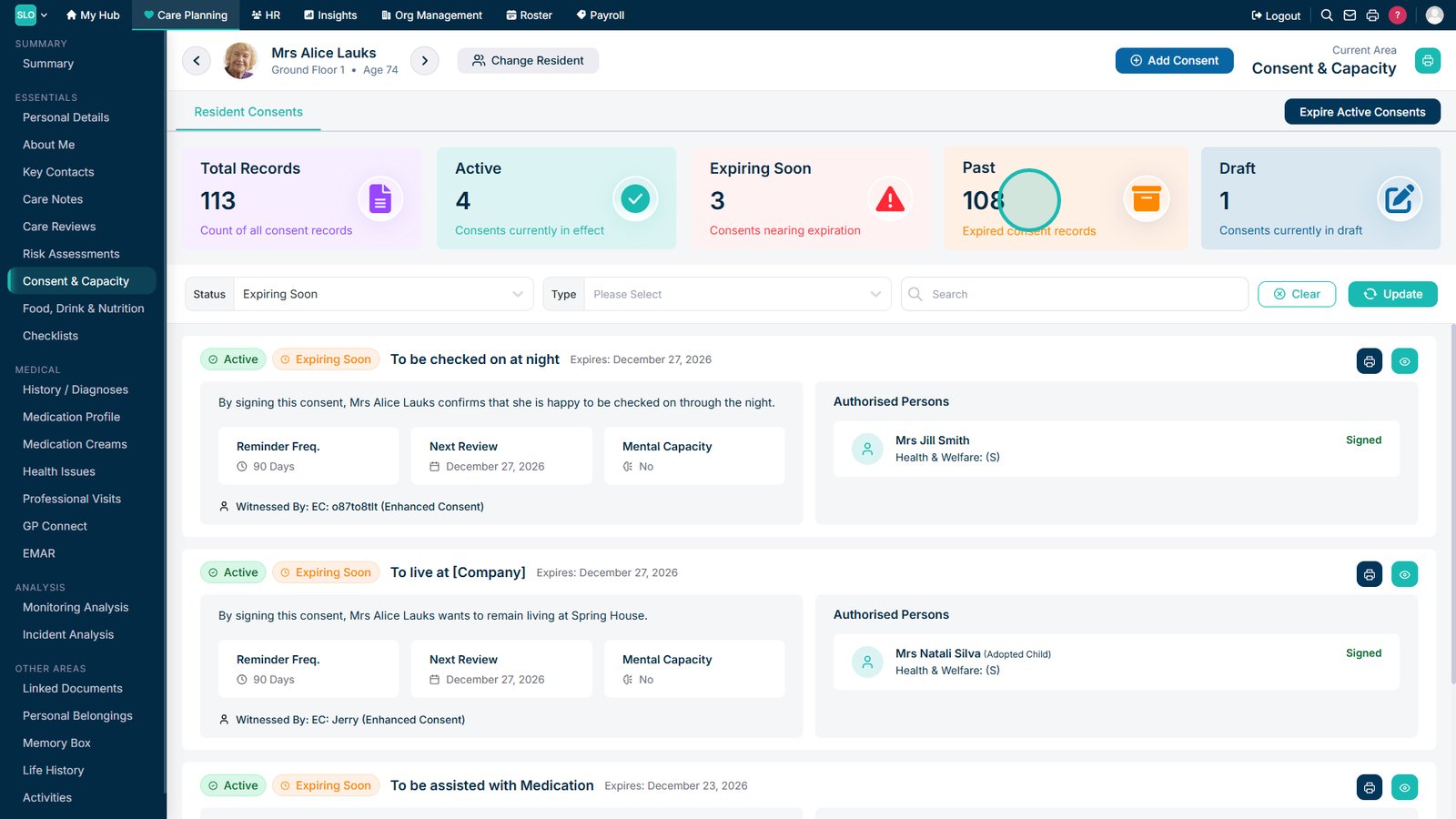
Open Expired to review previous consent records.

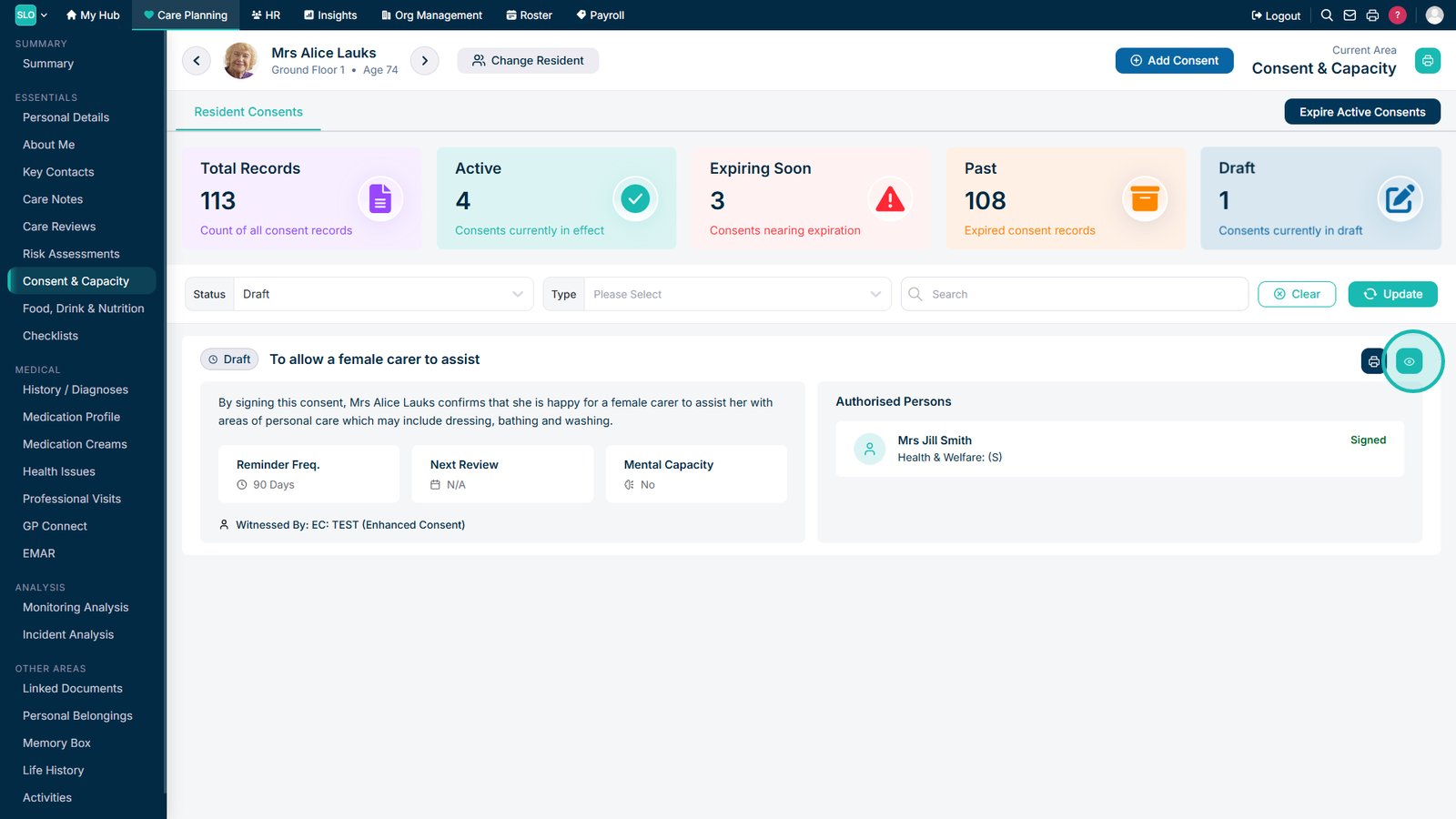
Open Draft Consents to continue working on consent records that have not yet been completed.

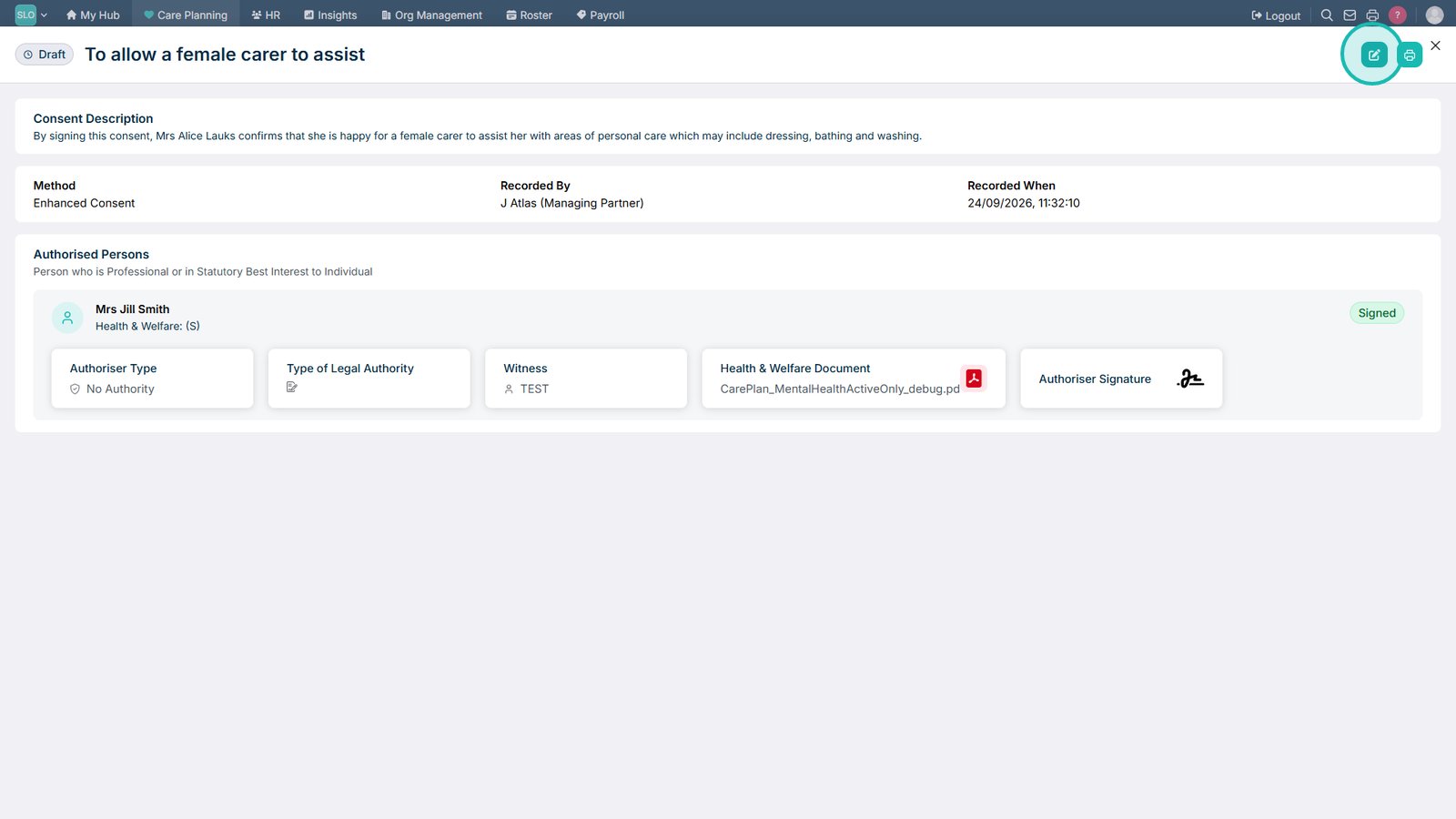
Select the view icon to review the details of a draft consent.

Select Edit to make changes to the draft consent.

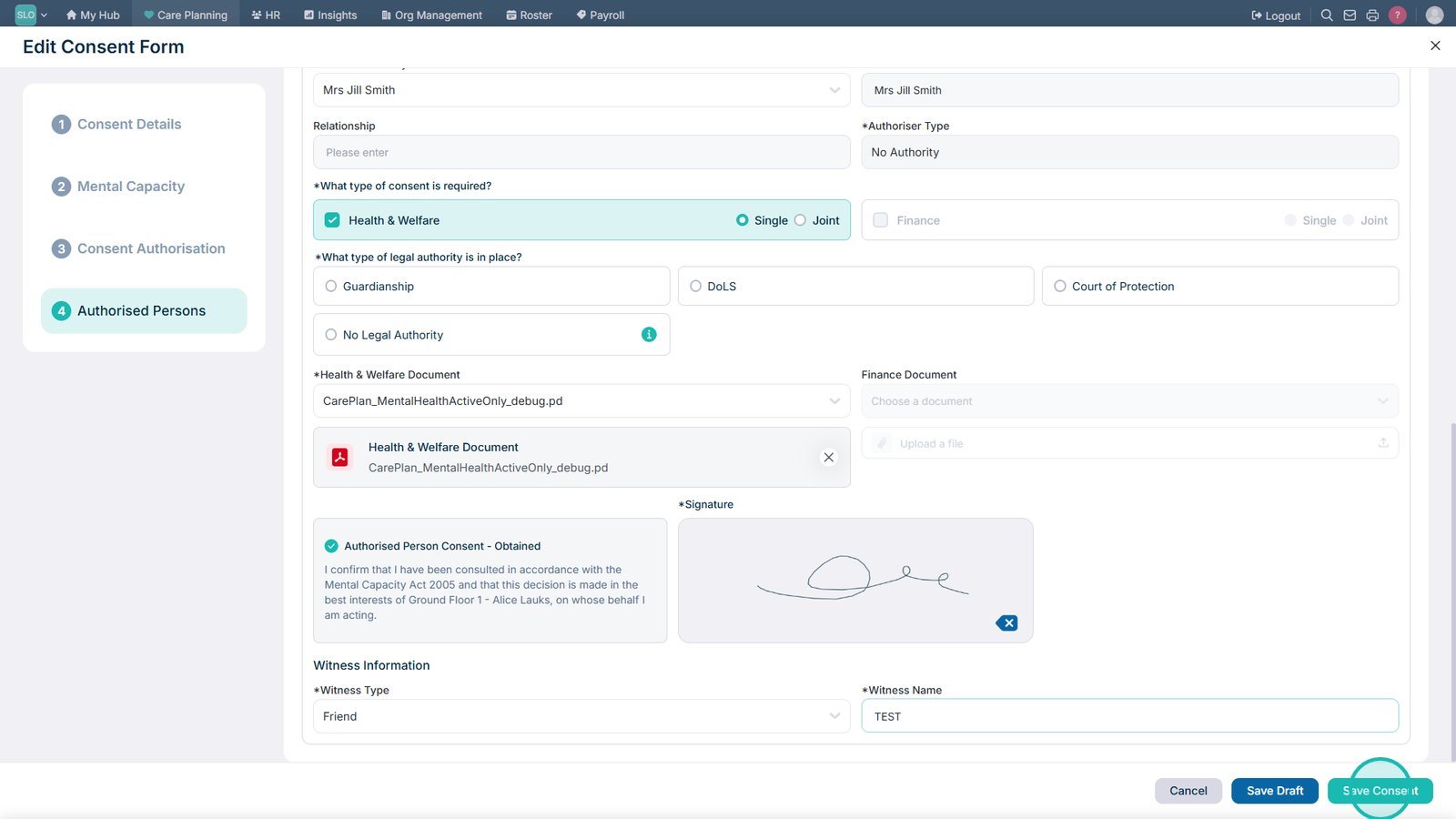
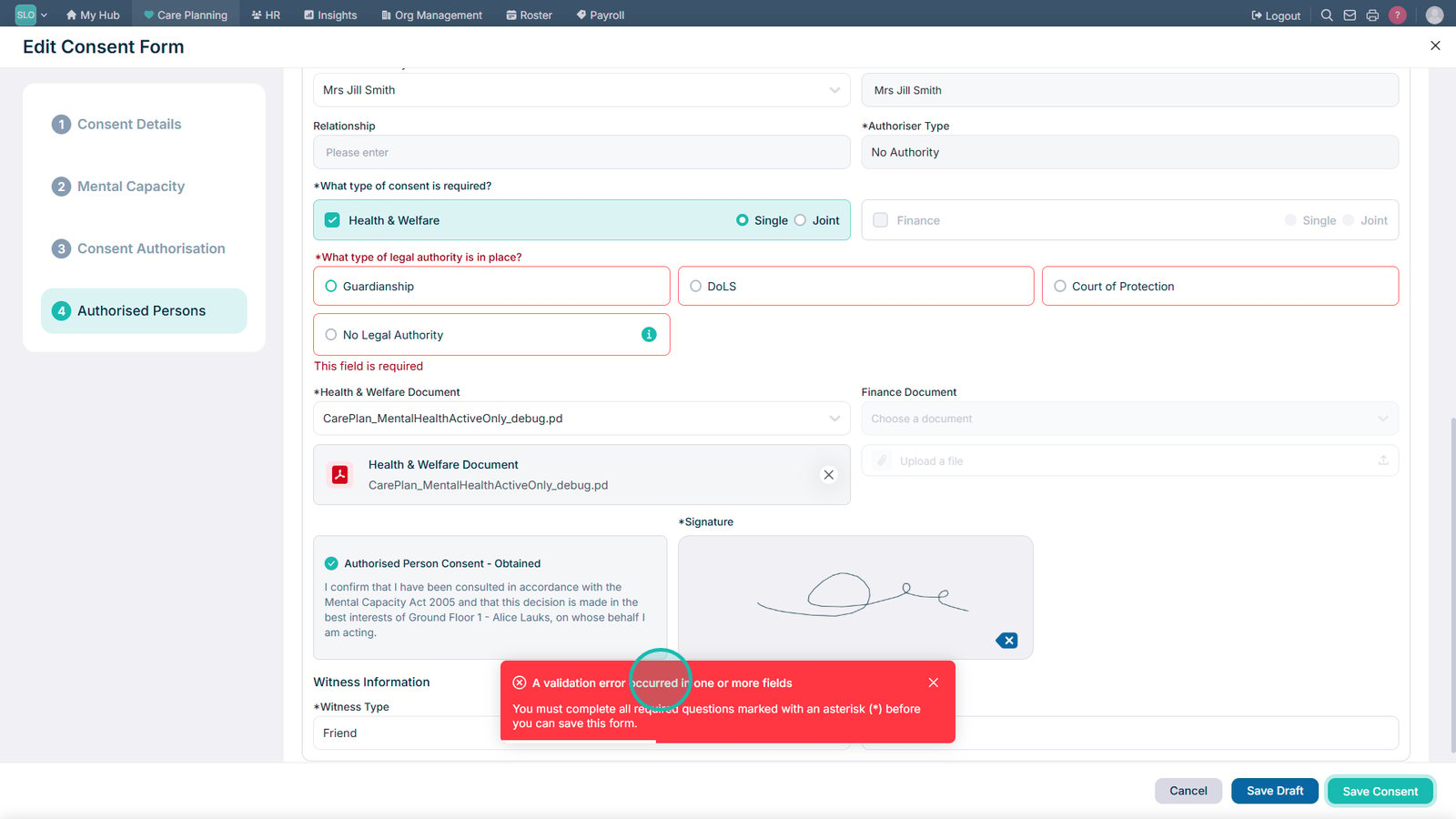
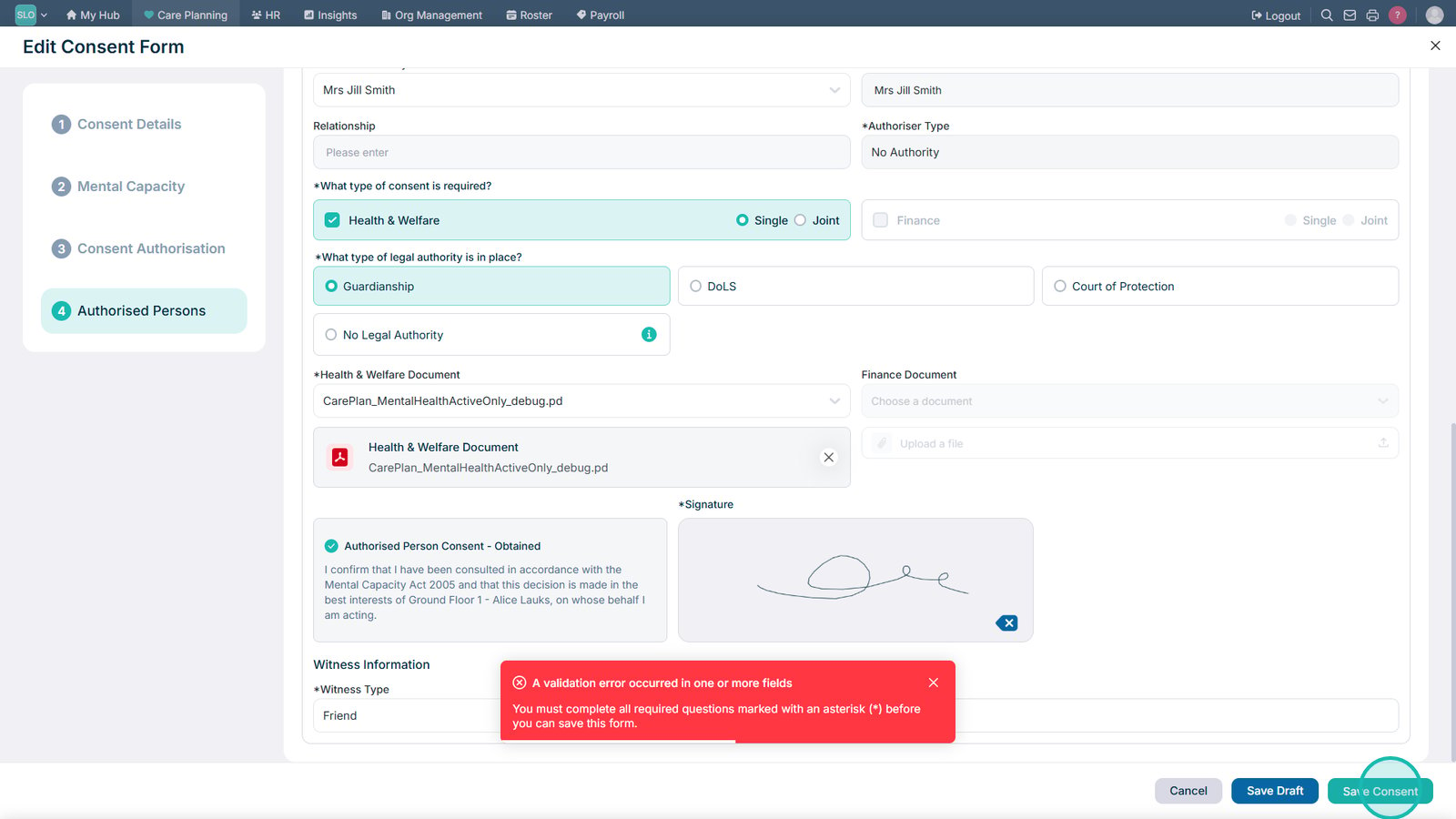
Select Save Consent when all of the required information has been completed.

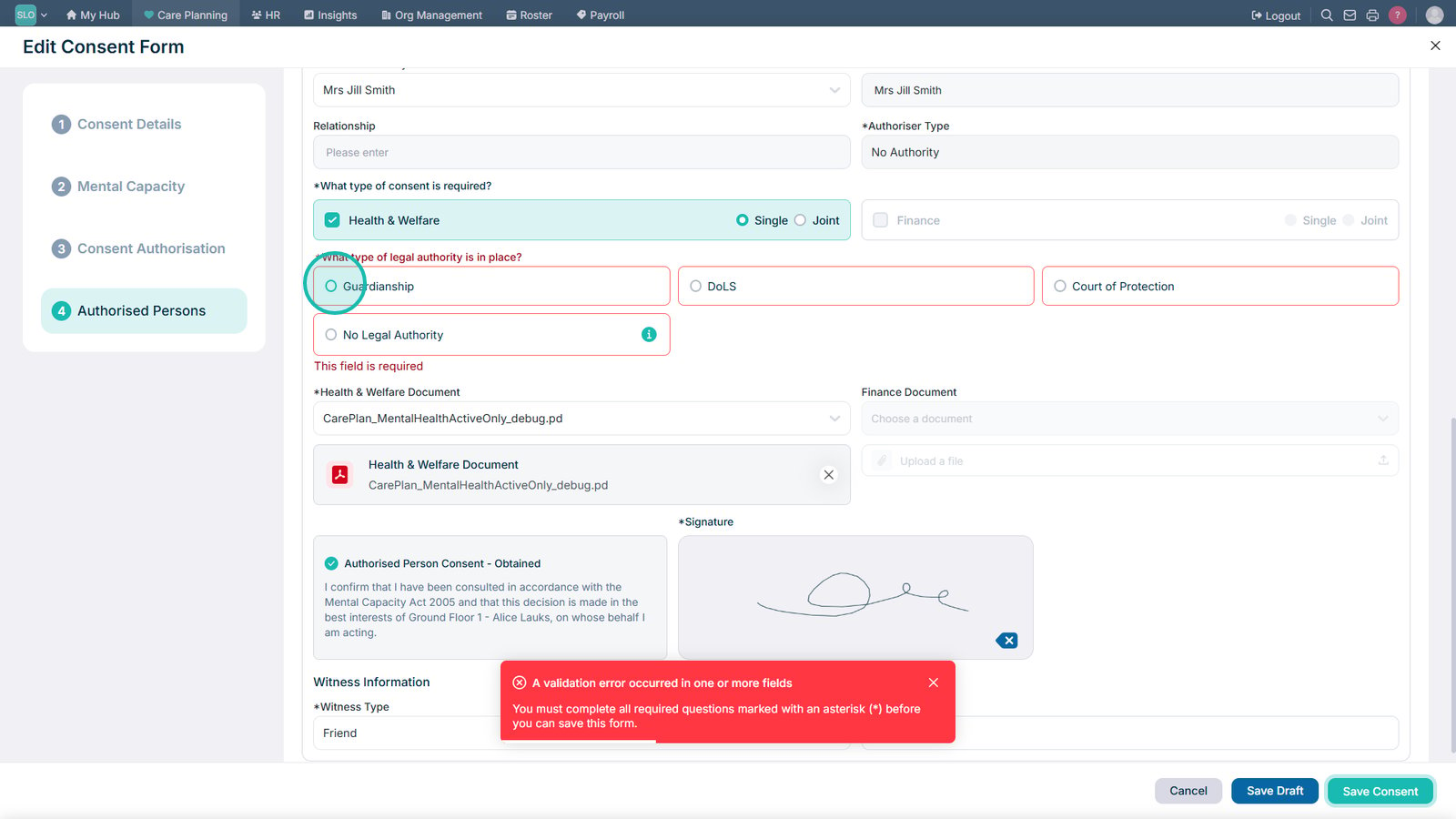
If required information is missing, Care Control will display an error to show that the consent cannot yet be saved.

Select the appropriate legal authority where this information is required.

Complete any remaining required fields and save the consent again.

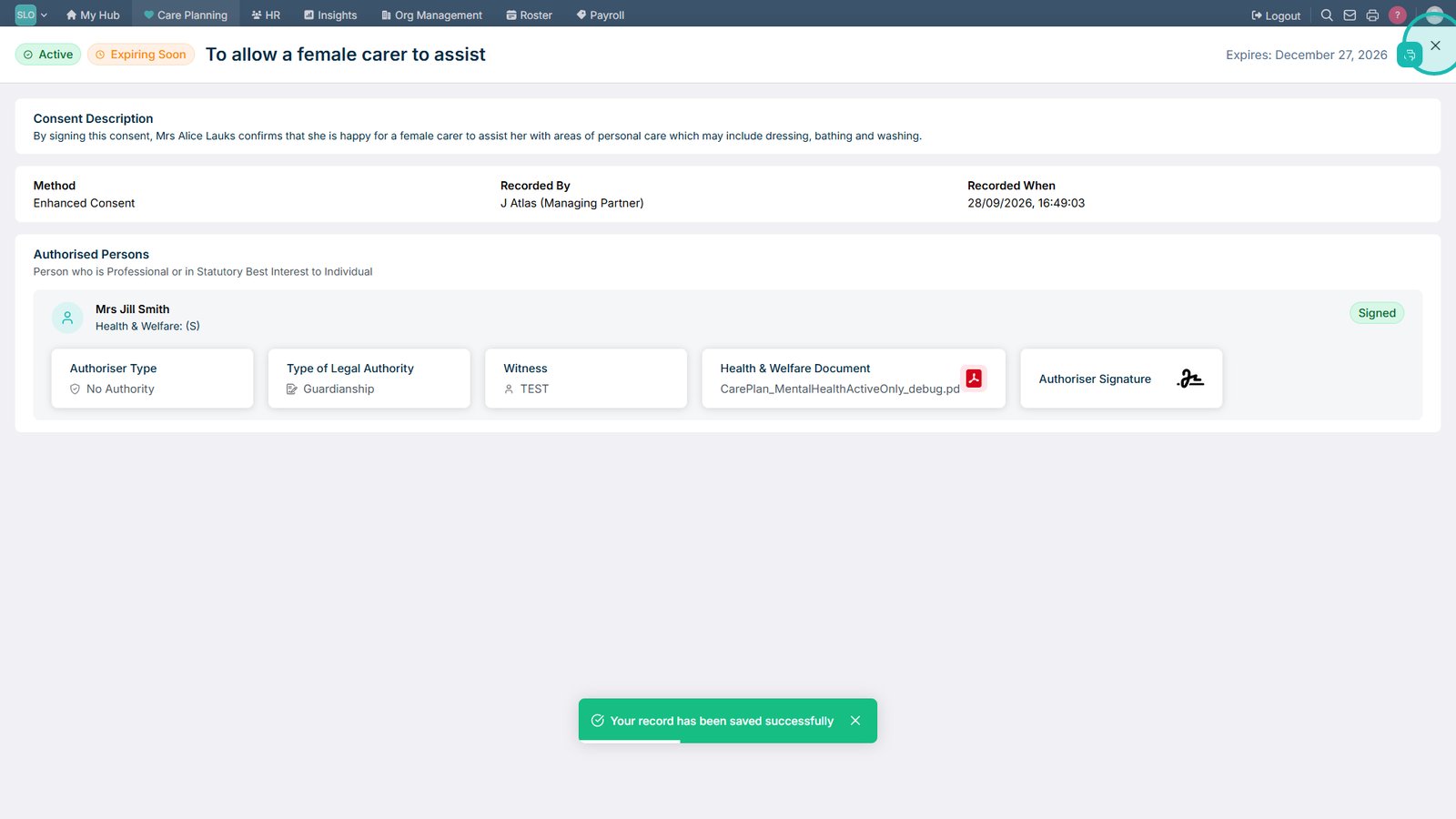
Close the consent record when you have finished reviewing or updating it.

Top tip

Use the different consent views to quickly find records that need attention. Expiring Soon is particularly useful for identifying consent records that may need to be reviewed before they expire.

Was this guide helpful?

Need more help?

Can't find what you're looking for? Our support team is here to help.

Contact Support

Or call us on

On this page