View Categories

How to Review Pre-Care Assessment Forms

Learn how to review the current Pre-Care Assessment Form, test how responses trigger care domains, view previous versions, and return to the assessment dashboard.

Takes 3 minutes
For: Managers
Updated: 24th Sept 2026

Introduction

The Pre-Care Review Assessment area allows you to review the assessment form currently in use and check how different responses affect the care domains that are triggered.

You can preview the current form, select responses to test the assessment, open triggered domains for more information, and review previous versions of the form where required.

In this guide you'll learn how to:

  • Open the Pre-Care Review Assessment area
  • Preview the current assessment form
  • Test responses within the assessment
  • Review triggered care domains
  • View previous versions of the assessment

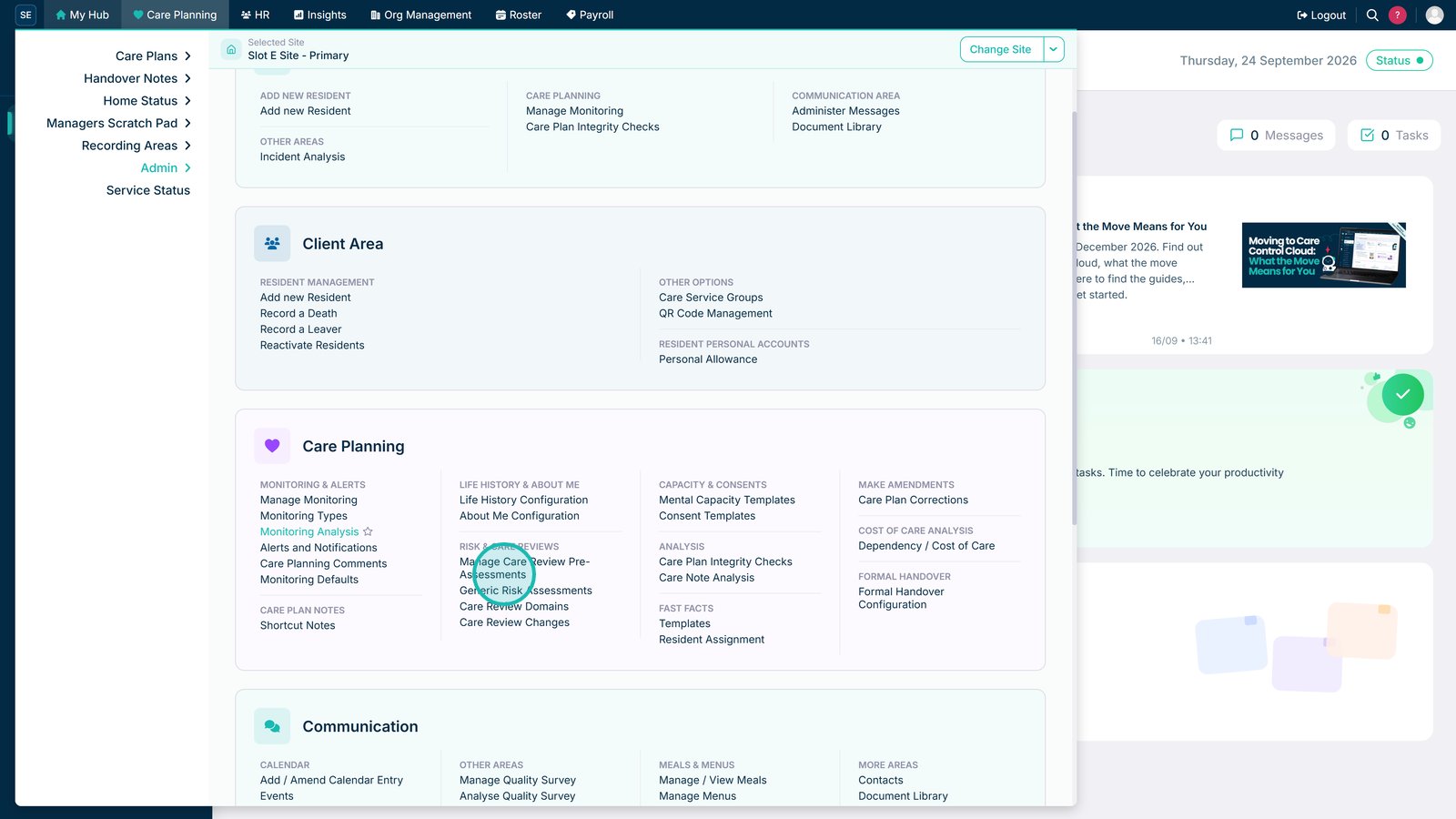
Open the Pre-Care Review Assessment section.

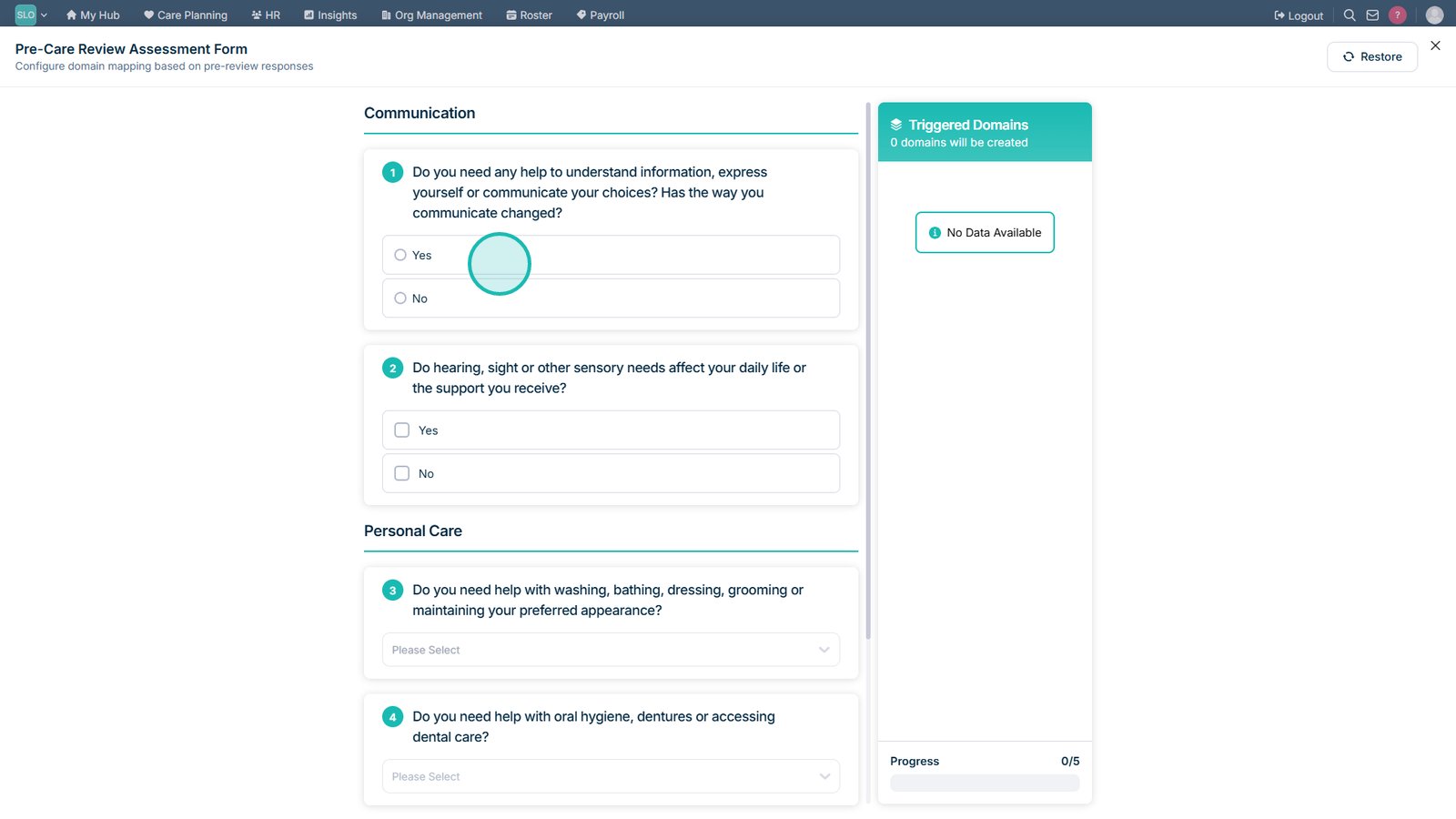
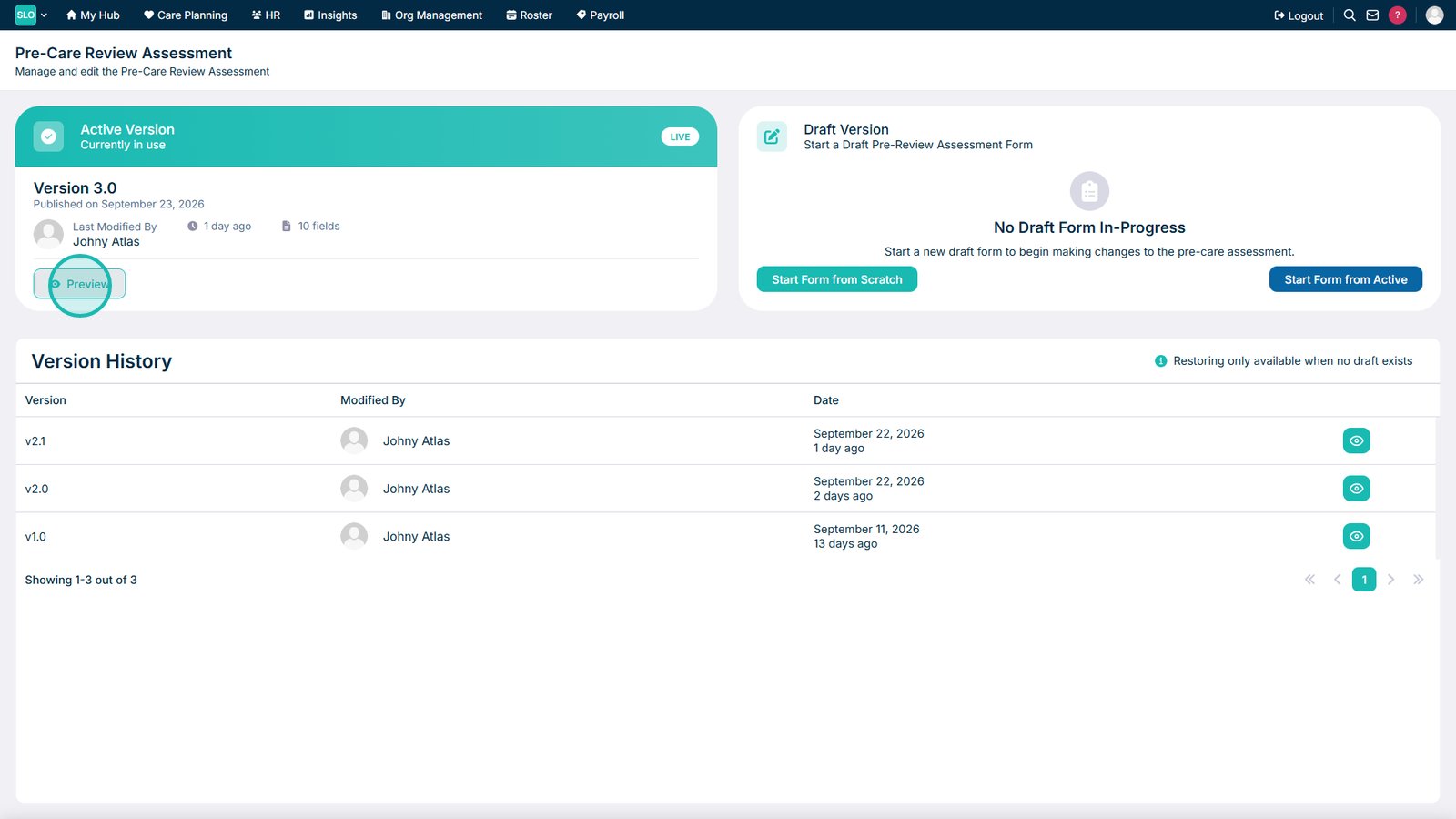
Preview the current assessment form.

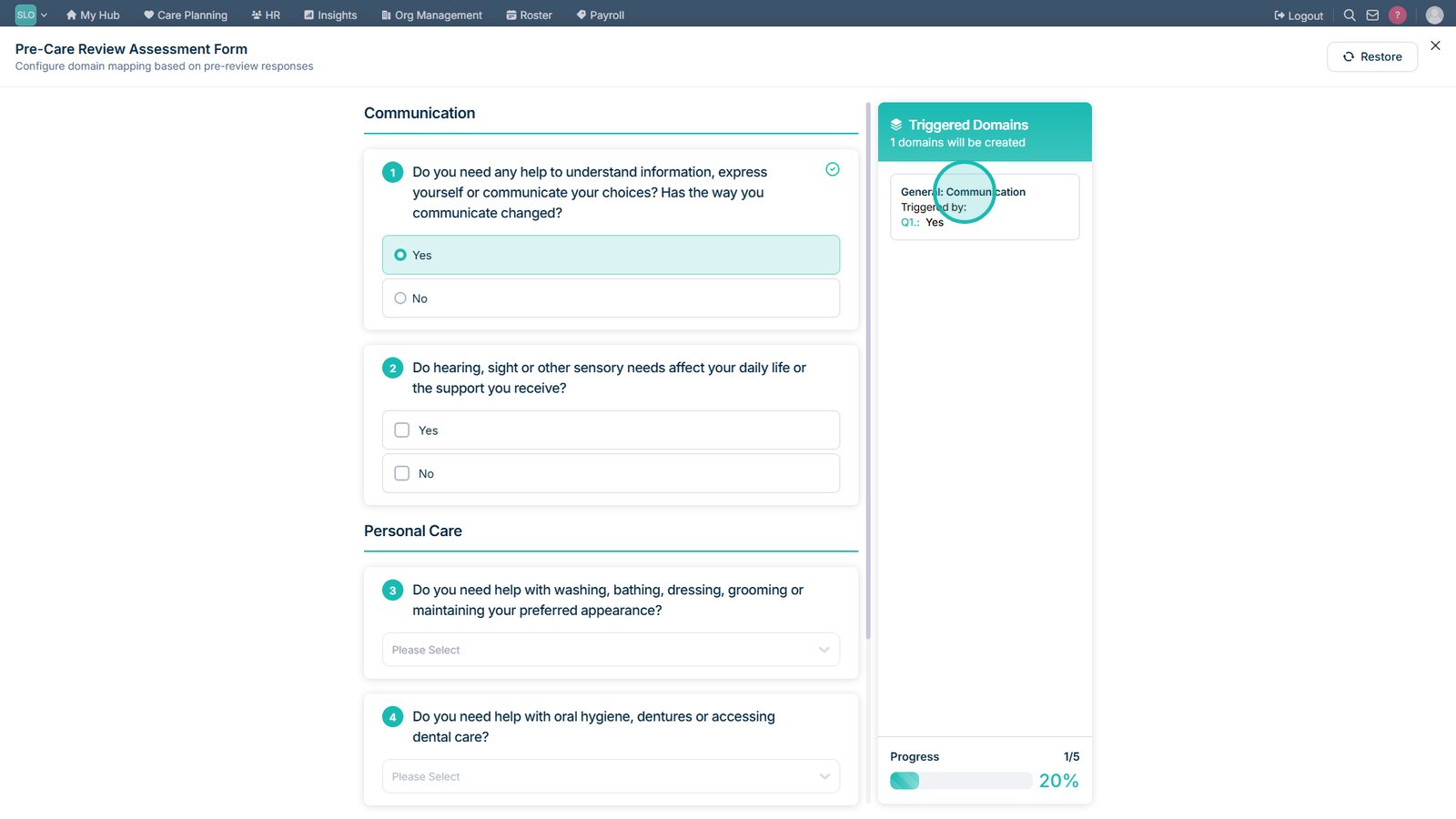
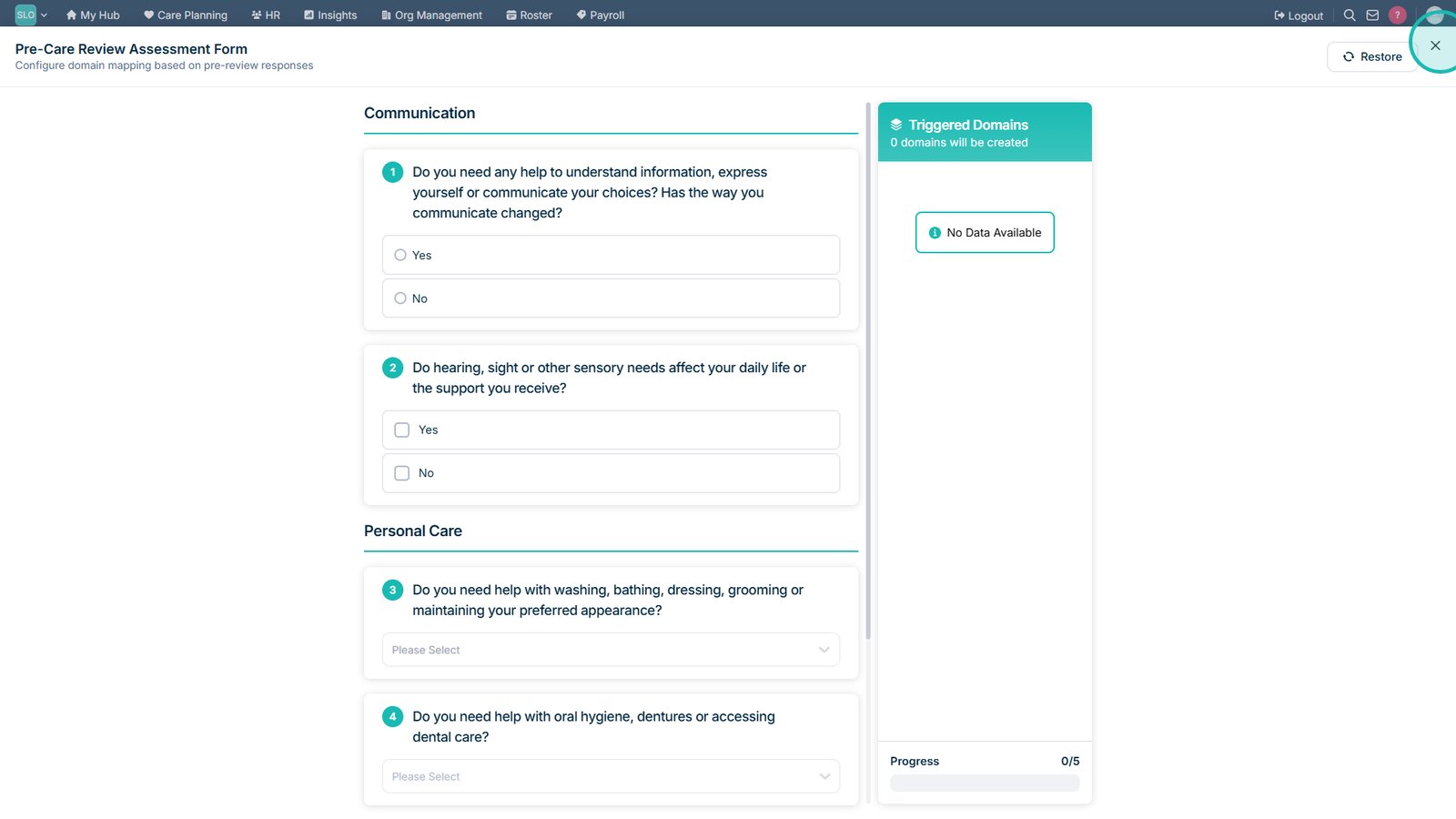
Select a response to test how the assessment behaves.

Select a highlighted triggered domain to review the related recommendations.

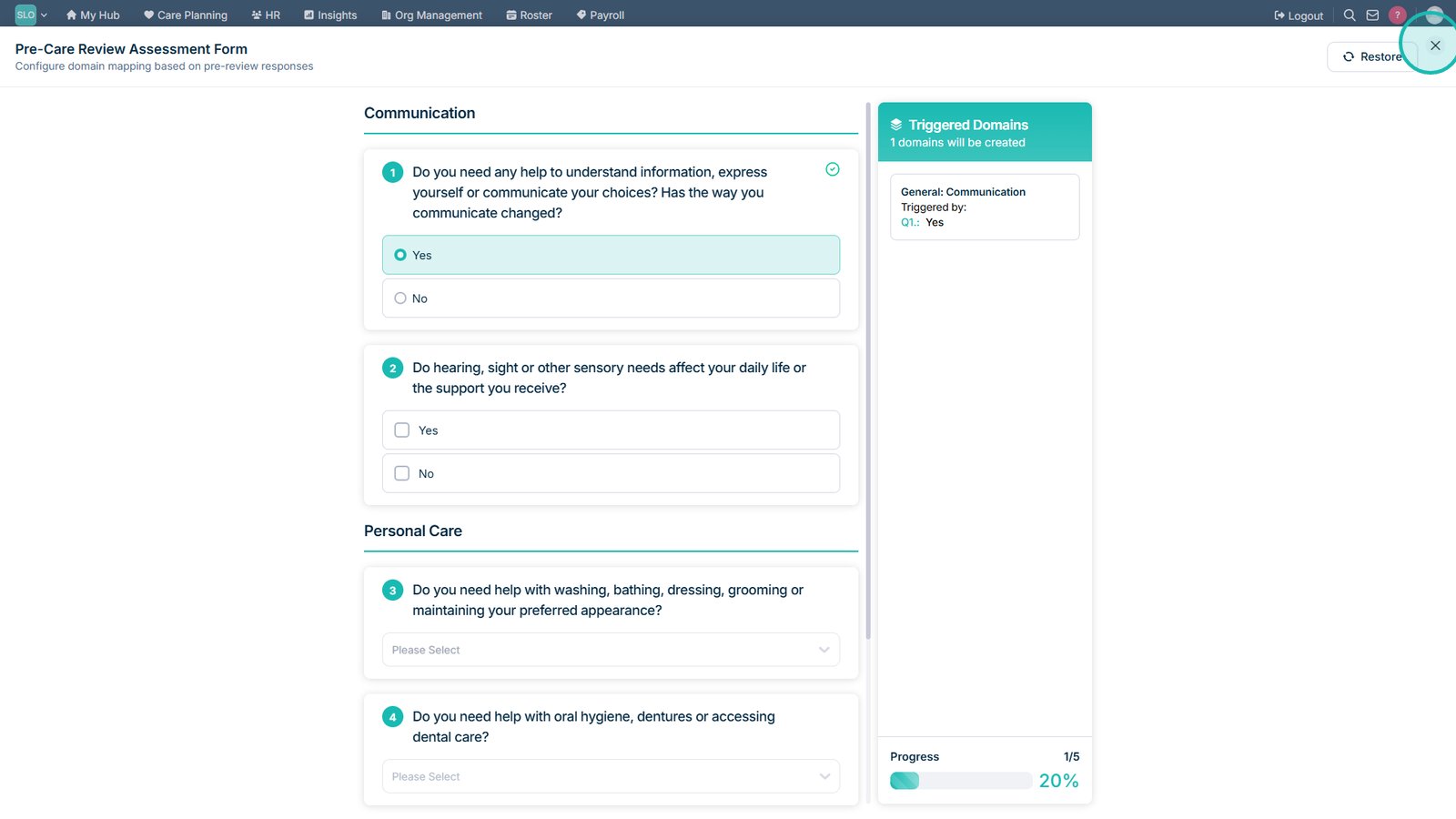
Select Close to exit the assessment preview.

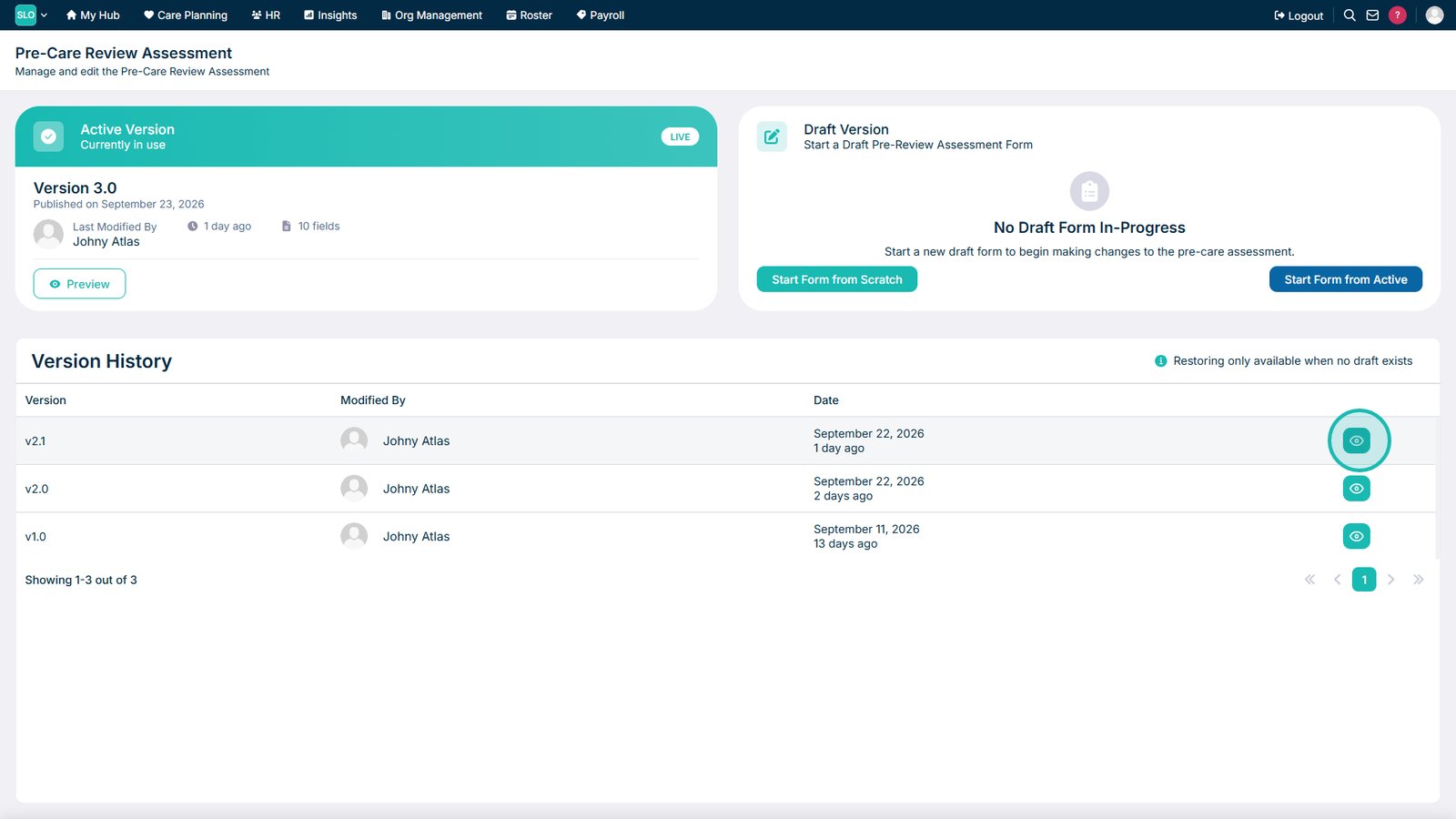
Open a previous version of the assessment form to review earlier changes.

Close the previous assessment version when you have finished reviewing it.

Top tip

Use the preview to test different responses and check that the correct care domains are triggered before the form is used in live Pre-Care Reviews.

Was this guide helpful?

Need more help?

Can't find what you're looking for? Our support team is here to help.

Contact Support

Or call us on

On this page